UX Research
Buyer's guide
How to choose a project management template
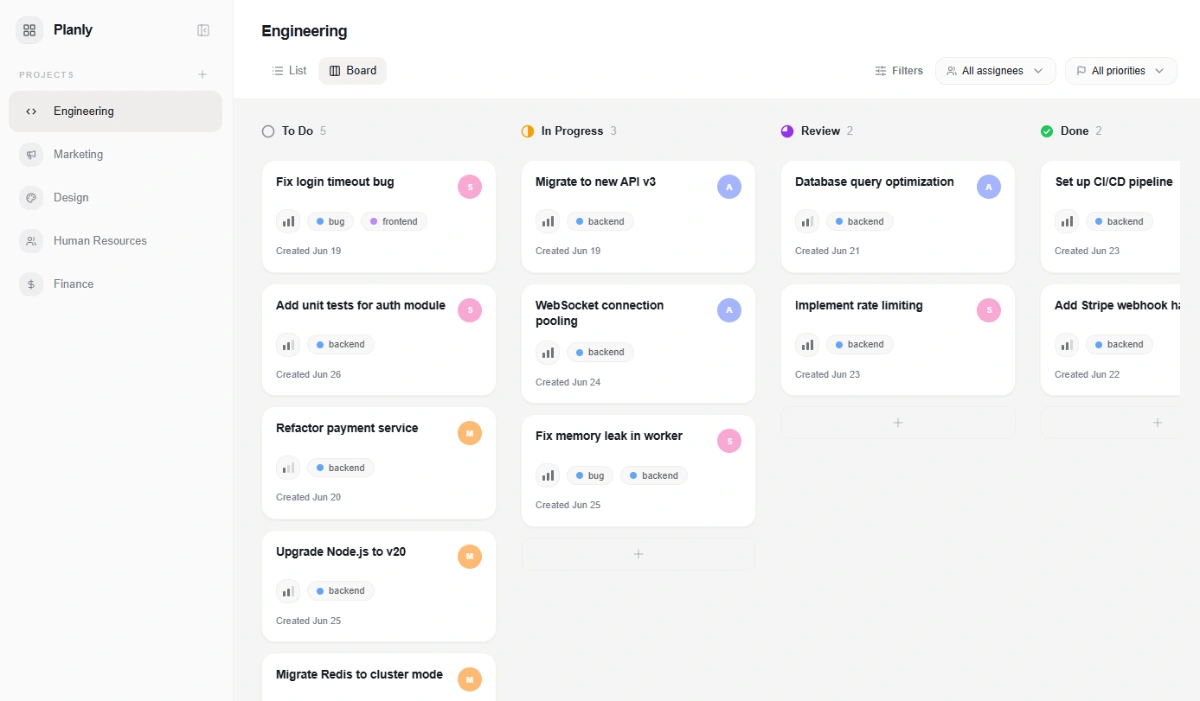
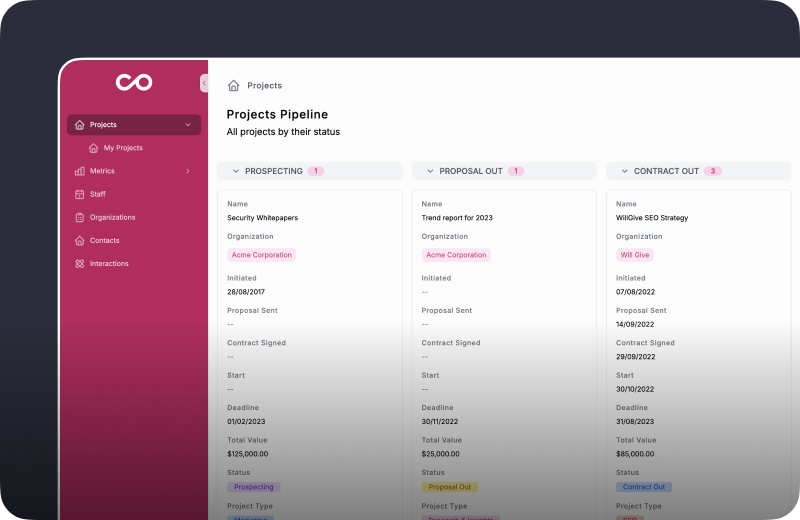
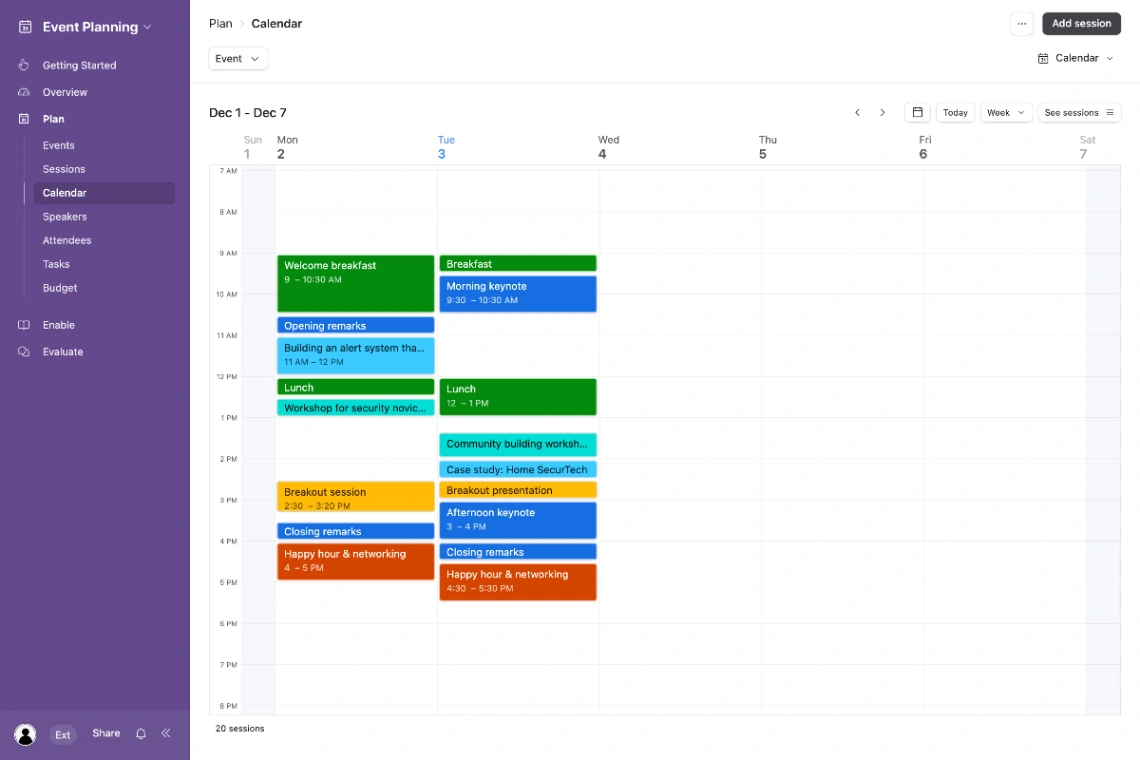
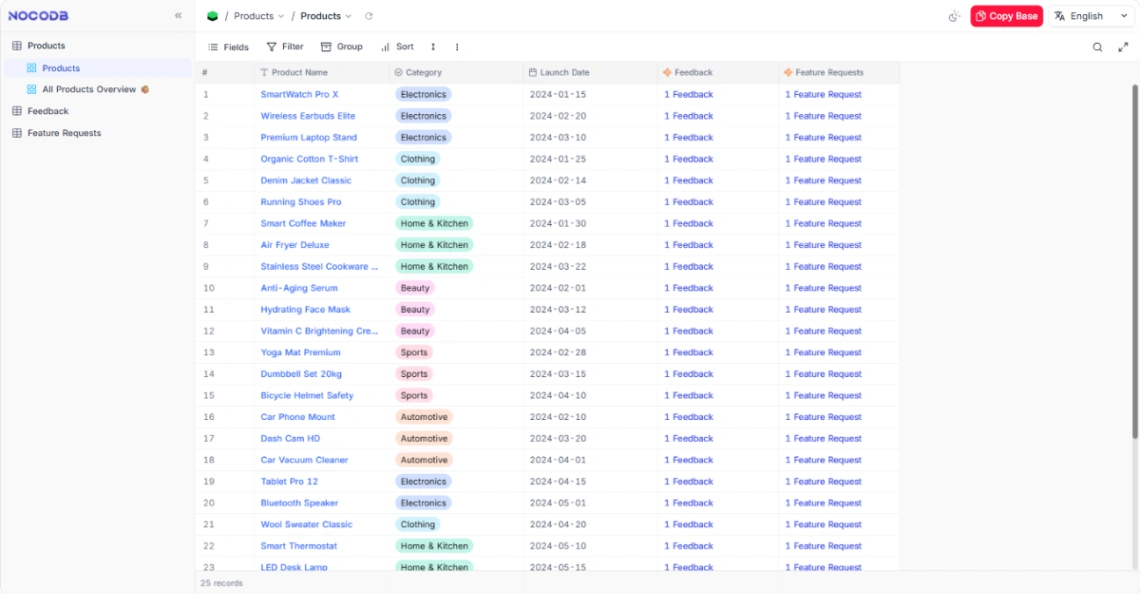
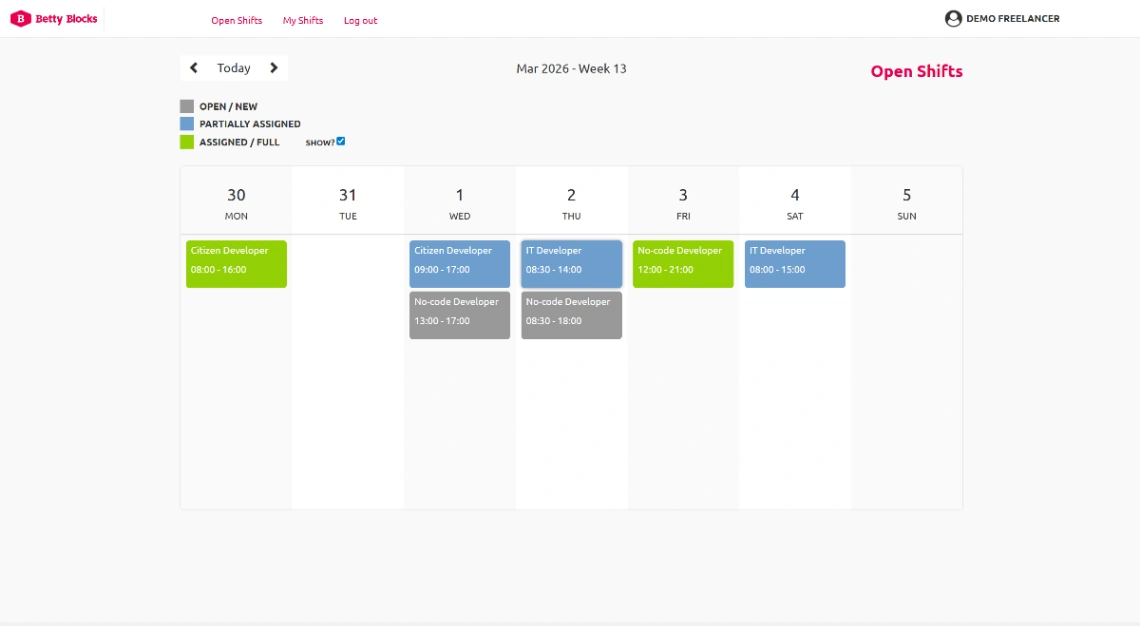
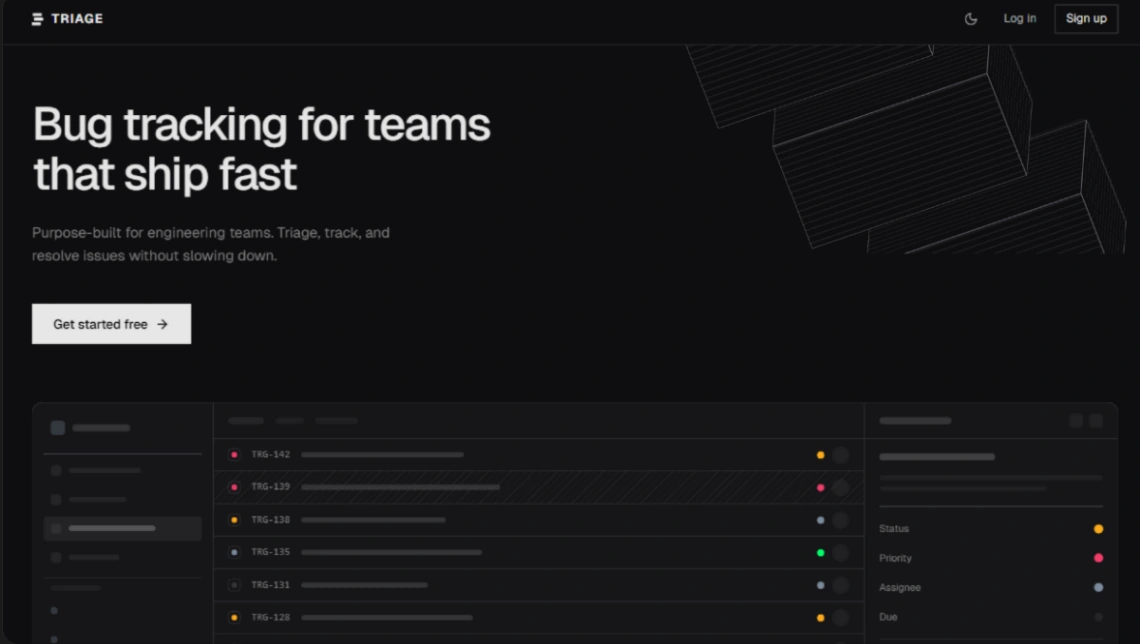
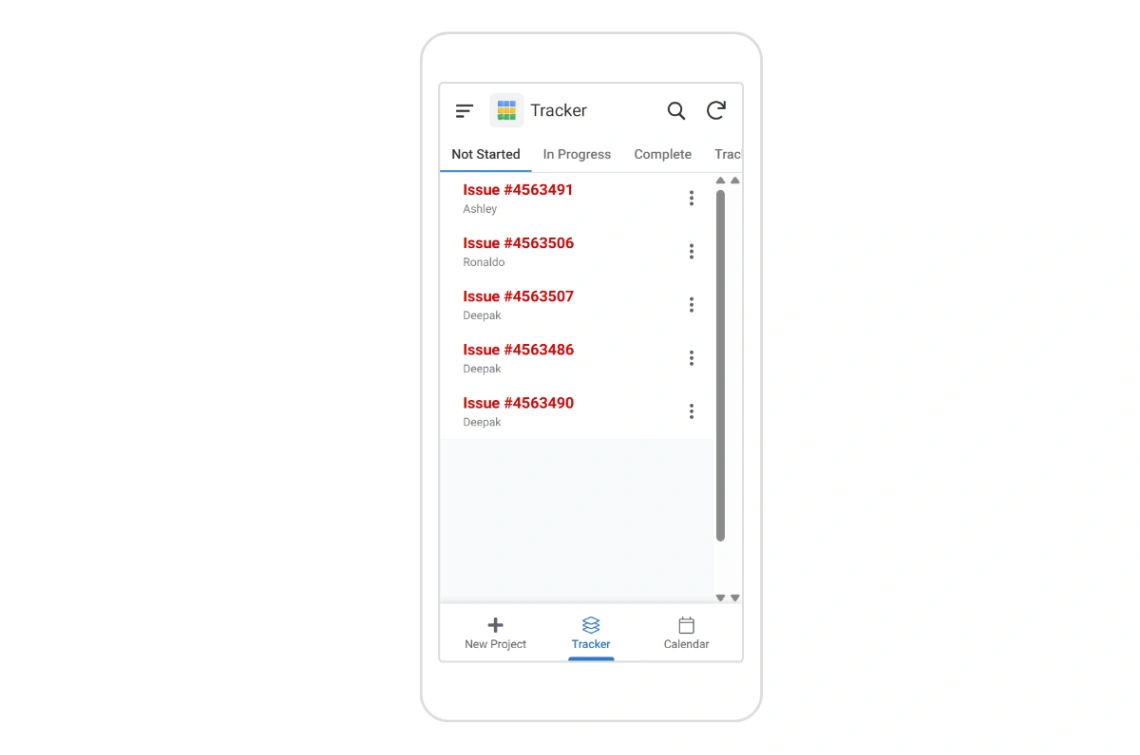
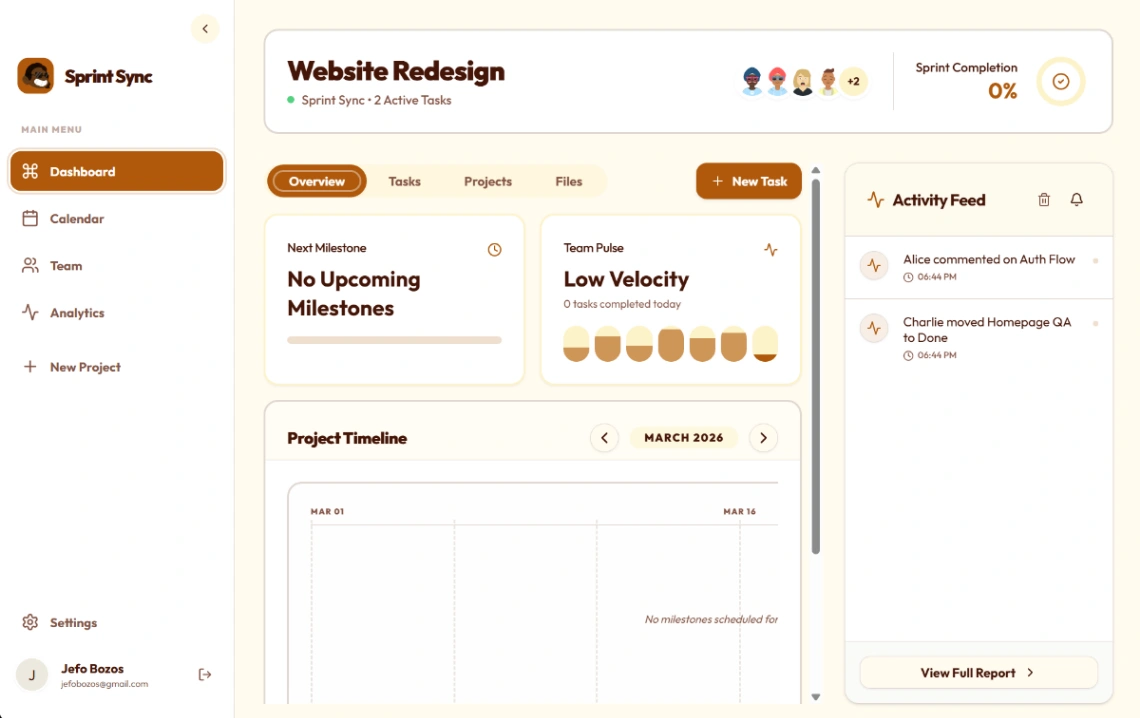
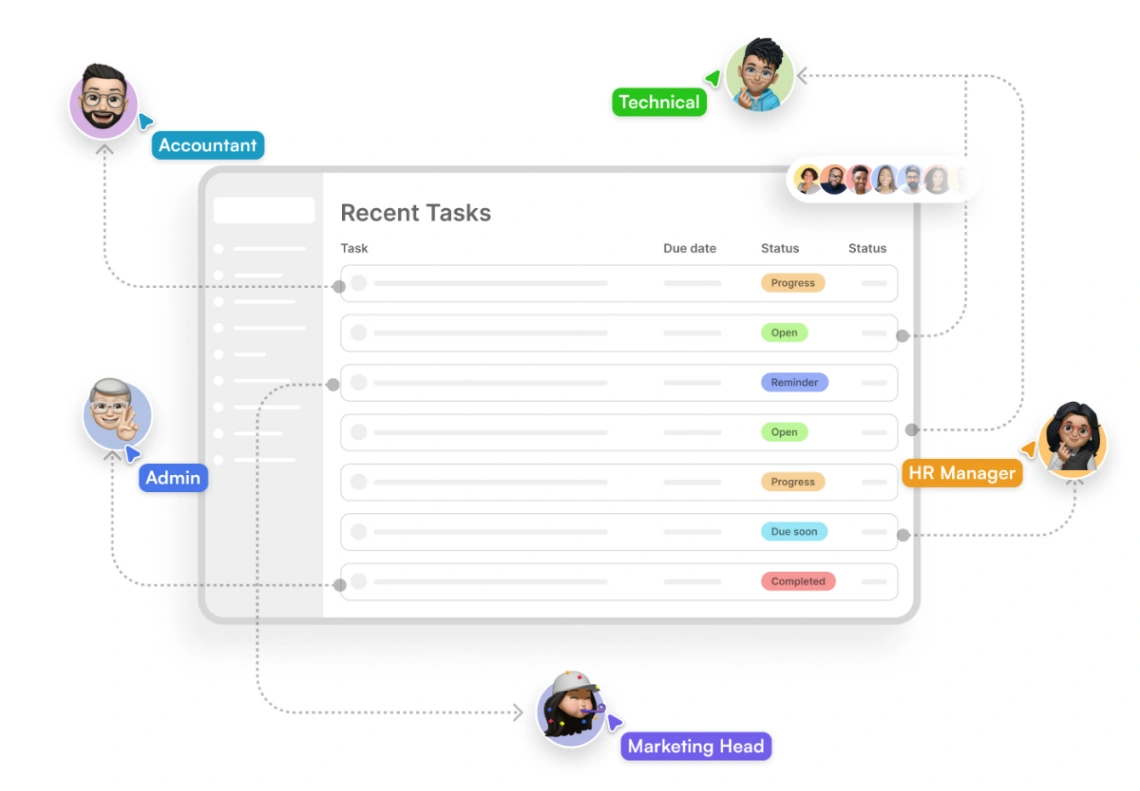
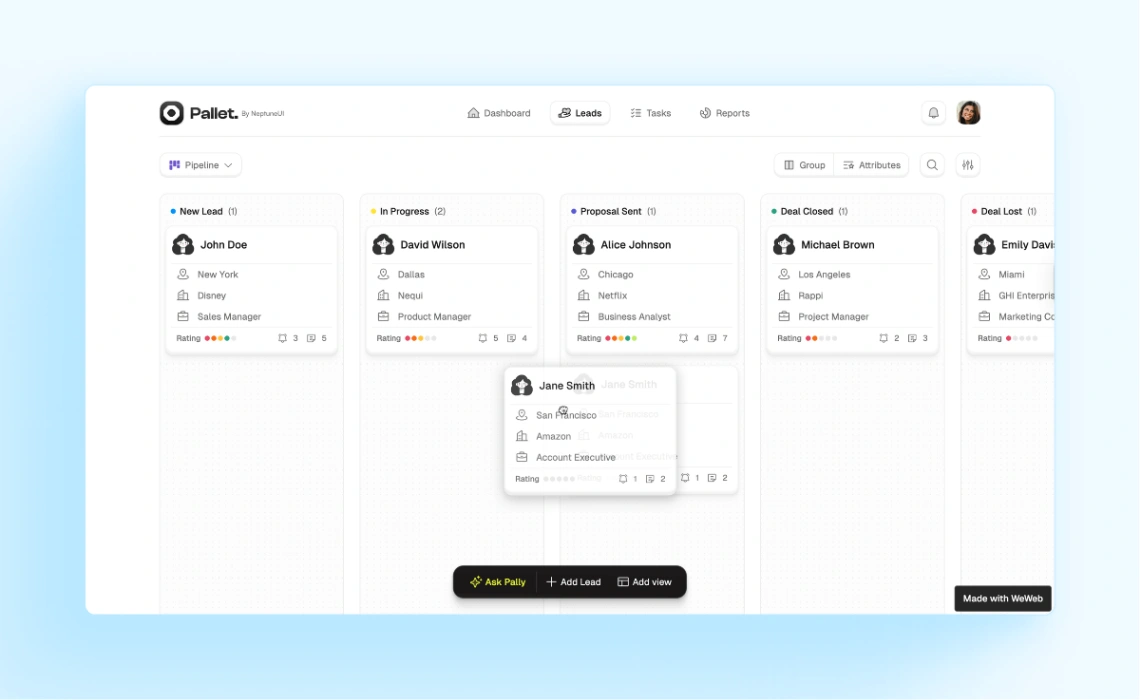
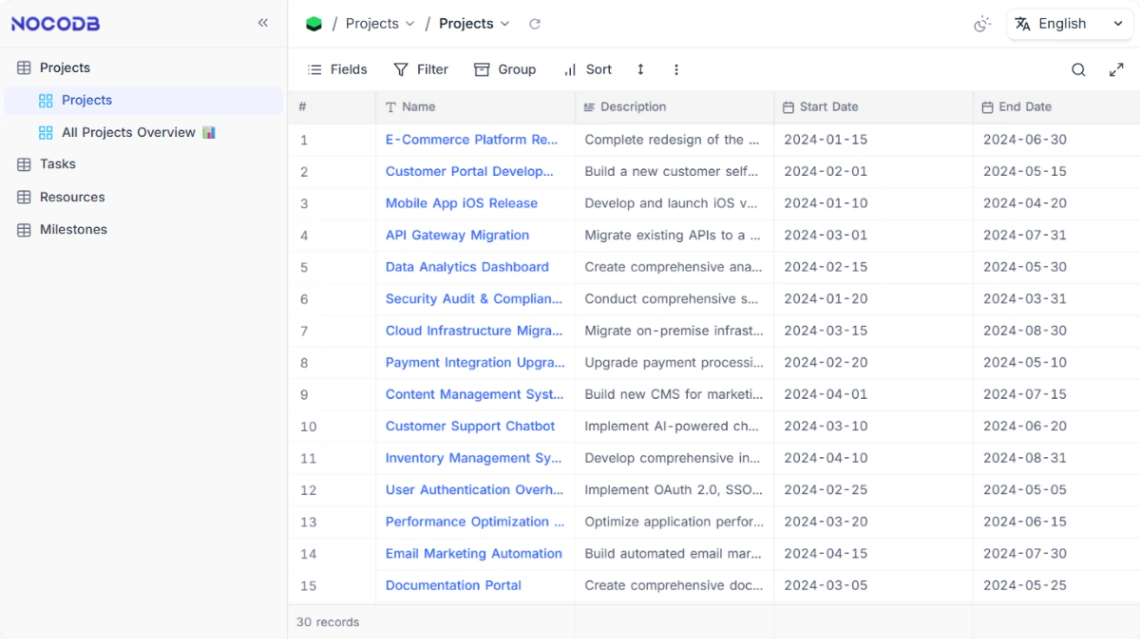
No template has ever rescued a project, but plenty have hidden one — behind statuses nobody updates and dashboards that report a fiction. So choose from this collection with one principle: the board must mirror how work actually flows, today, in your team. Map your real stages on paper first (including "waiting on client," the stage every project has and no methodology admits), then pick the template that matches the map.
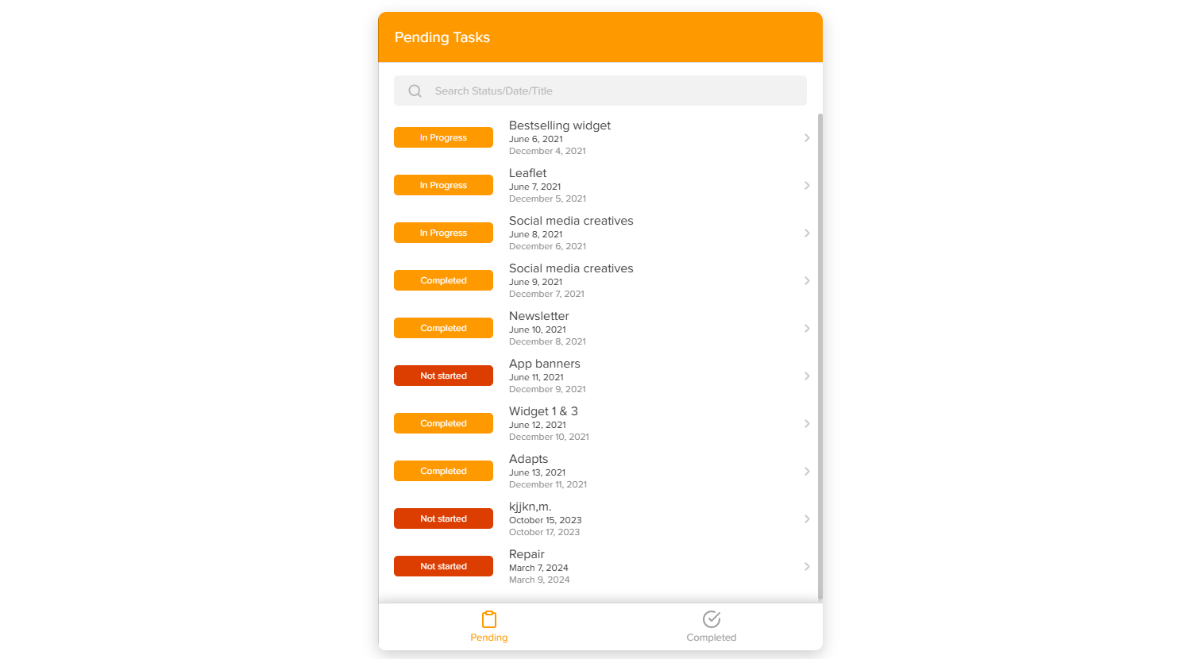
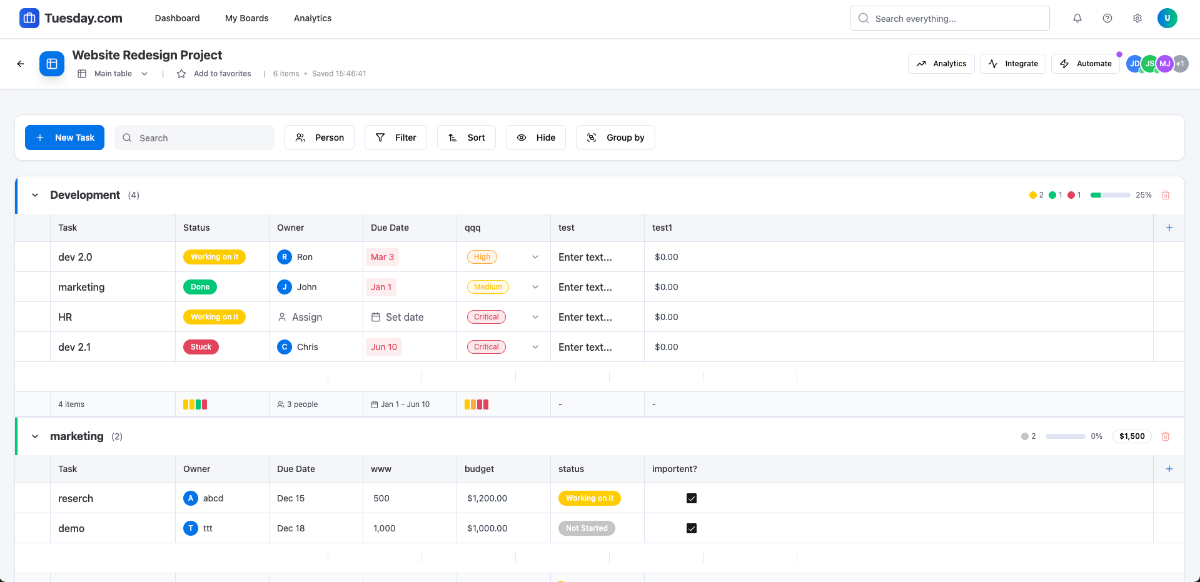
Respect the discipline budget. Every field, view and ceremony a template demands spends the team's limited appetite for process — and methodology theater (story points nobody calibrates, swimlanes nobody reads) spends it fastest. The simple boards in this collection survive because updating them costs seconds; the elaborate ones fail beautifully. Spend the budget on the one habit that matters: statuses true at the end of every day.
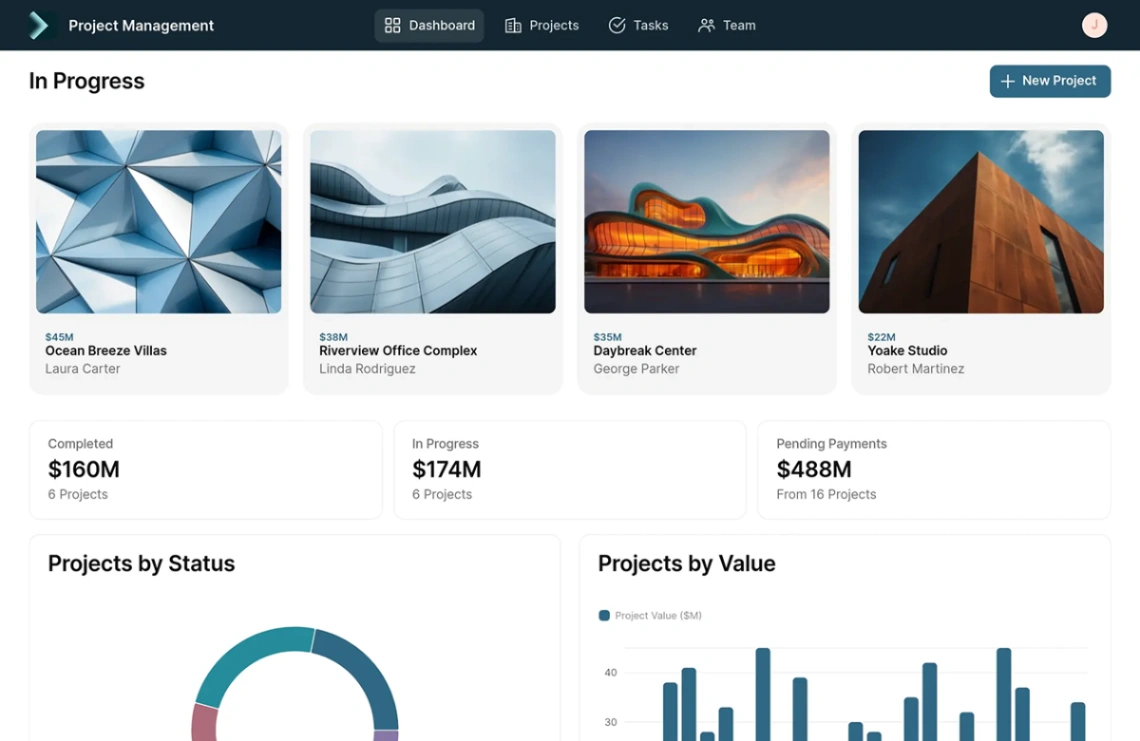
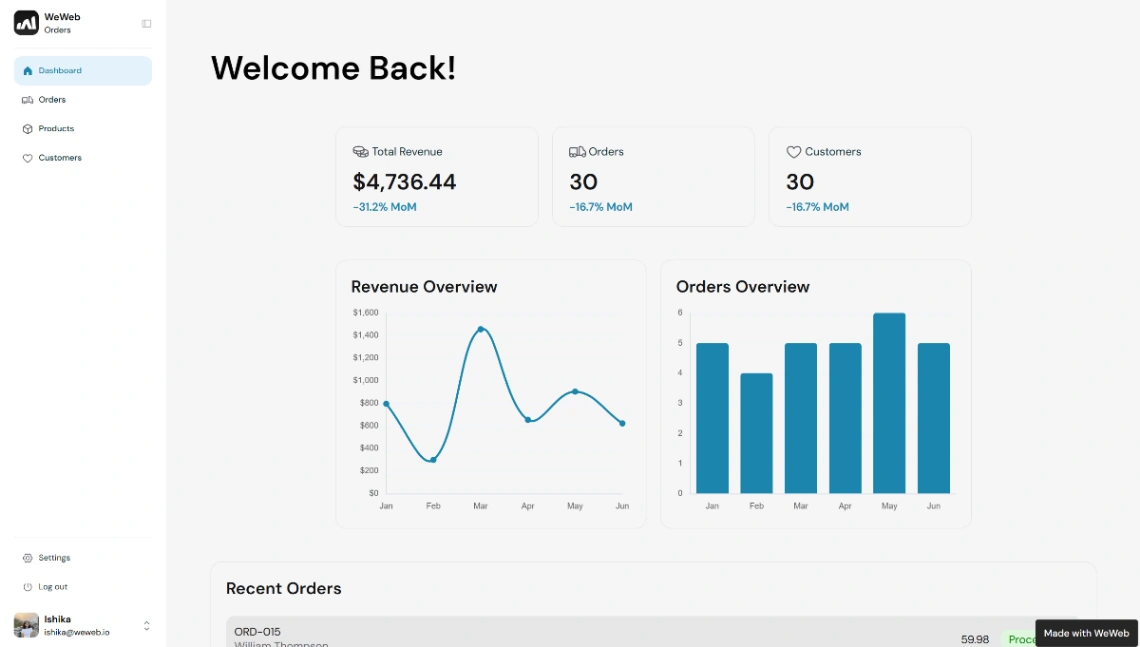
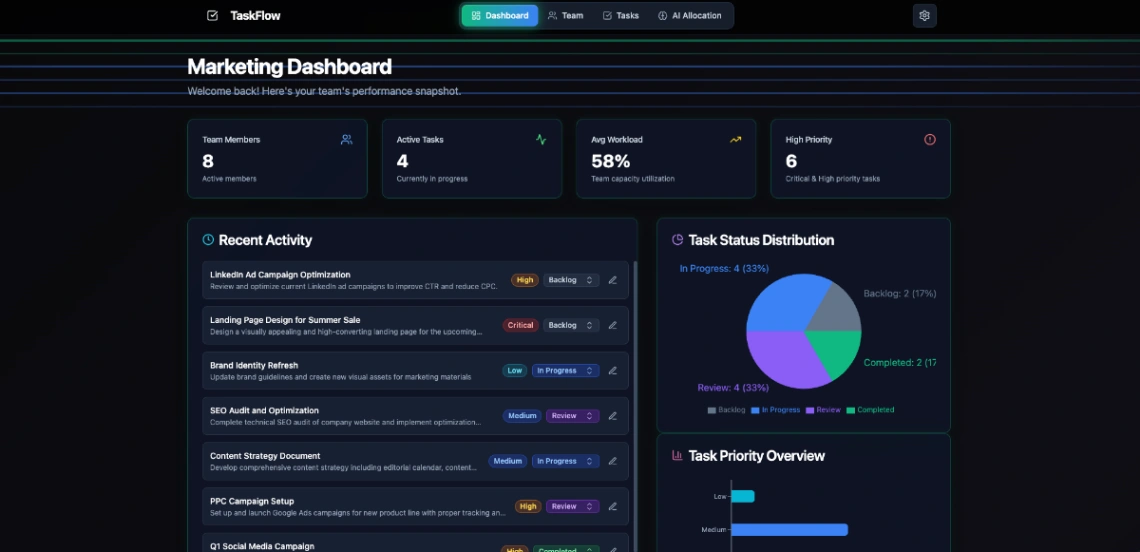
The payoff worth designing for is one source of status truth. When the board is reliably current, the Monday status meeting becomes a link — every "where are we on X?" answers itself, and the meeting that survives can be about decisions instead of recitation. That's the actual return on the template: reclaimed meeting hours, compounding weekly. Guard it by keeping the board small enough to stay true.
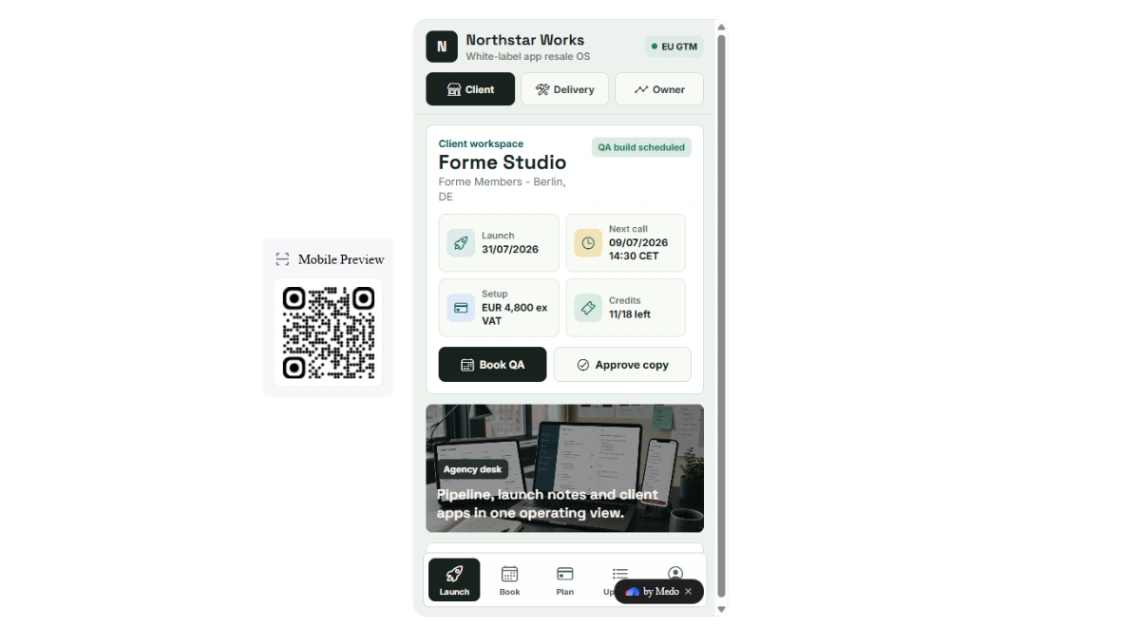
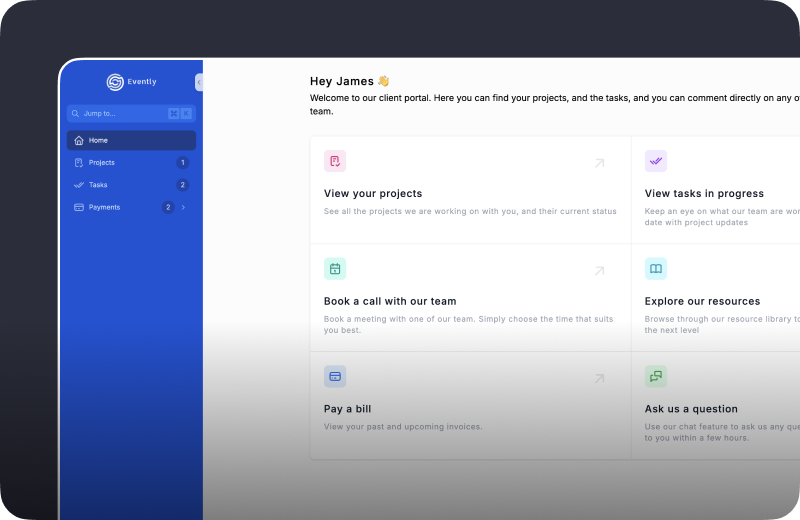
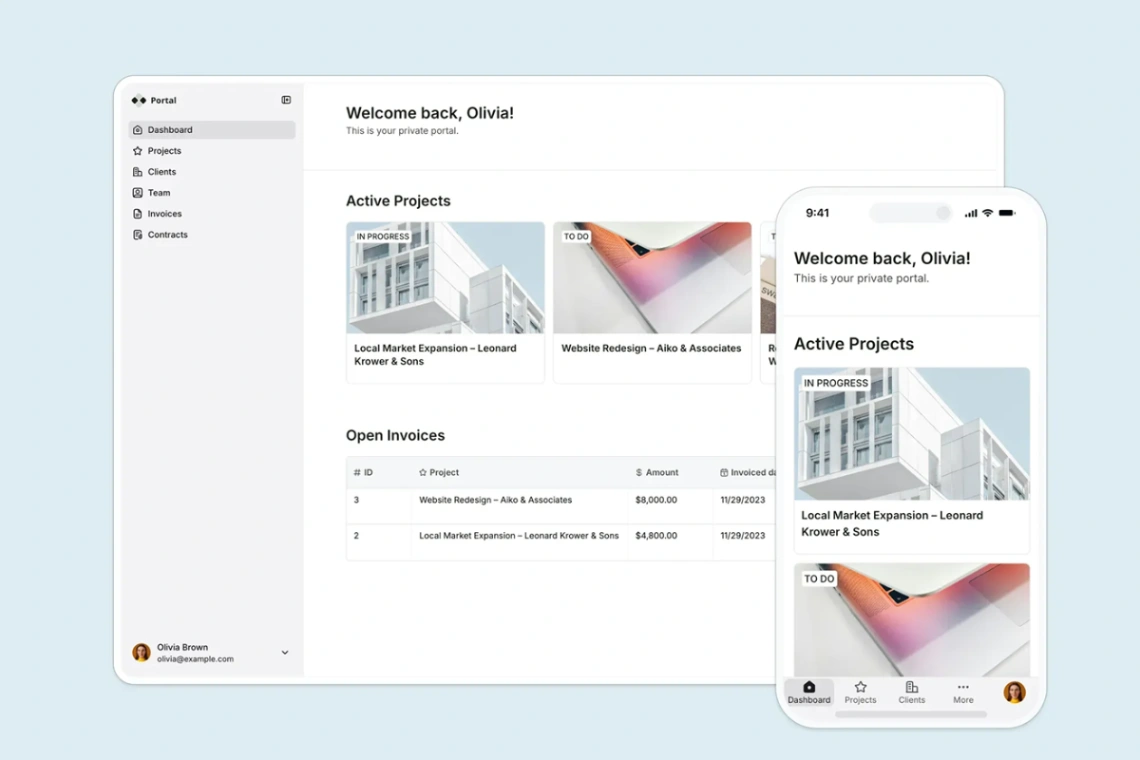
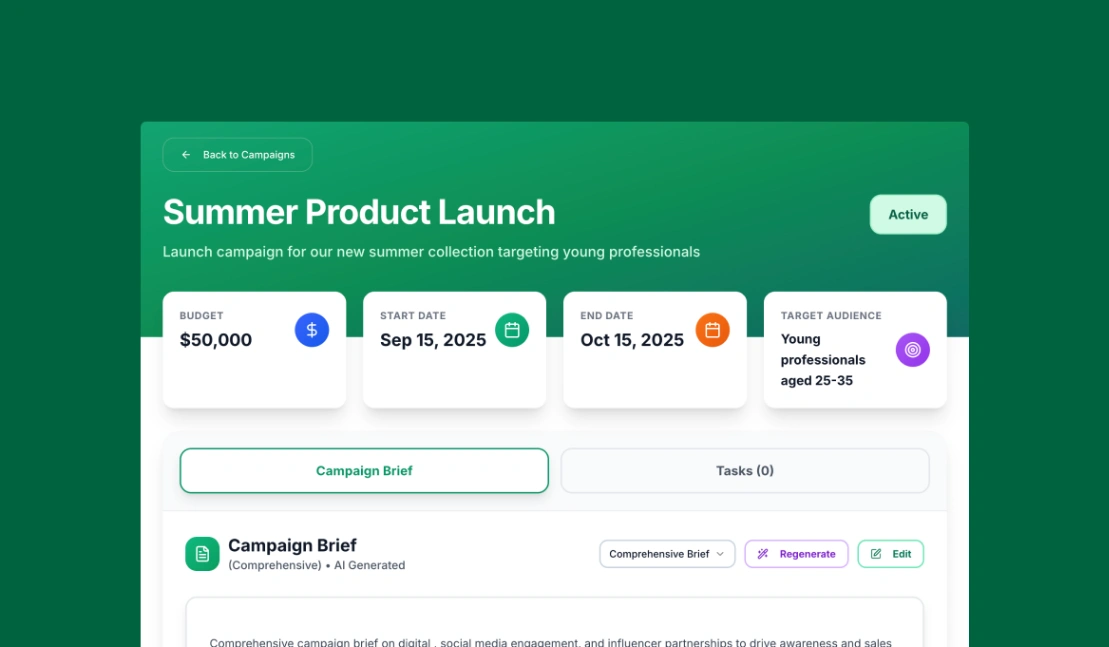
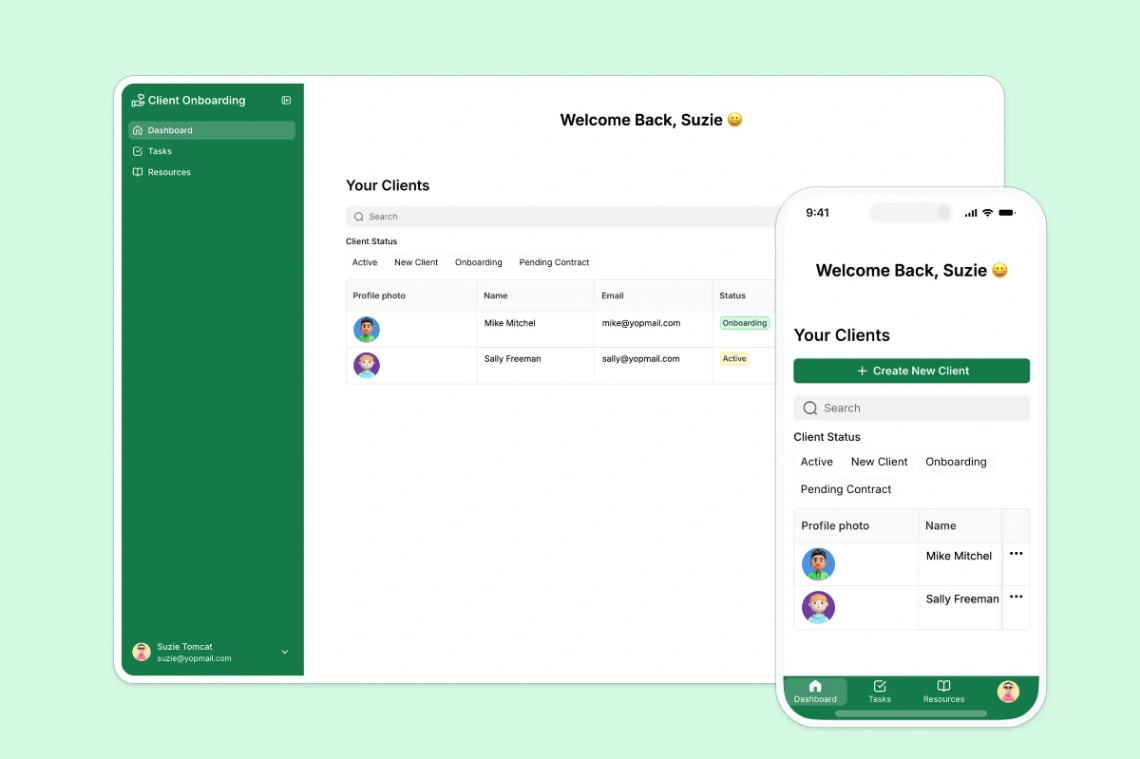
If clients are stakeholders, give them a window, not a door: the portal-capable platforms pinned above expose a filtered view — milestones, deliverables, what's awaiting their input — without the internal machinery. Clients who can see progress ask fewer anxious questions; clients who can see everything ask worse ones.
FAQ







