
Noloco
A better way to run your firm, built by AI
No-code operating system for professional services firms. Connects to Airtable, Google Sheets, SQL databases with point-and-click interface builder, AI assistant (Nola), custom workflows, forms, charts, permissions, branded client portals, mobile apps, integrations with 50+ tools, and enterprise security for agencies and teams.
Pro
Business
20
ready to use- Point-and-click interface builder
- AI assistant (Nola) for natural language building
- Connected data from Airtable, Sheets, SQL
- Custom workflows and automation
- Form creation and validation
- Charts and dashboard building
- Granular permission controls
- Client portal creation (branded)
- Mobile app generation
- Action buttons for custom tasks
- Comments and collaboration
- Public access controls
Noloco at a glance
Overall Score
Noloco is a no-code/low-code platform built for internal tools, CRMs, and client portals, sitting in a sweet spot between overly complex platforms like Bubble and simple spreadsheet wrappers. Professional service agencies, SMBs, and operations teams use it to turn data sitting in Airtable, Google Sheets, or SQL databases into a real functional app without writing code.
Under the hood: it uses a structured, form-based component system rather than an infinite drag-and-drop canvas, which trades some visual freedom for a faster path to a genuinely usable business tool.
Pros
- Role, record, and field-level permissions are genuinely granular, making it a solid choice for secure multi-user client portals
- Built-in rule-based workflows and automated notifications mean you're not forced to bolt on Zapier for basic triggers
- An AI assistant can spin up a full proof-of-concept app, dashboards, tables, sample data, from a one-sentence prompt in under a minute
- Connects cleanly to Airtable, Google Sheets, PostgreSQL, MySQL, SmartSuite, or Noloco's own native tables
- The interface is logically structured, letting you build functional tools quickly without a confusing setup process
Cons
- Role, record, and field-level permissions are genuinely granular, making it a solid choice for secure multi-user client portals
- Built-in rule-based workflows and automated notifications mean you're not forced to bolt on Zapier for basic triggers
- An AI assistant can spin up a full proof-of-concept app, dashboards, tables, sample data, from a one-sentence prompt in under a minute
- Connects cleanly to Airtable, Google Sheets, PostgreSQL, MySQL, SmartSuite, or Noloco's own native tables
- The interface is logically structured, letting you build functional tools quickly without a confusing setup process
Noloco hits a genuinely useful middle ground: more capable than a spreadsheet wrapper, less intimidating than a full-blown app builder like Bubble. The combination of granular permissions and built-in workflow automation makes it a strong pick for agencies and ops teams that need real client portals or internal tools without hiring developers.
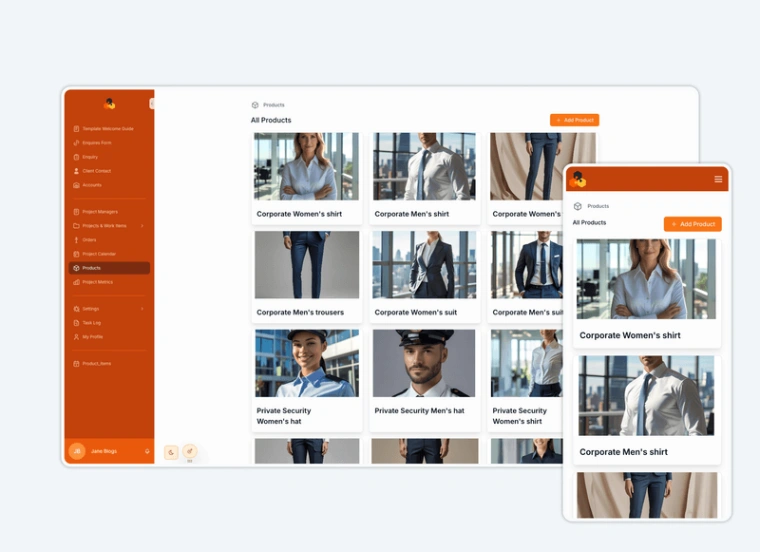
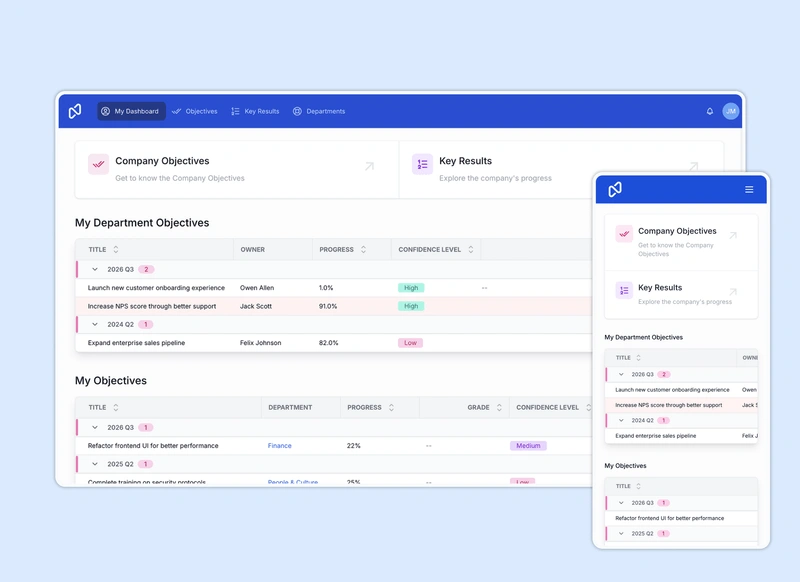
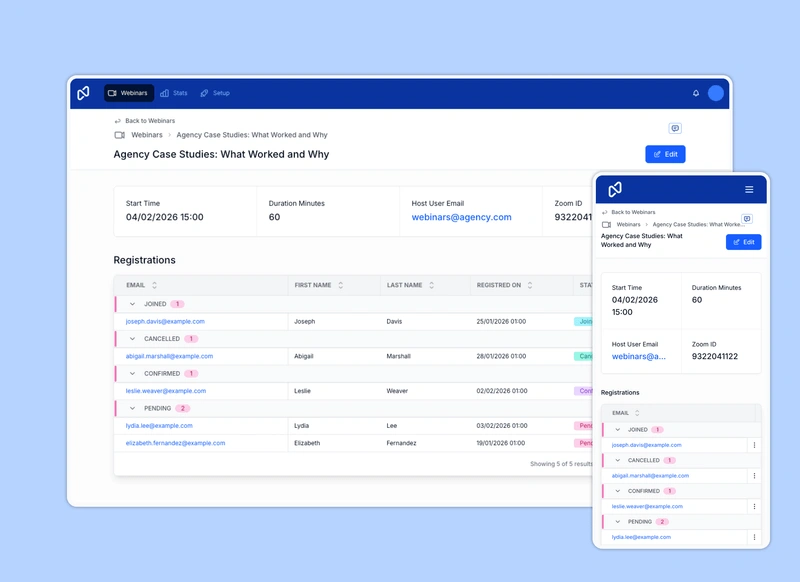
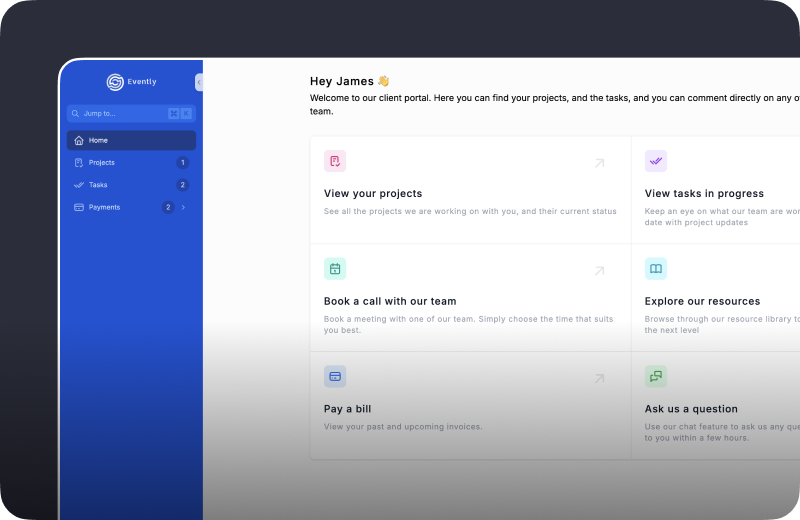
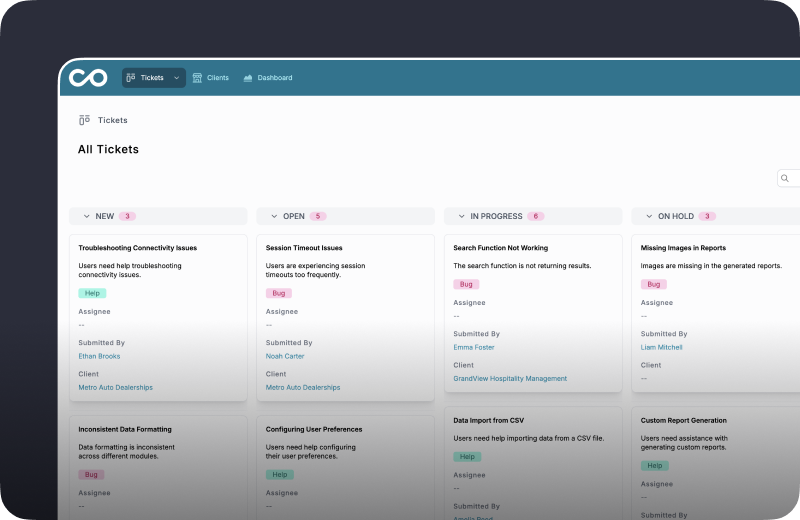
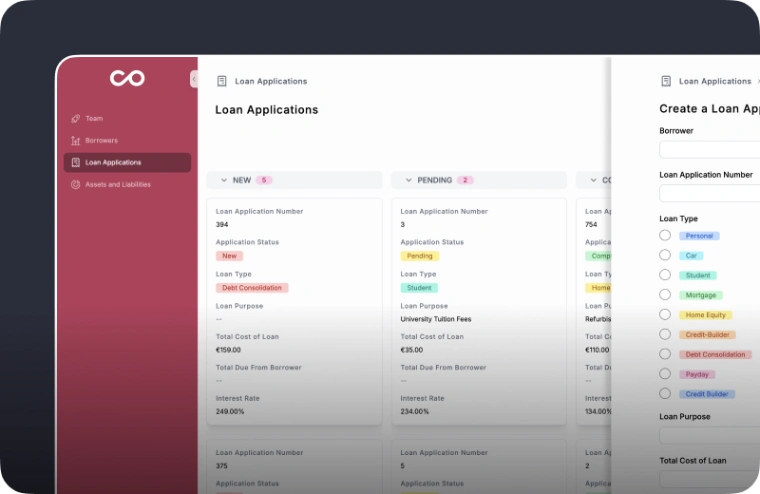
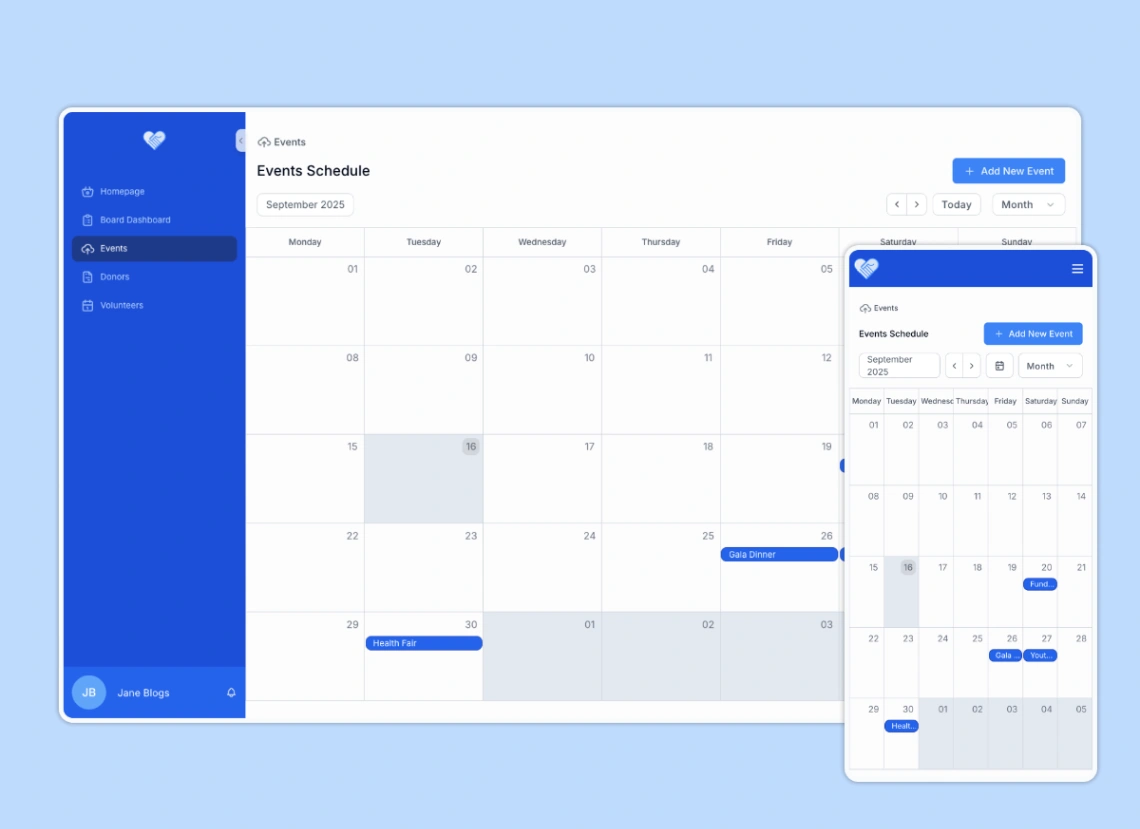
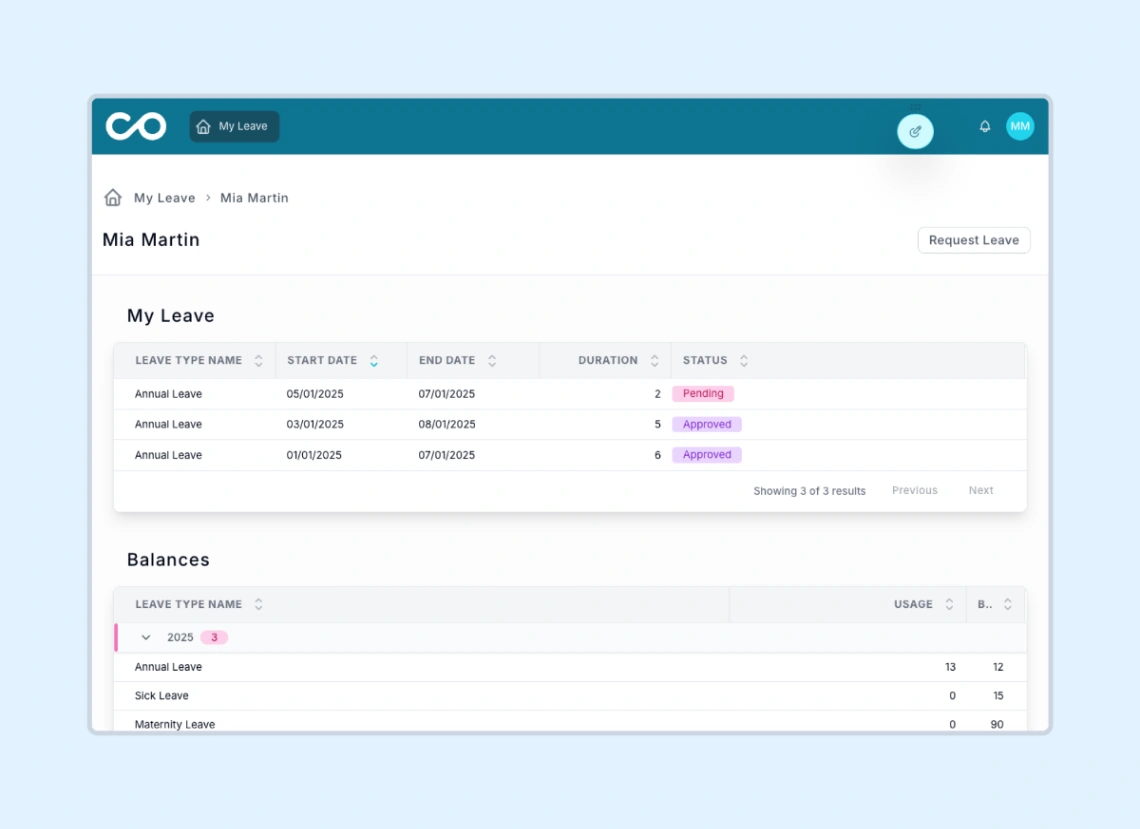
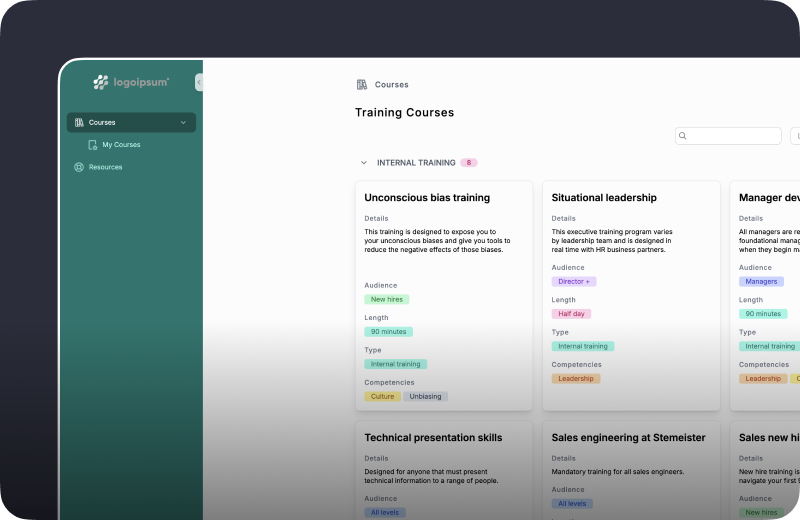
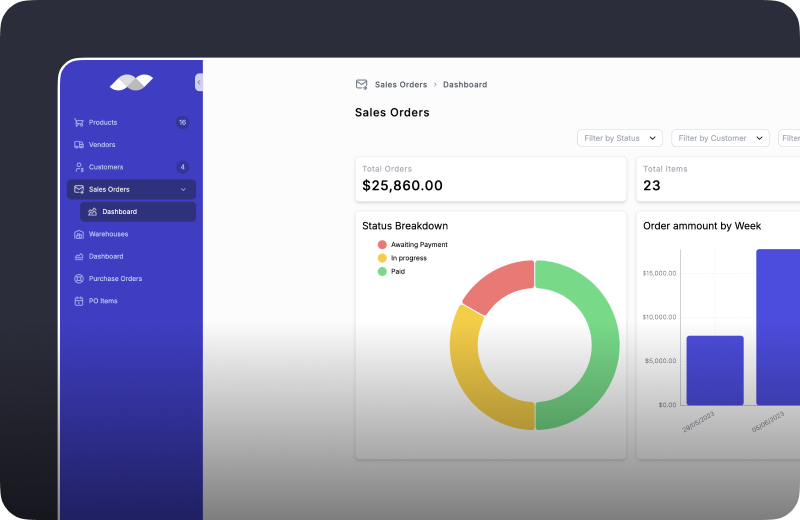
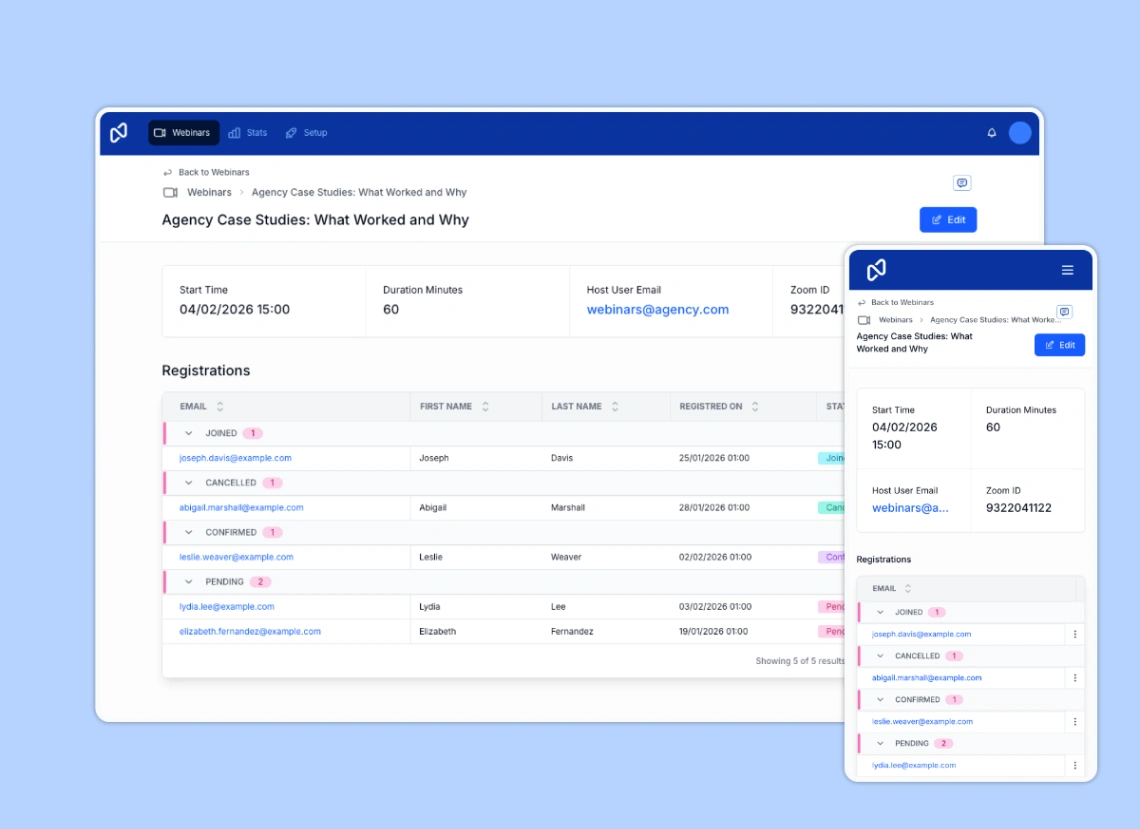
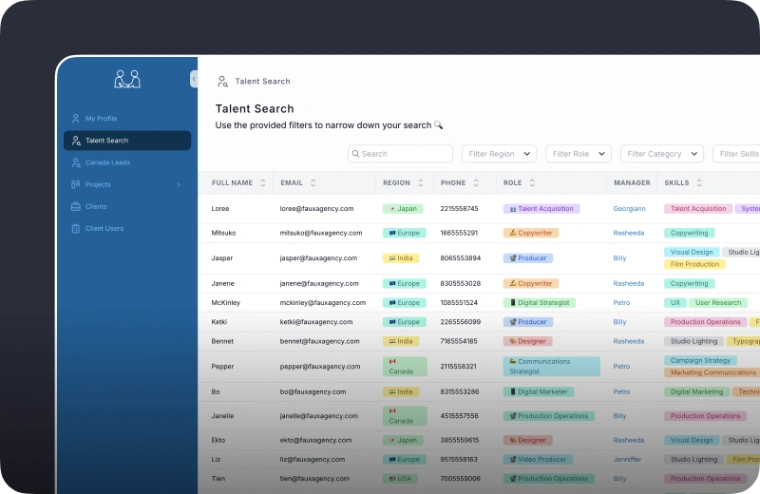
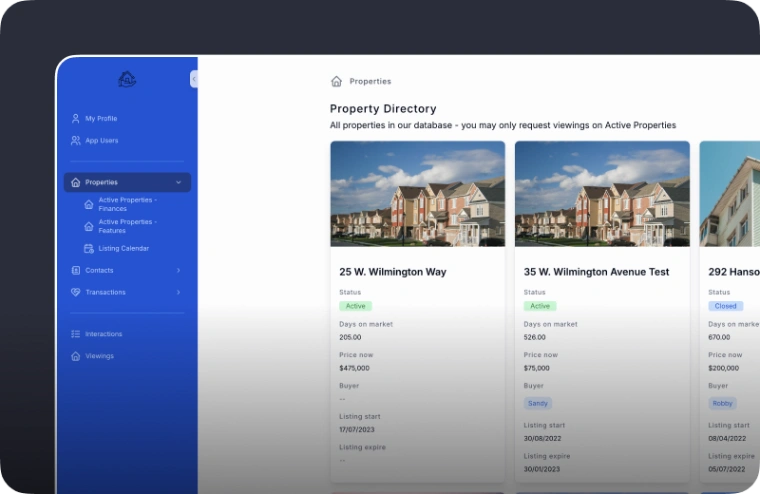
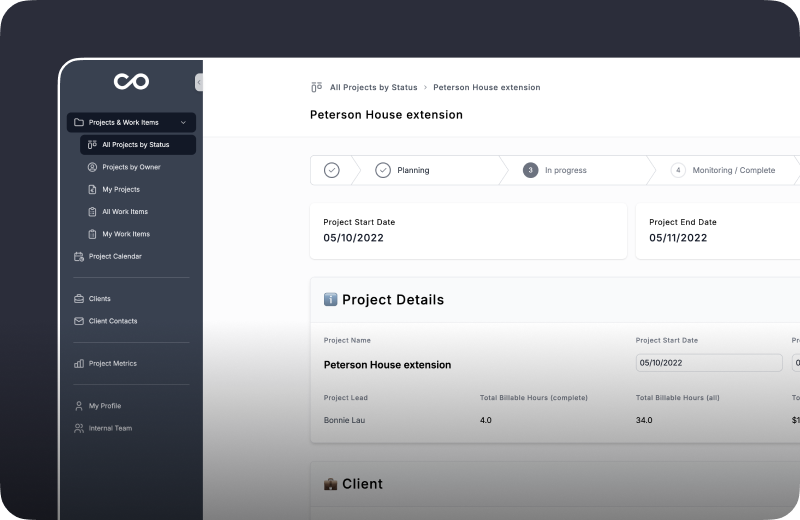
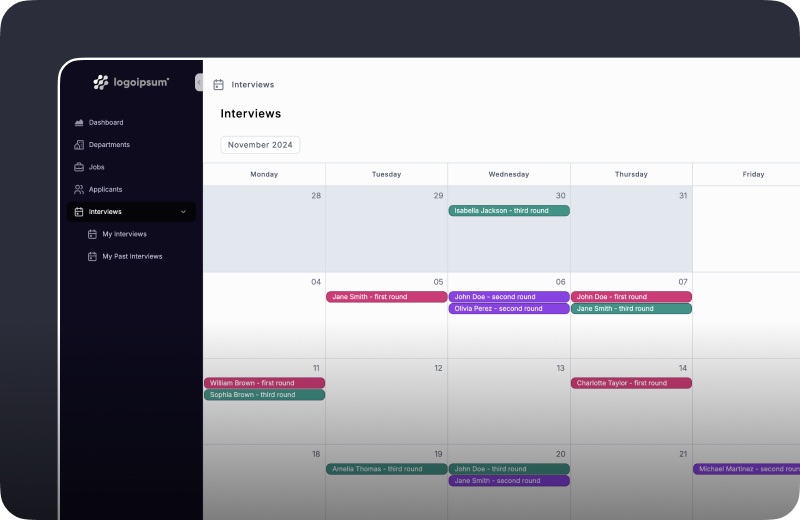
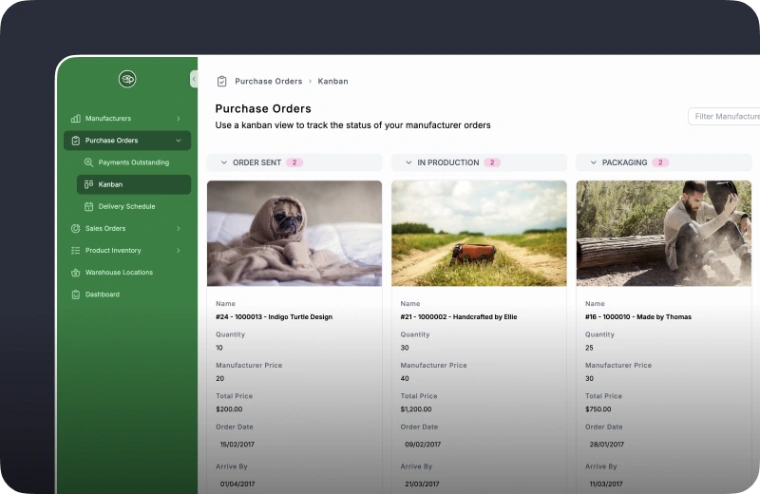
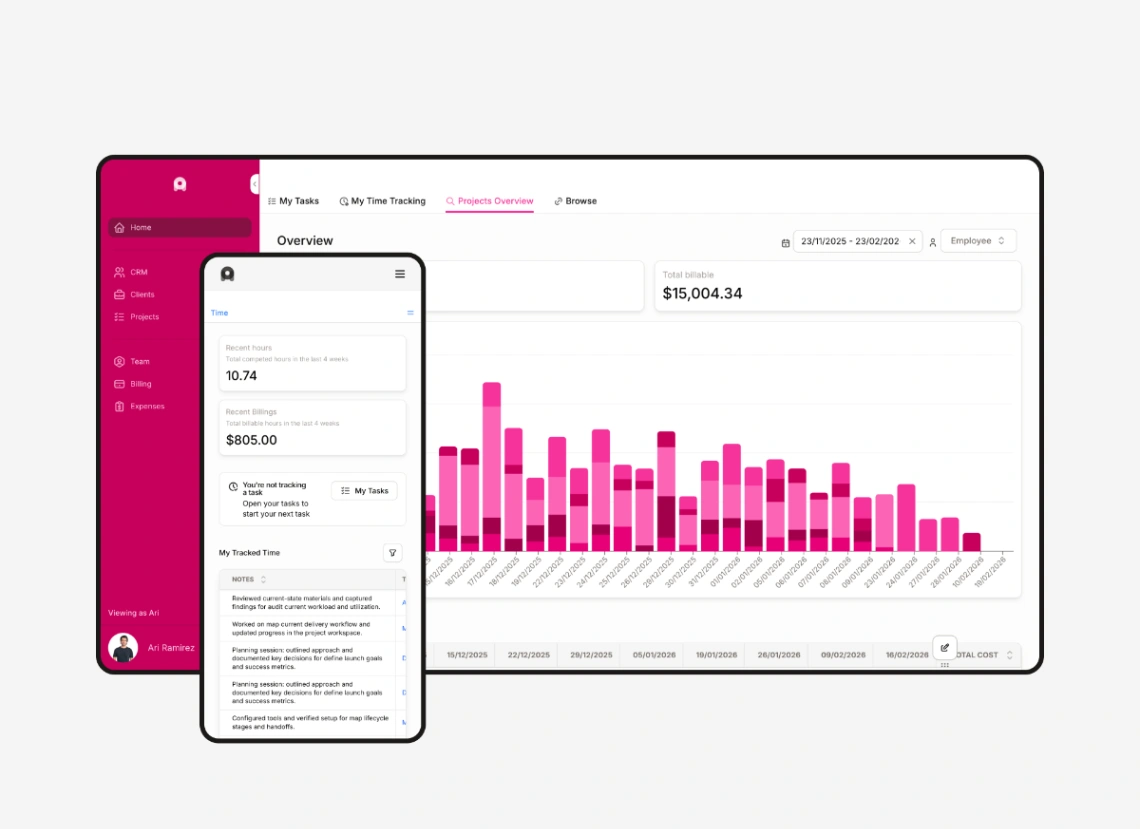
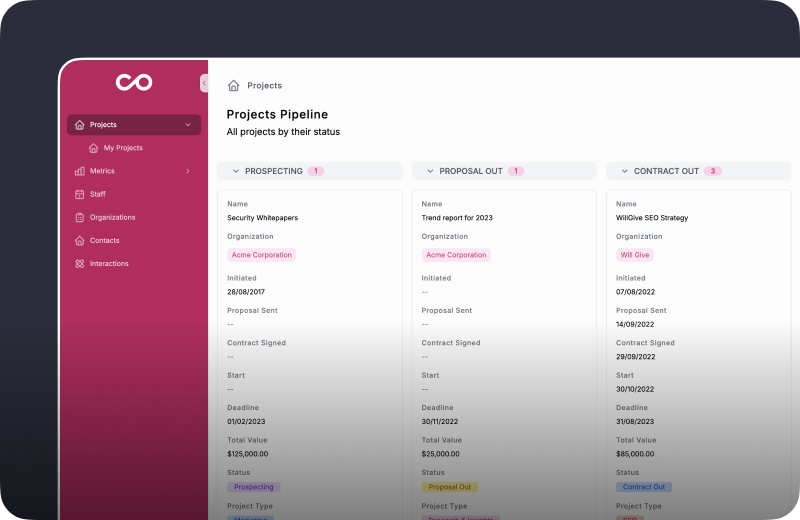
Best Templates from Noloco
Explore stunning templates built with Noloco.

Similar tools to Noloco
 SoftrWeb App BuilderMobile App Builder
Build business apps with AI – that actually work
 GlideWeb App BuilderMobile App Builder
Turn spreadsheets into beautiful, intelligent apps
 UtilizeWeb App BuilderMobile App Builder
Apps from spreadsheets, customized in minutes
 AppSheetMobile App BuilderWeb App Builder
Supercharge your work with no-code
 AirtableWeb App Builder
Sophisticated workflows in minutes, not months
 TadabaseWeb App Builder
Custom Applications, Better Workflows, No-Code Flexibility
 ReplitWebsite BuilderWeb App BuilderMobile App Builder
Turn ideas into apps in minutes — no coding needed
 MacalyWeb App BuilderWebsite Builder
Everyone can create websites and apps now