


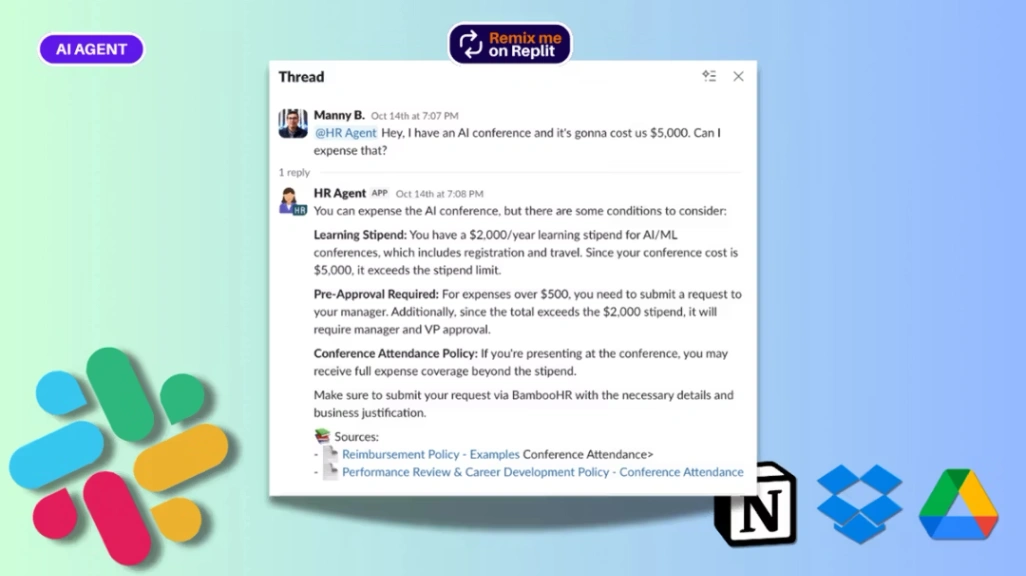
HR AI Agent
Buyer's guide
How to choose an operations template
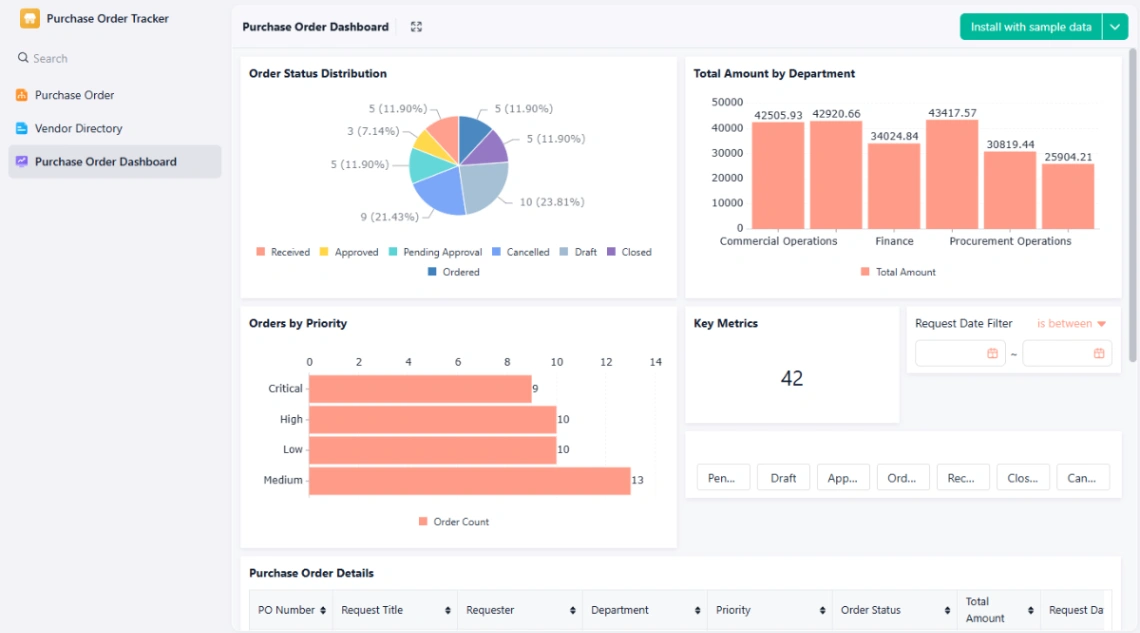
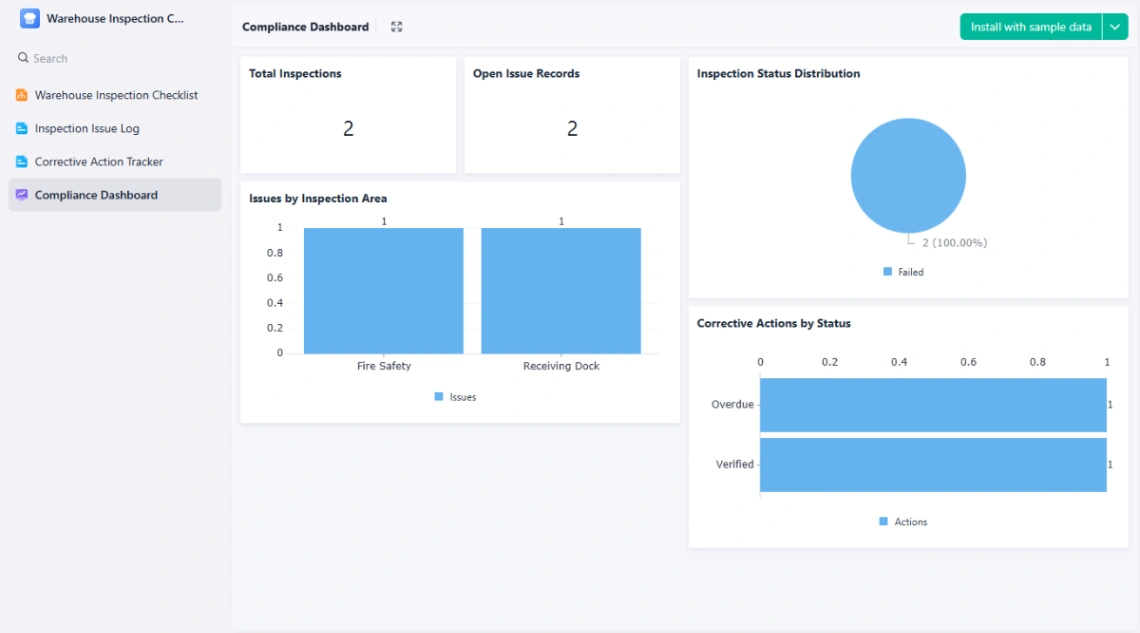
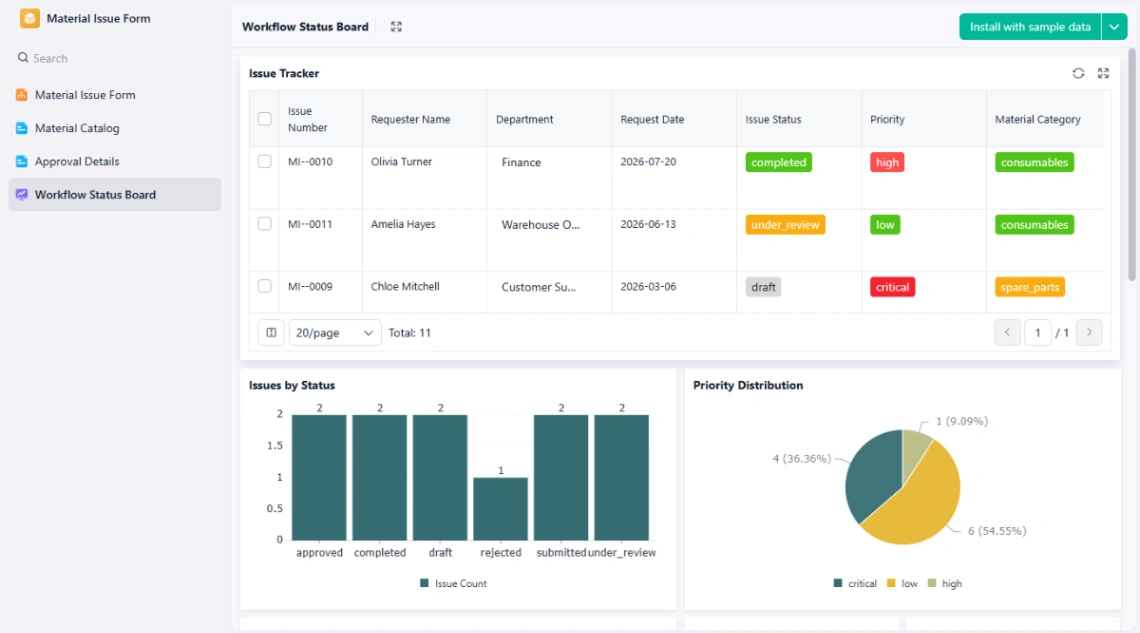
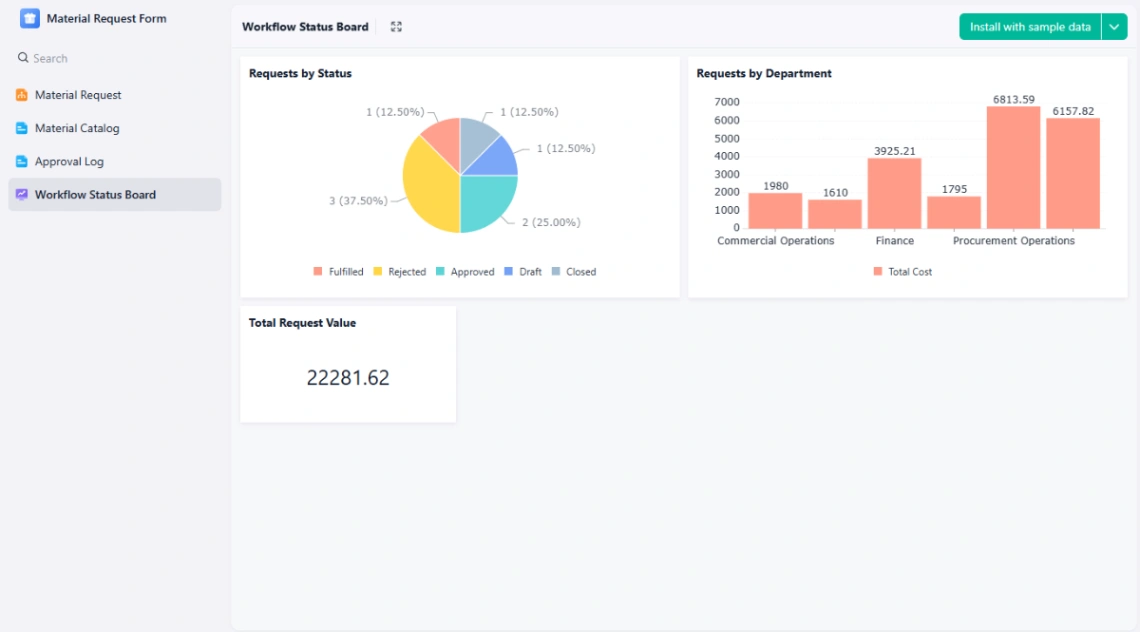
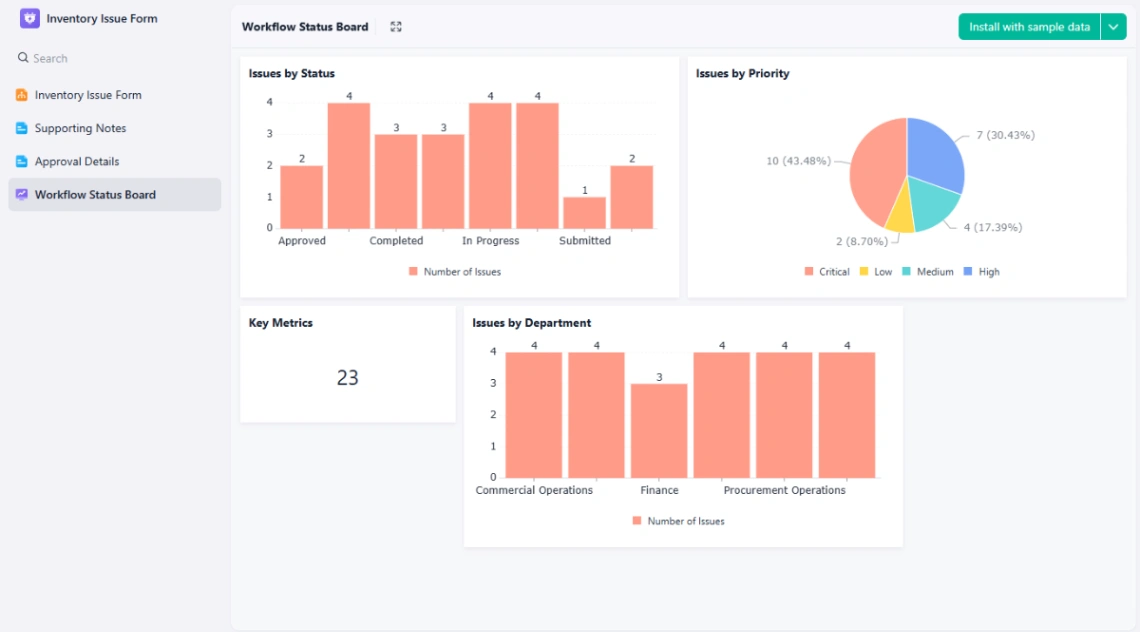
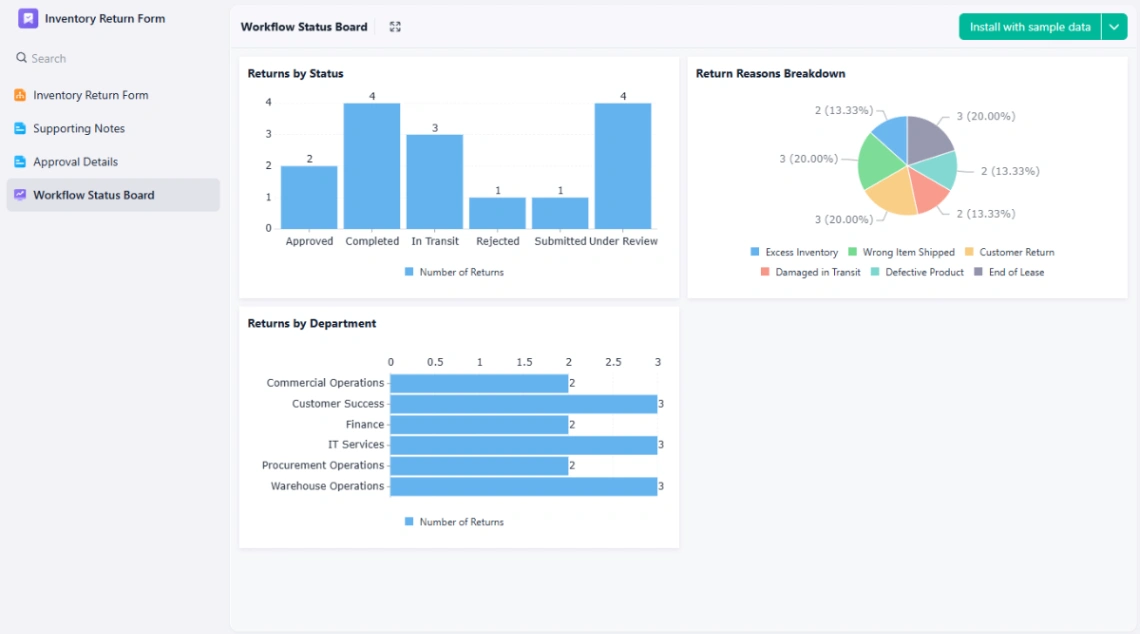
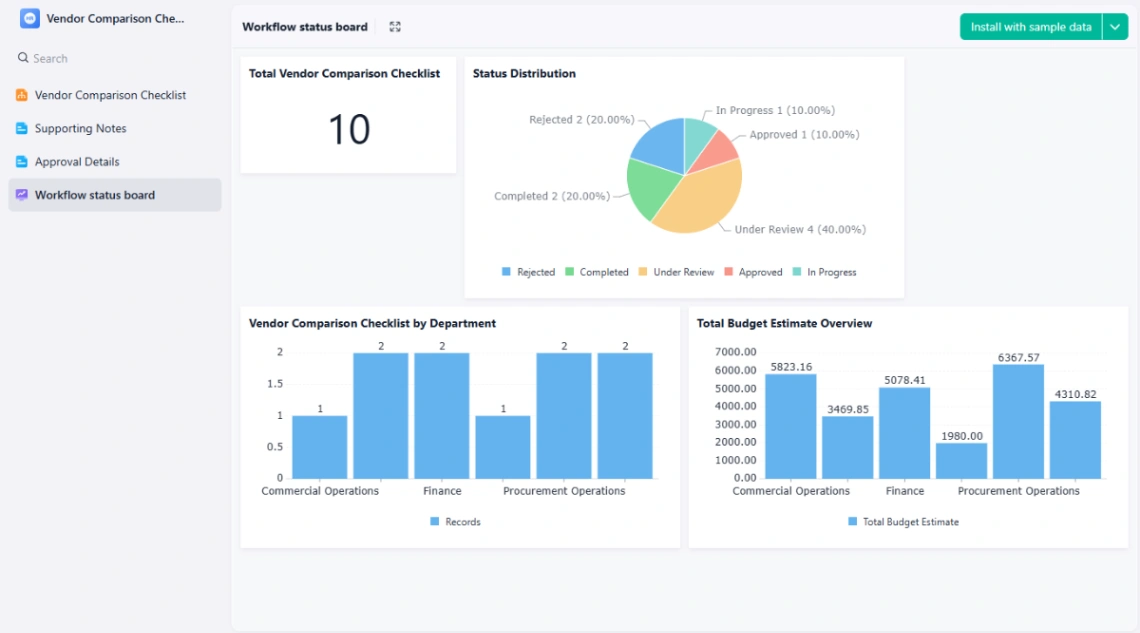
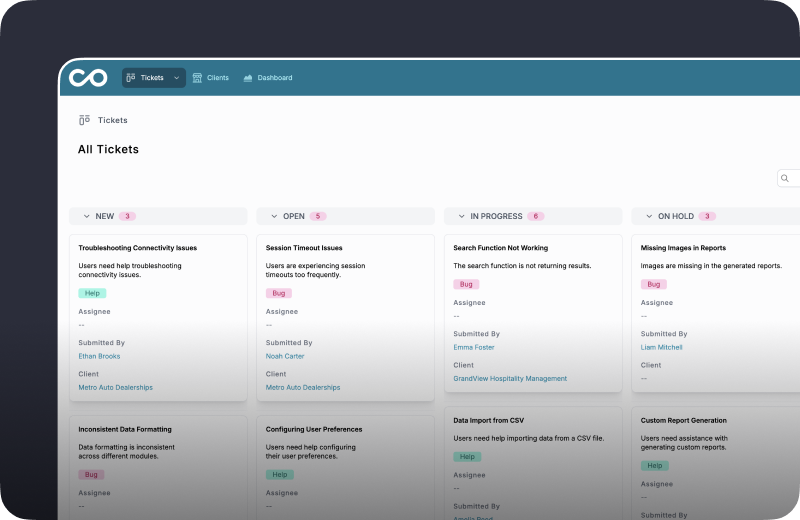
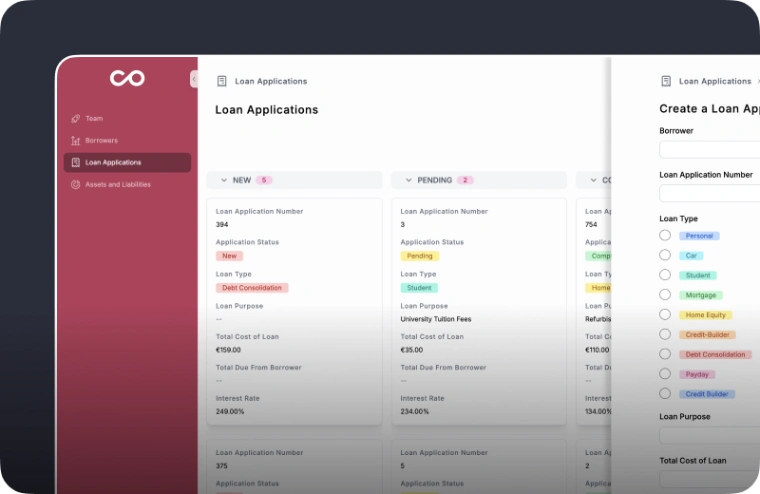
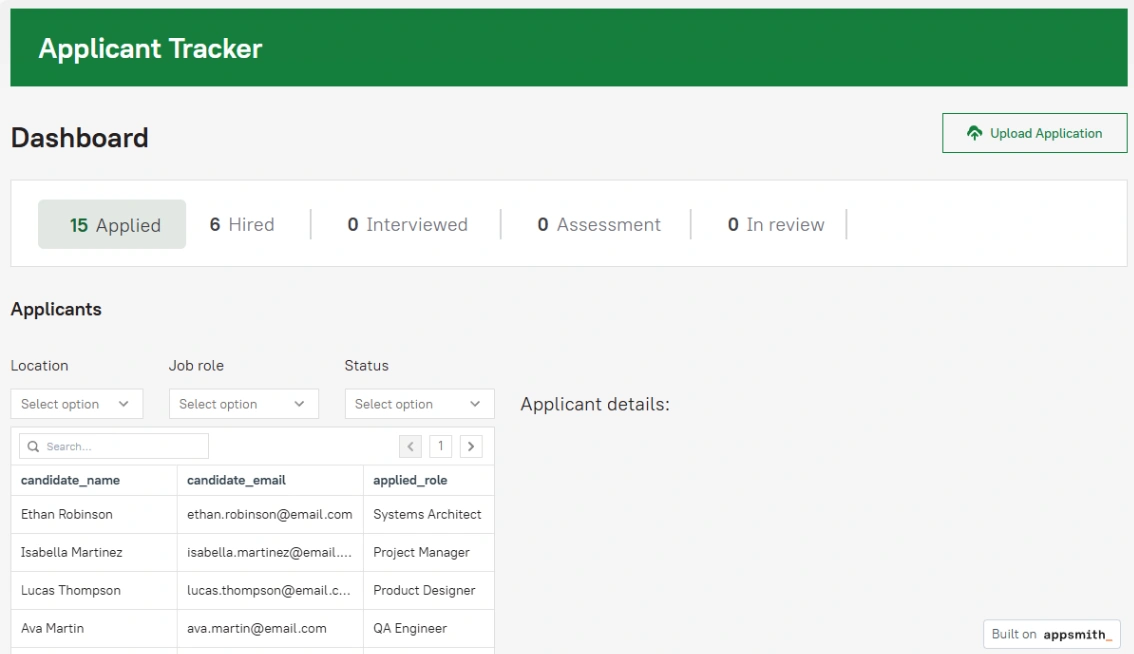
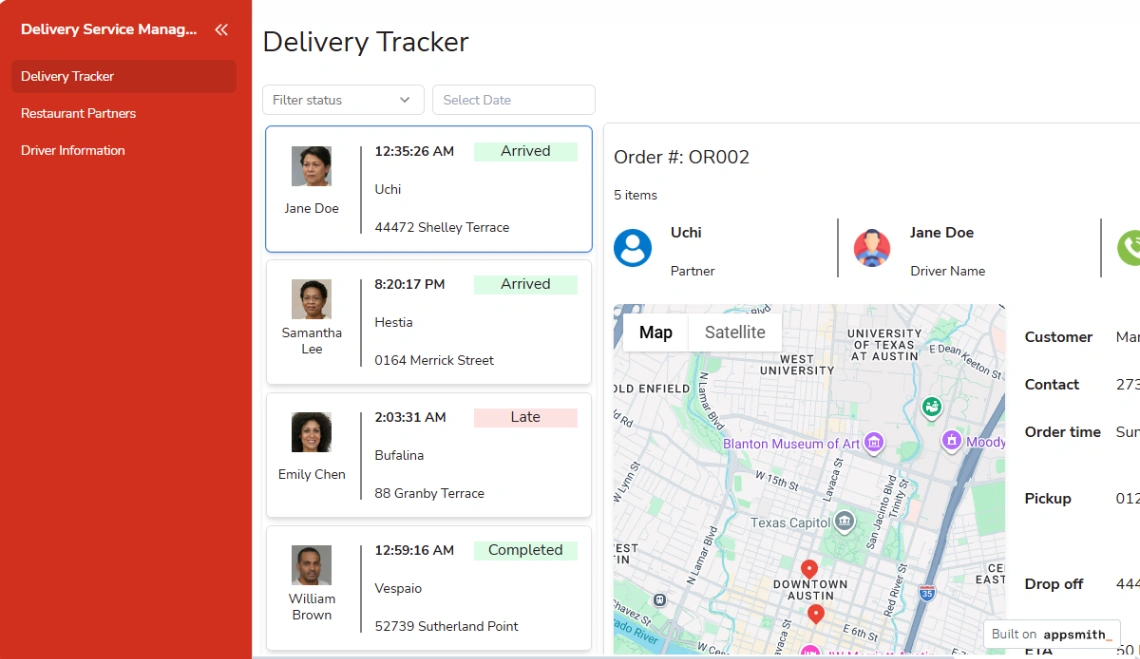
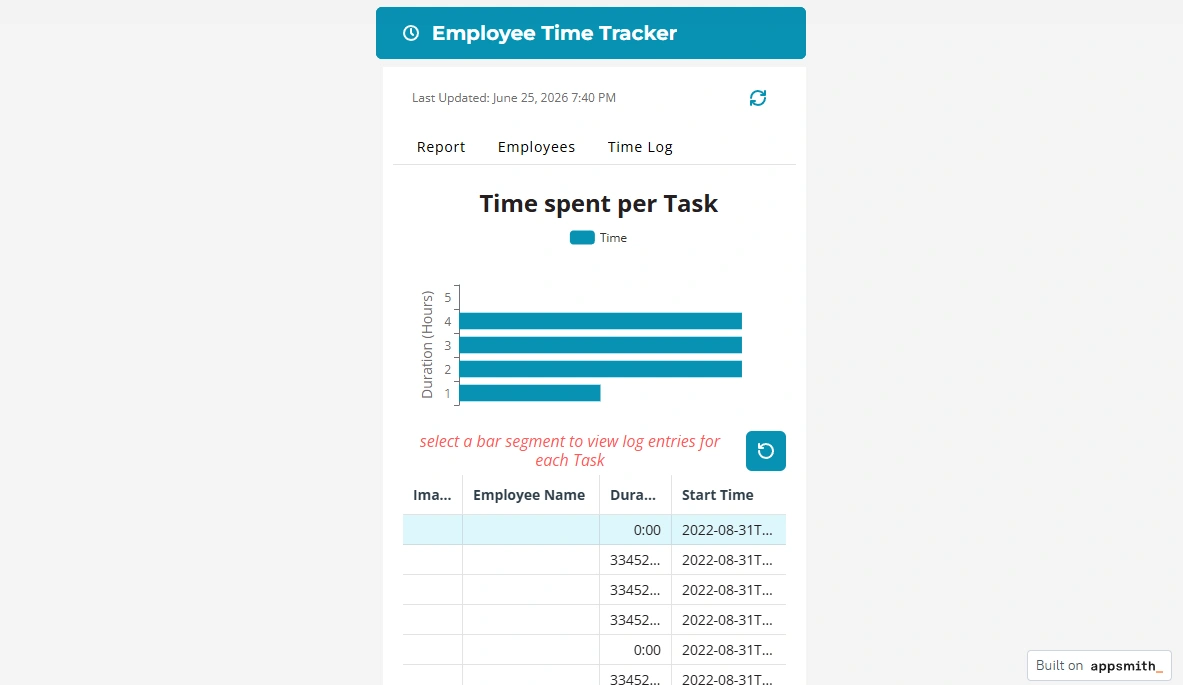
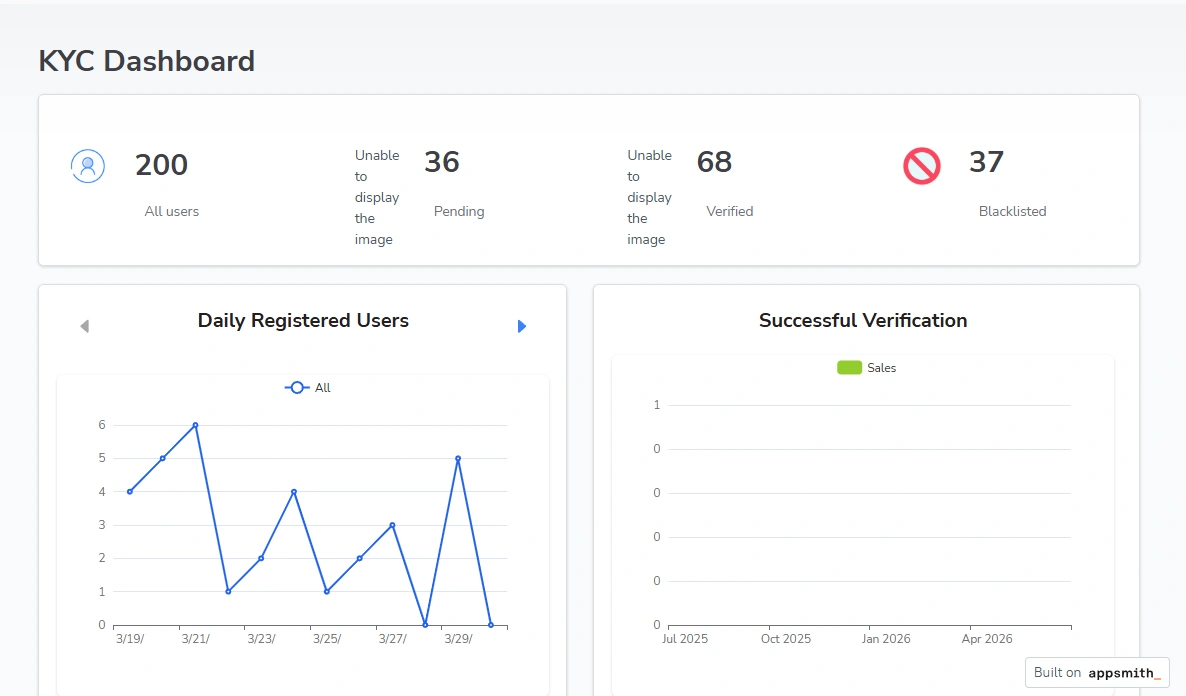
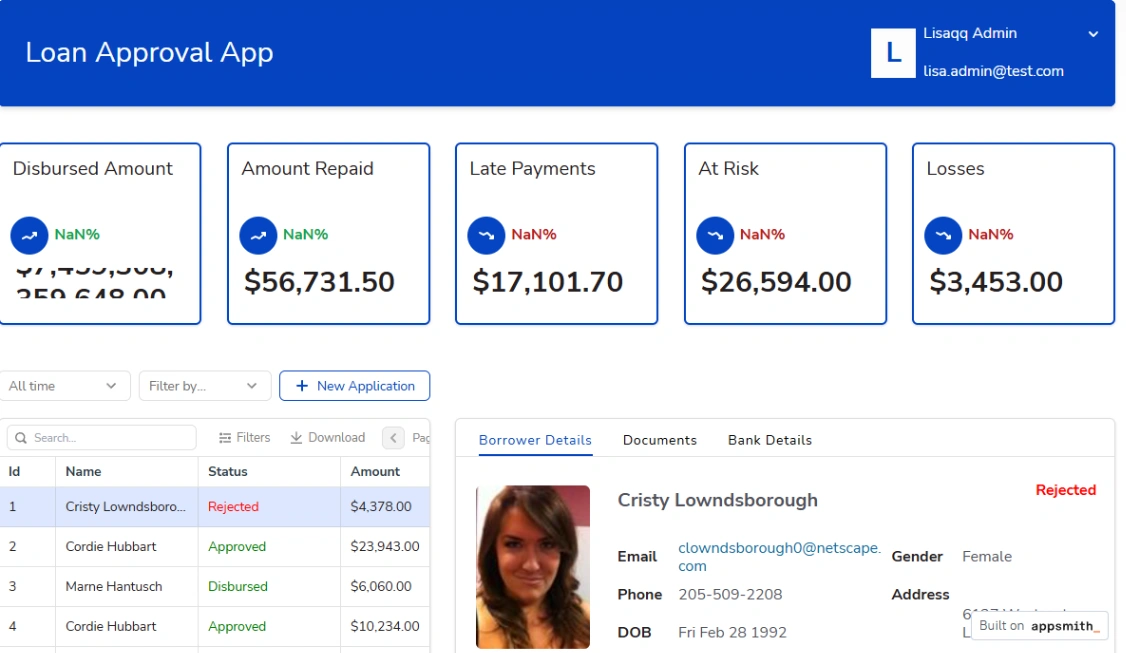
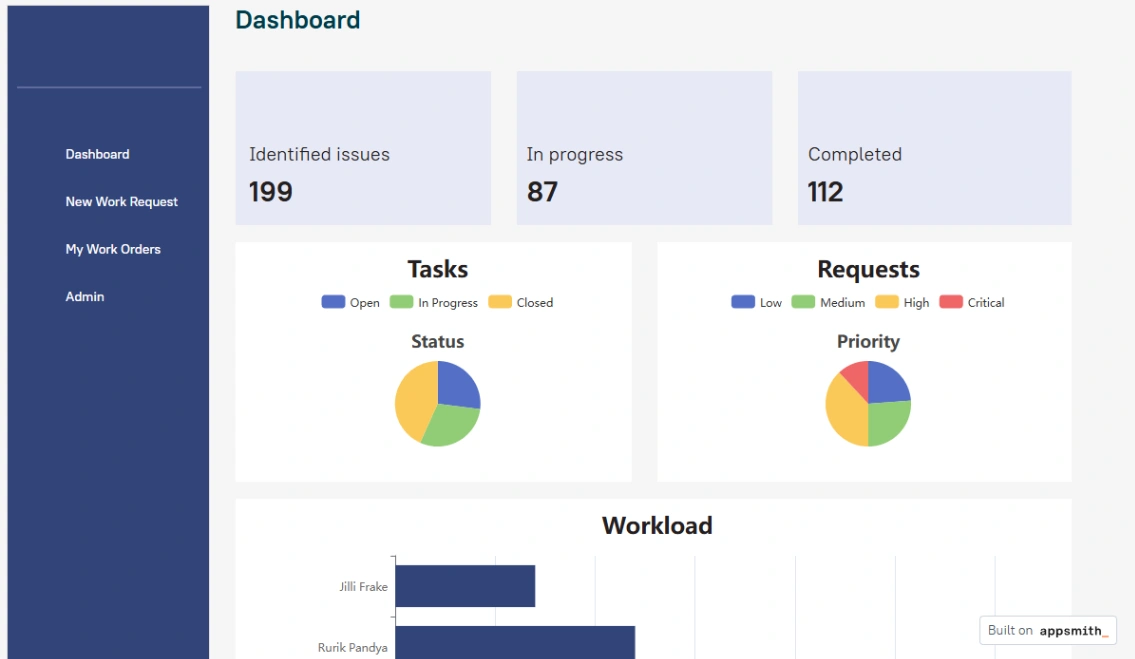
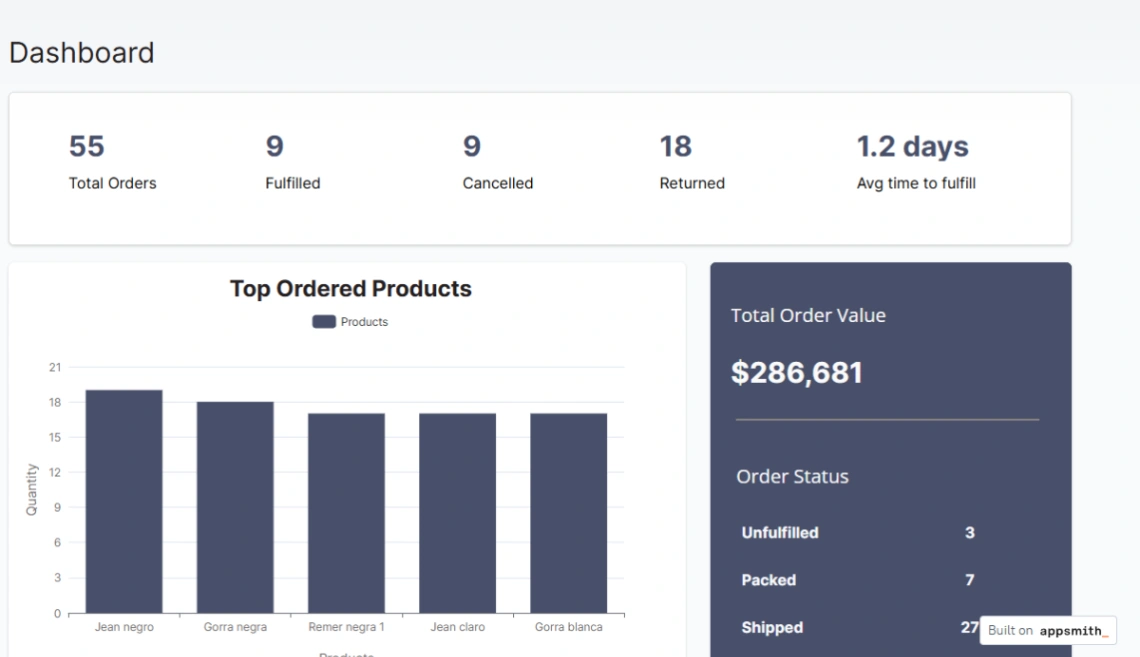
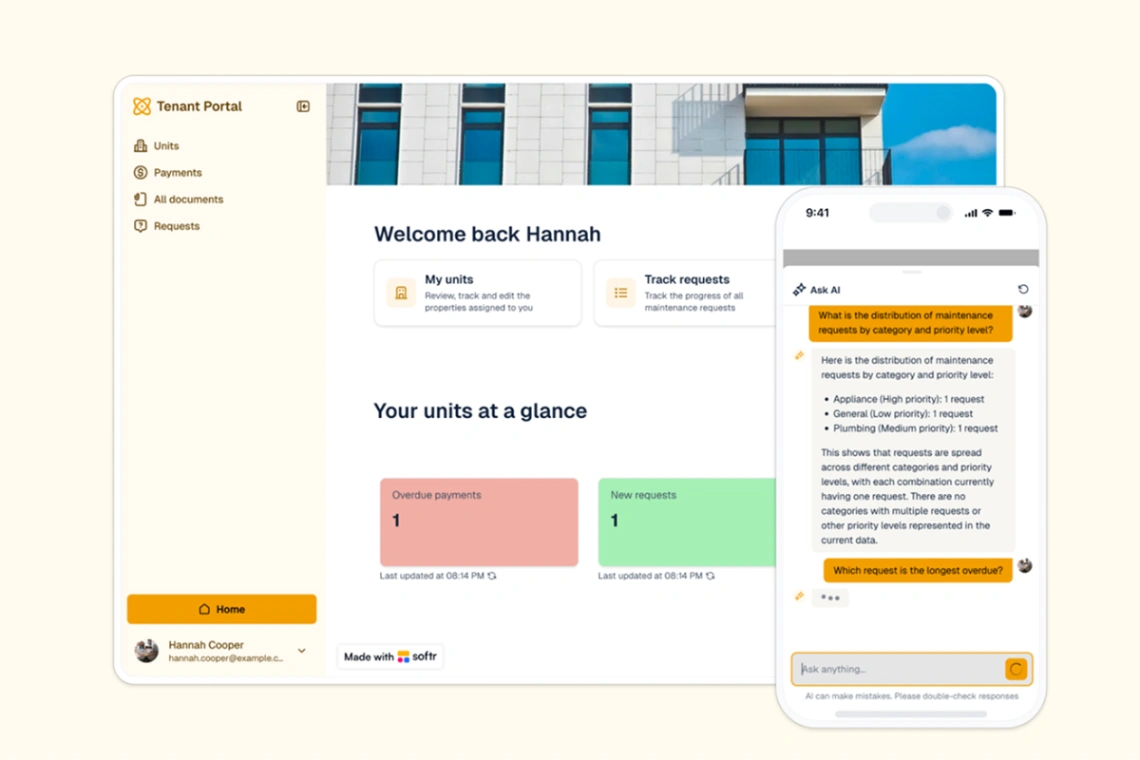
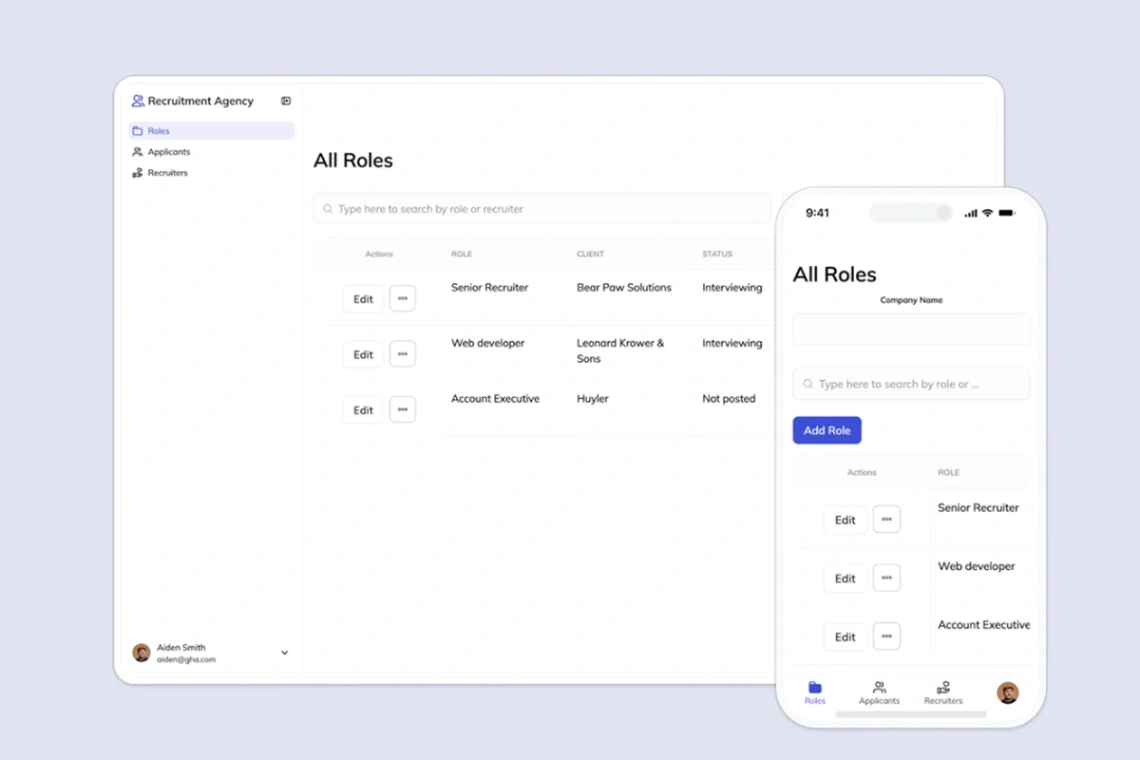
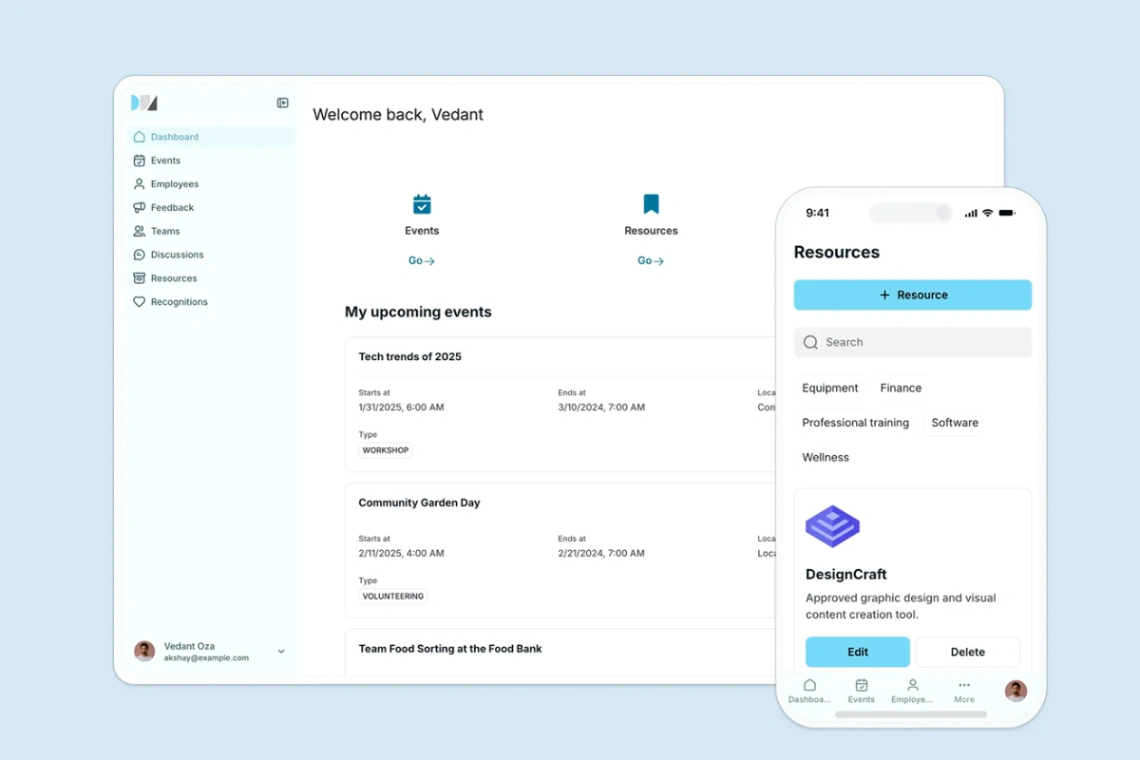
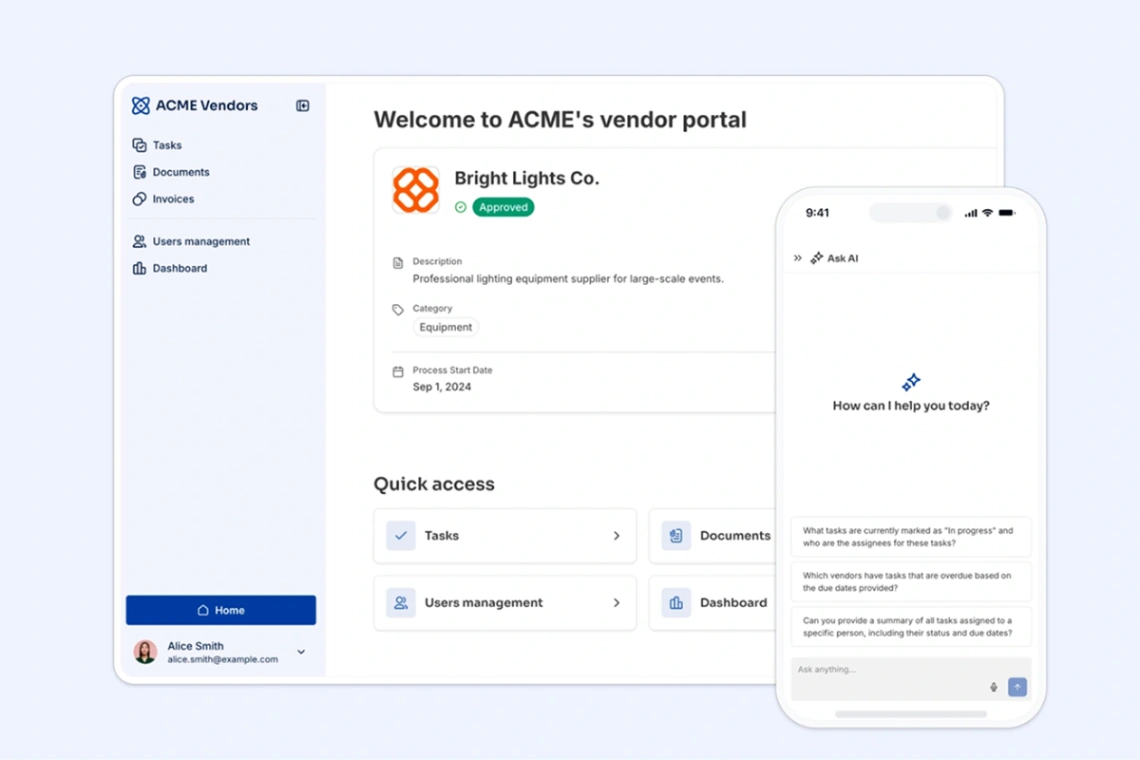
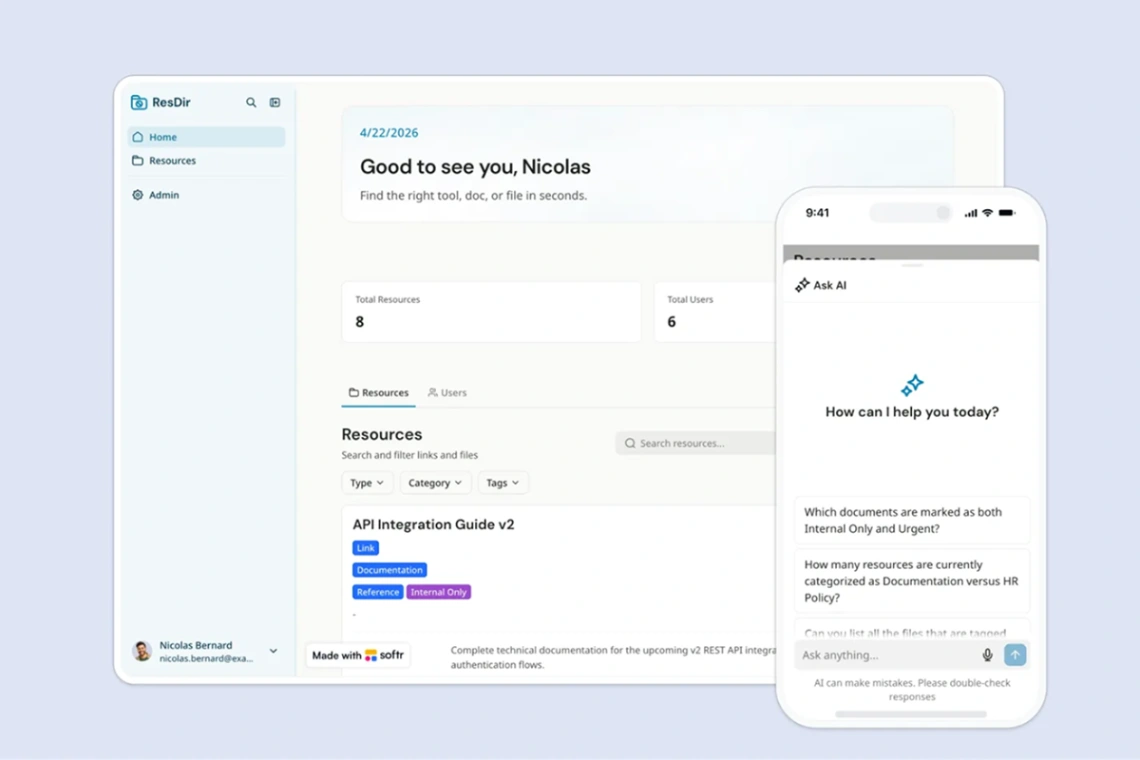
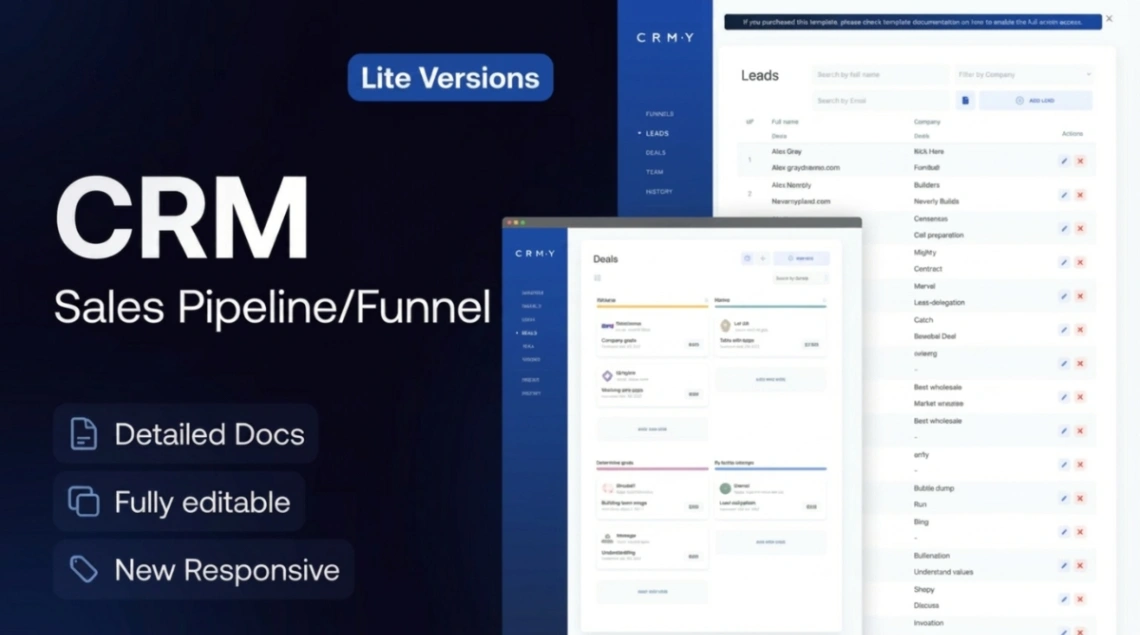
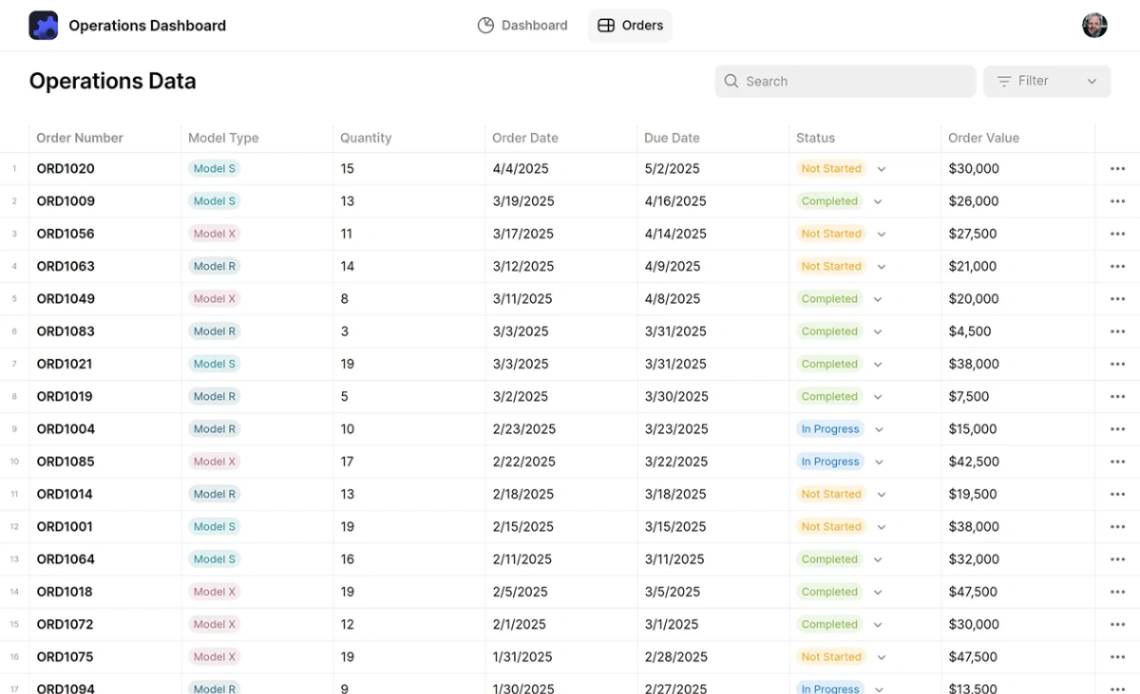
The whole job of an operations template is answering "where is it now?" without anyone having to ask. Orders, jobs, deliveries, repairs — operational work moves through stages, and these templates are boards and trackers with those stages prebuilt. Judge each one by how honestly it can mirror your actual flow, including the ugly stages (waiting on customer, returned, stuck) that polished demos leave out. If a stage exists in real life, it belongs on the board.
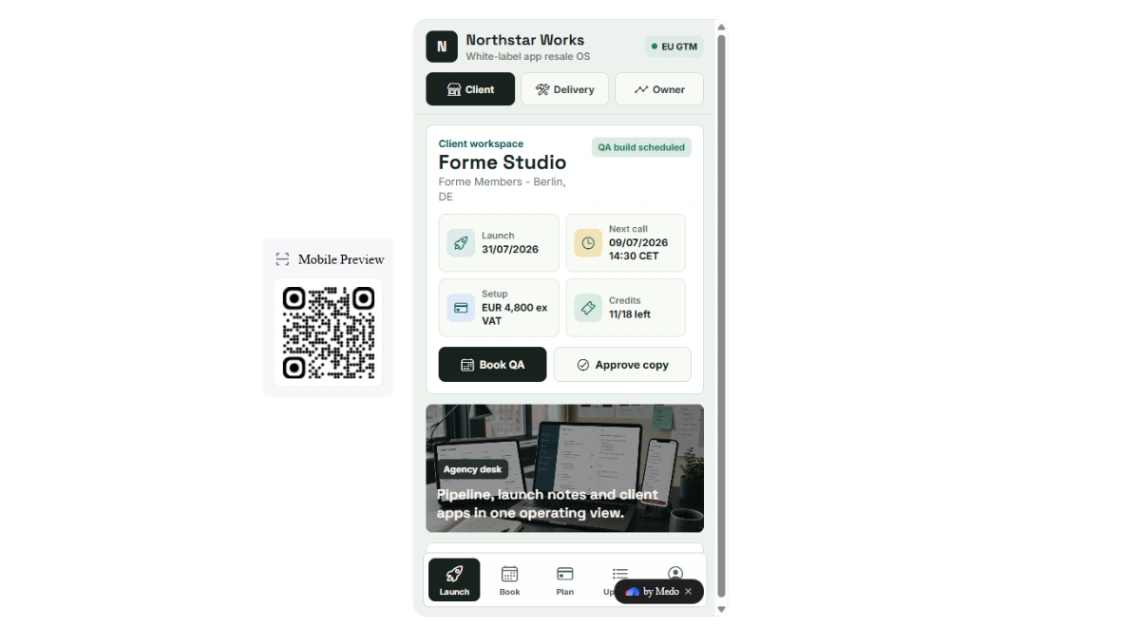
Field usability decides adoption, because half the updates happen away from desks — in a van, a warehouse aisle, a job site with one bar of signal. The template must take an update in seconds on a phone: tap the job, tap the new status, done. Photo capture from the field is the quiet killer feature; "here's how it looked when we left" ends more disputes than any policy.
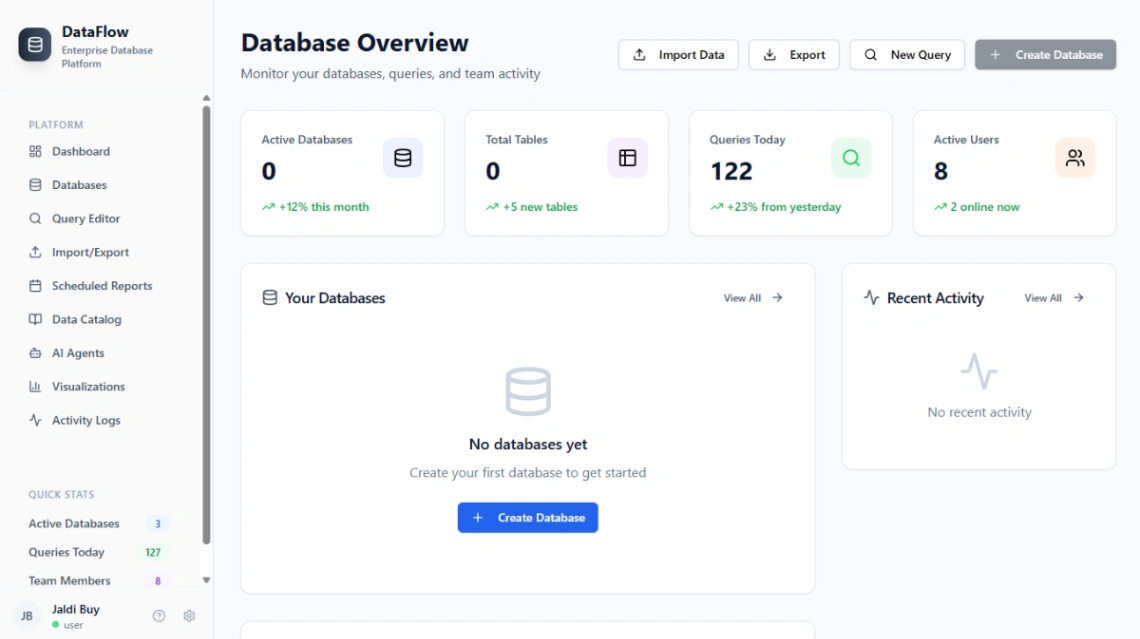
Match the data source before the design — the spreadsheet-backed platforms in the pinned picks turn the sheet you already run into the app's live backend, which means no migration day and no leap of faith. If your operation has outgrown sheets, the database-native builders scale further; both appear above.
The failure mode is universal: statuses nobody updates. A board that's wrong by lunchtime is worse than no board, because people trust it and act on it. The fix is making the update cheaper than the phone call it replaces — and ruthlessly deleting stages nobody uses. Six honest statuses beat eleven aspirational ones every day of the operational week.
FAQ







