
AppSheet
Supercharge your work with no-code
AppSheet is a Google-owned no-code platform that transforms data from spreadsheets and databases into custom mobile and web apps. It features advanced automation, Gemini AI integration, and seamless sync with the Google Workspace ecosystem.
Starter
Core
Enterprise Plus
8
ready to use- Prompt-to-App AI Generation
- Google Sheets Data Connection
- Excel and Office 365 Connection
- Built-in AppSheet Database
- Salesforce Integration
- Cloud SQL Integration
- BigQuery Data Integration
- Apigee API Connector
- Barcode and QR Code Scanning
- NFC Tag Reading
- GPS Location Capture
- Electronic Signature Capture
AppSheet at a glance
Overall Score
Google AppSheet is widely considered one of the leading no-code app creation platforms for internal business automation. Its strongest selling point is turning structured data, Google Sheets, Excel, or SQL databases, into functional mobile and web applications without writing traditional code.
Best suited for: field-data collection, task tracking, CRM workflows, and internal operational tools. It's not built for custom, pixel-perfect consumer-facing apps, and it faces real performance limits with very large datasets.
Pros
- Seamlessly connects with Google Workspace, Google Sheets, Drive, Forms, as well as third-party databases like Microsoft Excel, SQL, Salesforce, and MySQL
- Users repeatedly report generating a working prototype or basic internal tool within minutes to hours
- Native support for offline data collection, GPS and location mapping, barcode and OCR scanning, image uploads, and digital signatures
- Easy setup for triggered email alerts, webhooks, scheduled reports, and status updates directly within app actions
- Robust access controls, domain isolation, data encryption, and enterprise compliance options including HIPAA
- Recent Gemini AI integration assists users in generating expressions, schema structures, and automations using natural language prompts
Cons
- The interface relies heavily on pre-built design templates and component layouts, you can't freely position elements or customize fonts and themes to match precise brand guidelines
- App sync times can slow down significantly when working with heavy row counts or complex relational data across multiple tables
- Per-user pricing is inexpensive for small internal teams, but costs scale quickly if you need to distribute the app to hundreds of internal staff or external public users
- Implementing multi-table relations and custom expressions requires learning AppSheet's proprietary formula language, a real learning curve beyond basic CRUD apps
AppSheet genuinely delivers on turning existing spreadsheets and databases into real, working internal tools fast. The native mobile hardware support, GPS, barcode scanning, offline data collection, digital signatures, is a real standout for field teams and operational workflows that most competitors don't match, and the deep Google Workspace integration makes it a natural fit for teams already living in Sheets and Drive.
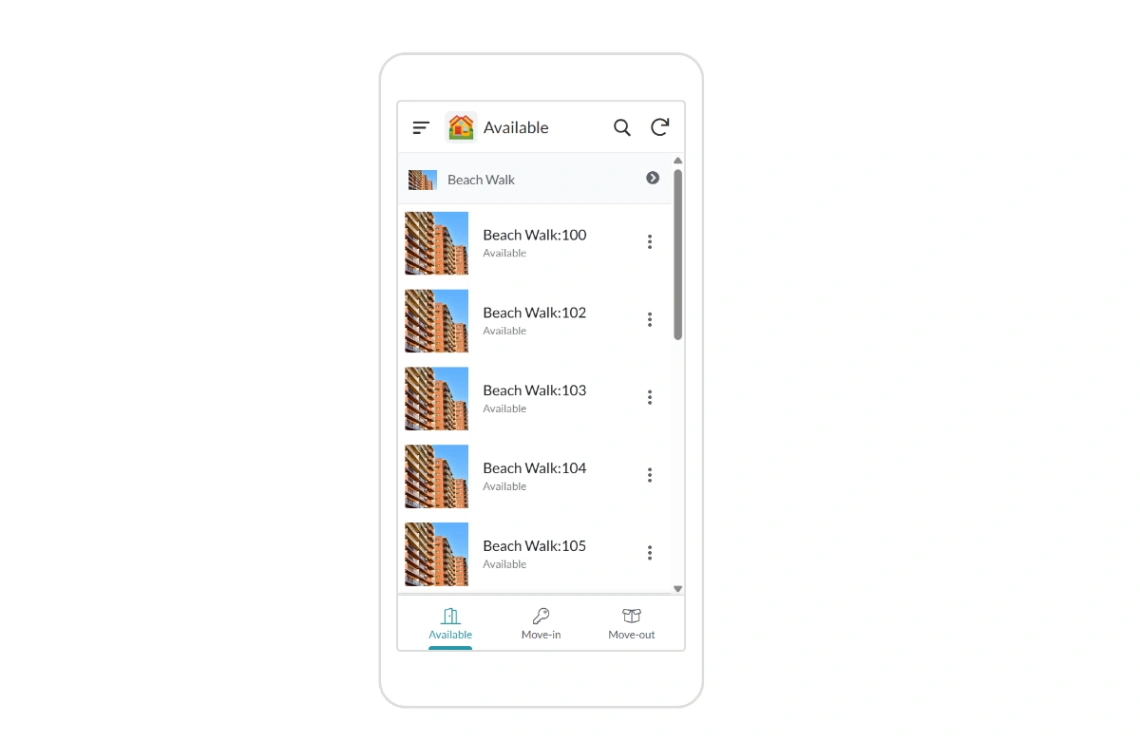
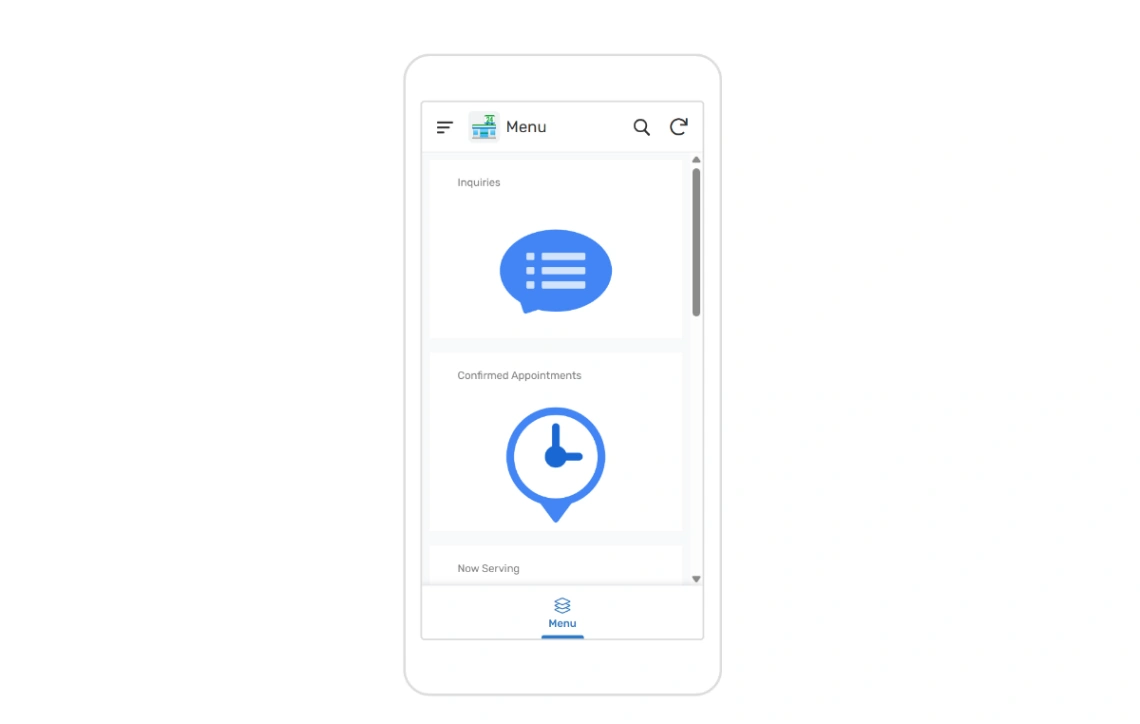
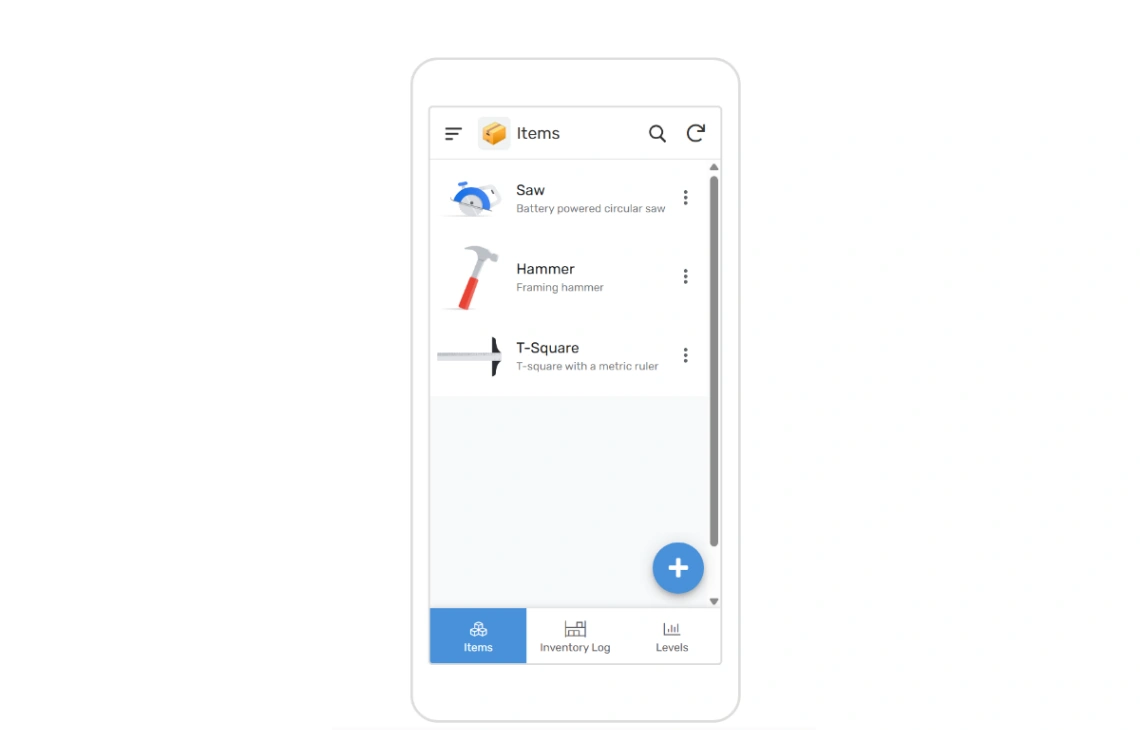
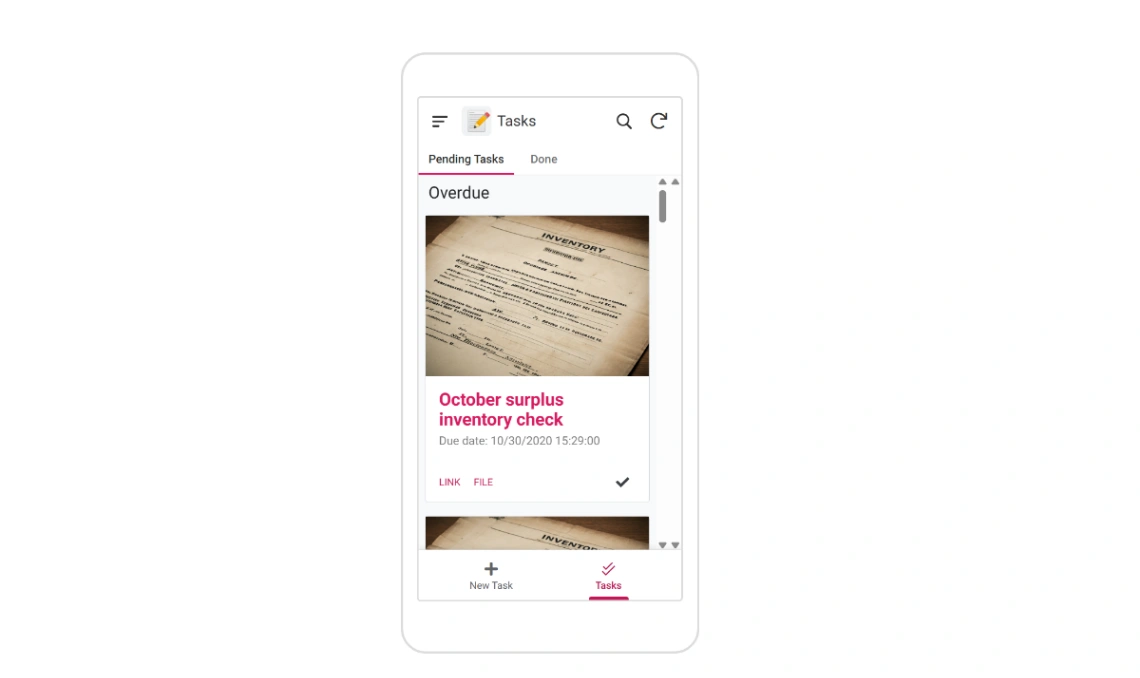
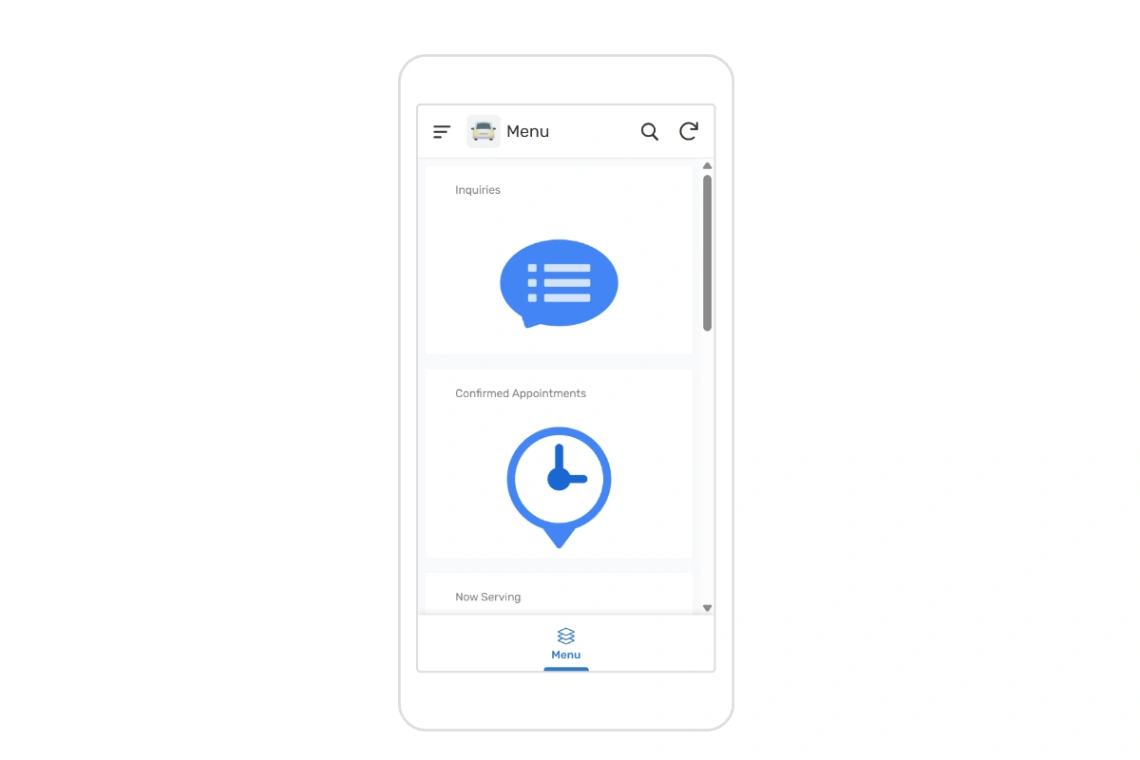
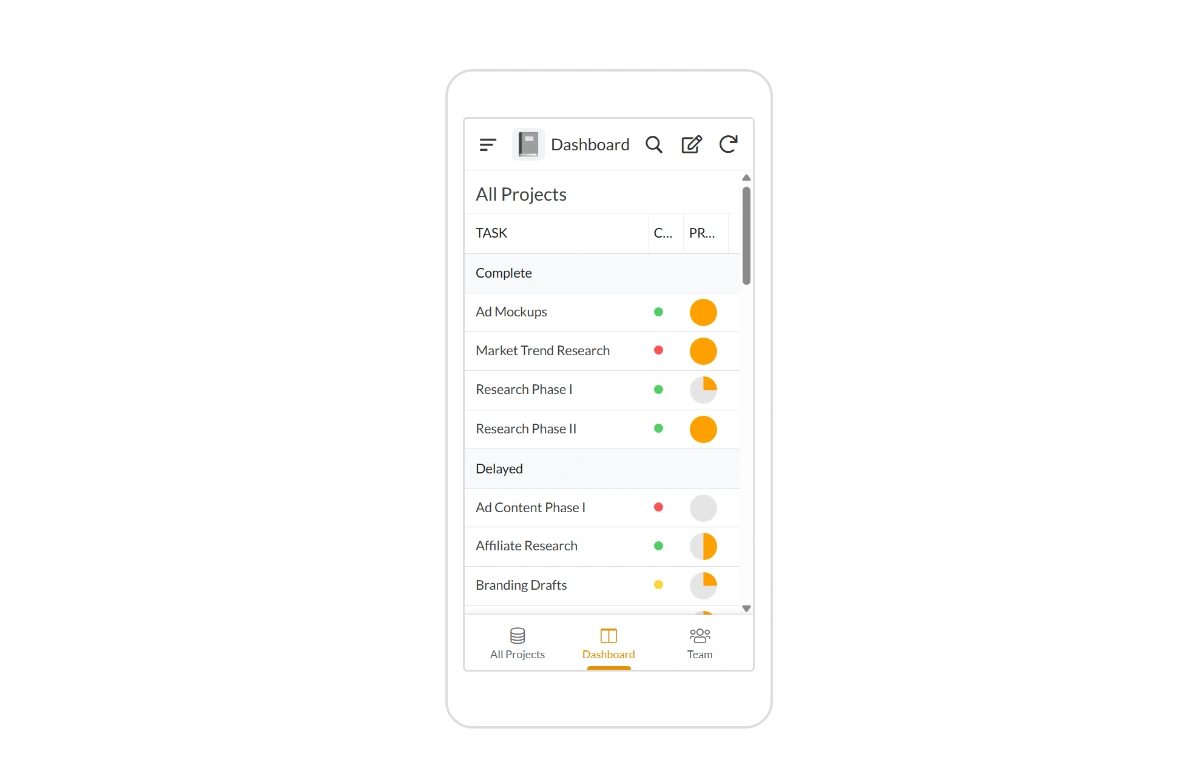
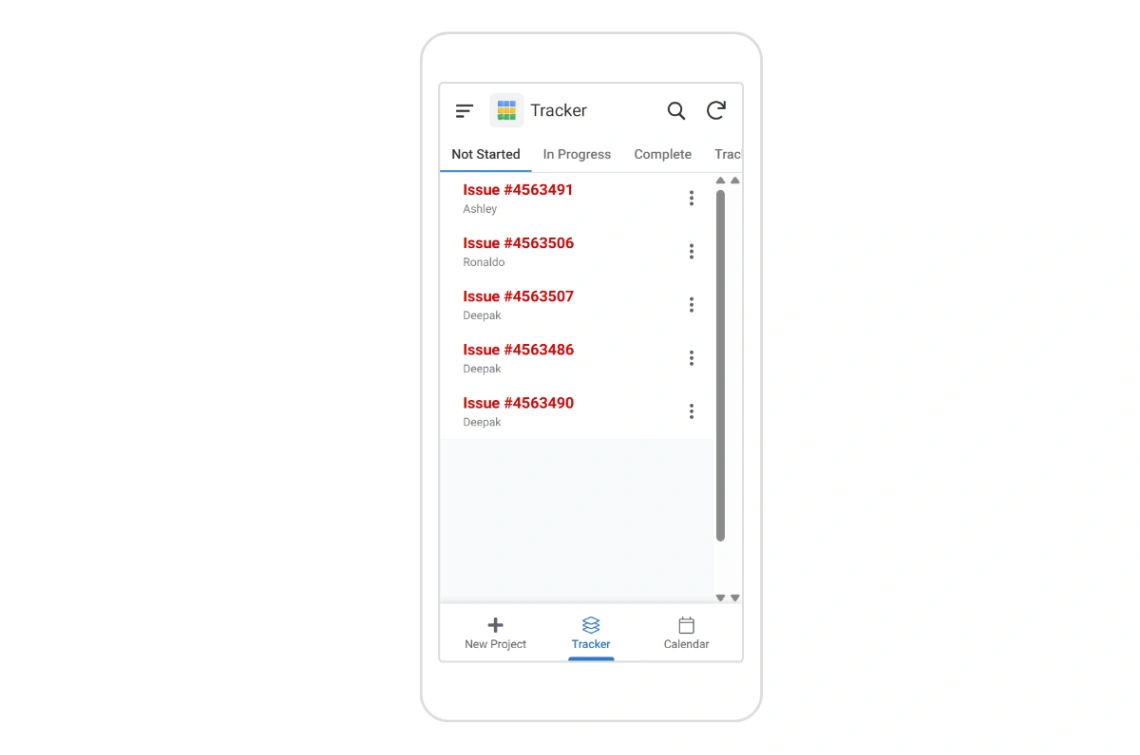
Best Templates from AppSheet
Explore stunning templates built with AppSheet.

Similar tools to AppSheet
 NolocoWeb App BuilderMobile App Builder
A better way to run your firm, built by AI
 SoftrWeb App BuilderMobile App Builder
Build business apps with AI – that actually work
 JodooWeb App Builder
Build custom business software fast with no code
 UtilizeWeb App BuilderMobile App Builder
Apps from spreadsheets, customized in minutes