Client Portal Template
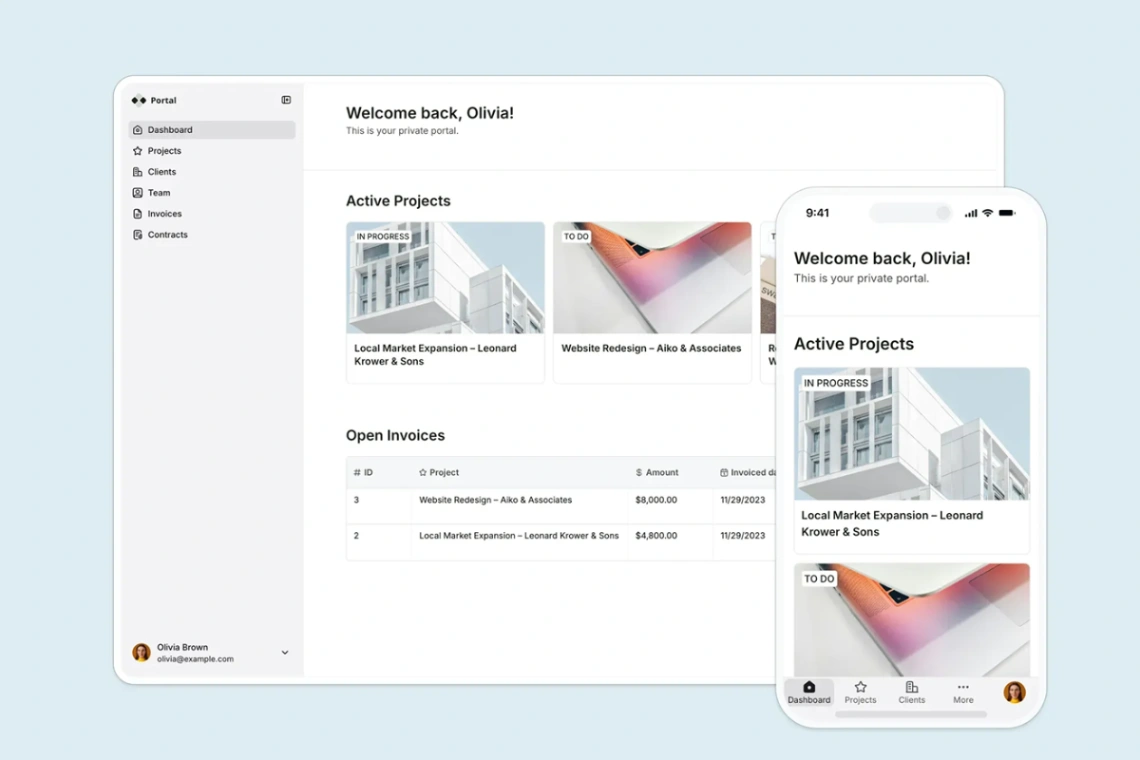
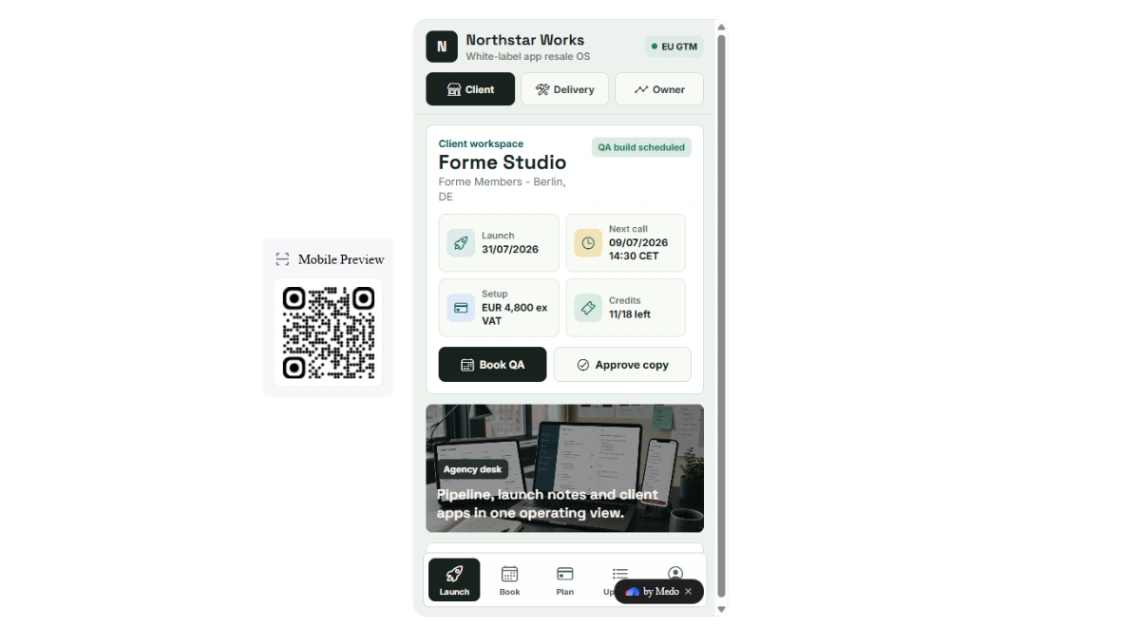
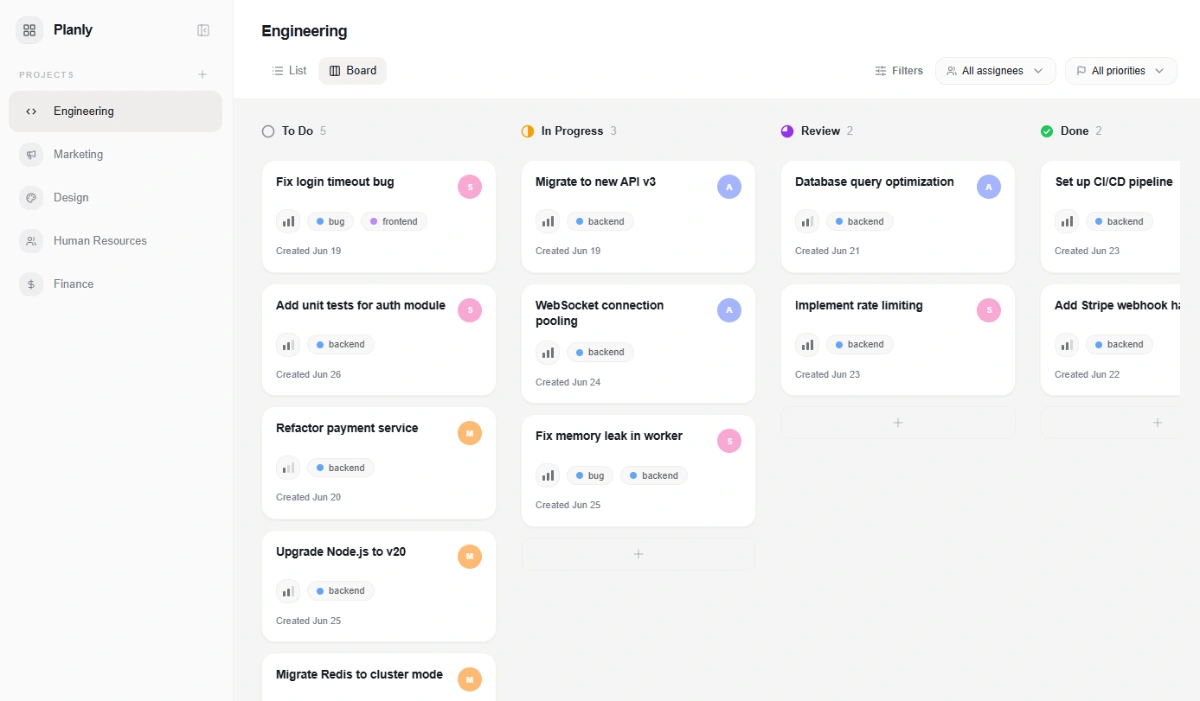
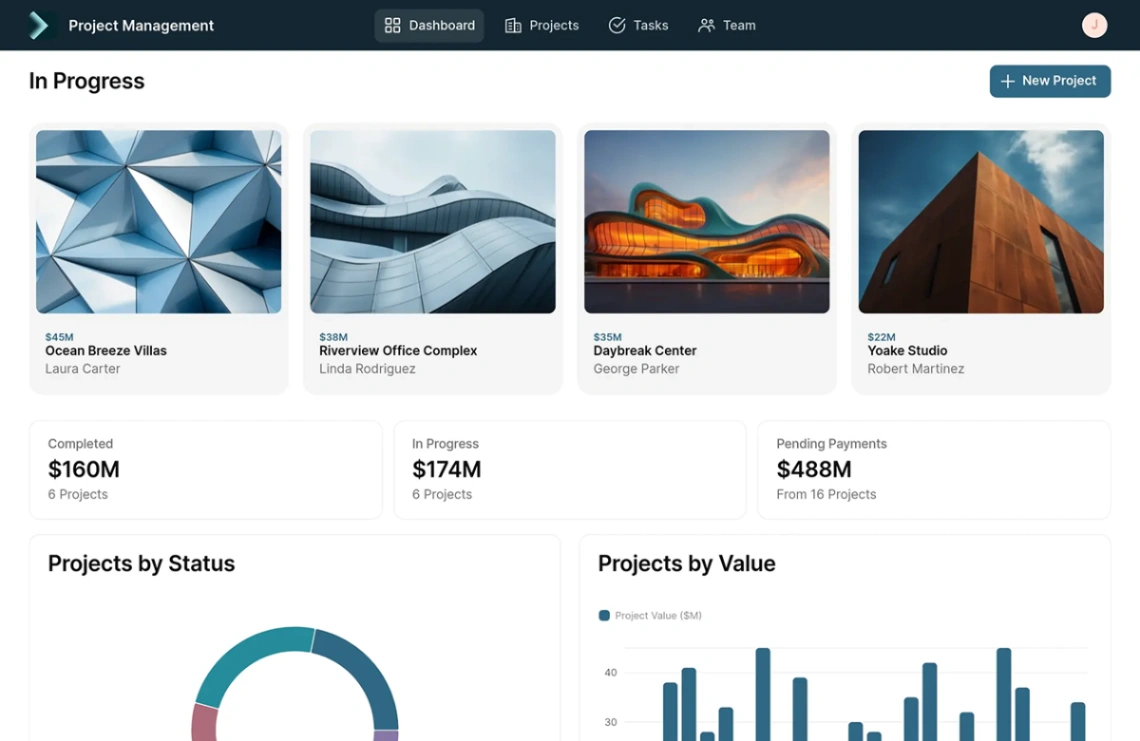
Streamline external collaborations using this secure client communication and project portal template. It features dedicated user dashboards, shared project timelines, secure document uploading pipelines, and unified invoicing spaces designed to keep clients aligned without endless email threads.
Best for
- 01Software development teams using agile
- 02Operations and business management tools
- 03Marketing and creative agencies
- 04Product managers needing data visualization
- Personalized Client Dashboards
- Dynamic Milestone Trackers
- Secure File Upload Forms
- Integrated Invoice Overviews
- Shared Task Grid Views
- In-Portal Messaging Logs
- Account Preferences Portals
- Centralized Resource Blocks
- AI app co-builder
- Drag-and-drop visual editor
- Native Softr Database
- External data source syncing
Where is this template hosted?
Client Portal is hosted on Softr. All files, databases, and logic run on Softr's infrastructure - no separate hosting setup is required.
What platform do I need to use this template?
You'll need a Softr account to use and customize Client Portal. Softr handles everything - from the visual editor to publishing. You can browse all Softr templates to explore more options built on the same platform.
How much does Client Portal cost?
Client Portal is available for $0. Keep in mind that Softr has its own subscription plans which are required to publish your site. Check the Softr page for current pricing details.
Can I use this template to build a project for my client?
Yes, you can use Client Portal to build a project for a client. Once you purchase the template, you can customize and deploy it for any project, including client work. We recommend confirming the specific usage terms with Softr directly, as platform licensing policies can vary.