
Utilize
Apps from spreadsheets, customized in minutes
No-code app builder that converts spreadsheets into customized business applications. Features simple form/screen builders, mobile-friendly apps, automated workflows, location detection, barcode scanning, data change notifications, and email automations. Ideal for inventory management, site inspections, field force management, and production workflows without coding requirements.
Premium
10
ready to use- No-Code Mobile App Builder
- Google Sheets Dynamic Sync
- Excel Spreadsheet Ingestion
- Multi-App Single Sheet Mapping
- Role-Based Access Control
- User-Specific Data Filtering
- Custom Subdomain Configurations
- Relational Sheet Row Linking
- Drag-and-Drop View Builder
- Custom Input Form Controls
- Automated Email Triggers
- Automated SMS Alerts
Utilize at a glance
Overall Score
Utilize is a niche no-code app builder that turns backend data, most commonly Google Sheets, into functional mobile and web apps for small-to-medium businesses. It's aimed squarely at internal operations: inventory tracking, order management, and communication tools for deskless teams who need something functional fast without hiring developers.
Who it's for: non-technical business managers already working out of spreadsheets who want to turn that data into a real working tool. It's a much smaller, more niche player than market leaders like AppSheet, Glide, or Adalo, and that shows in its community size and available resources.
Pros
- Genuinely no-code, letting people with zero programming background prototype and launch a business app in minutes
- Connects smoothly to data sources like Google Sheets, which is intuitive if your team is already managing data that way
- Well-suited to specific operational needs like inventory tracking, order management, and deskless worker communication
- Cuts time-to-market significantly for internal tools or lightweight client-facing apps compared to hiring a dev team
Cons
- Complex workflows or deep custom logic hit platform limits faster than more robust, code-adjacent builders would
- A much smaller community means fewer third-party tutorials, plugin integrations, or troubleshooting resources online
- Scaling to enterprise-grade datasets or heavily relational, multi-tiered structures gets restrictive
- Pricing and feature gating feel less transparent than platforms with extensive public documentation
Utilize does a solid job at exactly what it's built for: turning a spreadsheet into a usable internal app quickly, without requiring anyone on the team to know how to code. For small teams tracking inventory or managing orders, this genuinely saves time compared to hiring a developer for something that straightforward.
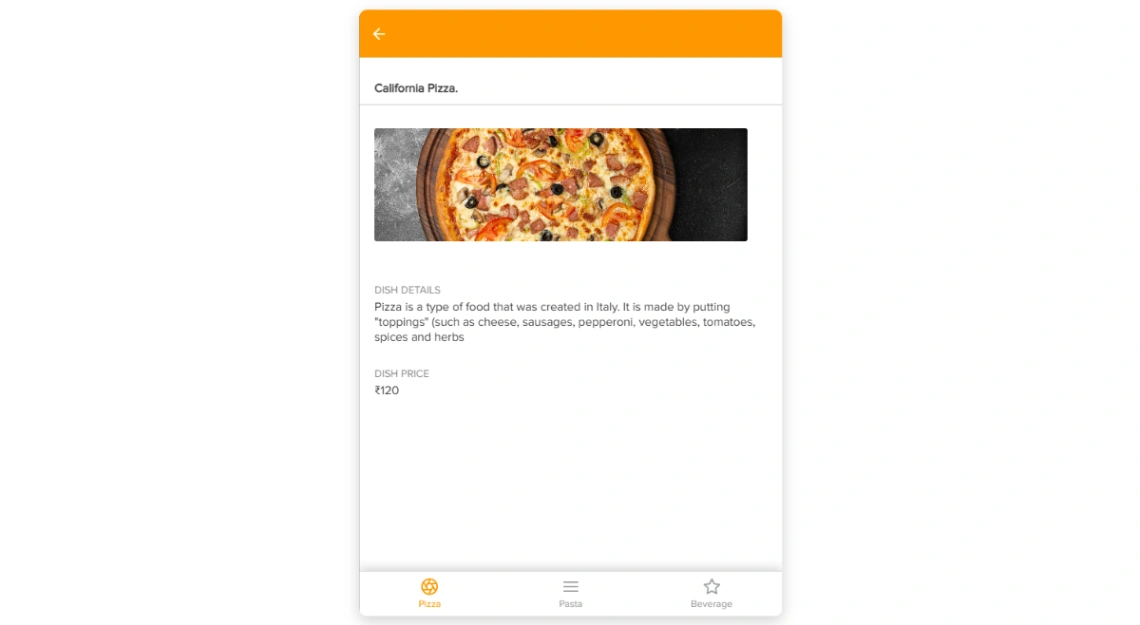
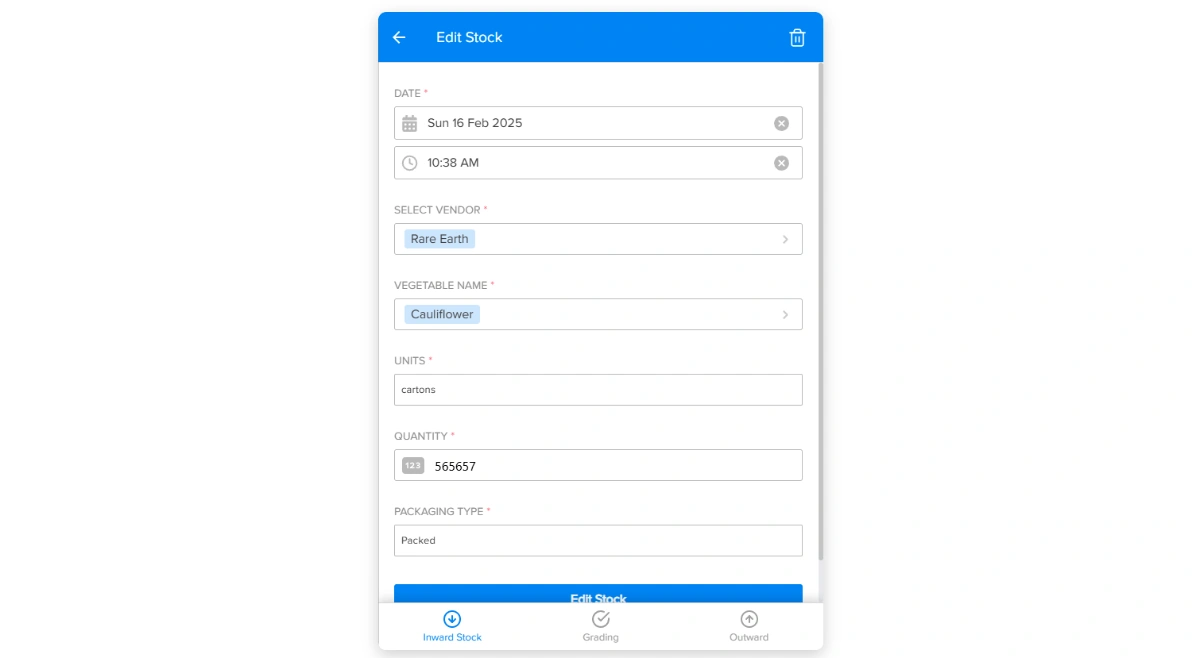
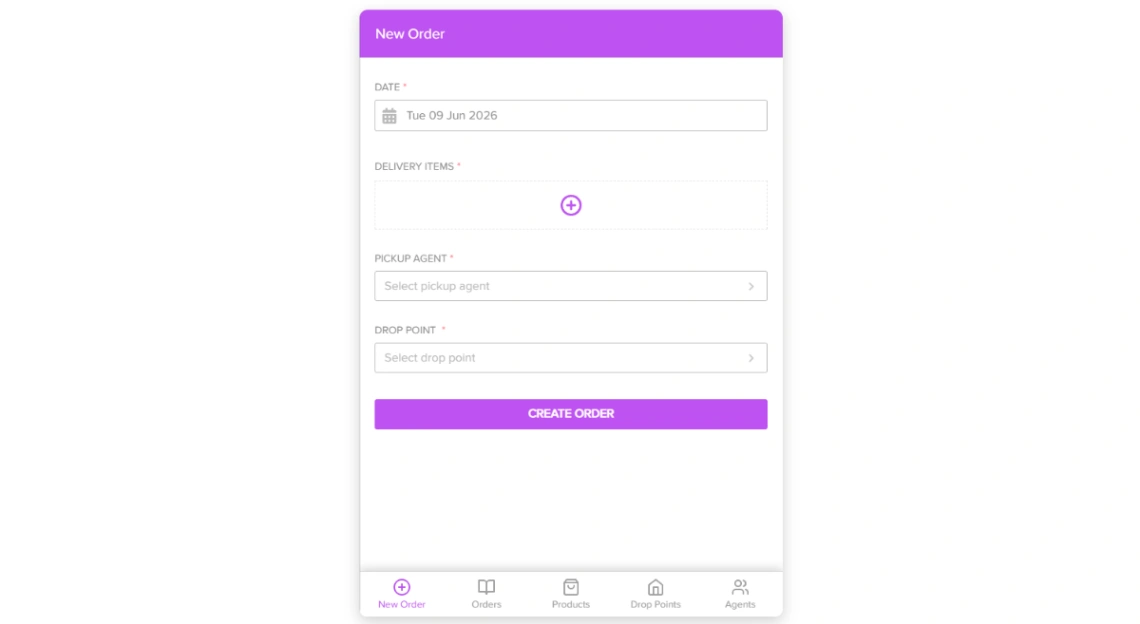
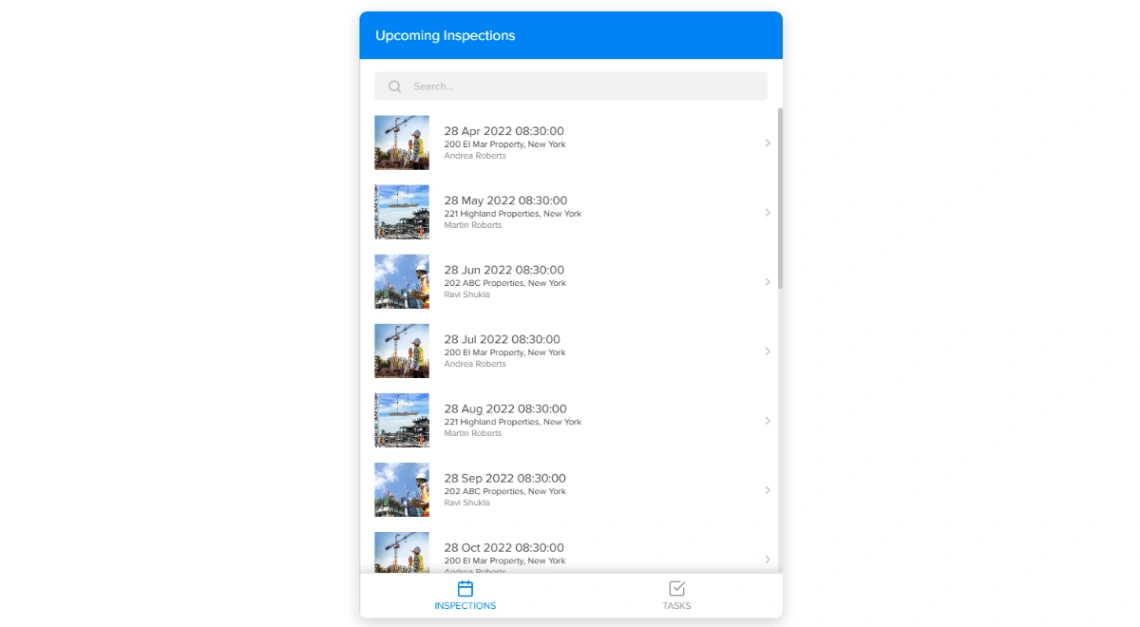
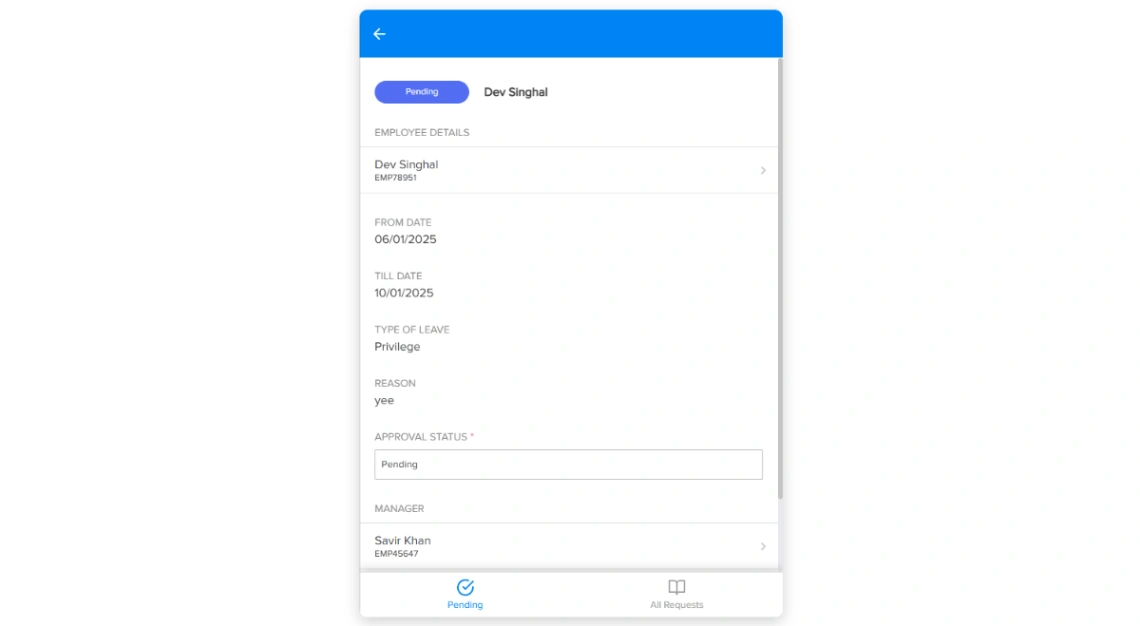
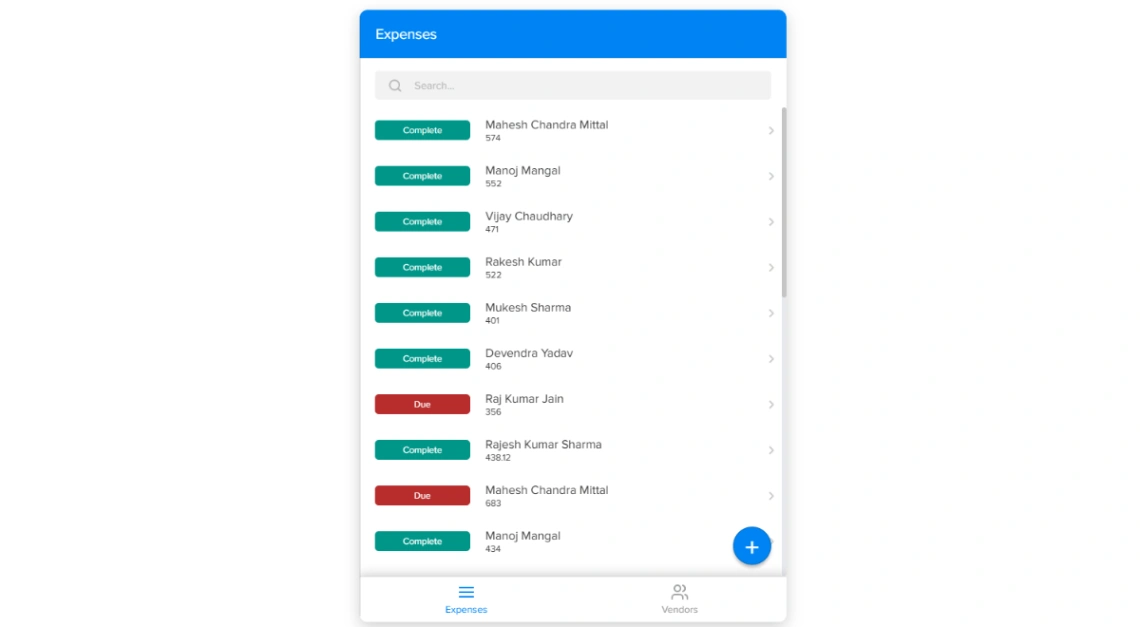
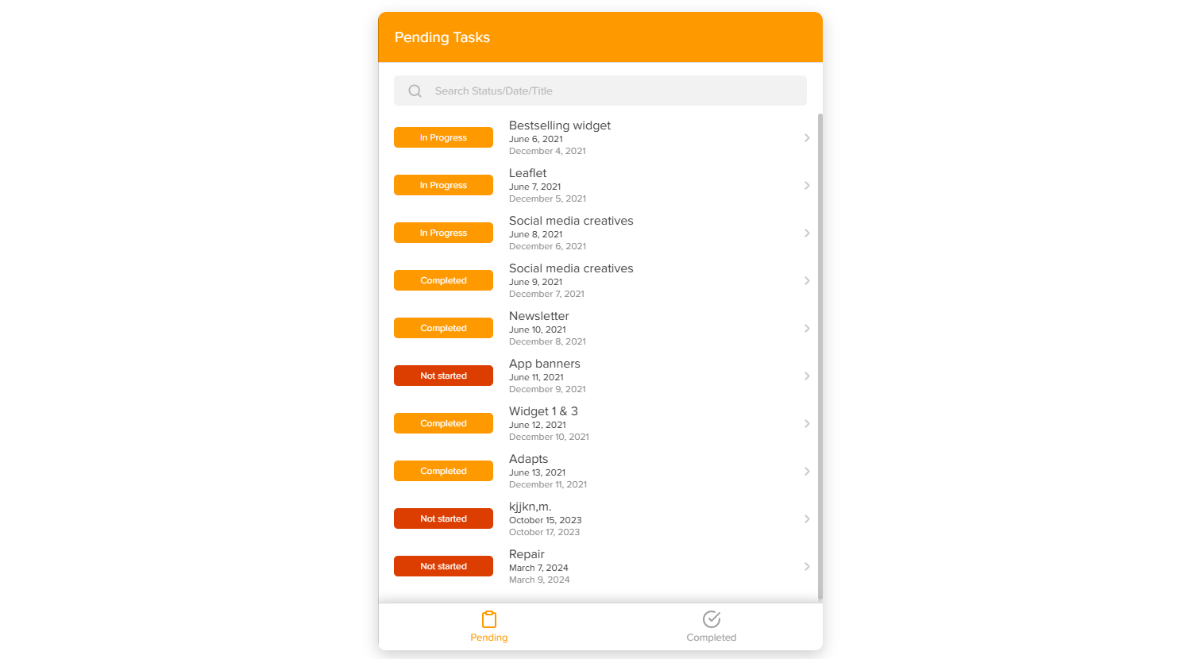
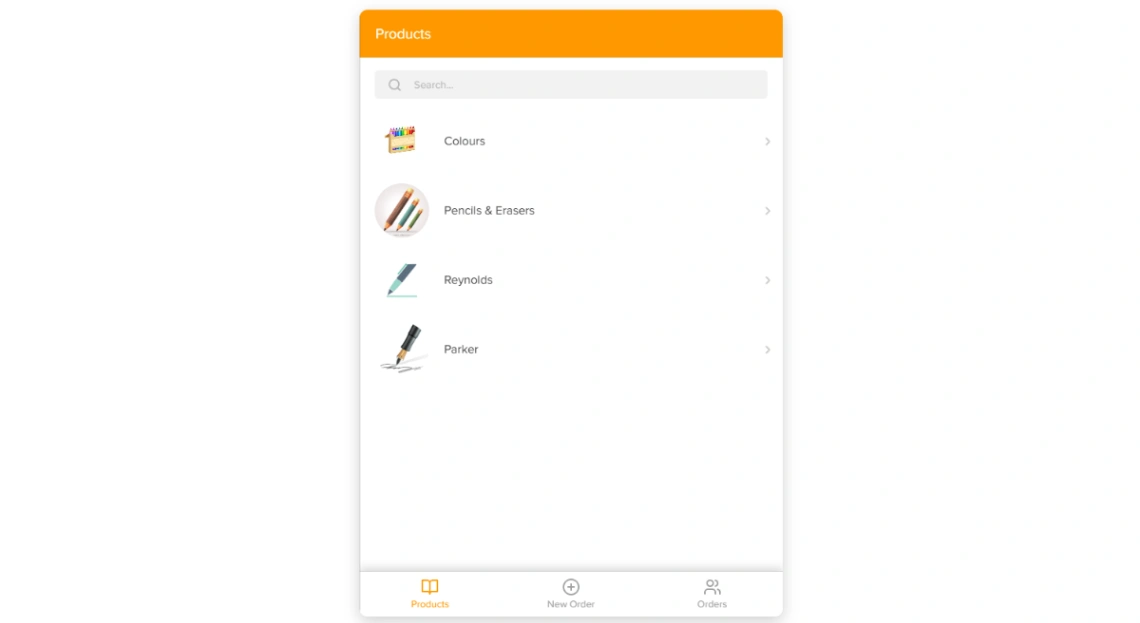
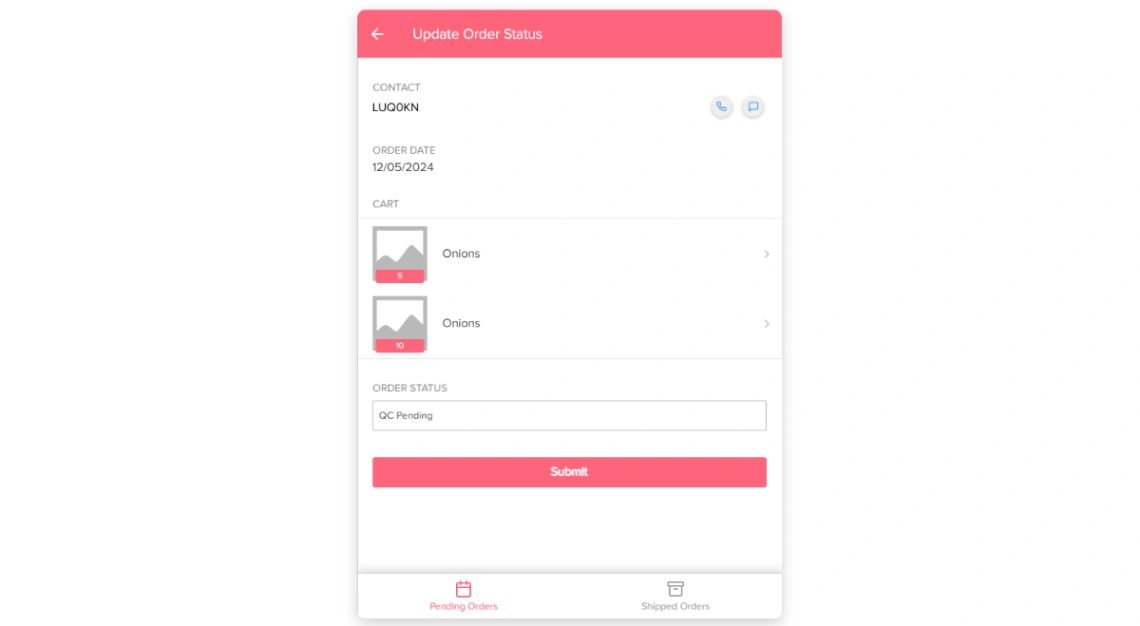
Best Templates from Utilize
Explore stunning templates built with Utilize.

Similar tools to Utilize
 NolocoWeb App BuilderMobile App Builder
A better way to run your firm, built by AI
 GlideWeb App BuilderMobile App Builder
Turn spreadsheets into beautiful, intelligent apps
 SoftrWeb App BuilderMobile App Builder
Build business apps with AI – that actually work
 AppSheetMobile App BuilderWeb App Builder
Supercharge your work with no-code