




Buyer's guide
How to choose a photography template
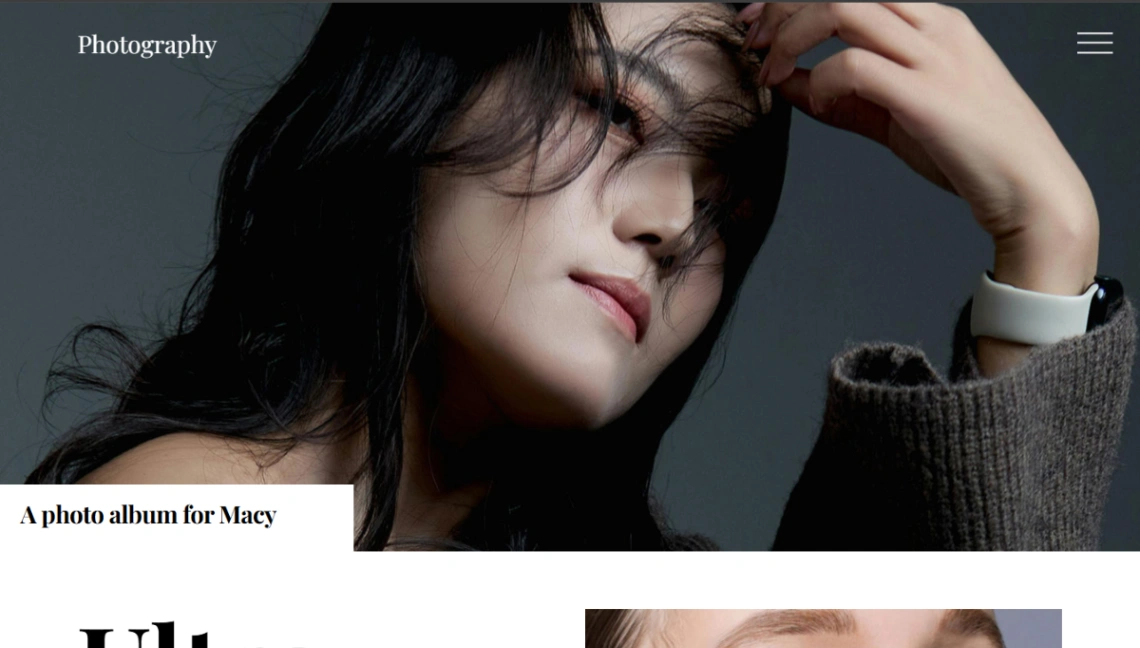
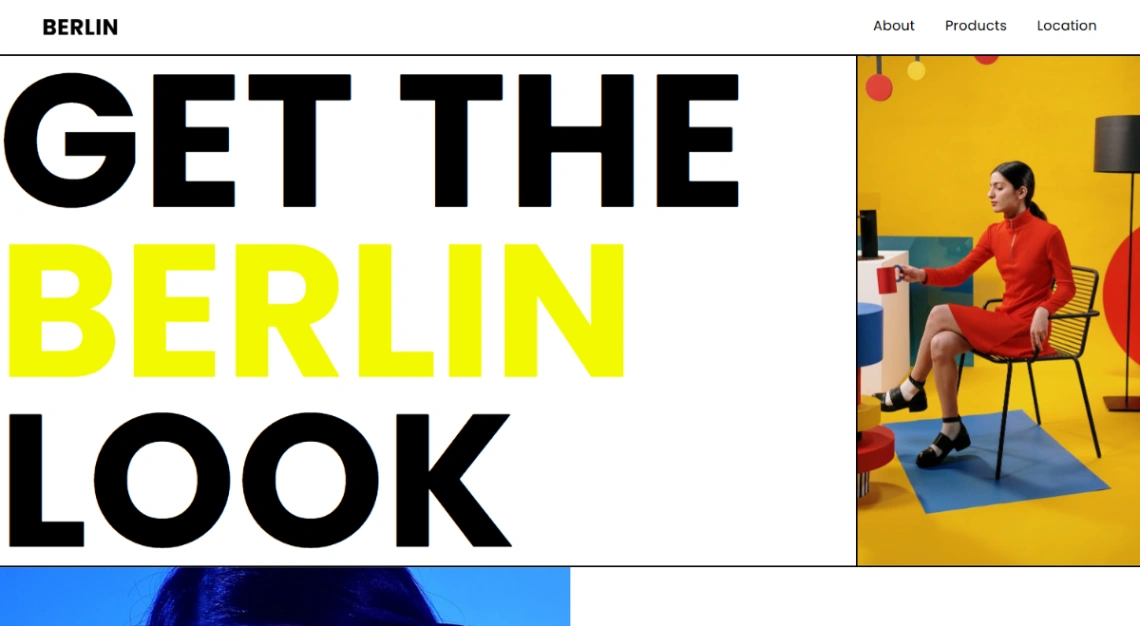
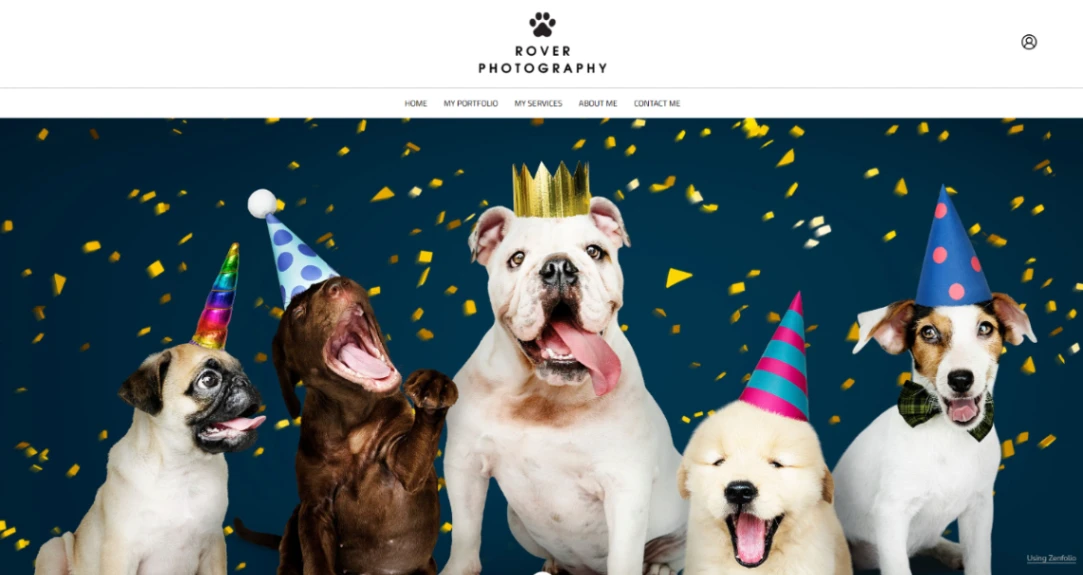
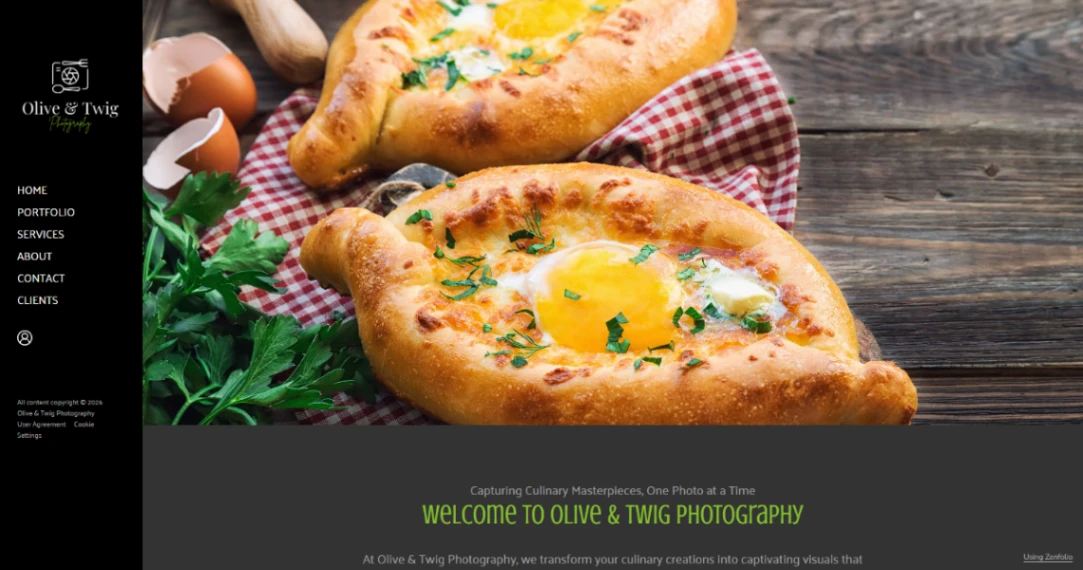
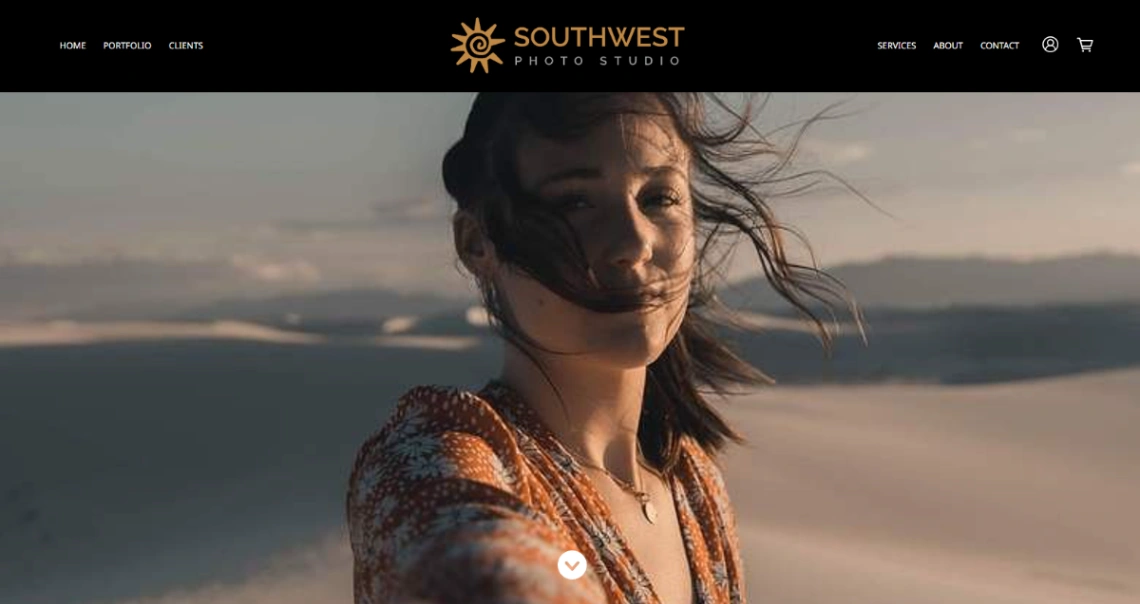
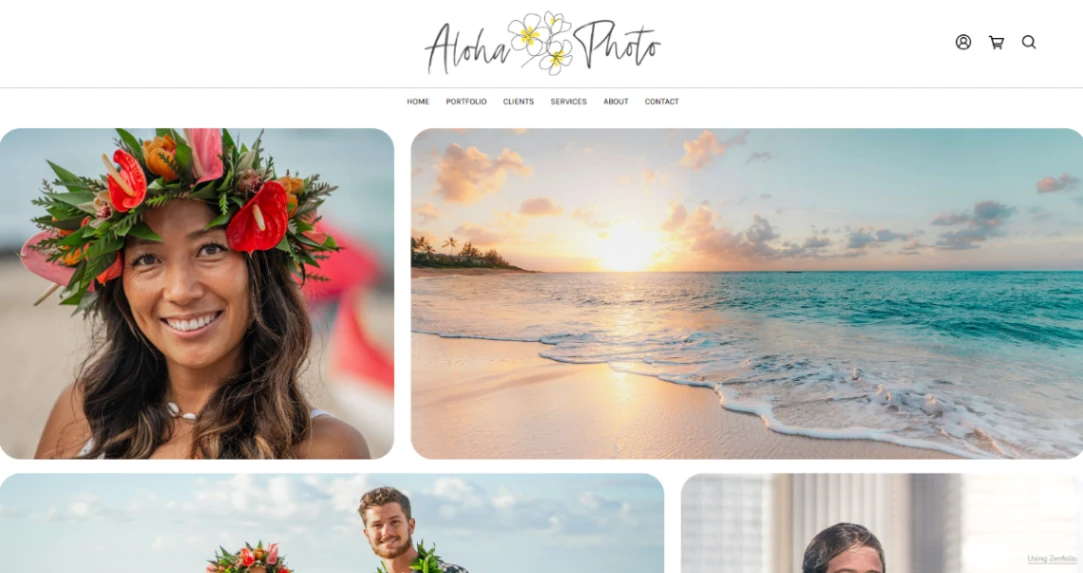
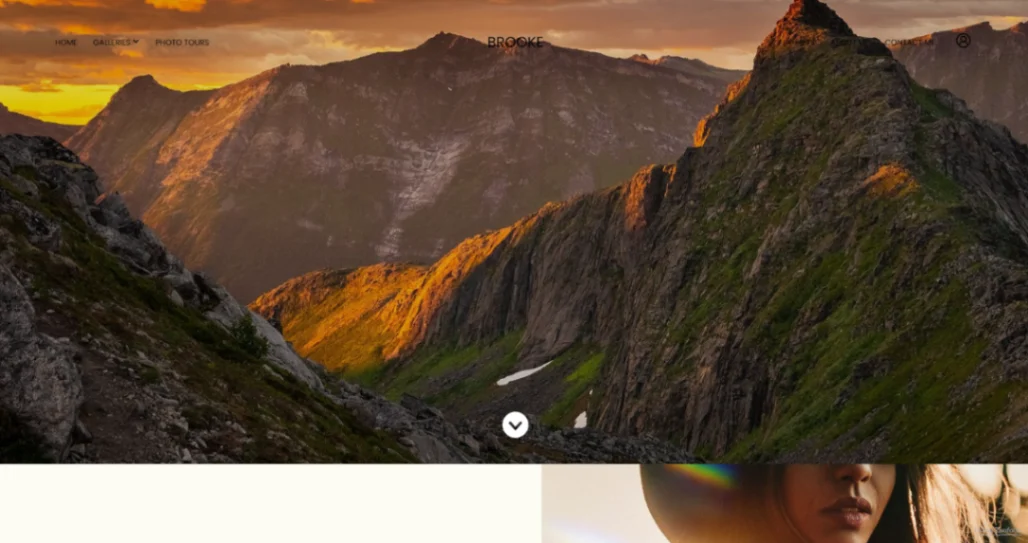
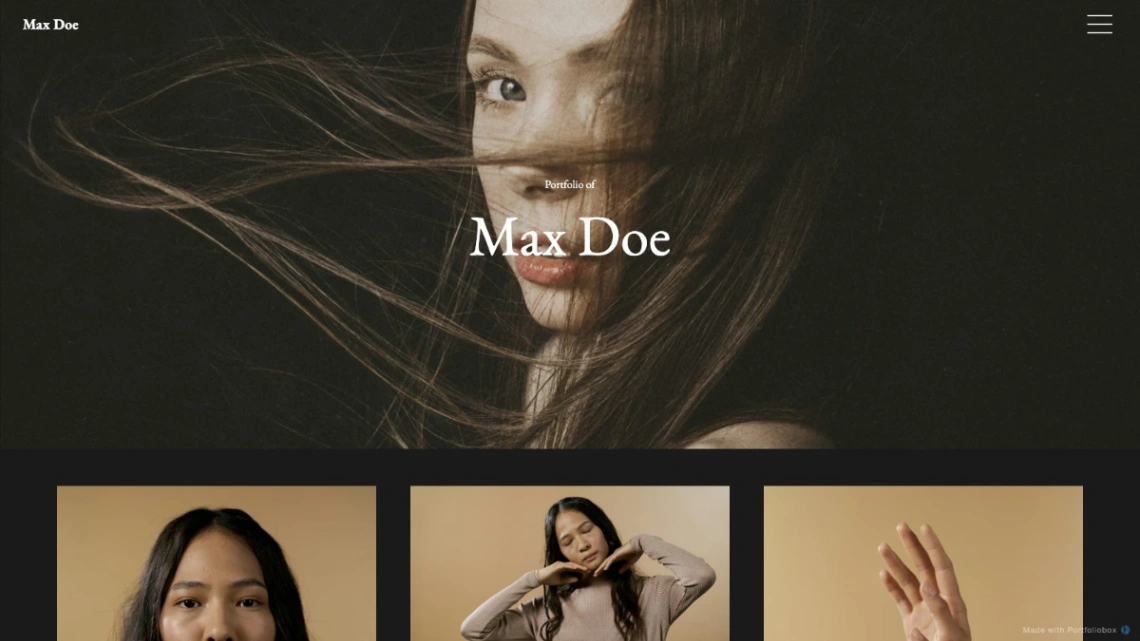
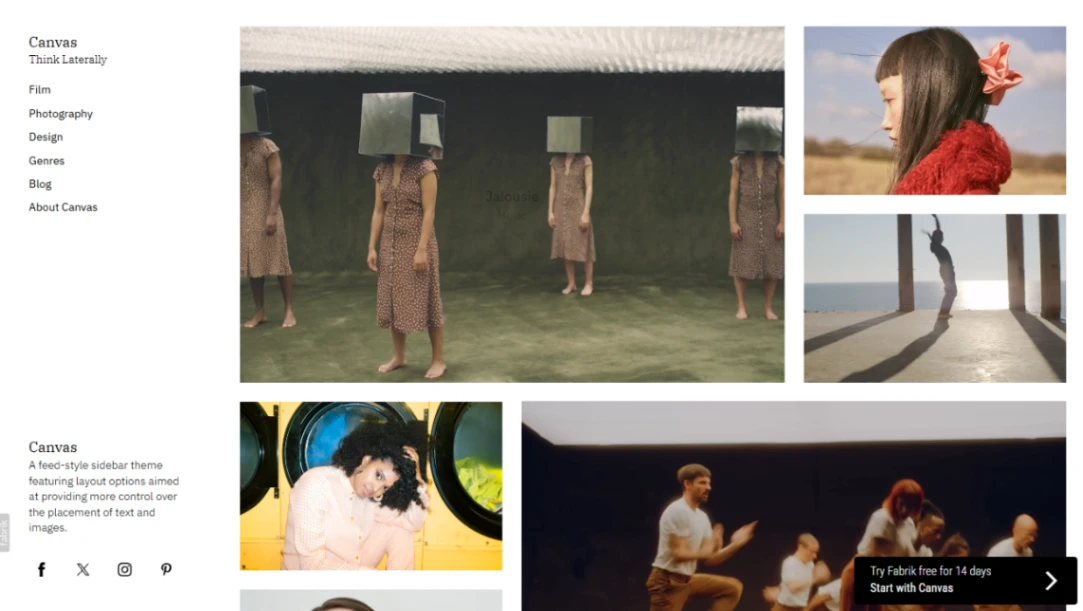
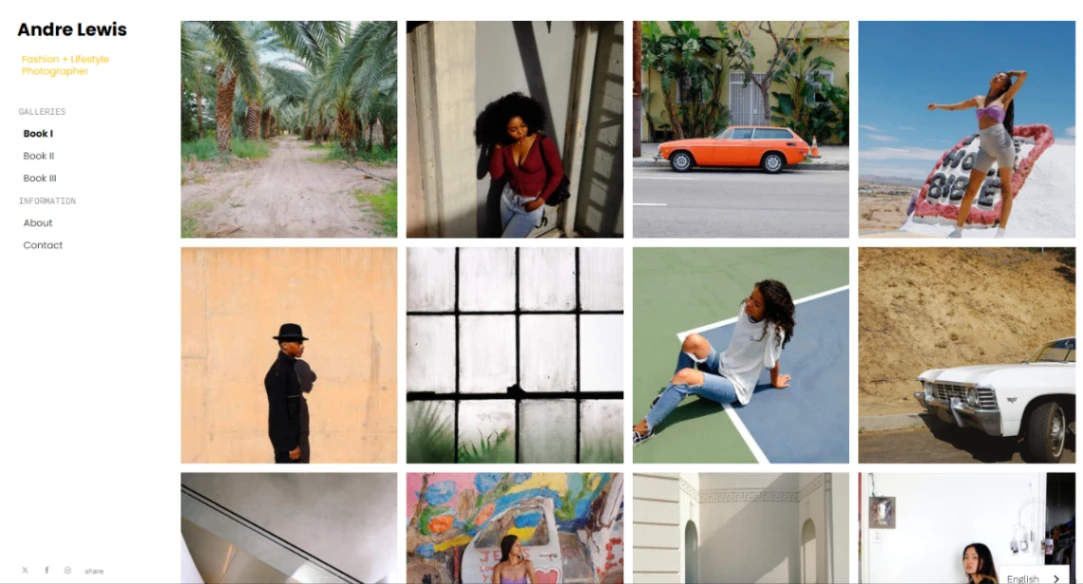
Whatever template you choose will recompress, resize and reformat every image you upload — so test with your own files, not the demo's. Upload a contrasty test gallery and inspect it on a large screen and a cheap phone: sharpening artifacts, muddy blacks and color shifts show up immediately, and they differ between platforms far more than photographers expect. The template's job is to stay out of your images' way.
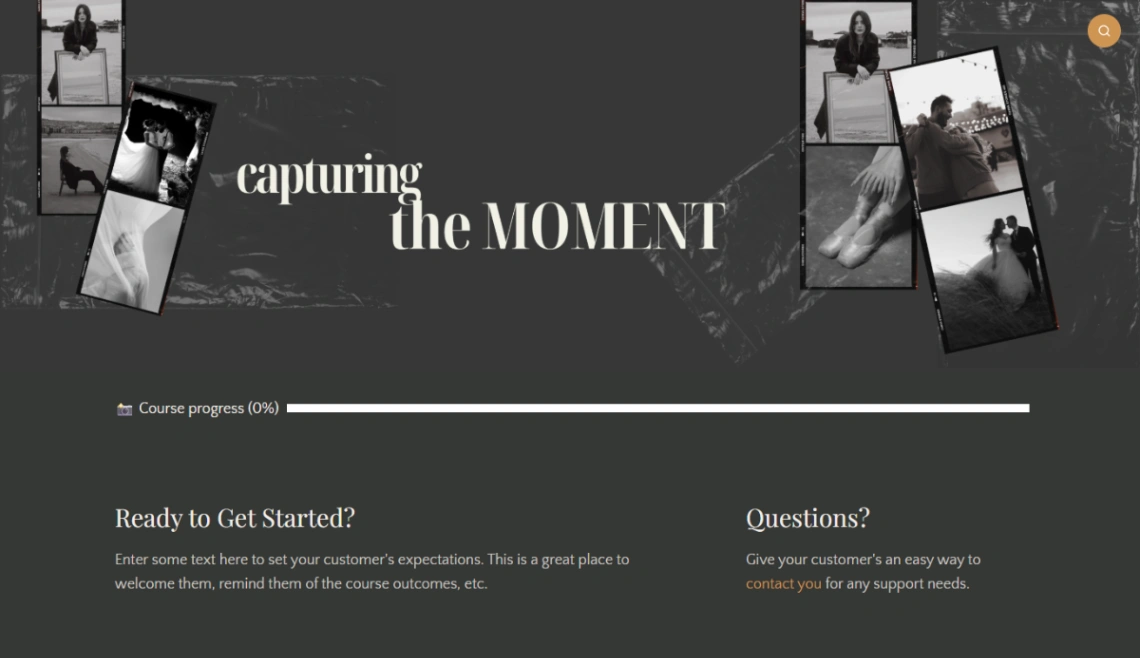
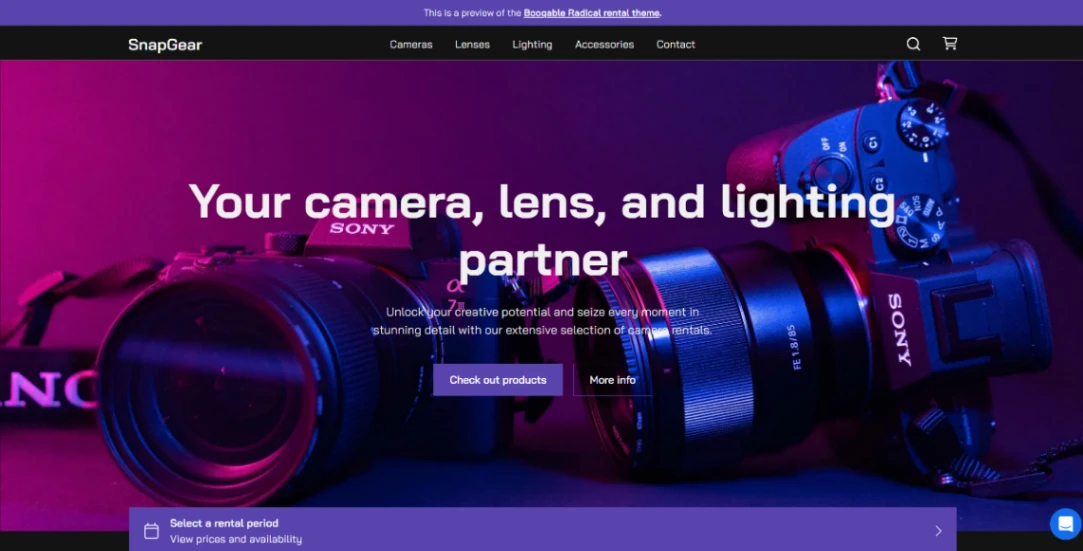
If clients pay you, weigh the pipeline over the pixels. The working photographer's site handles shoot-to-delivery: password-protected galleries, client selects, download delivery, print orders. Templates on photography platforms carry that whole chain natively, replacing a separate proofing subscription; display-only designs are fine for being admired, wrong for running a business. The proofing-capable platforms sit in the pinned picks at the top of this page.
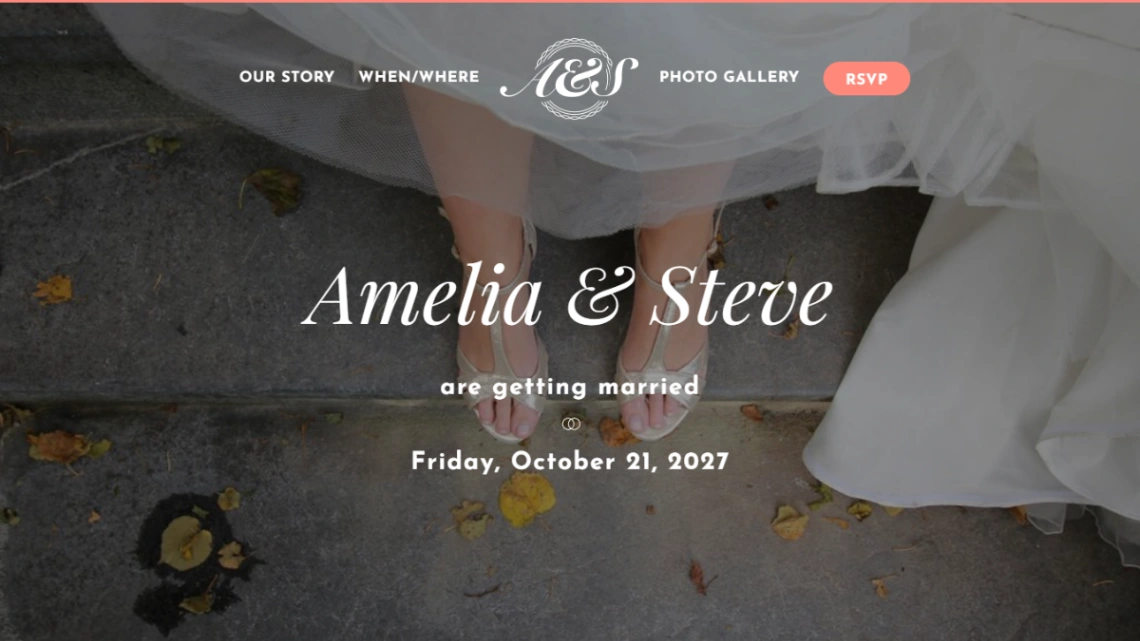
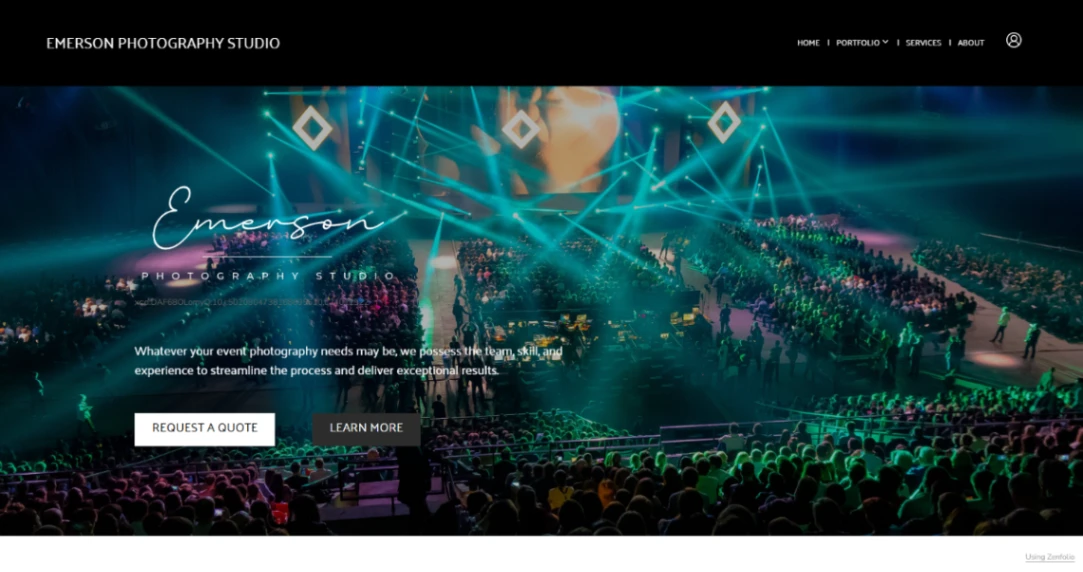
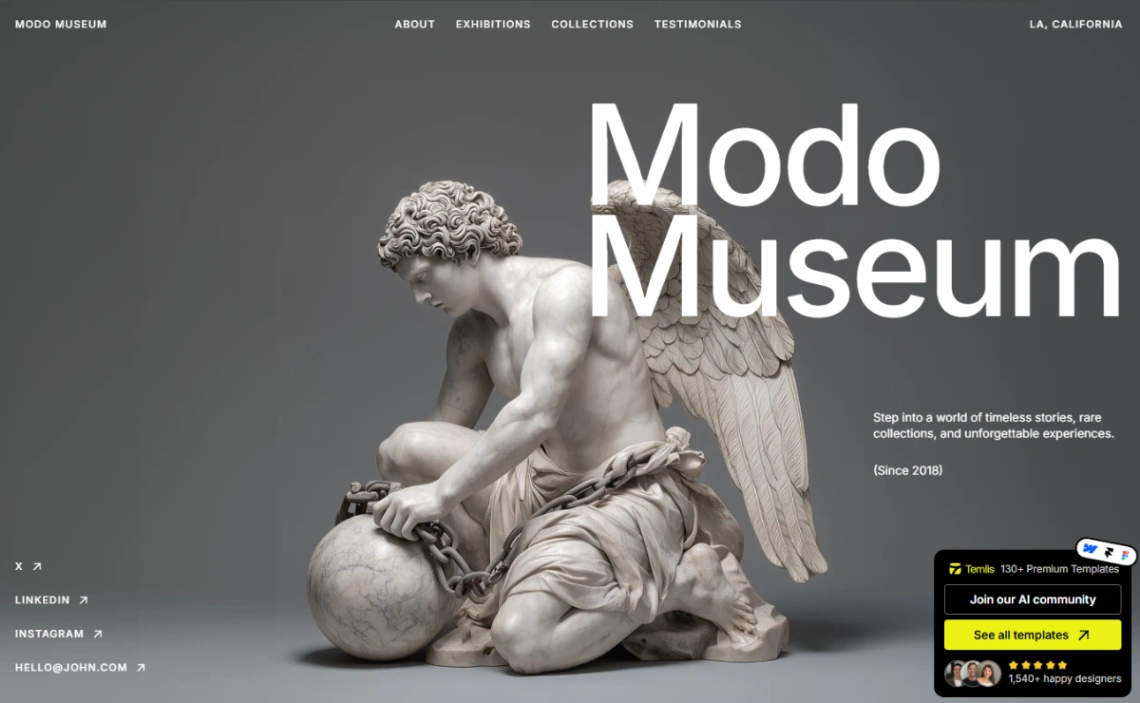
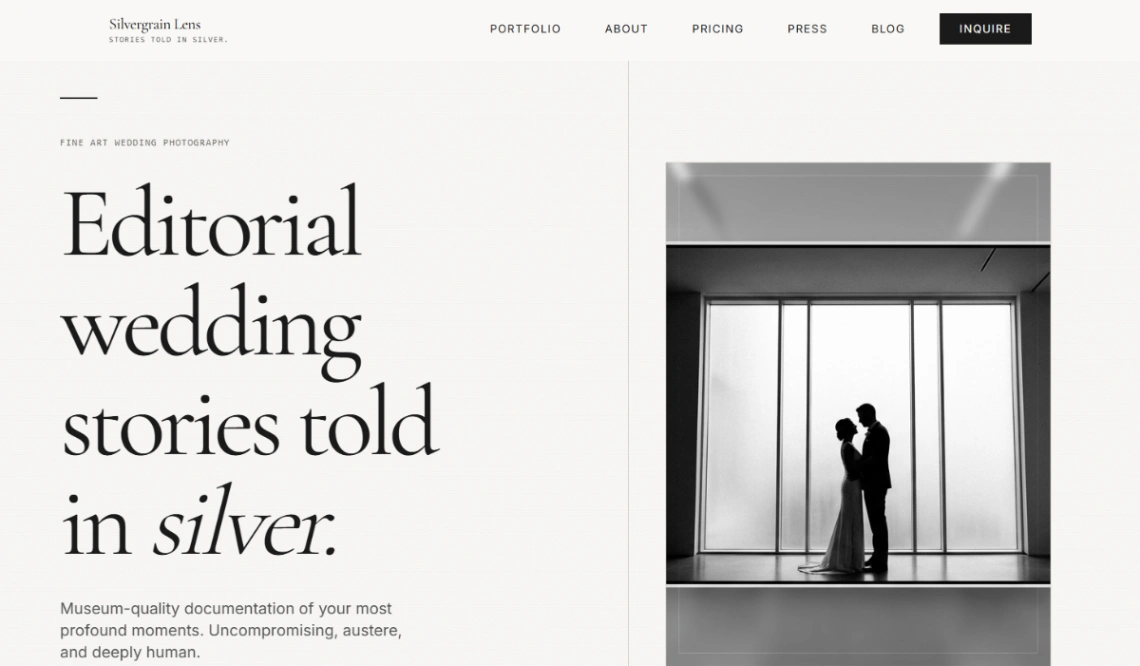
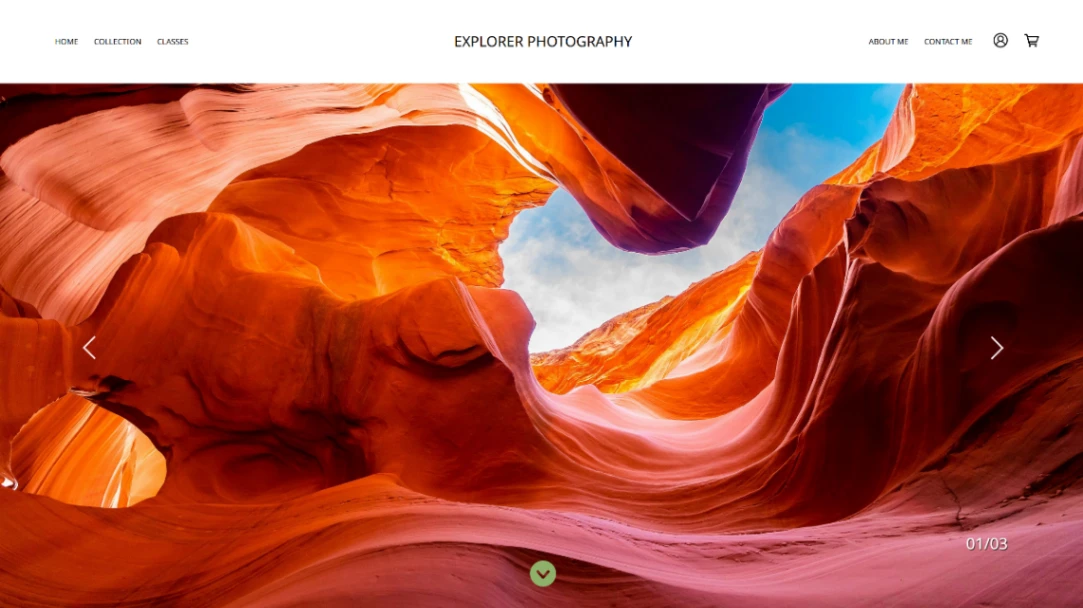
Genre shapes structure more than style does. Wedding photographers need per-event galleries with client access and an inquiry flow; commercial shooters need campaign-style case pages; fine-art photographers need edition and print-sales structure. The inventory here covers all three, and a template built for the wrong genre fights your workflow even when it looks right.
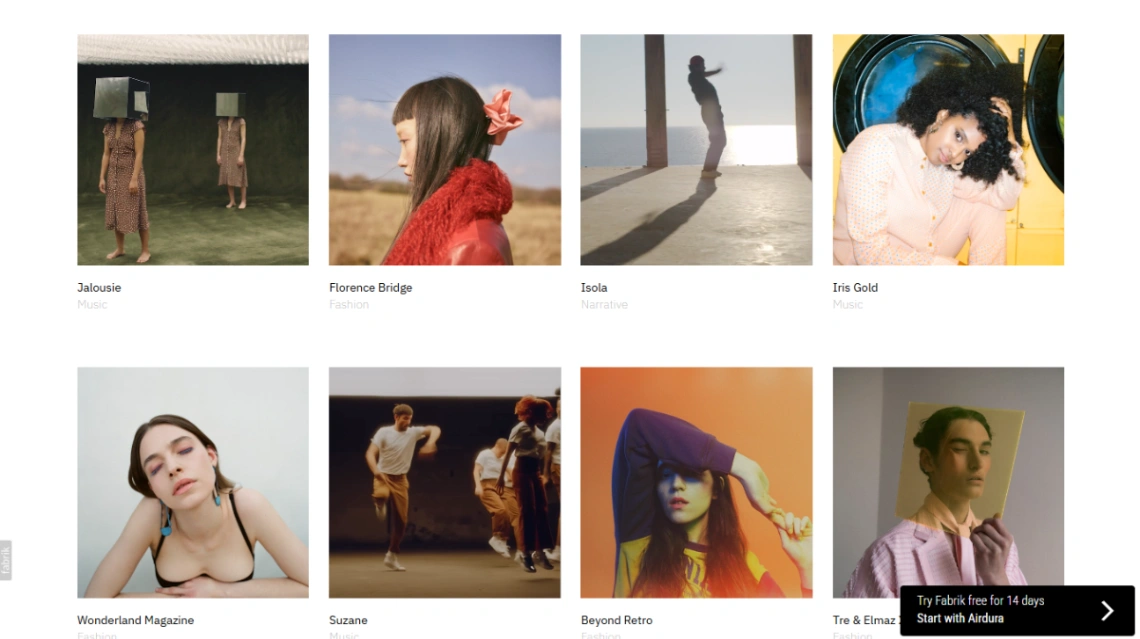
Then the discipline: weight. Image-heavy pages are the slowest sites on the mobile web, and an inquiry lost to an eight-second load is invisible — you'll never know it happened. Favor templates with real lazy loading and paginated galleries, and watch the first-load experience on a slow connection before you commit. That first load is your portfolio's handshake — the photographs never get seen if it fumbles.
FAQ







