
Airtable
Sophisticated workflows in minutes, not months
Airtable is a cloud-based platform that combines the simplicity of a spreadsheet with the power of a complex relational database. It enables teams to build custom applications and automated workflows to manage projects, customer data, and content pipelines without writing code.
Team
Business
10
ready to use- AI App Builder
- AI Agents
- No-Code App Building
- Relational Database (HyperDB)
- 100M+ Record Scale
- Interface Designer
- Custom Views
- Automations
- Reporting & Analytics
- Portals
- Real-Time Collaboration
- Role-Based Access Control (RBAC)
Airtable at a glance
Overall Score
Airtable is a relational database dressed up as a spreadsheet, letting you link records across multiple tables and view the same data as a grid, Kanban board, calendar, gallery, or Gantt chart. It's built for content pipelines, inventories, project tracking, and custom CRMs where a plain spreadsheet stops being enough.
Who it's for: teams and individuals who want to design their own operational systems from scratch, custom fields, formulas, linked records, without hiring a developer. It's flexible enough to model almost any workflow, but that same blank-canvas freedom means someone has to actually architect it well, or it turns into a mess down the line.
Pros
- Genuinely flexible field types, from dropdowns and attachments to formulas, that let you shape the database around your actual process
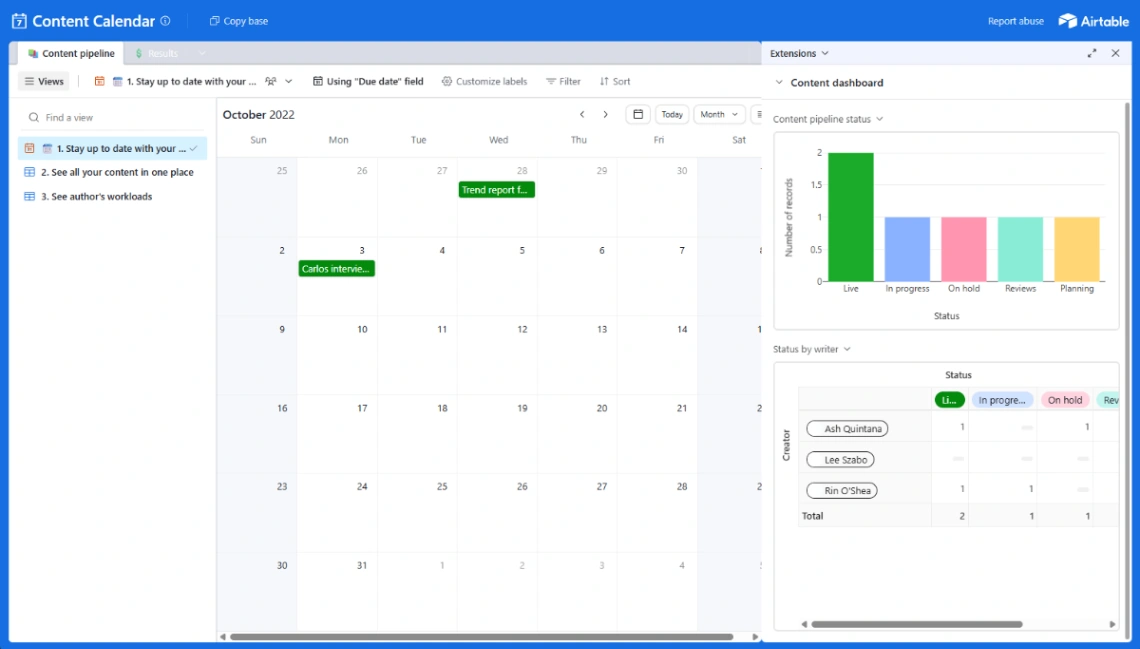
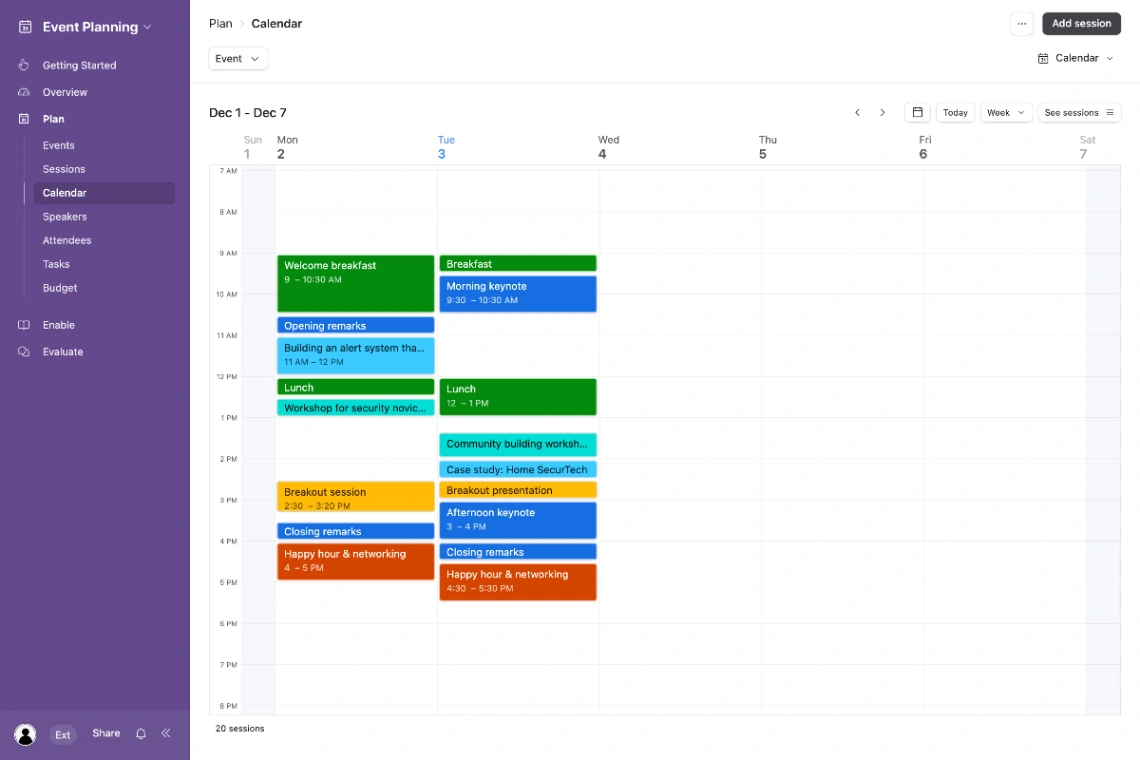
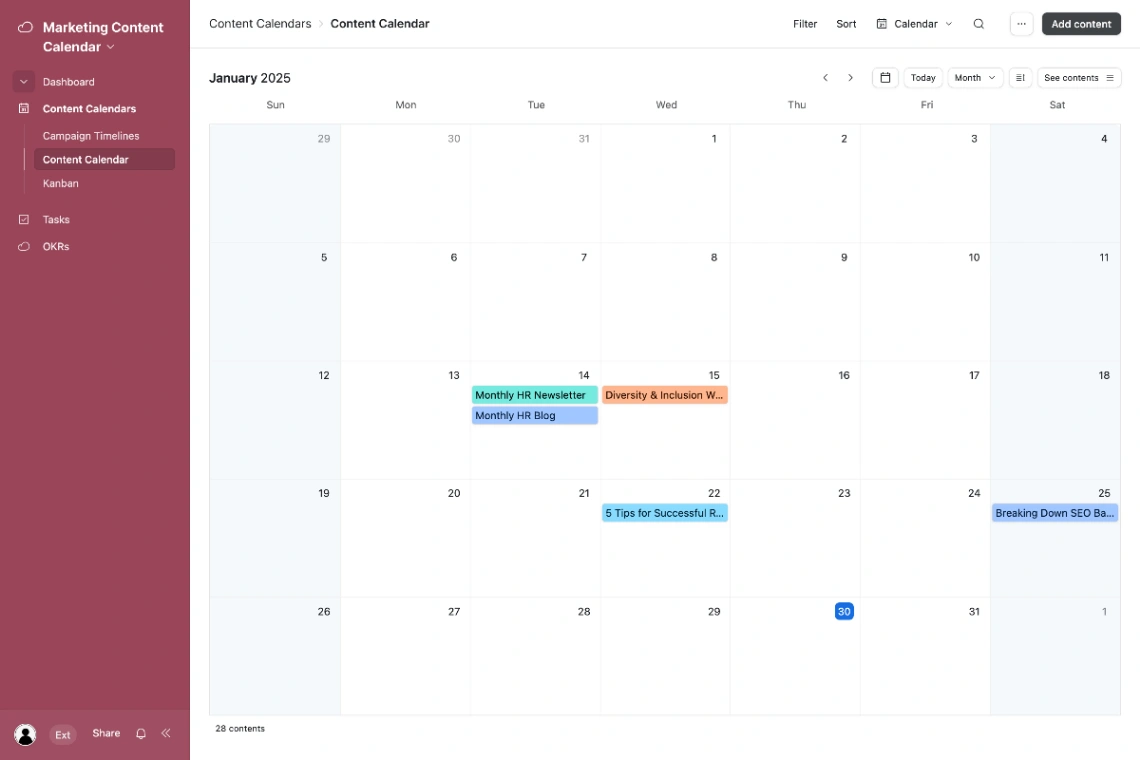
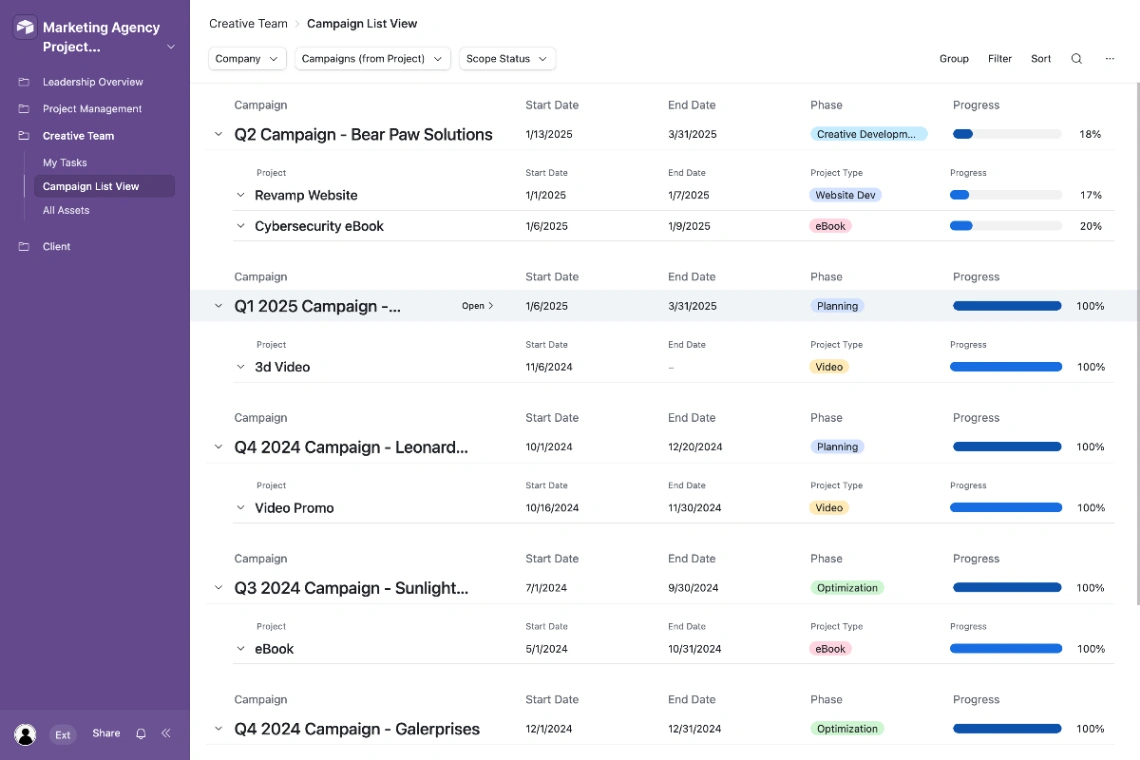
- Same underlying data flips instantly between Grid, Kanban, Calendar, Gallery, Gantt, and custom Interface views
- True relational structure with many-to-many linked records, so you're not duplicating data across separate sheets
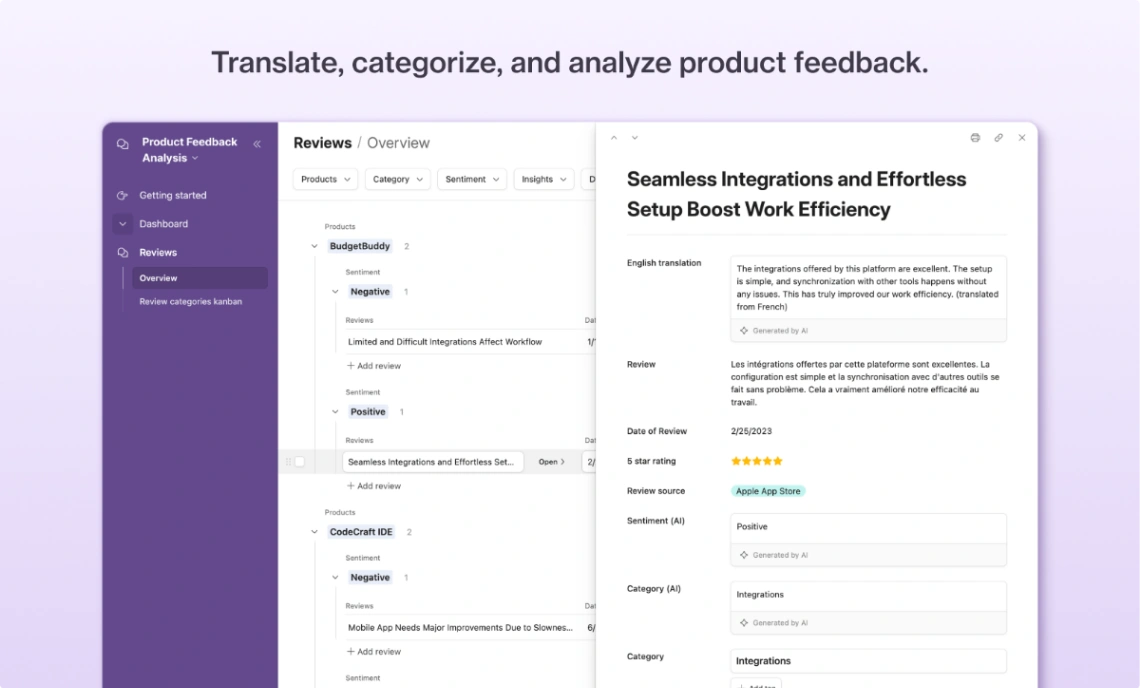
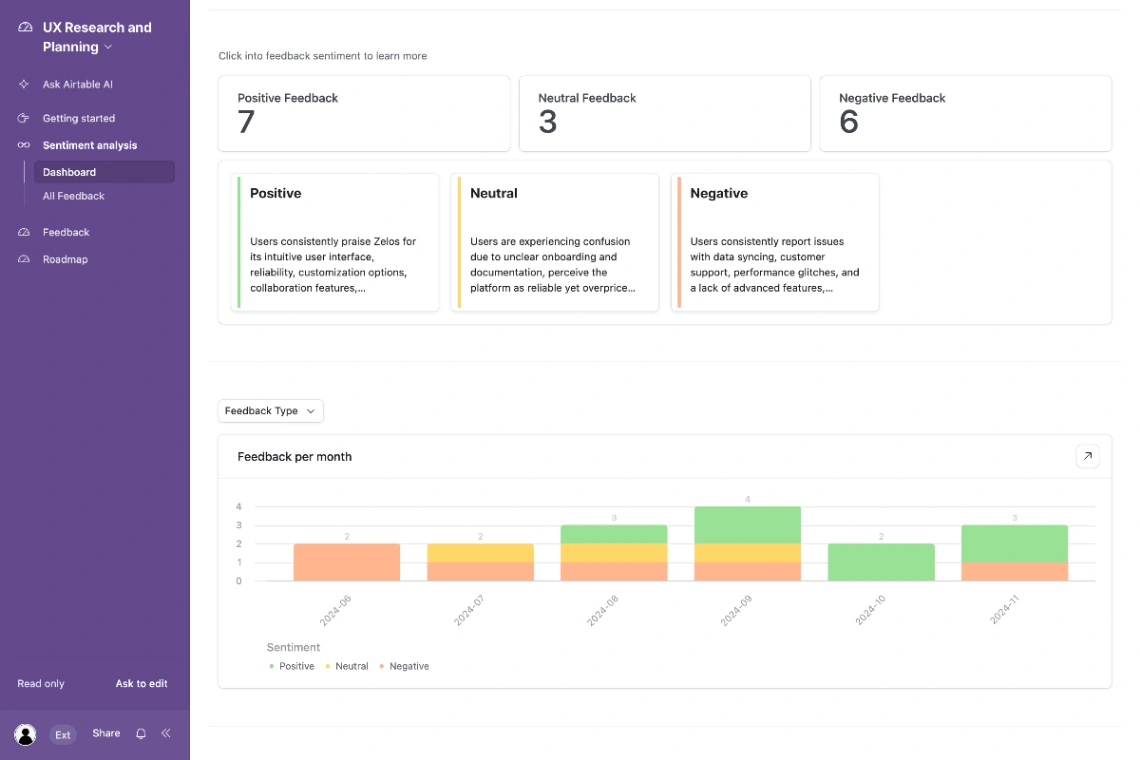
- Built-in automations plus AI features for summarizing text or categorizing feedback cut down on needing external tools
- Clean, modern interface that feels a lot less clunky than legacy database software or old-school enterprise CRMs
- Handles standard data tracking and basic layouts with almost no learning curve
Cons
- Advanced features like complex conditional formulas, scripting extensions, and multi-table relational schemas have a real learning curve
- Performance can slow down noticeably once a base grows into the tens of thousands of rows or carries heavy nested automations
- Per-seat pricing adds up fast for growing teams, and there's little flexibility for smaller orgs or limited-access collaborators
- A base built as a "blank canvas" can turn into a tangled mess of formulas that's hard to maintain if the original builder leaves
Airtable works because it doesn't force you into someone else's idea of what your workflow should look like. You build the tables, the views, and the automations around your actual process, and for teams running content calendars, inventories, or custom CRMs, that flexibility is the whole appeal. Basic use is nearly instant to pick up, which is part of why it's so widely adopted.
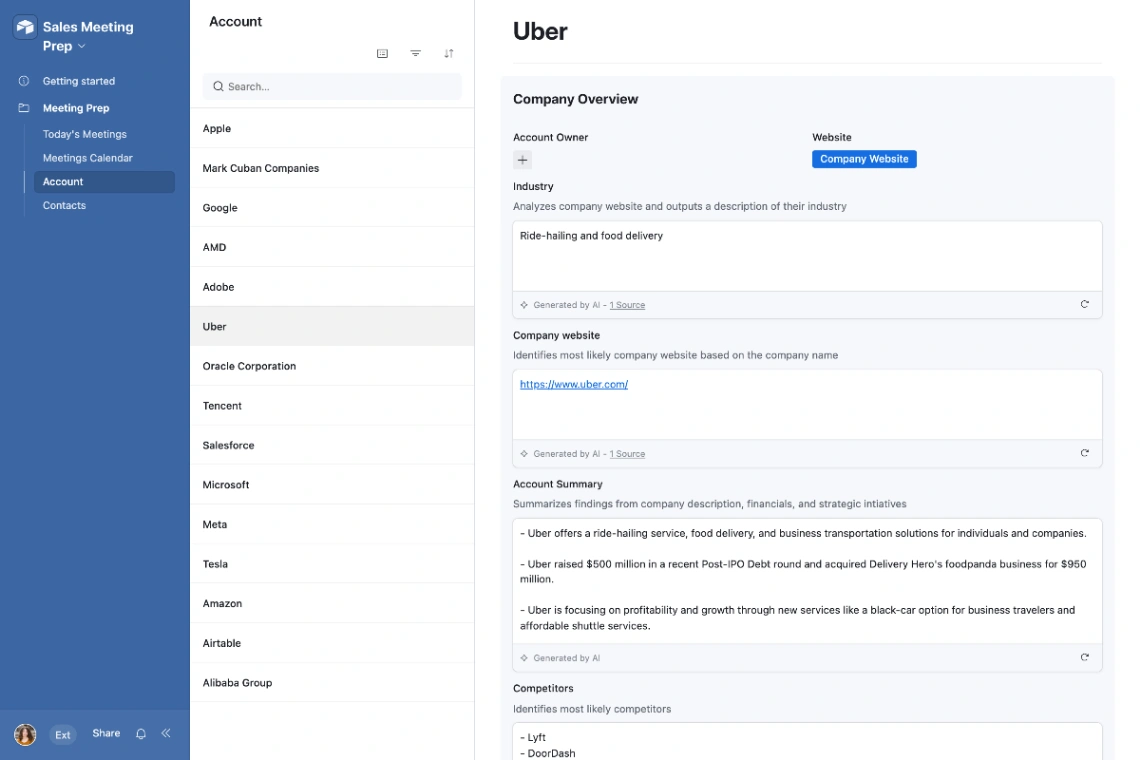
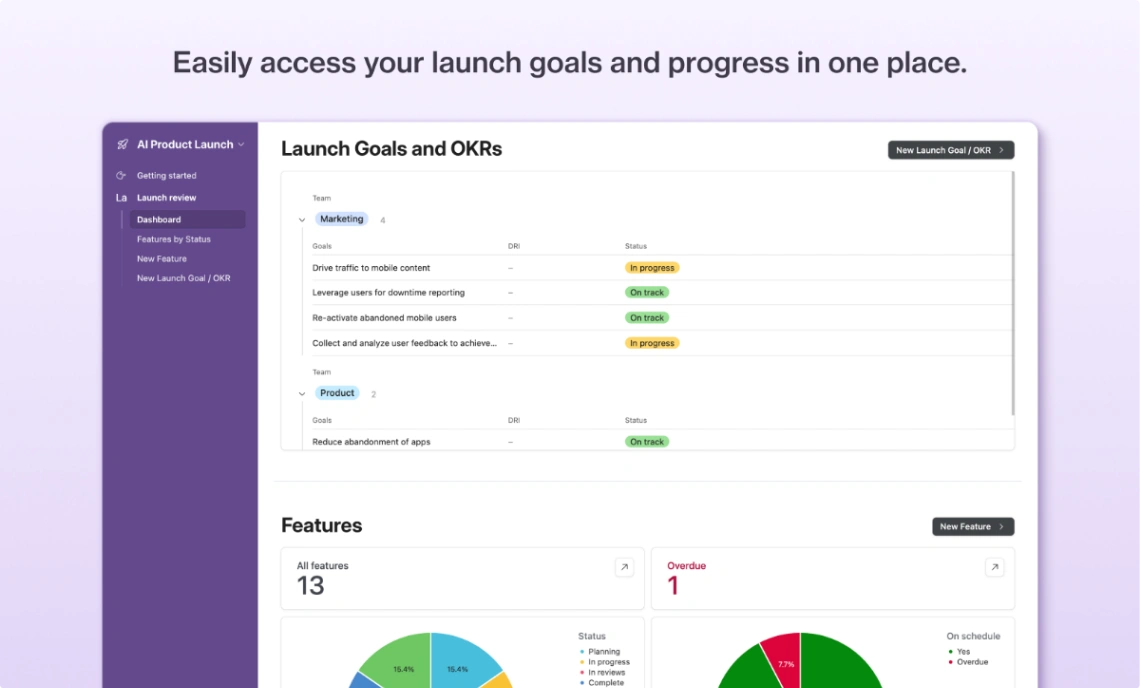
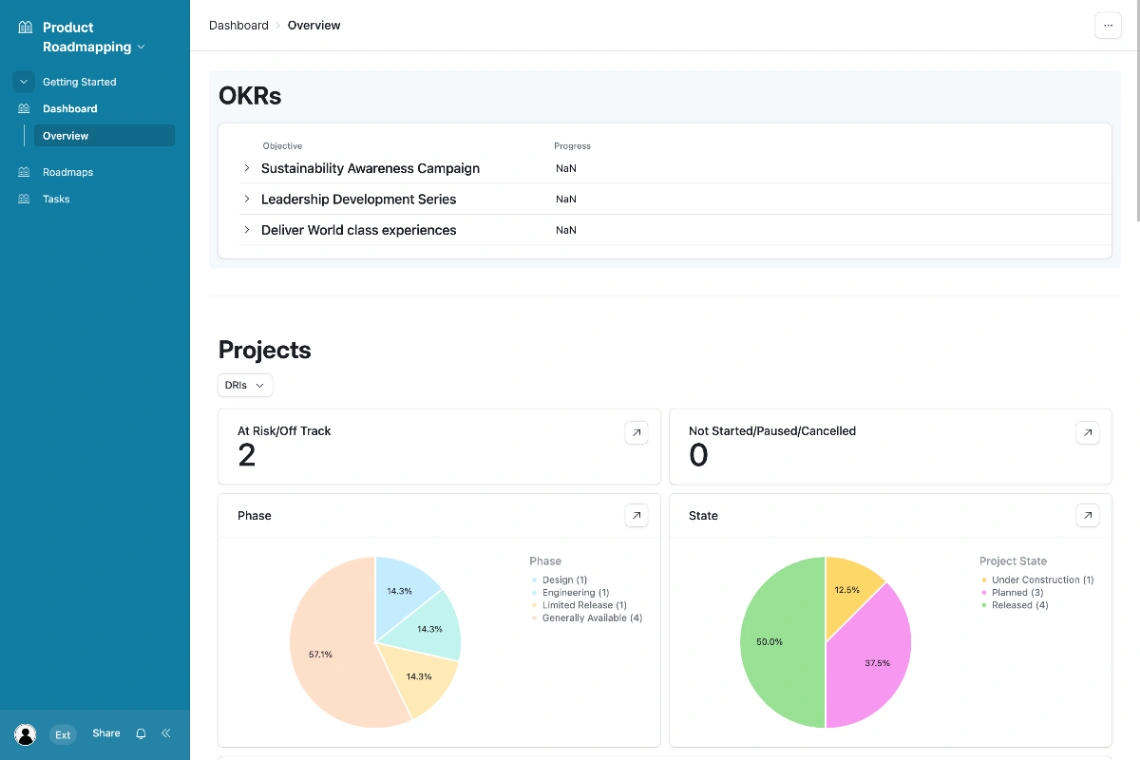
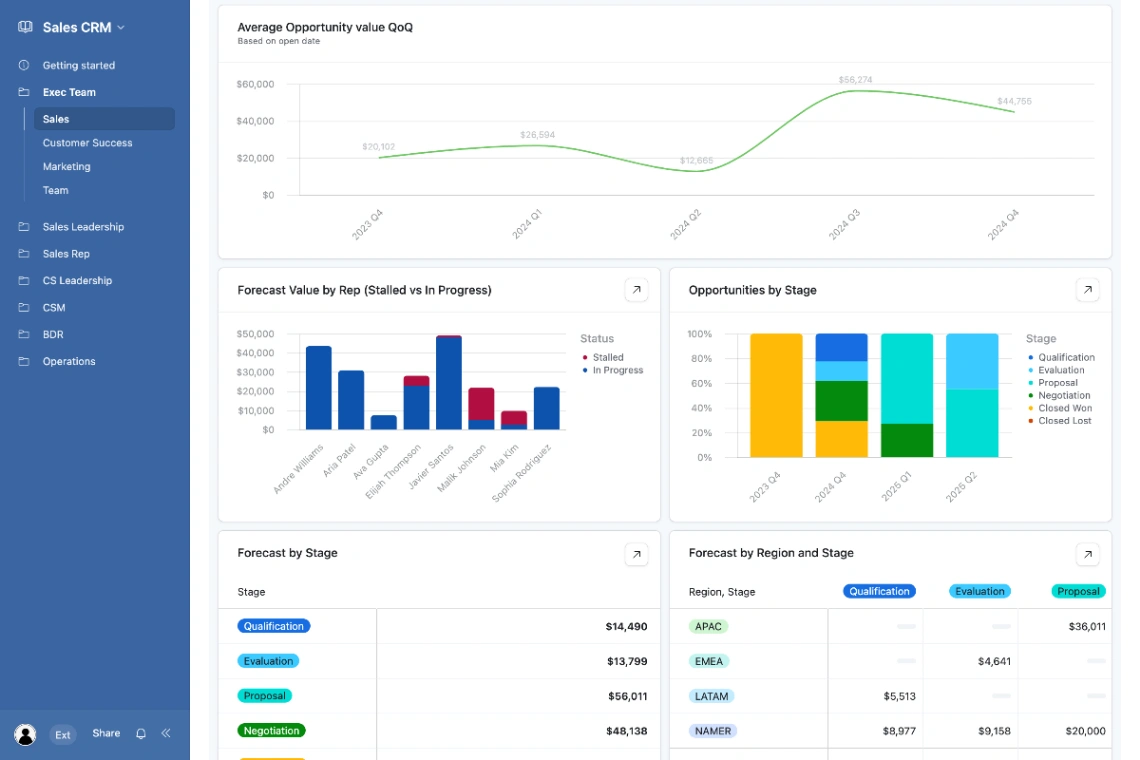
Best Templates from Airtable
Explore stunning templates built with Airtable.
Similar tools to Airtable
 NocoDBWeb App Builder
Build Databases As Spreadsheets No-Coding Required
 ReplitWebsite BuilderWeb App BuilderMobile App Builder
Turn ideas into apps in minutes — no coding needed
 NolocoWeb App BuilderMobile App Builder
A better way to run your firm, built by AI
 CaspioWeb App Builder
Custom Enterprise Apps Built with Low Code + AI
 BlinkWebsite BuilderWeb App BuilderMobile App Builder
Build websites, SaaS, and mobile apps in minutes by chatting with AI.
 TadabaseWeb App Builder
Custom Applications, Better Workflows, No-Code Flexibility
 SoftrWeb App BuilderMobile App Builder
Build business apps with AI – that actually work
 BlocksWeb App Builder
Your business, running on AI.