
Blocks
Your business, running on AI.
Blocks is a no-code platform for building custom work applications and AI agents in minutes. It features a marketplace of community templates for CRMs, project management, and specialized internal tools. Users can create autonomous AI workforces that integrate with Slack, Google Workspace, and various CRM systems to automate complex workflows.
Pro
Expert
Business
10
ready to use- Prompt-to-App Builder
- AI Agent Builder
- Built-in Database
- Custom UI Builder
- Automated 24/7 Workflows
- Multi-Agent Coordination
- Web Search & SMS Tools
- Role-Based Permissions
- Personalized Stakeholder Views
- Template Marketplace
- HubSpot & Slack Integrations
- Google Workspace Sync
Blocks at a glance
Overall Score
Blocks (blocks.diy) is an AI-first, no-code development platform for generating custom work applications, CRMs, client portals, and automated AI agents from plain natural language prompts. Its AI assistant, Ella, translates spoken or typed business logic directly into functional tools with drag-and-drop views, permissions, and backend automations.
Who it's for: founders, solo agents, freelancers, and SMB operations teams looking to replace rigid, expensive off-the-shelf SaaS tools with fully bespoke internal apps built through conversational "vibe coding."
Pros
- Prompt-to-app generation requires no technical skills, describe a business workflow like a lead-nurturing CRM with commission calculations, and the AI builds the UI and logic
- Includes integrated multi-agent automation, agents can work in the background to scrape data, score leads, or automatically update CRM records
- Connects natively with a rich ecosystem including Google Workspace, Slack, HubSpot, Monday.com, Airtable, Notion, Jira, LinkedIn, and Snowflake
- Genuinely fluid design and visual flexibility, users don't have to fight complex layout engines to tweak views, roles, and permissions
- Offers a full-featured free tier to test concepts, with paid plans significantly cheaper than per-seat enterprise tool pricing
Cons
- Relies on a credit-based usage model, Builder Credits and Usage Credits, meaning power users running continuous background AI tasks can burn through lower-tier quotas
- As a newer platform, its repository of pre-built community extensions or third-party marketplace templates is smaller than mature web builders
- Native deployment options are streamlined for everyday apps but relatively basic for developers seeking advanced DevOps control or deep infrastructure pipelines
Blocks genuinely delivers on replacing rigid, expensive off-the-shelf SaaS tools with custom-built internal apps described in plain language. For founders and SMB operations teams who've felt boxed in by generic CRM or task-tracking software, describing exactly the workflow you need and getting a working app back is a real, tangible advantage, and the integrated AI agents doing background work like lead scoring add genuine ongoing value beyond just the initial build.
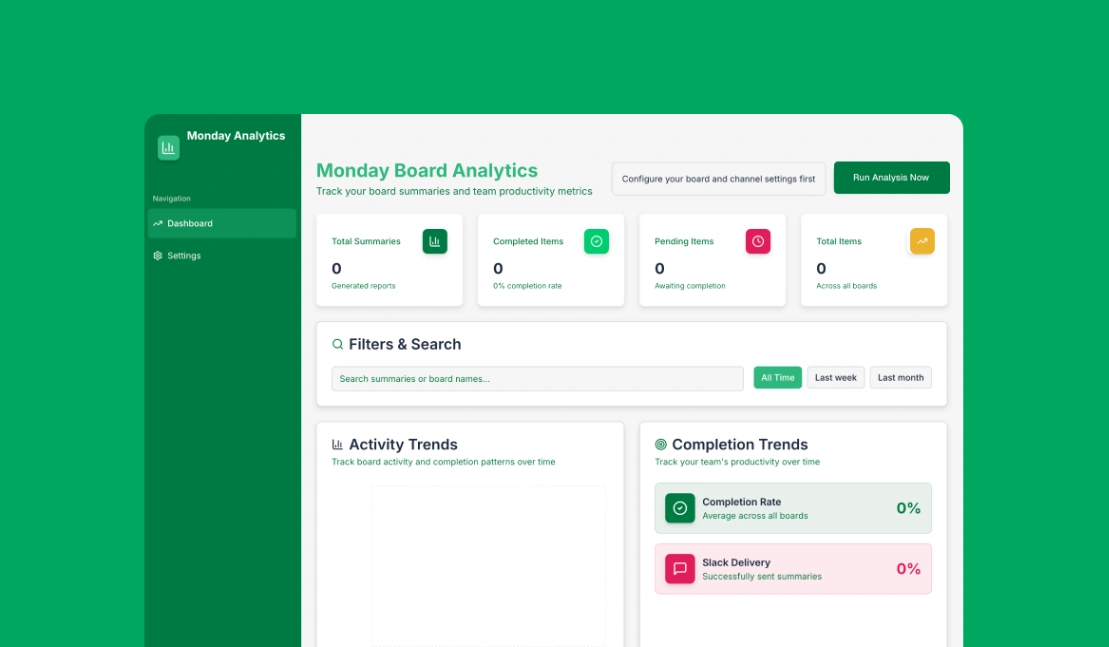
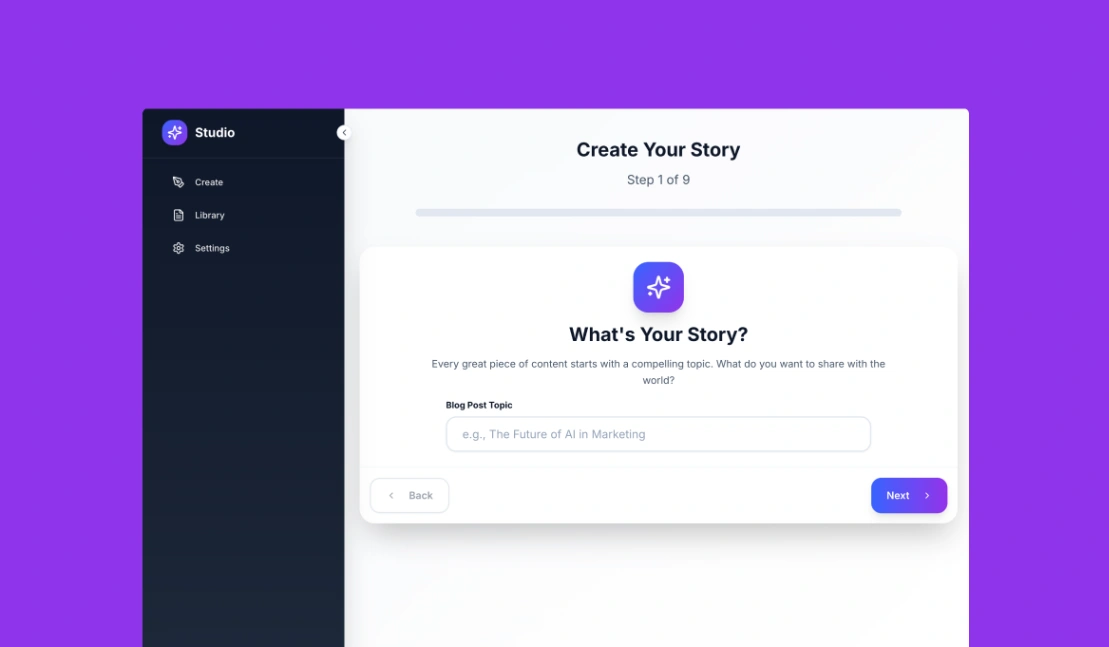
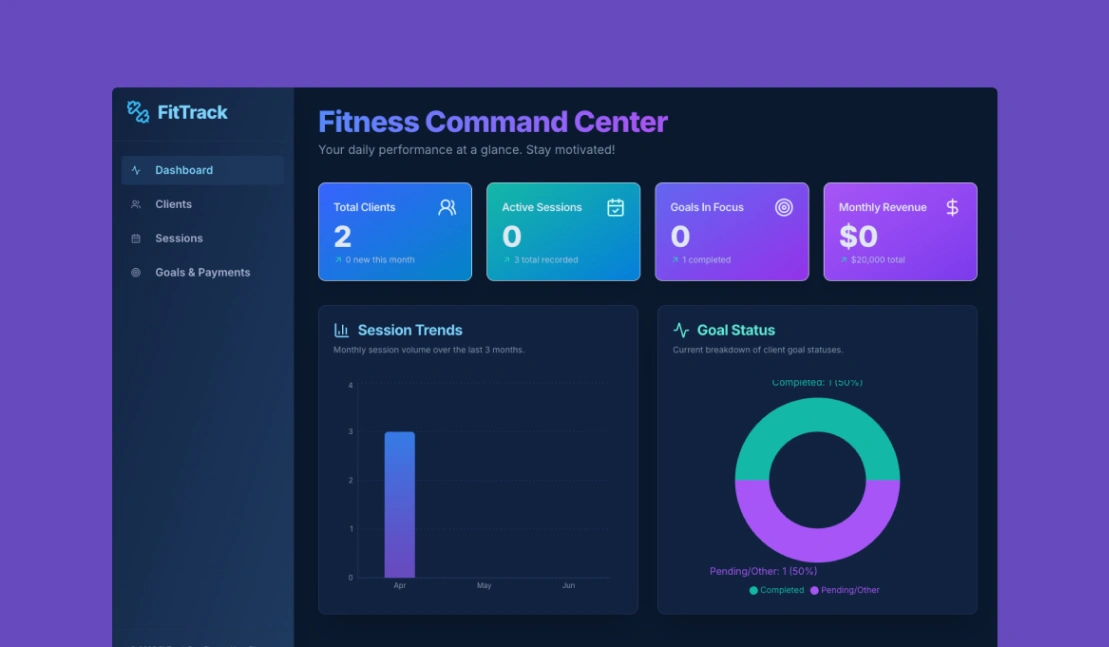
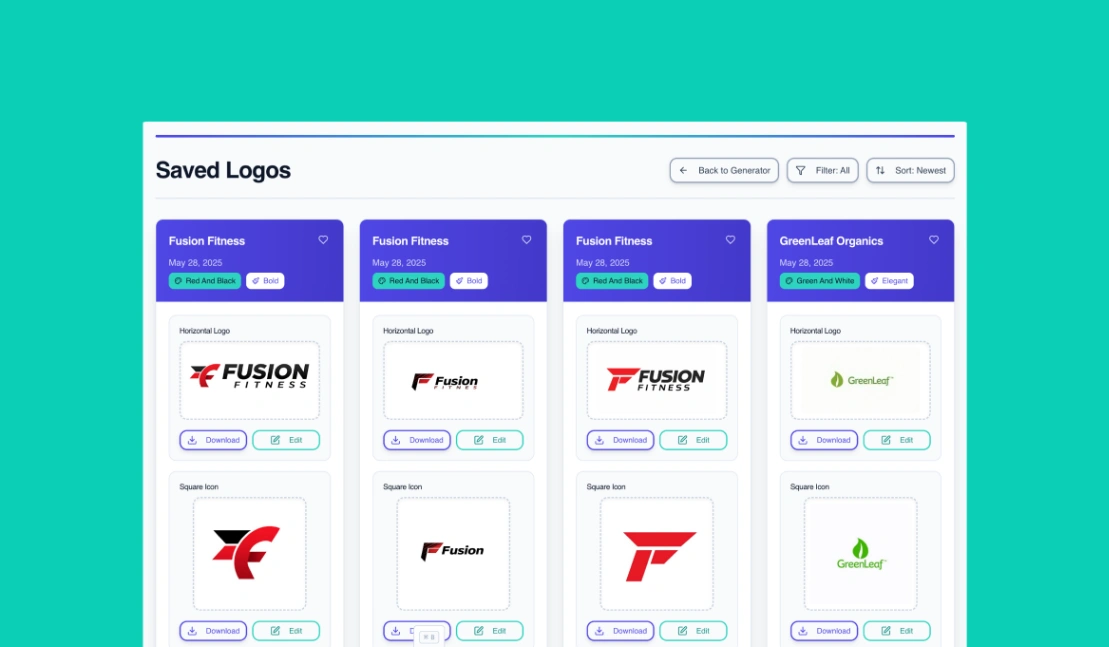
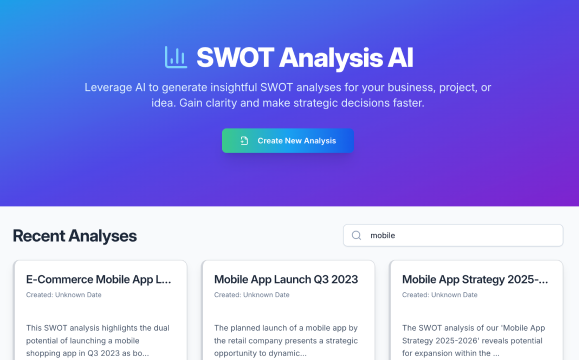
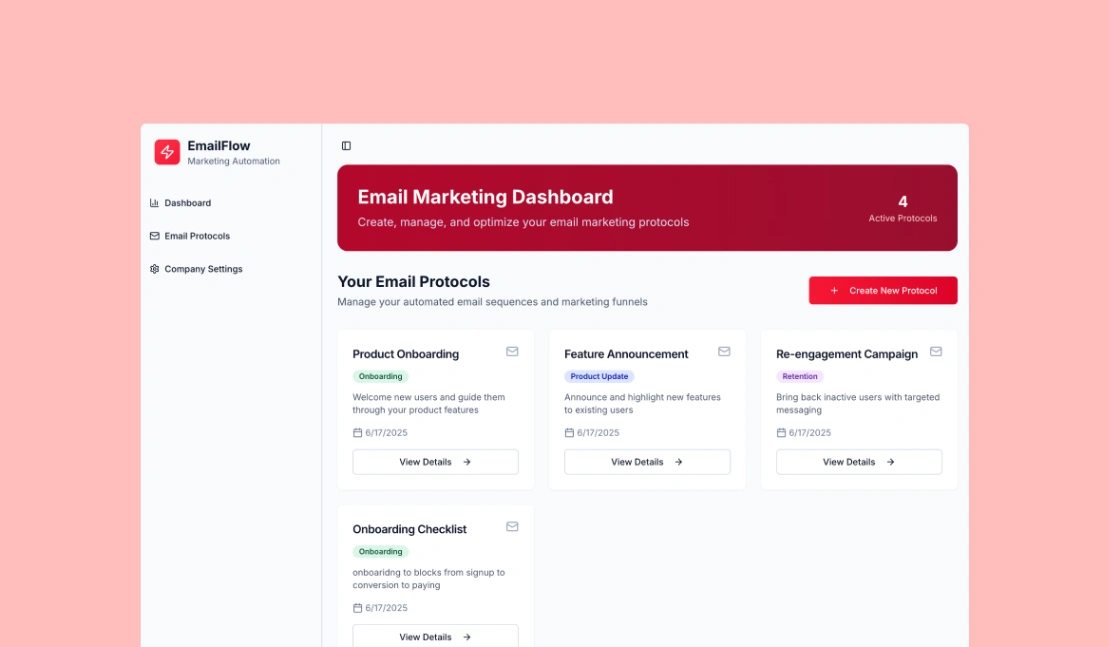
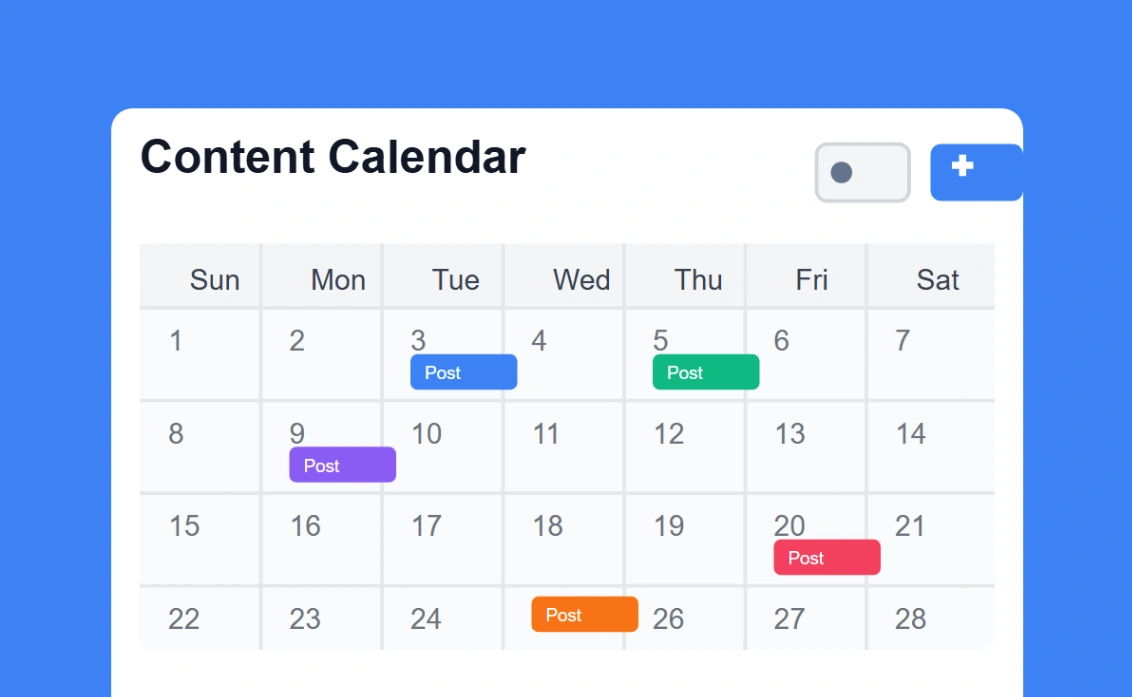
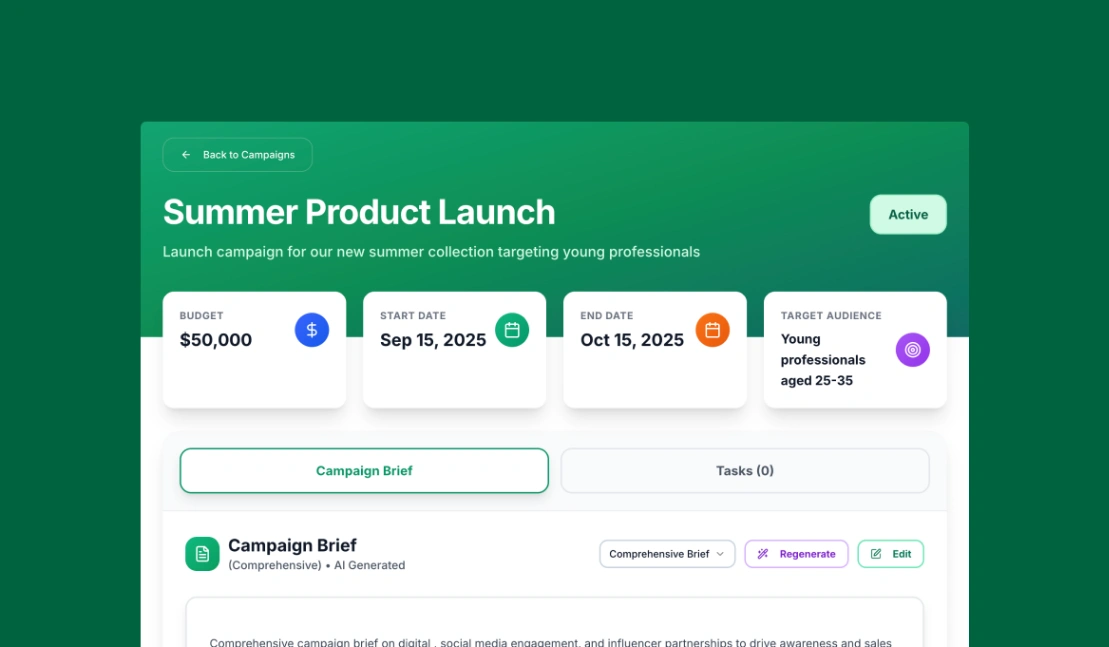
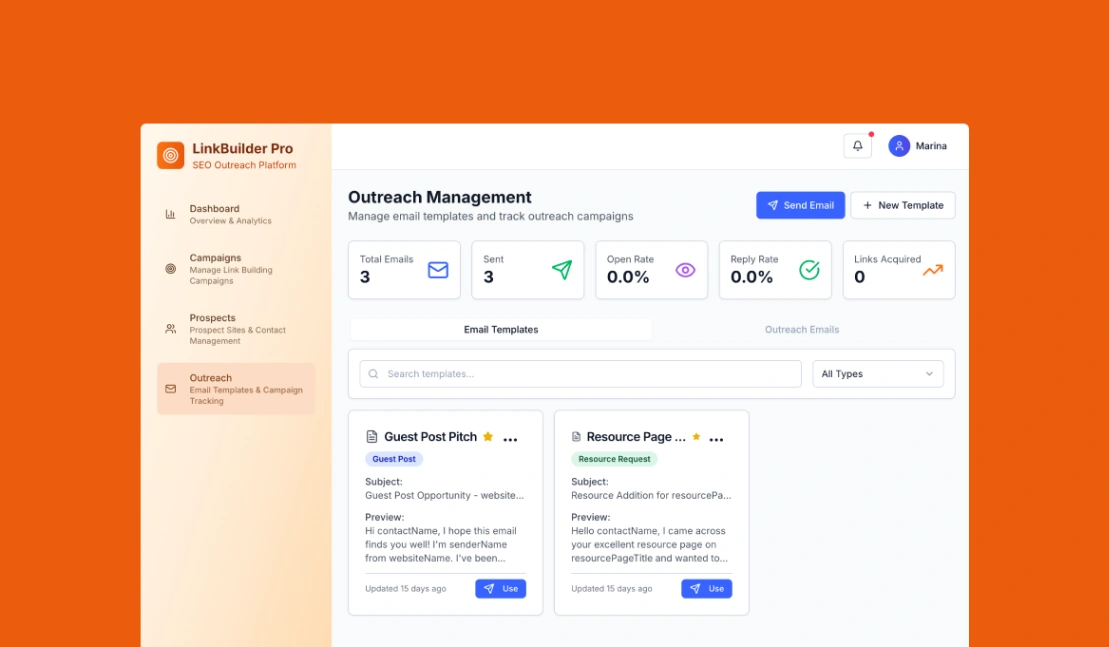
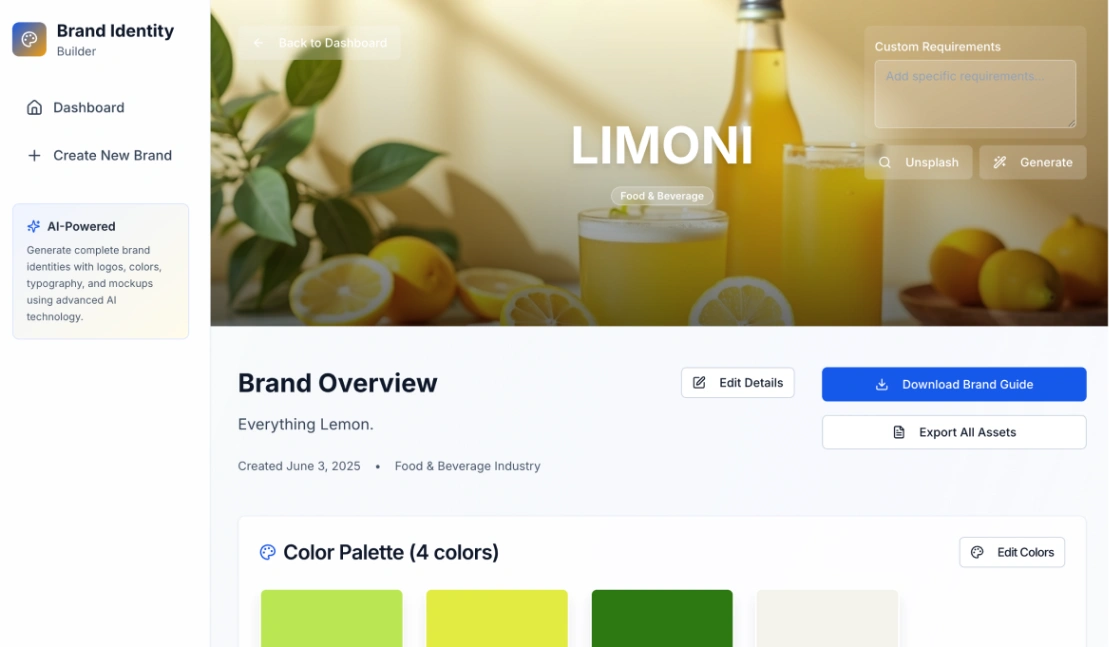
Best Templates from Blocks
Explore stunning templates built with Blocks.
Similar tools to Blocks
 WhalesyncWeb App Builder
Two-way sync that keeps your data whole
 BlinkWebsite BuilderWeb App BuilderMobile App Builder
Build websites, SaaS, and mobile apps in minutes by chatting with AI.
 AirtableWeb App Builder
Sophisticated workflows in minutes, not months
 TadabaseWeb App Builder
Custom Applications, Better Workflows, No-Code Flexibility