Framer
AI website builder for standout sites
Framer is a premier "design-to-publish" platform that allows users to build high-performance, interactive websites directly on a visual canvas. Unlike traditional builders, Framer is built on a React-native core, prioritizing smooth animations, micro-interactions, and real-time collaboration. It is designed to bridge the gap between design tools like Figma and live production, enabling designers to ship professional sites with advanced motion and a built-in CMS without writing code.
Free
Basic
Pro
Scale
20
ready to use- AI Site Builder
- AI Page Layout Generation
- Visual Designer
- Responsive Layouts
- Interactions & Animations
- Visual CMS
- Real-Time Collaboration
- Built-in SEO
- Managed Hosting
- Site Performance Optimization
- Native Analytics
- A/B Testing
Framer at a glance
Overall Score
Framer is a visual web design platform built around a React engine, letting design teams edit a Figma-like canvas and compile it directly into production-ready, SEO-friendly HTML and React output. It eliminates a lot of the traditional design-to-engineering handoff, which is why it's earned strong loyalty among agencies, marketing teams, and product designers.
Who it's genuinely for: professional designers and teams already fluent in tools like Figma who want pixel-level control and hardware-accelerated animation without hand-coding. Non-technical business owners and beginners tend to struggle here, since there's no rigid layout system stopping you from breaking your own responsive design.
Pros
- Genuinely eliminates the engineer handoff for marketing sites, edits on the visual canvas compile directly to clean, production-ready React and HTML
- Editor UI closely mirrors Figma, layers, frames, absolute and relative alignment, which flattens the learning curve for anyone coming from a design background
- Built-in animation framework (Motion) handles hardware-accelerated scroll transitions and 3D effects without writing custom JavaScript
- Hosting is fully automatic and globally distributed across 300+ CDN locations, with automatic image compression baked in
- Enterprise-tier support delivers a genuinely fast median first-response time under ten minutes
Cons
- Steep learning curve for anyone without responsive design fundamentals, relative sizing and flexbox behavior aren't intuitive if you've never worked with them
- AI credit consumption can be brutal, a single failed agent attempt at reconstructing a layout can burn an entire month's allotment of credits
- Support outside enterprise tiers runs through an AI chatbot first, and escalating a real layout emergency sometimes means paying a separate consulting fee
- The CMS lacks role-based editing permissions, so a client or copywriter editing text risks accidentally breaking design layers
- Business review platforms and consumer-facing sites like Trustpilot tell very different stories, with billing and support complaints notably concentrated on the latter
Framer earns its strong reputation among design professionals because it does something genuinely rare: it turns a Figma-like visual canvas directly into clean, production-grade code without an engineering handoff. For agencies and marketing teams building design-forward landing pages and campaign sites, that speed-to-deployment is a real competitive advantage.
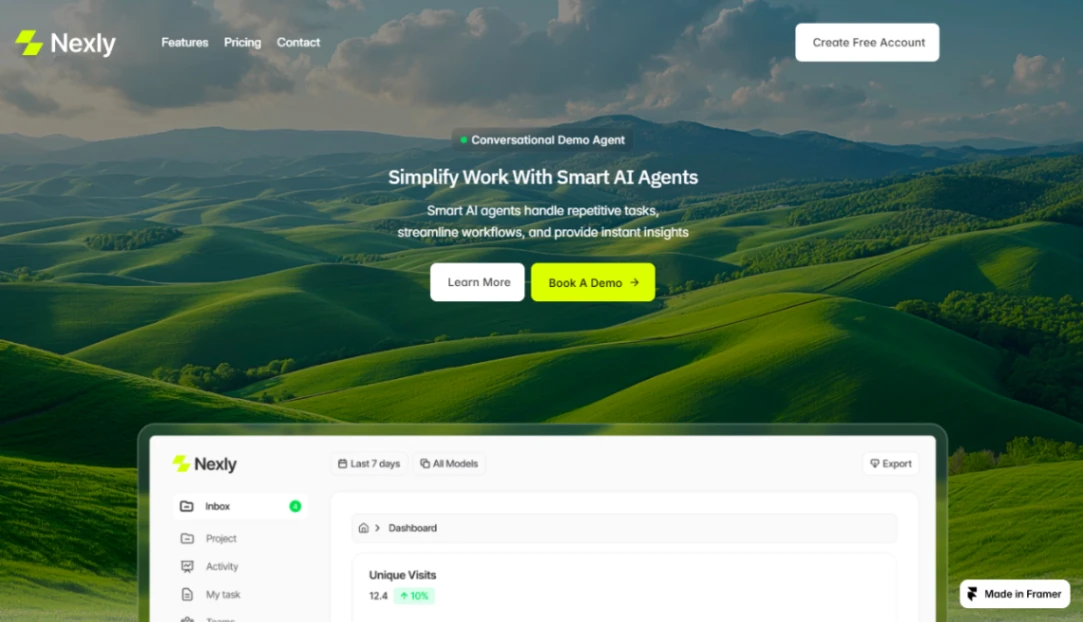
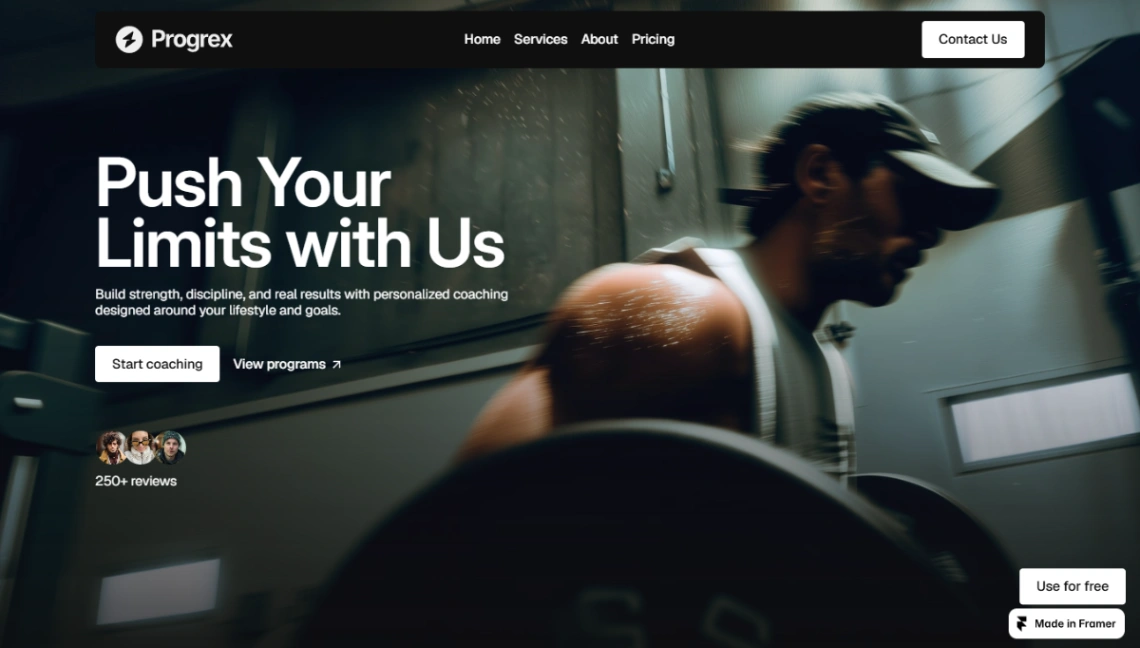
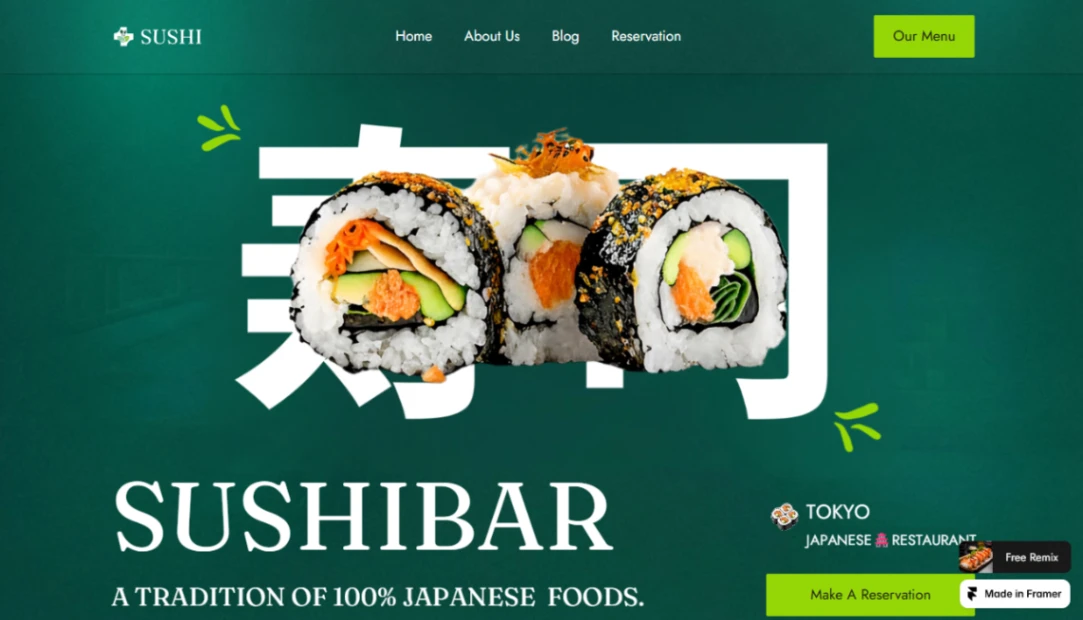
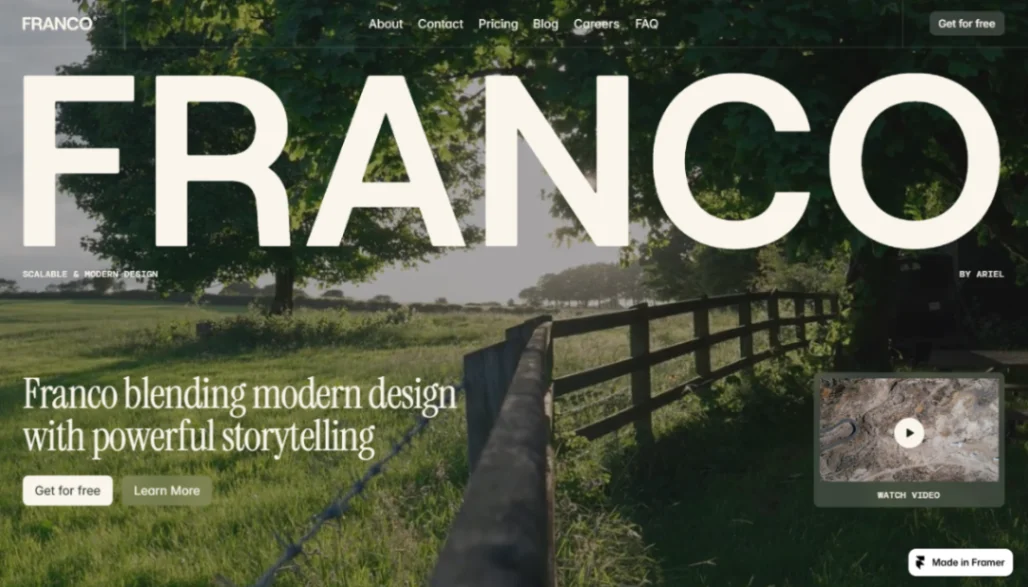
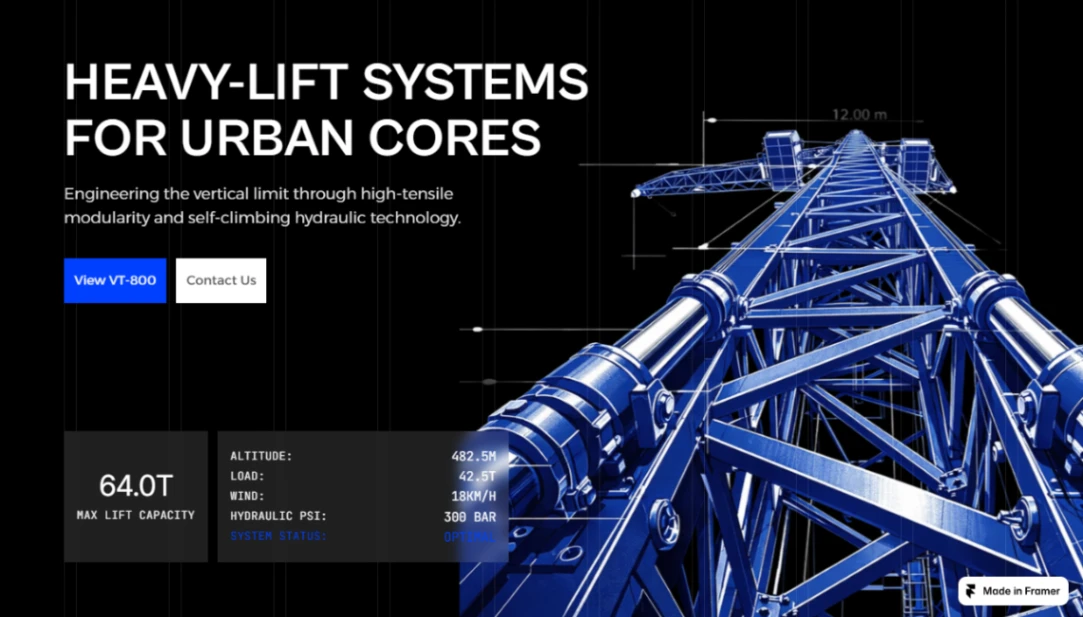
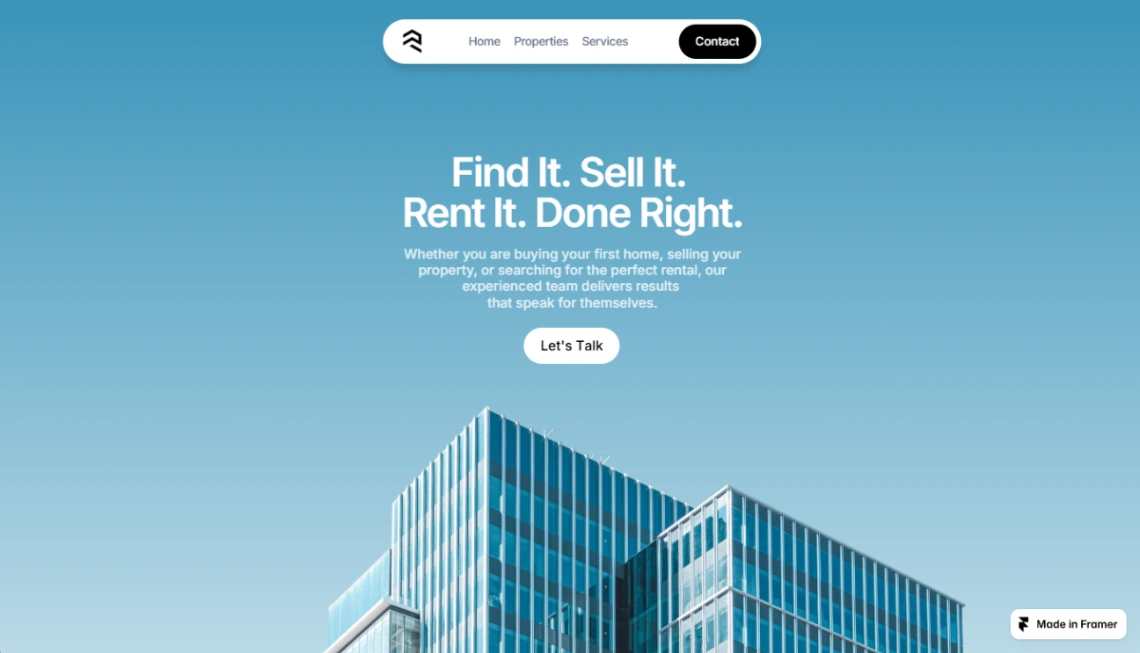
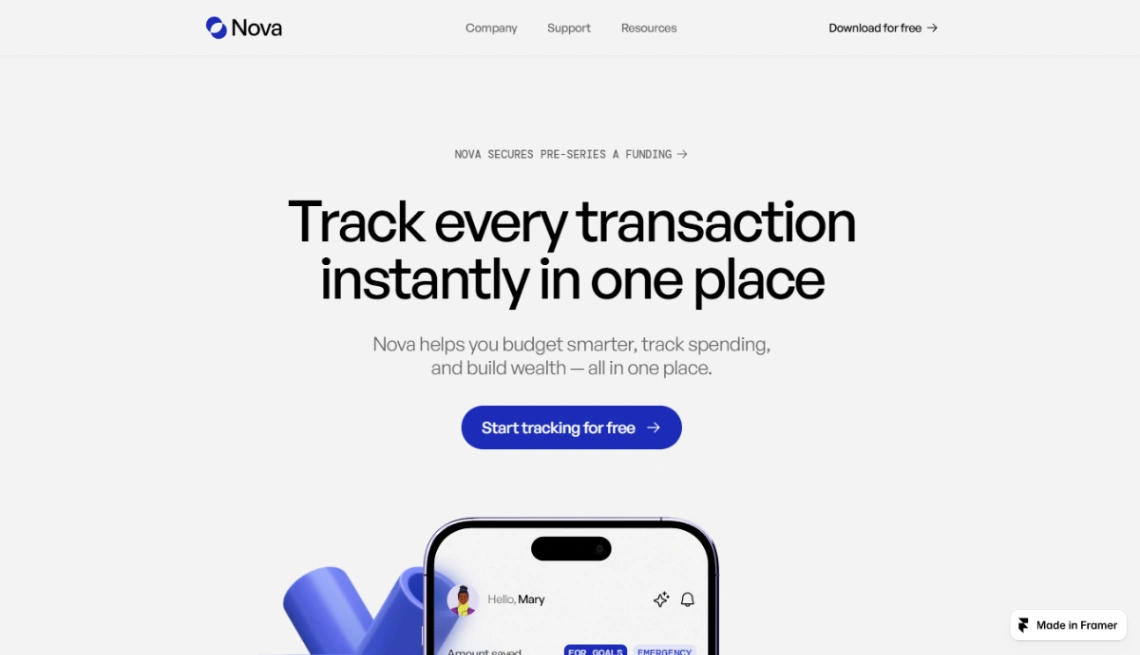
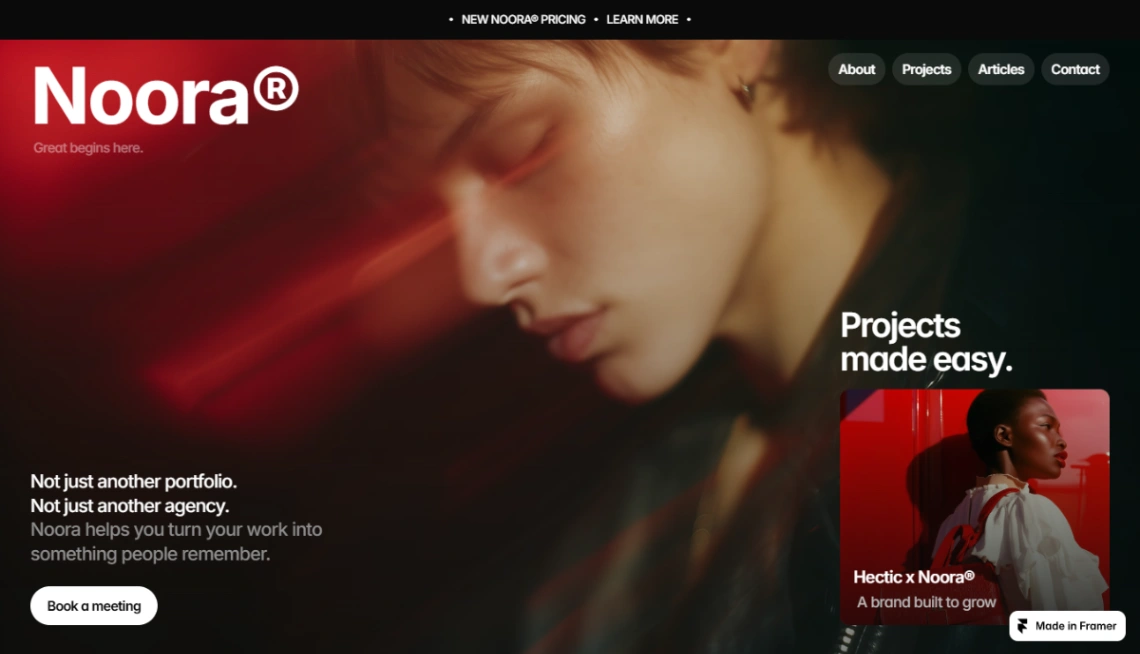
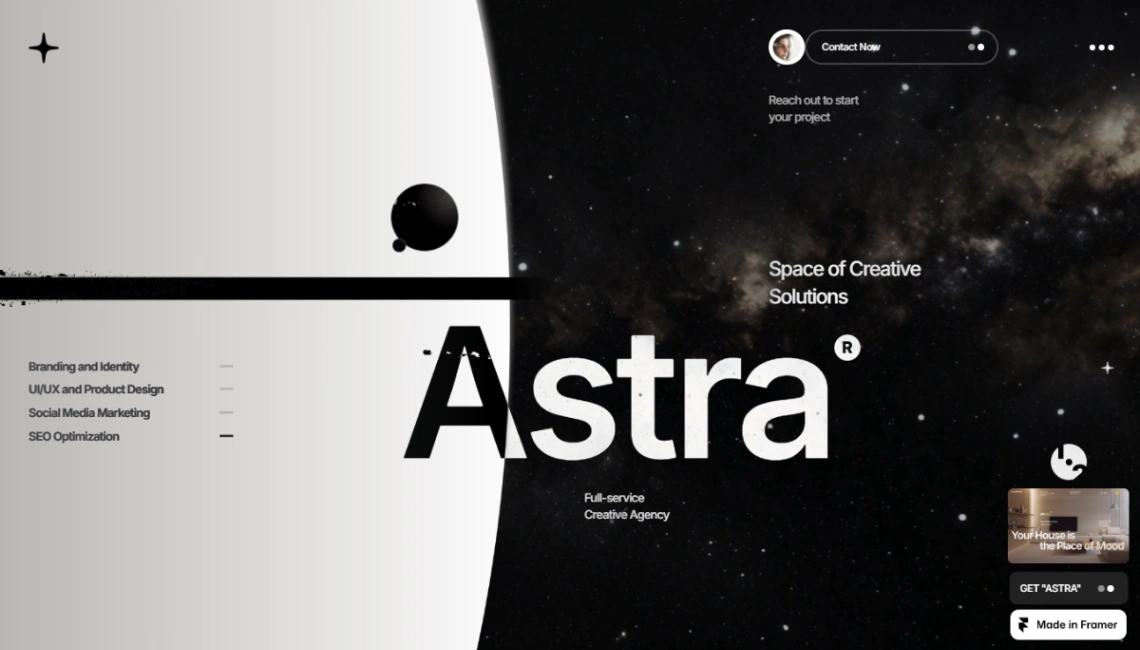
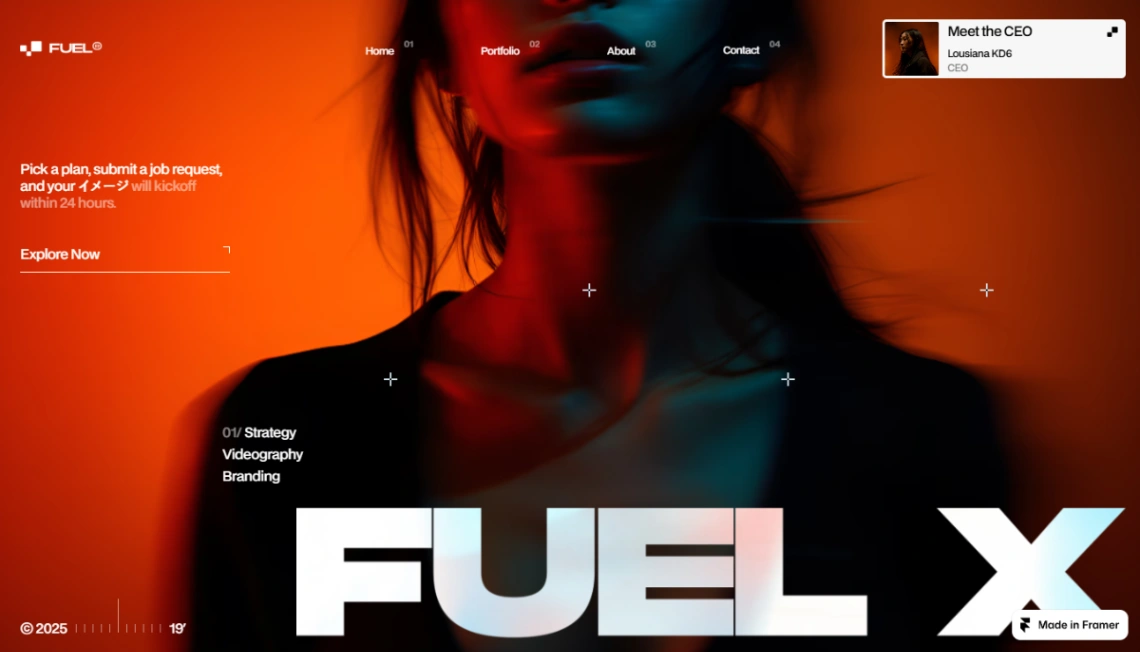
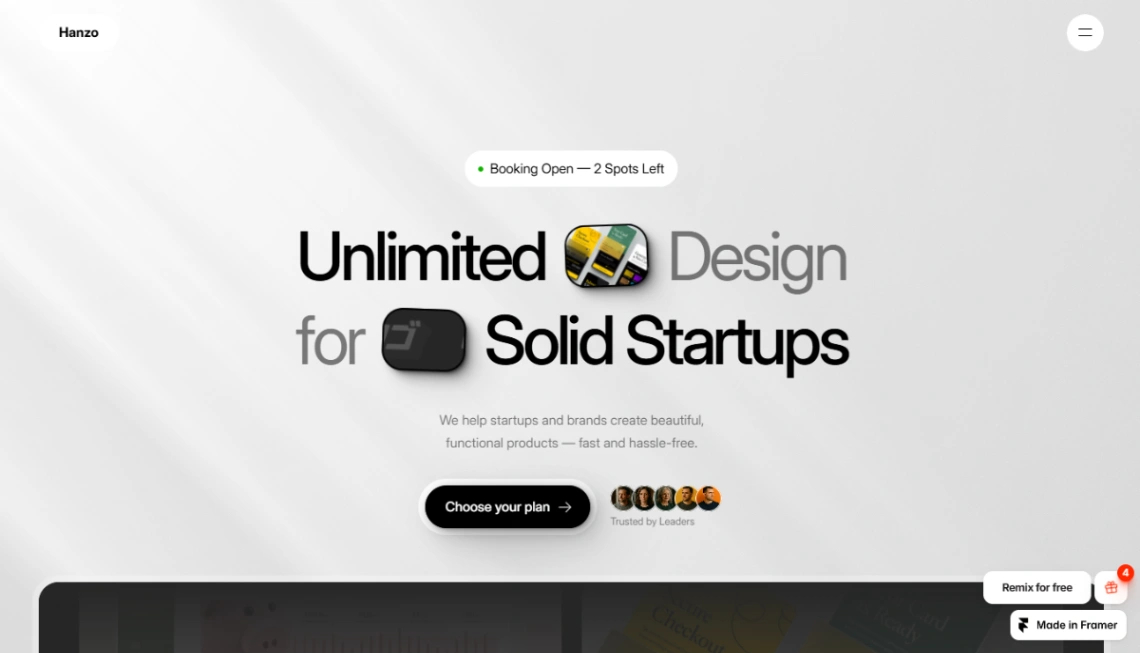
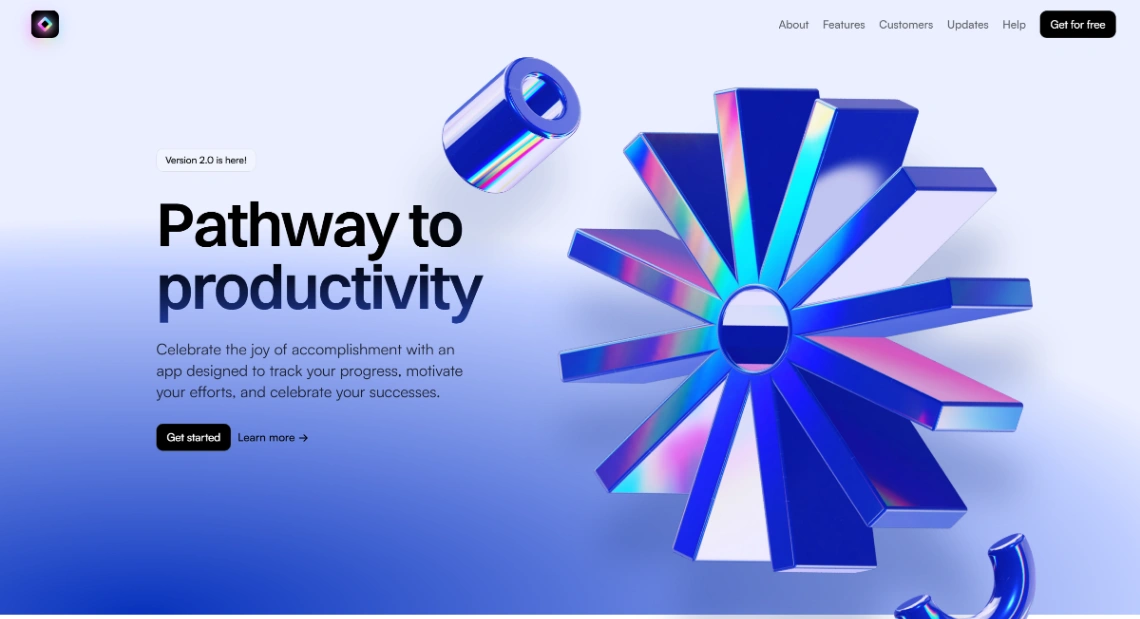
Best Templates from Framer
Explore stunning templates built with Framer.