No-Code Development Platforms: The Complete 2026 Guide
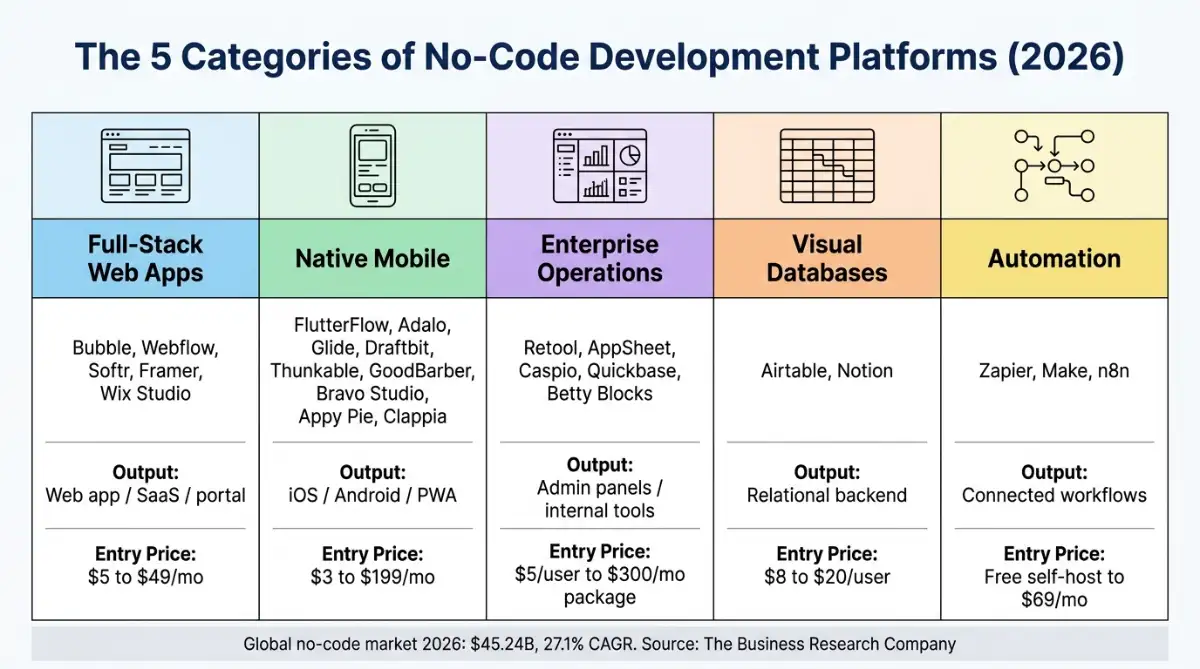
A no-code development platform lets people build working software through visual editors, declarative logic, and connected databases instead of hand-written syntax. The 2026 landscape splits into five architectural categories: full-stack web builders, native mobile compilers, enterprise operations platforms, visual databases, and automation engines. Category choice matters more than brand choice.
Table of Contents:
- Key Takeaways
- Introduction
- What Changed for No-Code Development Platforms in 2026?
- Which No-Code Development Platforms Build Full-Stack Web Apps?
- What Are the Best No-Code App Development Platforms for Mobile?
- Which Platforms Run Enterprise Operations and Internal Tools?
- Which Visual Databases Work as a No-Code Backend?
- What Are the Best No-Code Automation Platforms?
- How Do Pricing Models and Lock-In Actually Bite?
- Decision Framework: How to Pick Your Platform
- Frequently Asked Questions
Key Takeaways
- Five architectural categories carry the entire no-code market, and picking the wrong one costs more than picking the wrong brand inside the right one.
- Usage-based billing has quietly replaced seat pricing on most platforms, which means your cheapest plan today can become your worst line item.
- Code export splits the market into two camps, and only a handful of builders give you a genuine exit path when you outgrow them.
Introduction
According to The Business Research Company's 2026 market report, no-code tooling grew into a $45.24 billion market this year, and most of that spend is now controlled by operations leads rather than engineering managers. If you are an operations lead at a small or mid-sized team, choosing a no code development platform has stopped being a side experiment and started being a procurement decision with a three-year tail.
The problem is that "no-code" describes about five unrelated product categories wearing one label. A visual database is not a mobile compiler. An automation engine is not a SaaS builder. This guide breaks 24 platforms into the category each one actually belongs to, with real pricing, honest tradeoffs, and a decision matrix at the end that tells you which one to shortlist.
What Changed for No-Code Development Platforms in 2026?
Two forces reshaped the category this year: a hiring gap that pushed app delivery onto non-engineers, and platform pricing that shifted from seats to consumption. The result is that a no code development platform now sits inside the core technology stack rather than beside it, with formal governance instead of quiet workarounds.
The U.S. Bureau of Labor Statistics projects developer, QA analyst, and tester employment growing 15% between 2024 and 2034, with roughly 129,200 openings every year across the decade. Demand at that scale is the cleanest explanation for why line-of-business teams started shipping their own tools. Meanwhile, The Business Research Company puts the no-code market at $35.61 billion in 2025, rising to $45.24 billion in 2026 at a 27.1% compound annual growth rate, and reaching $86.55 billion by 2029.
| Market metric | Value | What it means for your team |
|---|---|---|
| Market size, 2025 | $35.61 billion | Visual building is a mainstream delivery channel, not a hobby |
| Market size, 2026 | $45.24 billion | Software budget is shifting toward line-of-business owners |
| Projected size, 2029 | $86.55 billion | Custom glue code keeps losing ground to configured tooling |
| Developer job openings | ~129,200 per year through 2034 | Hiring stays competitive, so non-technical teams absorb delivery |
The talent gap did not create no-code. It just removed every remaining excuse for not using it.
What surprised me most reading through this year's platform updates is how fast AI stopped being a marketing checkbox. Autonomous agent nodes now sit inside automation canvases, running judgment logic and querying vector stores. If you want the longer version of the growth story, our breakdown of no-code market size and growth forecasts goes deeper on the numbers, and what a no-code builder actually is covers the mechanics.
Which No-Code Development Platforms Build Full-Stack Web Apps?
Full-stack web builders produce public-facing sites, SaaS products, marketplaces, and client portals. They pair a visual canvas with hosted databases, conditional workflows, custom domains, and user authentication. Five platforms dominate this category, and they differ sharply on whether they hand you real backend logic or just a very good front end.
1. Bubble
Bubble is the closest thing no-code has to a full application engine. It combines an absolute-positioning canvas, its own relational database, REST API connectivity, and an event-driven visual logic engine, which is why it keeps showing up behind two-sided marketplaces and B2B SaaS products.
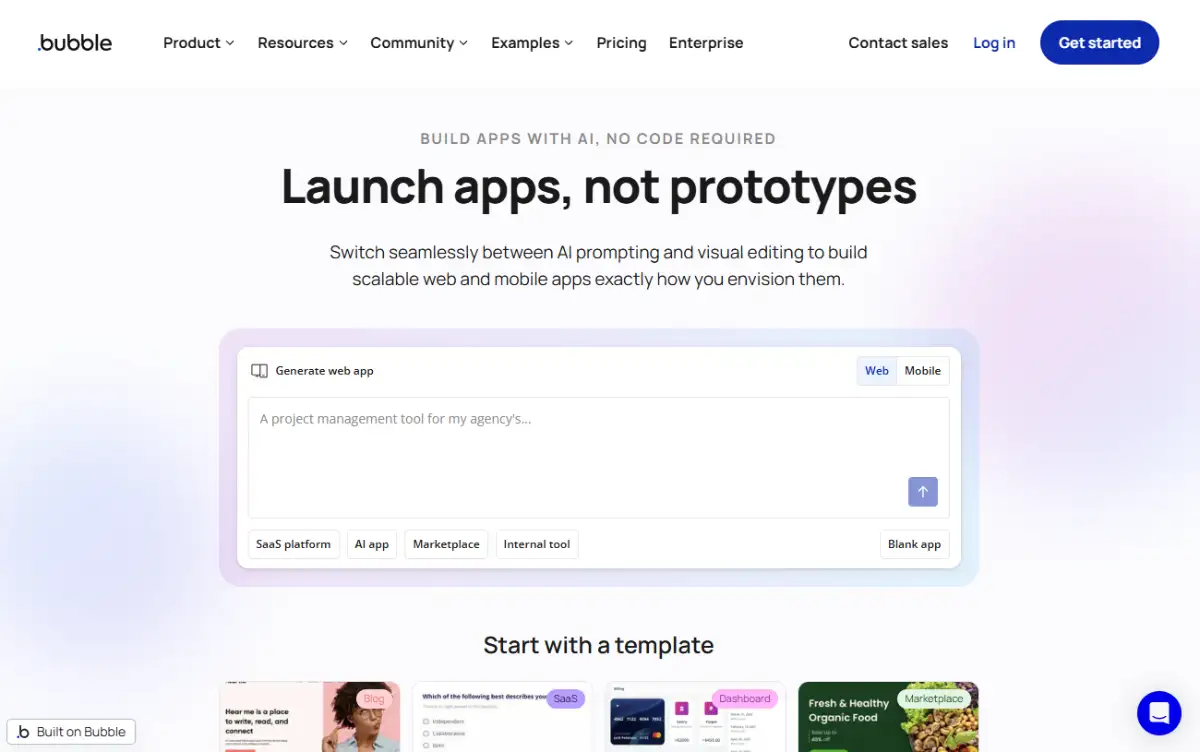
You get granular database privacy rules, native user management, background workflows, and an ecosystem of more than 8,000 third-party plugins. Pricing on bubble.io mixes a subscription tier with a consumption metric called Workload Units. Per Bubble's pricing page, annual billing runs Starter at $29/month with 175k WU, Growth at $119/month with 250k WU and two editor seats, and Team at $374/month with 500k WU and five seats. A free plan covers development testing.
The tradeoff is real: a steep learning curve, fiddly responsive layouts, no code export, and Workload Unit overages if your database queries are sloppy.
2. Webflow
Webflow converts visual design into semantic HTML5, CSS3, and JavaScript, which is why designers and agencies trust it with client work. Full flexbox and grid controls, dynamic CMS collections, a visual interaction engine, native e-commerce, localization, and granular SEO controls all ship in the box, hosted on AWS and Fastly.
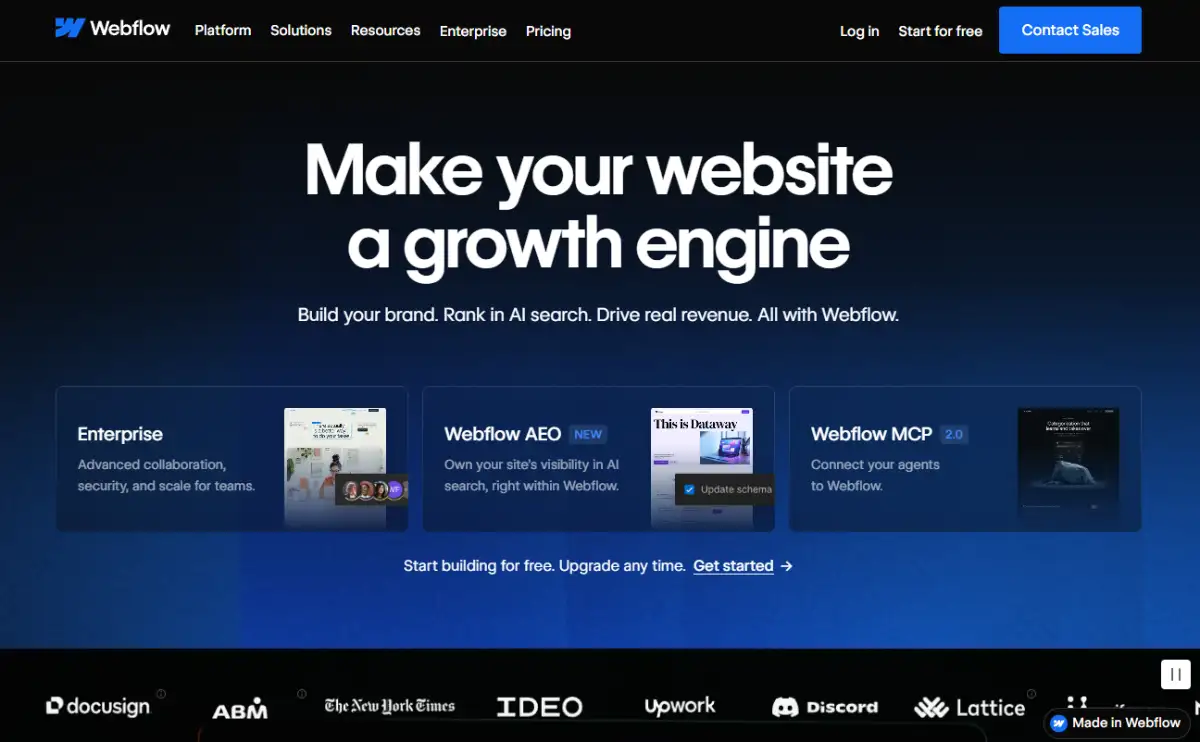
Site plans on webflow.com start with a free Starter, then Basic at roughly $14/month annually, CMS at about $23/month, and Business at about $39/month, with workspace seats billed separately on Webflow's pricing page.
The catch is that Webflow has no native dynamic backend logic. Building a multi-user SaaS product means stacking Wized or Memberstack on top, which is why our look at how Memberstack made no-code authentication mainstream is worth reading before you commit.
3. Softr
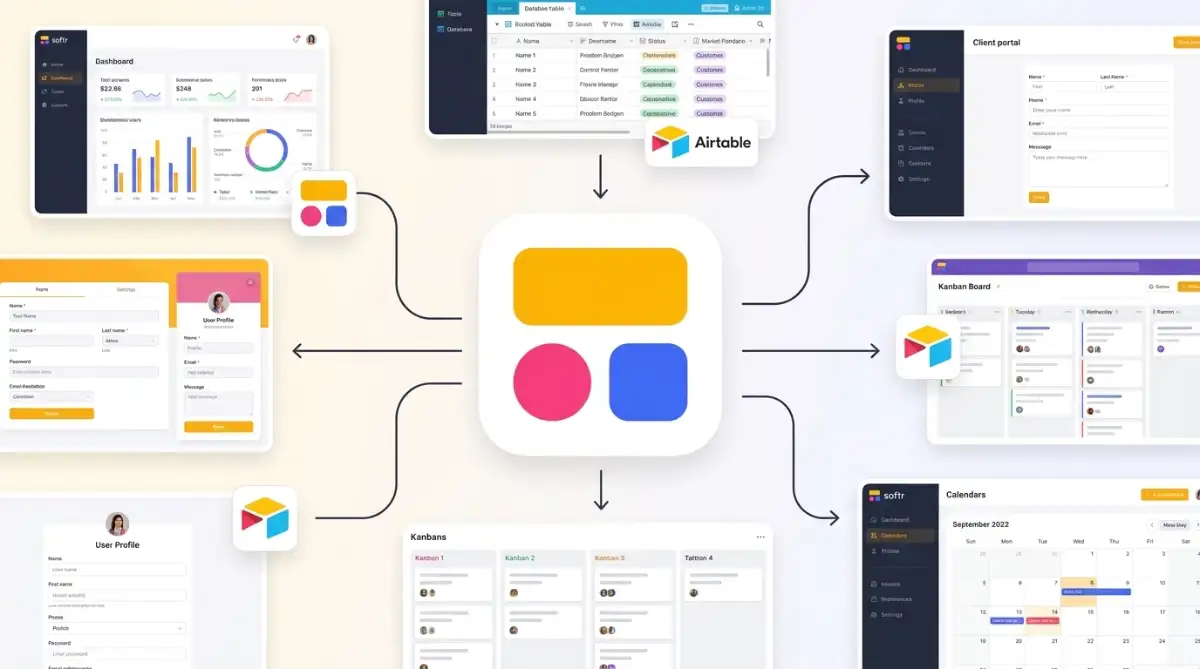
Softr turns structured data, mostly Airtable bases and Notion workspaces, into client portals, internal dashboards, membership directories, and courses. Pre-built functional blocks, row-level and field-level visibility permissions, native Stripe payments, and built-in authentication make it the fastest route to a gated portal I know of.
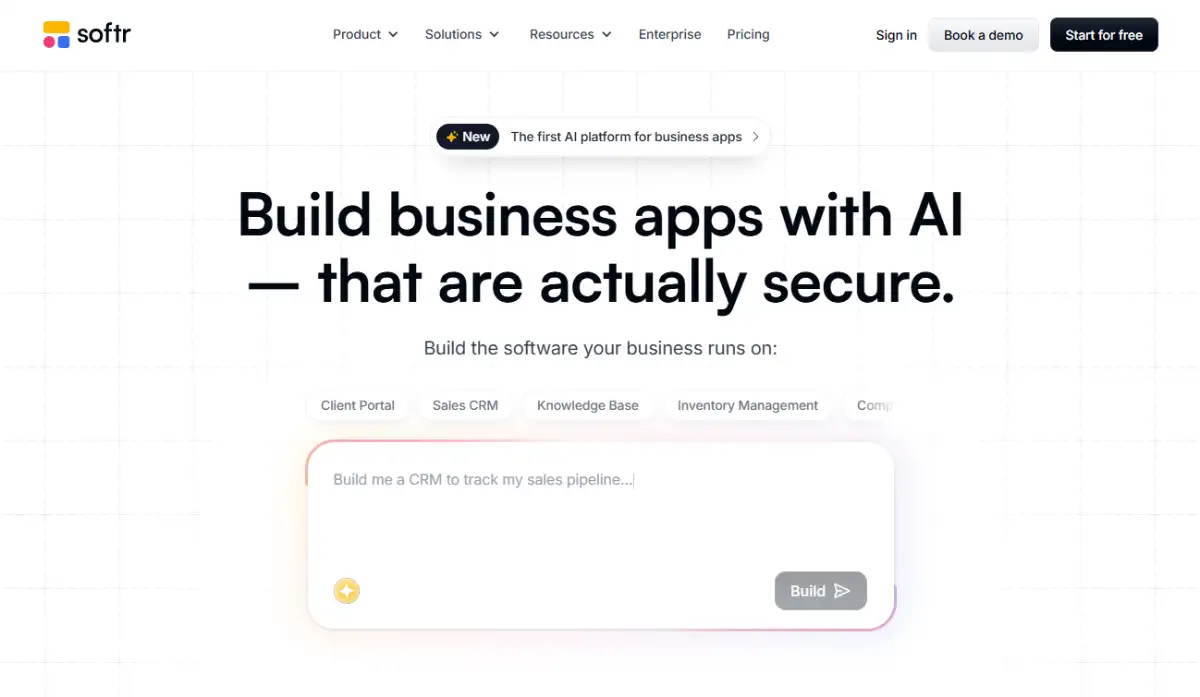
Softr's pricing starts free, then Basic at around $49/month billed annually, Professional at about $139/month, and Business at about $269/month, tiered by custom domains, internal users, and permission modules. More detail sits on softr.io.
The limit is the block grid. If your design brief calls for a bespoke interface, you will fight it. Our Softr client portal case study shows where the block system shines instead.
4. Framer
Framer is a design and publishing platform built for marketing sites, landing pages, and portfolios, sitting directly between Figma files and live web pages. Freeform canvas editing, component state transitions, scroll-driven effects, an integrated CMS, AI layout generation, and edge hosting are the headline features on framer.com.
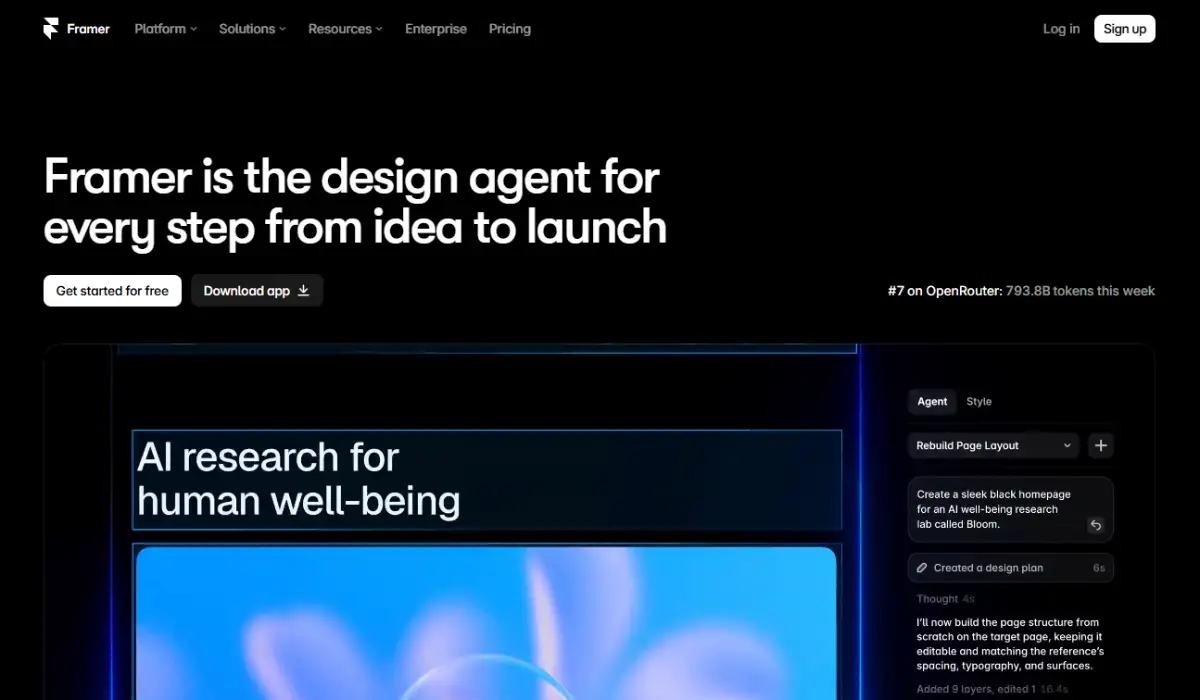
Framer's pricing offers a free plan, Mini at roughly $5/month per site annually, Basic at about $15/month, Pro at about $30/month, and custom Enterprise tiers.
Framer has no transactional database logic, so it belongs on marketing sites, not software products. If you are torn between the two design-led options, our Framer vs Webflow comparison settles it.
5. Wix Studio
Wix Studio is the agency-grade tier of the Wix ecosystem, built for web designers and corporate marketing teams. It adds visual CSS controls, proportional canvas scaling, real-time multi-editor collaboration, custom JavaScript through Velo, enterprise e-commerce, client workspace management, and booking systems.
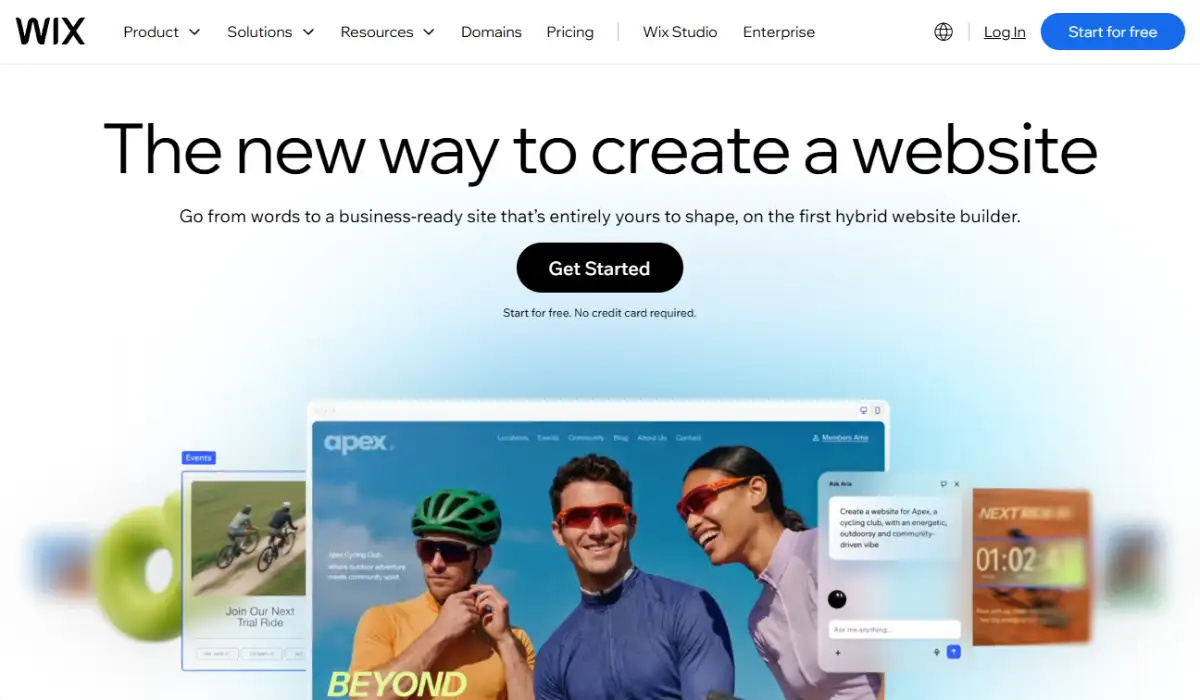
Plans on wix.com are billed per site: Standard from about $19/month annually, Plus at about $32/month, Elite at about $159/month, and tailored Enterprise deals on the Wix plans page.
The balance of flexible styling and built-in business services is genuinely strong. The downsides are ecosystem lock-in and performance drag when scripts go unoptimized.
| Web builder | Entry price (annual) | Backend logic | Code export |
|---|---|---|---|
| Bubble | $29/month | Native and full | No |
| Webflow | ~$14/month | External stack needed | Yes, HTML/CSS/JS |
| Softr | ~$49/month | Airtable or Notion | No |
| Framer | ~$5/month per site | None | No |
| Wix Studio | ~$19/month per site | Velo scripting | No |
What Are the Best No-Code App Development Platforms for Mobile?
Mobile builders compile visual layouts into progressive web apps or native iOS and Android binaries. The critical split inside no code app development platforms is output format: some export clean Dart or React Native source you own, others produce a closed app you rent forever. Nine platforms compete here, and they are not interchangeable.
6. FlutterFlow
FlutterFlow sits on top of Google's Flutter framework and pairs drag-and-drop speed with clean Flutter and Dart code export. Firebase and Supabase integration, custom REST routing, hardware bindings for GPS, camera, Bluetooth, and biometrics, push notifications, and automated store deployment pipelines all ship natively on flutterflow.io.
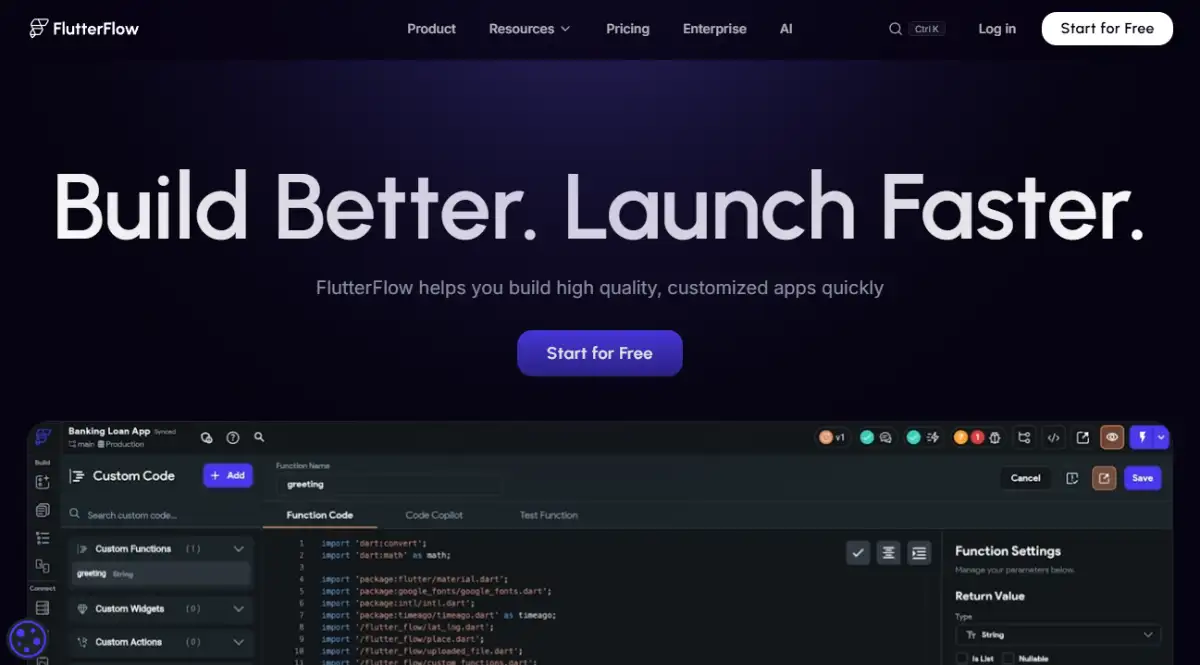
A free plan covers building and testing. FlutterFlow's pricing runs Standard at roughly $30 to $39 per seat monthly, and Pro at about $70 per seat, which unlocks source export, GitHub sync, and automated App Store and Google Play publishing.
FlutterFlow is the rare no-code tool where outgrowing the platform does not mean rebuilding the product.
Expect a steeper curve than simpler builders. You will need to understand schemas, API states, and asynchronous behavior. Our piece on how FlutterFlow conquered the App Store covers that arc.
7. Adalo
Adalo assembles native iOS and Android apps plus responsive web apps through pure drag and drop. It ships a built-in relational database, Google Sheets sync via Sheetbridge, a pre-built component ecosystem, push notifications, in-app billing, and store submission wizards. See adalo.com for the component library.
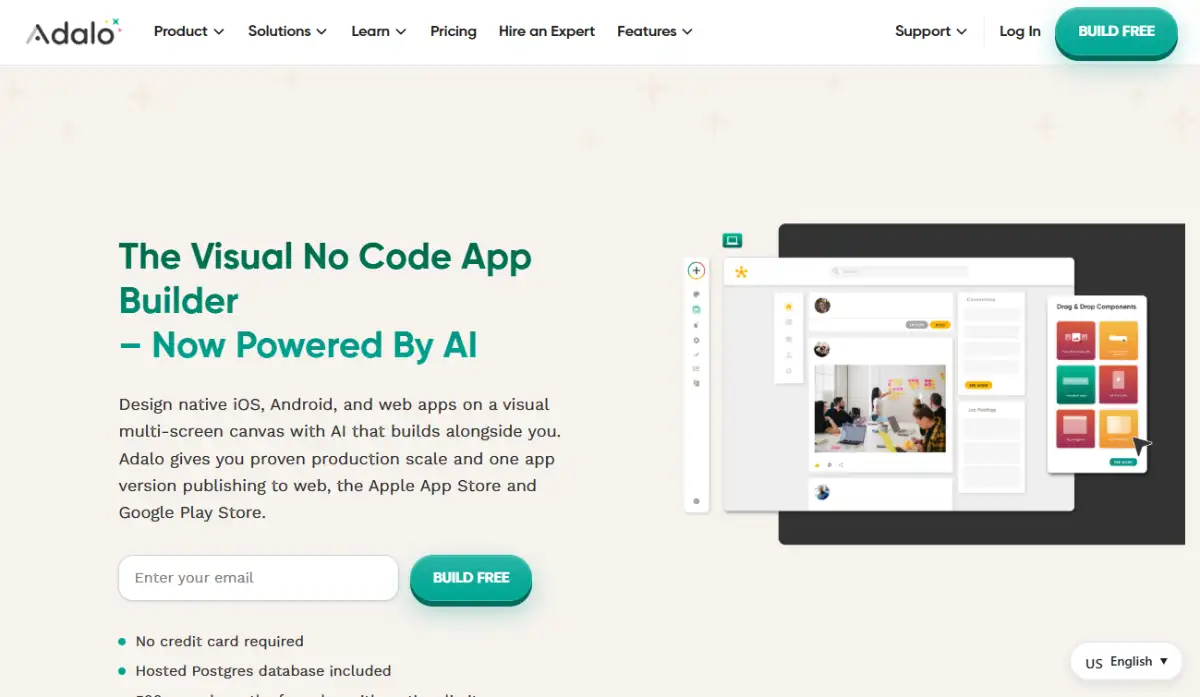
The free plan allows prototyping with 1,000 monthly app actions. Adalo's pricing lists Starter at $36/month annually for one app and 5,000 actions, Professional at $52/month for two apps and 15,000 actions, Team at $160/month for five apps, and Business at $200/month for up to ten apps and 200,000 actions.
Performance degrades with complex datasets, there is no offline mode, and code is not exportable.
8. Glide
Glide converts Google Sheets, Airtable bases, Excel files, and its own Glide Tables into progressive web apps for mobile and desktop. Auto-generated UI components, action workflows, user permissions, AI file and text processing nodes, and operational dashboards make it excellent for internal tools, as glideapps.com demonstrates.
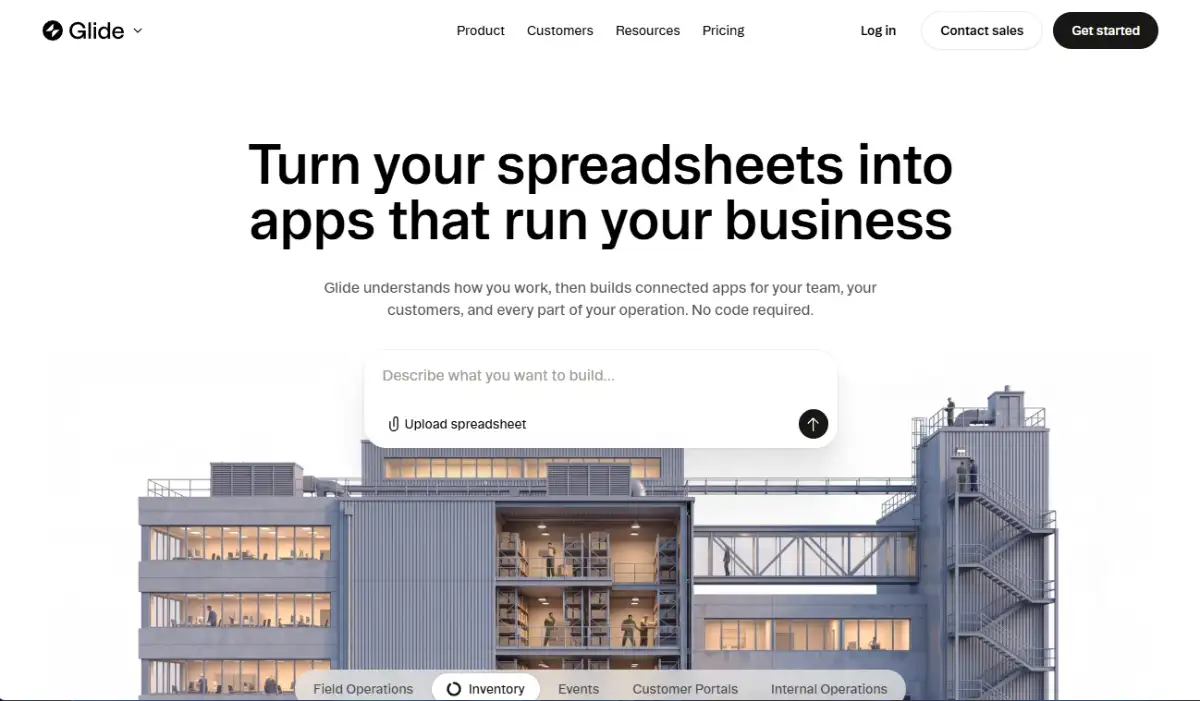
The free Explorer plan is a testing tier without public publishing. Glide's pricing then jumps straight to Business at $199/month including 30 users, scaling to Enterprise.
Two limits matter: output is a PWA rather than a store binary, and that pricing jump from free to $199 is steep for small teams. Our Glide spreadsheet-to-app explainer covers the model in full.
9. Draftbit
Draftbit is the developer-leaning option, generating source-available React Native and Expo codebases. Visual layout with real React Native components, custom JavaScript, REST connections, and Expo Go device testing are all available on draftbit.com.
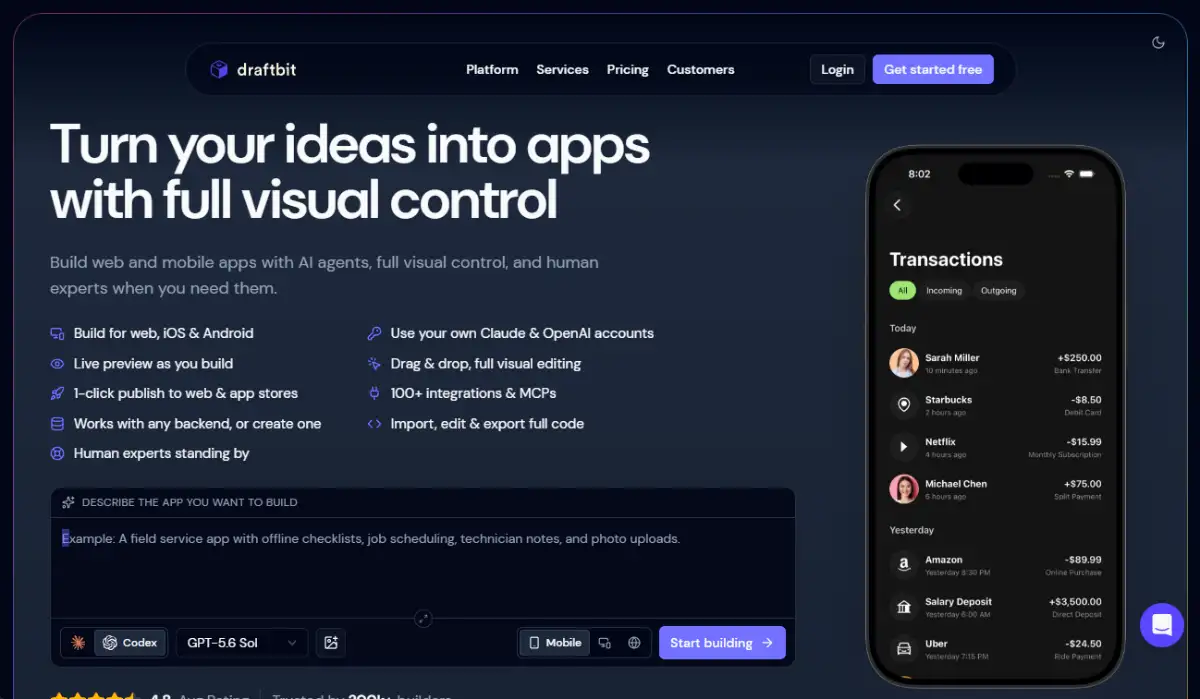
A free tier covers the editor and device previews. Draftbit's pricing sets Individual Pro at $19/month with full React Native export, and Team and Business plans between $79 and $199/month.
Nineteen dollars for exportable source code is the best value in this entire guide, with one condition: non-technical users routinely bounce off the interface and React Native state concepts.
10. Thunkable
Thunkable uses block-based visual logic to build native iOS, Android, and web apps at once. It adds generative AI prompt-to-app creation, full device sensor access, REST integrations, and direct store publishing, all visible on thunkable.com.
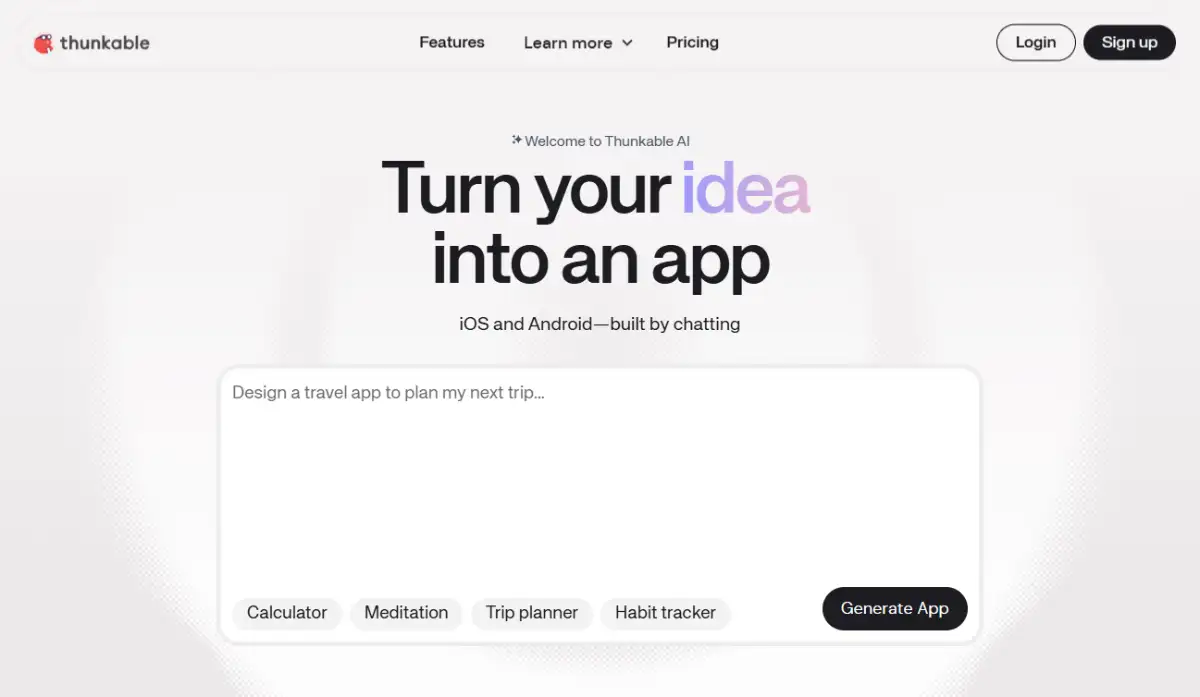
The free tier supports public learning projects. Thunkable's pricing runs Accelerator at $19/month, Builder at $59/month with store deployment, and Advanced at $189/month for larger AI token allocations.
Block logic is friendly, which is why classrooms love it, but it gets cluttered fast on enterprise-scale projects.
11. GoodBarber
GoodBarber targets news organizations, local businesses, creators, and retail stores with native iOS and Android apps plus PWAs. Editorial templates, e-commerce ordering, push scheduling, offline caching, and loyalty modules are the core kit on goodbarber.com.
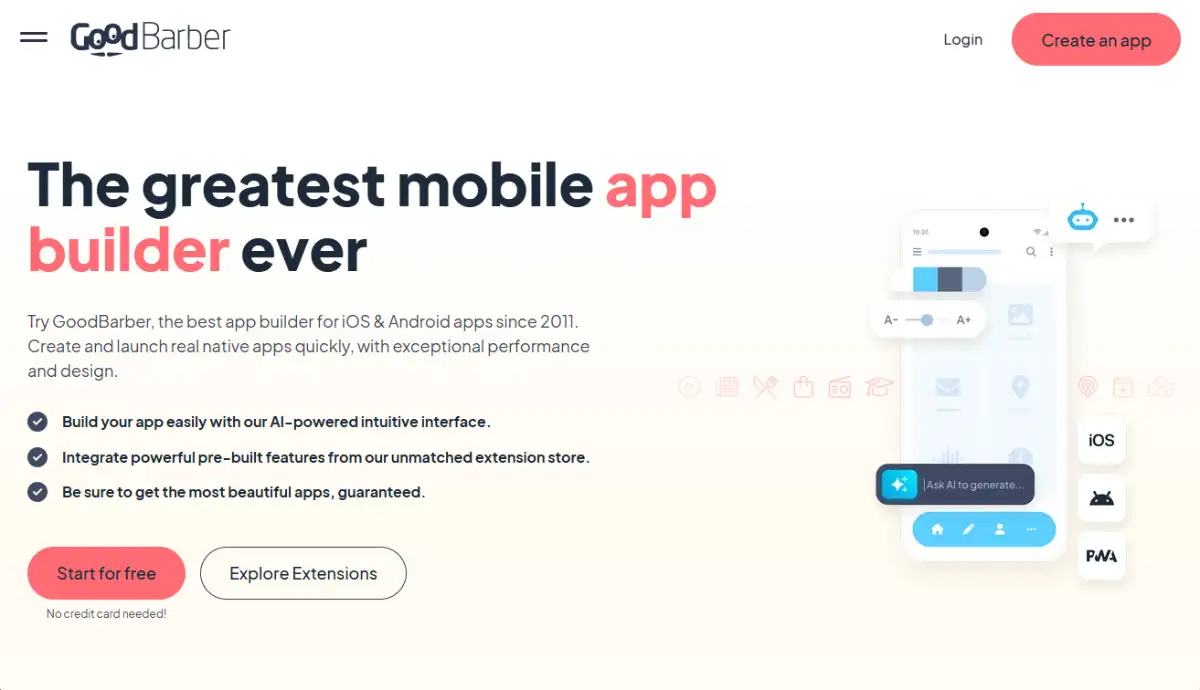
Per GoodBarber's pricing, Content plans start around $36/month annually and e-Commerce plans run roughly $65 to $280/month. There is no permanent free tier.
Templates are genuinely polished. Step outside publishing or shopping and the structure fights you.
12. Bravo Studio
Bravo Studio turns Figma or Adobe XD files into native iOS and Android interfaces using layer naming conventions called Bravo Tags, connecting data through external REST APIs. Details live on bravostudio.app.
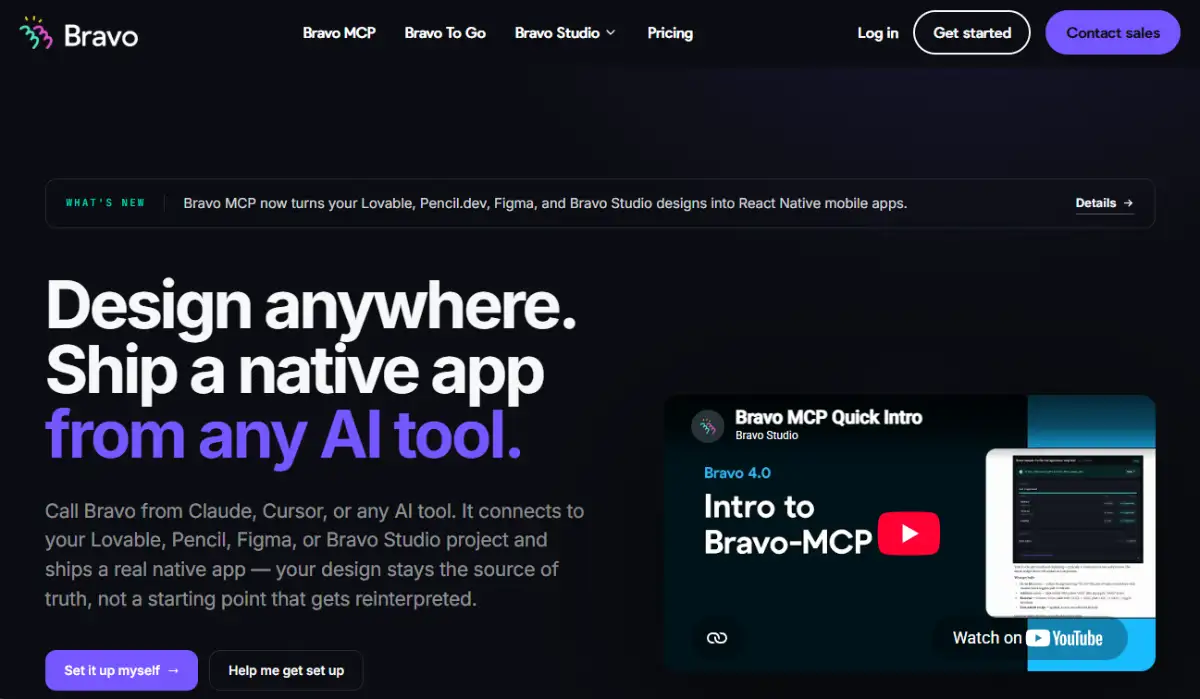
The free tier handles prototyping, and Bravo's pricing runs from Solo at about €21/month to Business at about €159/month based on API allowances and build submissions.
Design fidelity is the whole pitch, and it delivers. The dependency on external APIs for every piece of backend logic is the price.
13. Appy Pie
Appy Pie is the AI-assisted option for small business owners who need something live this week. Prompt-based generation, more than 500 pre-configured widgets covering appointments, directories, and food ordering, push messaging, and store submission workflows are all on appypie.com.
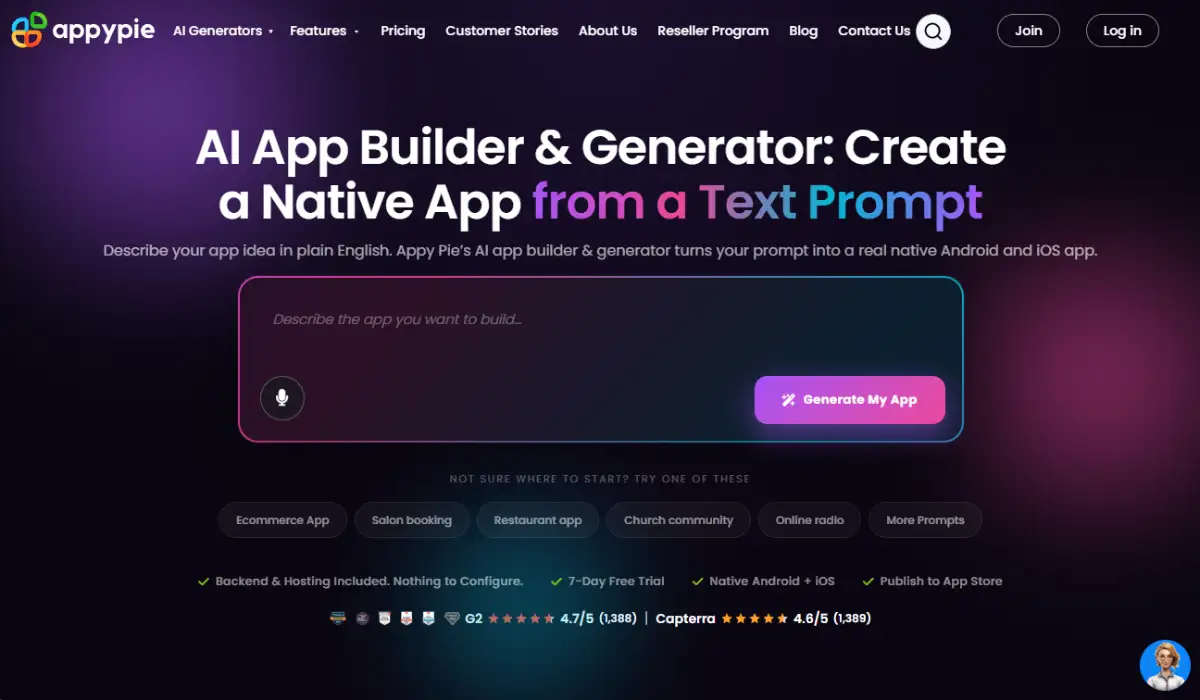
Billing is per app per month on Appy Pie's pricing page: Basic at $16 to $32, Gold at $36 to $72, and Platinum at $60 to $120, plus $0.009 per download in overage fees.
Per-app pricing quietly punishes anyone running several projects.
14. Clappia
Clappia is built for field operations, supply chain work, and mobile workforce management. Dynamic form builders, offline capture with auto-sync, GPS, QR and barcode scanning, camera capture, NFC, PDF report generation, and Google Sheets sync are its strengths, shown on clappia.com.
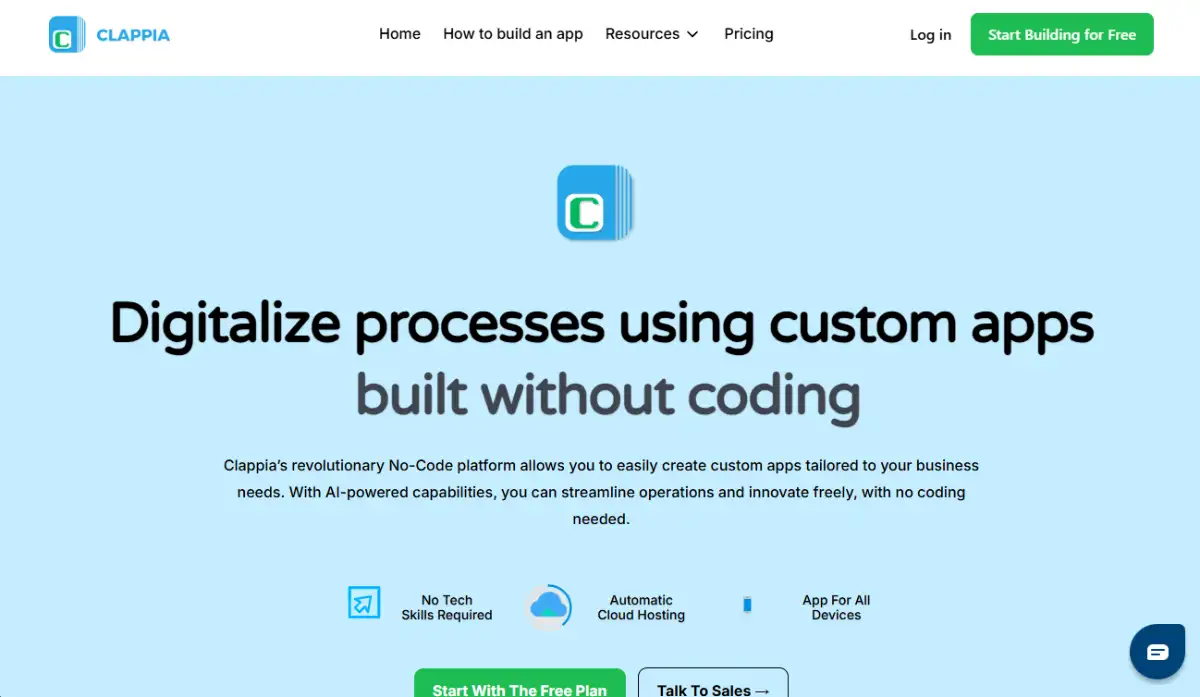
Clappia's pricing starts around $3 to $6 per user monthly with minimum user thresholds, scaling to custom enterprise tiers.
Offline performance is best in class here. The visual framework is constrained, so consumer-facing apps are out.
Which Platforms Run Enterprise Operations and Internal Tools?
Enterprise platforms digitize processes, replace spreadsheets, and deploy secure admin panels. They emphasize role-based access control, direct database connectivity to PostgreSQL, MySQL, and Cloud SQL, compliance certifications like SOC2 and HIPAA, and self-hosted deployment. Operations leads at regulated companies usually end up here whether they planned to or not.
15. Retool
Retool builds admin panels, CRUD interfaces, and database dashboards fast. More than 100 pre-built components, direct SQL and REST/GraphQL connections, JavaScript sandboxing, workflow execution, and Docker self-hosting are documented on retool.com.
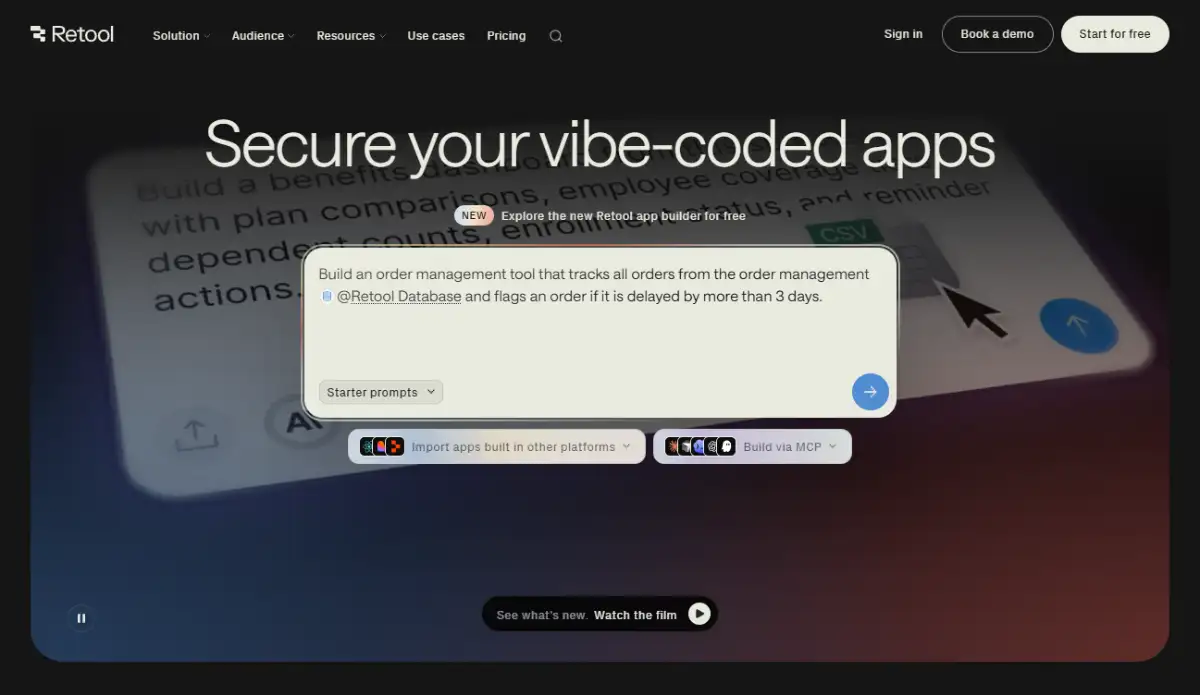
Retool's pricing offers a free tier for up to 5 users and 500 workflow runs monthly, Team at $10 per editor plus $5 per end user, and Business at $50 per editor plus $15 per end user. Enterprise adds SOC2, SSO, and audit logging.
It expects SQL, JavaScript, and API fluency, which puts it closer to low-code. Our guide to low-code as the developer middle ground explains that boundary.
16. Google AppSheet
AppSheet auto-generates mobile and web interfaces from Google Sheets, Excel, Cloud SQL, or Salesforce data. Offline sync, barcode scanning, background email and SMS triggers, and Google Workspace security integration are the standouts on about.appsheet.com.
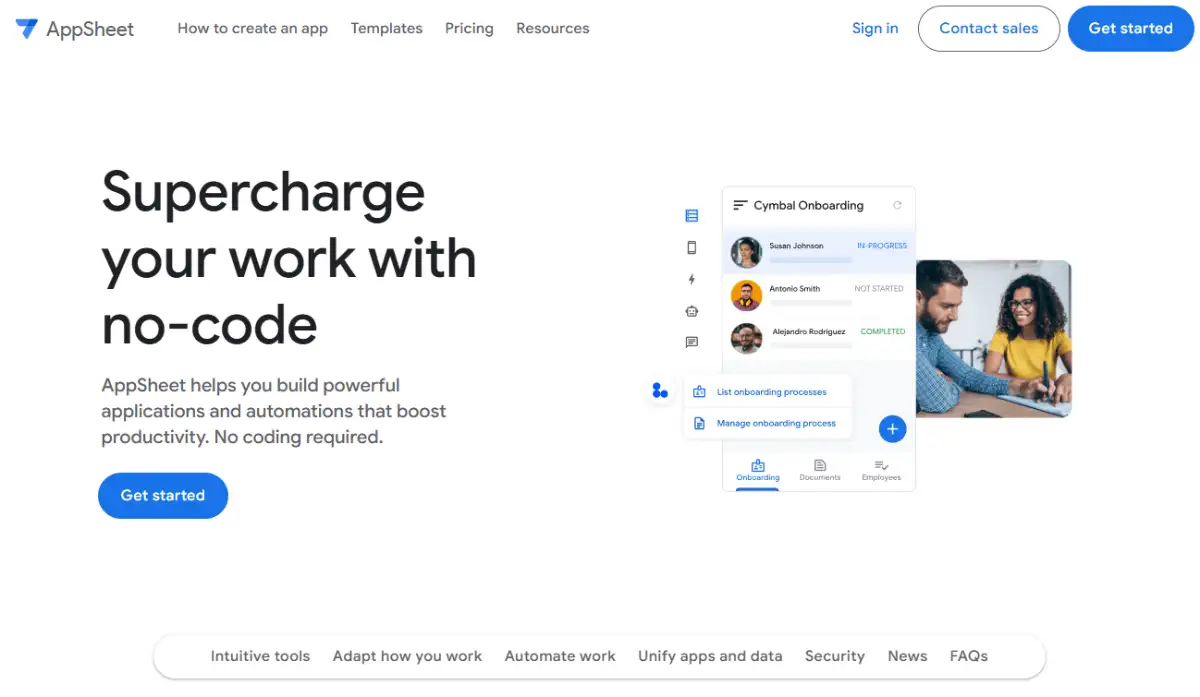
Free for up to 10 users in testing. AppSheet's pricing lists Starter at $5 per user monthly, Core at $10, which is bundled into many Workspace enterprise accounts, and Enterprise Plus at $20.
If you already pay for Workspace, this is often the cheapest real option on the board. Layouts are rigid and customization is thin.
17. Caspio
Caspio turns relational datasets into web databases, business portals, and automated workflows on a Microsoft SQL Server backend. Granular record access controls, search interface creation, embedded deployment, and HIPAA, FERPA, and SOC2 compliance are covered on caspio.com.
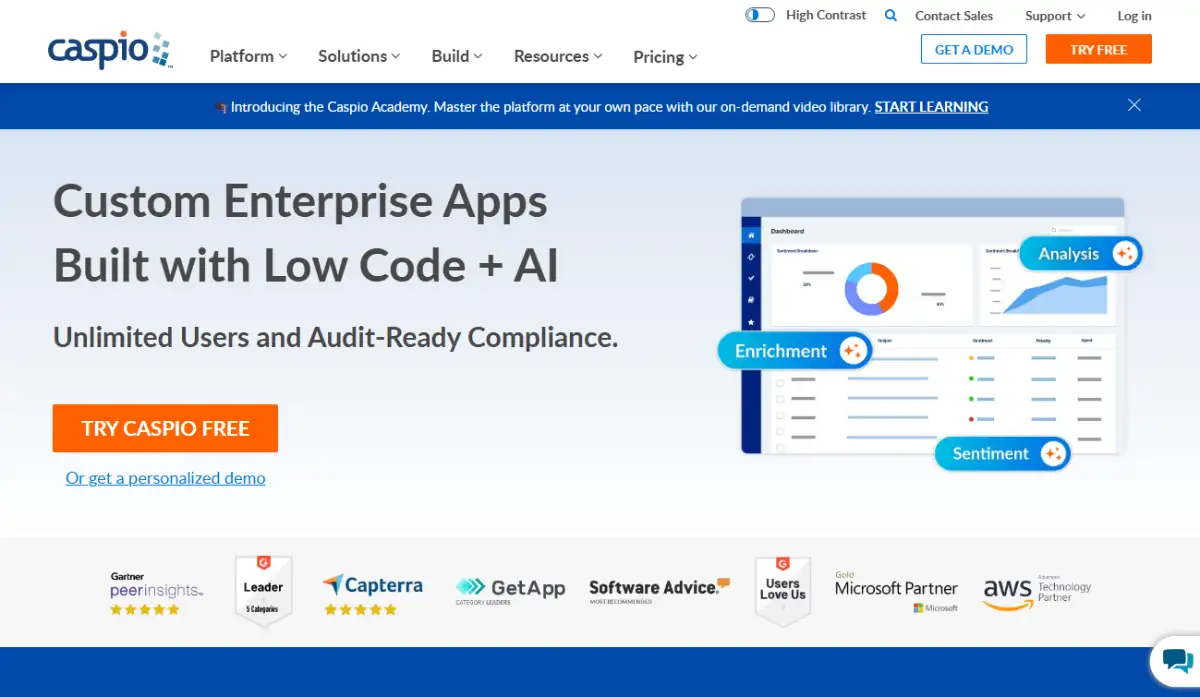
Caspio's pricing uses platform packages rather than seats, entering around $100 to $300/month and scaling on record counts, data transfer, and compliance needs.
No per-seat fee means you can roll a tool out to thousands of external users without the bill exploding. The management interface feels dated and tailored designs need custom CSS and HTML.
18. Quickbase
Quickbase handles complex operations, supply chains, construction portfolios, and project workflows. Relational database construction, visual reporting, pipeline automation, SAP and Salesforce connectors, and mobile field apps are its core, per quickbase.com.
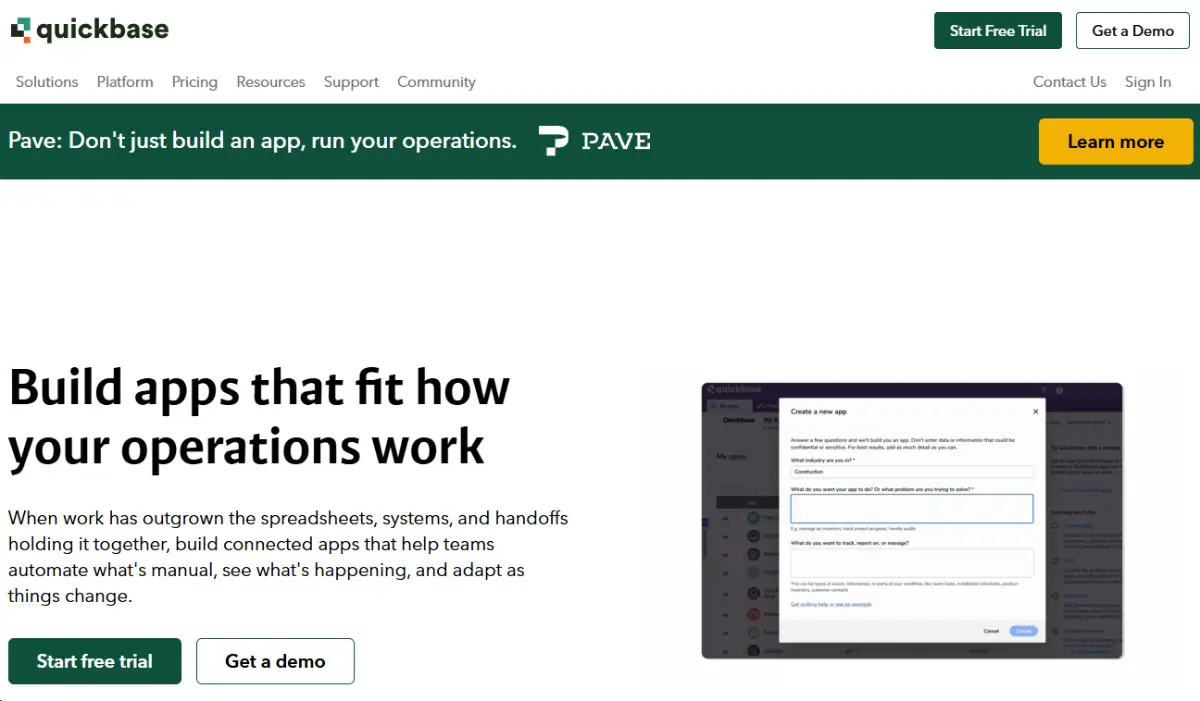
Quickbase's plans use enterprise seat models starting around $35 to $50 per user monthly billed annually with minimum user counts, plus site licensing options.
Heavy operational data is its home turf. Small teams get priced out early, and front-end design options are limited.
19. Betty Blocks
Betty Blocks is a citizen development platform designed so business teams can build under central IT oversight. Visual UI construction, block-based logic, pre-configured integration modules, governance dashboards, and Azure deployment are its pillars, per bettyblocks.com.
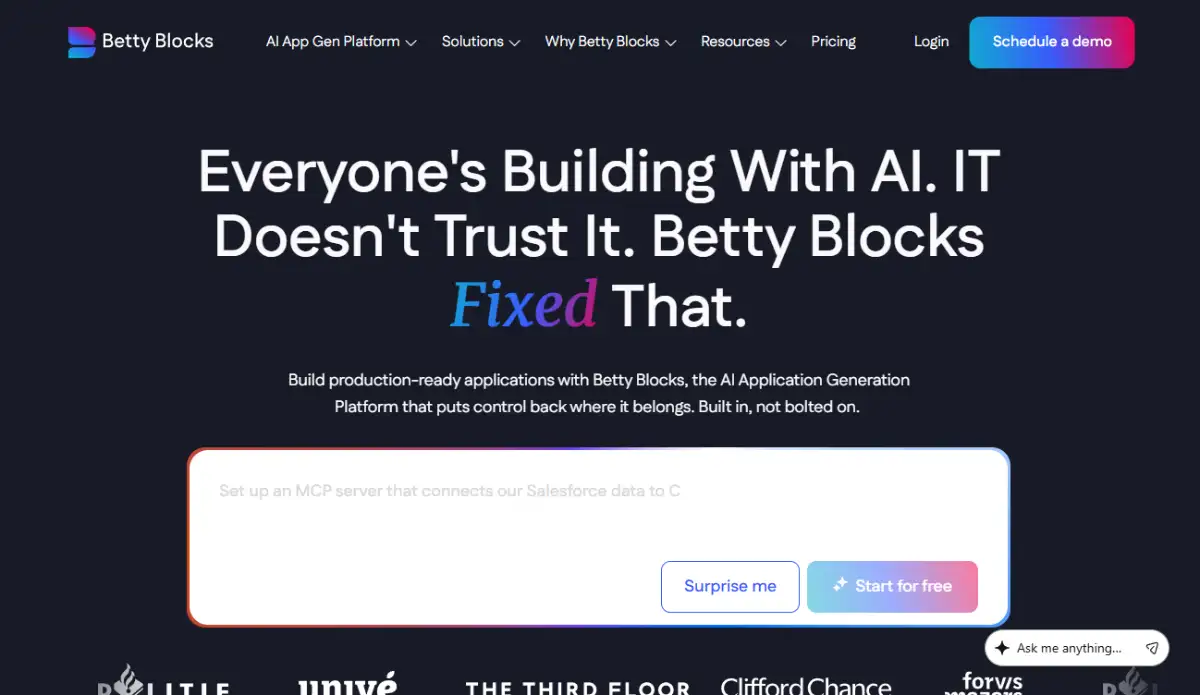
Pricing is sales-gated through enterprise subscriptions on Betty Blocks' pricing page.
The governance balance is the reason it exists. Solo creators and SMBs will not get a quote worth having.
Which Visual Databases Work as a No-Code Backend?
Visual databases blend spreadsheet interfaces with relational architecture, letting non-technical teams model schemas, configure Grid, Kanban, Timeline, and Gallery views, run AI agents over records, and feed front-end tools. Two platforms dominate, and both are frequently the quiet backbone underneath everything else a team builds.
20. Airtable
Airtable is the default relational layer for content operations, product roadmaps, and custom CRMs. Linked records, formulas, multiple view formats including Gantt, integrated AI text processing, visual interface designers, and automation rules are all on airtable.com.
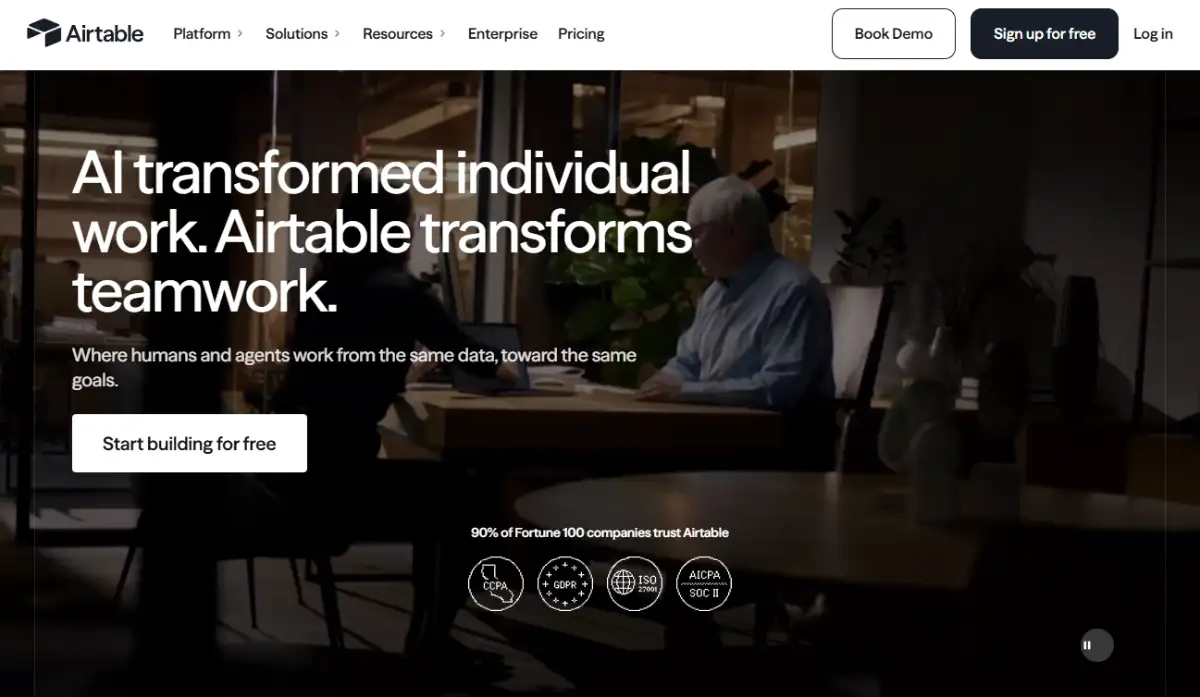
The free plan caps at 1,000 records per base. Airtable's pricing sets Team at $20 per user monthly annually or $24 monthly, and Business at $45 per user annually or $54 monthly with 125,000 records per base. Enterprise adds governance controls.
Airtable is less a product than a substrate. Half the tools in this guide are just interfaces sitting on top of it.
Record limits on lower tiers and automation task caps are the friction points. Our Airtable origin story covers how it got here.
21. Notion
Notion combines notes, documentation, project management, and relational databases in a block-based editor. Nested pages, database views, custom properties, AI Q&A, and public web publishing make it a light CMS as well as a wiki, with a deep library at Notion's website building templates and the product itself at notion.com.
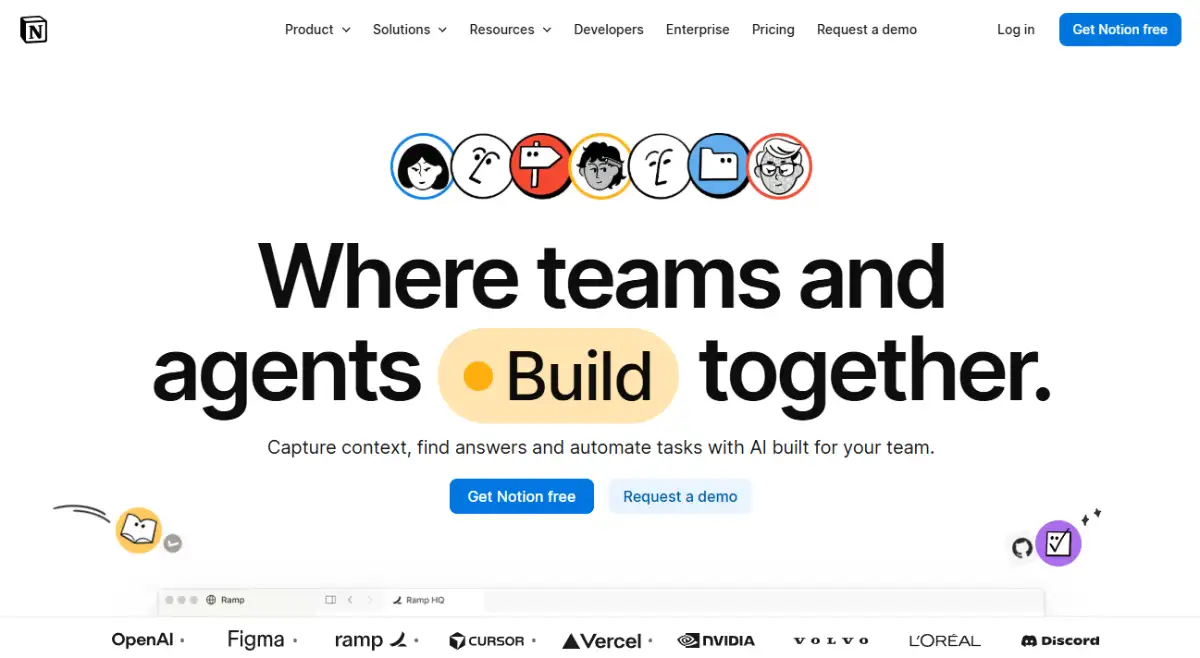
Personal use is free. Notion's pricing lists Plus at $8 to $10 per user monthly, Business at $15 to $18, and Enterprise tiers above that.
Permissions are the weak spot: no row-level access control like a traditional relational engine. Our piece on Notion's path to an $11B AI workspace tells the rest.
What Are the Best No-Code Automation Platforms?
Automation platforms link applications, process API payloads, and run multi-step logic without scripts. The 2026 versions add autonomous LLM agent nodes, vector store indexing, and human review checkpoints. Billing model is the deciding factor here, more than connector count, and it is where most teams get their pricing math wrong.
22. Zapier
Zapier connects more than 6,000 SaaS applications through trigger-and-action logic. Multi-step Zaps, conditional path branching, webhooks, the natural-language Zapier Copilot, and Zapier Agents are all available on zapier.com.
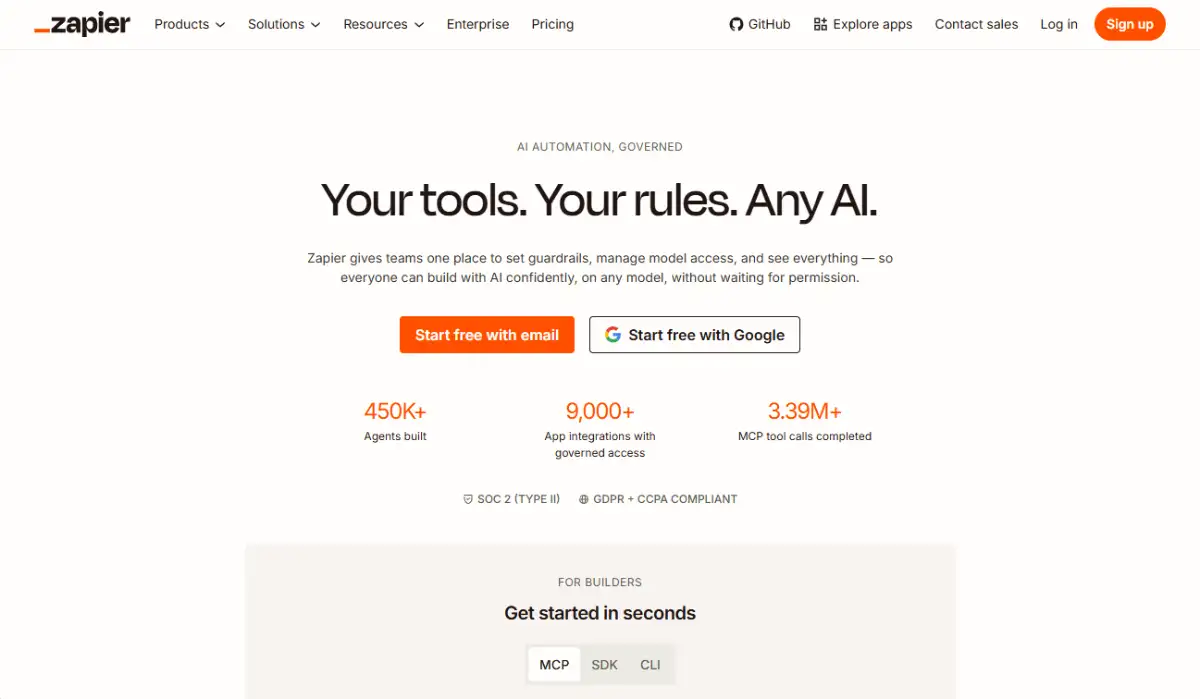
The free tier covers 100 tasks monthly. Zapier's pricing puts Professional at roughly $19.99/month for 750 tasks and Team at about $69/month for 2,000 tasks, with custom Enterprise packages.
Nothing beats it for connector breadth or first-day ease. Task-based billing charges per execution step, so multi-step workflows at volume get expensive quickly. Our history of Zapier and no-code automation is a good companion read.
23. Make
Make, formerly Integromat, builds multi-step workflows on an interactive visual node canvas. Scenario routing, custom error handling, array aggregators, data parsing, custom HTTP modules, execution replays, and AI action nodes are shown on make.com.
The free plan includes 1,000 operations monthly. Make's pricing runs Core at roughly $9 to $12/month for 10,000 operations, Pro at about $16 to $29/month, and Enterprise tiers above that.
For data-heavy automation, Make is dramatically cheaper than task-based billing at the same workload. You will need to understand arrays, JSON, and webhooks first.
24. n8n
n8n is the fair-code, node-based option for technical and privacy-focused teams. More than 350 native integration nodes, custom JavaScript and Python steps, AI agent nodes spanning OpenAI, Anthropic, LangChain, and Pinecone vector stores, Docker self-hosting, and version history are detailed on n8n.io.
The self-hosted Community Edition is free with no execution limits. n8n's cloud pricing starts at €20 to €24/month for 2,500 executions, billed per full workflow run rather than per action step.
Billing per workflow run instead of per step is the single biggest cost lever in no-code automation, and almost nobody models it before buying.
Self-hosting means you own the server, the updates, and the payload debugging.
How Do Pricing Models and Lock-In Actually Bite?
Two structural risks decide whether a platform ages well: how it charges as usage grows, and whether you can leave with your application intact. Every no code development platform in this guide falls somewhere on both axes, and the combination matters more than the sticker price on day one.
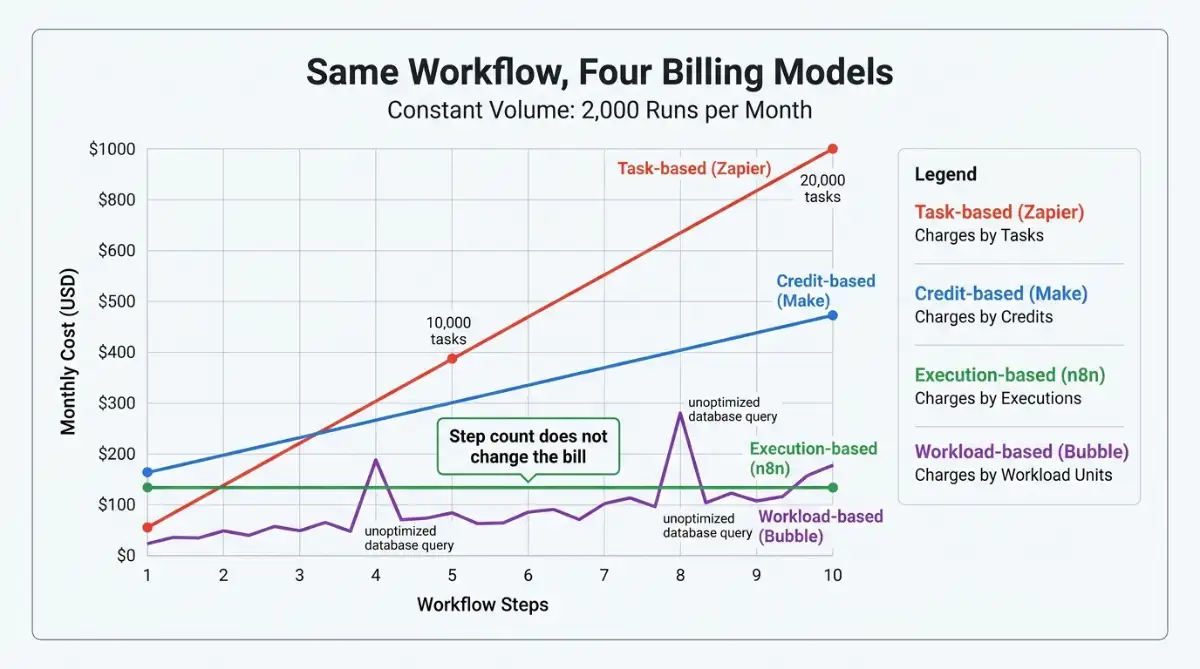
Consumption billing now runs the category. Bubble meters Workload Units, Zapier meters tasks, Make meters operations, and n8n meters executions. A five-step Zapier automation running 2,000 times monthly burns 10,000 tasks, which forces a tier upgrade. The same workload on an execution-based model costs 2,000 runs regardless of internal complexity.
| Billing metric | Charged per | What happens at scale |
|---|---|---|
| Task-based | Individual action step | Cost rises linearly with workflow complexity |
| Credit-based | Fractional scenario step | Medium scaling, softened by routers |
| Execution-based | Full workflow run | Predictable regardless of step count |
| Workload-based | Compute and database load | Inefficient queries trigger sudden cost spikes |
Lock-in splits the market cleanly. Bubble, Adalo, and Softr store your application logic inside proprietary runtimes, so outgrowing them means a manual rebuild. FlutterFlow and Draftbit compile to Dart/Flutter and React Native/Expo source you can commit to GitHub and host yourself. Retool and n8n offer self-hosting, which solves data sovereignty even when it does not solve portability.
Here is my honest read, and it is a "depends" rather than a rule: lock-in is not automatically bad. If the application is a client portal that will be retired in eighteen months, Softr's speed beats FlutterFlow's exit path every time. If it is your core product, the calculus flips completely. Our cost and scaling reality check and security risk review both dig into this.
Decision Framework: How to Pick Your Platform
Skip the feature comparisons until you have answered four questions in order. Most bad no-code purchases come from picking a brand before picking a category.
Step 1: Classify the output, not the project. Are you shipping a public web product, a store-listed mobile app, an internal admin panel, a structured database, or a set of connected workflows? Each maps to a different category and the categories do not substitute for each other.
Step 2: Decide whether you need an exit path. If this is a core revenue asset, only code-exporting platforms belong on the shortlist. If it is operational and disposable, closed runtimes are fine and usually faster.
Step 3: Model cost at 10x and 100x usage. Take your realistic monthly volume, multiply the workflow steps, and price it on each vendor's meter. This step alone eliminates half of most shortlists.
Step 4: Check compliance before you build. GDPR, HIPAA, SOC2, and self-hosting requirements narrow the field fast, so establish them at the start rather than after the demo.
| Your scenario | Shortlist | Why |
|---|---|---|
| Multi-sided marketplace or B2B SaaS | Bubble | Full backend logic without hiring engineers |
| Marketing site with a real CMS | Webflow, Framer | Clean output, fast publishing, strong SEO controls |
| Client portal on existing data | Softr | Fastest path from Airtable base to gated portal |
| Store-listed mobile app you must own | FlutterFlow, Draftbit | Genuine source code export |
| Internal admin panel over SQL | Retool | Direct database access, no migration |
| Field team with offline needs | Clappia, AppSheet | Offline sync and device hardware access |
| High-volume multi-step automation | Make, n8n | Operation and execution billing beat per-task pricing |
| Regulated database portal at scale | Caspio | Package pricing without per-seat charges |
Start exploring launch-ready no-code templates here!
Frequently Asked Questions
What is a no-code development platform?
A no-code development platform replaces written code with visual editors, drag-and-drop components, declarative workflow logic, and connected databases. Users configure applications through an interface rather than syntax. Modern platforms also include AI generation features and API connectivity, which extends them well beyond simple website building.
What is the difference between no-code and low-code?
No-code platforms require zero syntax, while low-code platforms expect some scripting for custom logic. Retool needs SQL and JavaScript fluency, which places it in low-code territory. Bubble and Adalo need none, though both reward users who understand database schemas and API behavior.
Which no-code app development platforms let you export your code?
FlutterFlow exports Dart and Flutter source on its Pro plan, and Draftbit exports React Native and Expo code from $19 per month. Webflow outputs semantic HTML, CSS, and JavaScript. Bubble, Adalo, Softr, and most others store application logic in closed proprietary runtimes.
How much does a no-code development platform cost?
Entry pricing ranges enormously. Framer starts around $5 per site monthly and AppSheet at $5 per user, while Glide jumps to $199 monthly and Caspio packages begin near $100. Usage meters, not sticker prices, usually determine the real bill.
Can no-code platforms handle enterprise security requirements?
Yes, several do. Caspio carries HIPAA, FERPA, and SOC2 compliance, Retool and n8n support self-hosted Docker deployment, and Betty Blocks was built specifically for governed citizen development. Security depends on the platform tier you buy, not the no-code label itself.
Start building without code
Browse thousands of no-code templates for Webflow, Framer, Bubble, Lovable, Replit and more.
Explore Templates