
Adalo
The Visual No Code App Builder – Now Powered By AI
Adalo is a powerful no-code platform that enables creators to build and publish custom native iOS and Android mobile applications. It features a drag-and-drop visual interface that allows users to design high-performance apps with integrated databases, logic, and external API connections.
Starter
Professional
Team
Business
4
ready to use- AI App Builder (Ada AI Assistant)
- Visual Multi-Screen Canvas
- Drag & Drop Freeform Builder
- iOS App Builder
- Android App Builder
- Web App Builder
- Responsive Design
- App Store Publishing
- Google Play Publishing
- Custom Domain Publishing
- Hosted Postgres Database
- External Collections
Adalo at a glance
Overall Score
Adalo is a visual-first no-code app builder for building true native iOS and Android apps, plus a web version, all from a single canvas. The design experience feels close to Figma or Canva, and it comes with a built-in relational database, so you don't need a separate backend account just to get moving.
Who it's for: startups, small businesses, and non-technical founders who want to test an MVP or launch a simple app fast. It's a strong pick for getting something into the Apple App Store or Google Play quickly, but it starts to strain once your database grows large or your logic gets genuinely complex.
Pros
- Actually publishes true native iOS and Android apps, not just a web view wrapped as an app
- Visual screen-flow mapping lays out your whole app's navigation as a connected map, which makes structure easy to follow
- Comes with a built-in, spreadsheet-style relational database so you're not forced to bolt on an external one
- Large marketplace of drag-and-drop components: lists, forms, Stripe payments, geolocation, camera, user auth
- Recent pricing changes moved to flat monthly tiers instead of charging per app action
- Beginners can realistically get a working prototype up within a day or two
Cons
- Performance drops noticeably once collections get large, think 50+ items with images in a list or over 10,000 records total
- No code export at all, so outgrowing the platform means rebuilding from scratch elsewhere
- Reviewers report real bugs: database sync outages and flaky push notifications show up more than you'd like
- Customer support is slow, with ticket responses often taking multiple business days even on paid plans
Adalo is genuinely one of the easiest ways to get from an app idea to something live on the App Store or Play Store without writing code. The visual canvas and screen-flow mapping make structuring an app intuitive even for a total beginner, and the built-in database means you're not juggling a separate backend service on day one.
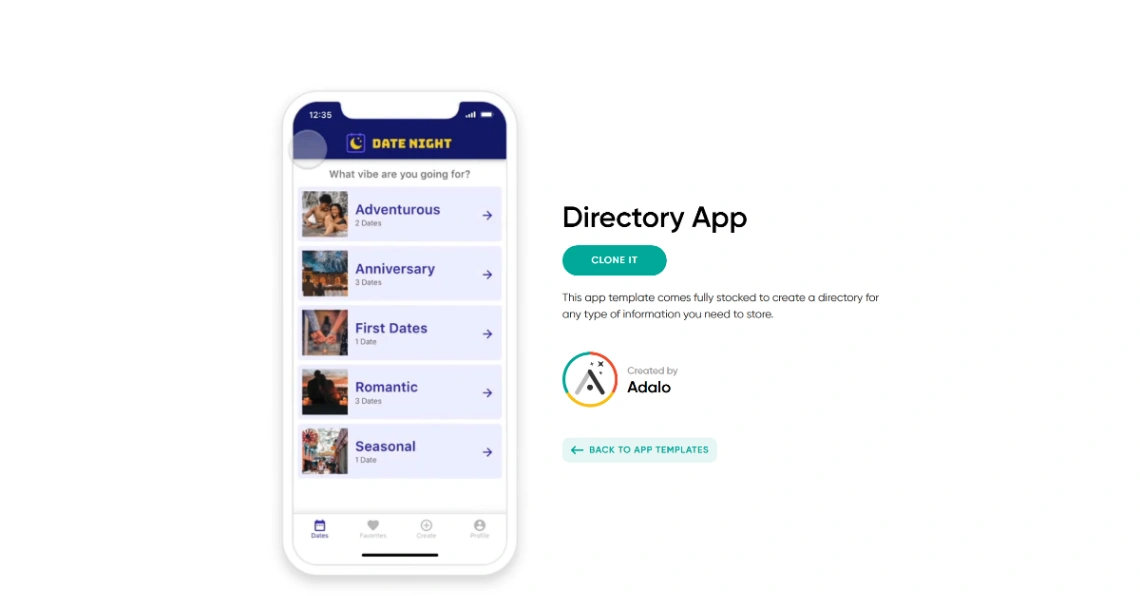
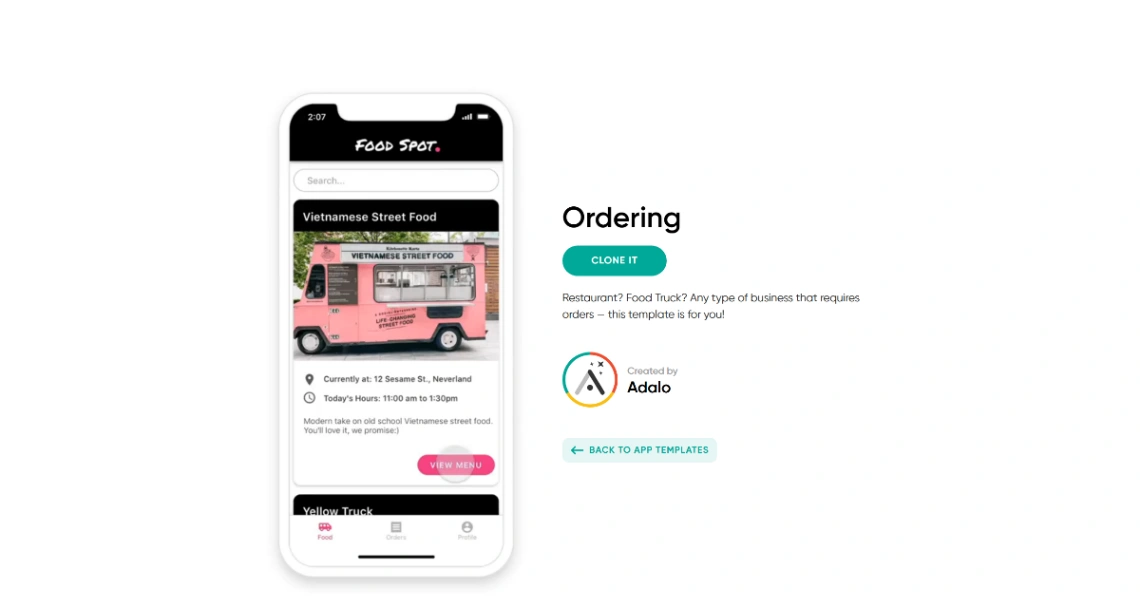
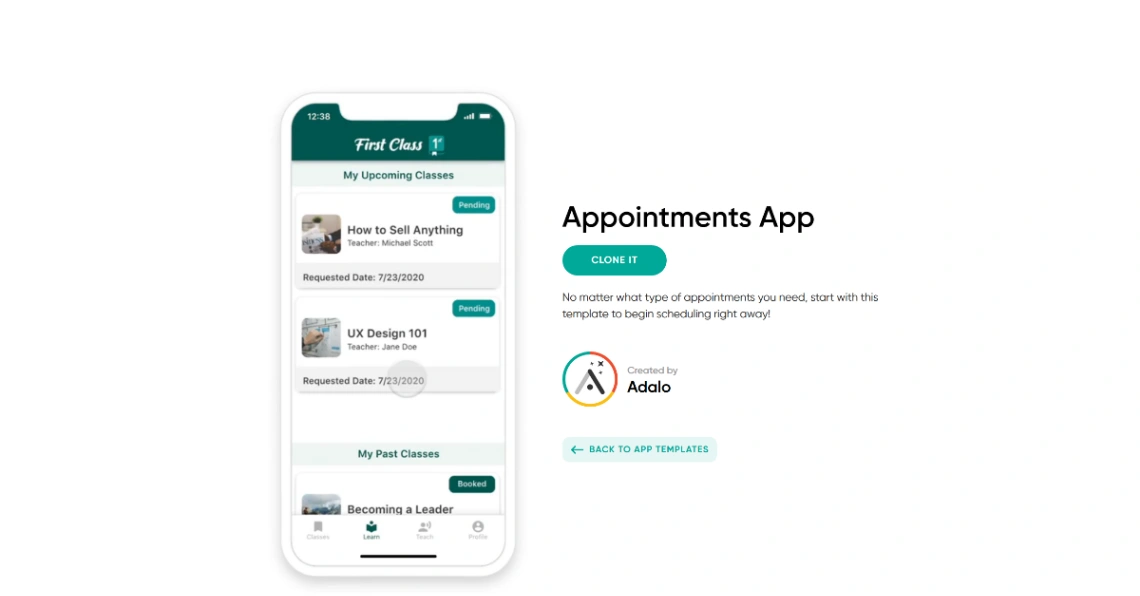
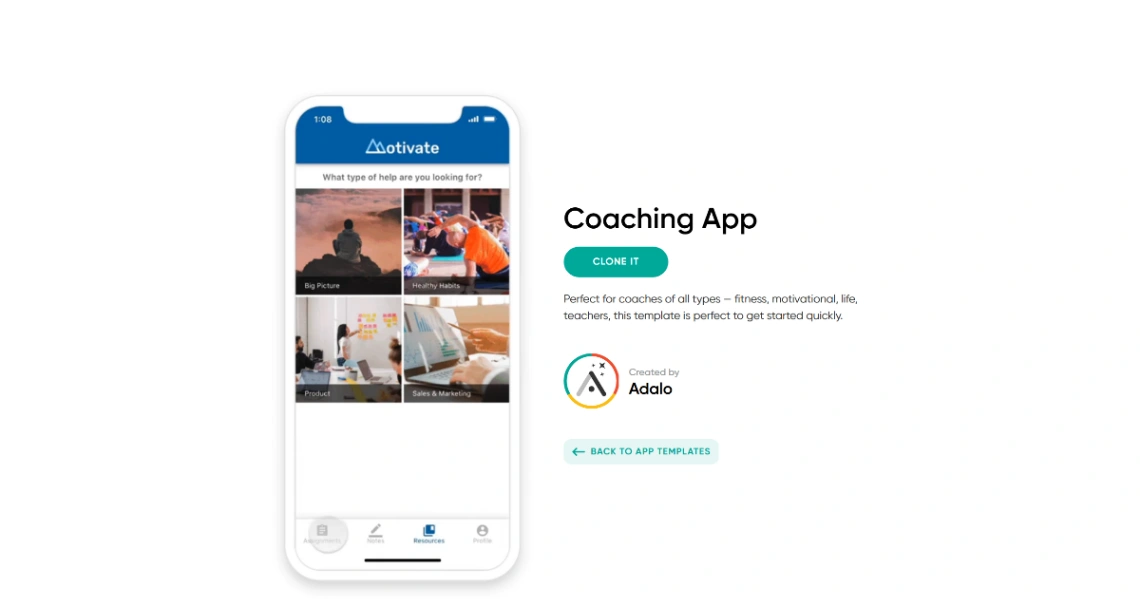
Best Templates from Adalo
Explore stunning templates built with Adalo.
Similar tools to Adalo
 GlideWeb App BuilderMobile App Builder
Turn spreadsheets into beautiful, intelligent apps
 MovementMobile App BuilderWeb App Builder
Your content, your community in your own app.
 MeDoWeb App BuilderMobile App BuilderWebsite Builder
Turn ideas into apps
 Appy PieMobile App BuilderWebsite Builder
Create an App with AI from a Text Prompt
 BubbleWebsite BuilderWeb App BuilderMobile App Builder
Launch apps, not prototypes
 EzyCourseWebsite BuilderMobile App Builder
Build Your Knowledge Business
 SoftrWeb App BuilderMobile App Builder
Build business apps with AI – that actually work
 FlutterFlowMobile App BuilderWeb App Builder
Build Better. Launch Faster.