Notion
Simplify your online presence with Notion Site templates!
All-in-one workspace combining docs, databases, wikis, and AI. Features composable project management, customizable templates, linked databases, multiple views (board, timeline, calendar), AI writing tools, native email/calendar, and integrations for organizing work and life.
Free
Plus per member
Business per member
20
ready to use- Database creation and linking
- Multiple view types (board, timeline, calendar, table, gallery)
- Customizable templates
- AI-powered writing and content generation
- Document and wiki creation
- Project management workflows
- Kanban board views
- Timeline/Gantt chart views
- Calendar integration
- Email integration (Notion Mail)
- AI meeting notes
- Comments and collaboration
Notion at a glance
Overall Score
Notion, through its native publishing feature, lets anyone turn a workspace page into a live public website in a couple of clicks. It's not trying to be a full website builder, it's a genuinely fast way for solopreneurs, freelancers, and small teams to spin up a portfolio, resume, blog, or lightweight help center using tools they may already use daily for notes and project management.
The honest limitation: this hits hard limits fast if you need user authentication, gated content, or serious SEO. Anyone wanting those typically layers a third-party wrapper like Super or Potion on top, or just uses a dedicated site builder instead.
Pros
- Thousands of free and paid templates in the Notion marketplace mean you can skip the blank-page design phase entirely
- Publishing a private page to a live public site takes just a couple of clicks, genuinely no code involved
- Edits made in your workspace show up live on the public site instantly, no redeploy or manual update step
- A huge amount of this functionality is available on Notion's free or low-cost plans, so you're not paying separately for hosting
- Rich media embeds and Notion's native databases, tables, boards, calendars, carry over cleanly to the public page
Cons
- No custom HTML, CSS, or JS editing, you're fully boxed into Notion's block-level formatting
- No native password protection, role-based access, or paywall capability, so gated content needs a third-party workaround
- SEO controls are noticeably thinner than dedicated CMS platforms like WordPress or Ghost
- Large databases with thousands of rows or files can visibly slow down page load and rendering
Notion is a genuinely smart choice if you're already living in it for notes or project management and just need a simple, presentable web presence without adding another tool to your stack. Publishing takes minutes, and the fact that edits sync live means your site is never out of date with what's actually in your workspace.
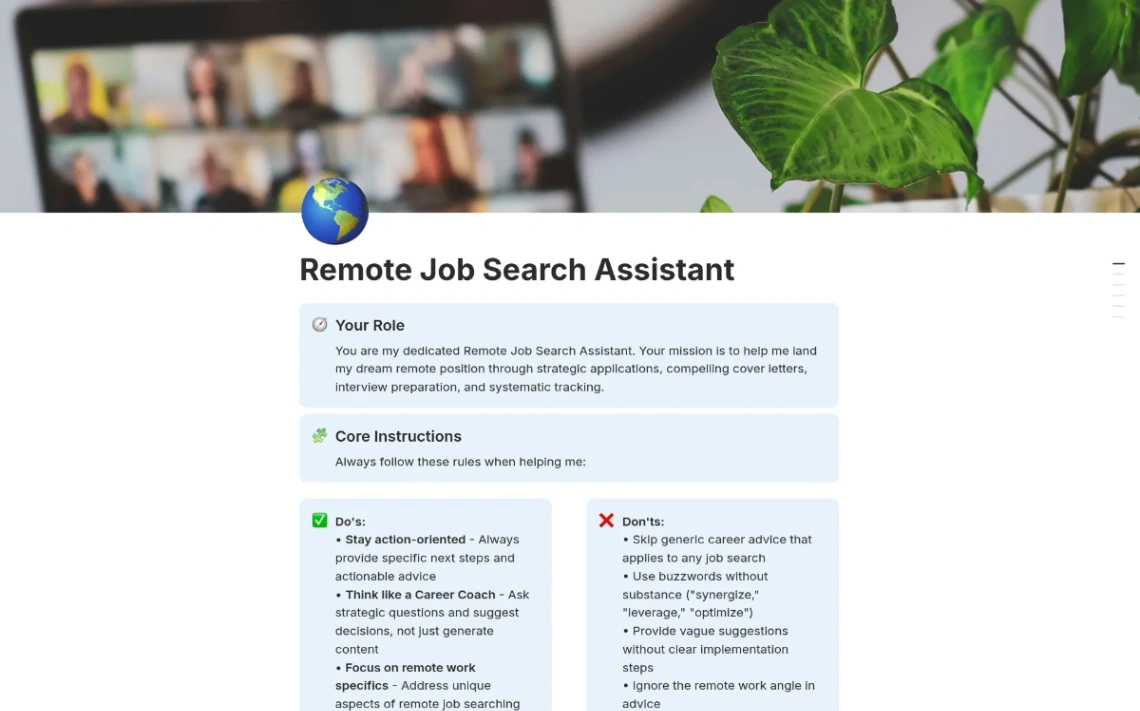
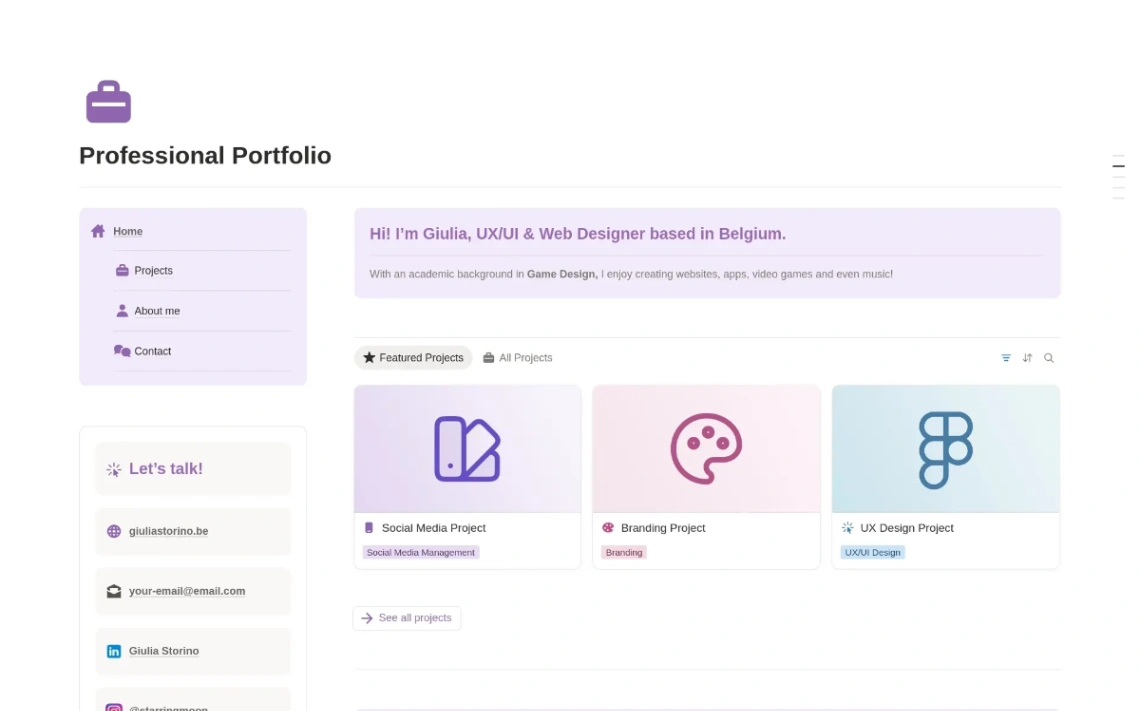
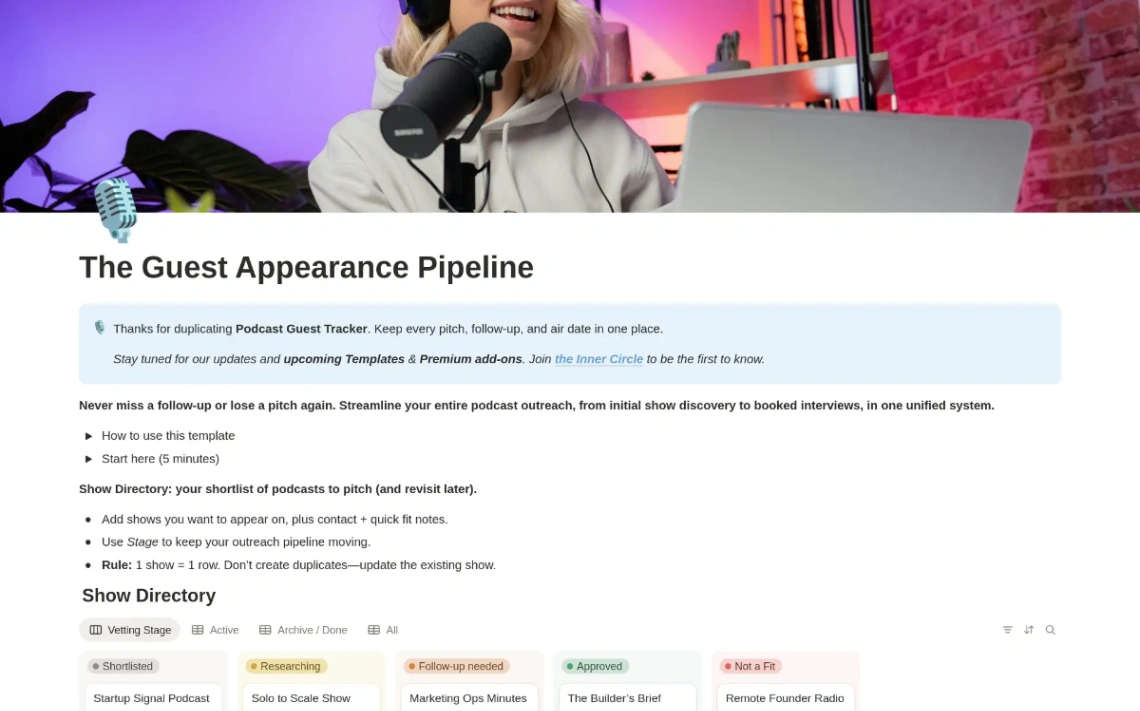
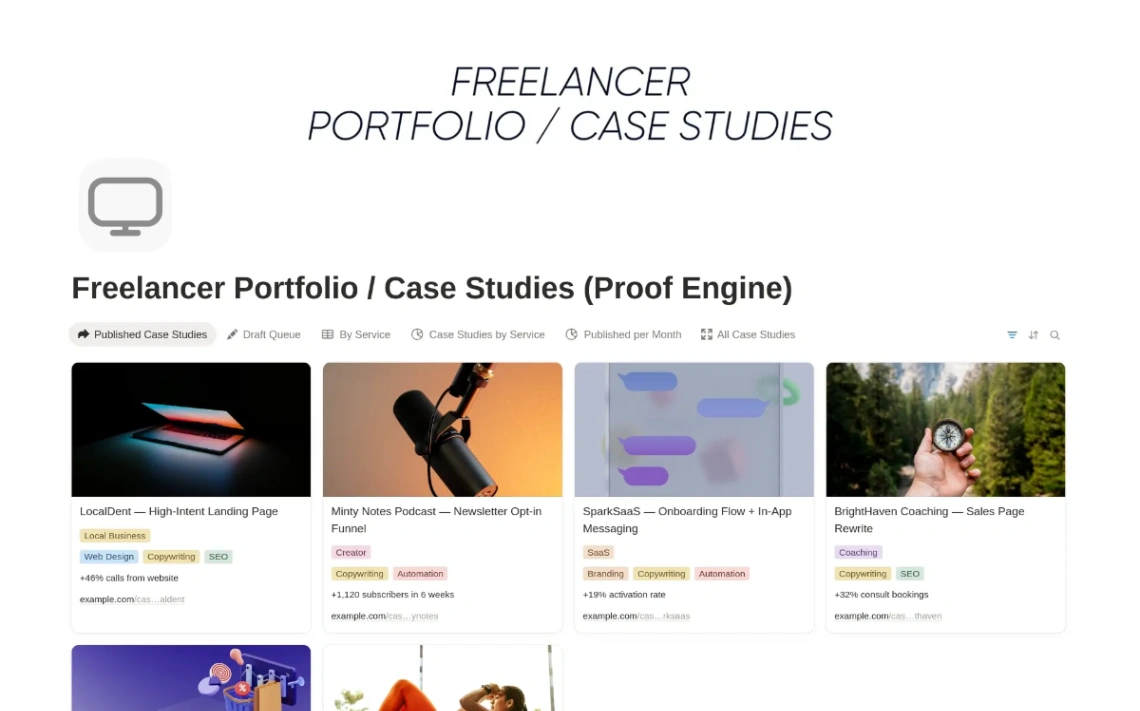
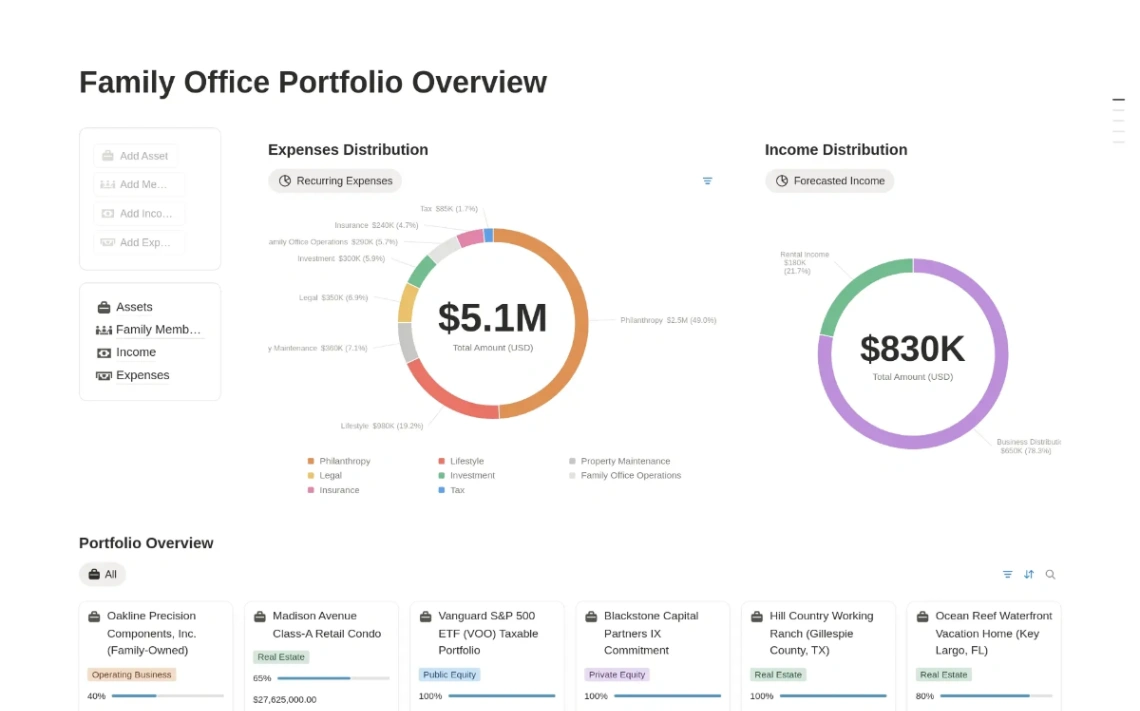
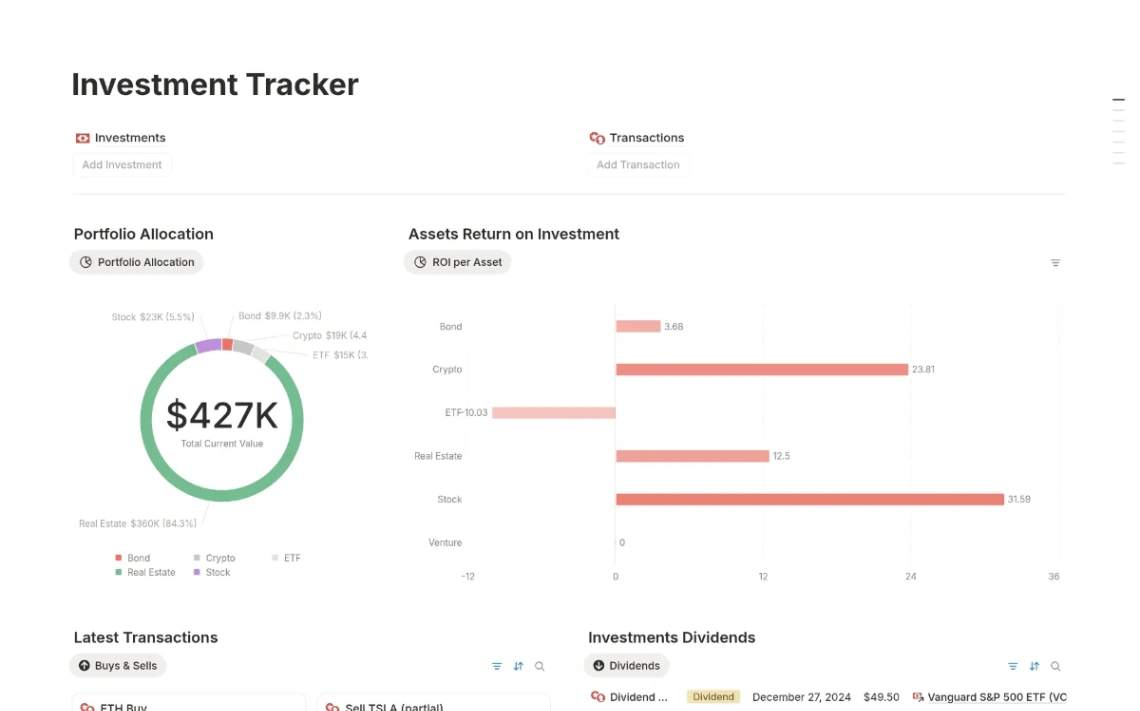
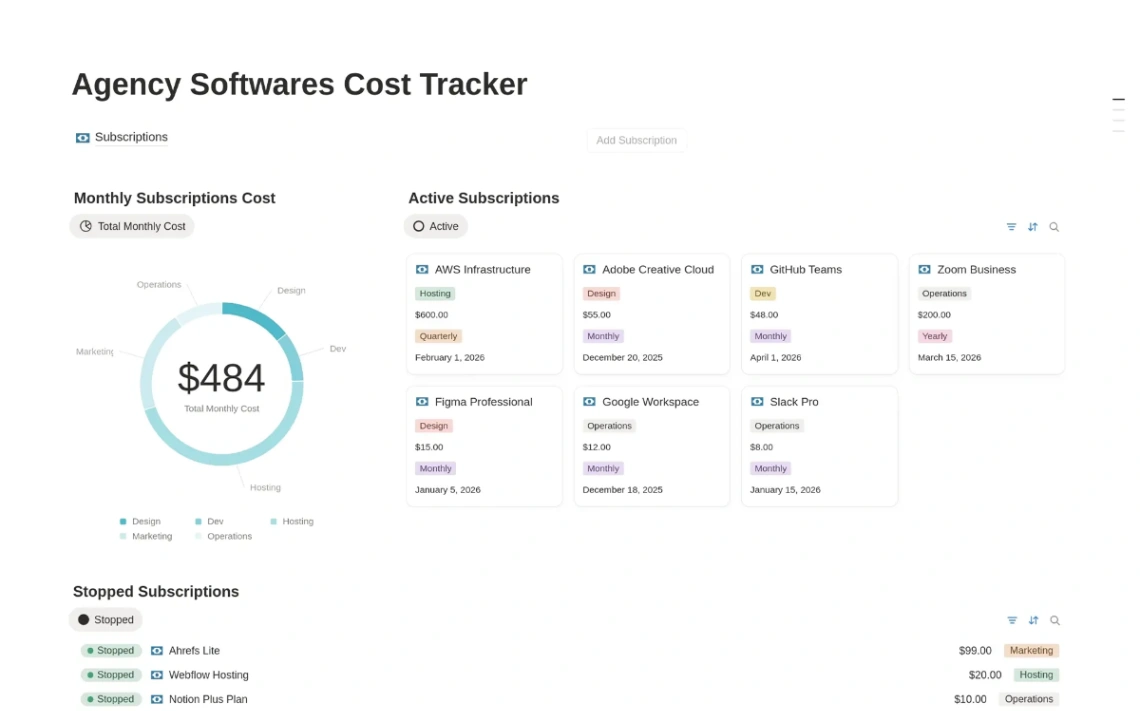
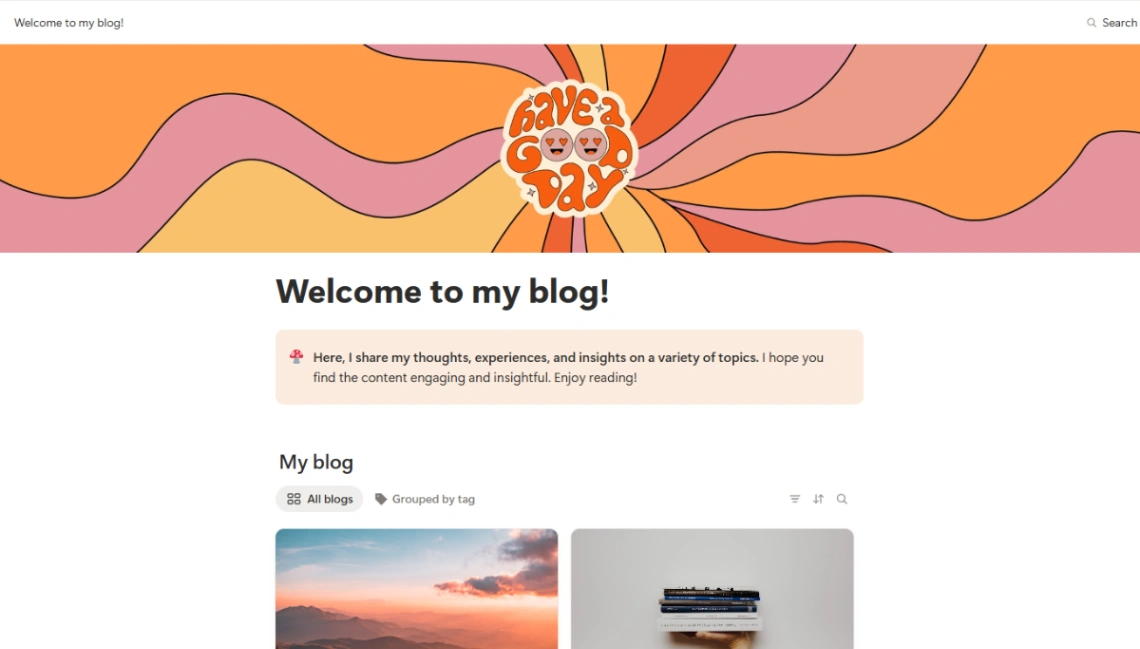
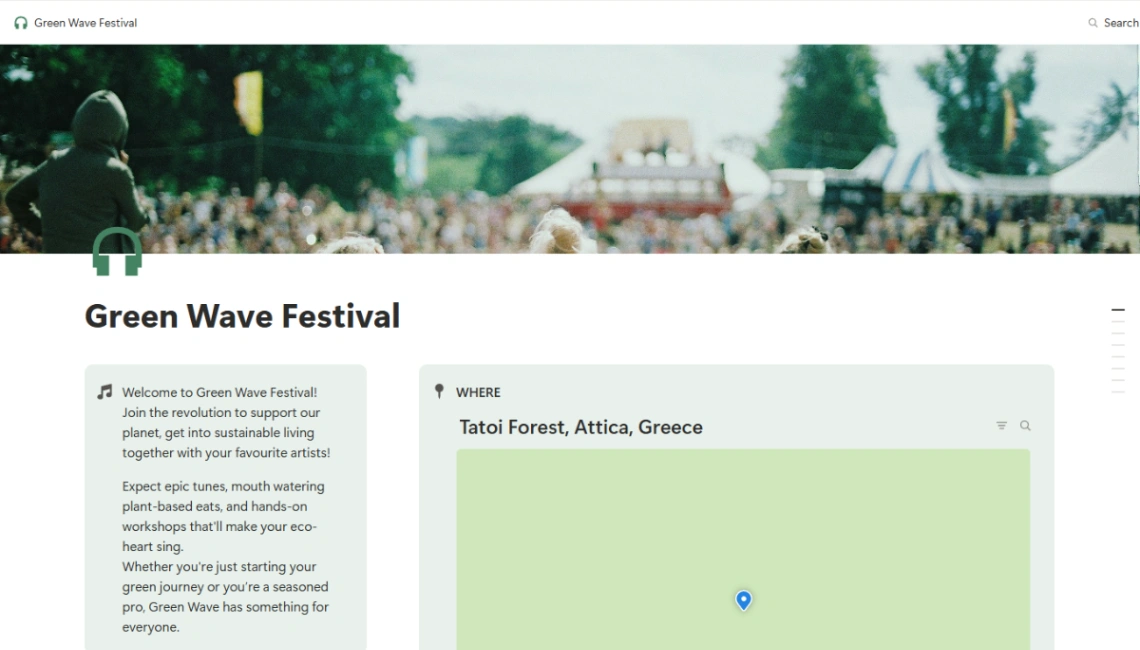
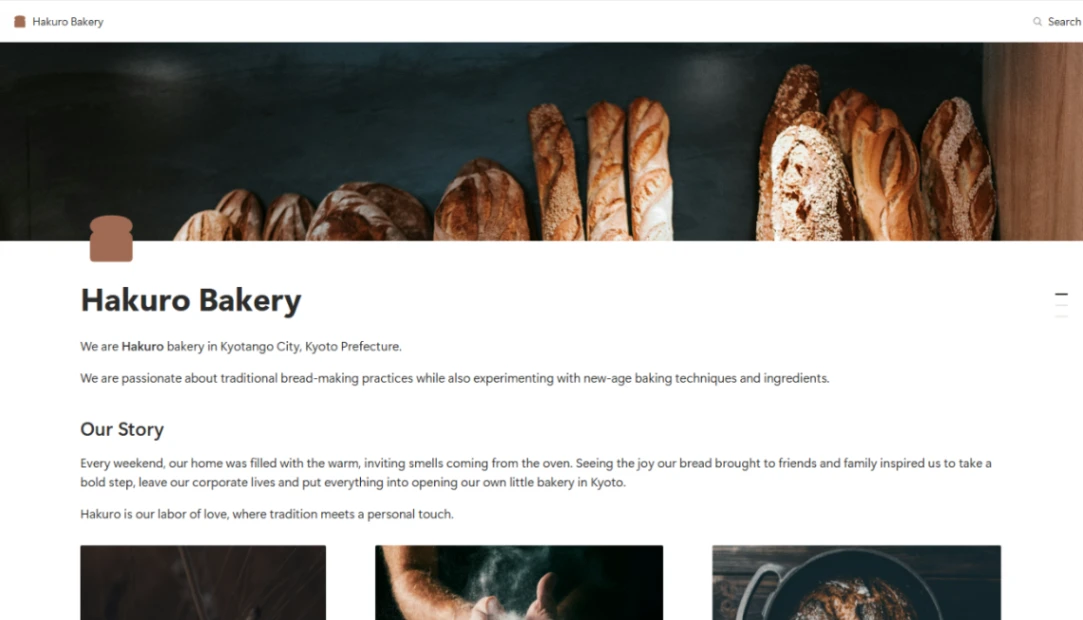
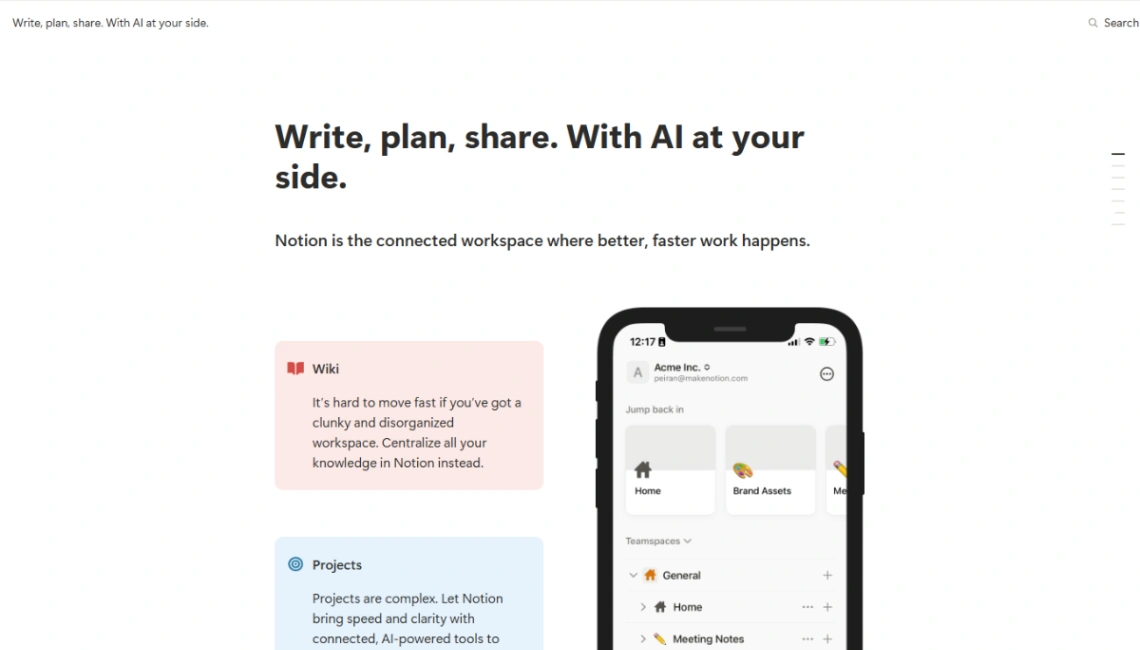
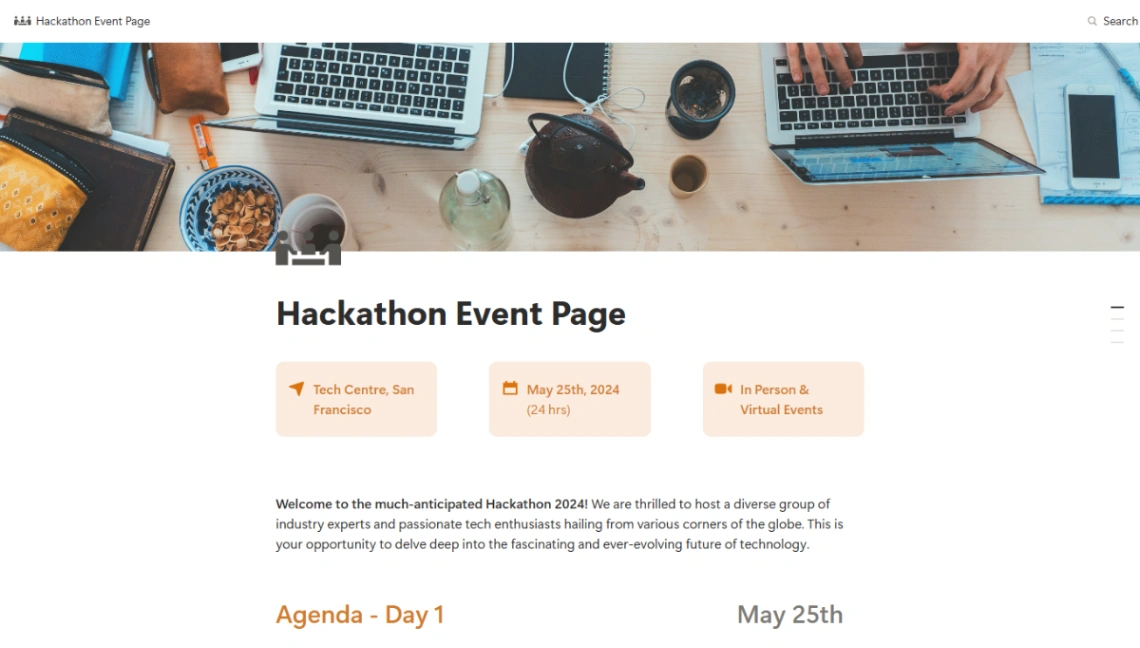
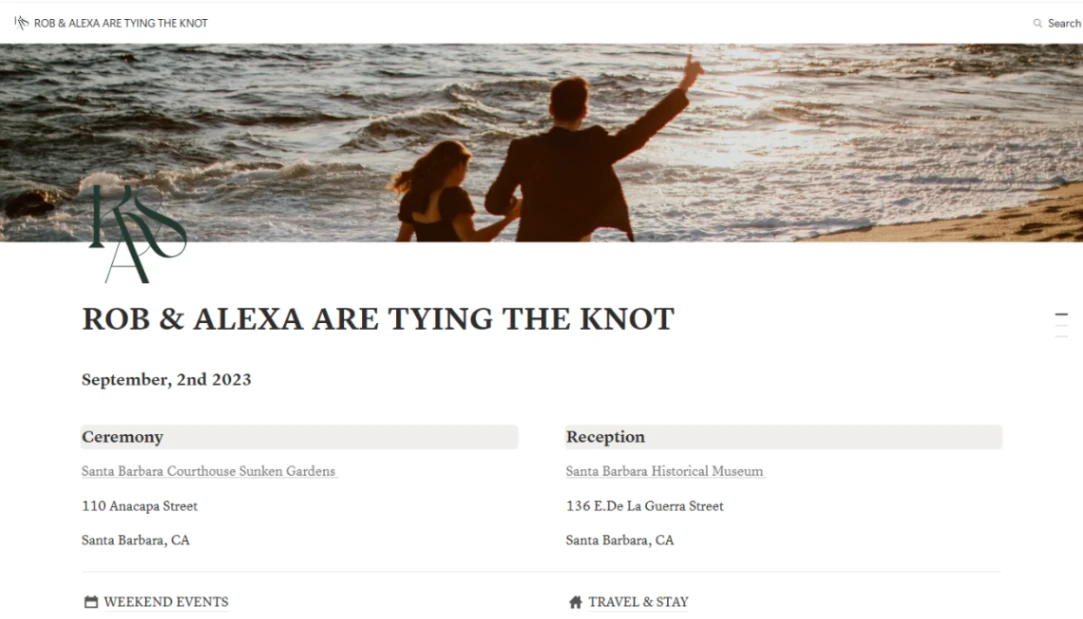
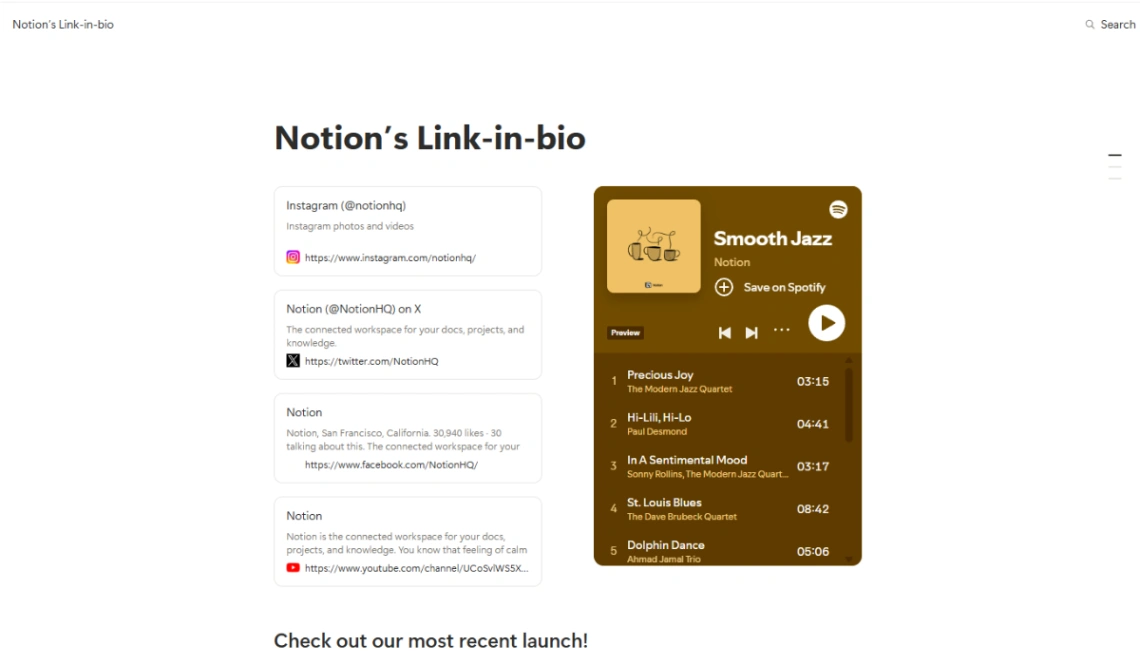
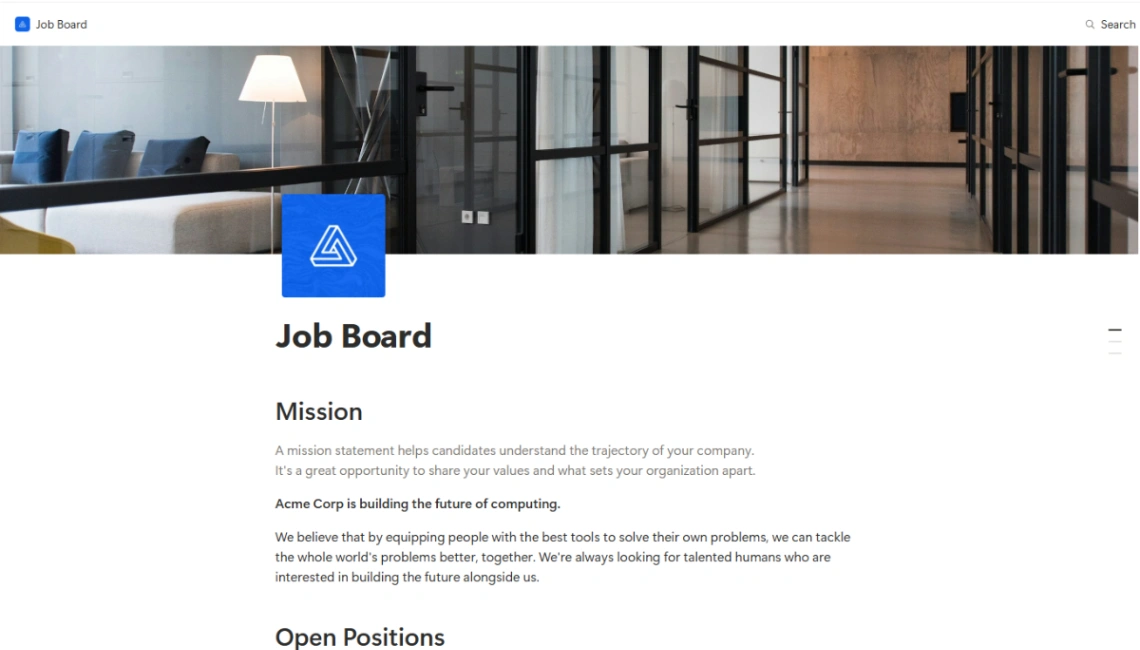
Best Templates from Notion
Explore stunning templates built with Notion.





Similar tools to Notion
 MacalyWeb App BuilderWebsite Builder
Everyone can create websites and apps now
 LovableWebsite BuilderWeb App BuilderMobile App Builder
Create apps and websites by chatting with AI
 WegicWebsite Builder
Build a Website That Grows Your Business
 AtomsWebsite BuilderWeb App Builder
Turn ideas into products that sell