
Make
The visual AI automation platform
Make is a visual no-code automation platform that lets you design, build, and automate complex workflows. With a drag-and-drop interface, it connects over 3,000 apps to streamline business processes, integrate AI agents, and manage data movements without writing code.
Core
Pro
Teams
10
ready to use- Visual Canvas Scenario Builder
- AI Scenario Builder
- Make AI Agents
- Multi-Branch Logic Routers
- Conditional Data Filtering
- Iterators and Aggregators
- Dedicated Error Handlers
- Real-Time Execution Logs
- Incomplete Execution Recovery
- Scenario History Run Replay
- Module Migrator Tool
- Dynamic Field Mapping
Make at a glance
Overall Score
Make (formerly Integromat) is a visual automation platform for building multi-step, logic-heavy workflows at a fraction of Zapier's cost. It's the go-to choice for power users, mid-market businesses, and agencies who need conditional logic, custom API integrations, and cost-effective high-volume execution.
How to think about it: if Zapier is an automated conveyor belt, Make is a full factory floor. It demands more willingness to understand basic logic concepts than simpler trigger-and-action tools, but rewards that with genuinely more capability.
Pros
- The drag-and-drop node system lets you visually map data movement, add filters on connecting lines, and inspect execution history step by step
- Operates on an operation and credit model rather than charging per strict multi-step trigger, making it significantly cheaper than Zapier for complex, multi-branch scenarios
- Native modules for Routers, Iterators, Aggregators, and Data Stores remove the need for external code to handle branching, looping, or combining data
- The generic HTTP and REST module lets you authenticate and interact with virtually any API endpoint, even ones without a native integration
- Built-in error handling directives, Commit, Ignore, Break, Resume, Rollback, let workflows recover gracefully from broken third-party APIs instead of failing silently
Cons
- A steeper initial learning curve, users without a basic grasp of data structures like arrays or JSON objects often hit a wall early on
- Unoptimized polling schedules or infinite loops can quickly consume monthly operation credits if error handling or deduplication isn't configured properly
- Managing hundreds of scenarios is a real pain point, users complain about the lack of subfolders, tagging systems, and global text search inside Data Stores
- Standard and free tiers rely strictly on ticket-based support, which can leave urgent production issues waiting 12 to 48 hours
Make earns its reputation as the more powerful, more affordable alternative to Zapier for anyone building genuinely complex, branching automations. The visual canvas with routers, iterators, and aggregators gives you real programming-like capability without writing code, and the operation-based pricing model rewards efficient workflow design rather than punishing you per individual trigger step.
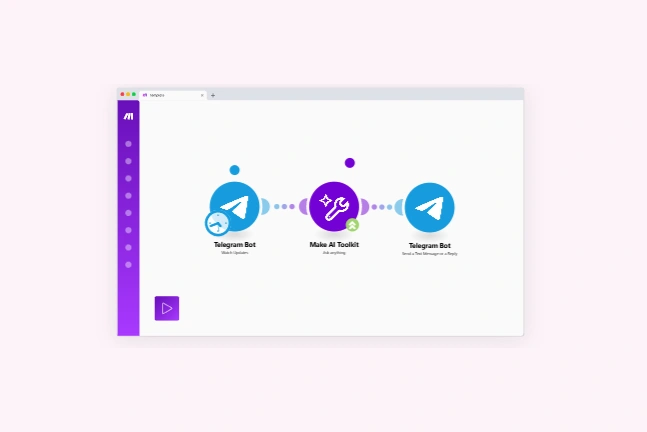
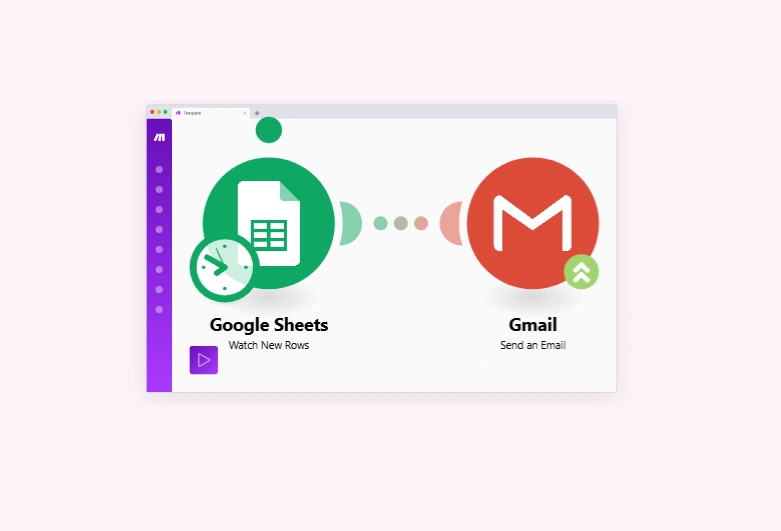
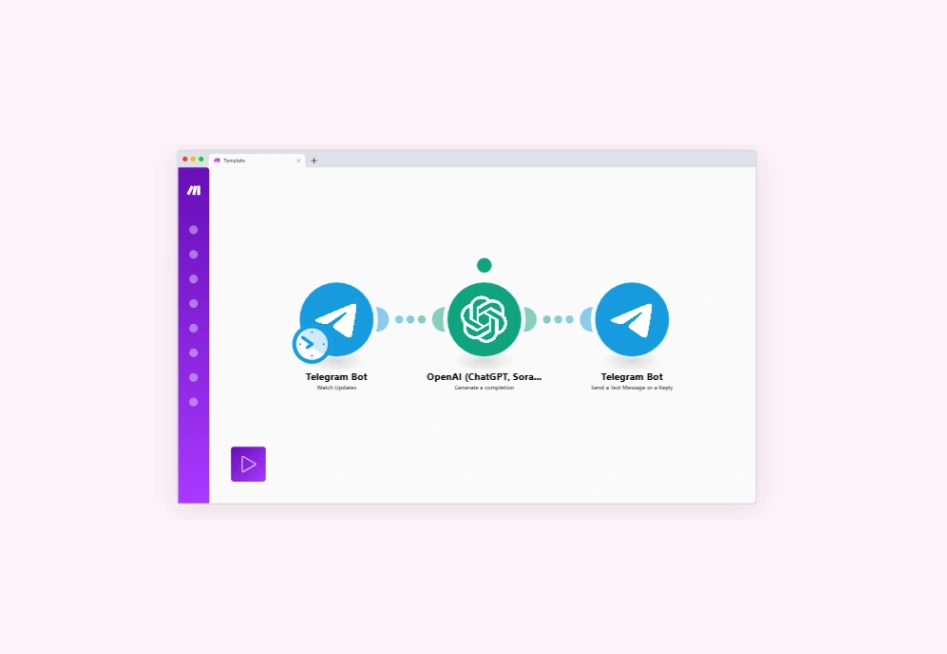
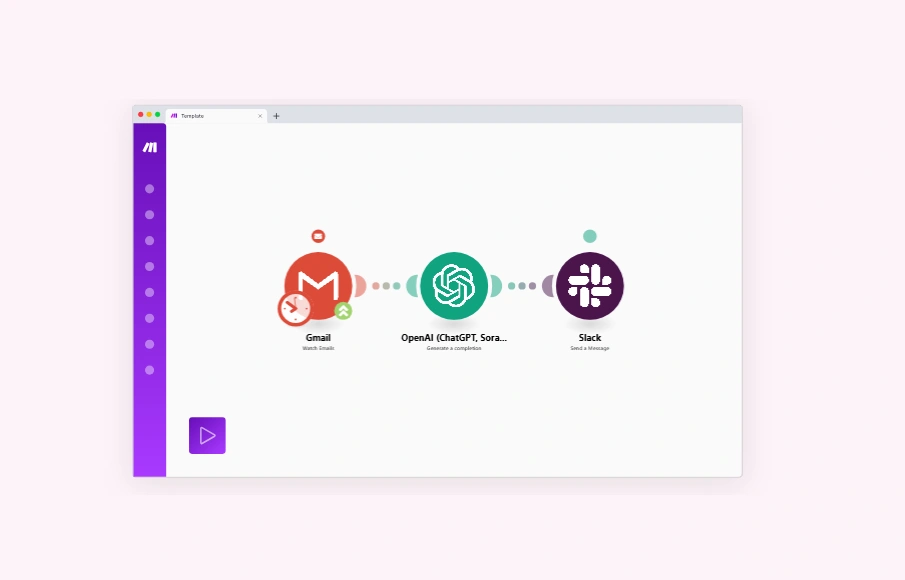
Best Templates from Make
Explore stunning templates built with Make.






Similar tools to Make
 GumloopWeb App Builder
AI agents built by your team
 ZapierWeb App Builder
Your tools. Your rules. Any AI.
 n8nWeb App Builder
AI agents and workflows you can see and control
 LandbotWeb App Builder
Turn Your Website Into Your Best Sales Agent
 TadabaseWeb App Builder
Custom Applications, Better Workflows, No-Code Flexibility
 AirtableWeb App Builder
Sophisticated workflows in minutes, not months
 BeamWeb App Builder
Self-Learning AI Agents for Enterprise Operations
 ReplitWebsite BuilderWeb App BuilderMobile App Builder
Turn ideas into apps in minutes — no coding needed