
Appsmith
Build custom apps 80% faster
Open-source low-code platform for building custom internal apps, dashboards, and tools 10x faster. Connect to any database or API, drag-and-drop UI building, full JS customization, Git version control, self-hosting options, and enterprise security with SAML, SCIM, and audit logging.
Business
Enterprise
20
ready to use- Visual Drag-and-Drop UI Builder
- 45+ Pre-built Widgets
- JavaScript-Based Business Logic
- Reactive Data Bindings
- Native Database Integrations (PostgreSQL, MySQL, MongoDB, Redis, Snowflake)
- REST & GraphQL API Connectivity
- Git-Based Version Control
- CI/CD Integration
- Self-Hosting (Docker/Kubernetes)
- Role-Based Access Control (RBAC)
- SAML/OIDC Single Sign-On (SSO)
- Audit Logging
Appsmith at a glance
Overall Score
Appsmith is an open-source, low-code platform for building internal tools like admin panels, dashboards, and CRUD apps. It's built with developers and engineering-led teams in mind rather than absolute beginners, since it leans on real JavaScript, data queries, and API knowledge once you go past the basics. Self-hosting is a big part of its appeal, letting teams keep everything behind their own firewall.
Under the hood: it connects natively to SQL databases, MongoDB, REST APIs, and GraphQL, and includes native Git integration so engineering teams can version internal apps the way they'd version any other codebase.
Pros
- Fully open-source and self-hostable via Docker or your own cloud setup, which matters a lot for teams with data privacy or compliance requirements
- Connects out of the box to a wide range of data sources, including PostgreSQL, MySQL, MongoDB, REST APIs, and GraphQL
- Lets you drop into real JavaScript through JSObjects when the visual tools aren't enough, instead of hitting a hard wall
- Native Git integration means internal apps can be branched, merged, and managed like actual software projects
- Cuts what would normally be weeks of frontend development down to days
- Initial setup is genuinely fast, spinning up the self-hosted version takes just minutes
Cons
- Non-technical users hit a wall quickly once a project needs custom logic, data binding, or API payload formatting
- Mobile and tablet layouts need a lot of manual adjustment since the builder is desktop-first by design
- Heavy datasets processed directly in the browser can cause noticeable lag if queries aren't optimized
- Styling and branding options are limited, it's built for internal utility, not polished customer-facing design
Appsmith makes the most sense for engineering teams who want to build internal tools fast without handing the project to a full frontend build cycle. The combination of self-hosting, Git version control, and real JavaScript extensibility gives developers actual control, which is rare in tools marketed as low-code.
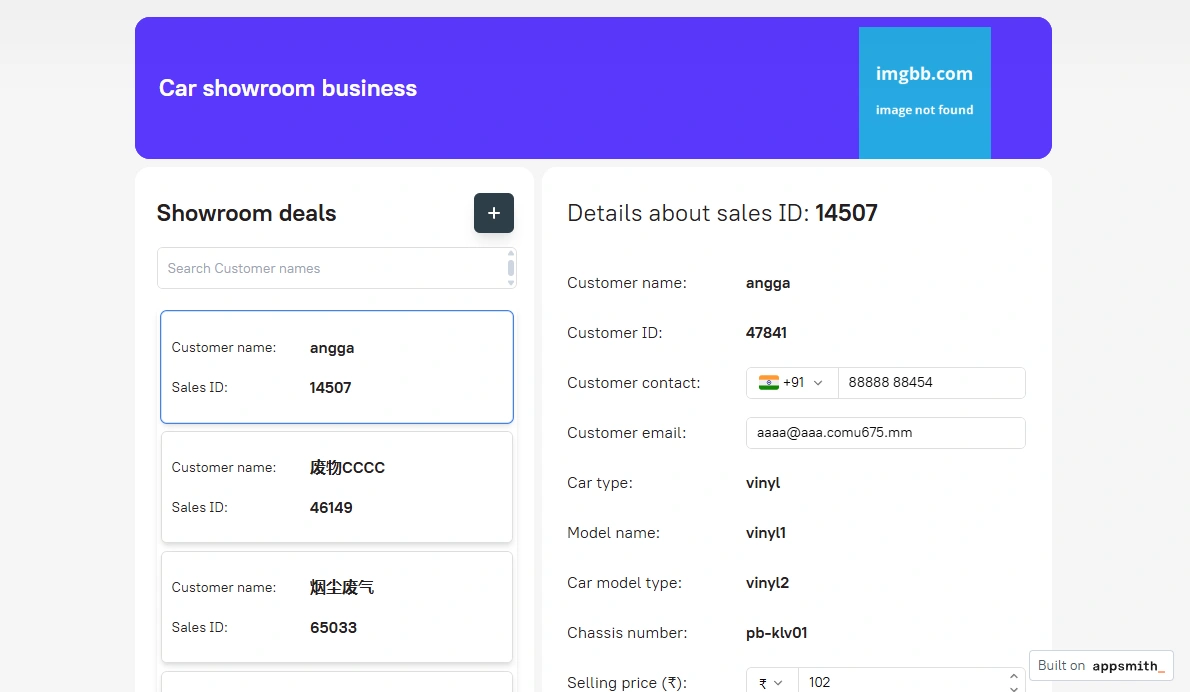
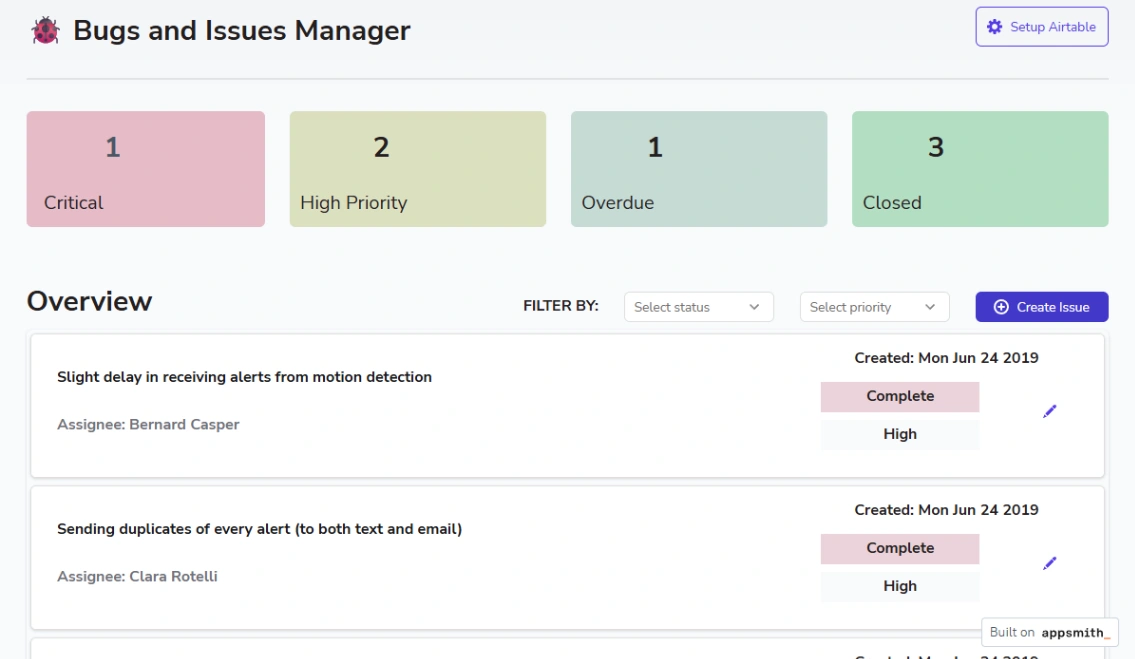
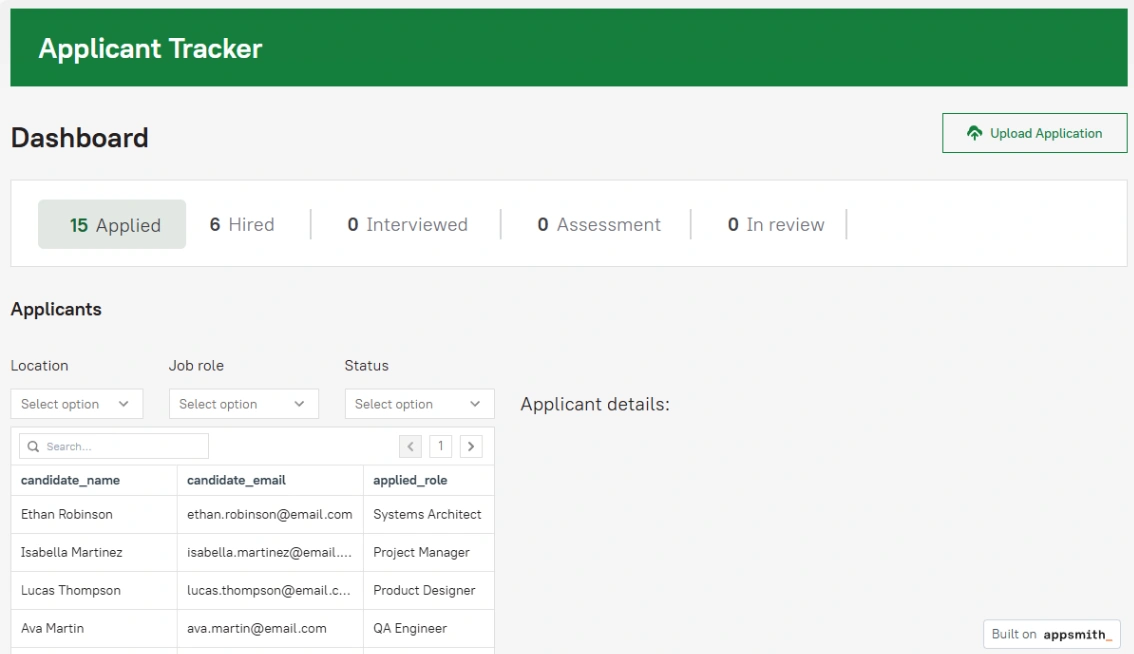
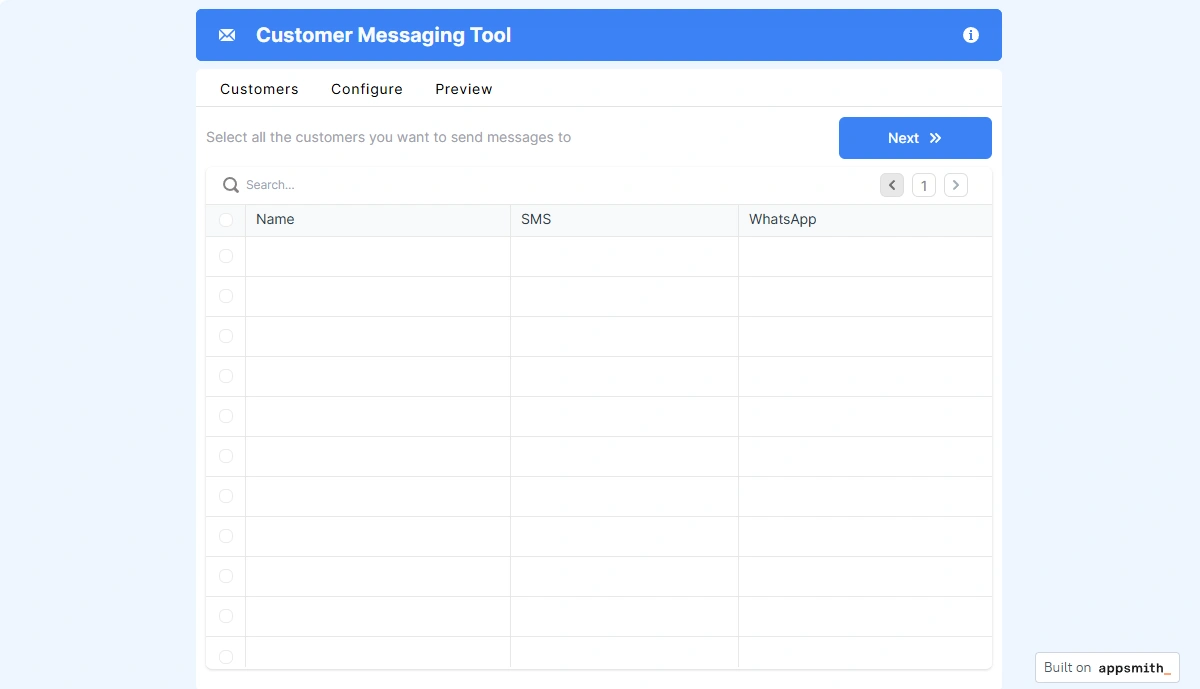
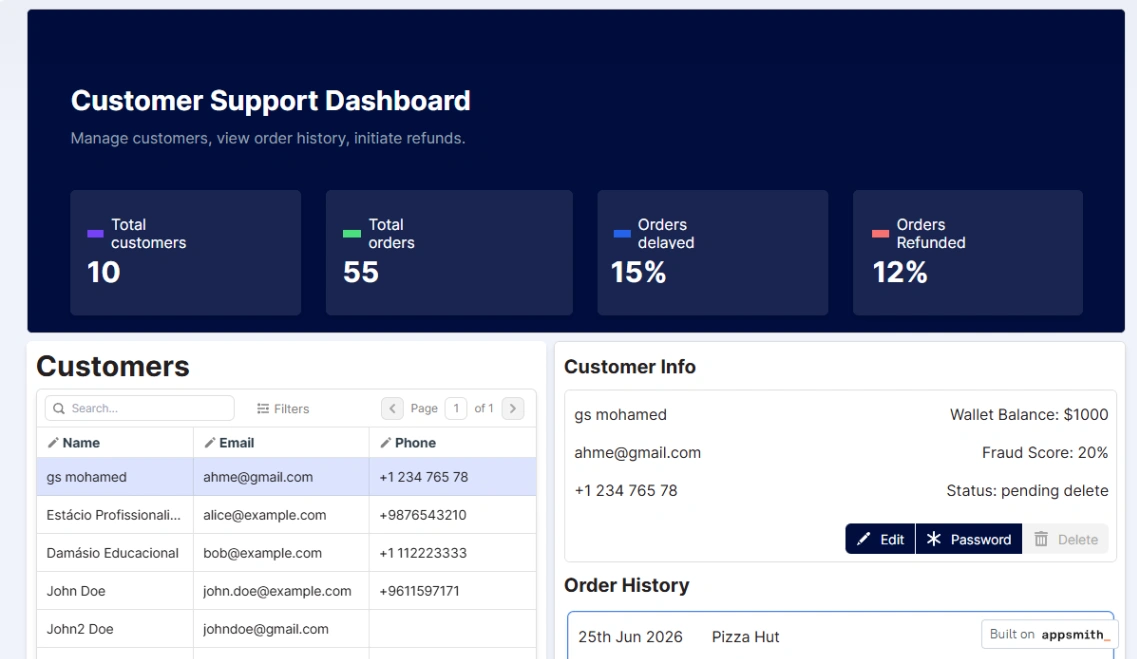
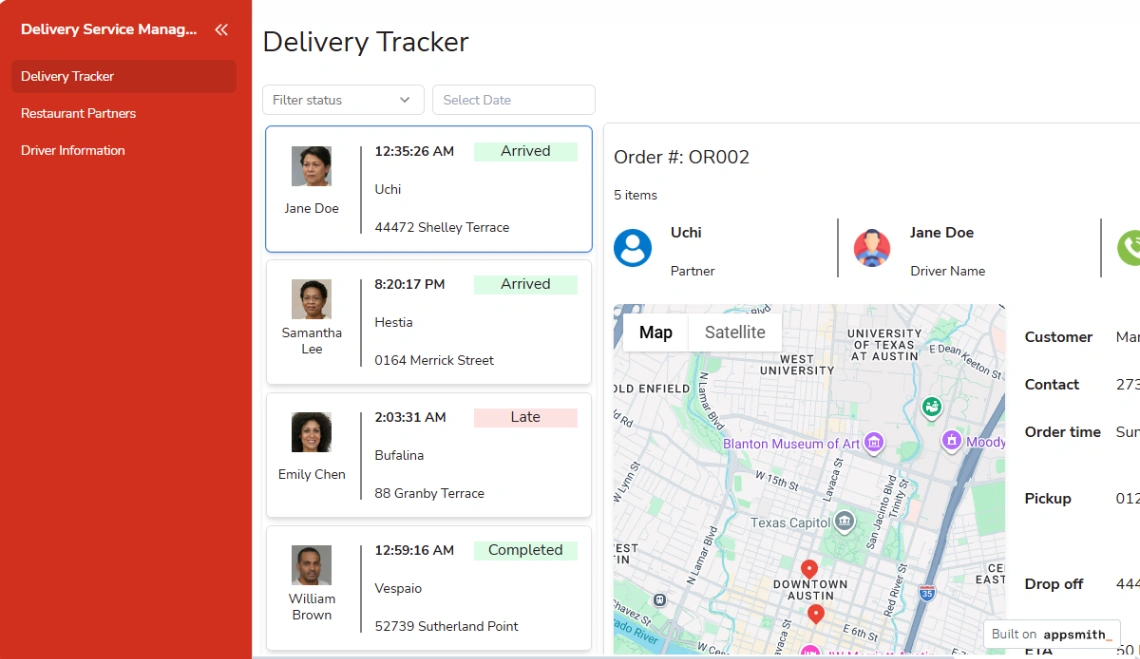
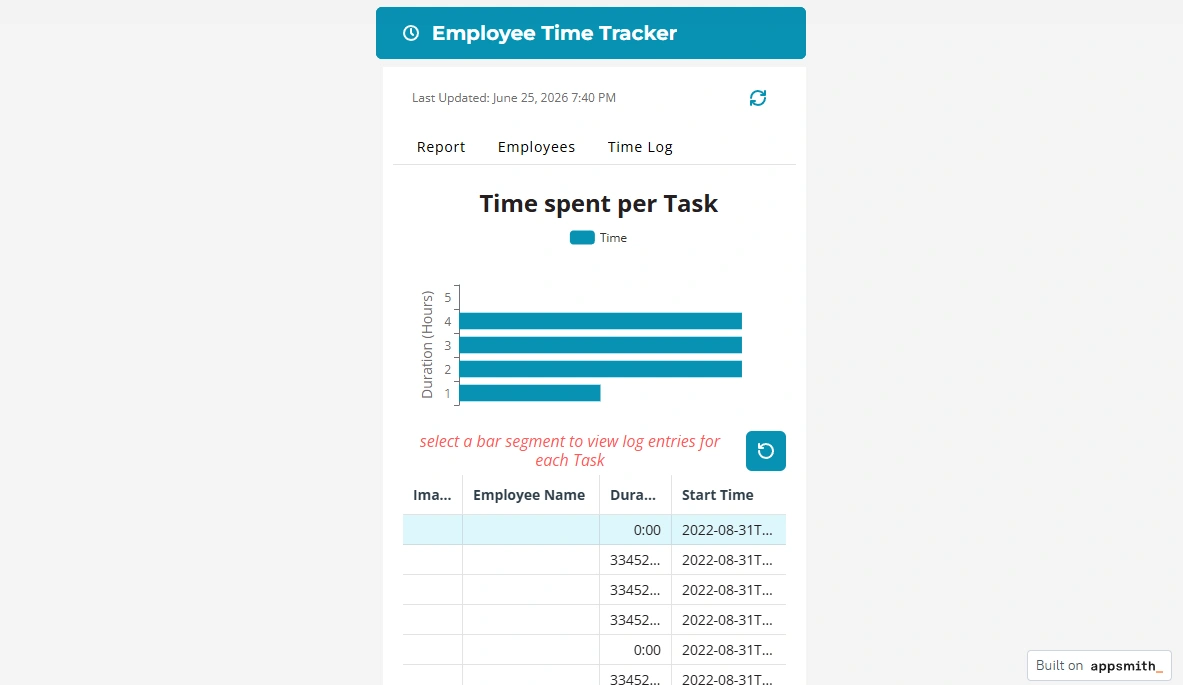
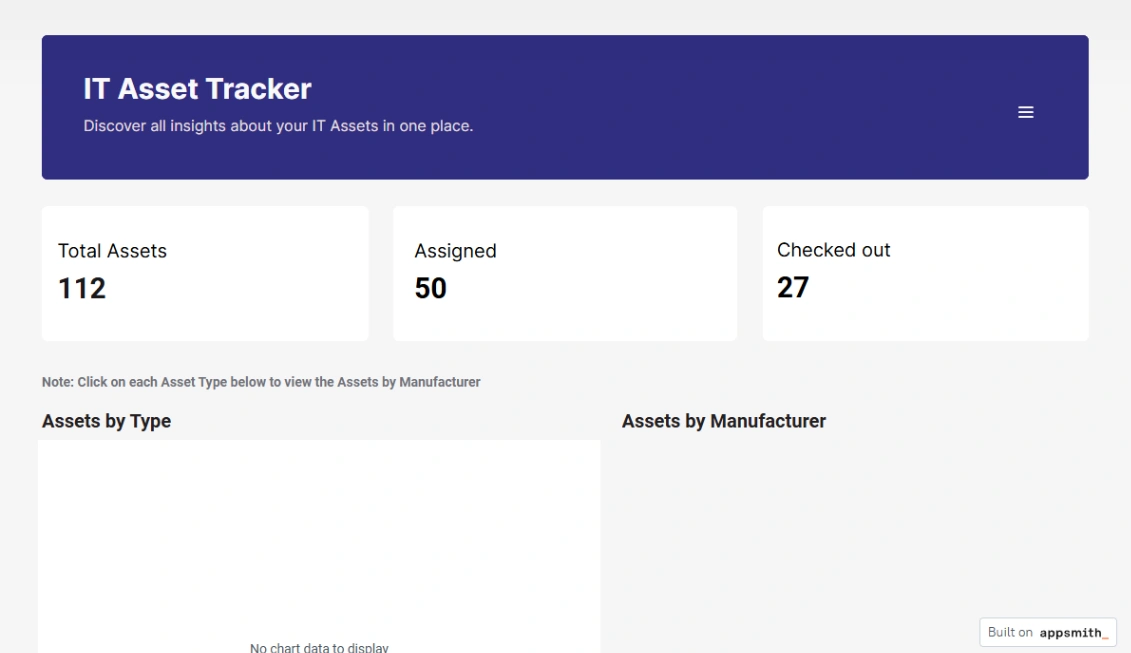
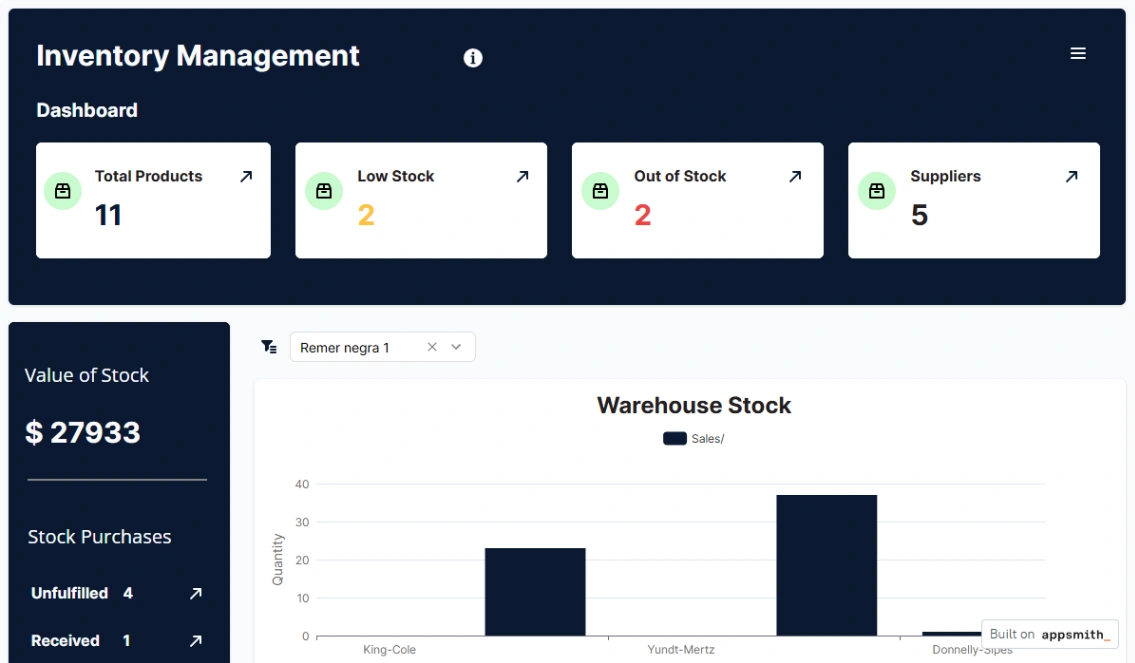
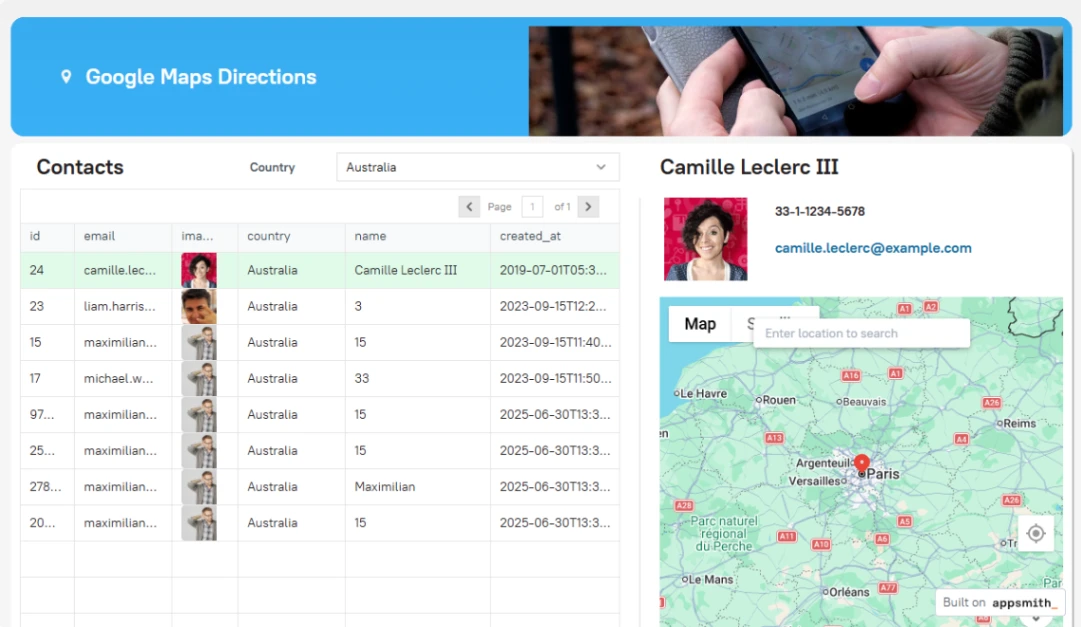
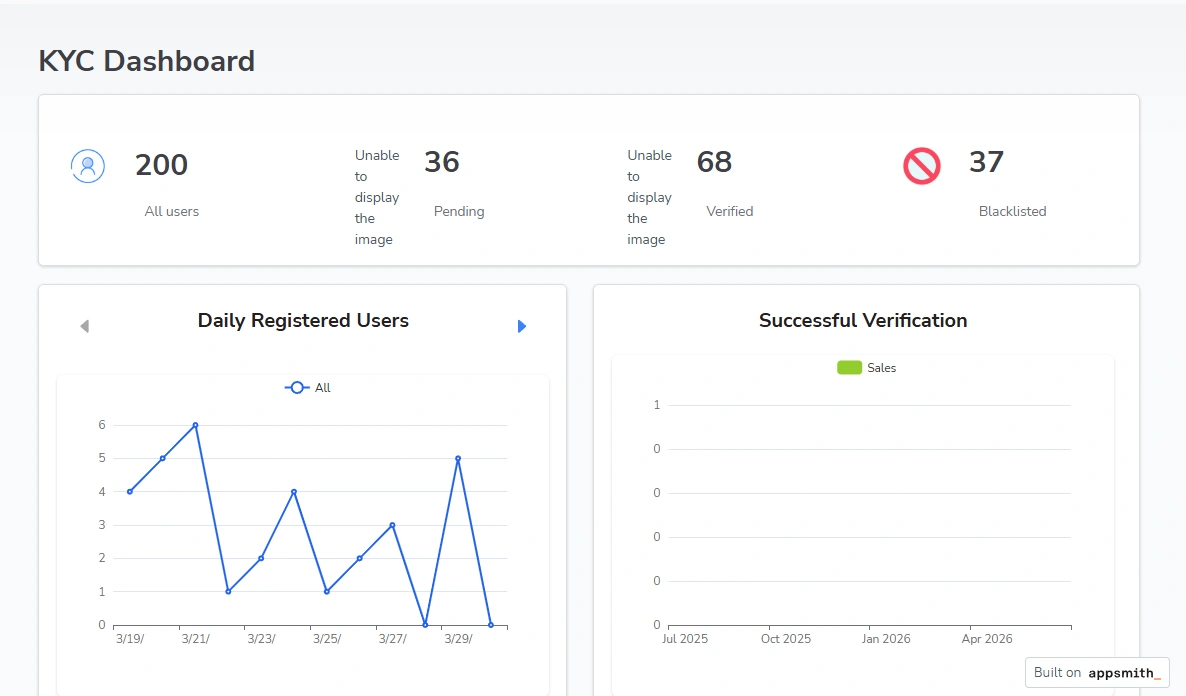
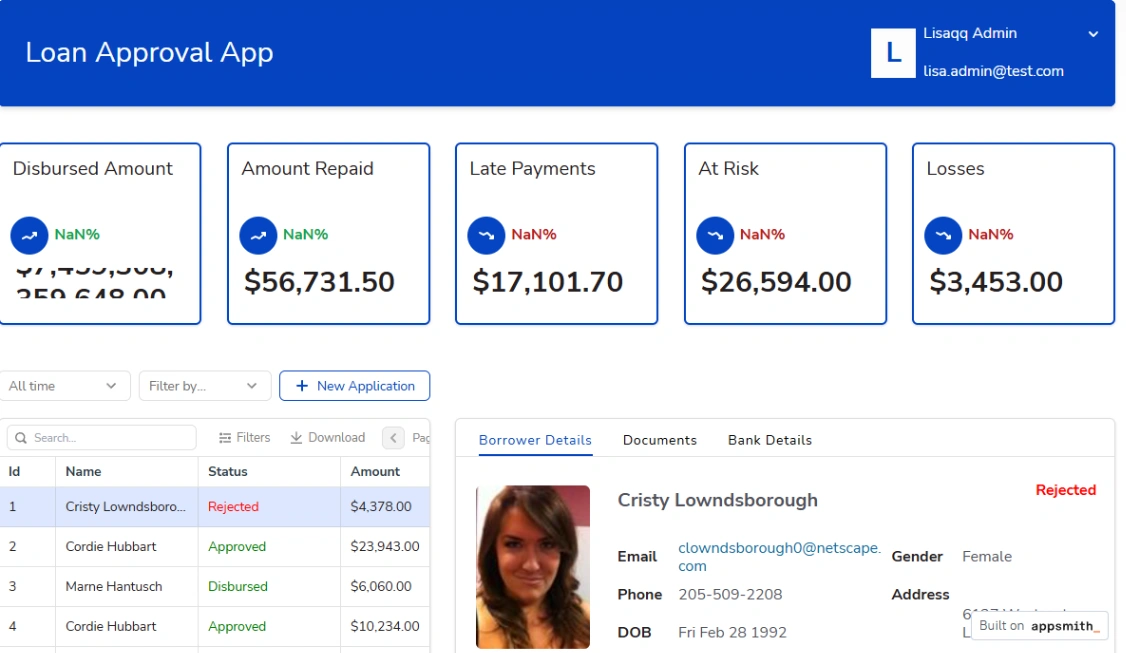
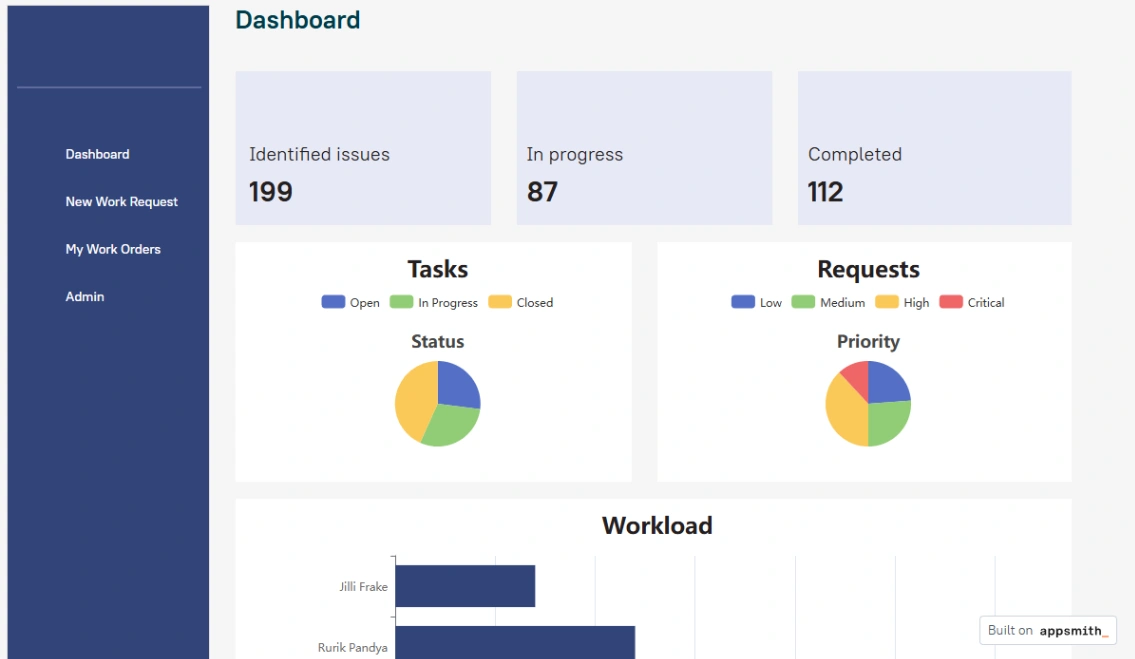
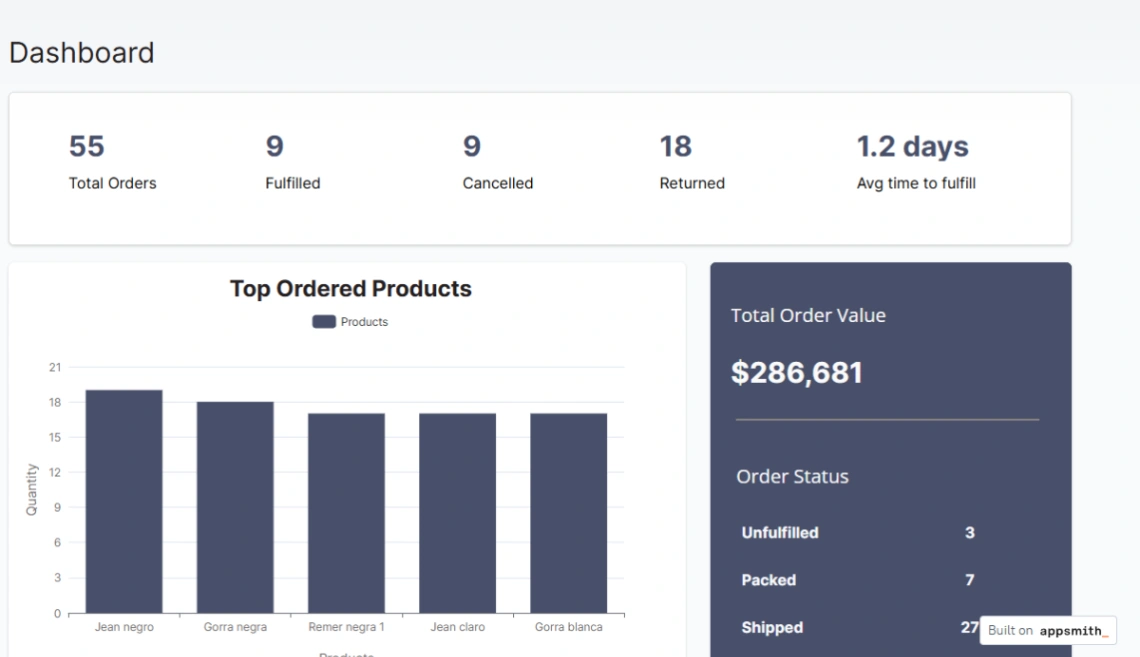
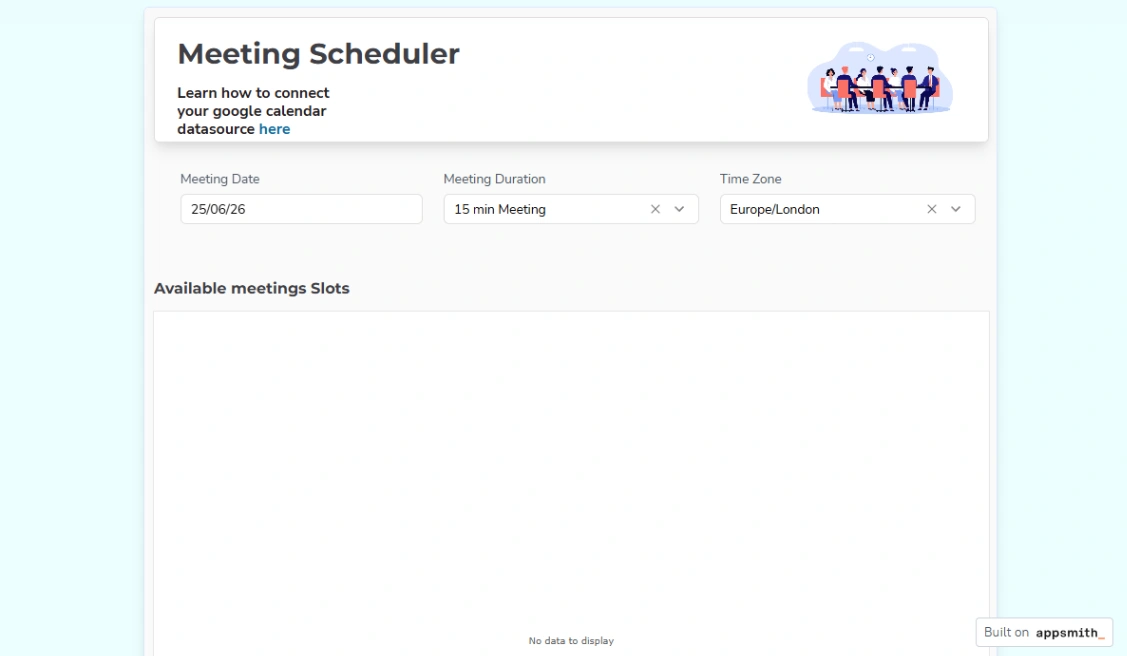
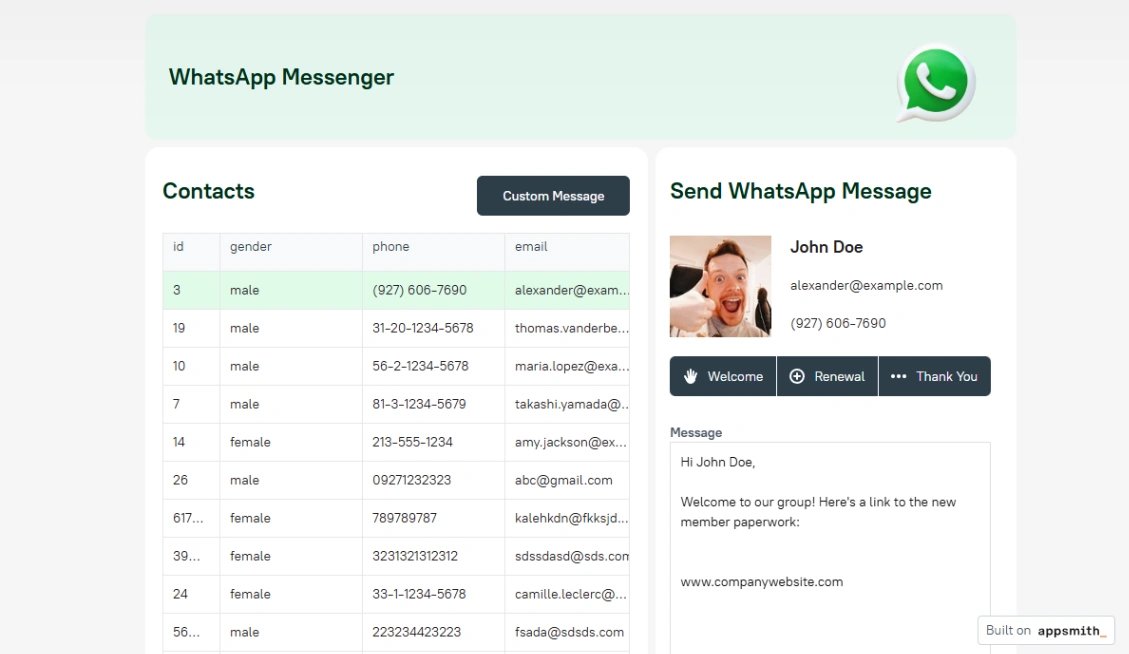
Best Templates from Appsmith
Explore stunning templates built with Appsmith.




Similar tools to Appsmith
 ReplitWebsite BuilderWeb App BuilderMobile App Builder
Turn ideas into apps in minutes — no coding needed
 GlideWeb App BuilderMobile App Builder
Turn spreadsheets into beautiful, intelligent apps
 Base44Web App Builder
Build your own apps, websites, products and AI agents
 BubbleWebsite BuilderWeb App BuilderMobile App Builder
Launch apps, not prototypes