Oxygen Builder
Build WordPress sites by talking to your agent
WordPress visual builder for designers and developers. Features pixel-perfect design, clean code generation, no bloat, interactions and animations, reusable components, global variables, dynamic data integration with ACF, theme builder, and full creative control for professional websites.
Lifetime Bundle
20
ready to use- Visual Drag-and-Drop Editor
- Complete Theme Building
- WooCommerce Builder
- Dynamic Data Support
- Repeater Element Engine
- Custom Query Builder
- Global Color Palette Management
- Global Style Sheets
- Class-Based CSS Architecture
- Code Block Injection (PHP/HTML/JS/CSS)
- Flexbox & CSS Grid Layouts
- Conditional Logic Visibility
Oxygen Builder at a glance
Overall Score
Oxygen Builder replaces the WordPress theme entirely and functions more like Webflow living inside WordPress, rather than sitting on top of a theme the way Elementor or Divi do. It's built for developers, designers, and agencies who care about clean output and full site-wide control, headers, footers, archives, custom post types, WooCommerce checkout pages, all buildable visually from scratch.
The catch: this is not a tool for casual beginners. If you already think in HTML, CSS, and WordPress architecture, it's genuinely excellent. If you were hoping for a simple drag-and-drop blog helper, the learning curve will hit hard.
Pros
- Generates lightweight HTML without the excessive wrapper divs common in other builders, which shows up directly in PageSpeed and Core Web Vitals scores
- Lets you visually build every part of a site, including archives, single post templates, and WooCommerce checkout, not just individual pages
- Deep integration with Advanced Custom Fields, Toolset, and Meta Box makes building complex dynamic directories genuinely manageable
- Supports reusable CSS classes and global styles, keeping large projects organized instead of turning into a patchwork of one-off styling
- Offers lifetime pricing, including unlimited agency tiers, instead of locking you into an ongoing subscription
Cons
- The whole paradigm is different from standard WordPress workflows, and beginners often find the starting point genuinely frustrating
- Ships with fewer native design elements than Elementor, so you'll likely need third-party add-ons like OxyExtras for advanced UI components
- Handing a finished site to a non-technical client is risky, they can easily break layouts editing pages directly without safeguards in place
- Because it interacts so deeply with WordPress core, some third-party plugins built around traditional theme structures need extra troubleshooting to work properly
Oxygen Builder rewards people who already know their way around CSS and WordPress architecture. The clean code output and true site-wide visual control, building custom post types and WooCommerce pages included, make it a legitimately powerful tool for developers and agencies who've gotten tired of bloated page builder output.
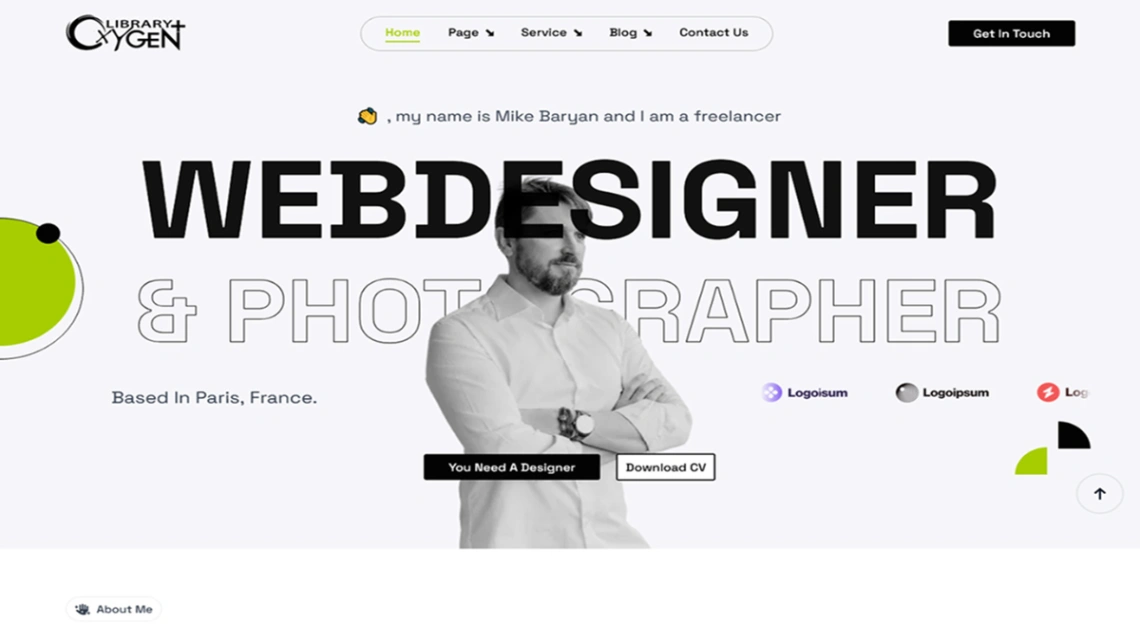
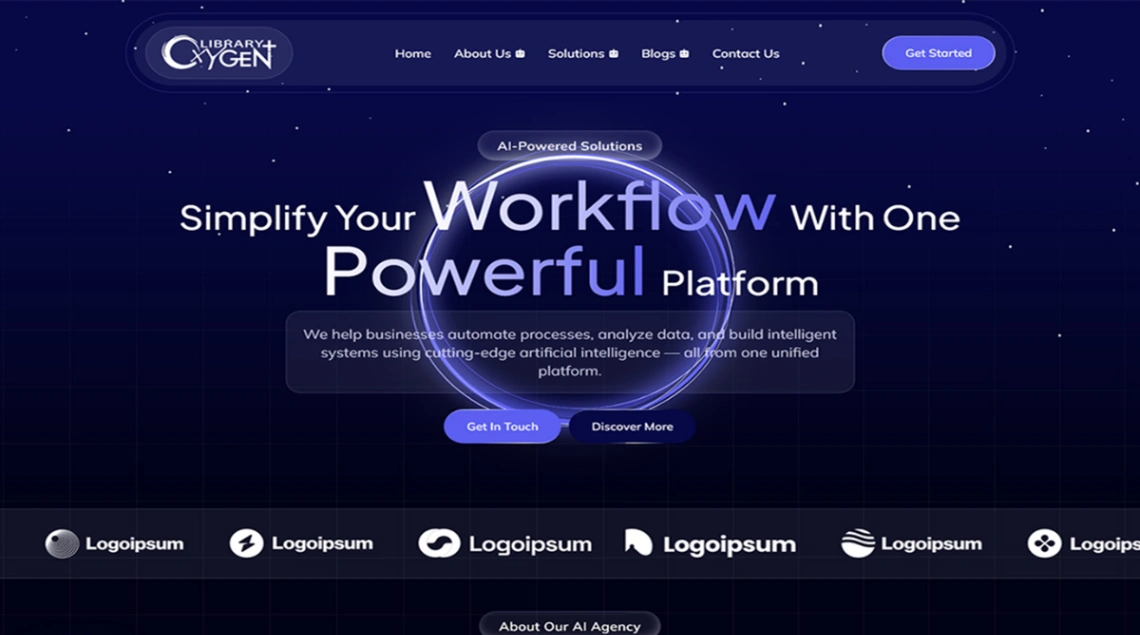
Best Templates from Oxygen Builder
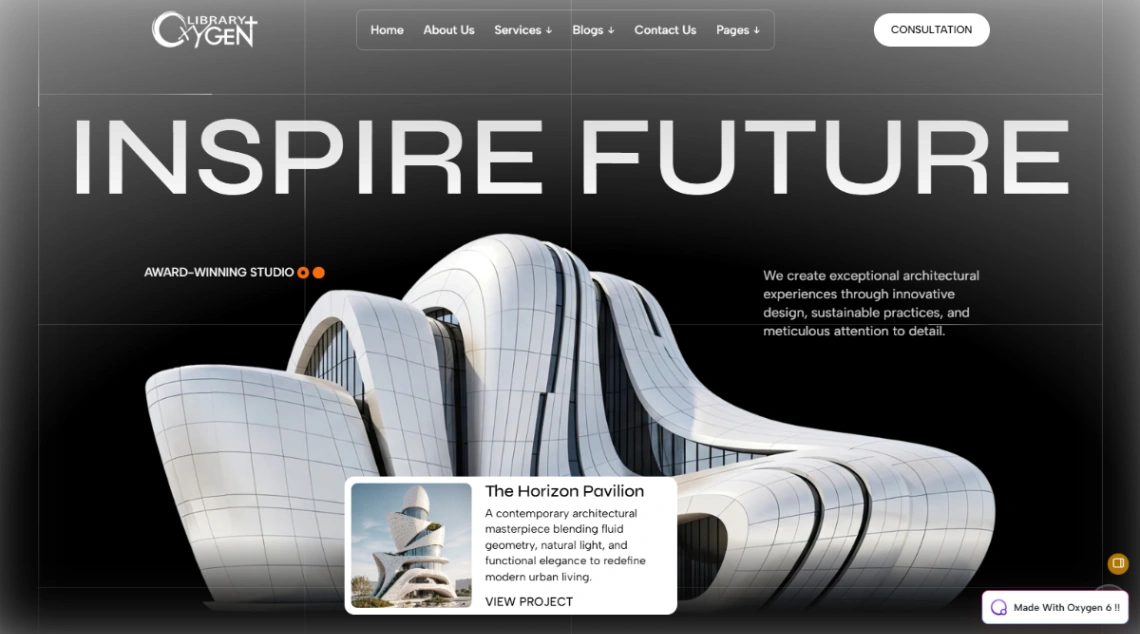
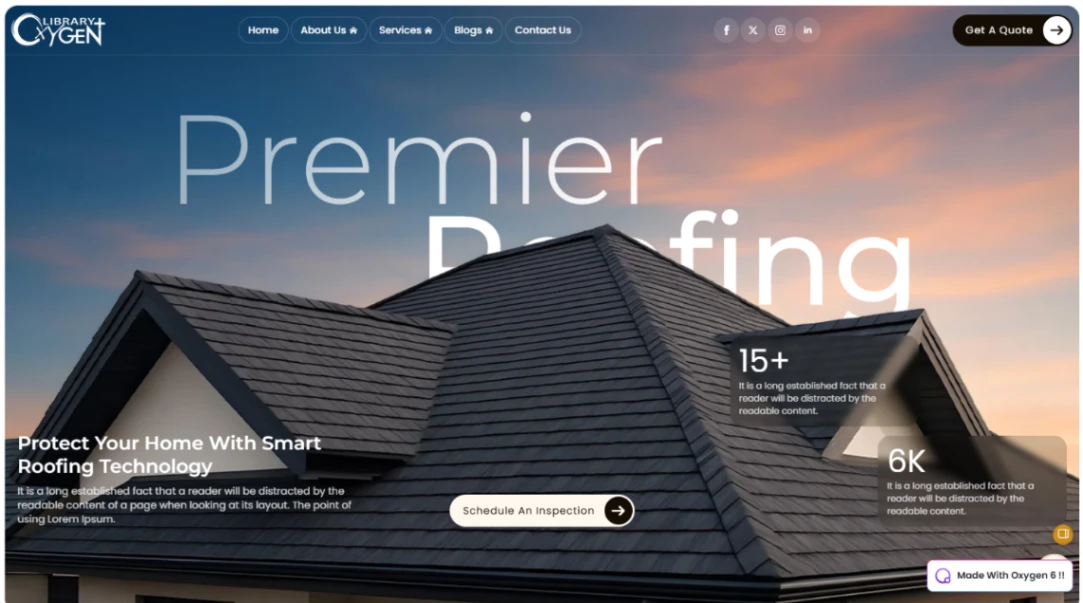
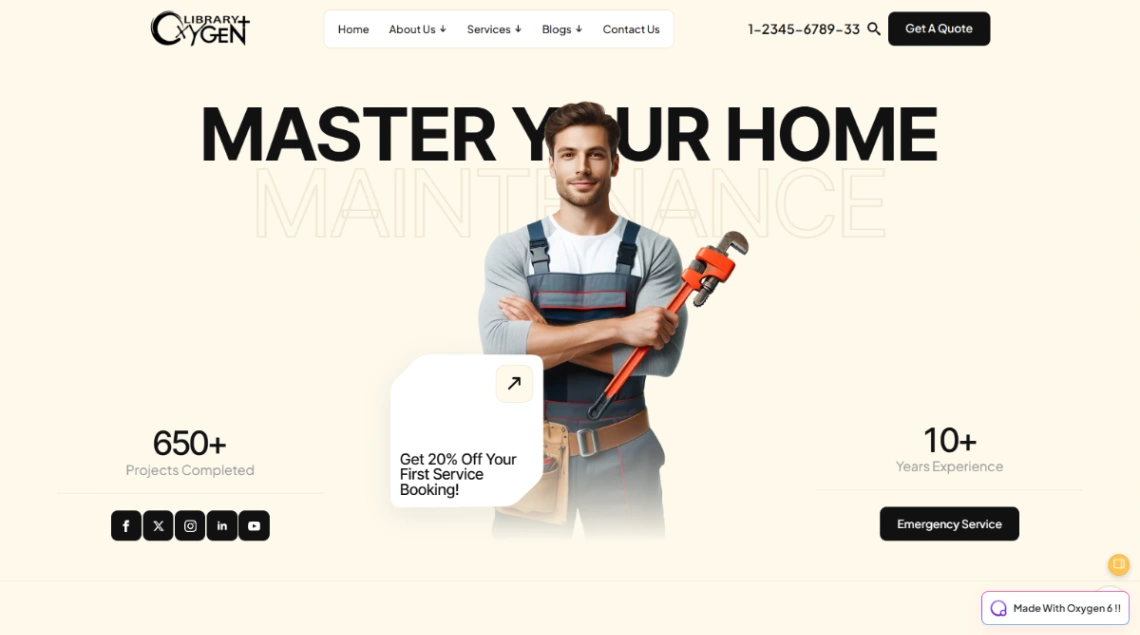
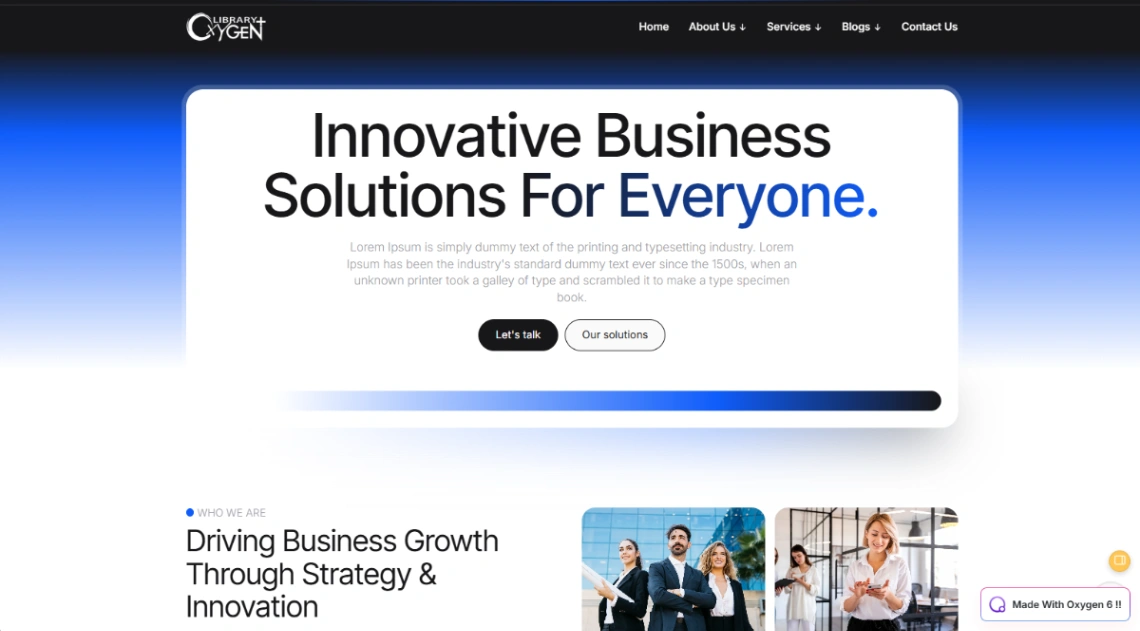
Explore stunning templates built with Oxygen Builder.