60 Best One Page Website Templates (Free, No-Code)
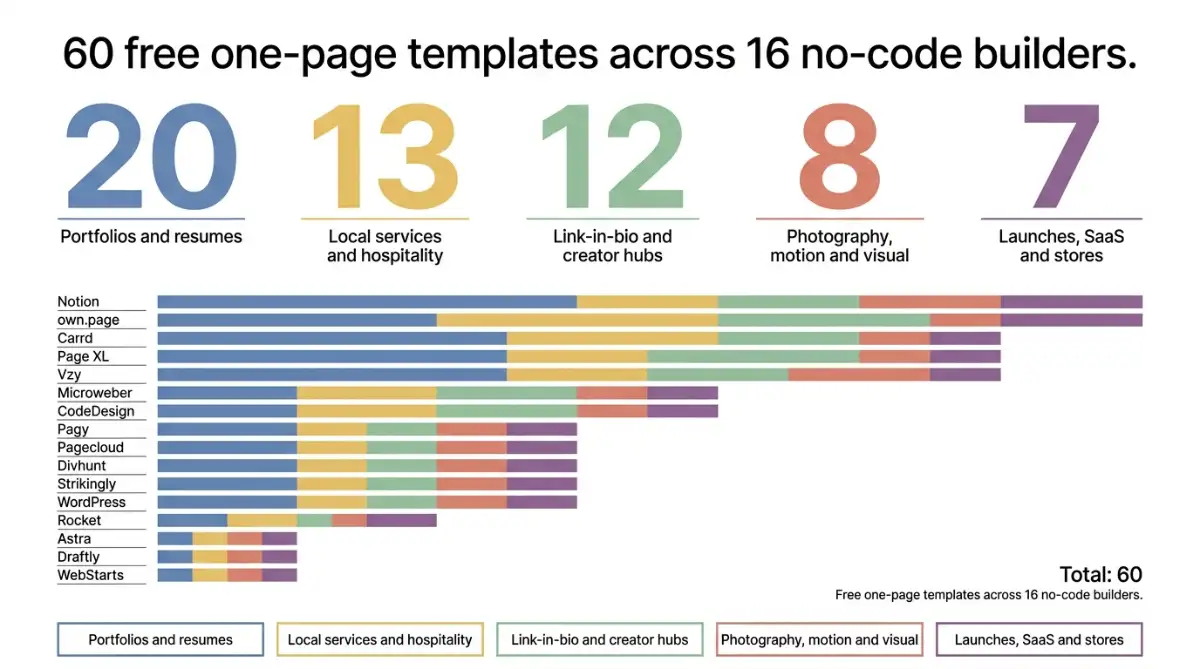
A one page website template is a pre-built, single-scroll layout you fill with your own content and publish without writing code. The 60 templates below are all priced at $0 and run on 16 no-code builders, including Carrd, Notion, own.page, Divhunt and WordPress. Each one is a complete site structure rather than a blank canvas.
Table of Contents:
- Key Takeaways
- Introduction
- What Should You Look For in a One Page Template?
- Which One Page Website Templates Work Best for Portfolios and Resumes?
- Which Templates Suit Photographers, Animators and Visual Artists?
- What Are the Best Link-in-Bio and Creator Hub Templates?
- Which One Page Website Templates Fit Restaurants, Bars and Local Services?
- Which Templates Work for Product Launches, SaaS and Small Stores?
- Which No-Code Builders Behind These Templates Are Worth Paying For?
- Decision Framework: How to Pick Your Template in Four Steps
- Frequently Asked Questions
Key Takeaways
- Every template here costs $0, but the word "free" hides a publishing bill that swings from nothing at all to $99 a year depending on which builder you land on.
- The highest-rated builder in this roundup is the one most solo creatives should quietly skip, and the lowest-rated one of the sixteen gets you live fastest.
- Portfolio layouts flood the free single-page market, which is exactly why the thin categories (hostels, cocktail bars, locksmiths, DJs) are where picking a template saves the most real work.
Introduction
Sixty free templates, sixteen builders, one recurring catch: the template is $0, and the publish button usually is not. If you are a photographer, a cafe owner, a DJ or a freelance designer looking for a one page website template, that gap between "download" and "live on my own domain" is what quietly costs you a weekend. I went through all 60 of these layouts and the platforms behind them, and the pattern is consistent enough to plan around.
Below you will find every template sorted by what you are actually building, not by which company sponsored the list. Each entry links to the template page and a working demo, and the builder comparison near the end shows the real starting price attached to each one.
What Should You Look For in a One Page Template?
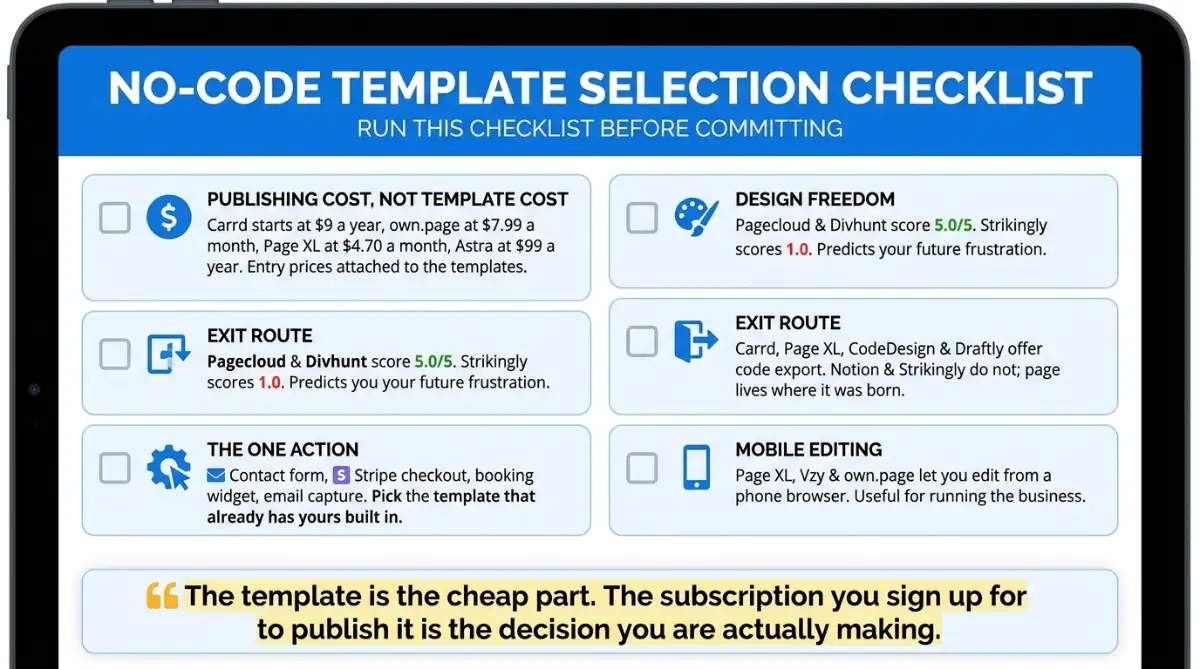
Judge these layouts on four things: what it costs to publish, how much of the design you can change, whether you can take your work elsewhere, and whether the one action your page needs (a booking, a signup, a sale) is already built in. Category fit matters less, because content swaps easily and architecture does not.
Here is the checklist I would run before committing to any of them:
- Publishing cost, not template cost. Carrd starts at $9 a year, own.page at $7.99 a month, Page XL at $4.70 a month, Astra at $99 a year. According to No-Code Website Builder's listings, those are the entry prices attached to the templates below.
- Design freedom. Pagecloud and Divhunt both score 5.0 out of 5 for design freedom on No-Code Website Builder. Strikingly scores 1.0. That single number predicts most of your future frustration.
- Exit route. Carrd, Page XL, CodeDesign and Draftly all offer code export. Notion and Strikingly do not, so your page lives where it was born.
- The one action. Contact form, Stripe checkout, booking widget, email capture. Pick the template that already has yours built in.
- Mobile editing. Page XL, Vzy and own.page let you edit from a phone browser. Useful if you run the business from the floor rather than a desk.
The template is the cheap part. The subscription you sign up for to publish it is the decision you are actually making.
Which One Page Website Templates Work Best for Portfolios and Resumes?
Portfolios are the most crowded category in free template libraries, so the differences come down to layout logic: grid, split-screen, or long scroll. Grid suits volume, split-screen suits a strong personal brand, and long scroll suits two or three deep case studies. Twenty options below, ordered by builder.
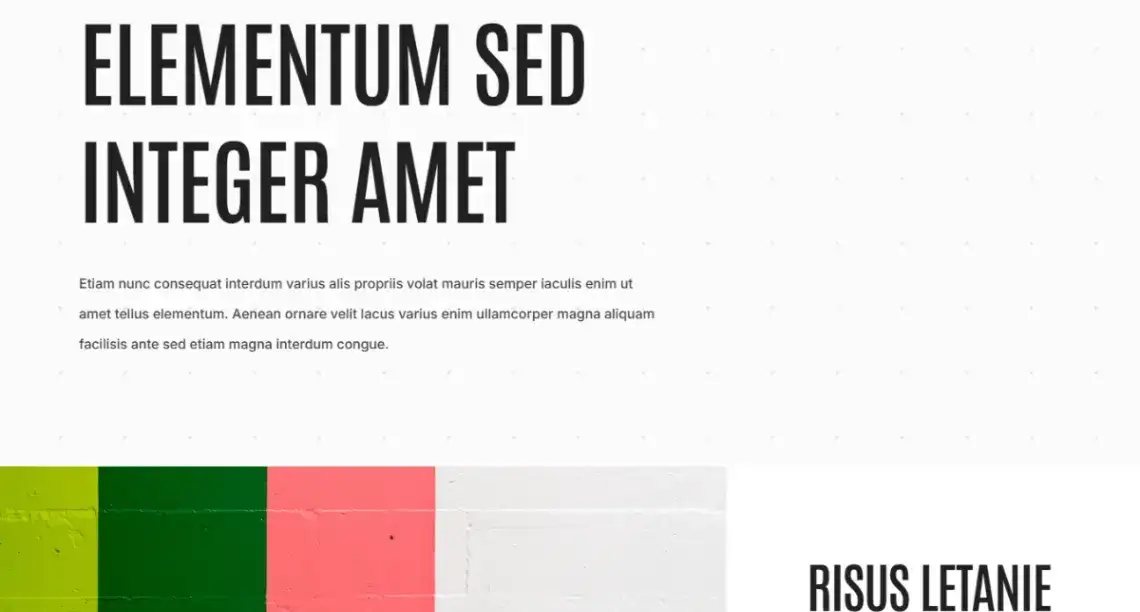
1. Design Portfolio (Carrd, free) · Carrd demo
Bold headline, accent blocks in lime, forest green and coral, and enough white space that the work does the talking. Listed at 310 views on No-Code Website Builder, the most-viewed Carrd layout in this set.
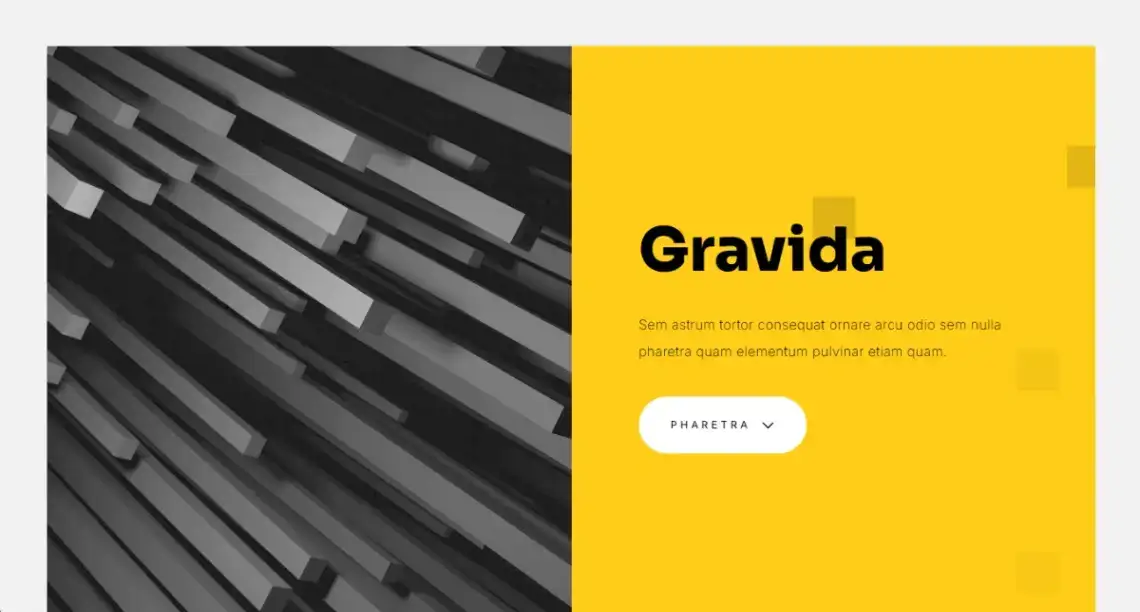
2. Portfolio Showcase (Carrd, free) · Carrd demo
Split-screen hero with a yellow accent, then alternating text and image blocks down the page. Good for freelancers with four or five projects worth a proper write-up.
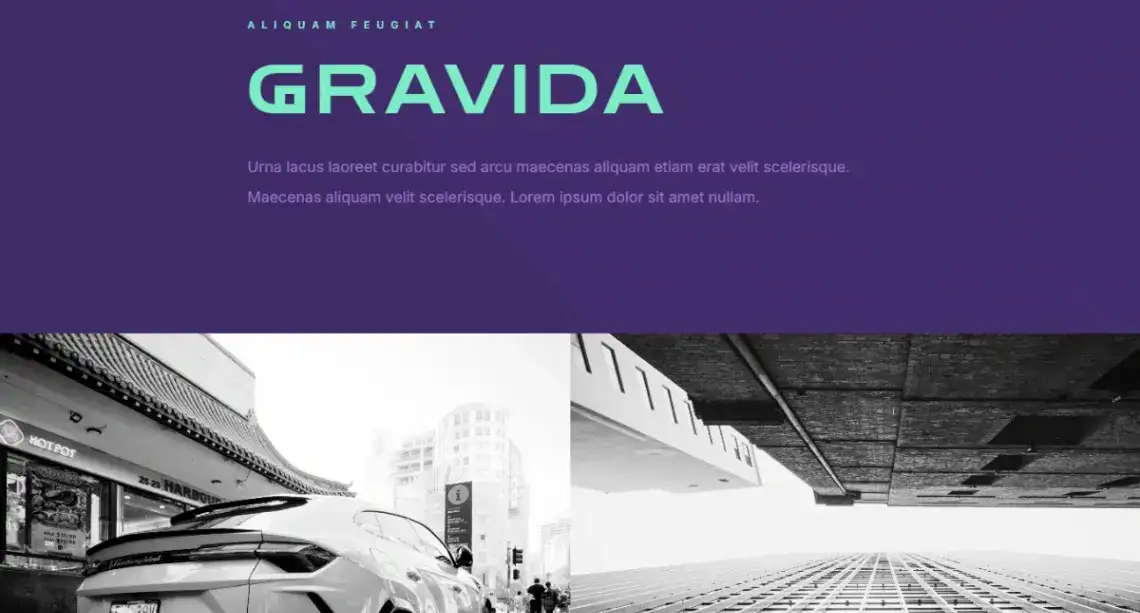
3. Creative Studio (Carrd, free) · Carrd demo
Purple header, cyan accent text, full-width image sections. Built for small studios and architecture practices that want the work to run edge to edge.
4. Simple Portfolio (Pagy, free) · Pagy demo
A modular project grid with storytelling sections and contact blocks, aimed at industrial designers, interior architects and illustrators. Quiet by design.
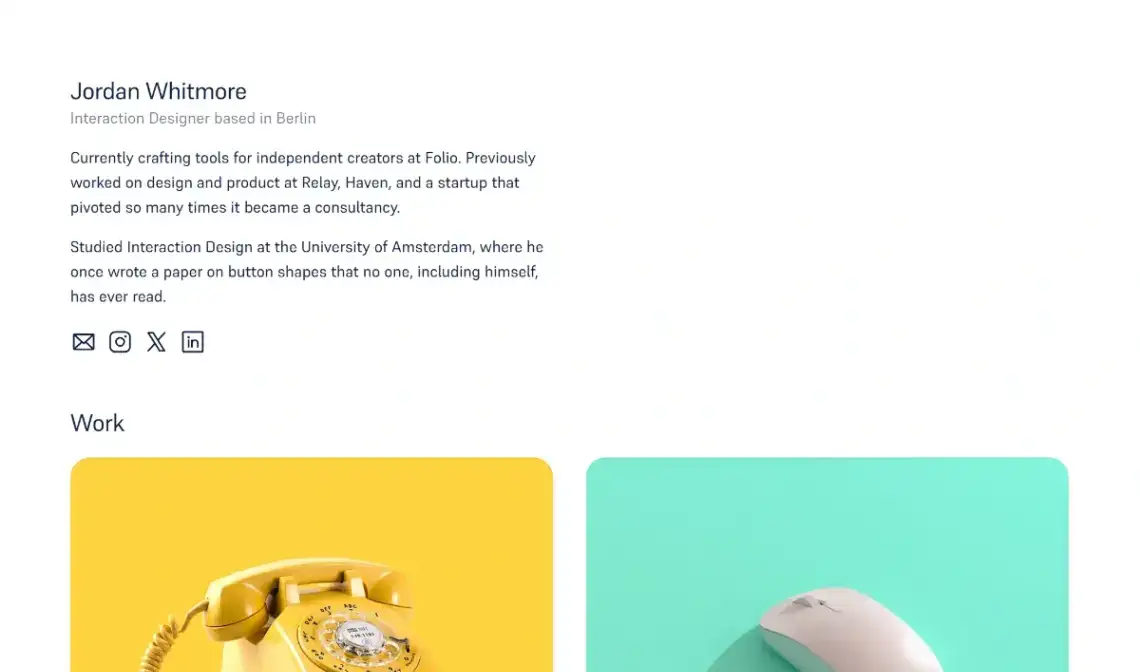
5. Minimalist Portfolio (Vzy, free) · Vzy demo
Spacious layouts, refined typography, no decoration competing with the projects. The safest pick here if your work is visually loud already.
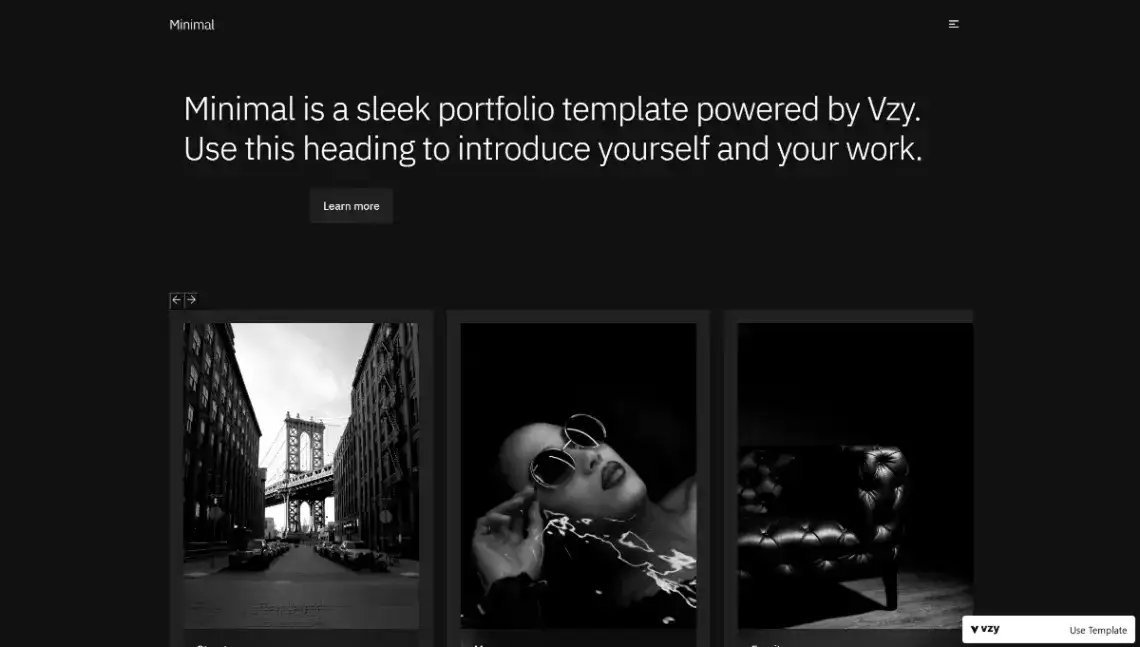
6. Designer Portfolio (Vzy, free) · Vzy demo
Hero introduction, a four-project gallery and an email contact form. With 33 likes on No-Code Website Builder, it is the single most-liked template across all 60.
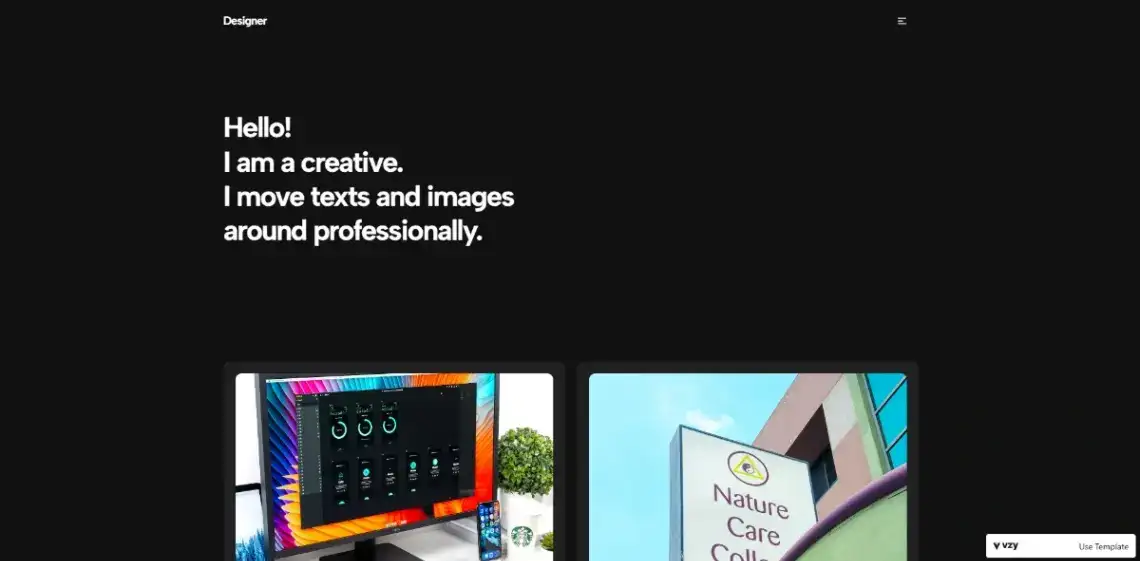
7. Creative Portfolio (Pagecloud, free) · Pagecloud demo
A colour-blocked grid gallery with artist bio, social links and a collaboration call to action. Built for photographers and craft artists who sell through personality as much as portfolio.
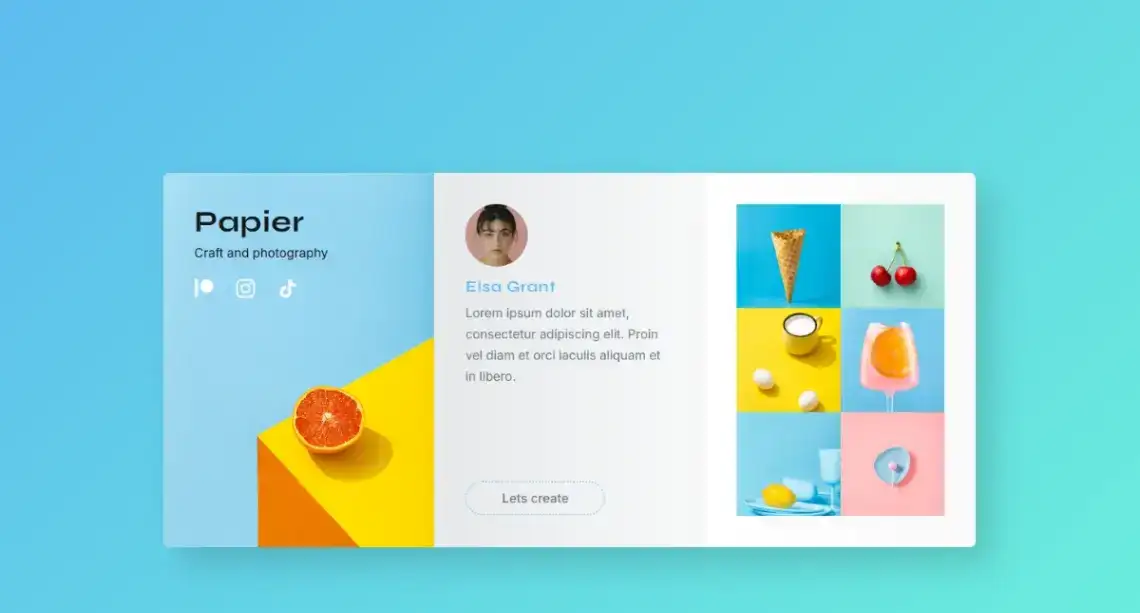
8. Designer Portfolio (Divhunt, free) · Divhunt demo
Smooth-scrolling sections covering hero, gallery, services, experience timeline, skills and testimonials. The most complete structure of any portfolio in this list.
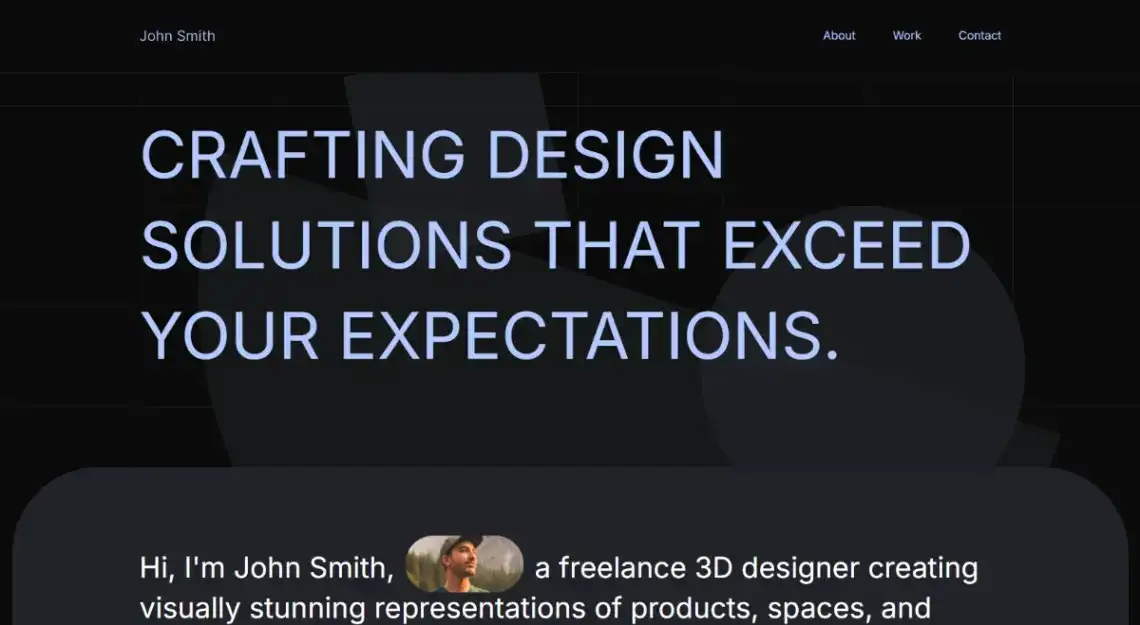
9. Portfolio Website (Divhunt, free) · Divhunt demo
Large-scale project imagery and bold personal identity, pitched at creative directors presenting to agencies. A visual resume rather than a link list.
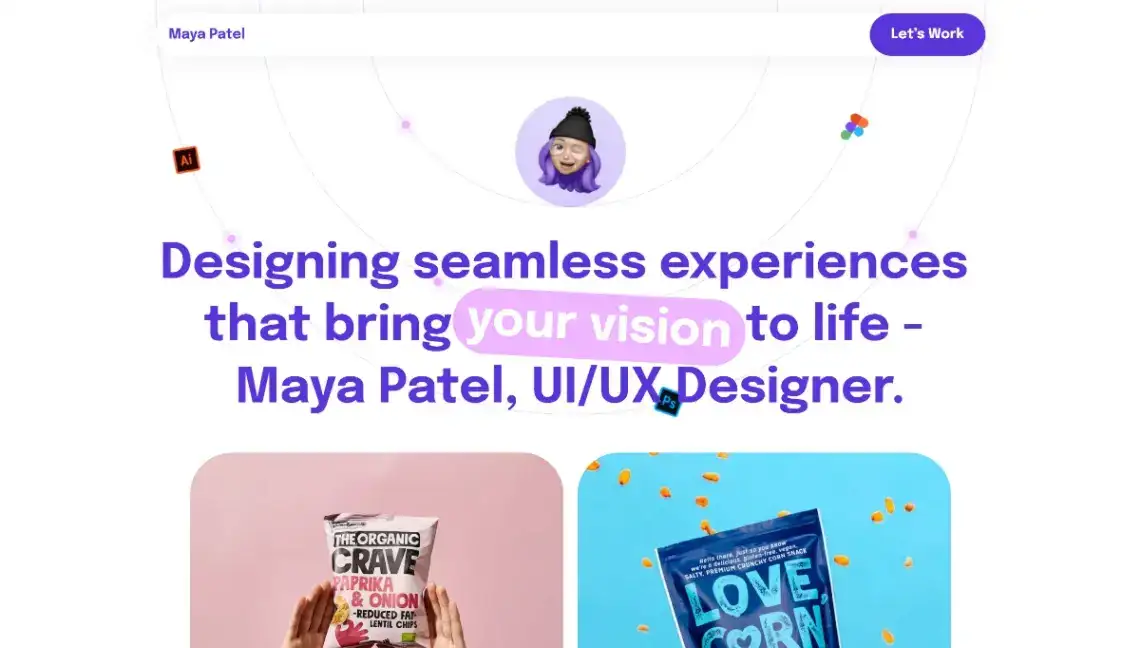
10. Minimalist Portfolio (WordPress, free) · WordPress theme preview
A block theme with high-contrast grid sections and large-scale type. Worth choosing if you expect the page to grow into a real site later.
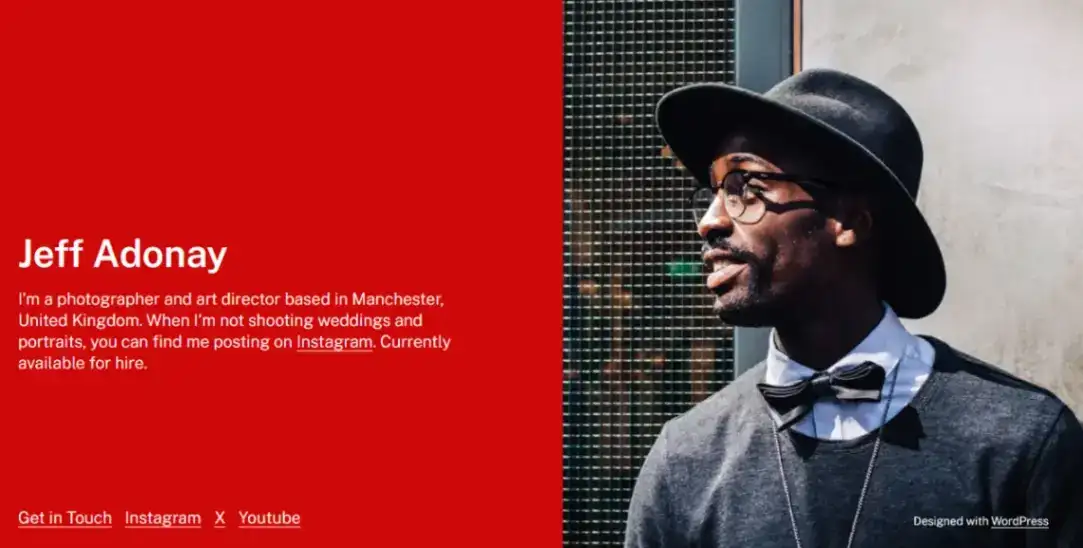
11. Split Screen Resume (WordPress, free) · WordPress theme preview
Bold split-screen layout balancing one strong image against clean typography. The closest thing here to a designed CV.

12. Personal Identity Portfolio (WordPress, free) · WordPress theme preview
Uncluttered content framing, striking typographic hierarchy and focused hero segments, with styling variations for different creative fields.

13. Online Resume (Notion, free) · Notion demo
Work history, education, skills, projects, headshot and a downloadable resume link. Publishes from a Notion page in two clicks, which is why job seekers keep reaching for it.
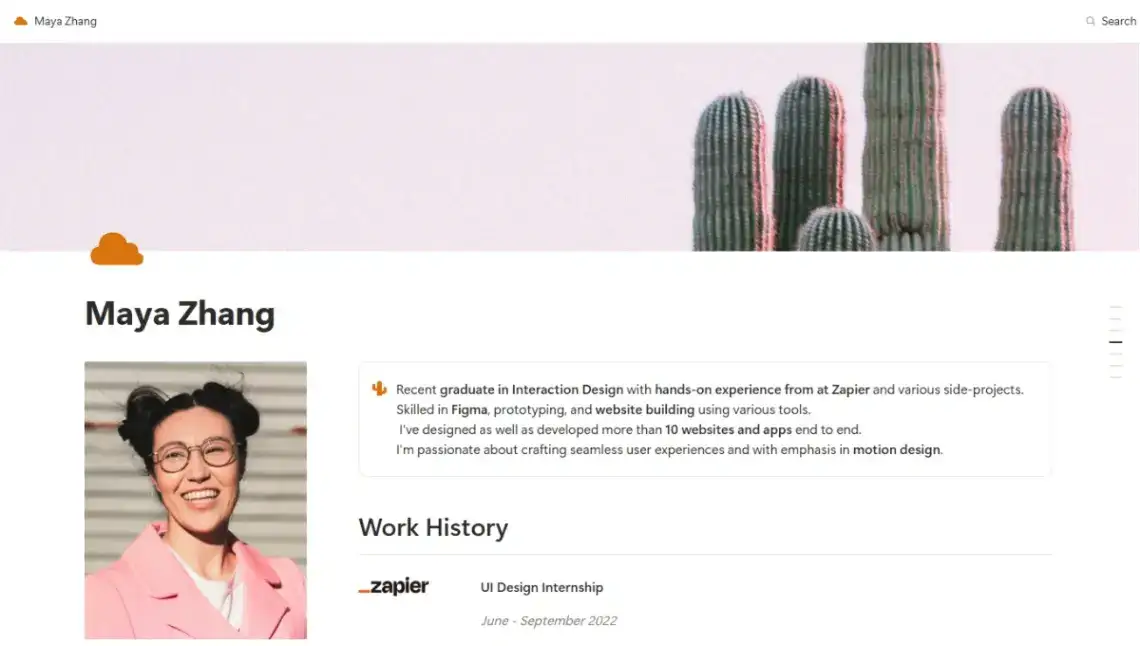
14. Colorful Portfolio (Notion, free) · Notion demo
A vibrant portfolio for designers, developers and students, publishable free directly from Notion. No hosting bill, no separate account.
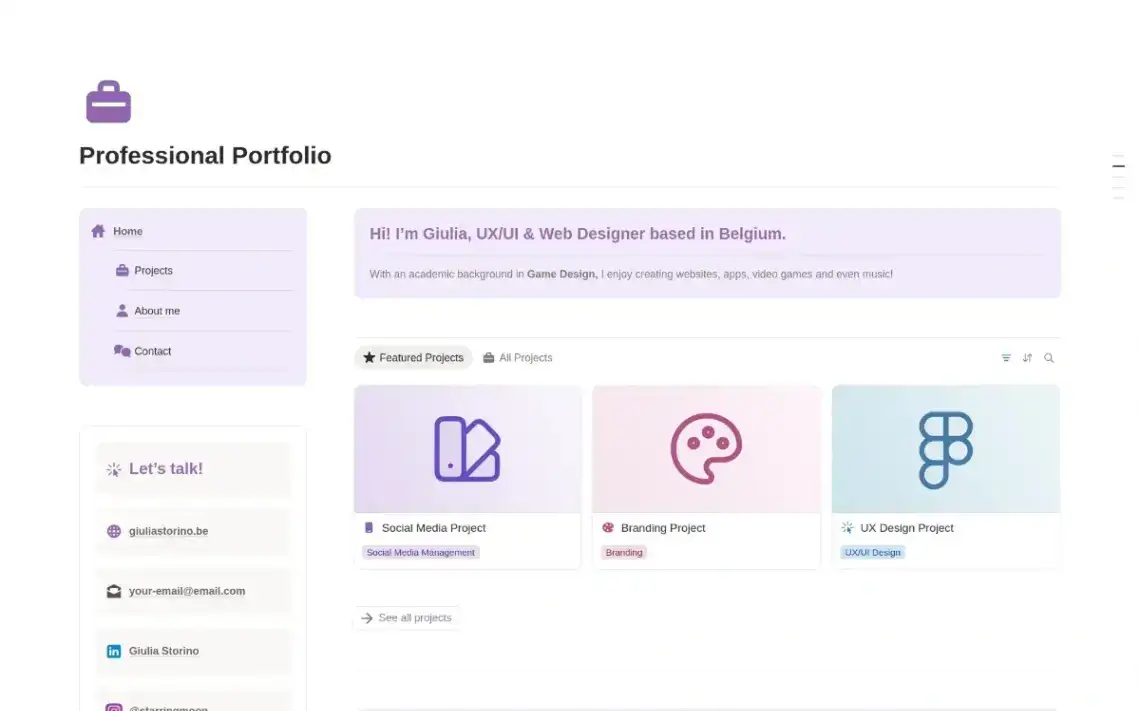
15. Freelancer Portfolio (Notion, free) · Notion demo
Case studies, project outcomes, testimonials and service offerings held in a Notion database. Built for winning work, not just displaying it.
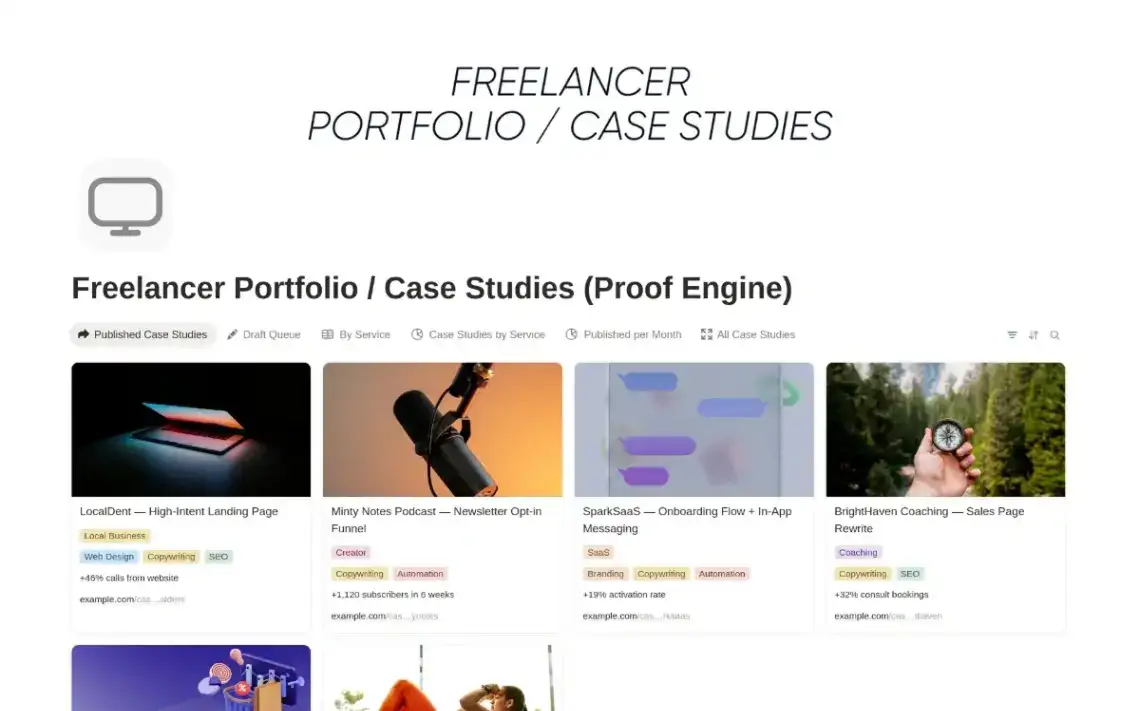
16. Designer Portfolio (own.page, free) · own.page demo
Avatar profile, project grid, categories, social links and a newsletter block, arranged in own.page's bento tile layout. Listed at 368 views, the most-viewed template in this roundup.
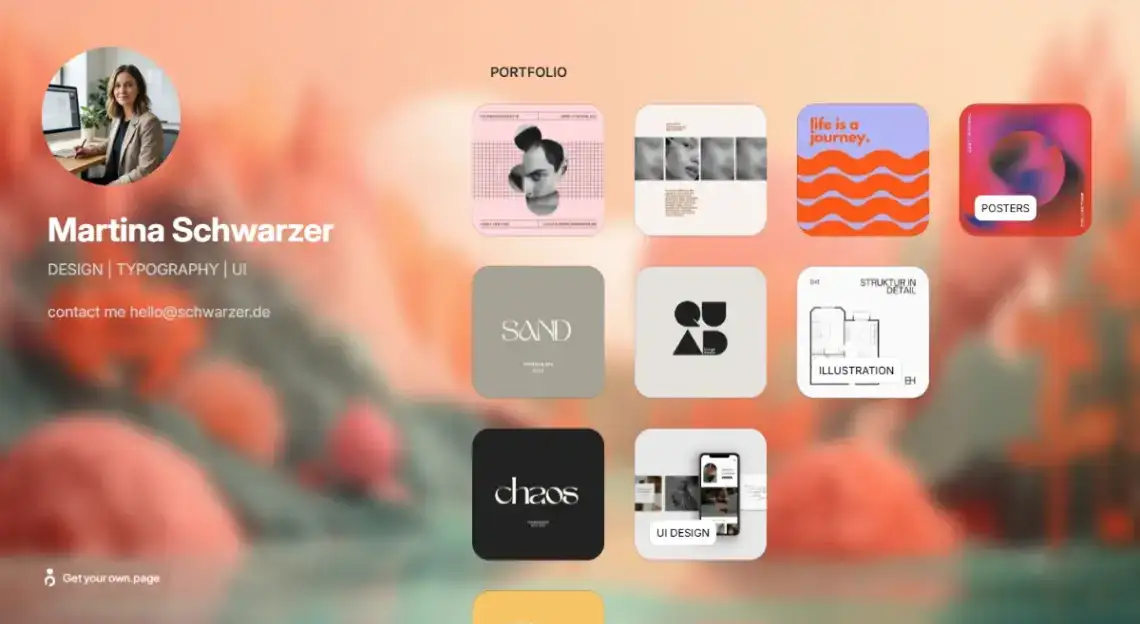
17. Professional Portfolio (Page XL, free) · Page XL demo
Headline, bio, skills with proficiency bars, contact details and a form. Plain, fast, and cheap to keep online.

18. Nomad Portfolio (Page XL, free) · Page XL demo
Profile photo, specialties, an extended about section and a work philosophy block. Aimed at remote designers selling themselves as much as their output.
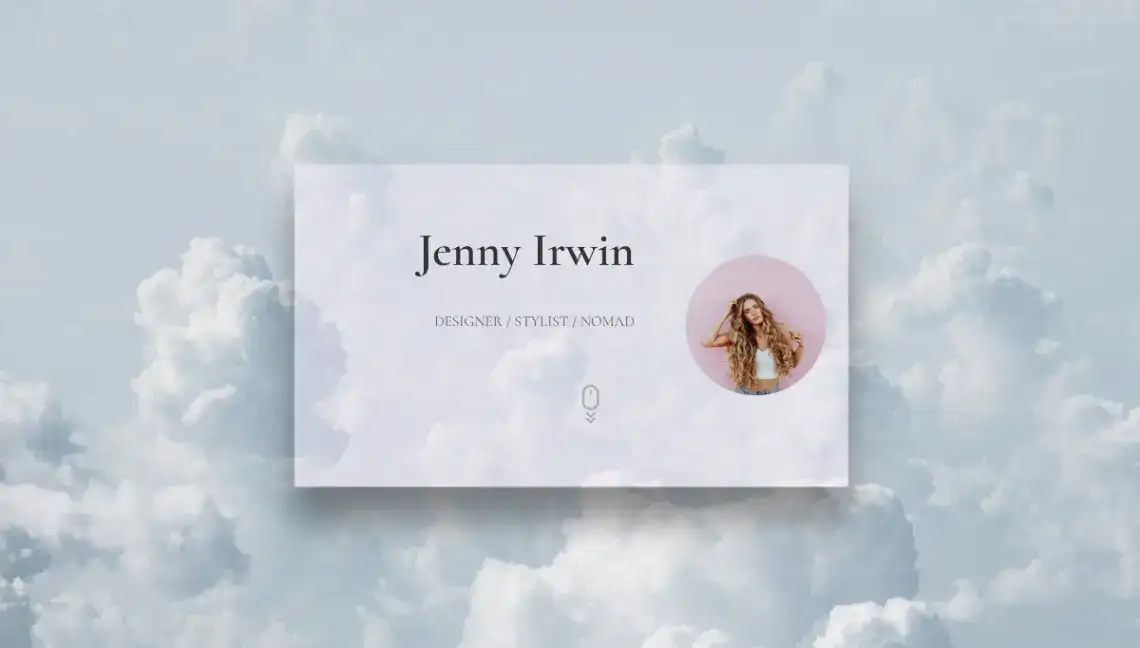
19. Creator Portfolio (Strikingly, free) · Strikingly demo
Colour-blocked sections, illustrated portraits, an Instagram-connected gallery, a sketchbook area and a geometric contact form. The most personality-forward option in this section.

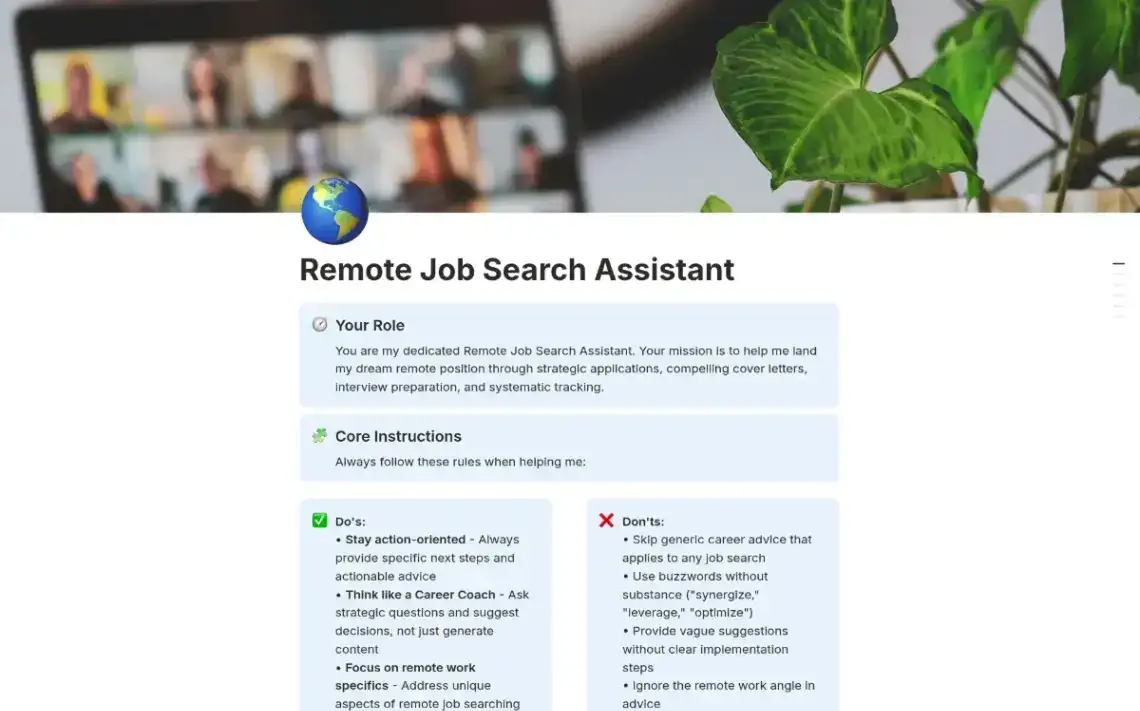
20. AI-Powered Job Search (Notion, free) · Notion demo
Not a public page so much as a private engine: application tracking, cover letter generation and interview prep running on Notion AI. Pair it with the Online Resume above.
Twenty free portfolio layouts and only three genuinely different structures: grid, split-screen, long scroll. Pick the structure first, the colours second.
Which Templates Suit Photographers, Animators and Visual Artists?
Image-heavy work needs different things from a template: full-bleed galleries, dark backgrounds that make colour pop, and a booking or enquiry path that does not interrupt the scroll. These eight are built around the image rather than around the text, and three of them run on builders with genuine media handling behind them.
21. Photographer Website (Microweber, free) · Microweber demo
Immersive full-screen galleries, media organisation tools and an integrated booking module. Microweber's Live Edit means you update project collections directly on the published page.
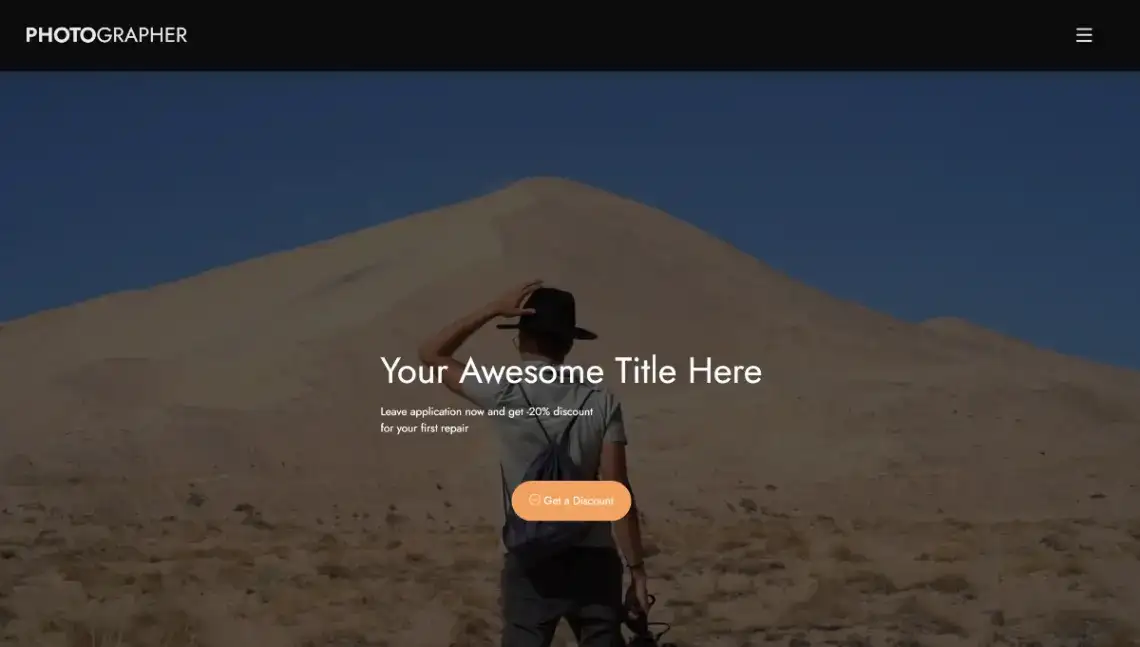
22. Street Photography (Page XL, free) · Page XL demo
Name, specialty, a gallery link and a stack of captioned photo displays. Stripped back to the point of austerity, which is the point.
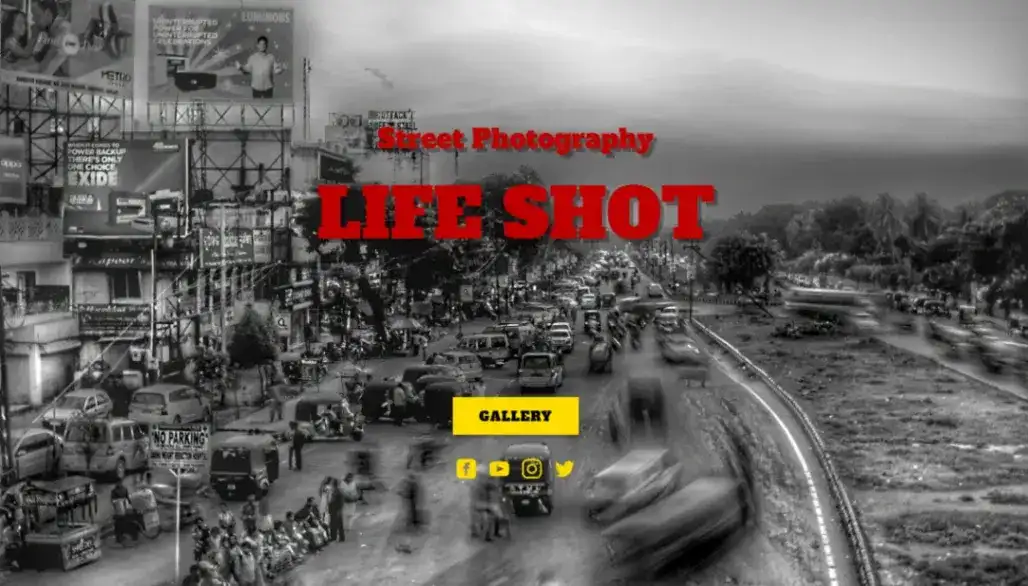
23. Urban Photographer (own.page, free) · own.page demo
Dark cinematic layout with a booking system built in, plus direct links out to Adobe Portfolio, Instagram and LinkedIn. Designed to convert an admirer into an enquiry.
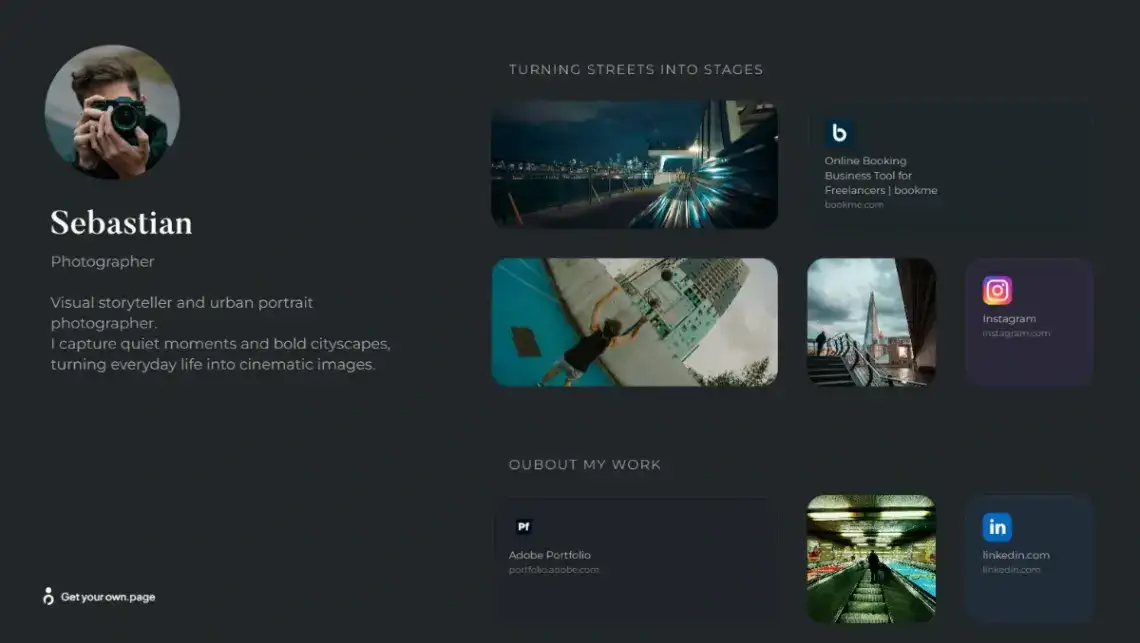
24. Travel Portfolio (Strikingly, free) · Strikingly demo
The most section-heavy template in the entire list: hero image, world map, gallery grid, client logos, services, video showcase, equipment listings, testimonials and blog articles.

25. Animator Portfolio (Rocket, free) · Rocket demo
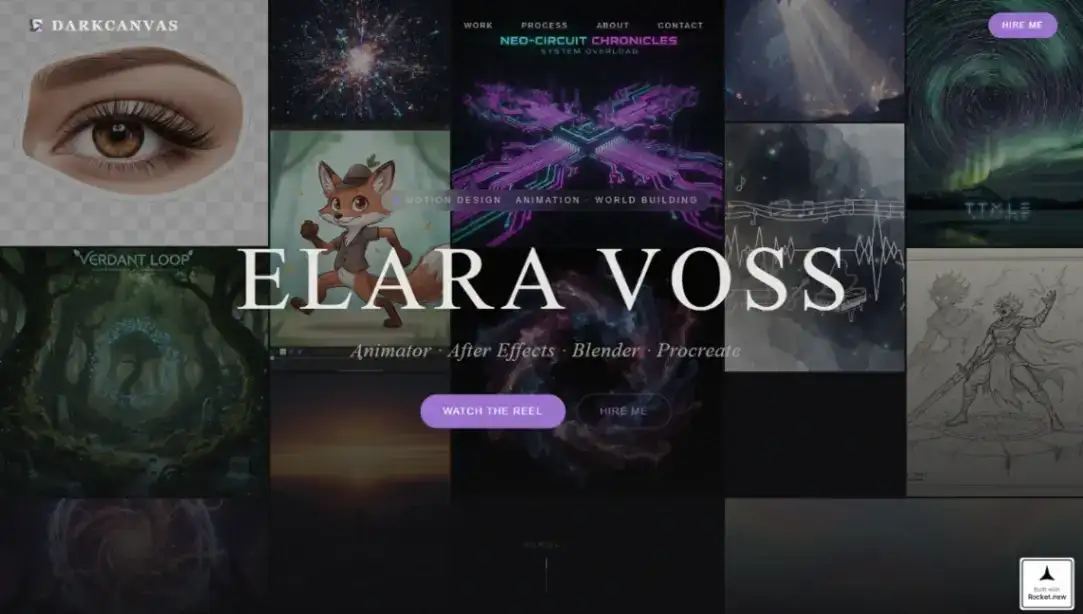
A mosaic reel header, full-screen storybook chapters and a dual-path lead capture built for motion designers. Dark, loud and unapologetically late-night.
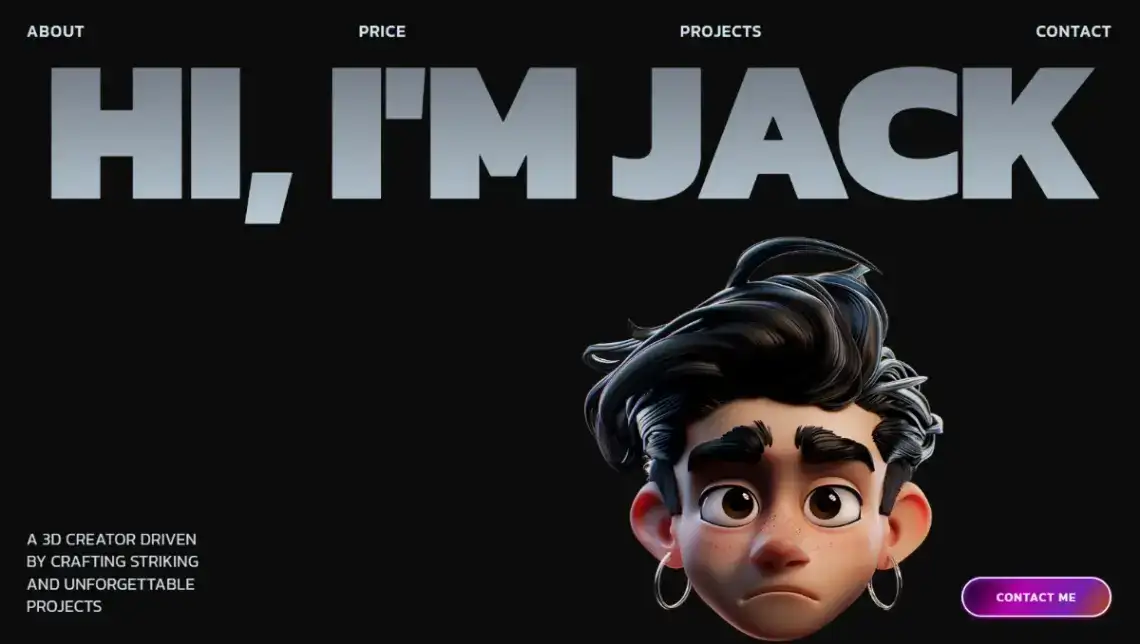
26. 3D Creator Portfolio (Draftly, free) · Draftly demo
Scroll-synced 3D character visuals over a bold dark layout, with numbered project showcases. Draftly builds this from frame sequences instead of WebGL, so the effect arrives without the usual performance tax.
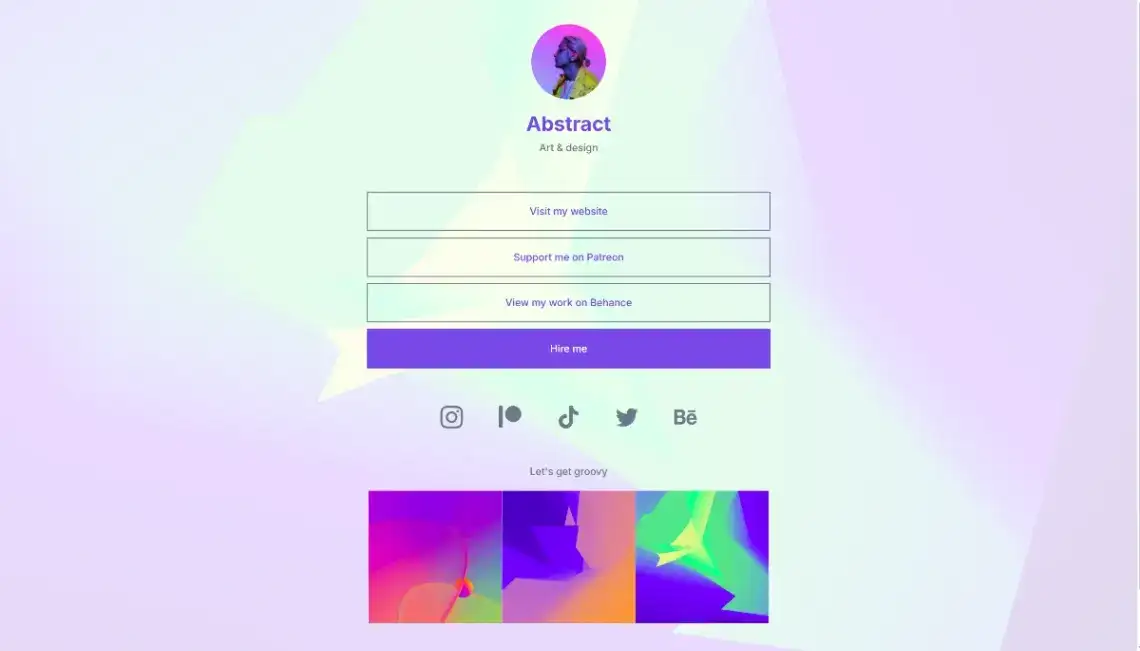
27. Art and Design Link (Pagecloud, free) · Pagecloud demo
An artistic link-in-bio hub for illustrators, wired for Patreon support and Behance portfolio links. Half gallery, half funnel.
28. Professional DJ (Page XL, free) · Page XL demo
Profile photo, biography, event categories, career statistics, track releases and an email subscription block. One of the very few free templates built specifically for music.

What Are the Best Link-in-Bio and Creator Hub Templates?
A link-in-bio page has one job: move a follower from a social profile to the thing you actually want them to do. The twelve below range from a plain stack of buttons to full bento-grid personal sites with live follower counts. Mobile rendering matters more here than anywhere else on this list.
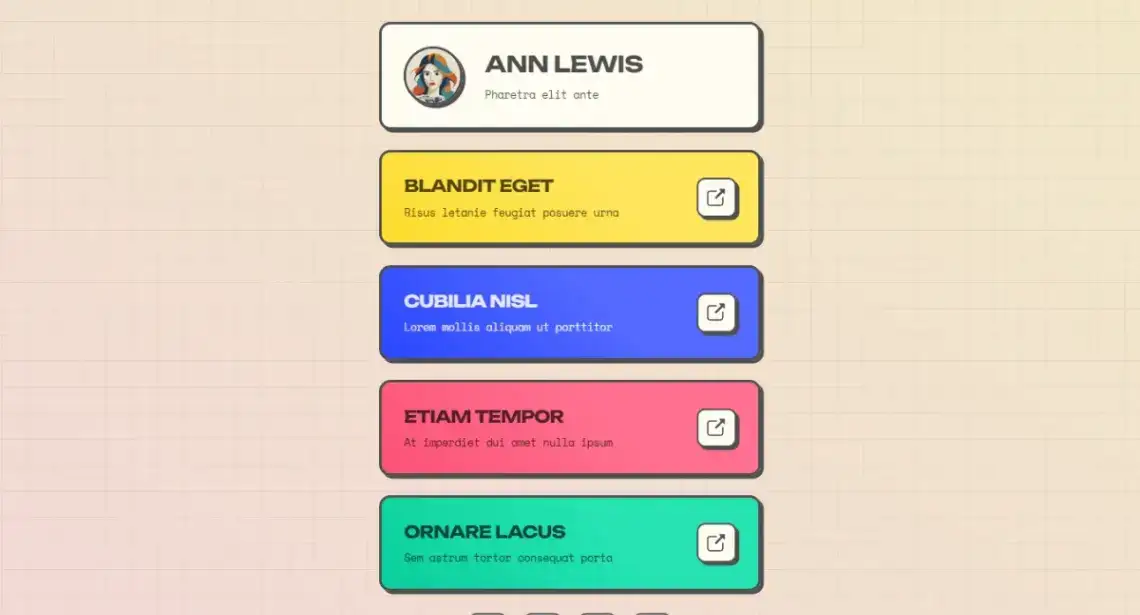
29. Link In Bio (Carrd, free) · Carrd demo
Name, tagline, and colourful stacked link cards with short descriptions under each. The cleanest classic version of the format.
30. Link in Bio Hub (Notion, free) · Notion demo
Social profiles, websites, contact details and key links in one shareable Notion page. Free to publish, which no other link-in-bio option here can claim outright.
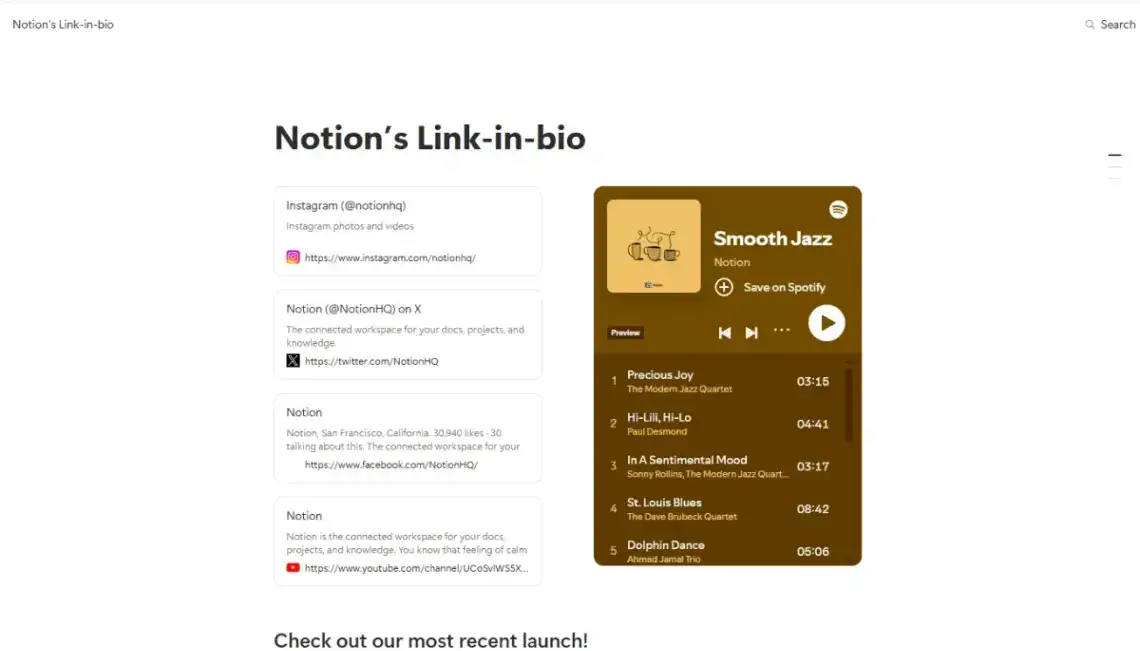
31. Freelancer Creator (Pagy, free) · Pagy demo
Central profile image, social icons and stacked navigation buttons in a mobile-optimised micro-landing page. Pagy's block editor makes reordering it genuinely quick.
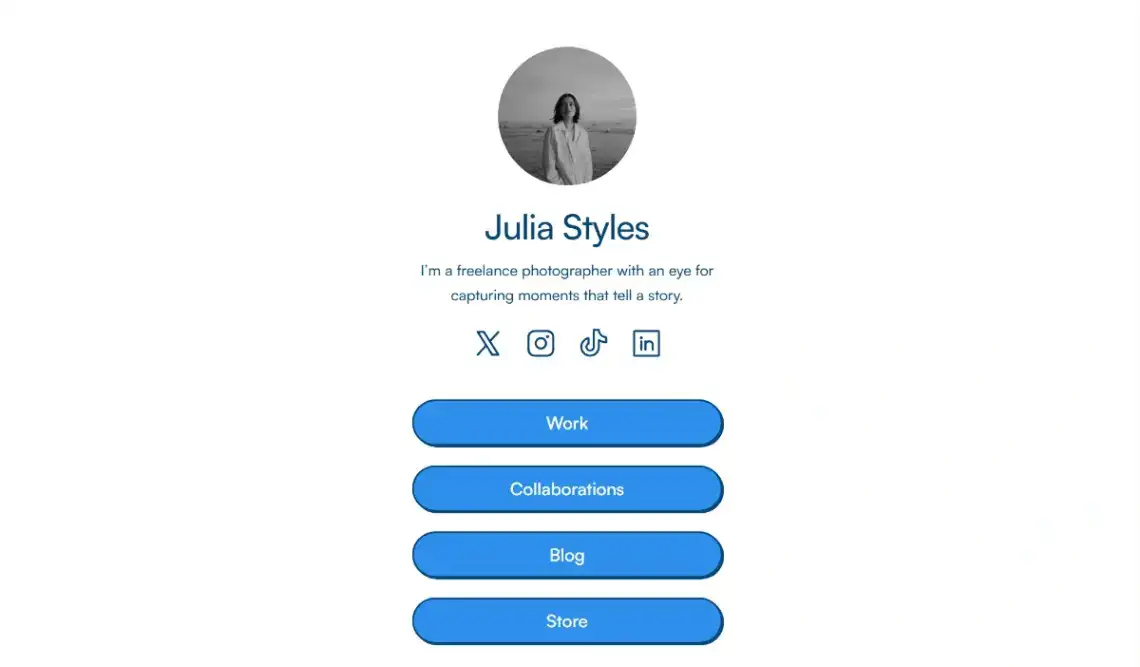
32. Content Creator (Pagy, free) · Pagy demo
A modular bento-box grid mixing social links, images and portfolio work into one visual hub. My favourite layout in this section, because it survives having too much content.
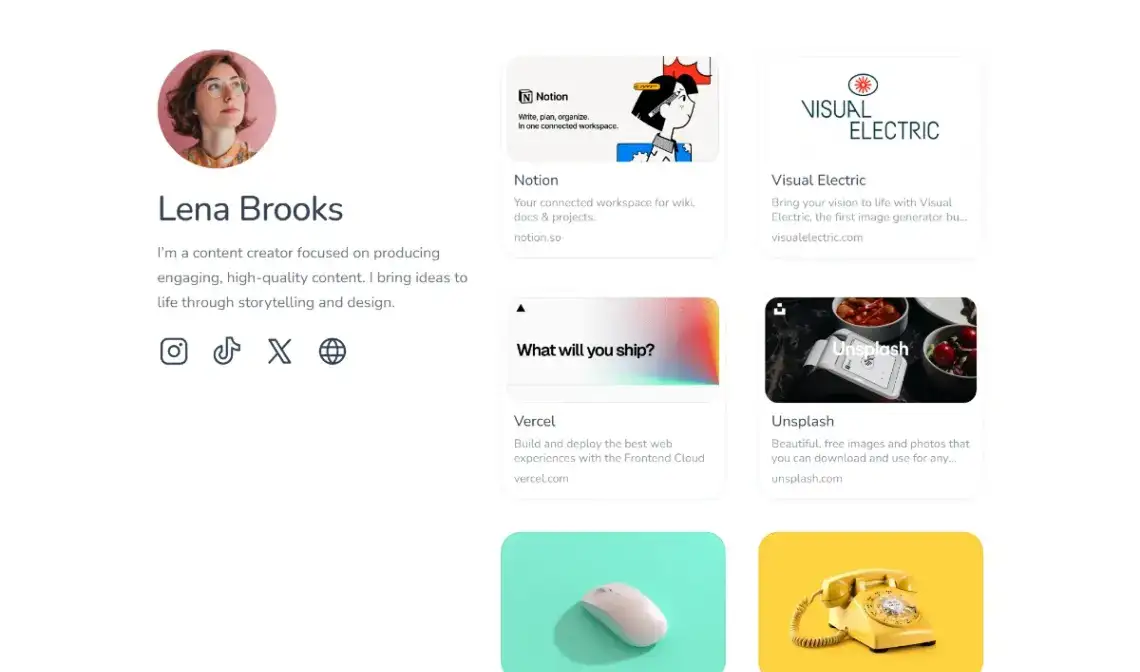
33. Social Bio Link (Vzy, free) · Vzy demo
Streamlined vertical layout with interactive link buttons pointing at content, products and profiles. Built mobile-first and edited from a phone if you want.
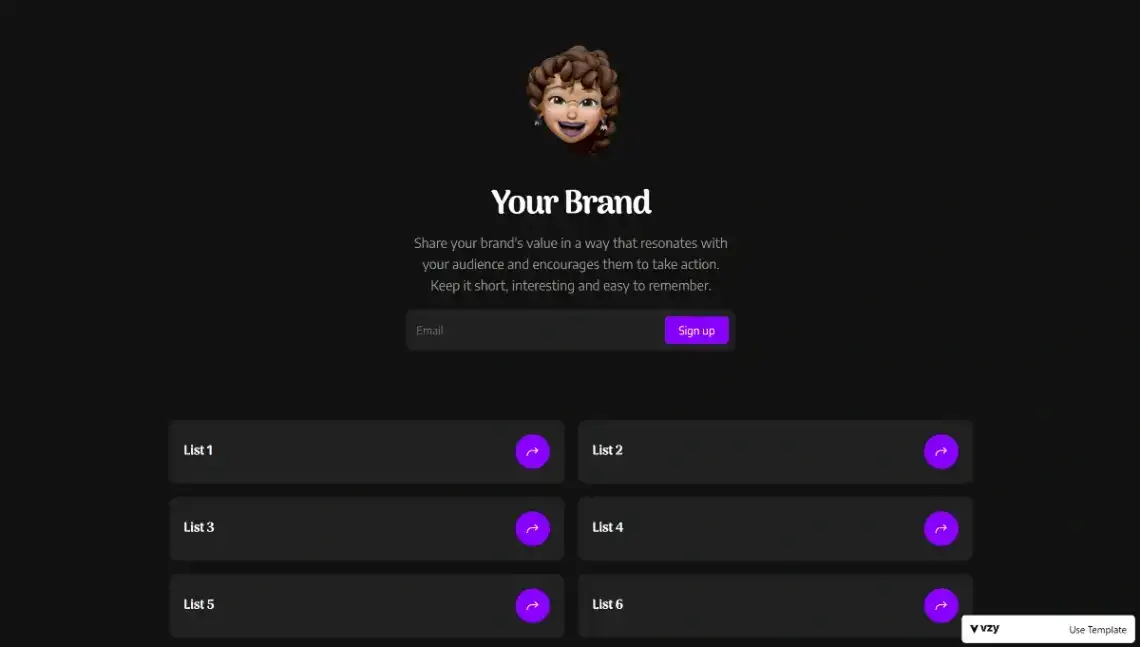
34. Gaming Influencer (Pagecloud, free) · Pagecloud demo
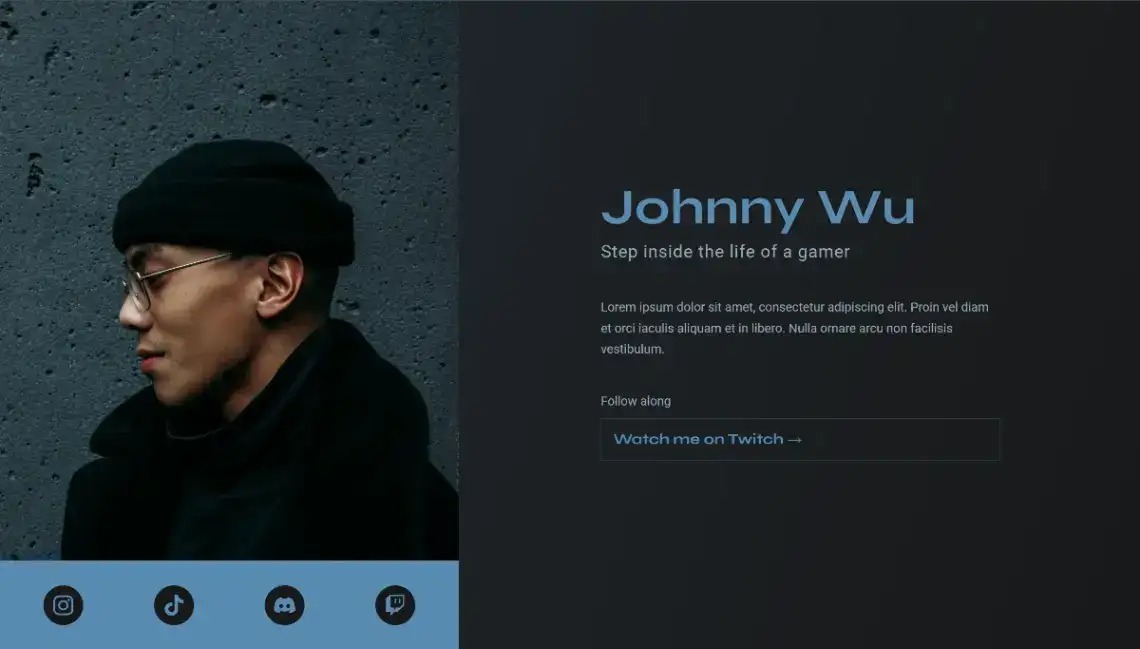
Dark-themed landing page consolidating social presence, bio and stream links for creators building a single brand identity across platforms.
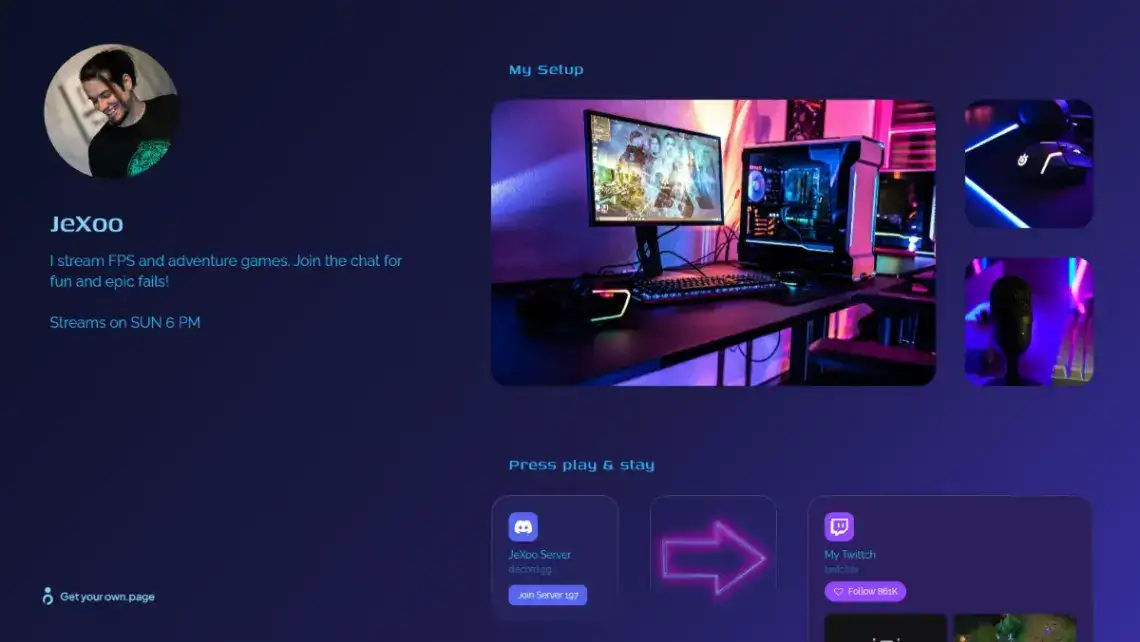
35. Gaming Streamer (own.page, free) · own.page demo
Neon-on-black hub covering setup, stream schedule, Discord server and socials. Listed at 17 likes against 134 views, one of the strongest like-to-view ratios in the set.
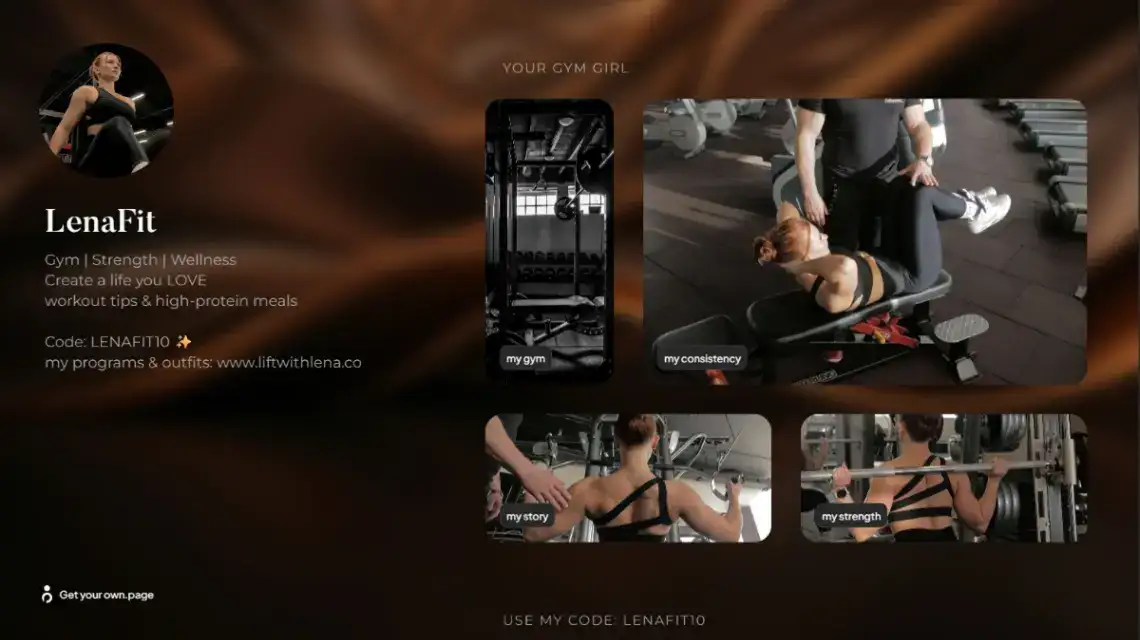
36. Fitness Influencer (own.page, free) · own.page demo
Workouts, nutrition content, personal story and an organised image grid on a dark background. Aimed at coaches and personal trainers selling a programme rather than a session.
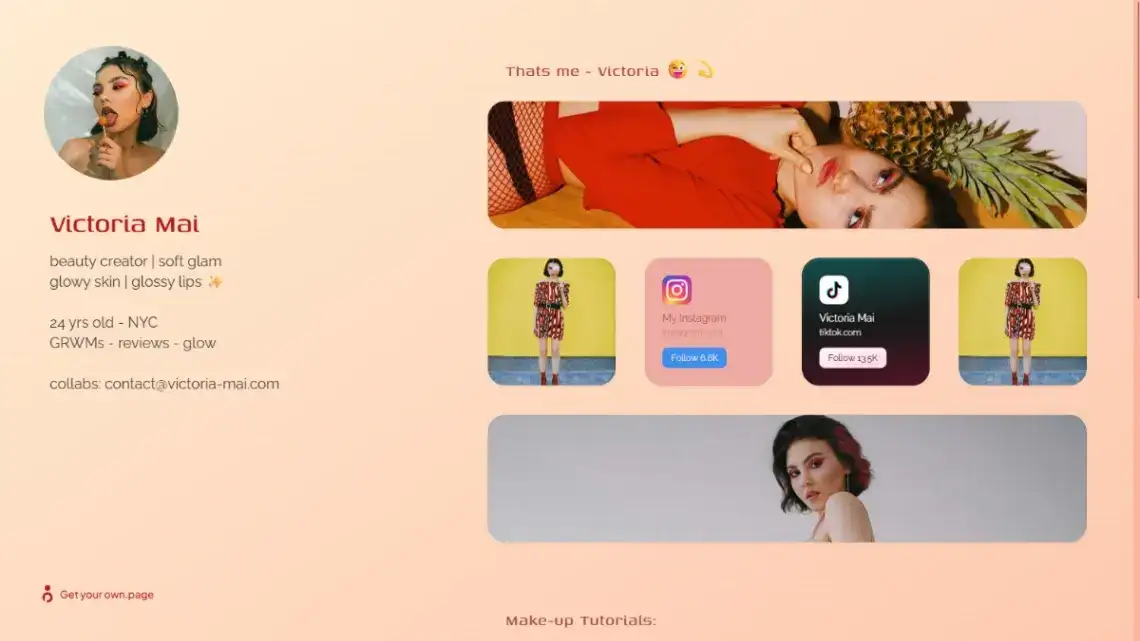
37. Beauty Creator (own.page, free) · own.page demo
Tutorials, product recommendations and latest looks, with live Instagram and TikTok follower counts and a collaboration enquiry path for brand deals.
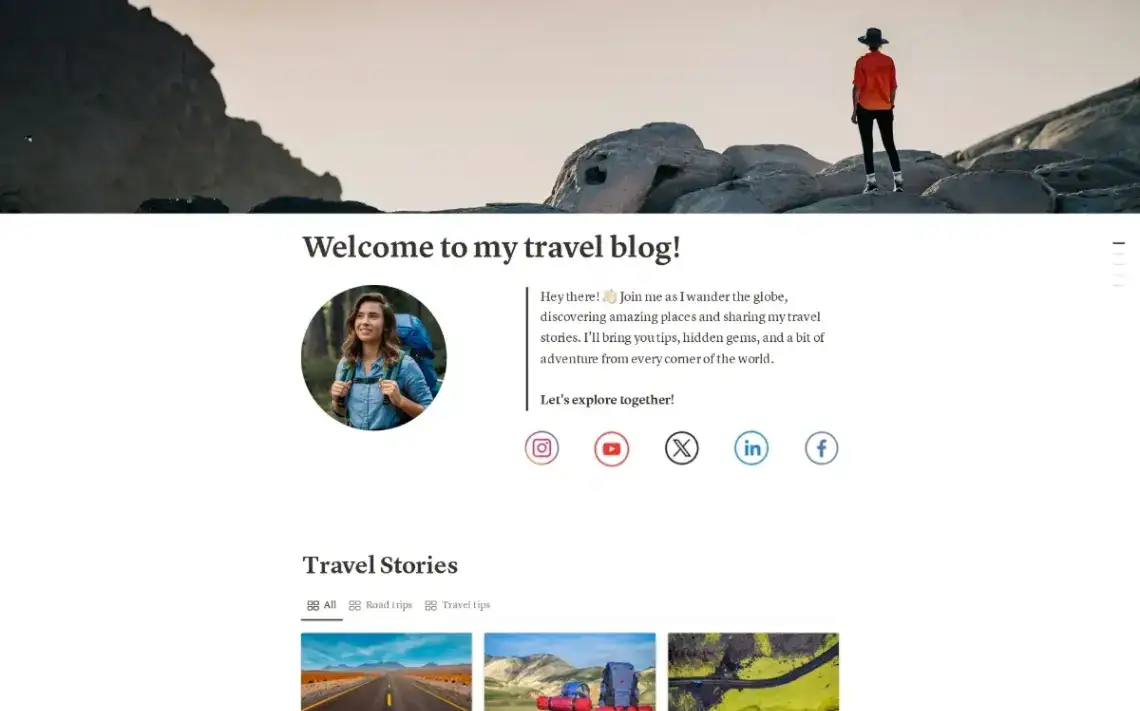
38. Travel Stories Blog (Notion, free) · Notion demo
Itineraries, tips and photo galleries with interactive maps, published straight from Notion. At 394 views on No-Code Website Builder it is the most-viewed Notion template here.
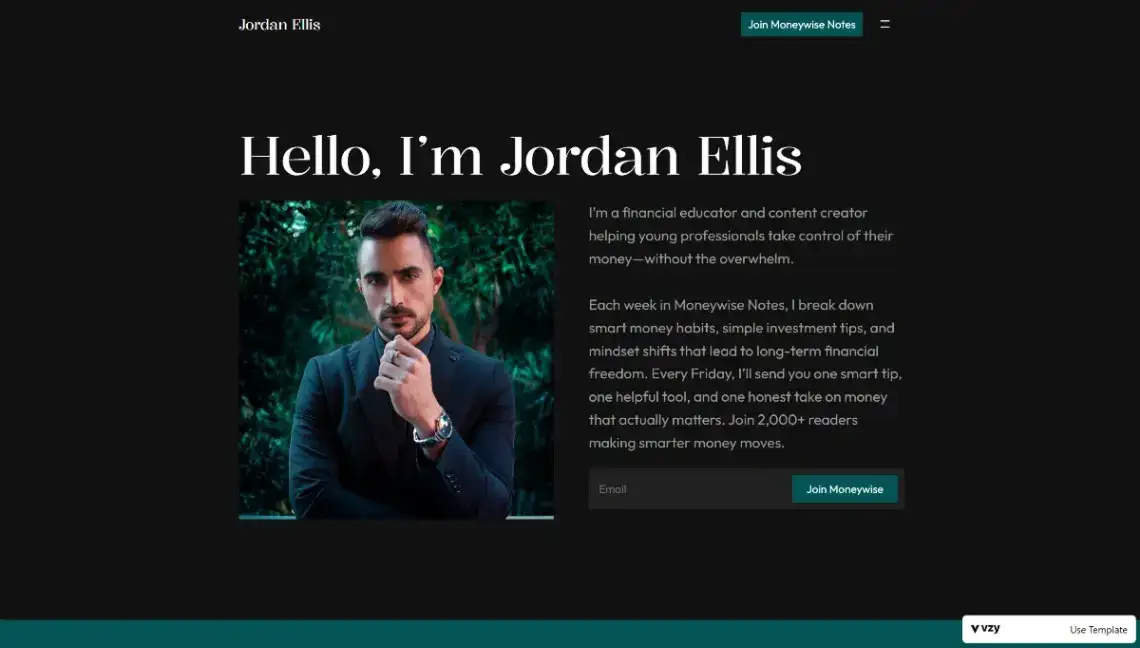
39. Financial Educator (Vzy, free) · Vzy demo
Newsletter subscription blocks and curated insight sections for money coaches publishing to young professionals. The trustworthy end of the creator spectrum.
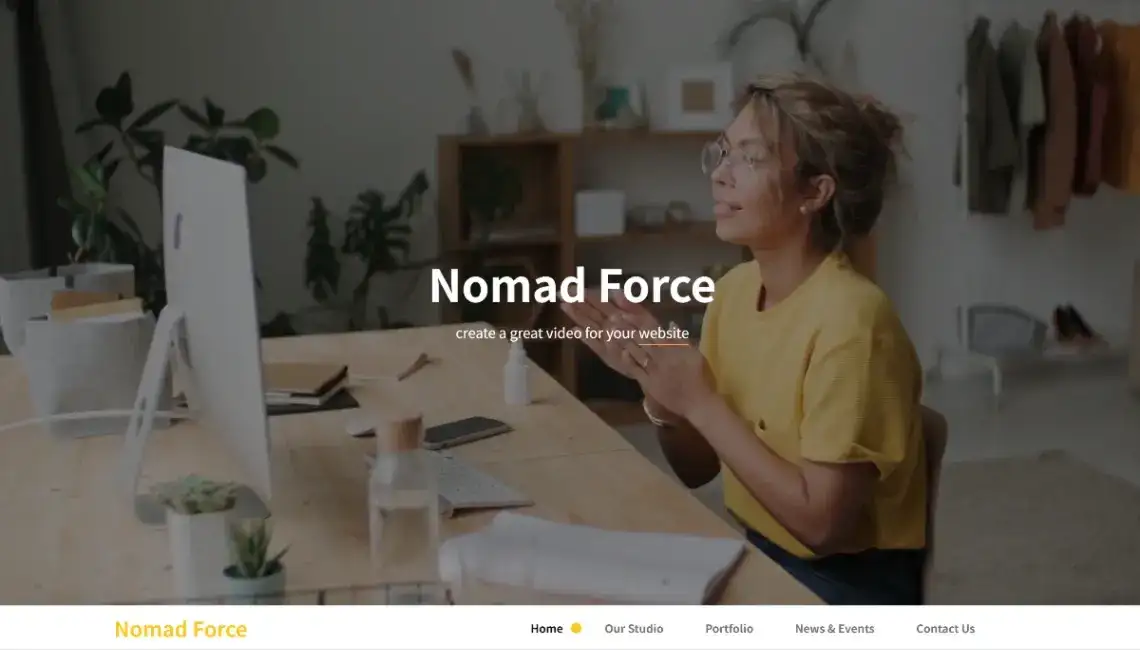
40. Nomad Website (Microweber, free) · Microweber demo
High-resolution imagery, social sharing modules and real-time content editing for travel bloggers updating from wherever they are that week.
A link-in-bio page is a funnel with a haircut. If it does not make one action obvious on a phone screen, the design has failed.
Which One Page Website Templates Fit Restaurants, Bars and Local Services?
This is where a one page website template earns its keep. A cafe or a locksmith needs hours, location, proof and a way to get in touch, all above the fold, and almost nothing else. These thirteen templates ship with booking forms, menu modules and quote requests already wired in, which is weeks of work you skip.
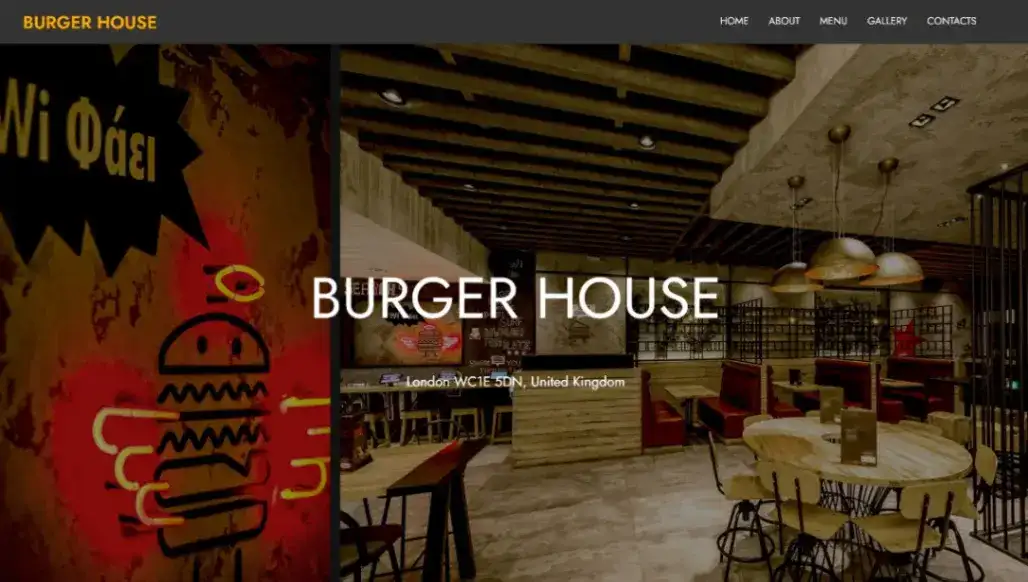
41. Burger Restaurant (Microweber, free) · Microweber demo
Interactive menu modules, reservation forms and a layout tuned for food photography, with order management running through Microweber's built-in commerce engine.
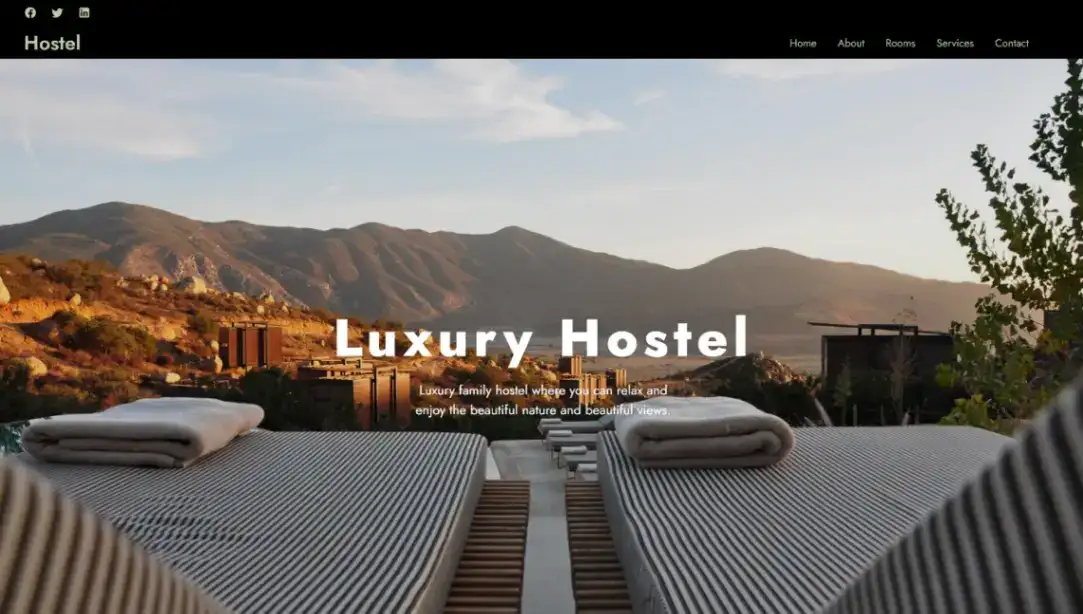
42. Luxury Hostel (Microweber, free) · Microweber demo
Room availability displays, dormitory and common area galleries, and local attraction guides. Seasonal pricing updates happen in the live editor rather than in a dashboard.
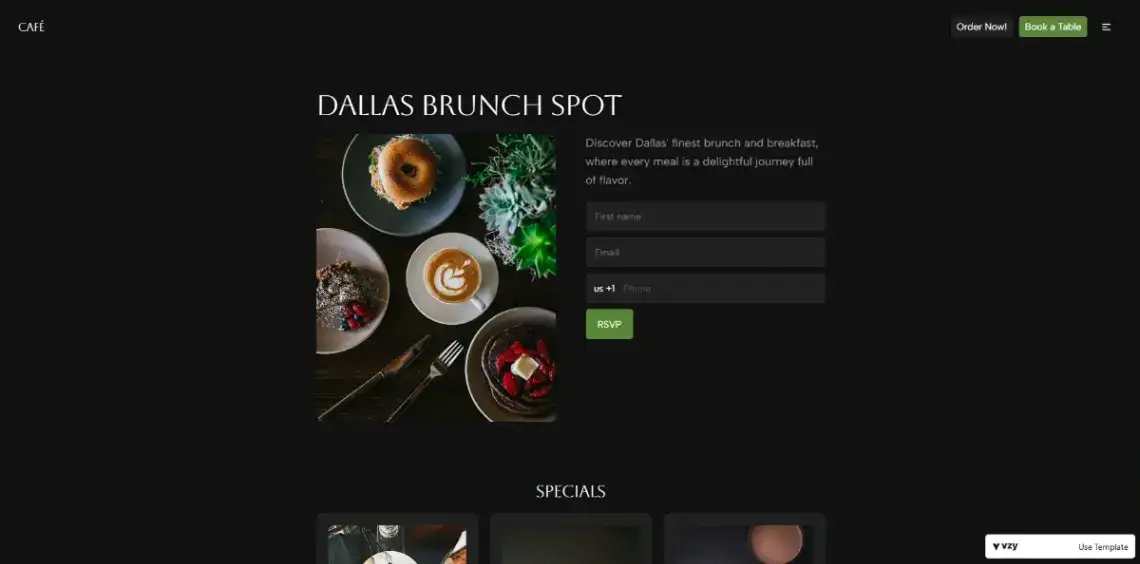
43. Brunch Restaurant (Vzy, free) · Vzy demo
Hero food banner, specials section, table booking form, order call to action and an email signup. Listed with 25 likes, the second most-liked template in this roundup.
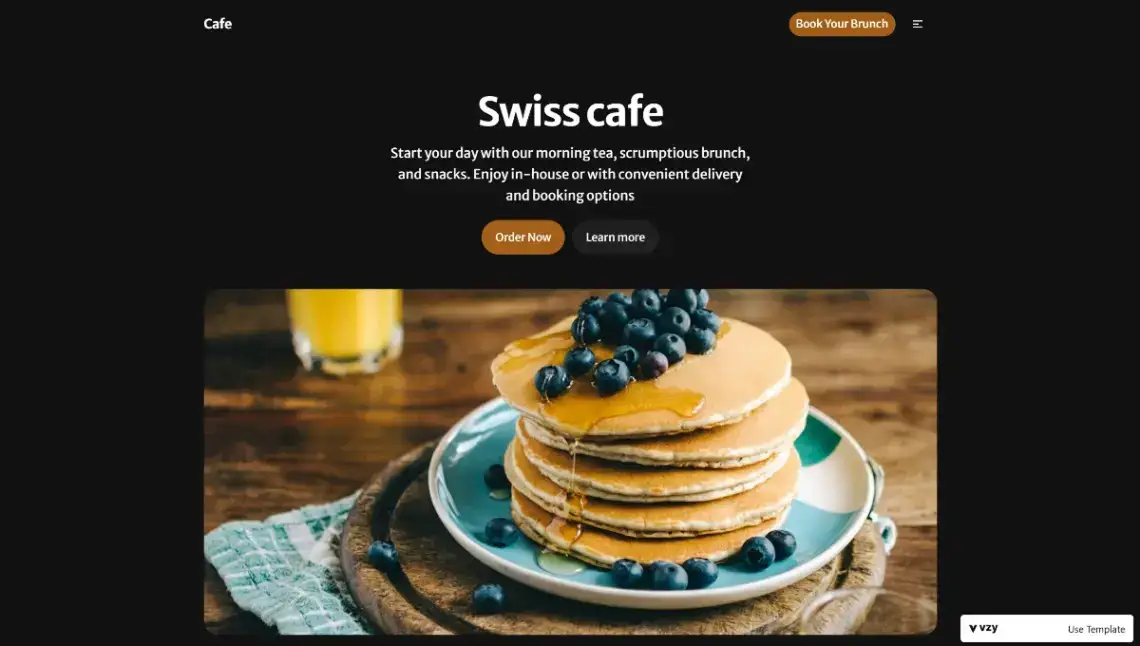
44. Swiss Cafe (Vzy, free) · Vzy demo
Elegant menu displays and integrated booking sections with a warm, Swiss-inspired aesthetic. Better suited to a bistro than a takeaway counter.
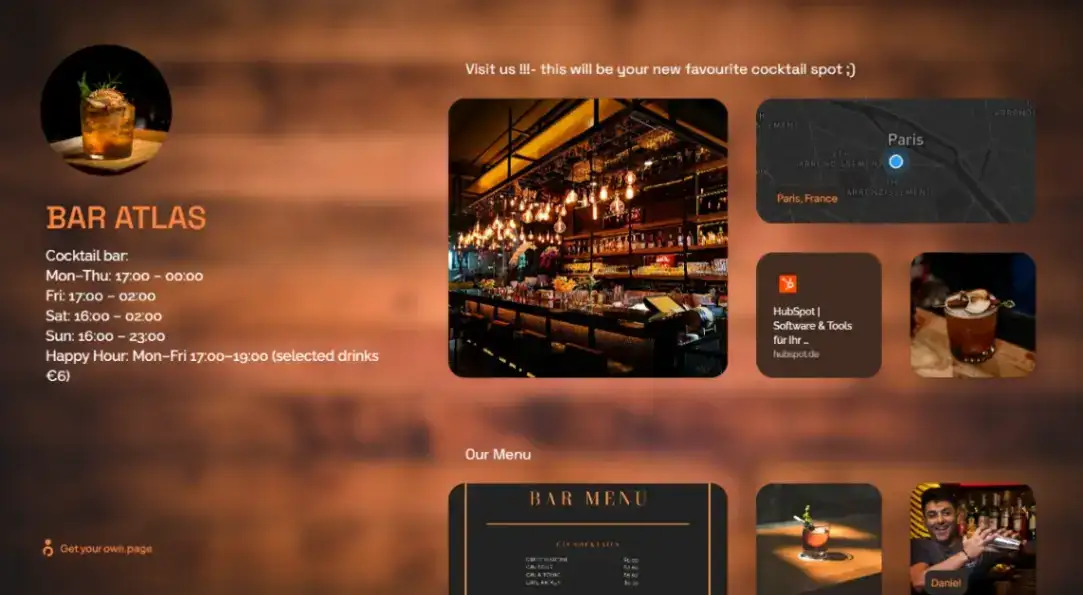
45. Cocktail Bar Venue (own.page, free) · own.page demo
Logo, opening hours, happy hour details, interior imagery, menu, location map and staff profiles. At 318 views it is the second most-viewed template here, and there is almost nothing else free in the category.
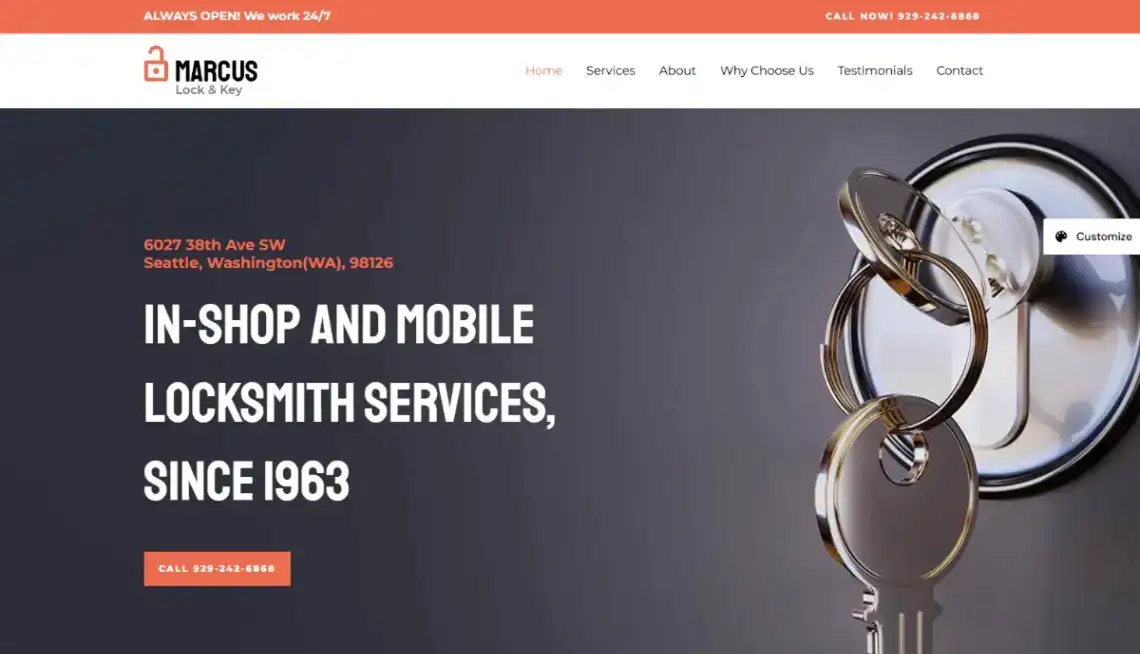
46. Locksmith Services (Astra, free) · Astra demo
24/7 availability messaging, service categories, certifications, reviews and contact details, built on the Astra WordPress theme with Elementor. The most conversion-focused local services layout in the list.
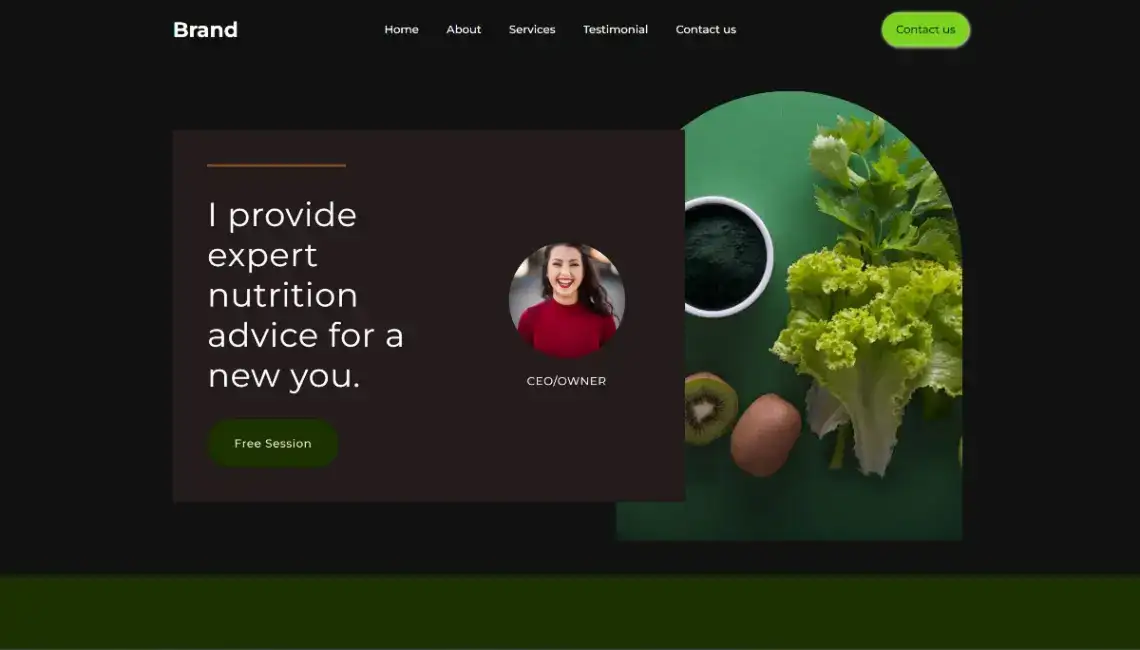
47. Personal Nutritionists (CodeDesign, free) · CodeDesign demo
Meal plans, coaching services and client success stories in a food-focused layout, with booking triggers and health goal trackers built in.
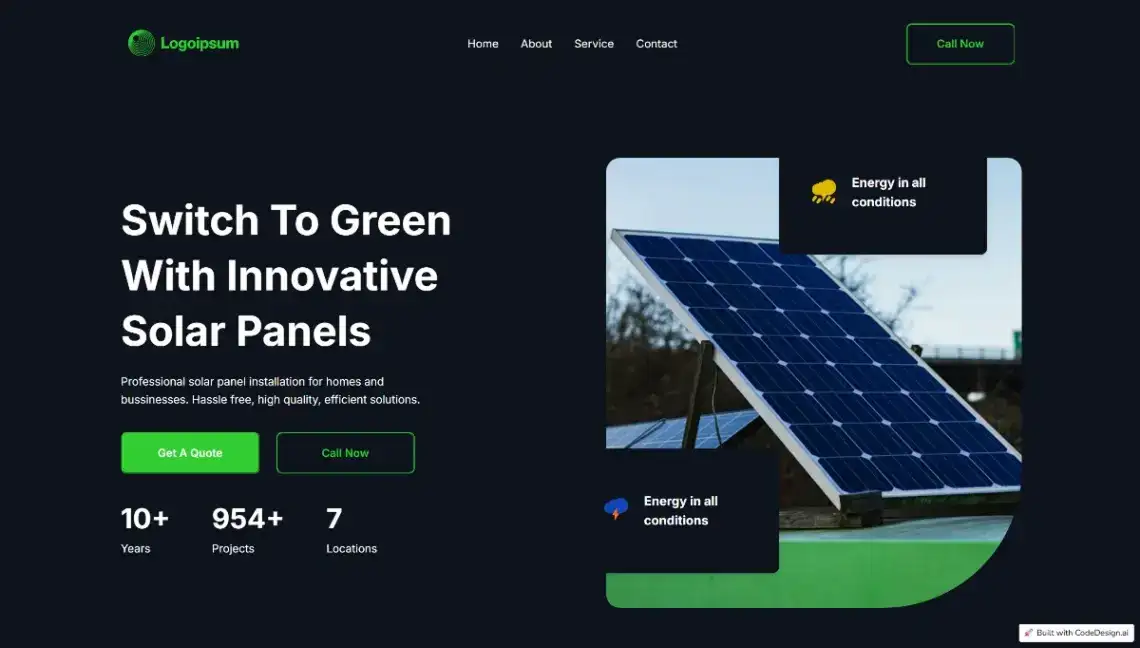
48. Solar Energy Business (CodeDesign, free) · CodeDesign demo
Installation services, performance metrics and cost savings presented through benefit grids, with quote request forms doing the lead capture.
49. Business Consulting (CodeDesign, free) · CodeDesign demo
Service capabilities, industry expertise, client success metrics and team profiles in a corporate layout. Dull in the way a consulting site should be.
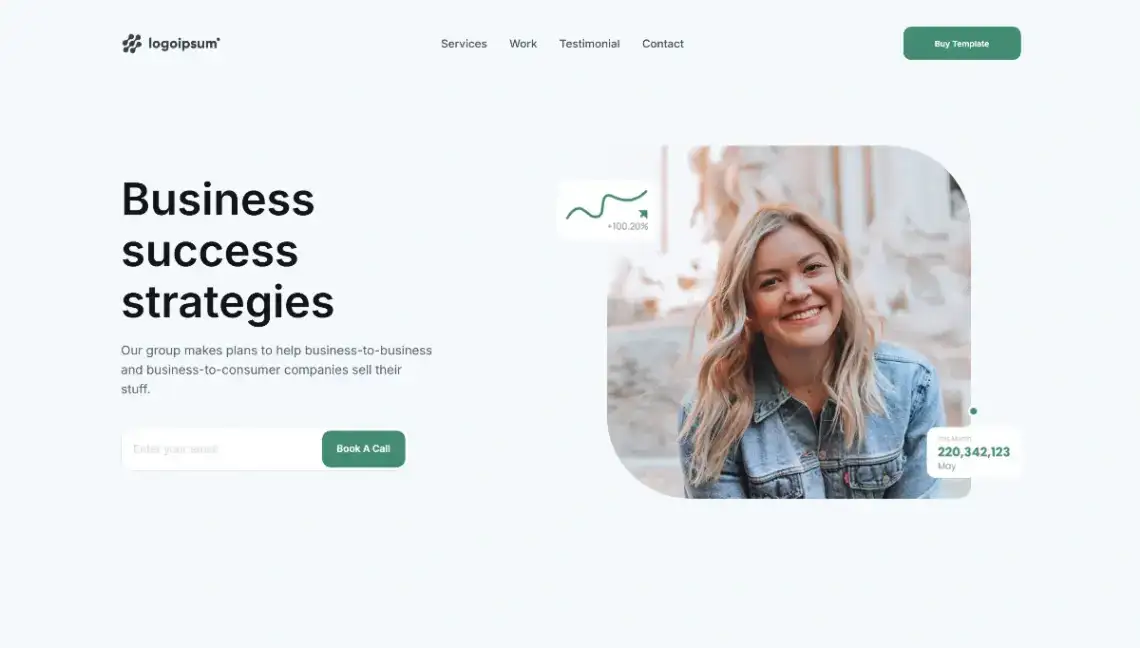
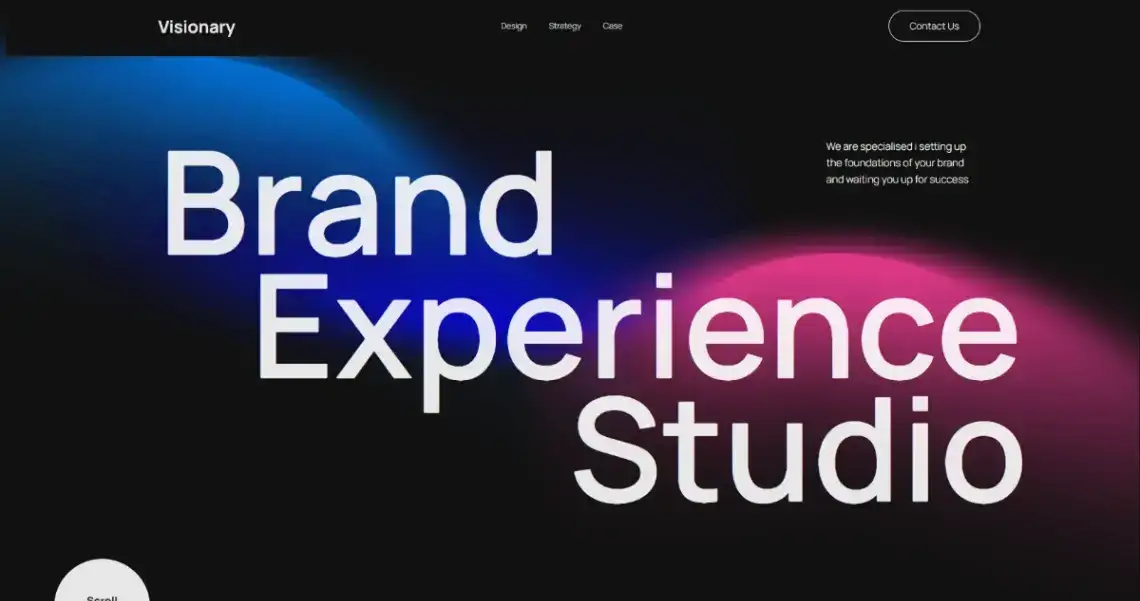
50. Design Strategy Agency (CodeDesign, free) · CodeDesign demo
Brand positioning, service sections, case studies, testimonials and a contact form. Listed with 23 likes against 130 views, the strongest engagement ratio of any template here.
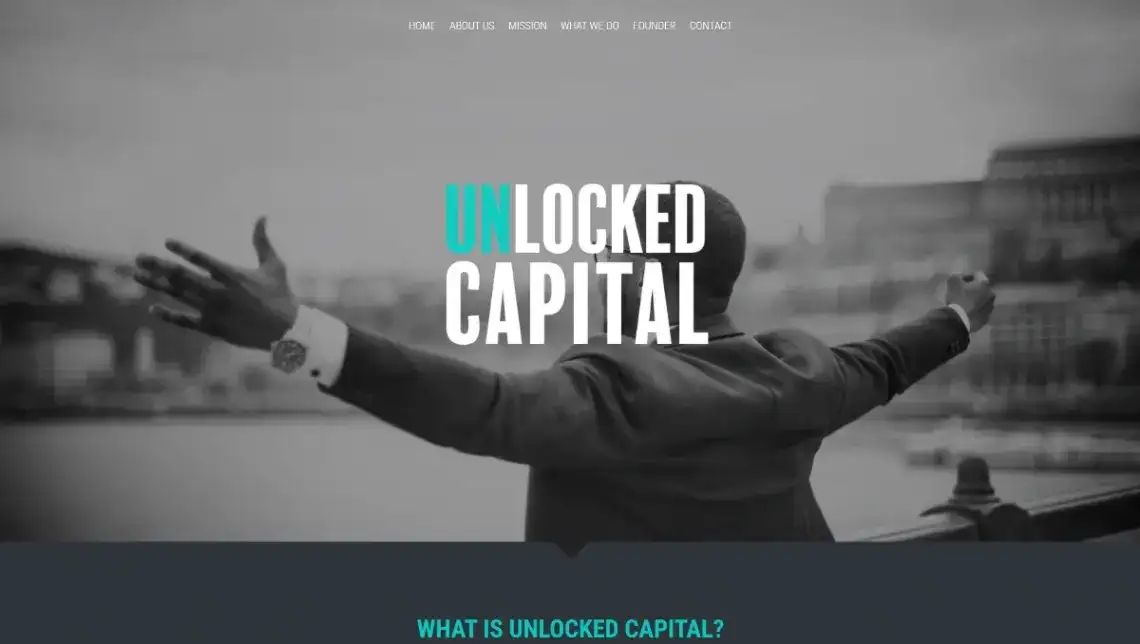
51. Financial Services (Strikingly, free) · Strikingly demo
A resource hub structure covering pre-seed funding, a three-month incubator and fellowship programmes. Unusual for a free template in taking a mission-led angle rather than a sales one.
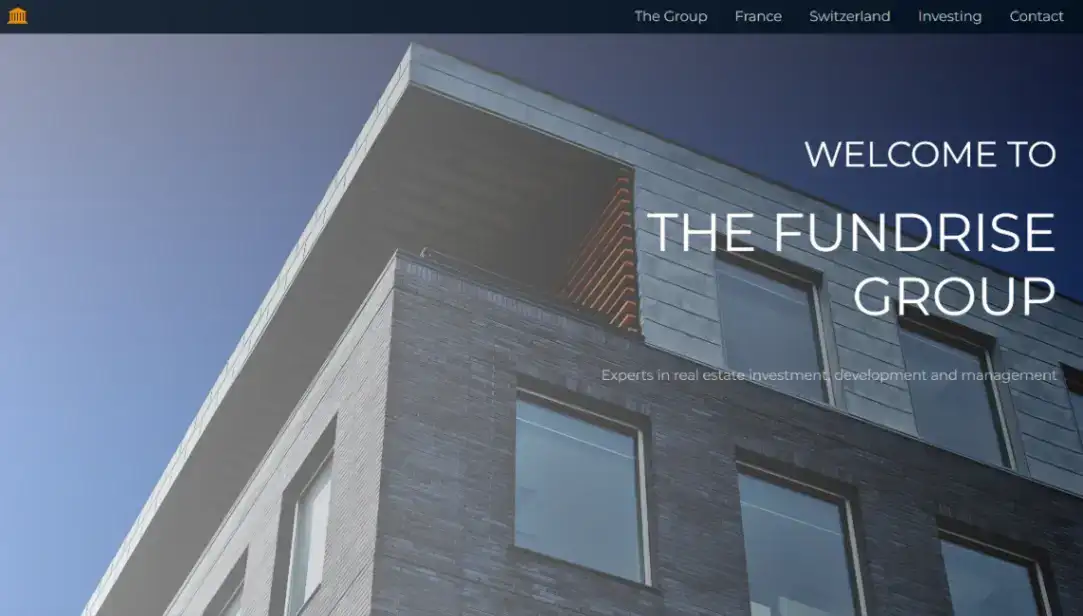
52. Real Estate Investors (Page XL, free) · Page XL demo
Company navigation, group overview, regional sections for France and Switzerland, and investment information. Built for a firm, not a solo agent.
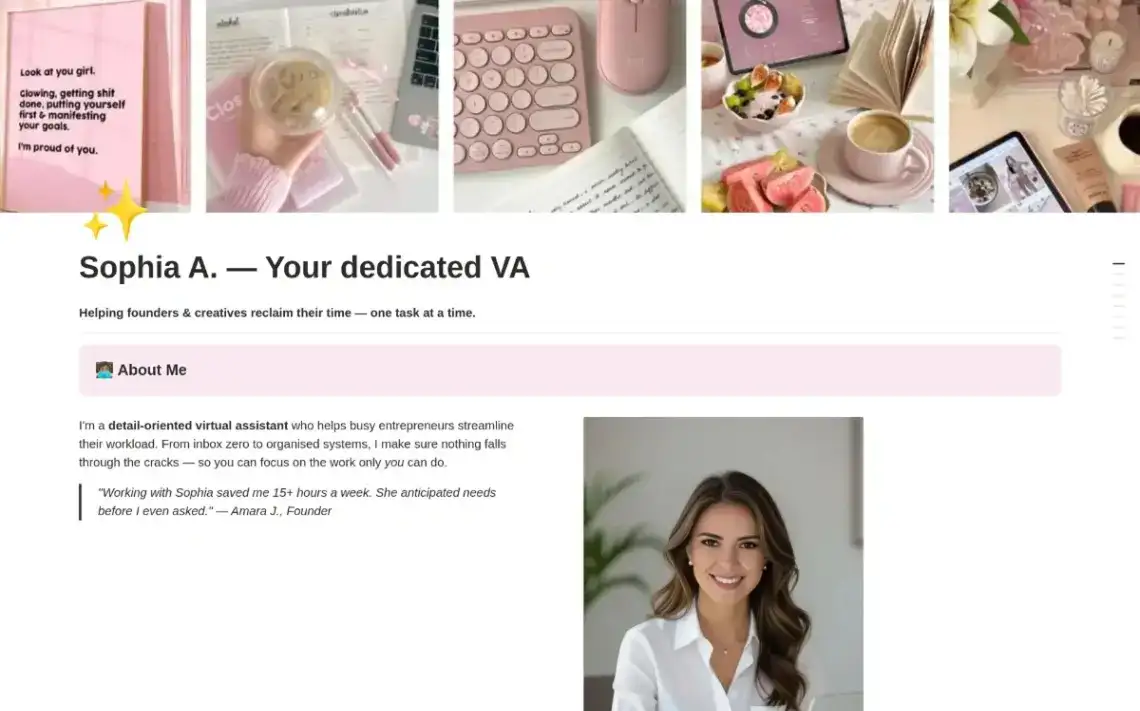
53. Virtual Assistant Service (Notion, free) · Notion demo
Services, experience and work samples in a clean one-page Notion layout built to turn page views into booked calls. Free to publish and edited in a tool most VAs already use daily.
Which Templates Work for Product Launches, SaaS and Small Stores?
Launch and commerce pages are judged on one number, so structure follows conversion: a clear promise, proof, and a single button. Seven templates below cover waitlists, SaaS pricing pages, hardware launches and small storefronts, with Stripe or PayPal checkout already connected in two of them.
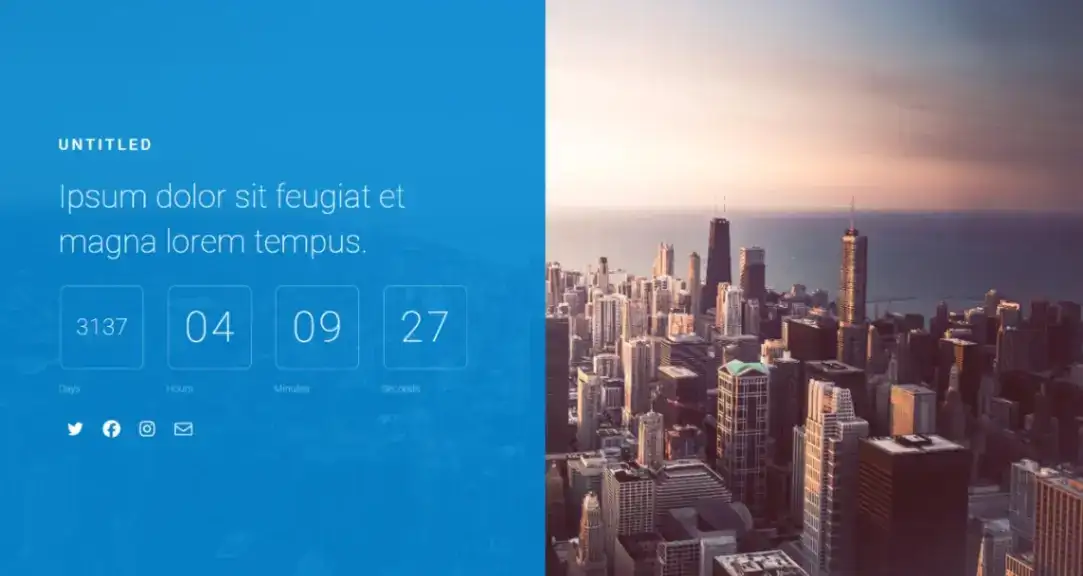
54. Launch Countdown (Carrd, free) · Carrd demo
Split-screen layout with a live countdown to days, hours, minutes and seconds, plus social icons over cityscape imagery. The fastest waitlist page here by some distance.
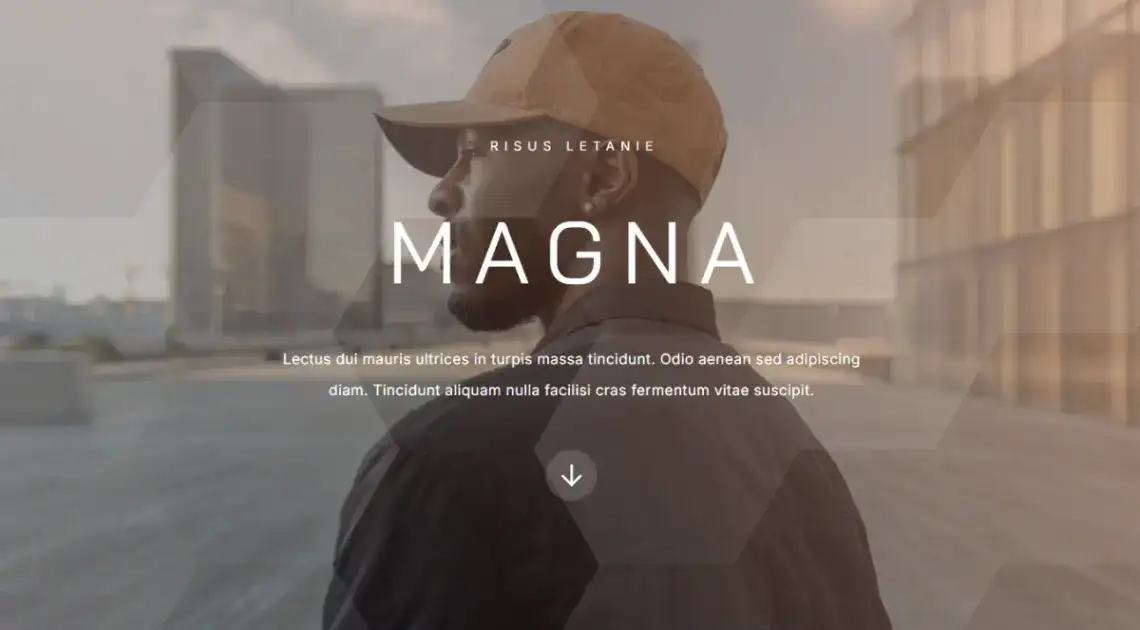
55. Professional Brand (Carrd, free) · Carrd demo
Full-screen scrolling sections with large headings, background imagery and arrow navigation between them. Made for brand storytelling and product launch campaigns.
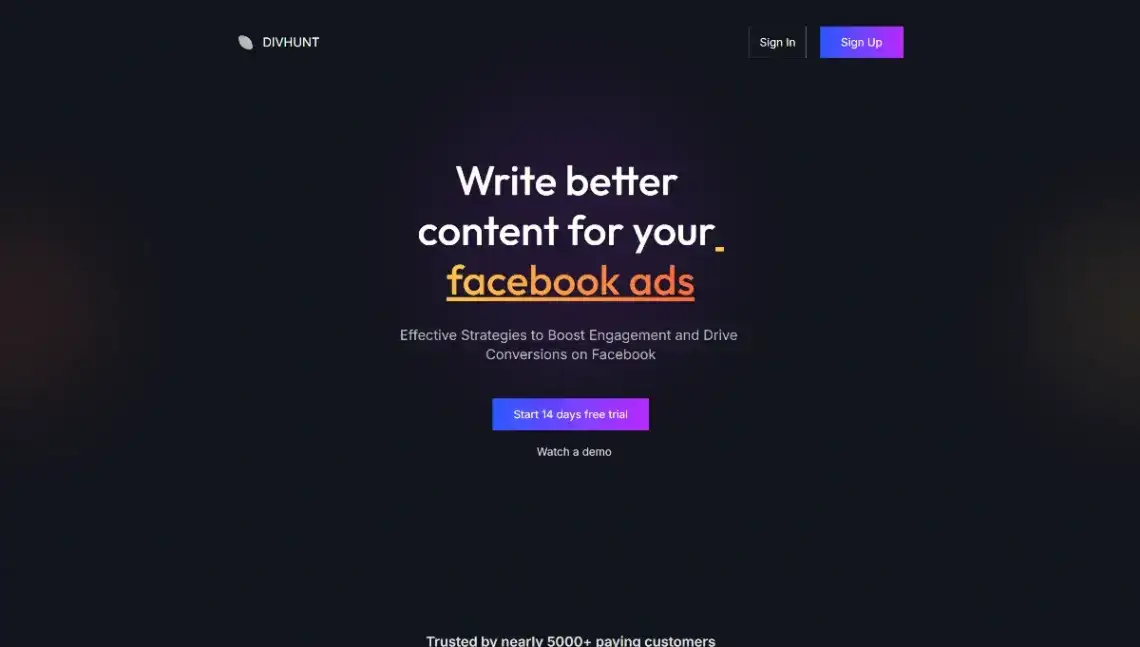
56. SaaS Platform (Divhunt, free) · Divhunt demo
Feature-benefit blocks, tiered pricing and social proof sections arranged as a sales page. The only free template here designed properly around a subscription product.
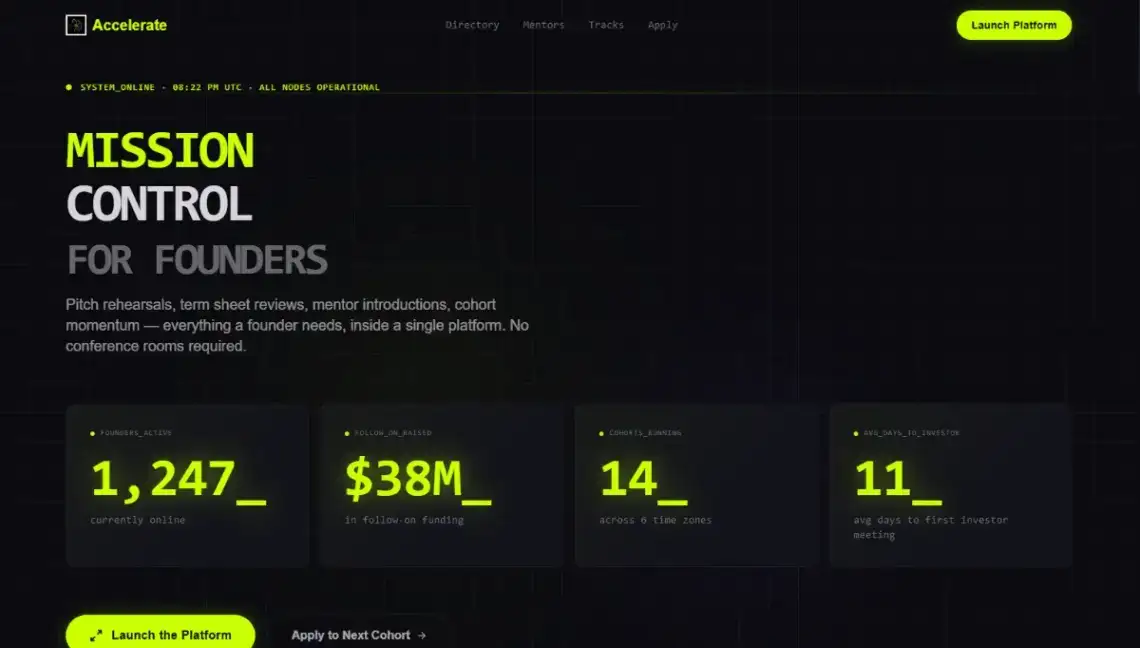
57. Startup Accelerator (Rocket, free) · Rocket demo
A live metrics dashboard, filterable startup and mentor directories, scroll-reveal sections and a dual call to action for app downloads and cohort applications.
58. Smart Product (own.page, free) · own.page demo
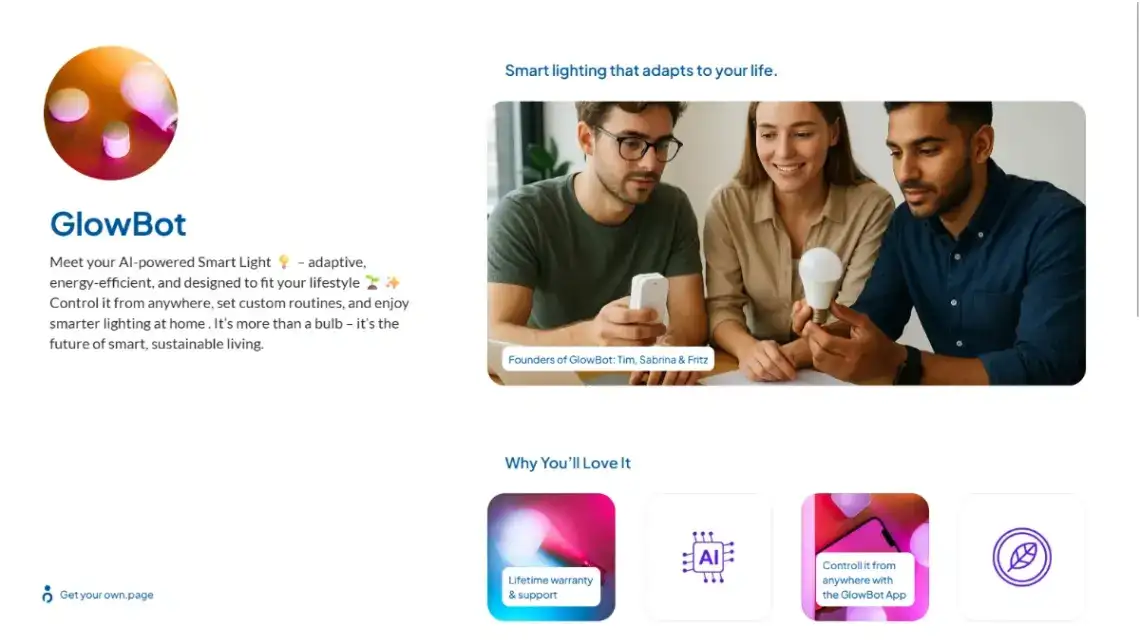
Founders, key features, sustainability mission and product benefits in a layout that gives the human story equal billing with the specs.
59. One Product Sales (Page XL, free) · Page XL demo
Headline, image gallery, description, purchase button with pricing, purchase and rating statistics, a testimonial and a contact form, with PayPal wired in.

60. Cottage Products (WebStarts, free) · WebStarts demo
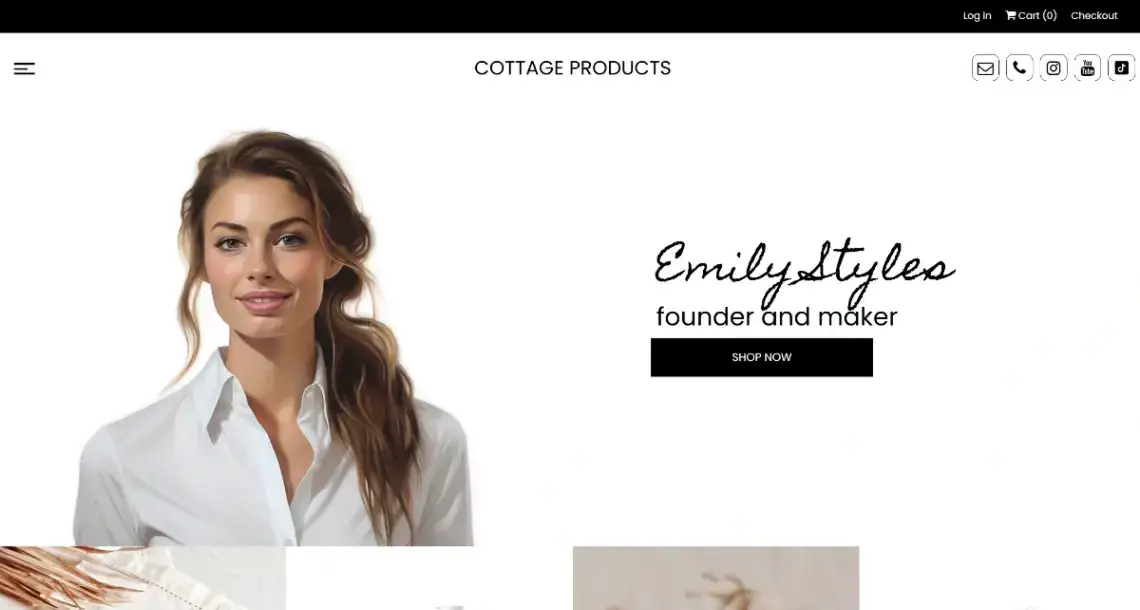
A clean storefront with cart and checkout, a founder and maker spotlight, benefit modules and a built-in FAQ answering shipping questions before they become emails.
Which No-Code Builders Behind These Templates Are Worth Paying For?
The template is free; the platform is the commitment. Sixteen builders sit behind these 60 layouts, and their entry prices range from nothing at all to $99 a year. According to No-Code Website Builder's tool ratings, the spread in overall score is just as wide, from 2.5 out of 5 up to a perfect 5.0.
| Builder | Score | Starting price | Templates here | Site |
|---|---|---|---|---|
| Carrd | 4.0 | $9/year | 6 | carrd.co |
| Notion | 4.0 | Free, $12/mo paid | 7 | Notion site templates |
| Microweber | 4.0 | $10/mo | 4 | microweber.com |
| Pagy | 4.0 | $10/mo | 3 | pagy.co |
| Page XL | 3.5 | $4.70/mo | 6 | pagexl.com |
| Vzy | 3.0 | $15/mo | 6 | vzy.co |
| Pagecloud | 4.5 | $26/mo | 3 | pagecloud.com |
| CodeDesign | 4.0 | $15/mo | 4 | codedesign.ai |
| Divhunt | 5.0 | $8/mo | 3 | divhunt.com |
| Rocket | 3.0 | $25/mo | 2 | rocket.new |
| Strikingly | 2.5 | $20/mo | 3 | strikingly.com |
| Astra | 3.5 | $99/year | 1 | wpastra.com |
| Draftly | 4.0 | $25/mo | 1 | draftly.space |
| WordPress | 3.5 | $9/mo | 3 | wordpress.com |
| own.page | 4.0 | $7.99/mo | 7 | own.page |
WebStarts contributes the sixtieth template and has no tool profile on No-Code Website Builder yet.
Now the part that annoys me about score-based rankings: Divhunt tops the table at 5.0, and it is the platform I would steer most readers here away from. It hands you DOM and CSS control, custom JavaScript and a Figma-style canvas, which is excellent if you already think in flexbox and genuinely painful if you do not. Strikingly sits at the bottom on 2.5 with design freedom rated 1.0, and it will still get a beginner's portfolio live in half an hour.
A high score measures ceiling. What most small businesses need measured is floor: how fast can a non-designer get something honest online?
The other split worth knowing: Carrd, Page XL, CodeDesign and Draftly all let you export your code, while Notion and Strikingly keep your page on their infrastructure permanently. According to Carrd's own product listing it now hosts over 4.5 million active sites, and Astra's listing puts the theme on 4.8 million installs. Volume is not the same as fit.
Decision Framework: How to Pick Your Template in Four Steps
Skip the browsing. Work through these four steps in order and the field narrows to two or three candidates in about ten minutes.
Step 1: Name the single action. Booking, enquiry, purchase, follow, or signup. Write it down. Any template that does not have that action built in is off the list regardless of how it looks.
Step 2: Set your ceiling honestly. If this page will still be one page in two years, a locked platform is fine. If you expect a blog, a shop or multiple indexed URLs, start on WordPress or Microweber now and save yourself a migration.
Step 3: Match the budget to the lifespan. For a page you will publish and largely leave alone, Carrd at $9 a year is hard to argue with. For something you edit weekly, own.page at $7.99 a month or Page XL at $4.70 a month buy you a friendlier editor.
Step 4: Pick by scenario.
| Your situation | Start with | Template to try |
|---|---|---|
| Freelance designer, needs a portfolio this week | Carrd or Vzy | Design Portfolio, Designer Portfolio |
| Cafe, bar or restaurant owner | Vzy or own.page | Swiss Cafe, Cocktail Bar Venue |
| Photographer taking bookings | own.page or Microweber | Urban Photographer, Photographer Website |
| Creator consolidating socials | Pagy or Notion | Content Creator, Link in Bio Hub |
| Local trade or service business | Astra or CodeDesign | Locksmith Services, Solar Energy Business |
| Selling one product | Page XL or WebStarts | One Product Sales, Cottage Products |
| Validating a launch idea | Carrd or Divhunt | Launch Countdown, SaaS Platform |
One caveat on step 2: it depends on how much you value your own time. Migrating a single page later is a couple of hours of work, not a catastrophe, so the "start on WordPress just in case" advice can easily cost you more than it saves.
Start exploring launch-ready no-code templates here!
Frequently Asked Questions
What is a one page website template? It is a pre-designed single-scroll layout containing every section a site needs, from hero to contact form, that you fill with your own text and images. Navigation moves between sections on the same URL rather than loading separate pages, and no coding is required.
Are these templates actually free? The templates themselves are all listed at $0. Publishing usually is not: most builders here require an active subscription before your page goes live on a custom domain. Notion and Pagy are the notable exceptions, since both offer free tiers that cover basic publishing.
Can I use my own domain name with these templates? Yes, on almost every builder in this list, though nearly all of them gate custom domains behind a paid plan. Pagy supports custom domains on its free tier, and Carrd includes domain mapping from its $19 a year Pro Standard plan upward.
Do one page websites hurt SEO? They limit it rather than break it. Search engines index distinct URLs with their own titles and metadata, and a single-page site offers just one, so you cannot target multiple keyword clusters. For a local business or portfolio with one core offer, that constraint rarely matters.
Which no-code builder is easiest for a complete beginner? Strikingly and Vzy are the two least demanding, both rated 5.0 for usability on No-Code Website Builder, with Strikingly's section-based editor getting a page live in roughly half an hour. Notion is even simpler if you already use it daily for notes.
Start building without code
Browse thousands of no-code templates for Webflow, Framer, Bubble, Lovable, Replit and more.
Explore Templates