Microweber
Make Your Beautiful Site in Minutes
Microweber is an open-source "Drag and Drop" CMS and website builder that uniquely combines a visual front-end editor with e-commerce and blogging capabilities. Unlike static funnel builders, it operates as a full content management system with a modular architecture, allowing users to edit content directly on the live page. It features an AI-driven site generator and a robust white-label solution for agencies to rebrand the entire platform.
Personal
Freelancer
Agency
Business
10
ready to use- AI Website Builder
- AI Module Filler
- AI Blog & Post Maker
- AI Content Refiner
- AI Image Prompts
- AI SEO Suggestions
- AI Product Describer
- AI Tone & Region Controls
- Drag & Drop Layout Builder
- Real-Time Live Editing
- Inline Text Writing & Formatting
- Built-in E-commerce Engine
Microweber at a glance
Overall Score
Microweber is an open-source, drag-and-drop CMS and website builder built on the PHP Laravel framework. It targets small-to-medium businesses, freelancers, agencies, and non-technical creators who want to build blogs, business sites, or online stores without writing code.
Its standout feature: "Live Edit," which lets you click directly onto web pages and edit text or drag modules in real time on the actual front-end view, rather than switching back and forth to an admin dashboard.
Pros
- The "Live Edit" function lets you click directly onto pages to edit text and adjust layouts without switching between administrative dashboards
- Includes native e-commerce support out of the box, digital and physical products, order tracking, shipping rates, custom taxes, invoicing, and discount coupons, no paid add-ons required
- Open source under the MIT license, letting you self-host on any server or use their cloud hosting with 100% control over your database and site files
- Built on Laravel, giving developers a genuine foundation to build custom PHP modules, themes, and hooks
- Cost-effective with no forced recurring transaction fees for e-commerce sales or mandatory software licenses
Cons
- Live-editing items with unusual aspect ratios, like changing a logo or image, can temporarily break the front-end layout and require manual adjustment
- A smaller module and template ecosystem compared to WordPress or Shopify means fewer pre-built themes and third-party integrations
- Lacks built-in advanced enterprise features like workflow approvals, complex A/B testing engines, or native multi-site orchestration
- Creating custom PHP modules or modifying core themes still requires real web development knowledge, even though basic site creation needs none
Microweber strikes a genuinely appealing balance between the visual simplicity of tools like Wix and the open-source control of WordPress. The Live Edit feature is a real standout, editing directly on the live page rather than in a separate admin view removes a layer of friction most CMS platforms still have. Built-in e-commerce with no forced transaction fees also makes it a cost-effective choice for budget-conscious small businesses.
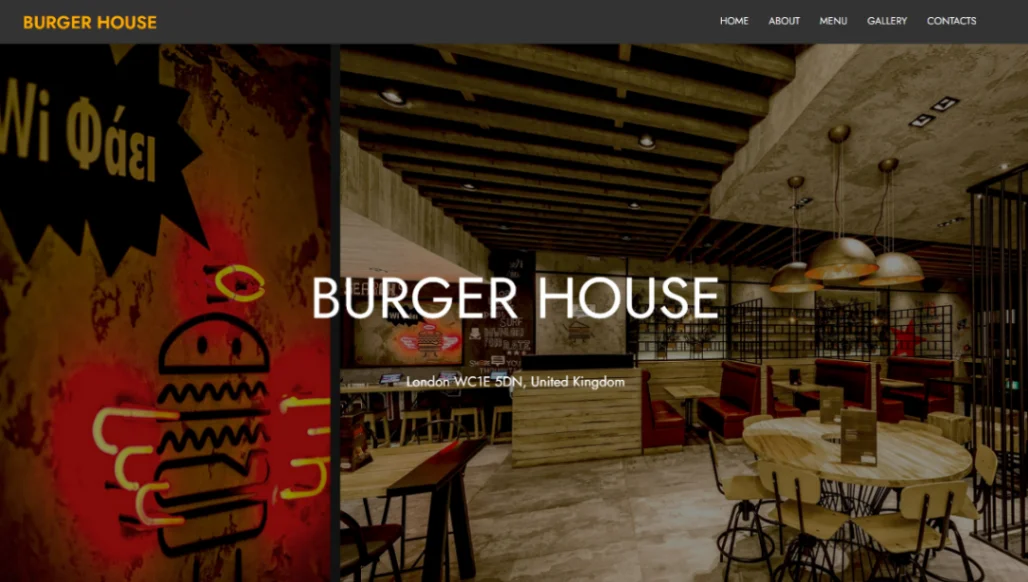
Best Templates from Microweber
Explore stunning templates built with Microweber.