
Google AI Studio
Turn your ideas into real apps with Gemini in Google AI Studio.
Vibe Code is Google AI Studio’s rapid application development platform that allows users to turn natural language ideas into functional, shareable apps. It leverages Gemini 3 Pro Preview to automate the creation of AI-native software, enabling "vibe coding" workflows where users can describe, remix, and deploy applications with built-in features like image generation, video understanding, and real-time search grounding.
API Key
12
ready to use- AI App Builder (Gemini)
- Antigravity Coding Agent
- Full-Stack App Generation
- React Support
- Angular Support
- Next.js Support
- Native Android App Building
- Kotlin / Jetpack Compose Generation
- Built-in Android Emulator Testing
- Real-Time Multiplayer App Support
- Firebase Integration
- Cloud Firestore Database
Google AI Studio at a glance
Overall Score
Google AI Studio's Vibe Coding platform is Google's web-based, prompt-driven app builder powered by Gemini models, turning natural language prompts, sketches, voice input, or uploaded docs into live full-stack React and Node.js apps with real-time browser preview. It's one of the more generous free-tier options in this category, with a genuinely high token allowance compared to subscription-locked competitors.
Who it's for: developers, rapid prototypers, and tech-savvy creators who want instant access to a big context window, native Google service integrations, and zero credit-card friction to get started. Complete beginners hoping for one-click production hosting will hit a wall once they try to move past the preview stage.
Pros
- Offers unusually generous free-tier token limits and request rates compared to standalone vibe-coding startups that cap usage tightly or charge steep subscriptions
- One-toggle integrations for Firebase, Google Workspace apps like Sheets and Gmail, and multimodal features like the Gemini Live API and Google Search grounding
- Builds genuinely full-stack apps, React on the client side paired with a real Node.js backend that can use npm packages and server-side secrets
- Annotation Mode lets you draw directly on the live preview or use voice commands to guide styling and logic changes visually
- Flexible export options: sync straight to GitHub, deploy to Google Cloud Run in one click, or download a full ZIP for local development
Cons
- Deploying persistent databases, managing domain routing, or setting up real production hosting past basic Cloud Run triggers can confuse non-developers
- Defaults heavily toward React and Next.js-style patterns, with more errors and hallucinations showing up when pushed toward other frameworks
- Requires a Google Cloud Platform billing account for live backend features, and setting up GCP IAM roles can be genuinely confusing for solo builders
- Noticeable latency during peak hours, with multi-second delays opening files or expanding directories in the browser workspace
- No direct 1-on-1 human support for standard users, community forums and documentation are the primary channel
Google AI Studio's Vibe Coding tool stands out mainly because of how much you get for free. The token generosity alone puts it ahead of most competitors that meter usage tightly, and the native Google service integrations, Firebase, Workspace, Gemini's multimodal features, mean you're not stitching together separate accounts just to get a working app with real functionality.
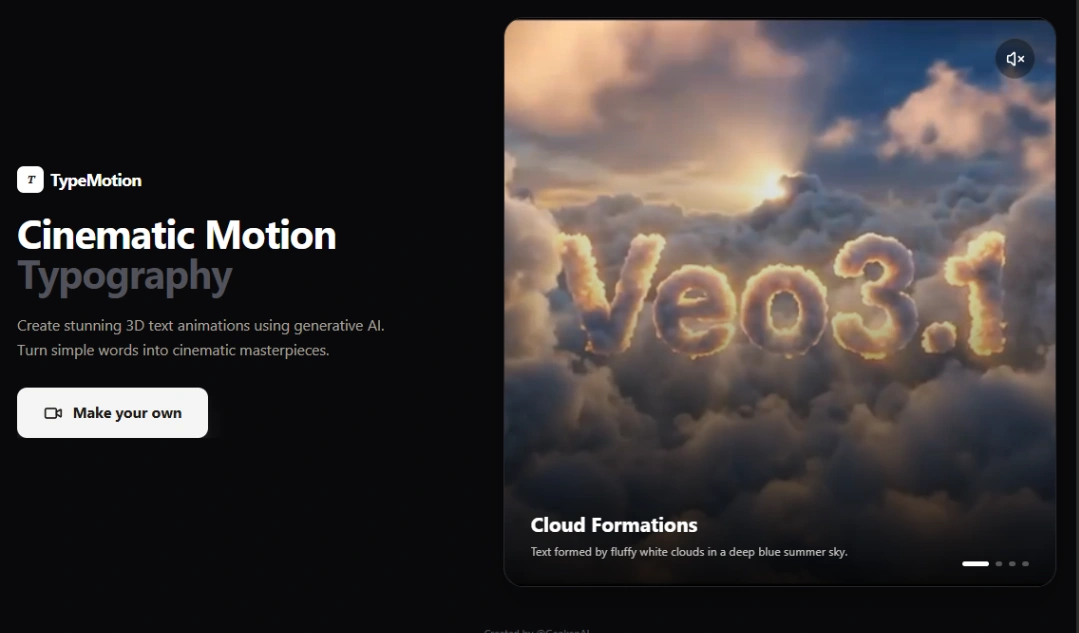
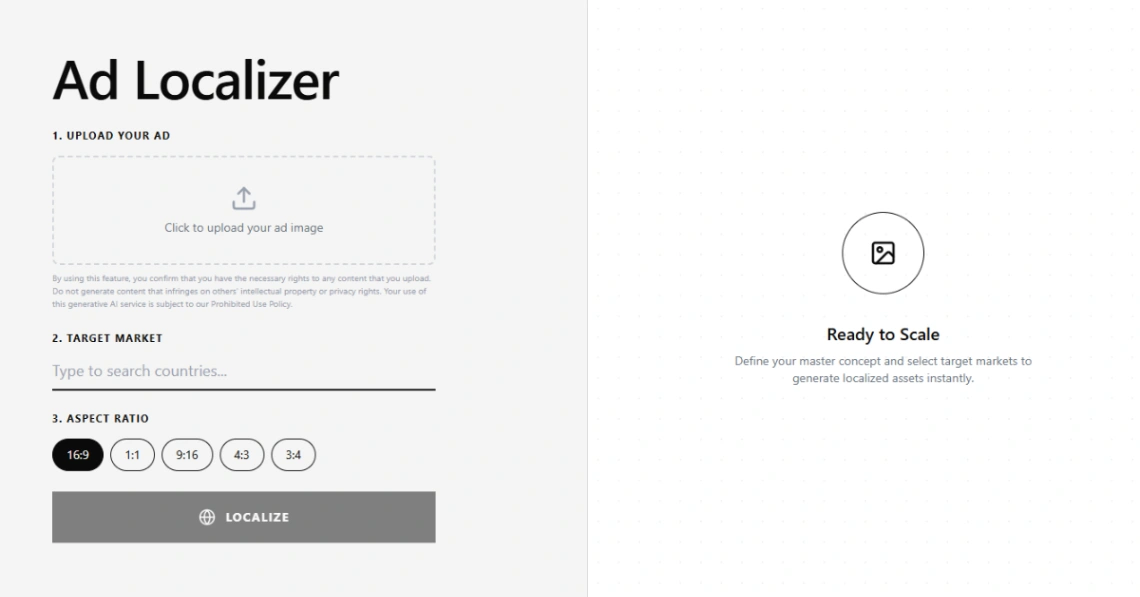
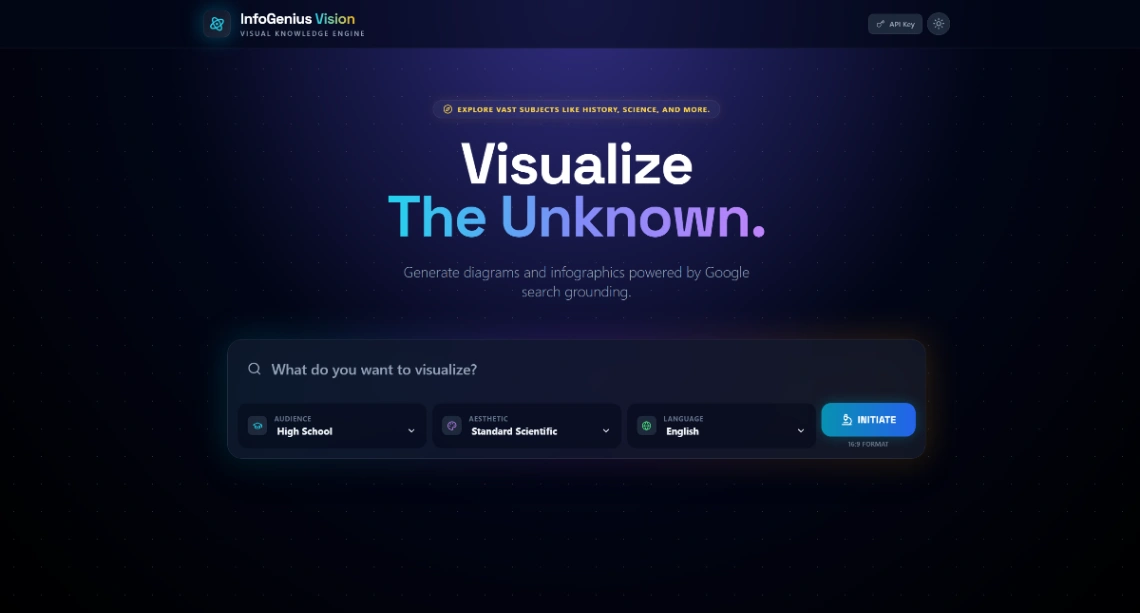
Best Templates from Google AI Studio
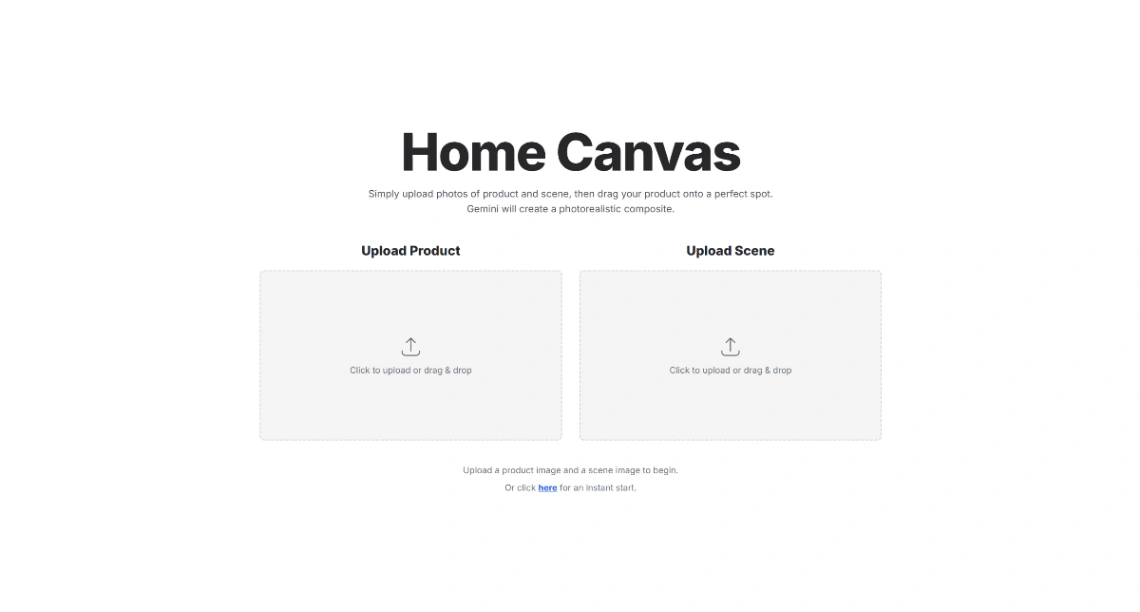
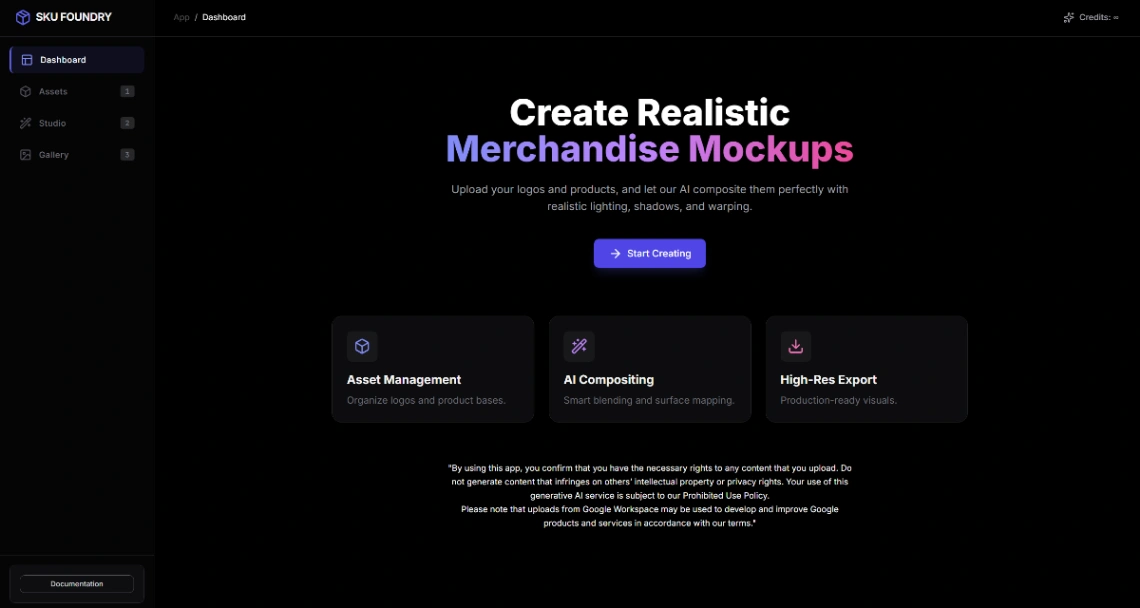
Explore stunning templates built with Google AI Studio.






Similar tools to Google AI Studio
 v0Website BuilderWeb App BuilderMobile App Builder
From idea to production in seconds with smart, secure infrastructure
 TeacheryWebsite Builder
Build a beautiful home for everything you teach and sell
 own.pageWebsite Builder
More than a Link in Bio. Your Personal Website.
 ModulifyWebsite Builder
Build a polished website or web app with AI.
 Slider RevolutionWebsite Builder
Interaction + motion simplified
 PandaSuiteWeb App BuilderMobile App Builder
Build interactive experiences No code required
 AtomsWebsite BuilderWeb App Builder
Turn ideas into products that sell
 AuraWebsite Builder
Create beautiful designs, generate top-tier landing pages in seconds