
PandaSuite
Build interactive experiences No code required
PandaSuite is a versatile no-code platform that enables the creation of highly interactive applications and digital experiences for web and mobile. It features a visual studio for building complex logic, animations, and transitions, allowing designers to publish native apps or web content without writing code while maintaining full creative control.
Pro
10
ready to use- No-Code App Builder
- Visual Editor
- Web App Builder
- Mobile App Builder (iOS & Android)
- Desktop App Builder (Windows, macOS, Linux)
- Progressive Web Apps (PWA)
- Interactive Experiences
- Multimedia Integration
- Video Embedding
- Audio Support
- 3D Objects
- 360° Panoramas
PandaSuite at a glance
Overall Score
PandaSuite is a visual no-code creation tool built for interactive mobile and desktop apps, digital publishing projects, sales enablement tools, and multimedia presentations. Its standout capability is building complex multi-state animations and interactive UI components that publish directly to web, iOS, Android, and desktop formats.
Who it's for: visual creators, educators, museum and exhibit designers, and sales teams rather than developers looking for heavy backend, data-driven app architecture. Simple interactive slides come together in minutes, but advanced logic carries a real learning curve.
Pros
- Design once and deploy code-free across iOS App Store, Google Play, web as a PWA, and desktop apps for MacOS and Windows
- Offers over 40 built-in components, parallax, motion sensors, blow sensors, video players, multi-state objects, enabling genuinely high-end motion design and gamification
- Apps built on PandaSuite can run completely offline, a real advantage for trade shows, visitor attractions, and field sales teams
- Supports flexible database integrations including Firebase, REST APIs, and Google Sheets, with real-time data sync and multi-language app variations
- Instant previewing on mobile devices via the PandaSuite Viewer app lets creators test gestures and animations in real time
Cons
- Setting up multi-variable conditions, triggers, and state management gets confusing fast once you move past basic slides and click-throughs
- Documentation for advanced components or complex database setups lacks real depth, a recurring criticism across G2 and Capterra
- The desktop-like Studio canvas packs a huge number of menus and panels, which can intimidate complete non-designers initially
- Navigating App Store and Google Play publishing compliance still requires basic platform deployment knowledge even with export formats provided
- Pricing is structured per published app rather than a flat multi-app membership, which can get costly managing several individual client projects
PandaSuite is a genuine hidden gem for anyone building rich, interactive visual experiences without writing code. The ability to design once and deploy across iOS, Android, web, and desktop, combined with real offline functionality, makes it a standout choice for trade show kiosks, museum exhibits, and field sales tools where most competitors simply don't compete. Support backs this up well too, responses come directly from core team members and product engineers who genuinely understand the platform, with reviewers repeatedly calling it "top-notch."
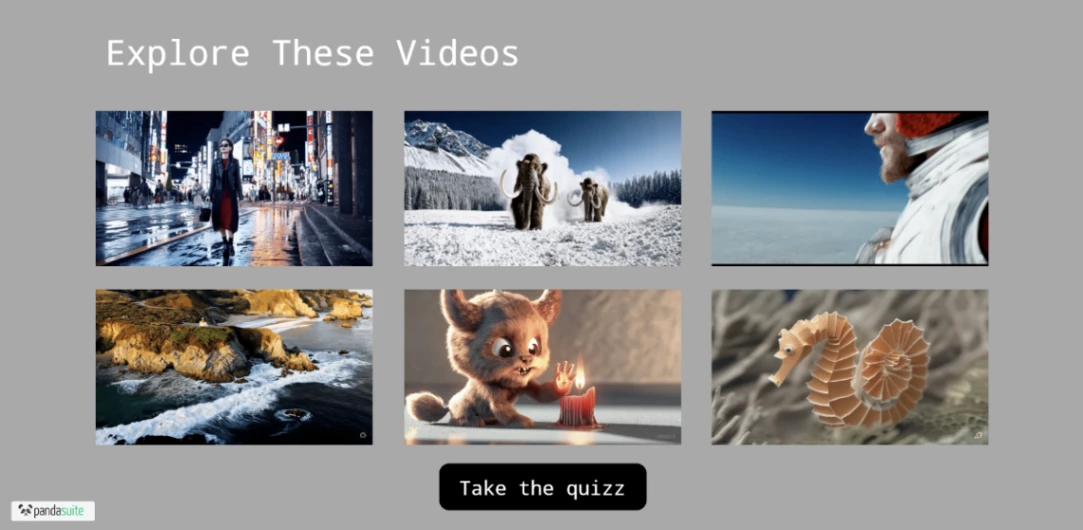
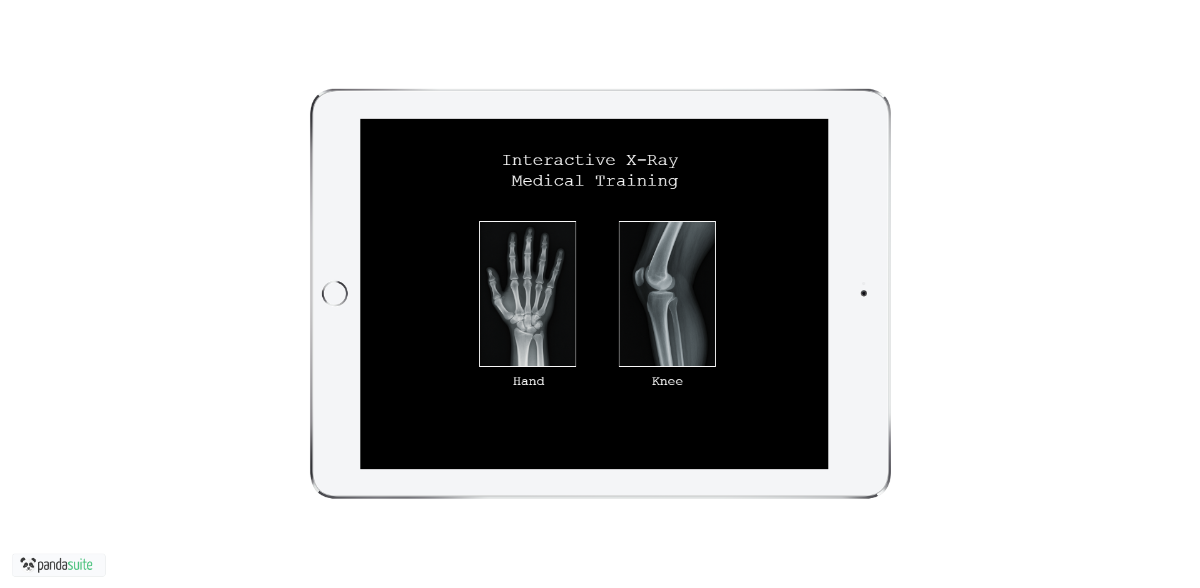
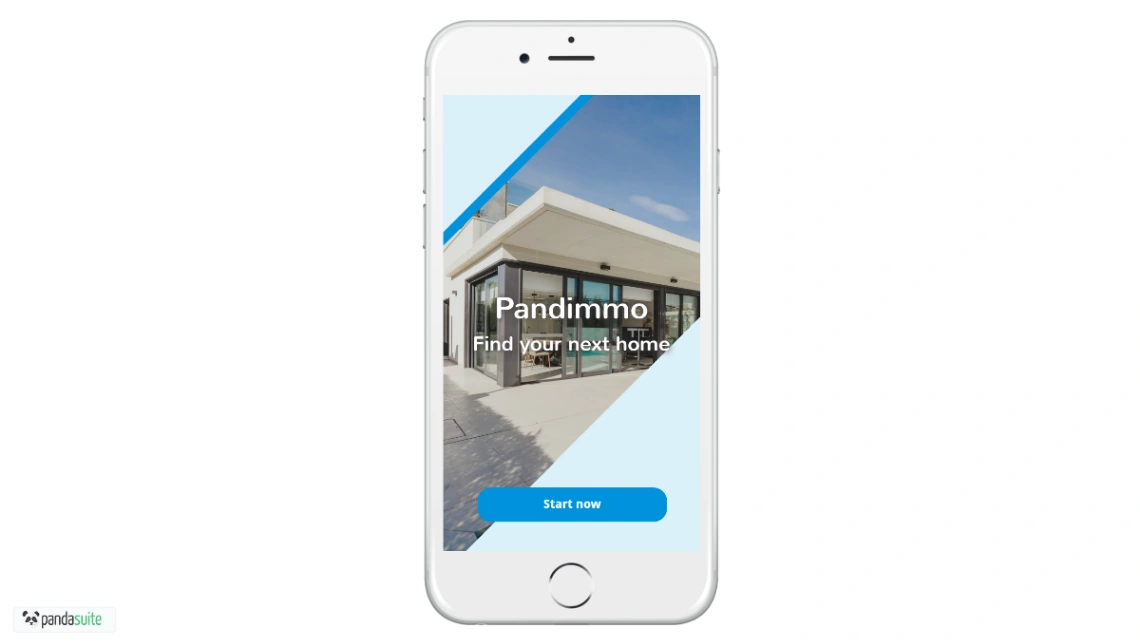
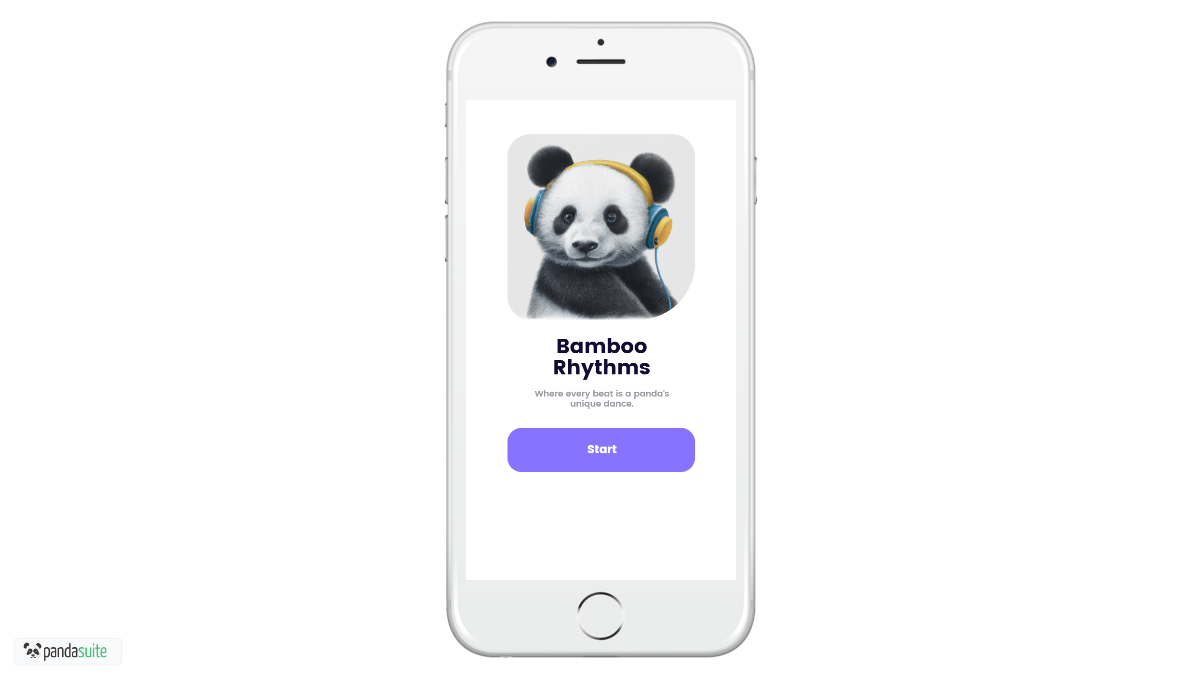
Best Templates from PandaSuite
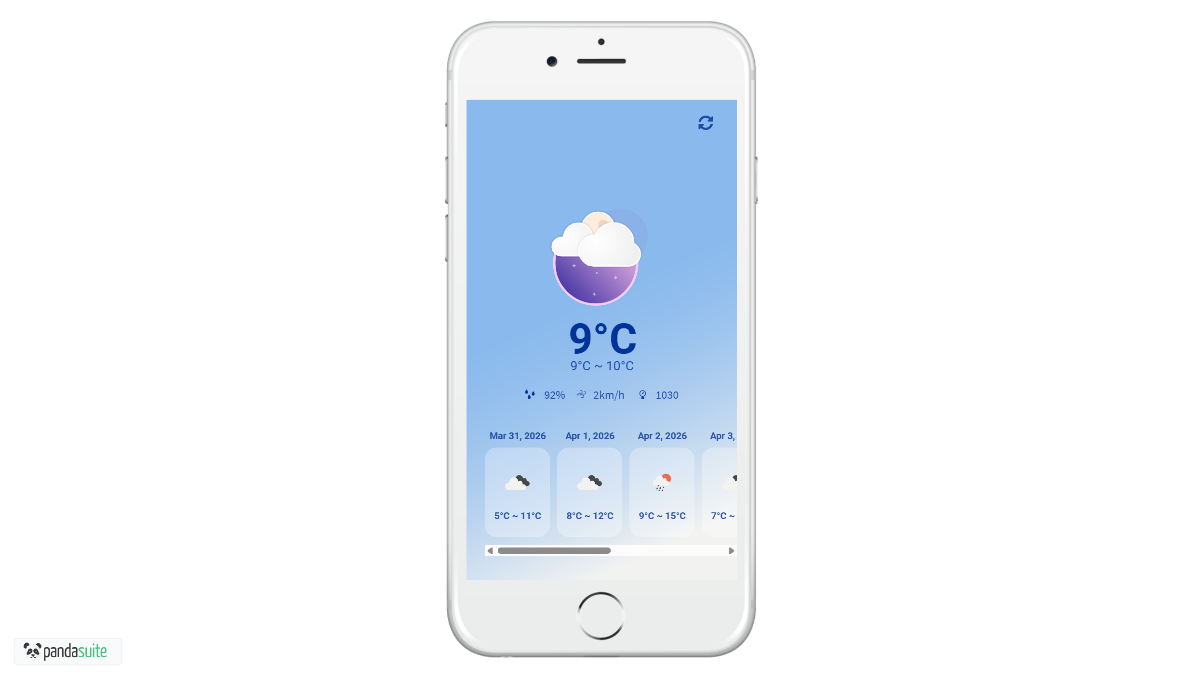
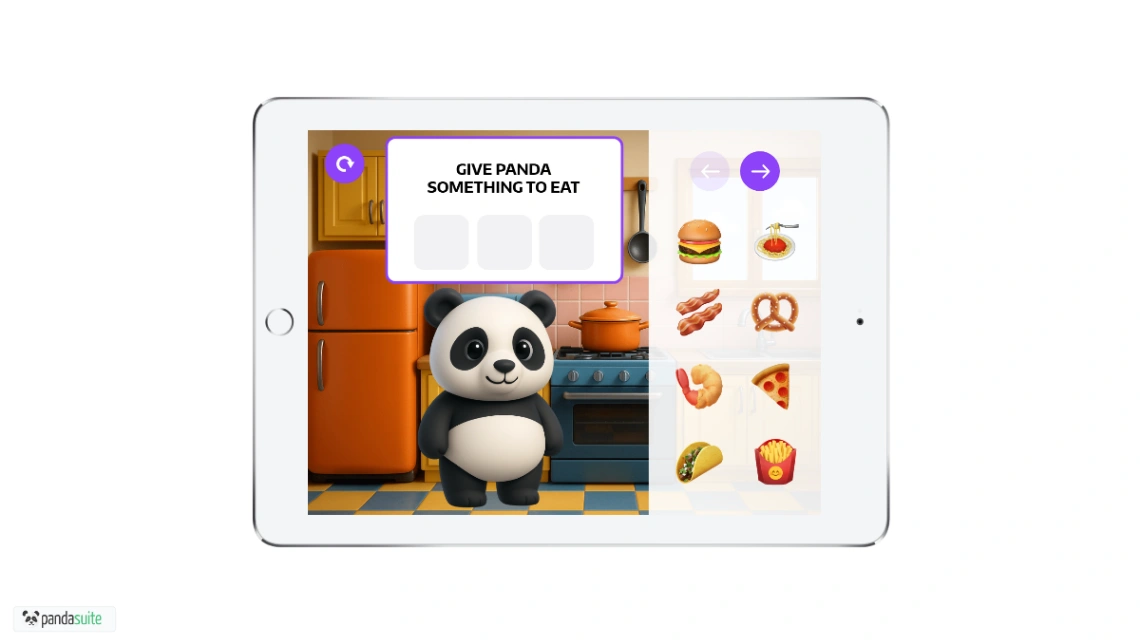
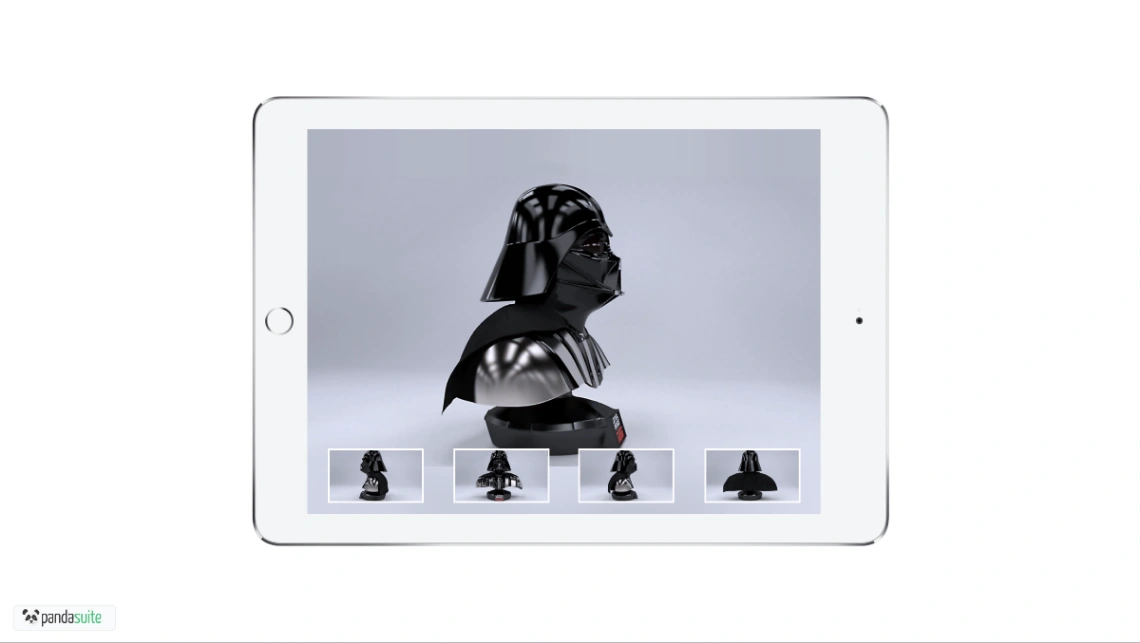
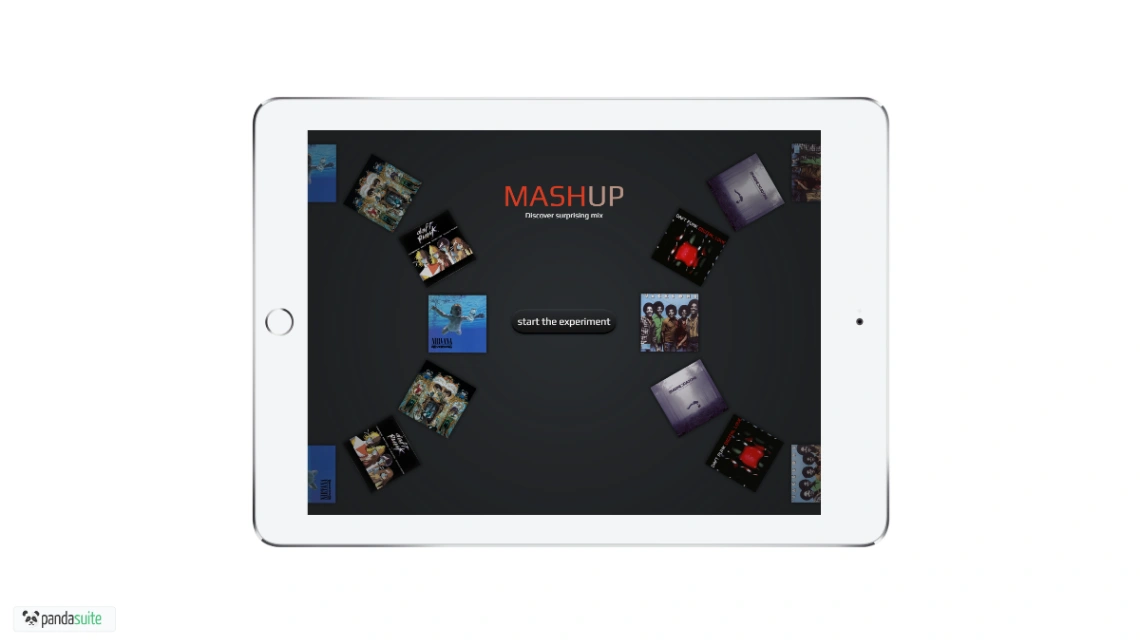
Explore stunning templates built with PandaSuite.


Similar tools to PandaSuite
 FlutterFlowMobile App BuilderWeb App Builder
Build Better. Launch Faster.
 AtomsWebsite BuilderWeb App Builder
Turn ideas into products that sell
 TrickleWebsite BuilderWeb App Builder
Turn your ideas into live apps and websites with AI.
 Google AI StudioWeb App BuilderMobile App BuilderWebsite Builder
Turn your ideas into real apps with Gemini in Google AI Studio.