Ycode
Visual website builder and CMS, now open source
Ycode is a visual development platform that enables designers to build high-performance websites and custom CMS structures without code. It combines deep design control with integrated databases, localization, and advanced animations, offering a scalable environment for agencies to launch professional, SEO-optimized web projects.
Mini
Basic
Pro
8
ready to use- Visual Drag & Drop Editor
- Open Source (Self-Hostable)
- Ycode Cloud (Managed Hosting)
- Pages Management
- Layers Panel
- Design Controls
- Color Variables
- Custom Fonts
- Responsive Design (Breakpoints)
- Rich Text Editor
- Reusable Components
- Map Embed
Ycode at a glance
Overall Score
Ycode is a visual website builder with an unusual business model. It went open-source, so you can self-host for free via Vercel and Supabase, or use their managed cloud service. It's built on Tailwind CSS and designed for designers and developers who care about clean code and not paying per-team-member.
The pitch: Professional visual building power without per-seat charges or vendor lock-in. The trade-off is smaller template ecosystem and no built-in e-commerce.
Pros
- No per-seat team charges like Webflow, unlimited collaborators on projects at no extra cost
- Open-source core means you can self-host for free or export code without being locked in
- Tailwind CSS foundation produces fast page speeds and clean code output
- Robust built-in CMS, form handling, multi-language auto-translation, user auth, and Airtable integrations
- Supports Model Context Protocol for AI tools like Cursor and Claude, enabling natural language building
- Per-project pricing model is cleaner than seat-based alternatives
Cons
- No native e-commerce out of the box, requires third-party Shopify or Stripe integrations
- Template and component library is smaller than Webflow or WordPress, less pre-made starting points
- Historical platform bugs, downtime during migrations, and feature deprecations have caused friction
- Cloud CMS caps at 20,000 items per project, custom domains gated behind paid Cloud plans
- Support relies on community Discord and email only, no live chat or phone support, slow email responses during incidents
Ycode is genuinely strong if you're a designer or developer who understands HTML box model concepts and wants professional visual building without per-seat billing. The open-source flexibility is real, and self-hosting for free with Vercel and Supabase is a genuine cost win for agencies. Founder engagement in the community is hands-on.
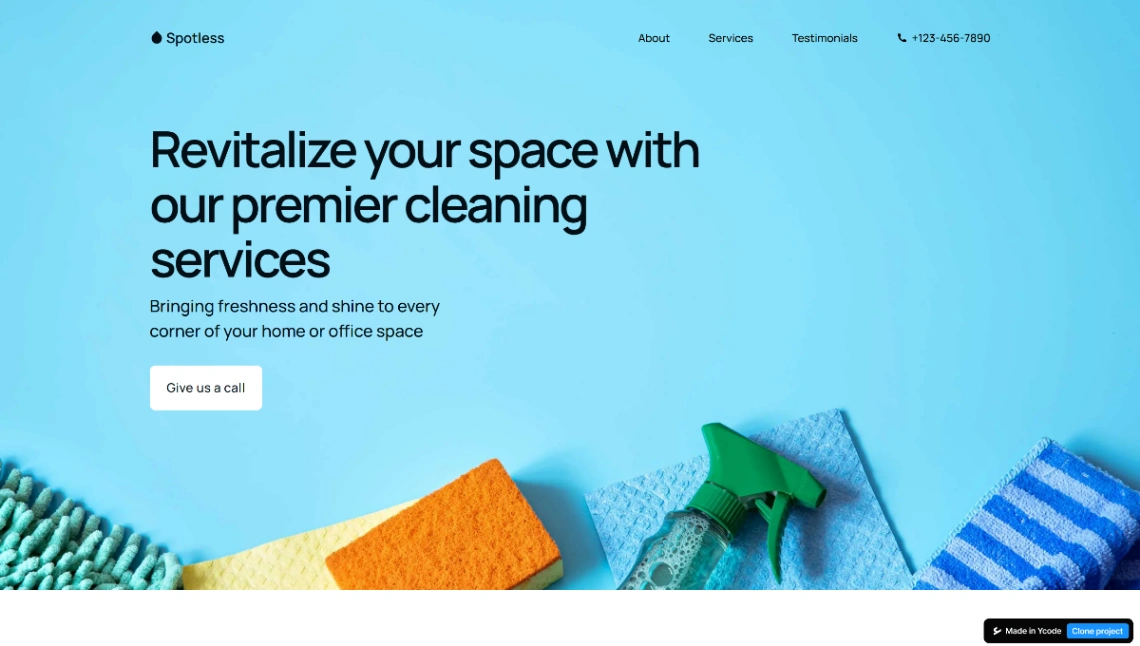
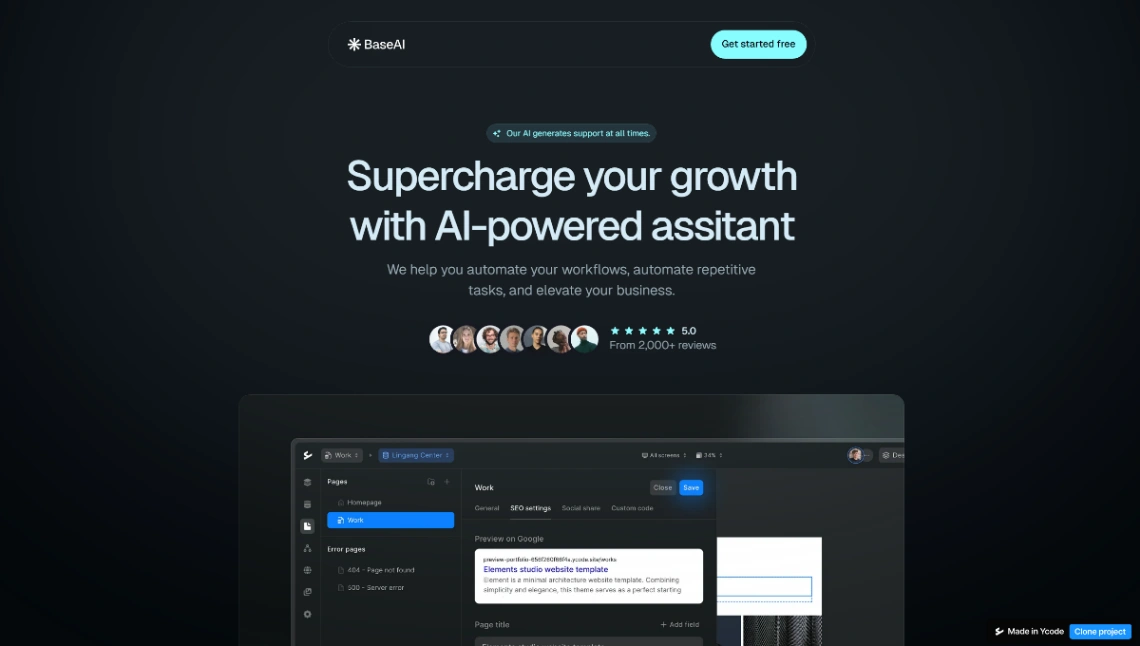
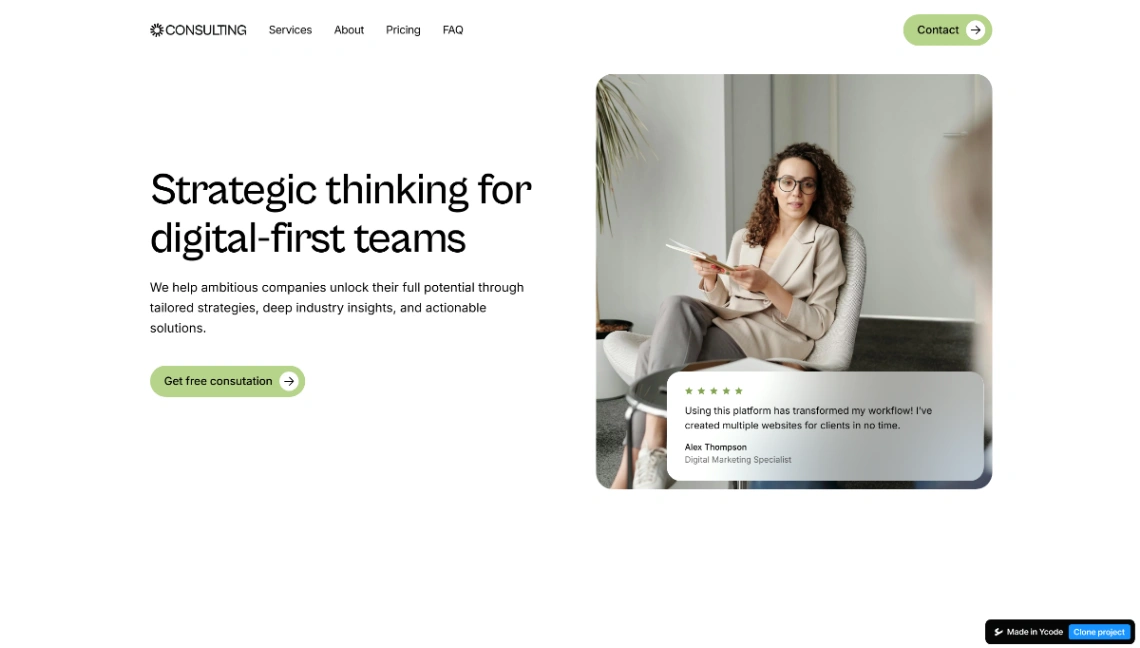
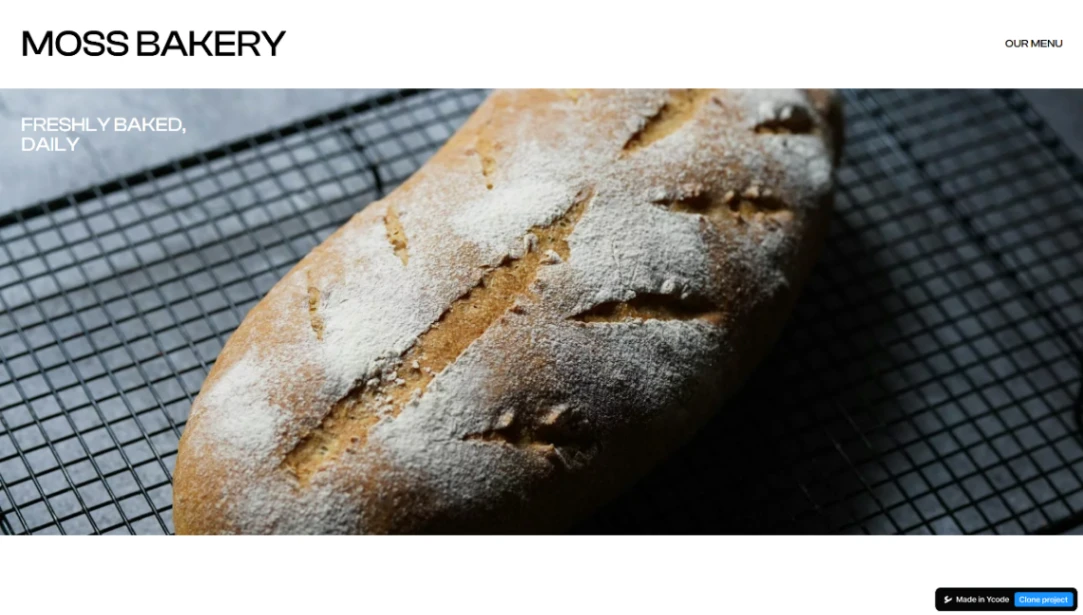
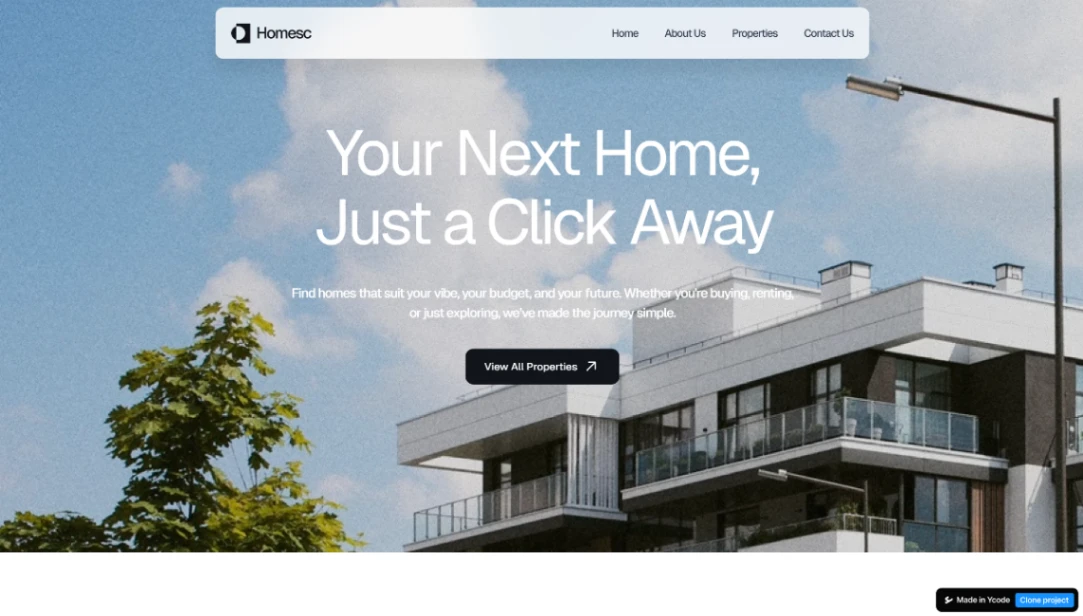
Best Templates from Ycode
Explore stunning templates built with Ycode.