Xara
Real estate brokerage marketing automation
Visual web design and desktop publishing define this high-performance content ecosystem for business teams and creators. Integrated website building tools and automated real-time campaign playbooks provide a professional platform to launch sites and scale branded touchpoints with a focus on collaborative workflows.
Essential
Scale
10
ready to use- Drag-and-Drop Editor
- Desktop App Integration
- Cloud Browser Editor
- Vector Illustration Tools
- Photo Editing Engine
- Creative Templates
- Brand Asset Customization
- Real-Time Collaboration
- Commenting Tools
- Role-Based Permissions
- Central Asset Library
- Document Analytics
Xara at a glance
Overall Score
Xara bundles vector design, photo editing, page layout, and web graphics into one lightweight application. It's built for marketing teams and small agencies who don't want to juggle five Adobe subscriptions or wait for Creative Cloud to load every time they need to edit a social graphic or tweak a template.
The appeal: it runs lean on system resources, stays affordable, and lets non-designers edit branded templates without accidentally breaking fonts or colors because you can lock critical elements down. Xara Cloud handles cloud collaboration smoothly; the desktop version offers even more power for serious designers but is Windows-only.
Pros
- All four major creative tasks (photo editing, vector drawing, page layout, web graphics) live in one app, eliminating tool-switching and license clutter.
- Vector rendering engine is fast and eats far less RAM than Adobe apps while handling dense graphics without slowdowns.
- Brand governance features in Xara Cloud let you lock fonts, colors, and logos so team members can't accidentally break your standards.
- Thousands of templates and stock assets built in, making turnarounds quick for marketing collateral and social posts.
- Annual subscription costs a fraction of Adobe Creative Cloud, making it genuinely accessible for small teams and freelancers.
Cons
- Desktop application only exists for Windows; macOS users are stuck with the web app or virtualization workarounds.
- Product line confusion between legacy versions (Magix-distributed licenses) and modern Cloud/Pro+ subscriptions creates support headaches and migration friction.
- Xara Cloud can lag when handling non-standard canvas sizes or very large interactive documents.
- It's not specialized enough for ultra-precise prepress work or advanced color grading where Adobe's depth becomes essential.
Xara shines for marketing departments and agencies that need speed and cost-efficiency over Adobe-level specialization. If your team lives in templates, brand guidelines, and social graphics, and you're tired of paying for Creative Cloud just to resize a logo, it delivers genuine value.
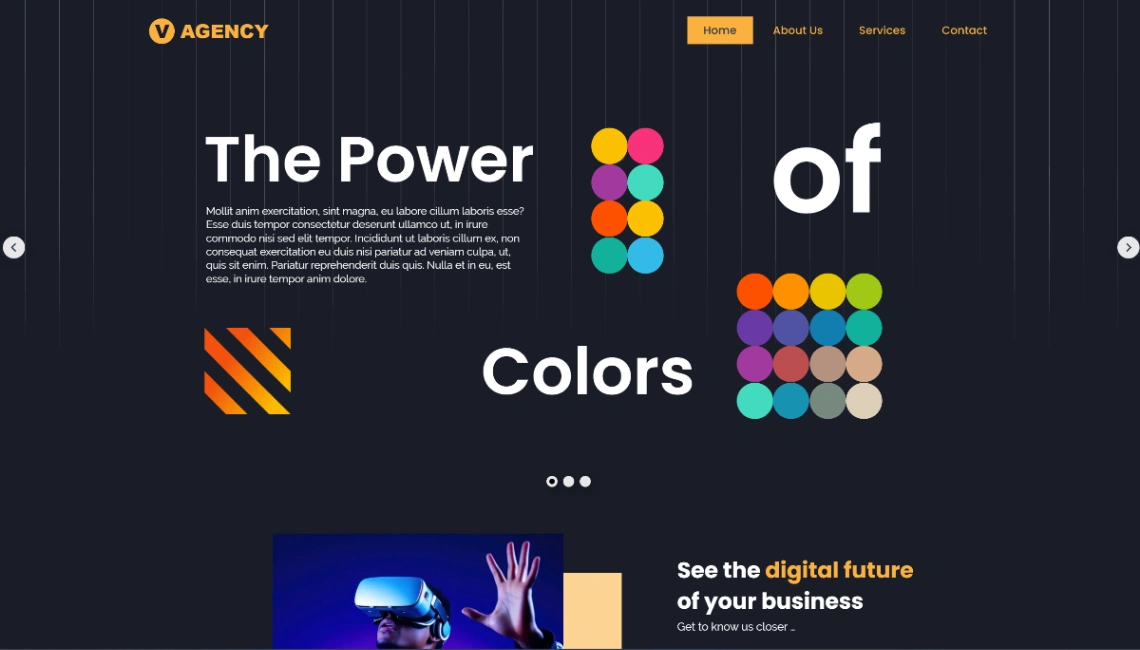
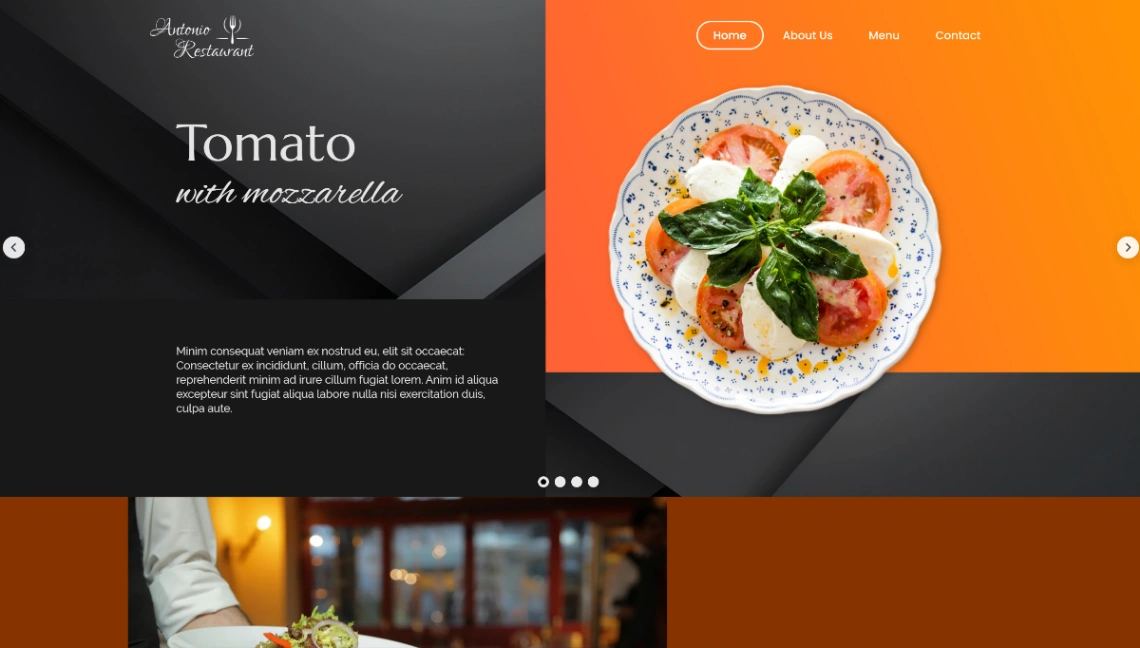
Best Templates from Xara
Explore stunning templates built with Xara.