Figma Sites
Everything you need to design, prototype, and publish.
Figma Sites is an integrated website builder within the Figma ecosystem that transforms design prototypes into functional, live websites without external tools. It uses AI to generate HTML, CSS, and JavaScript, allowing designers to publish responsive pages directly from the design environment while maintaining pixel-perfect fidelity.
Professional
Organization
Enterprise
10
ready to use- Visual Website Builder
- Responsive Layouts
- Auto Layout Support
- Pre-Built Blocks / Components
- Paste from Figma Design Files
- Design System & Library Integration
- Preset Interactions
- Marquee Scrolling
- Custom Cursors
- Hover Effects
- AI-Generated Custom Interactions
- Custom Code Editing
Figma Sites at a glance
Overall Score
Figma Sites lets you design and publish a website directly from your Figma canvas without jumping to another tool or writing code. It's built into paid Figma plans, so if you're already designing there, it feels like a natural extension rather than onboarding a new platform.
The honest take: it's excellent for quick prototyping, portfolios, and internal docs if you know Figma well. For SEO, accessibility, and production-grade projects, it's not ready to replace Framer or Webflow yet. The underlying code output has real weaknesses that matter for public-facing work.
Pros
- Hit Publish directly from your design canvas, zero handoff friction with developers or external builders
- Built on Figma primitives you already know, Auto Layout and components work exactly as expected
- Multiple team members collaborate on content and visuals simultaneously without version conflicts
- Included in paid Figma plans, no separate hosting subscription for simple validation projects
- Integrates Figma Make and pre-built blocks for quick drag-and-drop assembly
Cons
- Exports non-semantic HTML that scores poorly on Lighthouse and SEO metrics, no clean sitemaps
- Accessibility is broken with missing form tags, tab order issues, and duplicate ARIA labels
- Collection limits around 200 items, no robust API for dynamic databases or complex logic
- Requires a full paid Figma editor seat per person, no cheaper "single-site" plan for freelancers
- Complex sites with heavy media and breakpoints cause noticeable editor lag
Figma Sites is genuinely strong if you're a designer already deep in Figma and need to ship a portfolio, landing page, or internal docs fast. The zero-handoff workflow saves real time for teams. The convenience factor is legitimate, and it costs nothing extra if you're on a paid plan.
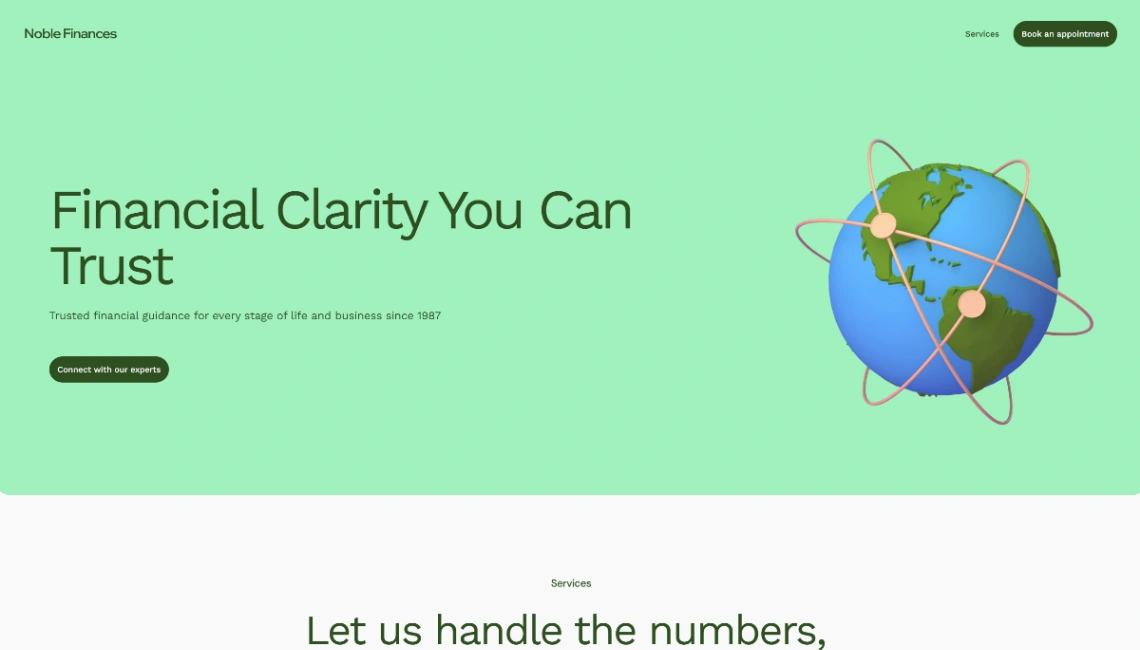
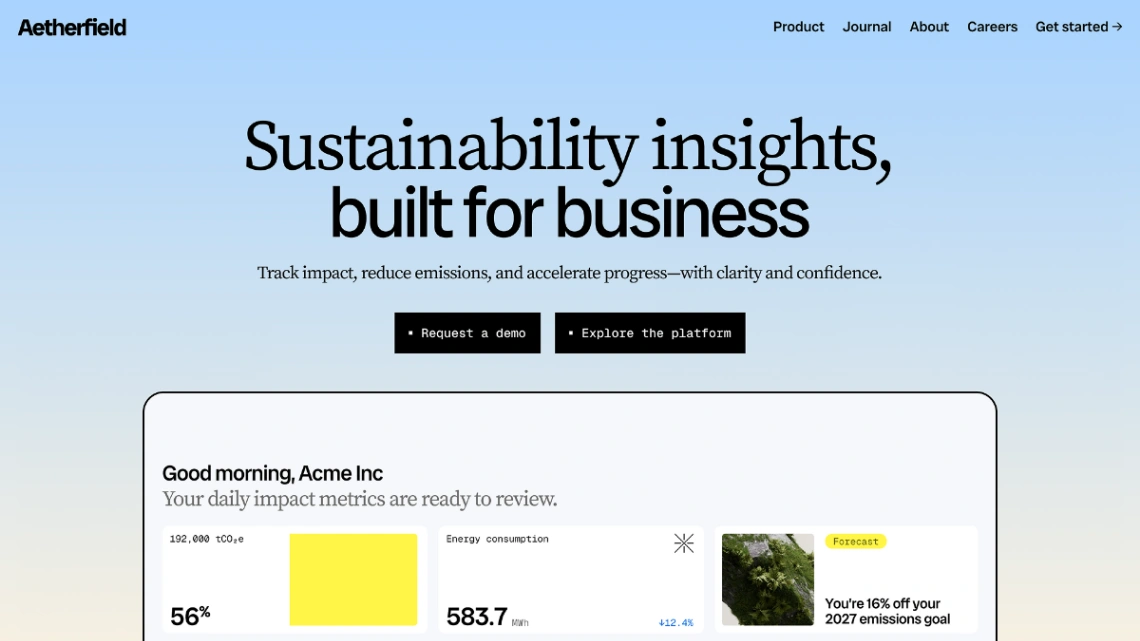
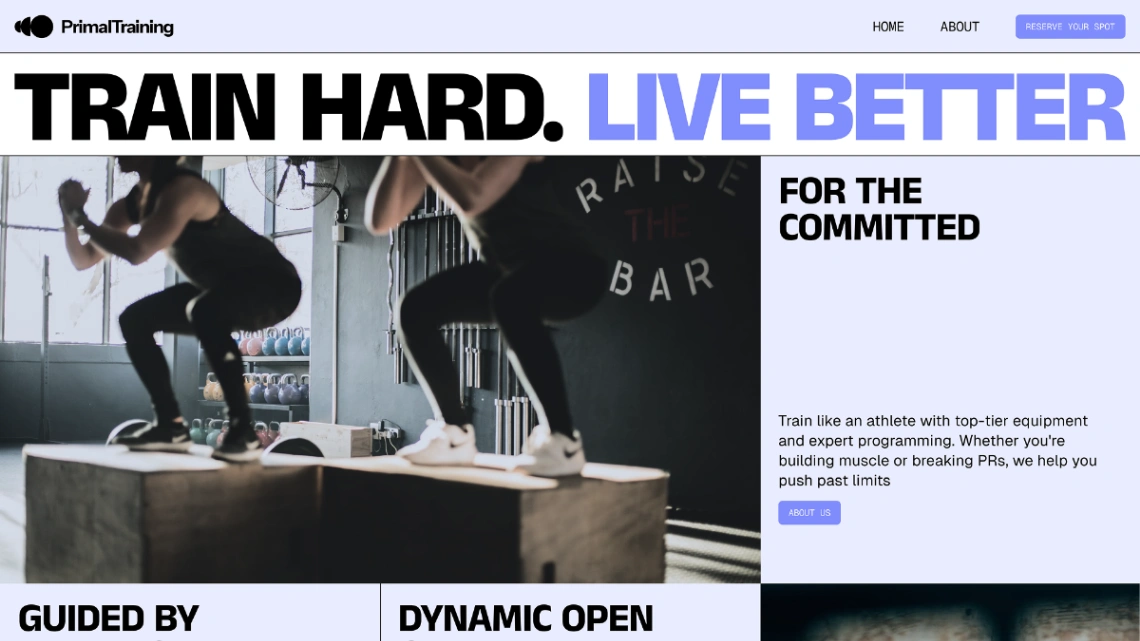
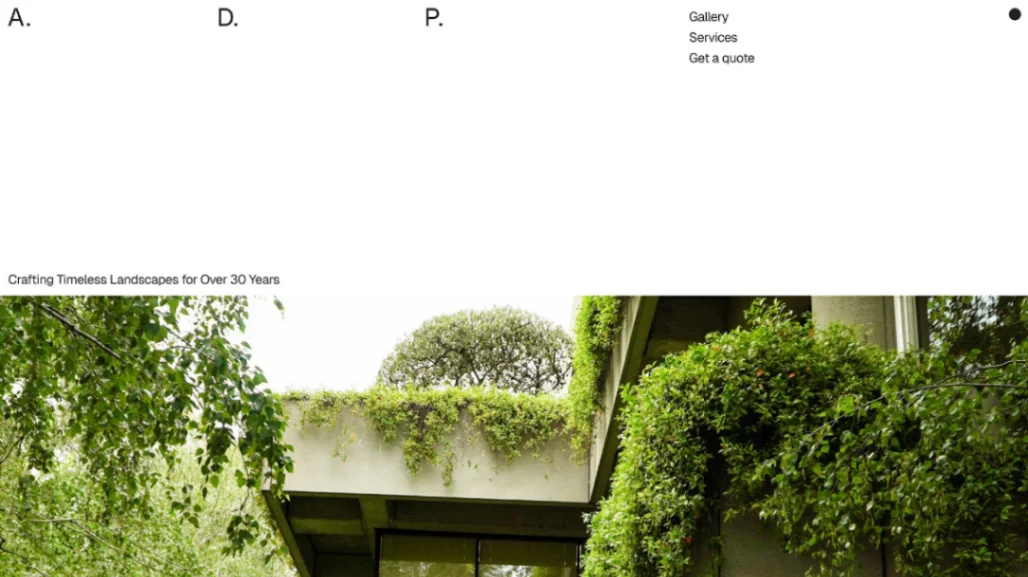
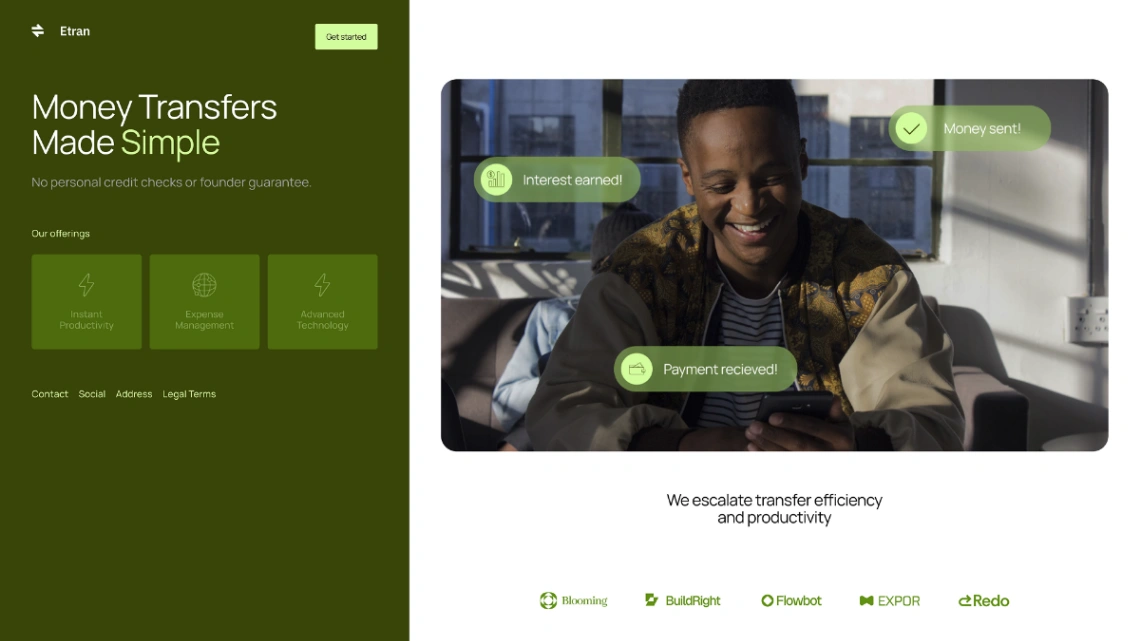
Best Templates from Figma Sites
Explore stunning templates built with Figma Sites.