
Workshop
Chat with AI to build websites, AI-powered apps, dashboards and more.
AI-powered creation platform for building websites, dashboards, AI apps, and internal tools. Chat with AI to design and develop full applications in the cloud or on desktop. Supports frontier LLMs like Claude, GPT, and Gemini, plus local open-source AI models for privacy-focused development.
Build
Scale
Max
10
ready to use- Chat to Build Interface
- Natural Language App Builder
- Website AI Generation
- Dashboard AI Generation
- Internal Tools AI Builder
- Game AI Generation
- Desktop Client Application
- Cloud Web Platform
- Cross-Platform Mobile Publishing
- Multi-Agent Subagent Architecture
- Multi-Model AI Integration
- FastAPI Backend Generation
Workshop at a glance
Overall Score
Workshop is a full-stack AI development platform built to go beyond chat prototypes or front-end mockups, generating actual production-grade web apps, dashboards, and internal tools through natural language conversation. It bundles a frontend, a FastAPI backend, database integration, and authentication together, rather than leaving you to wire those pieces up yourself.
Its dual approach: you can prototype fast in the browser through Workshop Cloud, then move to Workshop Desktop for local Git control, file privacy, and even local model support through Ollama or LM Studio when you need more hands-on control.
Pros
- Generates a complete application, frontend, FastAPI backend, database, and authentication, not just a static HTML mockup
- Built-in access to Claude, ChatGPT, and Gemini lets you switch models per task without manually managing API keys
- Moves smoothly from browser-based Workshop Cloud to Workshop Desktop for local file control and custom tech stacks
- One-click deployment publishes apps to serverless infrastructure with scale-to-zero, so you're not paying for idle compute
- Desktop version supports local models via Ollama or LM Studio for privacy-focused development
Cons
- Complex or deeply intertwined architectural requests can trigger logic gaps that need manual debugging or repeated prompting
- Heavier workflows require paid tiers, and credit consumption scales quickly with intensive iteration
- As a newer entrant in the AI-native builder space, its community and third-party plugin ecosystem are still smaller than established platforms like Bubble or Retool
Workshop stands out for actually generating full-stack applications rather than just a frontend shell, which matters a lot if you're trying to ship something real rather than a throwaway demo. The Cloud-to-Desktop workflow is a genuinely smart design choice, letting founders start conversationally and hand off to developers for deeper local control without switching tools entirely.
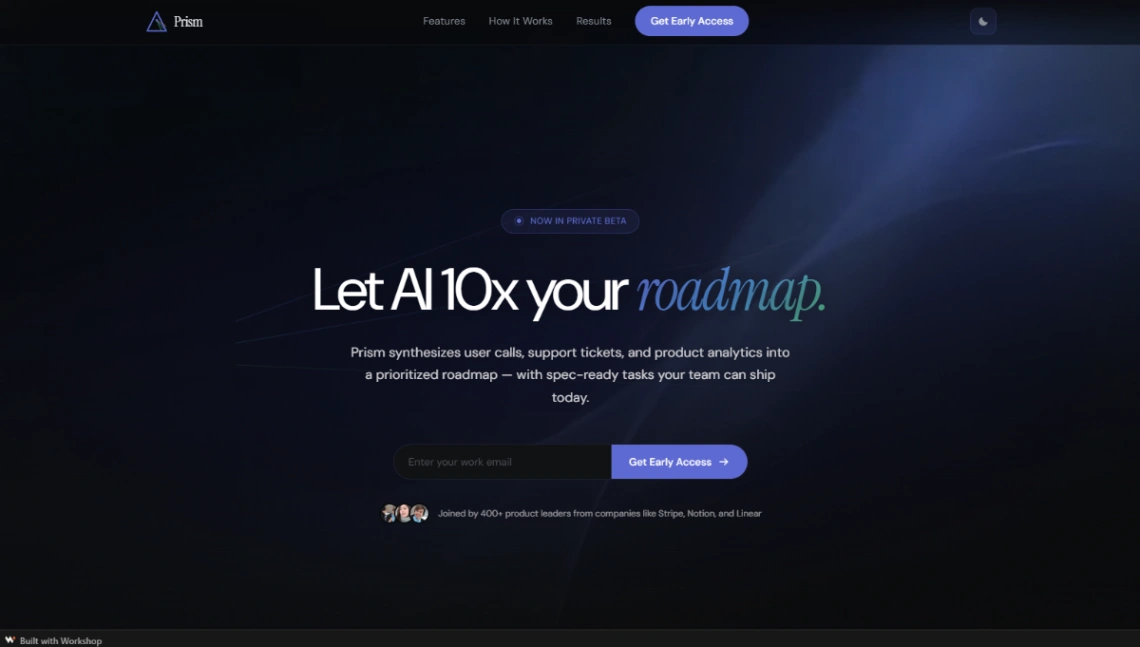
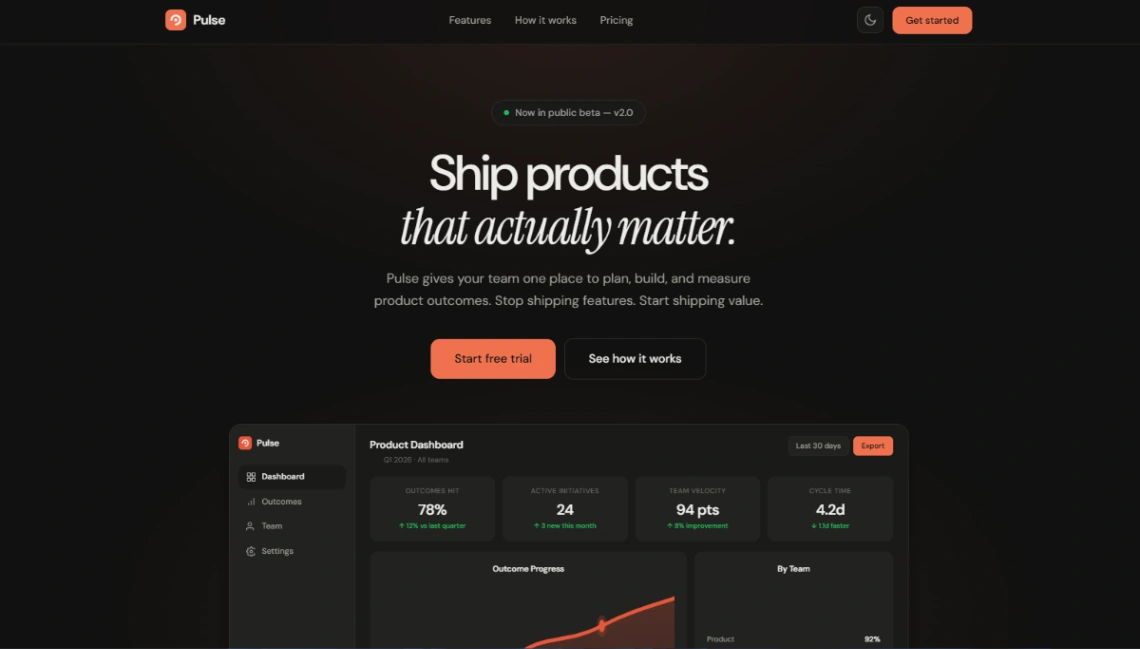
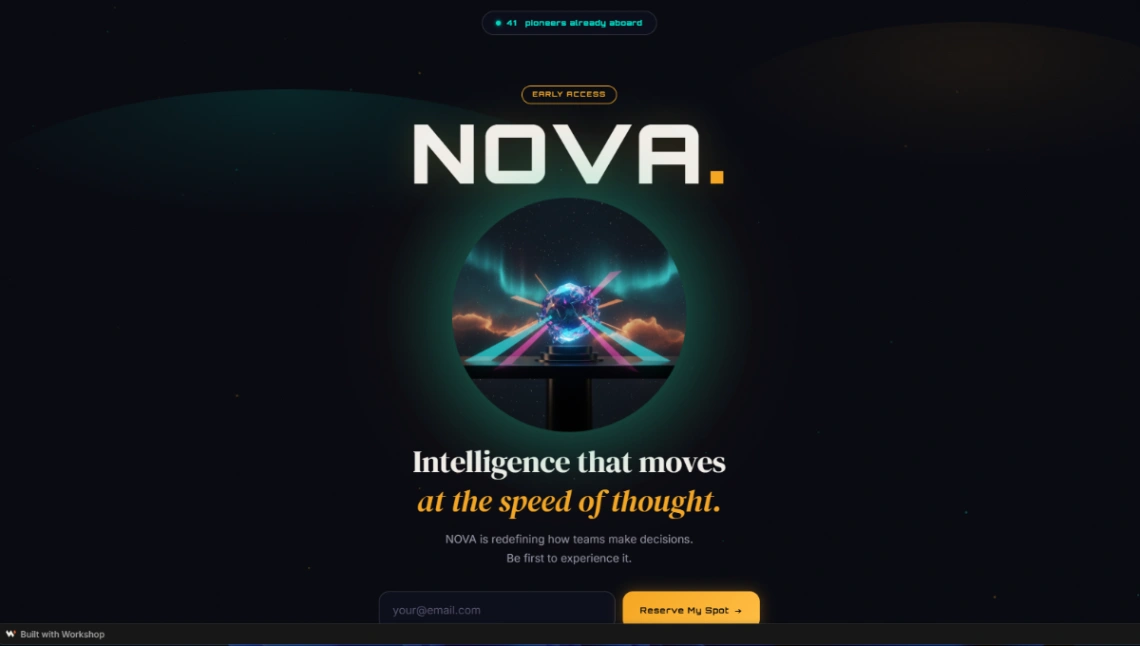
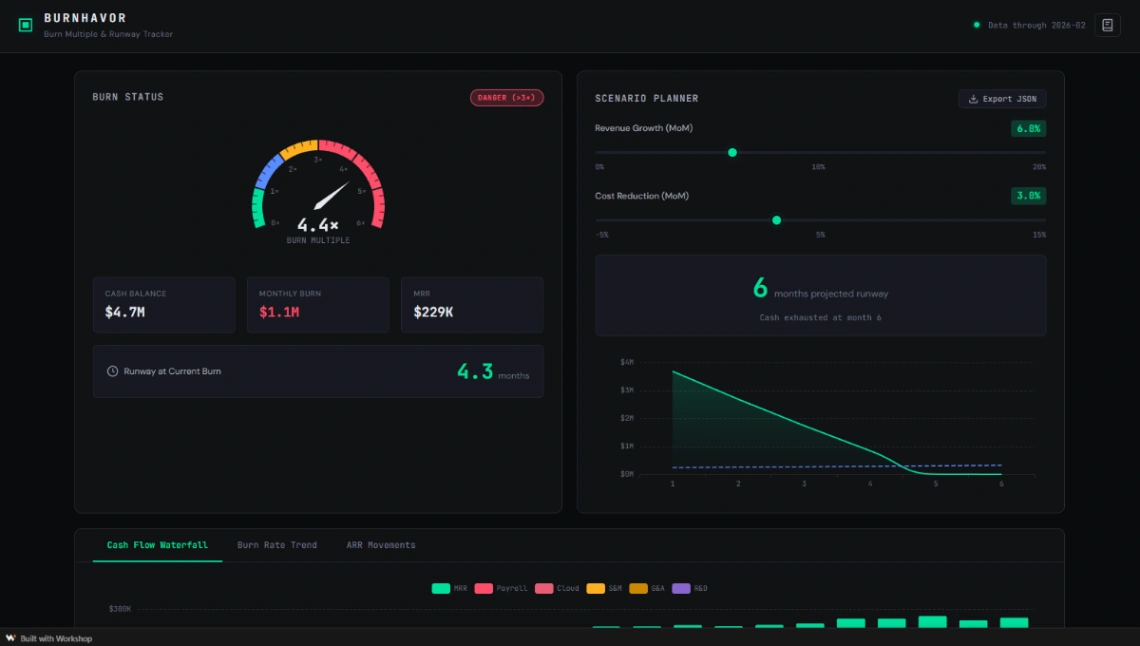
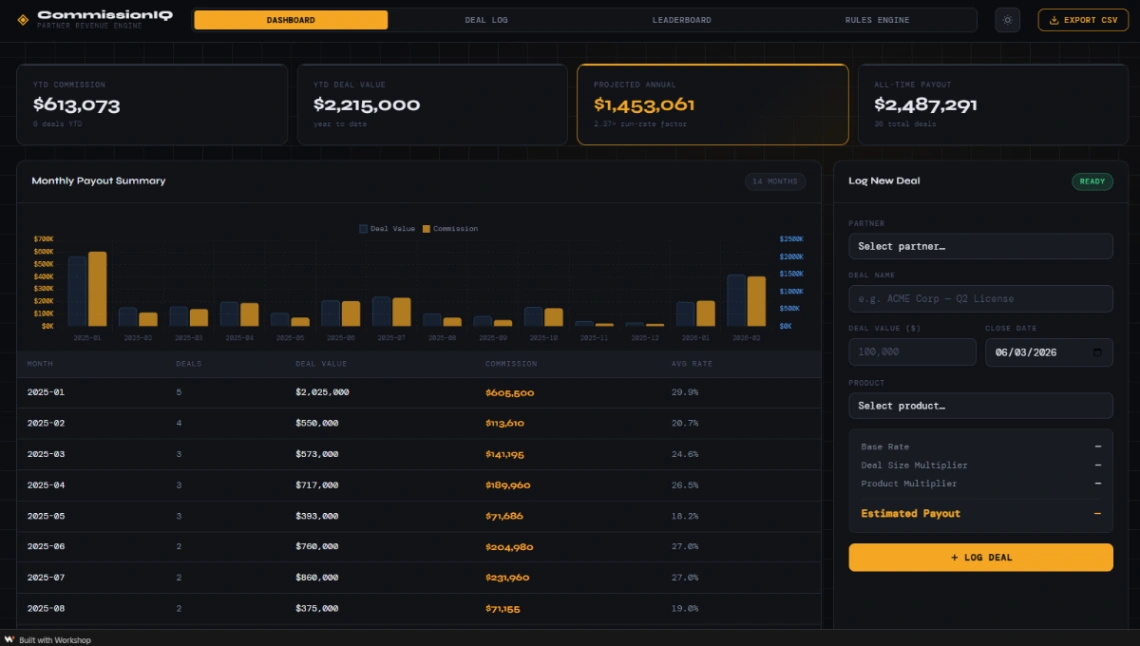
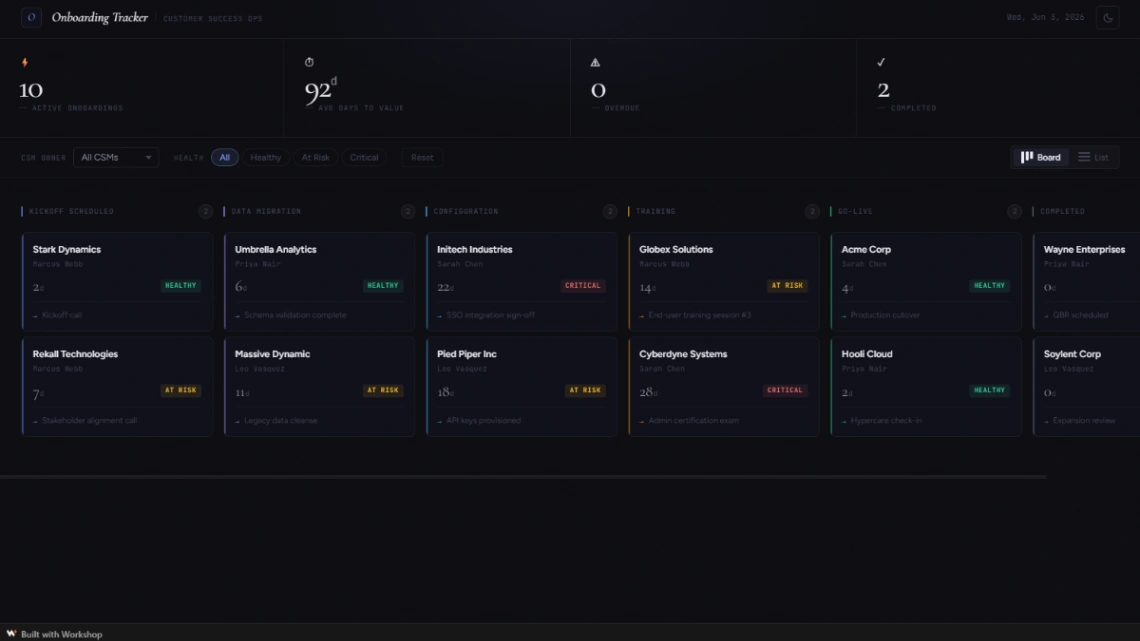
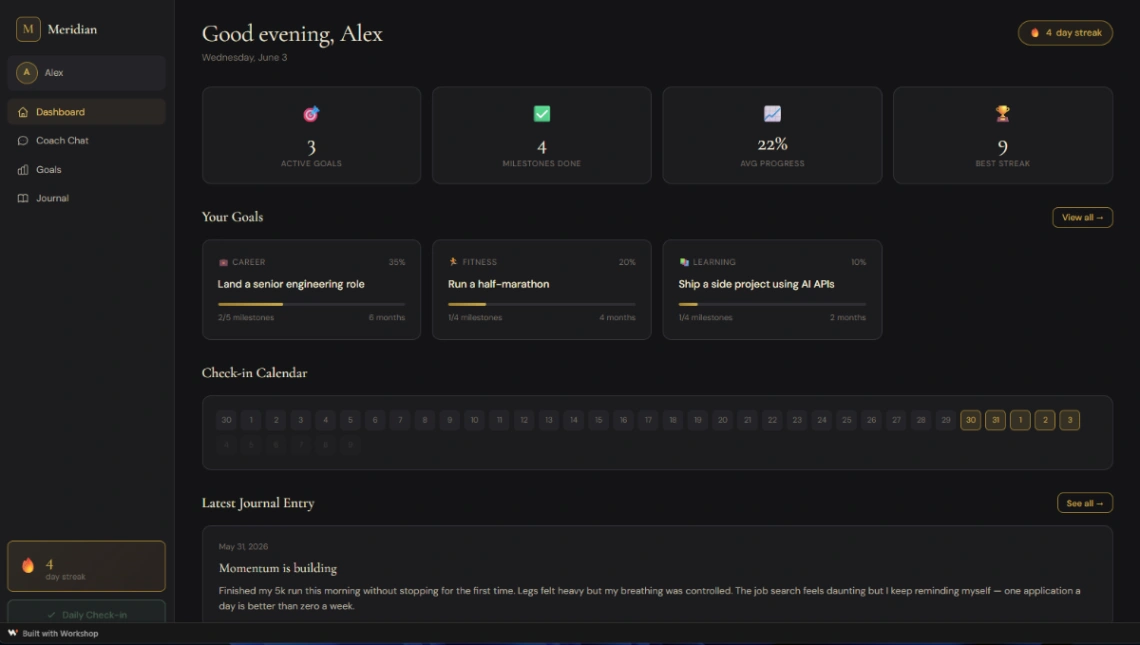
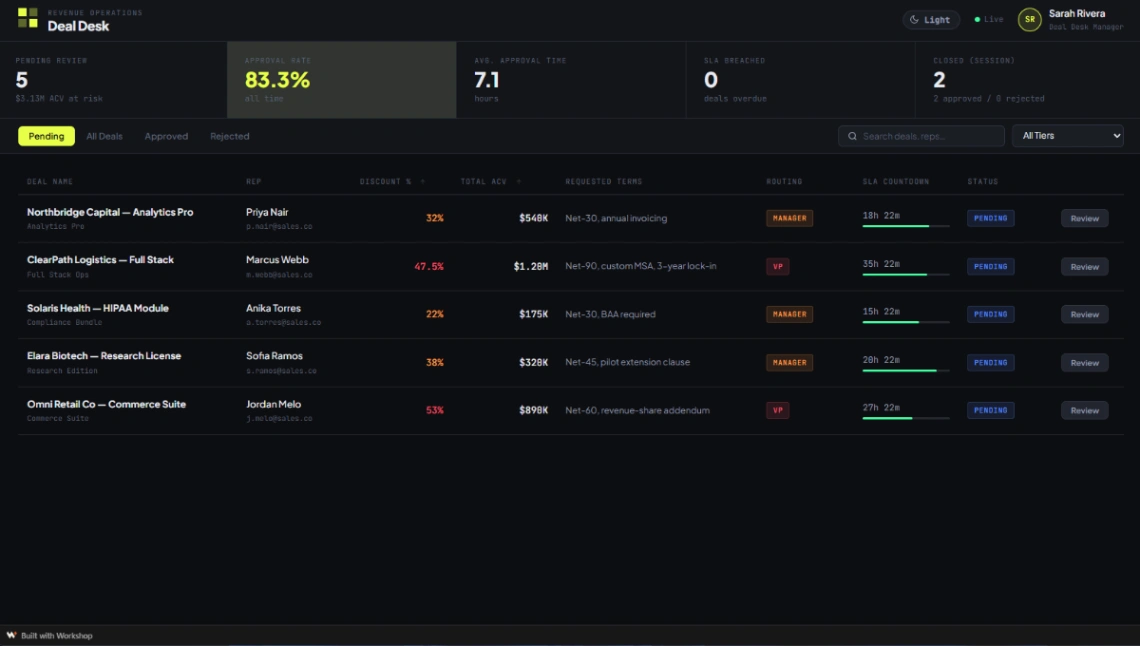
Best Templates from Workshop
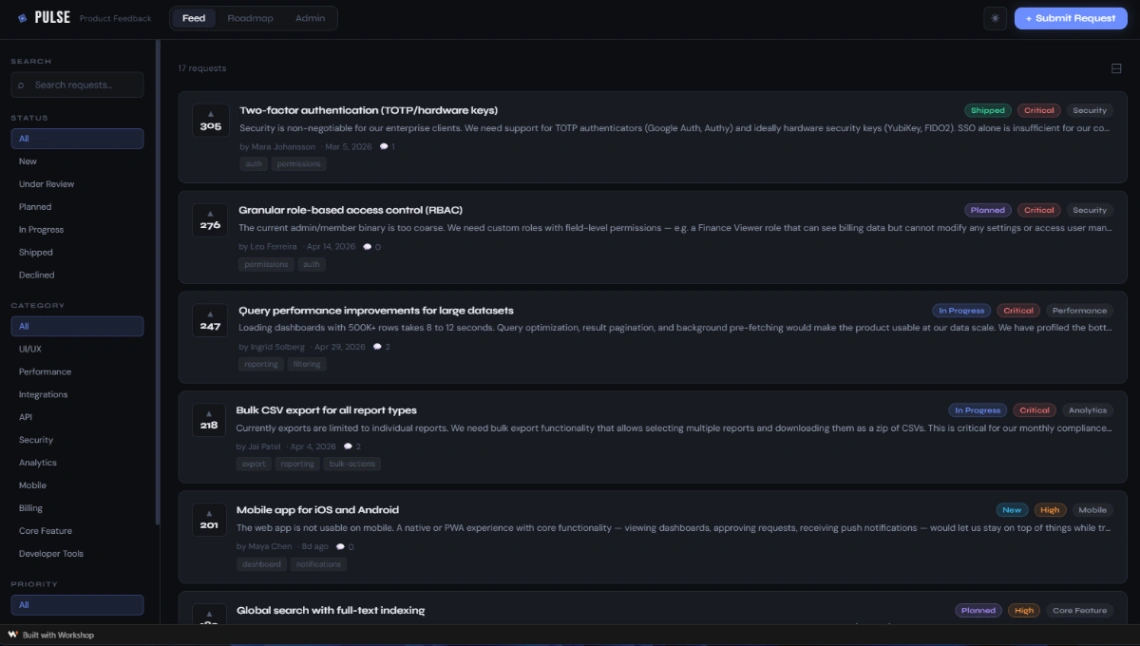
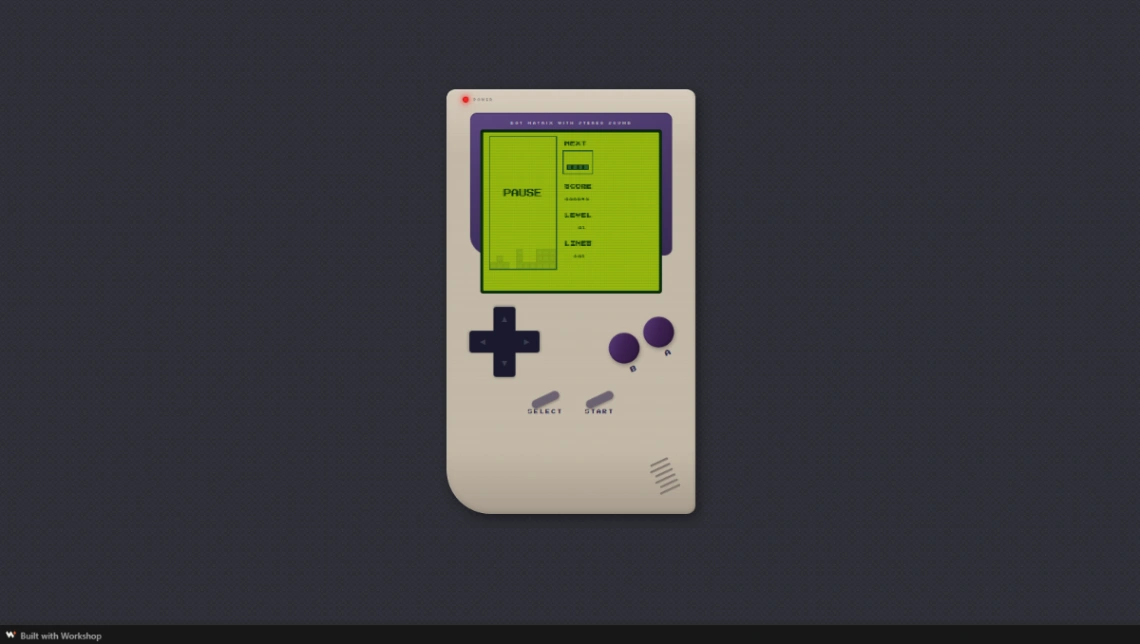
Explore stunning templates built with Workshop.
Similar tools to Workshop
 v0Website BuilderWeb App BuilderMobile App Builder
From idea to production in seconds with smart, secure infrastructure
 Base44Web App Builder
Build your own apps, websites, products and AI agents
 NotionWebsite Builder
Simplify your online presence with Notion Site templates!
 ReplitWebsite BuilderWeb App BuilderMobile App Builder
Turn ideas into apps in minutes — no coding needed
 RocketWebsite BuilderWeb App BuilderMobile App Builder
World's first Vibe Solutioning platform.
 Unicorn PlatformWebsite Builder
Create a Website for Your Project Fast
 LovableWebsite BuilderWeb App BuilderMobile App Builder
Create apps and websites by chatting with AI
 AirtableWeb App Builder
Sophisticated workflows in minutes, not months