
Mobirise
Create awesome websites in seconds
Desktop website builder software for Windows and Mac with AI-powered generation capabilities. Features drag-and-drop block editor, 10,000+ pre-made blocks and templates, Bootstrap 5 framework, mobile-responsive design, shopping cart integration with PayPal/Stripe, blog features, image galleries, social feeds, and local or online publishing options.
KIT
Base
Grow
11
ready to use- Offline Desktop Client
- AI Design Generation
- AI Content Generation
- Bootstrap 5 Engine
- Drag and Drop Editor
- Pre made Block Architecture
- Visual Content Customizer
- Local File Storage
- FTP Server Uploads
- Free Subdomain Hosting
- Custom Domain Mapping
- Smart Cart Ecommerce
Mobirise at a glance
Overall Score
Mobirise is a desktop-based, offline website builder for Windows and Mac, aimed at non-technical users, small business owners, freelancers, and agencies who want mobile-friendly, responsive sites without writing code. Unlike SaaS platforms like Wix or Squarespace, it's a downloadable client application that works completely offline.
What makes it different: you own the raw HTML and CSS output, so you can publish or host the generated files anywhere, FTP, local disk, GitHub, or any hosting provider you already have.
Pros
- Fully offline design workflow, once built, you export clean static HTML and CSS files and host them wherever you want
- No lock-in hosting fees, since you're not tied to a proprietary server, saving money if you already have cheap web space
- Over 4,000 pre-made content blocks, hero headers, image carousels, testimonials, pricing tables, built on Bootstrap 5 and Google AMP frameworks
- Pages automatically adjust to mobile, tablet, and desktop without needing manual mobile-view tweaks
- Advanced users can buy the Code Editor extension to edit raw HTML and CSS directly or embed custom third-party JavaScript widgets
- Includes integrated AI generation tools to help kickstart copy and layout creation
Cons
- The base app is free, but real functionality often requires buying individual themes or the Code Editor extension, which adds up fast unless you get the annual kit
- No native blogging or e-commerce backend, e-commerce relies on basic extensions like a PayPal button rather than real inventory tracking
- Paid users frequently complain about persistent upgrade and promotional pop-up ads within the desktop application
- Since project files live locally rather than in the cloud, switching computers or backing up projects can cause missing image paths or broken assets if not managed carefully
- The built-in FTP publishing tool can occasionally fail or run slow, leading many users to manually export and use FileZilla instead
Mobirise occupies a genuinely unique niche: a desktop app that lets you design completely offline and own your HTML and CSS output with zero hosting lock-in. For freelancers and small businesses building promo sites, landing pages, or portfolios who already have cheap hosting and don't want a recurring SaaS bill, that's a real cost advantage most competitors can't match.
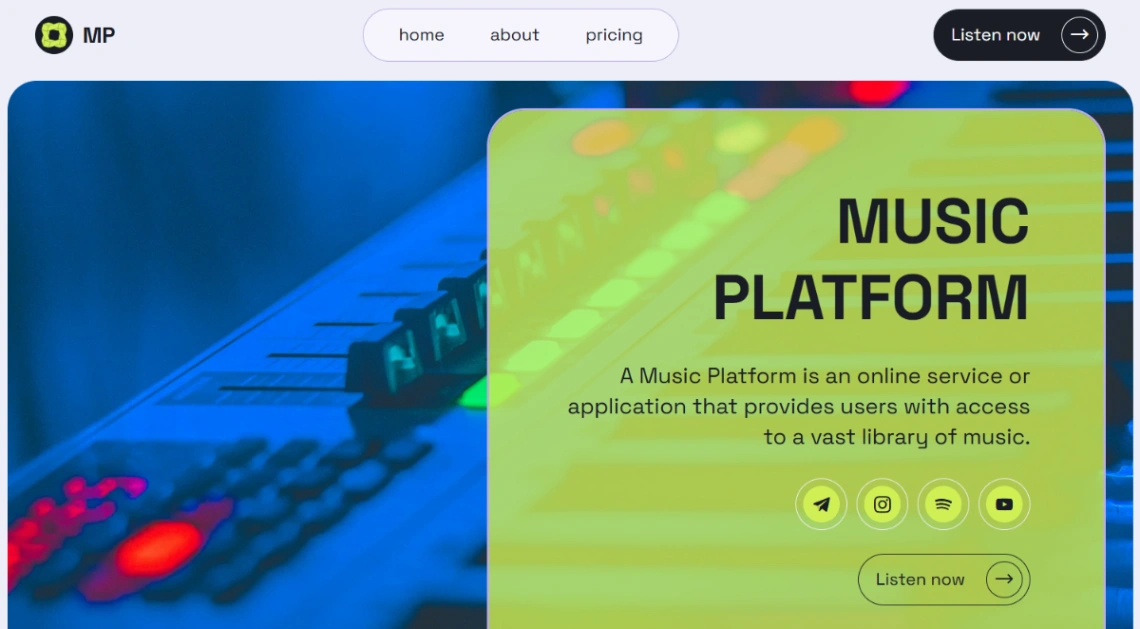
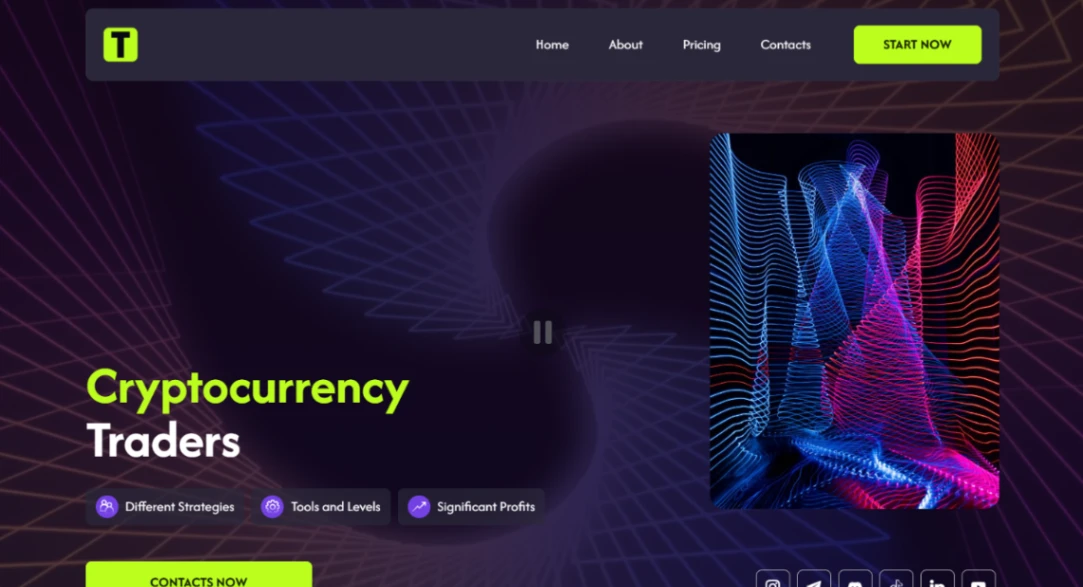
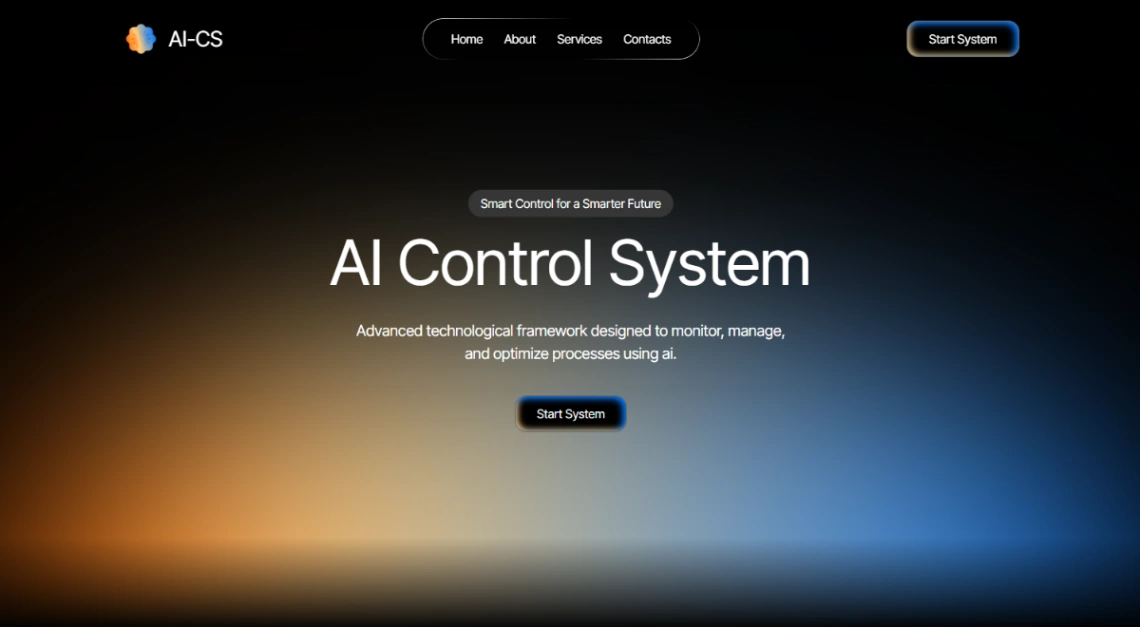
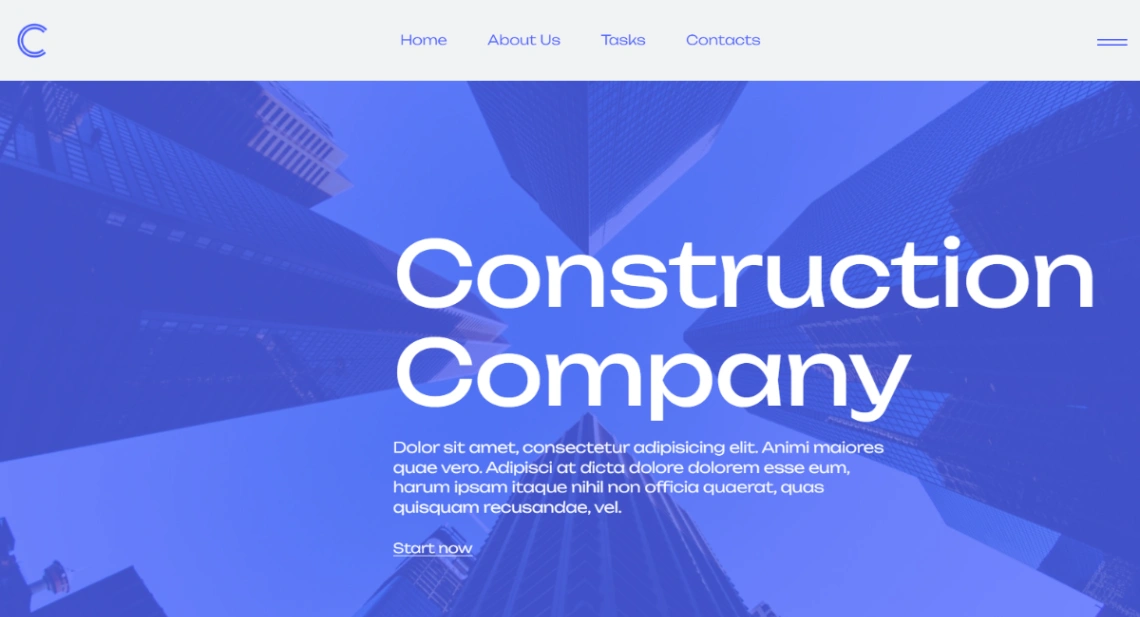
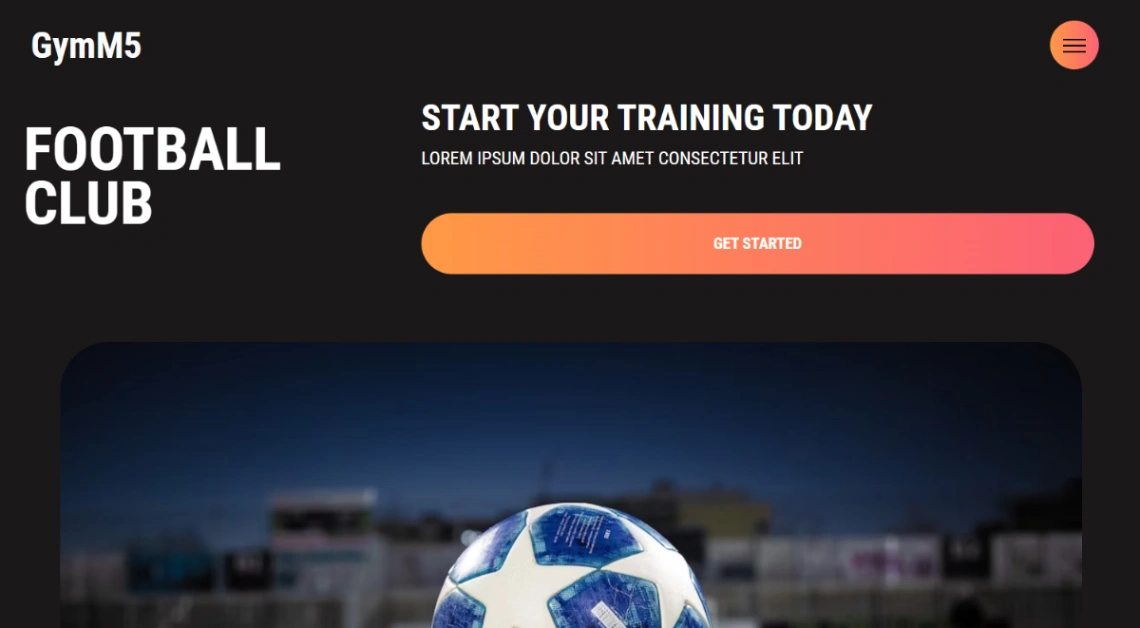
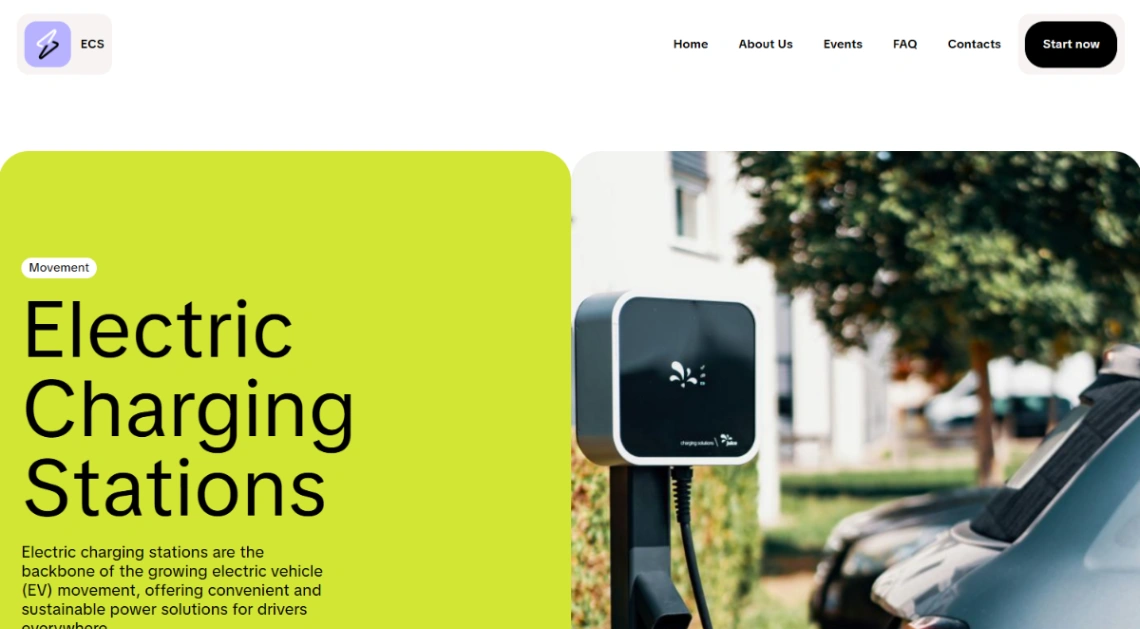
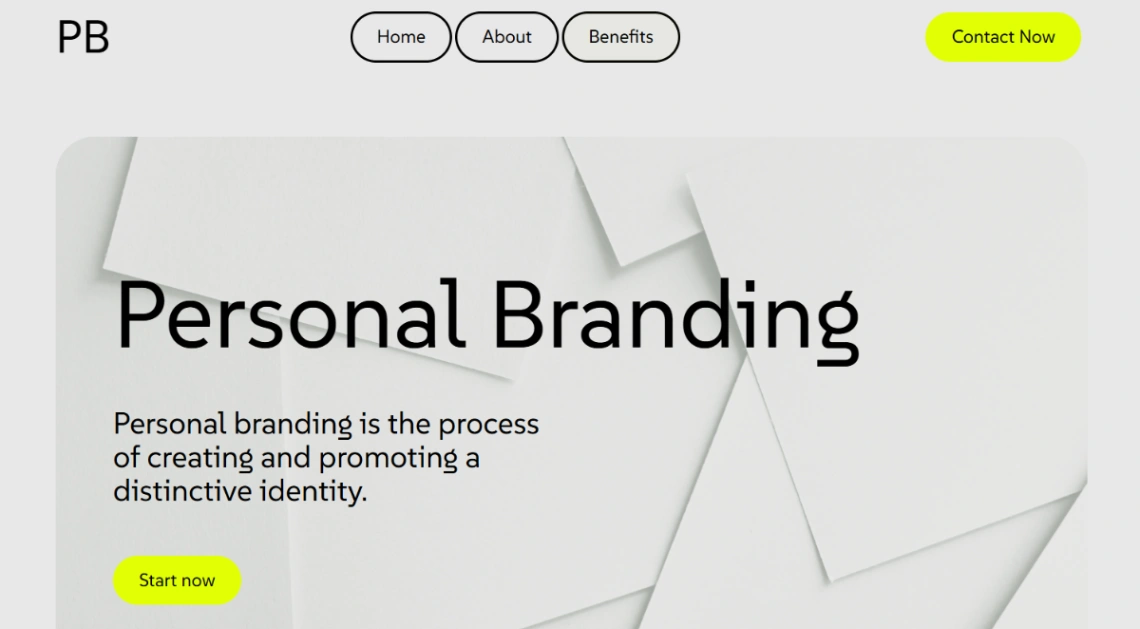
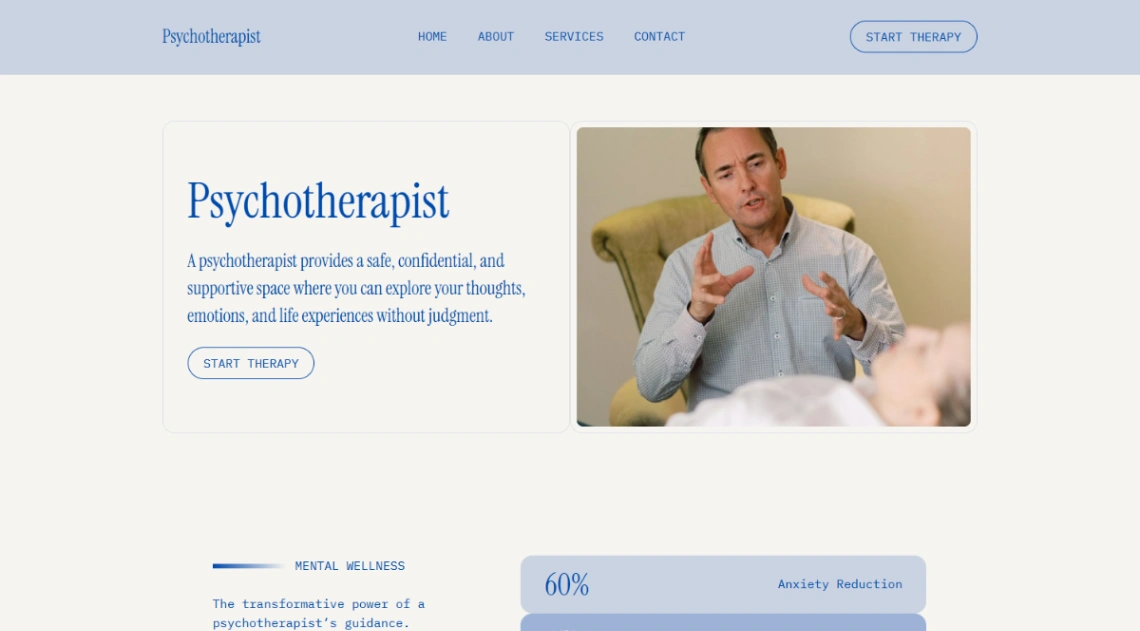
Best Templates from Mobirise
Explore stunning templates built with Mobirise.



Similar tools to Mobirise
 FramerWebsite Builder
AI website builder for standout sites
 WYSIWYGWebsite Builder
The Ultimate Toolbox for Creating Amazing Wesites!
 TrickleWebsite BuilderWeb App Builder
Turn your ideas into live apps and websites with AI.
 DorikWebsite Builder
Build Websites with the Power of AI
 Appy PieMobile App BuilderWebsite Builder
Create an App with AI from a Text Prompt
 Figma SitesWebsite Builder
Everything you need to design, prototype, and publish.
 TypedreamWebsite Builder
Build your site & sell online with one no-code tool
 MaxiBlocksWebsite Builder
The only WordPress Builder that doesn’t lock features