WYSIWYG
The Ultimate Toolbox for Creating Amazing Wesites!
Advanced drag-and-drop design environments define this high-performance desktop software for developers and designers. Integrated AI site generators and responsive layout grids provide a professional platform to build absolute or flexible websites with a focus on full creative control and automated HTML generation.
Web Builder 21
Web Builder Plus
10
ready to use- Drag-and-Drop Visual Editor
- Responsive Design Engine
- Easy Breakpoints Responsive Scaling
- Text-to-Website AI Generator
- Image-to-Website AI Generation
- LM Studio AI Integration
- Web Fonts Integration
- 150+ Pre-defined Animations and Transitions
- Rive Animations Support
- Icon Libraries
- Advanced Navigation
- Third-Party Extension Support
WYSIWYG at a glance
Overall Score
WYSIWYG Web Builder is a Windows desktop application that generates real HTML, CSS, and JavaScript files you own and can host anywhere. You pay once, get a perpetual license, and never see a subscription renewal notice—a rare model these days.
What it delivers: total layout freedom with pixel-perfect positioning or modern responsive grids, over 200 built-in tools and extensions, and the ability to hand-code custom PHP or CSS whenever you want to go deeper. It's built for freelancers and agencies who want to escape the SaaS subscription treadmill.
Pros
- One-time purchase with perpetual license means no recurring monthly fees or price increases eating into your margins.
- Generate clean, standard HTML5 and CSS3 output that you completely own and can host on any provider you choose—zero platform lock-in.
- Drag-and-drop visual builder covers the basics, but power users can inject custom PHP, CSS, and JavaScript anywhere in the project.
- Over 200 built-in modules and extensions including form builders, animations, lightboxes, galleries, and AI page generators.
- Regular updates continuously add modern web features like mesh gradients and Rive animations without charging for major version upgrades.
- Support from the primary developer personally on forums with response times measured in hours, not days.
Cons
- Windows-only software—macOS and Linux users need virtual machines or compatibility layers to run it.
- Interface is dense with ribbons, panels, and toolbars that can feel overwhelming to complete beginners despite an "Easy Mode" option.
- You handle everything outside design—domain registration, SSL, hosting, FTP uploads, database setup. It's not an all-in-one platform.
- Making layouts responsive across multiple mobile viewports requires hands-on tweaking rather than automated breakpoint handling.
WYSIWYG Web Builder is the right choice if you're a freelancer or small agency tired of subscription sprawl and want to own your deliverables. The one-time license, full code ownership, and capable feature set make real financial sense for building client sites repeatedly.
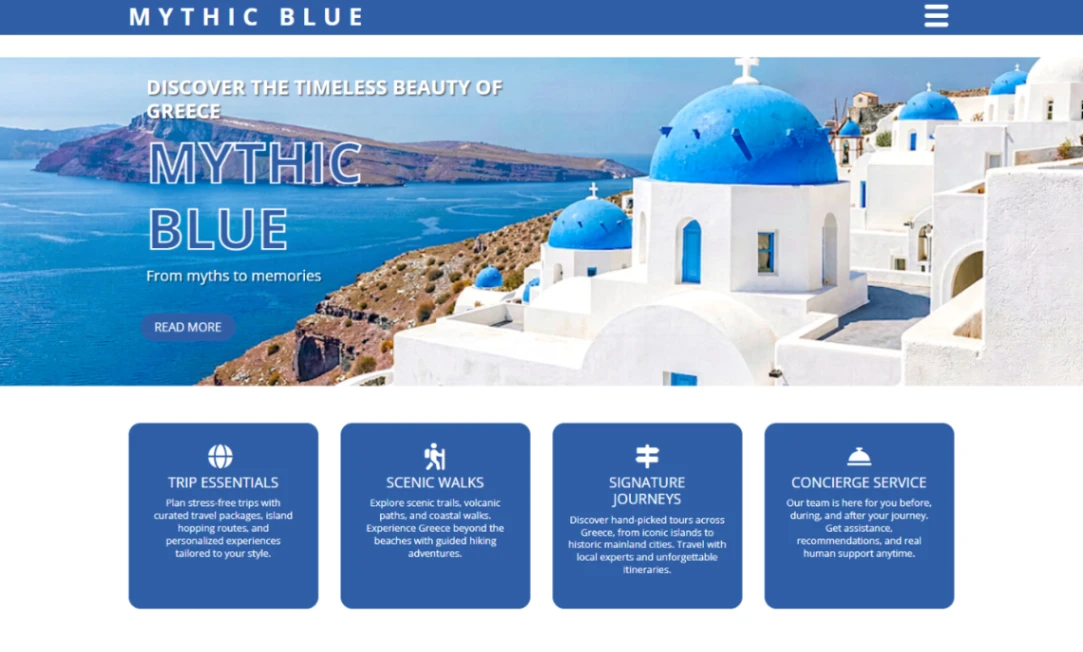
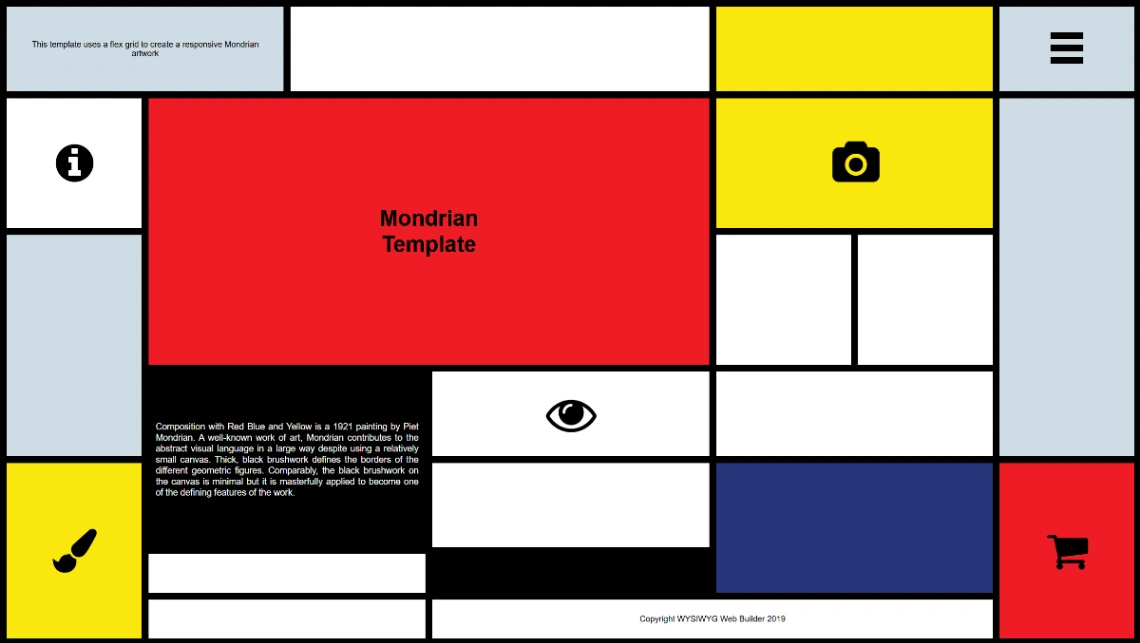
Best Templates from WYSIWYG
Explore stunning templates built with WYSIWYG.