
Readymag
Design and launch outstanding websites
Readymag is a browser-based design tool focused on creating high-end, interactive web publications and websites without layout constraints. It functions like graphic design software for the web, prioritizing typography, advanced animations, and complete creative freedom for portfolios, editorials, and landing pages.
Personal
Freelancer
Advanced
10
ready to use- Drag & Drop Visual Editor
- Blank Canvas Design
- Freeform Layout (No Grid Constraints)
- Desktop, Mobile & Tablet Layouts
- Customizable Grids
- Typography Controls
- 5,000+ Free Fonts
- Custom Font Upload
- Variable Fonts
- Advanced Kerning & Ligatures
- Scroll-Based Animations
- Hover Effects & Transitions
Readymag at a glance
Overall Score
Readymag is a browser-based design and publishing tool aimed at designers, creative directors, and marketers who want a free-form visual canvas rather than a rigid template grid. It's built for portfolios, digital magazines, interactive landing pages, and presentation-style sites, with the kind of typography control and animation options you'd expect from a design tool rather than a website builder.
Who should skip it: anyone needing a CMS-heavy blog, an online store, or a large multi-page corporate site. Readymag was never built for structural content management or e-commerce, and it shows once a project scales past a handful of pages.
Pros
- Drag-and-drop canvas gives near-total visual freedom over layout, not just preset blocks
- Handles parallax, keyframes, and scroll-triggered animation without any code
- Feels like working directly in Figma or InDesign, which makes the jump easy for designers coming from those tools
- Fine typography control that a lot of no-code builders skip over
- Built-in integrations with Unsplash, Noun Project, and Google Fonts speed up asset gathering
- Support team gets good marks for helping untangle animation glitches and layout edge cases
Cons
- Mobile responsiveness is automatic in a basic sense, but complex layered animations need manual, breakpoint-by-breakpoint fixing to look right on phones
- The browser editor slows down and can lag once a project gets big or asset-heavy
- No real media folder or asset management system, which gets messy on larger sites
- CMS and database functionality is thin, so it's a poor fit for anything data-driven
Readymag earns its reputation with designers because it doesn't feel like a website builder at all, it feels like a design tool that happens to publish to the web. If your project is a portfolio, a digital magazine, an event page, or a presentation where typography and motion matter more than backend structure, it's a strong pick.
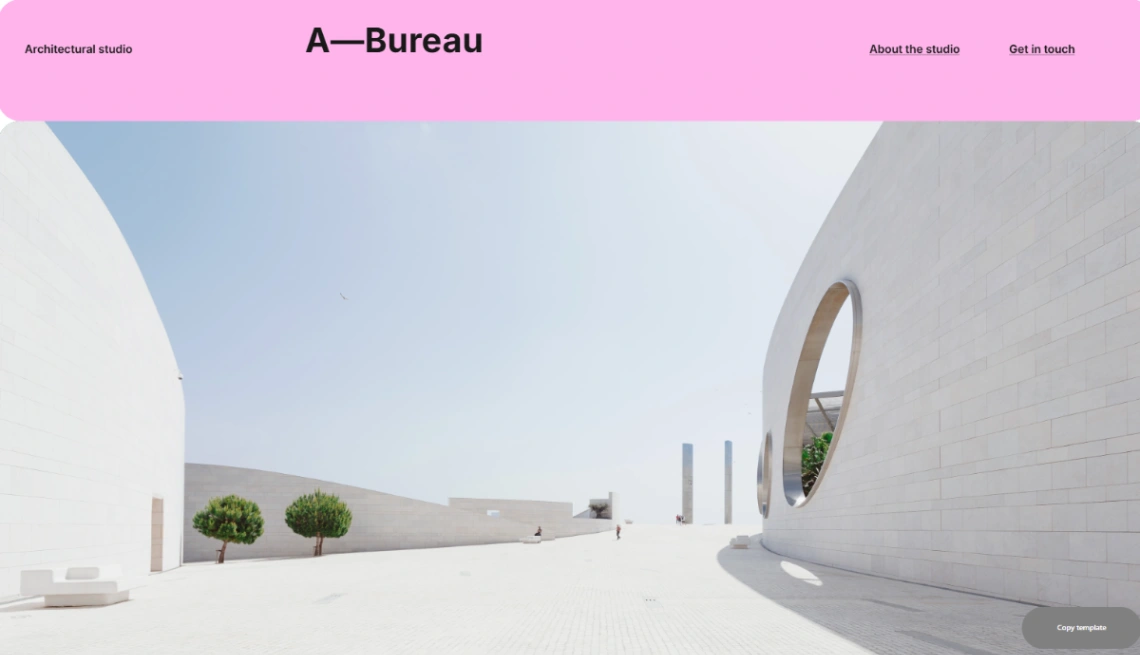
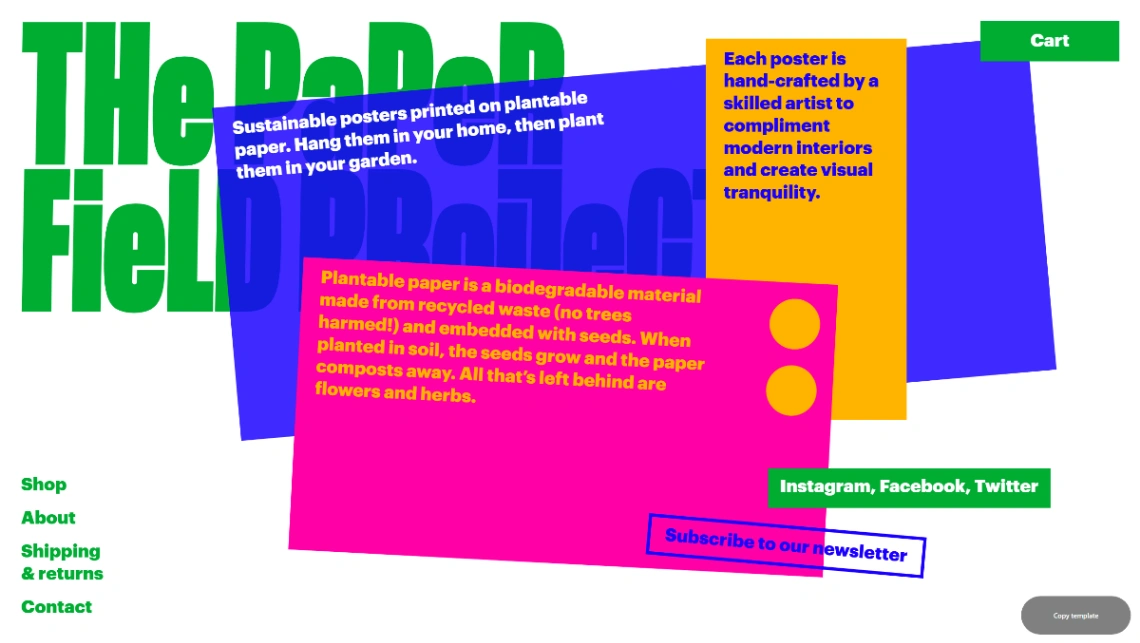
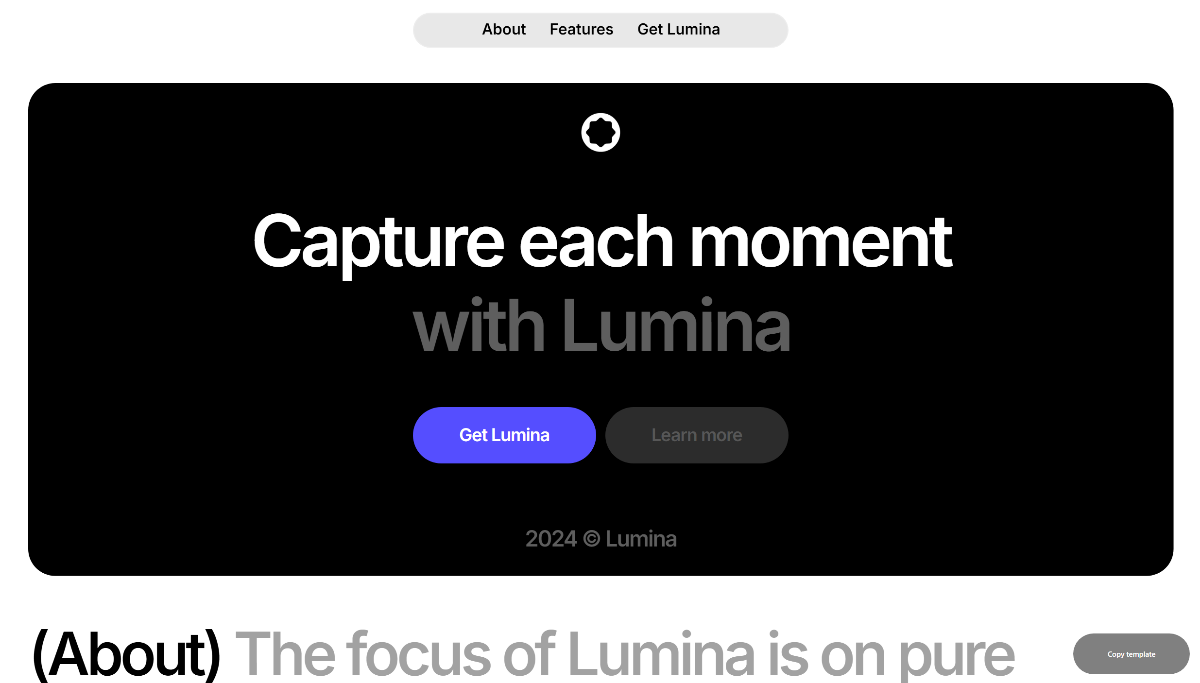
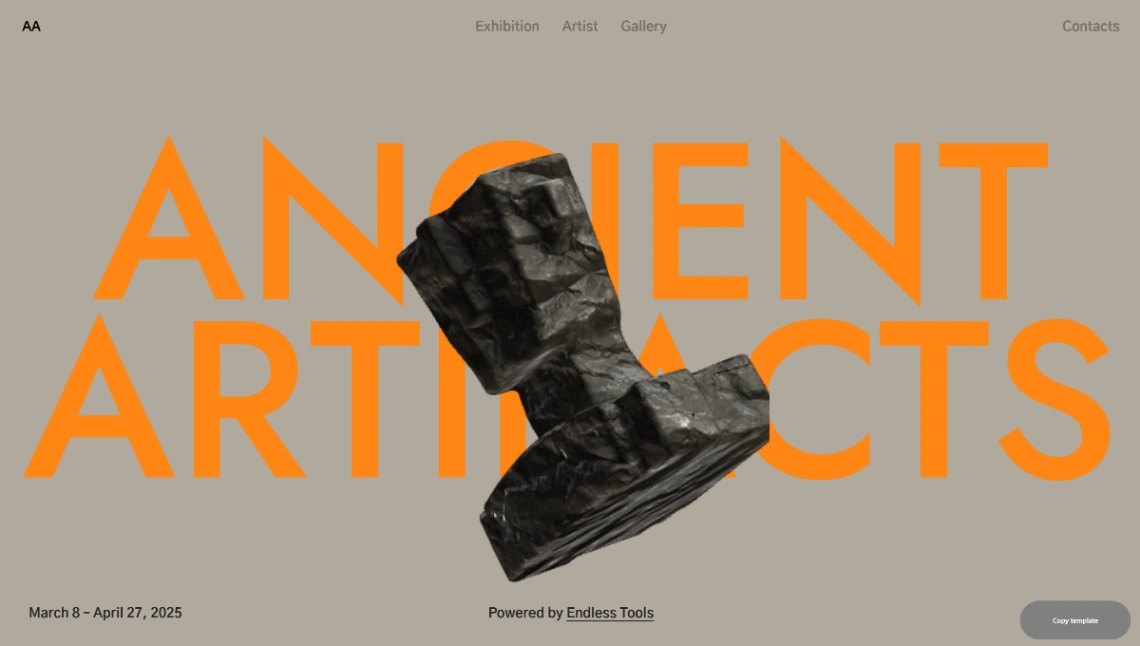
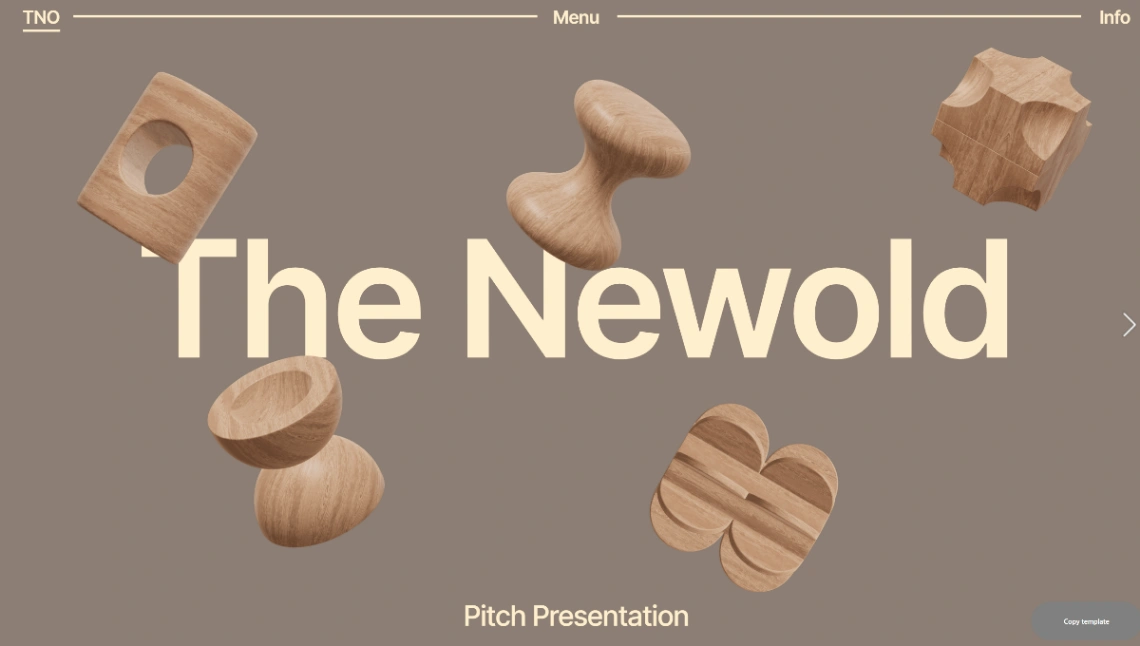
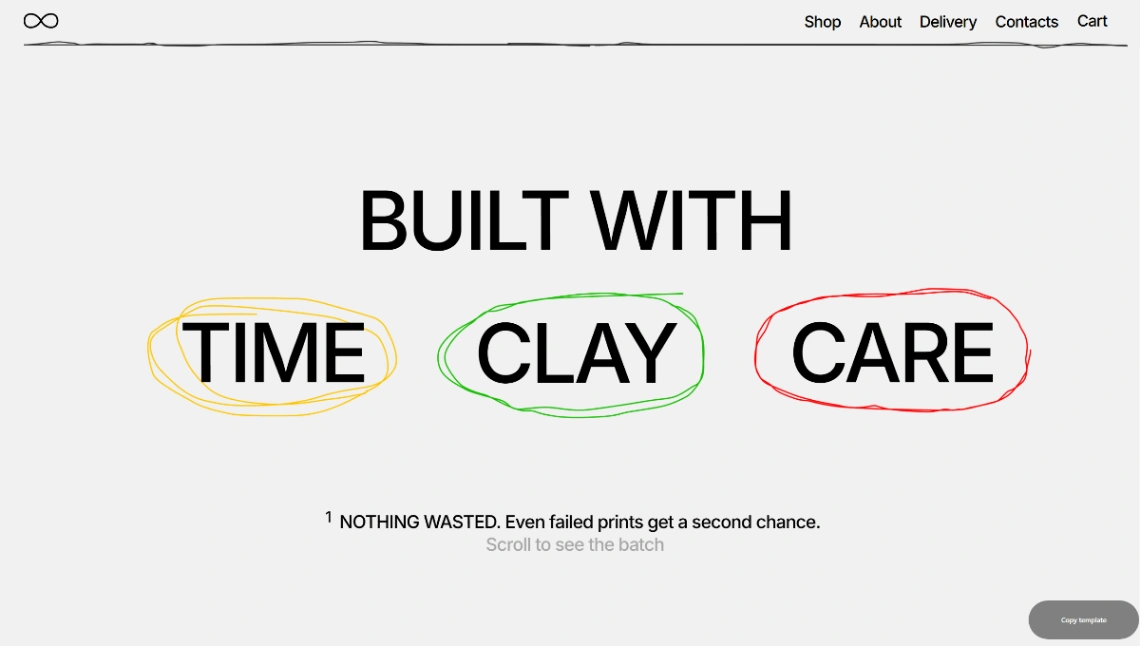
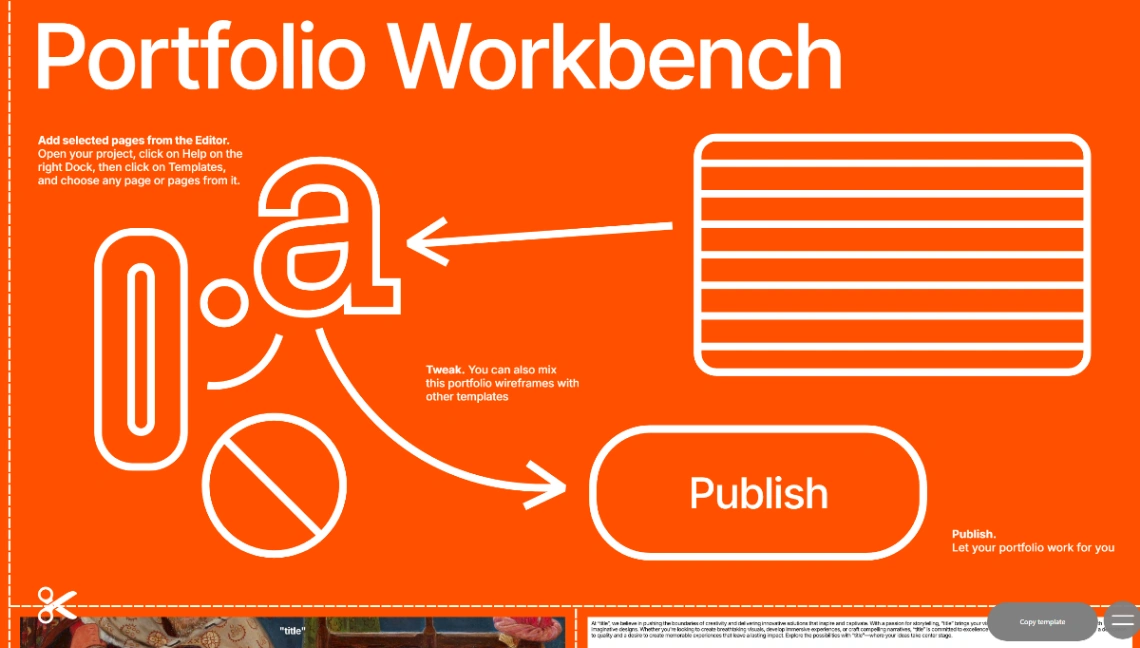
Best Templates from Readymag
Explore stunning templates built with Readymag.



Similar tools to Readymag
 PagyWebsite Builder
Pick a template, add your content, and publish. No code required.
 VersolyWebsite Builder
Finally, a flexible no-code website builder that is easy to use.
 WebflowWebsite Builder
Make your website a growth engine
 MozelloWebsite Builder
The straightforward website builder for growing ideas online.