Best Vibe Coding Tools (2026): 25 AI App Builders
Vibe coding tools let you build working apps and websites by describing them in plain language, with AI handling the code, database, and hosting. The strongest all-round picks in 2026 include Google AI Studio for its free tier, Cursor for developers, and Lovable or Blink for full-stack apps. The right choice depends on whether you need web, mobile, or design-to-code output.
Table of Contents:
- Key Takeaways
- Introduction
- What Is Vibe Coding, and Who Is It For?
- The 25 Best Vibe Coding Tools at a Glance
- Best All-in-One Full-Stack Builders
- Best Vibe Coding Tools for Mobile Apps
- Best Vibe Coding Tools for Developers
- Best Free and Budget-Friendly Vibe Coding Tools
- Best Visual and Design-to-Code Builders
- Best AI-Agent and Multi-Agent Platforms
- Decision Framework: How to Pick the Right Tool
- FAQ
Key Takeaways
- Vibe coding has split into clear lanes in 2026, from full-stack app builders to mobile-first tools to developer-grade editors, and picking the wrong lane burns credits fast.
- Those tempting sub-$25 starting prices hide the real cost, because credit consumption during AI debugging is where most of these platforms quietly get expensive.
- The highest-rated pick on our list isn't the most famous name, and the reason comes down to how much you pay before you build anything.
Introduction
Vibe coding went from a niche phrase to a full product category in roughly eighteen months, and there are now dozens of tools promising to turn a plain-English idea into a working app. For non-technical makers, indie hackers, and small product teams, that abundance is its own problem: which vibe coding tool actually fits what you're trying to build?
I've gone through 25 of the most talked-about platforms and scored each one on usability, value, flexibility, and design freedom. Some are true idea-to-live-app machines. Others are developer editors wearing a friendly chat interface. A few are quietly excellent and almost nobody mentions them. This guide sorts all 25 into the categories that matter, so you land on the right shortlist in a few minutes instead of a lost weekend.
What Is Vibe Coding, and Who Is It For?
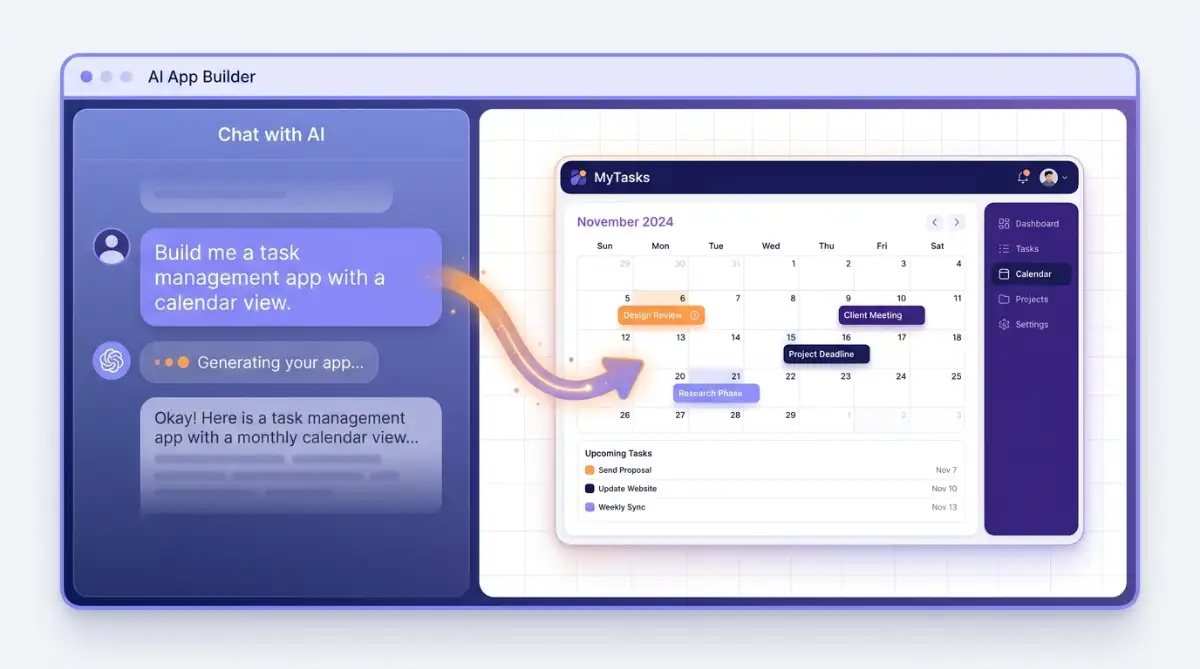
Vibe coding is the practice of describing software in natural language and letting an AI agent write the code, wire up the database, and handle deployment. Instead of learning syntax, you describe the outcome, review what the AI builds, and refine it through conversation. The term now covers everything from full app builders to AI-native code editors.
The audience is broader than it looks. Solo builders use it to ship an MVP over a weekend, marketers spin up landing pages without a developer, and experienced engineers use it to skip boilerplate. The common thread is speed: going from a sentence to something clickable in minutes.
Vibe coding trades syntax for description: you tell the AI what you want, then steer it through conversation until the app matches the picture in your head.
Where these tools differ most is the output. Some hand you a live URL and keep the code locked inside their platform. Others export clean React, Vue, or Flutter that you own outright. That single distinction, ownership versus convenience, shapes almost every recommendation below.
The 25 Best Vibe Coding Tools at a Glance
Here is every tool in this guide with our overall score, starting price, primary platform focus, and who it suits best. Scores reflect our hands-on scoring across usability, value for money, flexibility, and design freedom, so a lower score often signals aggressive credit pricing rather than a weak product.
| Tool | Our Rating | From | Platform Focus | Best For |
|---|---|---|---|---|
| Google AI Studio | 4.5 | Free (API) | Web / Mobile | Generous free-tier prototyping |
| v0 | 4.0 | $30/mo | Web (React) | Next.js UI and components |
| Cursor | 4.0 | $20/mo | Code editor | Developers doing multi-file edits |
| Bubble | 4.0 | $32/mo | Web / Mobile | Complex logic, visual programming |
| Anything | 4.0 | $19/mo | Web / Mobile | Web plus native apps in one pass |
| Playcode | 4.0 | $21/mo | Web | Code sandboxing plus AI builds |
| YouWare | 4.0 | $20/mo | Web / Mobile | Remix community, flat pricing |
| Blink | 4.0 | $25/mo | Web / Mobile | One-stop full-stack, 200+ LLMs |
| Anima | 4.0 | $25/mo | Web | Figma design-to-code |
| Hercules | 4.0 | $25/mo | Web / Mobile | SMB internal tools and CRMs |
| OnSpace | 4.0 | $20/mo | Web / Mobile | Building from your phone |
| Weweb | 4.0 | $25/mo | Web | Front-end with your own backend |
| Lovable | 3.5 | $25/mo | Web / Mobile | Full-stack apps with a real backend |
| Macaly | 3.5 | $25/mo | Web | SEO-friendly sites and apps |
| Trickle | 3.5 | $20/mo | Web | Quick MVPs and landing pages |
| Workshop | 3.5 | $20/mo | Web | Production apps, local model support |
| Atoms | 3.5 | $20/mo | Web | Multi-agent idea-to-SaaS |
| Vibecode | 3.5 | $20/mo | Mobile / Web | Native iOS and Android apps |
| Dreamflow | 3.5 | $20/mo | Mobile / Web | Flutter apps with code control |
| Base44 | 3.0 | $20/mo | Web | Backend-first MVPs for non-coders |
| Replit | 3.0 | $25/mo | Web / Mobile | Browser building plus AI Agent |
| Bolt | 3.0 | $25/mo | Web / Mobile | Fast in-browser full-stack MVPs |
| Manus AI | 3.0 | $20/mo | Web | Autonomous research and prototypes |
| Rocket | 3.0 | $25/mo | Web / Mobile | Building plus market intelligence |
| Emergent | 3.0 | $20/mo | Web / Mobile | Fast YC-backed prototyping |
A quick note before the reviews: almost every platform here runs on credits or tokens, and the honest answer to "which is cheapest" is that it depends entirely on how much you iterate. A tool with a low monthly price can still drain your budget if the AI loops on a bug.
Best All-in-One Full-Stack Builders
These platforms take a plain-English prompt and return a complete app: frontend, database, authentication, and hosting, no separate accounts to stitch together. They suit solo builders and small teams who want a live, shareable URL fast. The trade-off across this group is platform lock-in and unpredictable credit burn once your logic gets complex.
Blink
Blink is a Y Combinator-backed, prompt-driven full-stack builder that provisions the frontend, database, authentication, edge functions, and global hosting from a single prompt. What sets it apart is a built-in AI gateway giving instant access to over 200 models, including Claude, GPT, and Gemini, without juggling separate API keys.

Its Blink Claw feature deploys 24/7 background agents for tasks like web browsing and lead processing, and the generated React, TypeScript, and Vite code exports cleanly or syncs to GitHub. As a newer platform, it has fewer documented enterprise deployments, and free-tier projects are public until you upgrade.
- Best for: non-technical founders who want one bill for database, auth, storage, and hosting
- OAuth and Magic Link authentication plus file storage come pre-wired
- The AI agent runs code, catches runtime errors, and refactors autonomously
- Flat-rate hosting with SSL and custom domains keeps costs readable
- Watch-out: intricate iteration can deplete monthly credits quickly, and fees are non-refundable
Read our full Blink review for the deep dive. You can try it at blink.new or compare tiers on the Blink pricing page.
Hercules
Hercules is an AI-native conversational builder founded in 2025 that bundles the complete stack, database, backend logic, authentication, file storage, Stripe payments, email, and hosting, behind a chat prompt. It targets small business owners and operators who need custom CRMs, internal dashboards, or MVP web apps built in hours.
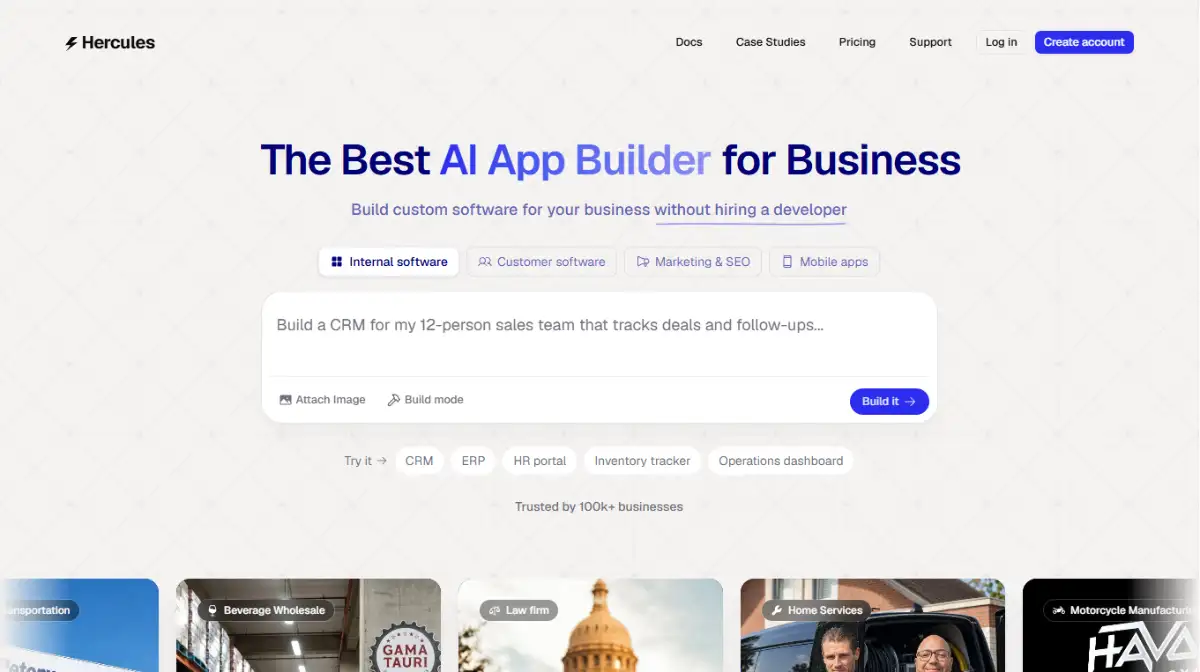
The platform connects to over 1,000 external APIs without manual server setup and publishes to custom domains or as installable PWAs with push notifications. It earns a strong 4.0 largely on value and usability, though its closed architecture limits raw code exports.
- Best for: SMB owners replacing expensive agency work with internal tools
- Users report replacing dev agency quotes of $10,000 or more in a single session
- Global payments, subscriptions, and custom pricing tiers ship out of the box
- One-click deployment to Hercules subdomains or your own domain
- Watch-out: backend components stay managed inside Hercules, so manual database tuning is restricted
See our Hercules review for full scoring. Explore it at hercules.app or check the Hercules pricing page.
Lovable
Lovable is one of the better-known full-stack builders, and for good reason: it provisions a real Supabase database, authentication routes, and API edge functions alongside the front end, not just a UI layer. It scores a category-leading 5.0 on usability, and the default interfaces look polished thanks to Tailwind and shadcn components.
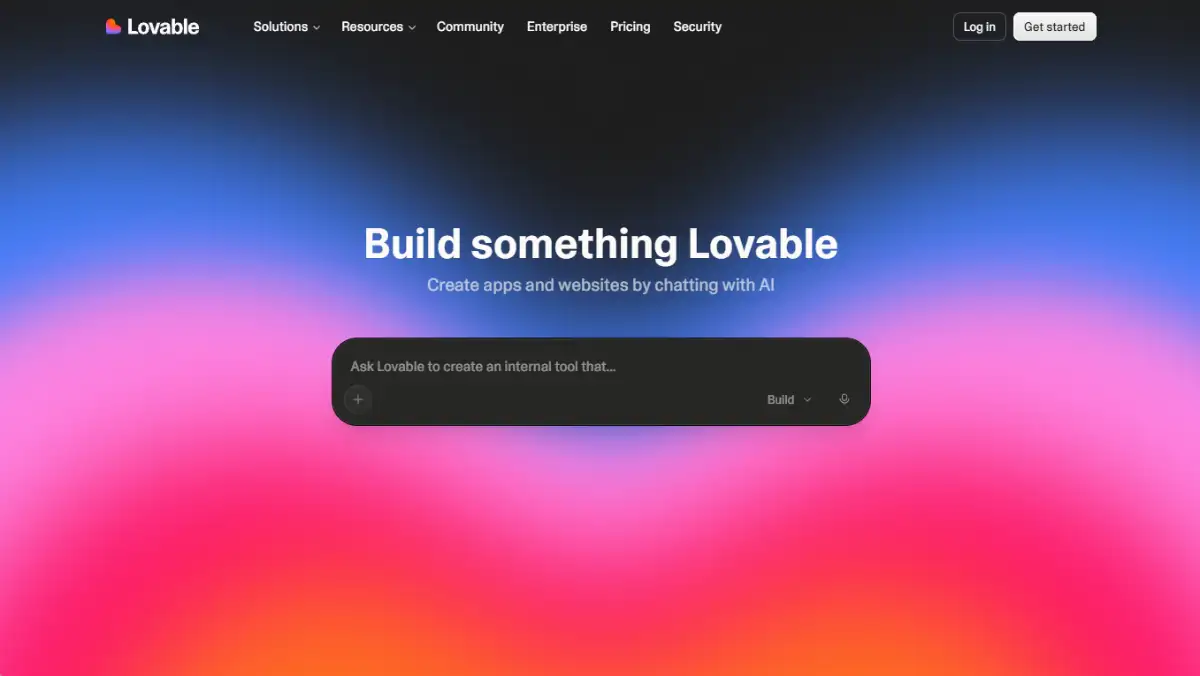
The catch is what reviewers call the "80/20 problem." The first 80% of an app comes together quickly, while the last 20%, complex business logic and edge-case debugging, tends to eat credits and can send the AI into refactoring loops.
- Best for: builders who want no lock-in, since code pushes straight to GitHub in standard React and TypeScript
- Click elements to make visual edits, or flip to Dev Mode to save credits
- Over 50 native integrations including Stripe, analytics, and email providers
- Real-time collaboration with up to 20 team members in one project
- Watch-out: credit consumption is unpredictable, and one AI-introduced bug can cost 10 to 30 credits to fix
Our Lovable review covers the pricing math in detail. Try it at lovable.dev or view the Lovable pricing page.
Base44
Base44 takes a backend-first approach, generating data models, authentication, and logic before it builds the UI. It's designed to get solo founders from a plain-English idea to a live, working MVP in under 20 minutes, with the database schema and login system set up in one native pass.
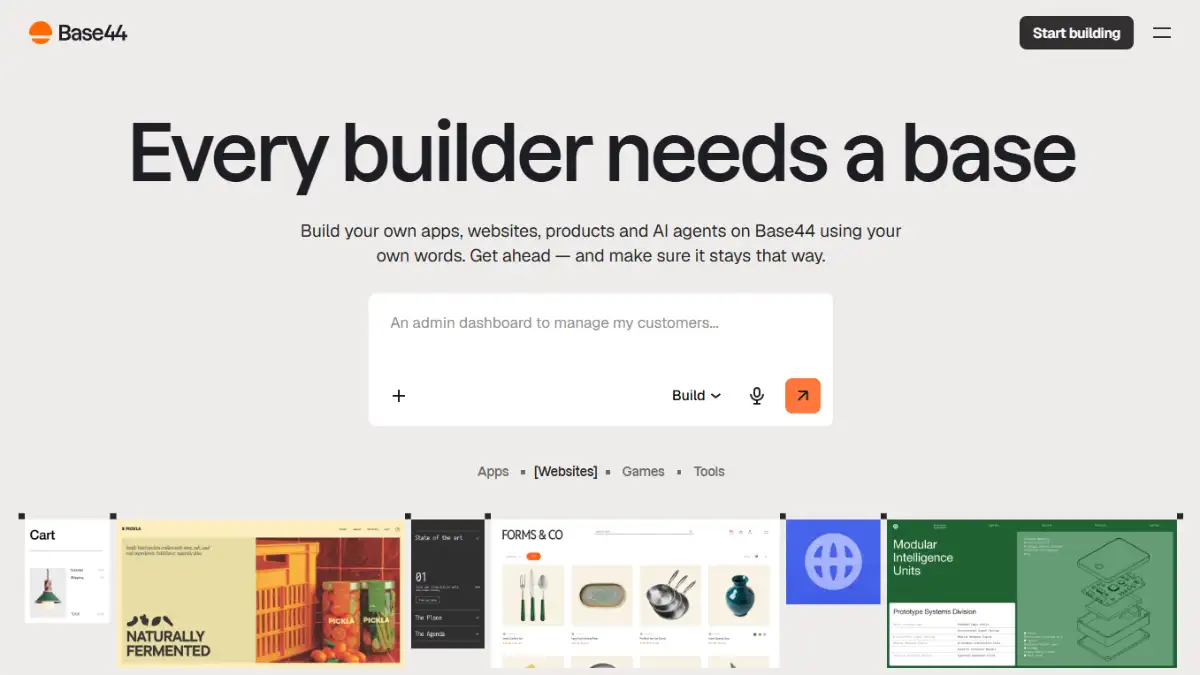
Its Discuss Mode lets you plan architecture in chat without burning generation credits, which is a genuinely useful touch. The weaker spots are value and flexibility, both scoring 2.0, driven by heavy backend lock-in and a support experience that reviewers describe as slower since the Wix acquisition.
- Best for: non-technical teams launching internal tools and customer portals fast
- One-click connectors for Stripe, Slack, Google Workspace, and SendGrid
- The visual editor handles text, color, and layout tweaks without AI prompts
- Background AI agents automate routine tasks
- Watch-out: the database, auth, and business logic stay locked inside Base44 even if you export the React frontend
Our Base44 review breaks down the lock-in issue. Try it at base44.com or see the Base44 pricing page.
Bolt
Bolt.new is StackBlitz's browser-based builder, and its trick is WebContainers technology that spins up a full Node.js environment inside Chromium. You can build, preview, install npm packages, wire up Supabase, and deploy to Netlify without any local setup.
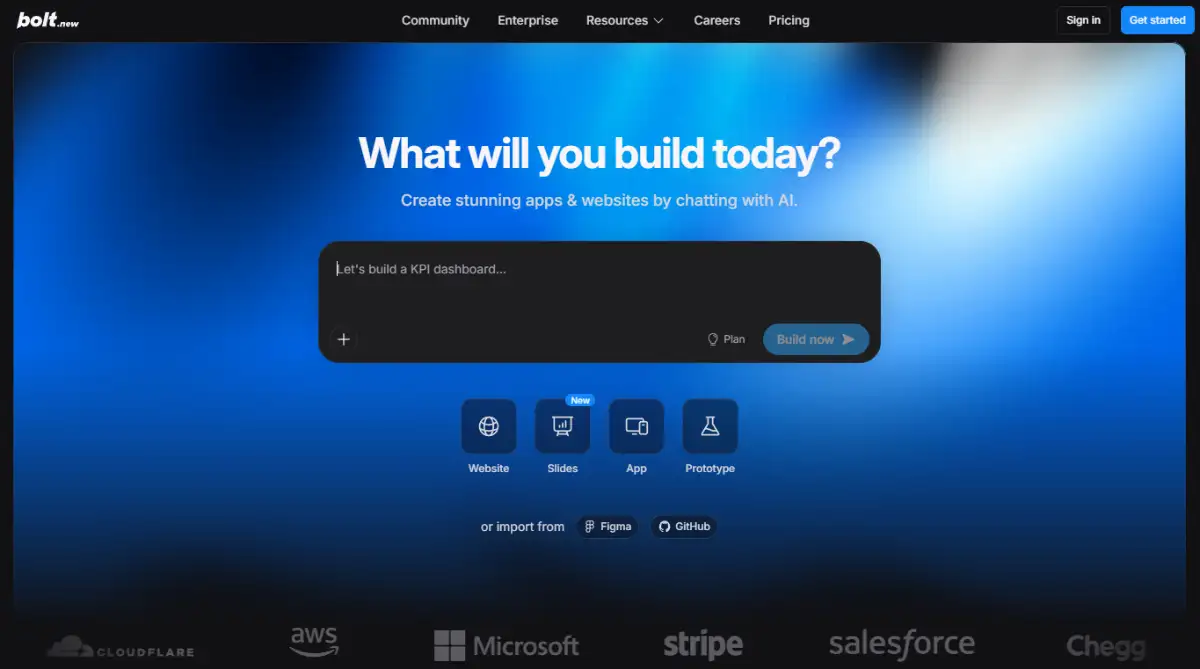
Where it shines is taking a text prompt to a working full-stack MVP in minutes. Where it struggles is scale: once a project passes roughly a thousand lines of code, reliability drops and the AI starts rewriting whole files instead of making precise edits.
- Best for: a smooth, chat-like first build across React, Next.js, and Supabase
- Built-in error detection reads terminal output and attempts automatic fixes
- One-click deployment straight to live Netlify hosting
- Token rollover softens the credit sting on lighter months
- Watch-out: no formal GDPR, SOC 2, or HIPAA compliance, so avoid it for sensitive data
Read our Bolt review for the reliability notes. Try it at bolt.new or compare plans on the Bolt pricing page.
Best Vibe Coding Tools for Mobile Apps
If you need actual App Store and Play Store output rather than a web app in a wrapper, these four are built for it. Vibecode and Dreamflow generate genuine native code (React Native and Flutter respectively), while OnSpace and Anything ship web and mobile together. Expect stronger phone-based workflows here and, in some cases, earlier-stage documentation.
Anything
Anything comes from the team behind Create.xyz and generates a full-stack web app plus native iOS and Android apps from a single prompt pipeline. Every project ships with a Postgres database, authentication, and Stripe payments already wired in, with no manual API key setup.
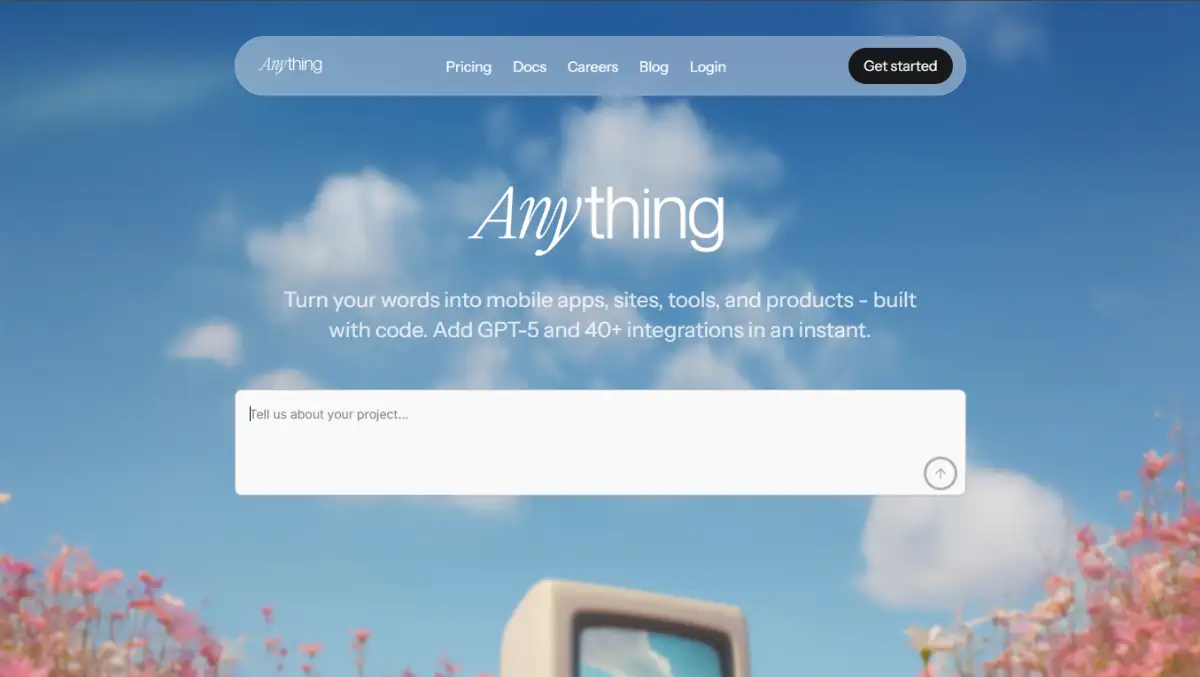
It scores a balanced 4.0, notably strong on value at $19 to start. The UI output is trained to look polished rather than generic, and multiple prompting modes (Plan, Thinking, Fast, Max, Discussion) let you trade credit spend against reasoning depth.
- Best for: going from idea to a published app store listing in days
- Pre-built auth for email, Google, Facebook, and X, plus native Stripe checkout
- The AI agent tests its own code, catches runtime errors, and self-corrects
- One-click submission to the Apple App Store and Google Play
- Watch-out: subscription credits expire monthly, and migrating legacy Create.xyz projects causes real friction
Our Anything review has the full breakdown. Try it at anything.com or see the Anything pricing page.
OnSpace
OnSpace is an AI app builder with a distinctive angle: you can build, edit, and deploy apps directly from your phone. It turns prompts, screenshots, and Figma designs into functional mobile and web applications, with backend services auto-configured through Supabase and Stripe monetization built in.
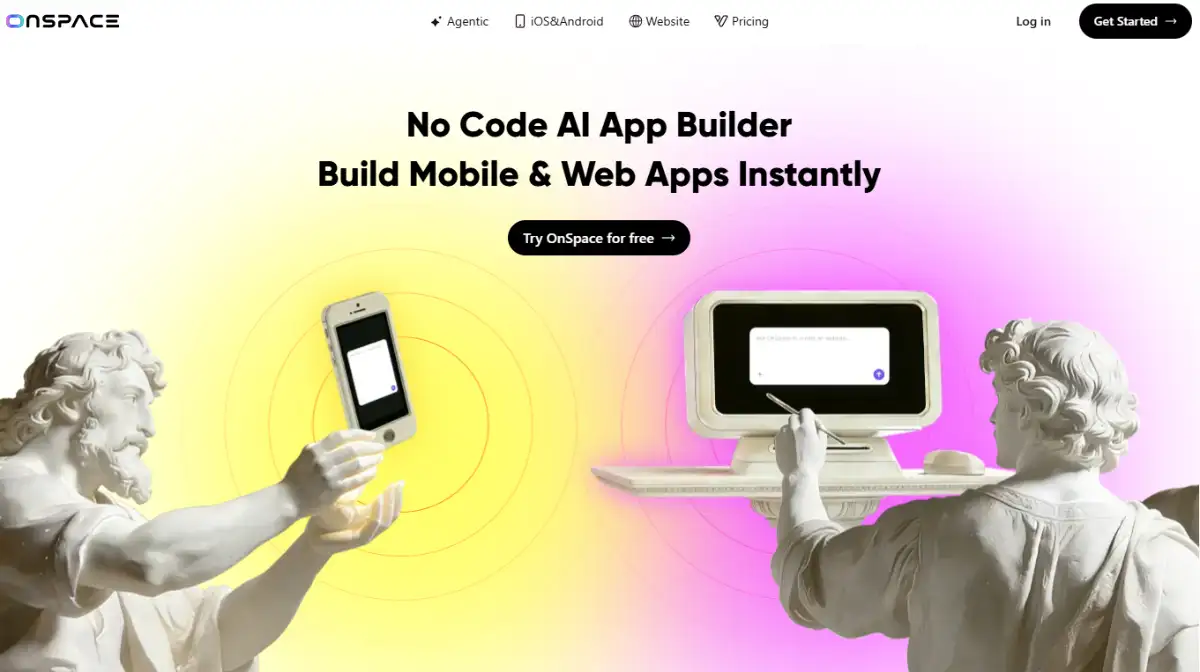
It scores 4.0 with a perfect 5.0 on usability, and the free trial is genuinely usable at 2,000 monthly credits capped at 500 per day. You get full code export, APK downloads, and GitHub sync, so lock-in stays low.
- Best for: creators who want to build on the go without a desktop
- Managed Postgres, row-level security, edge functions, and auth included
- Native iOS and Android apps you can edit from your phone
- Generates from prompts, uploaded images, or Figma wireframes in minutes
- Watch-out: credit consumption is aggressive, and support reviews skew mixed to below average
See our OnSpace review for scoring detail. Try it at onspace.ai or view the OnSpace pricing page.
Vibecode
Vibecode specializes in mobile-first development using React Native and Expo under the hood, so you get actual native iOS and Android apps instead of wrapped web pages. It's powered by a Claude Code agent, and live phone previews let you test builds on your device or through TestFlight.
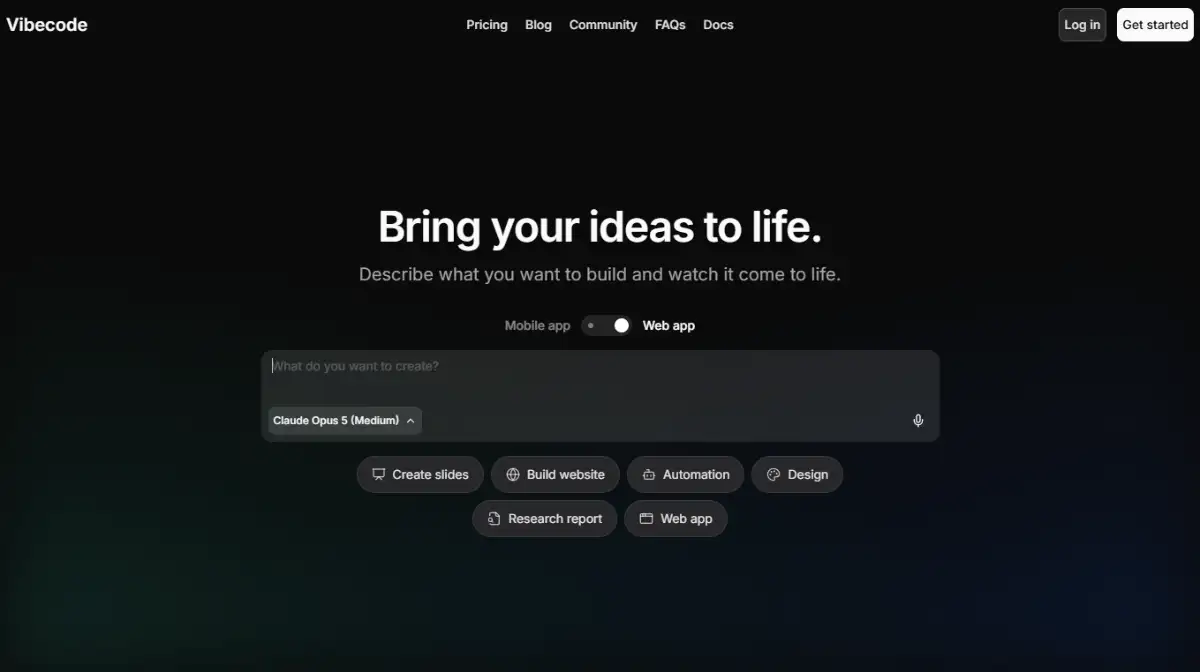
Usability scores a 5.0, and support stands out with in-app live chat responding in under 10 minutes, rare in this category. Full source code export with GitHub sync keeps you free to customize or self-host later.
- Best for: indie hackers prototyping native mobile apps quickly
- Full-stack features including auth, databases, payments, and APIs out of the box
- "Pinch to Build" long-press customization and a haptics library for polish
- CLI integration lets external tools like Cursor interact with your project
- Watch-out: exact custom layouts need detailed prompts, and some Play Store reviews cite generation bugs
Our Vibecode review covers the mobile workflow. Try it at vibecodeapp.com or see the Vibecode pricing page.
Dreamflow
Dreamflow is built by the FlutterFlow team and takes an unusual, welcome approach: a "tri-surface" workflow where AI prompts, a visual drag-and-drop canvas, and direct Flutter code editing stay in sync. The output is real, production-ready Flutter code you can export or deploy to iOS and Android.
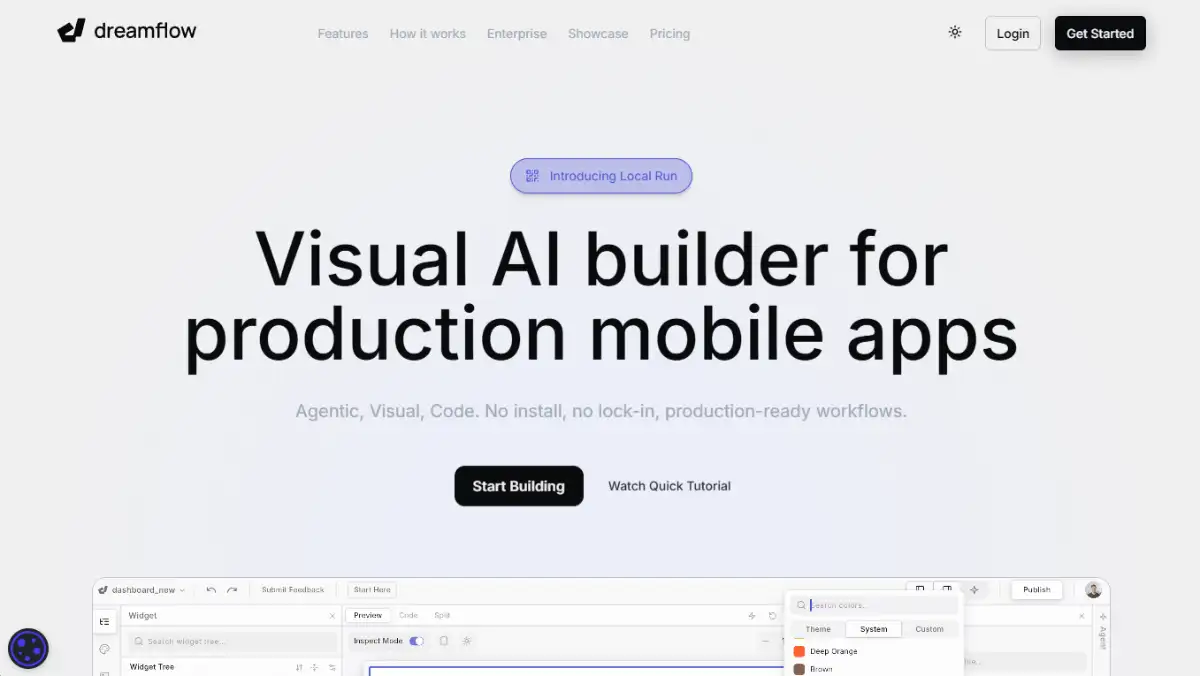
Early adopters praise it for shipping both rapid MVPs and production-grade apps, which is uncommon among AI builders. It scores 3.5, with flexibility a standout at 4.0, though the ecosystem is still maturing.
- Best for: mobile developers who want AI speed without losing code visibility
- Widget trees and property panels give granular, non-chat control
- Native Firebase and Supabase integrations come managed out of the box
- Multi-model AI support including GPT-5 and Claude
- Watch-out: documentation is early-stage, and free-tier credit limits push you to paid quickly
Read our Dreamflow review for the full picture. Try it at dreamflow.app or check the Dreamflow pricing page.
Best Vibe Coding Tools for Developers
These tools assume you can read code and want control, not hand-holding. Cursor and v0 sit closest to a professional workflow, Weweb hands you clean Vue to self-host, and Replit runs a full browser IDE with an autonomous agent. If "no vendor lock-in" is your priority, start here.
Cursor
Cursor is an AI-native code editor built as a fork of VS Code, aimed squarely at developers rather than no-code builders. It indexes your entire local repository so the AI can reference relevant files automatically, and it lets you switch between frontier models instead of locking you into one provider.
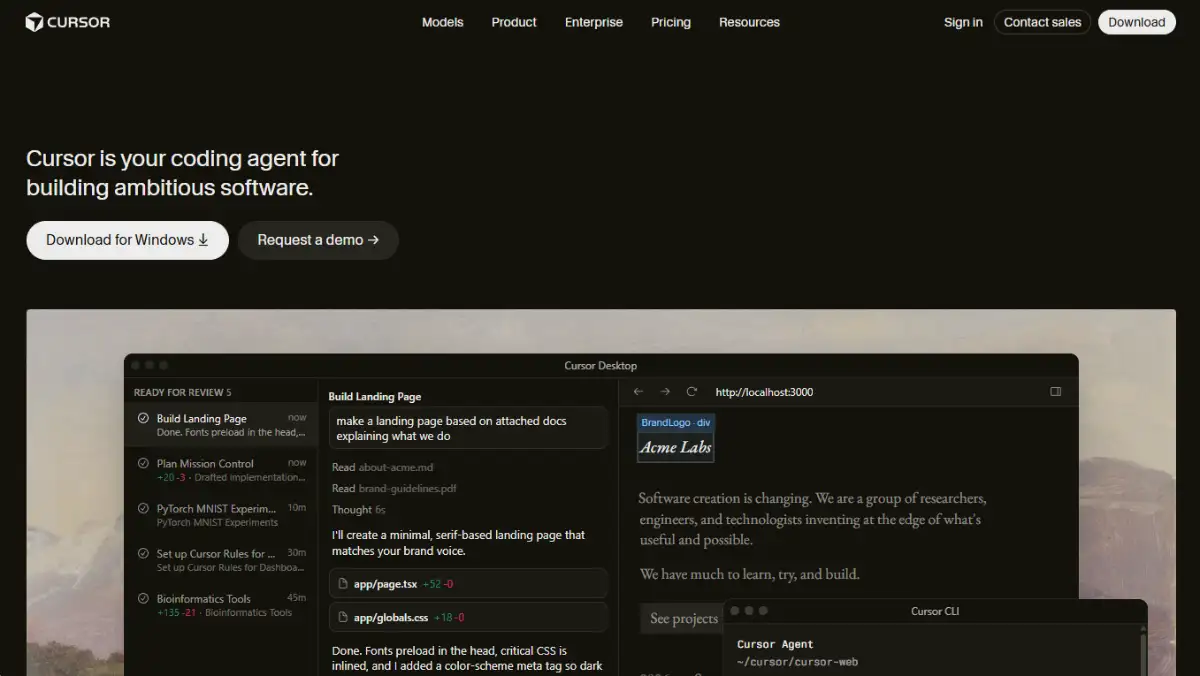
It scores a category-best 5.0 on flexibility, and existing VS Code users rate the migration a perfect 5 out of 5 since keybindings, themes, and extensions carry over. Composer handles multi-file agentic edits with a side-by-side diff you can accept or reject line by line.
- Best for: working developers doing serious refactors and repo-wide edits
- Codebase indexing pulls in relevant files instead of copy-pasting
- Cmd+K and Cmd+L inline hotkeys make AI feel native to daily coding
- Multi-model support across OpenAI, Anthropic, Gemini, and xAI
- Watch-out: billing feels opaque, and usage-based credits burn fast on heavy agentic sessions
Our Cursor review digs into the workflow. Try it at cursor.com or view the Cursor pricing page.
v0
v0 is Vercel's generative UI platform, converting prompts, screenshots, or Figma mockups into production-ready React, Tailwind, and shadcn/ui code. It's built specifically for the Next.js ecosystem, so it's less a general website builder and more a boilerplate accelerator for front-end and full-stack engineers.
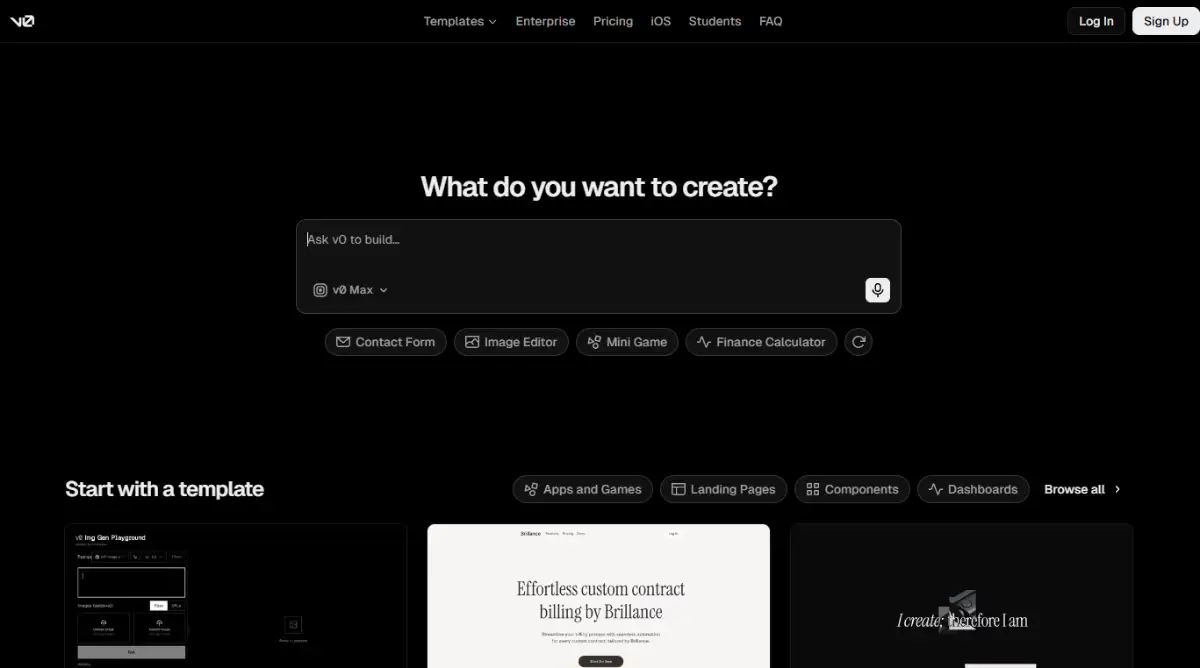
Image-to-code fidelity is a real strength, turning wireframes and screenshots into UI with high accuracy. A visual Design Mode lets you tweak colors, typography, and shadows on the live preview without spending extra credits.
- Best for: front-end engineers already working in Next.js and React
- One-click deploy to a live, shareable preview URL since it's built by Vercel
- Recent updates added database connections, auth forms, and API calls
- GitHub sync with automatic branching, commits, and pull requests
- Watch-out: it's locked into Next.js and React, so exporting to Vue or Svelte means manual translation
See our v0 review for full scoring. Try it at v0.app or check the v0 pricing page.
Weweb
Weweb is a decoupled front-end builder that compiles Vue.js single-page applications and connects to your own backend, Supabase, Xano, or custom APIs. You design visually, keep pixel-level control, and export clean code to self-host on AWS, Vercel, or Netlify whenever you want.
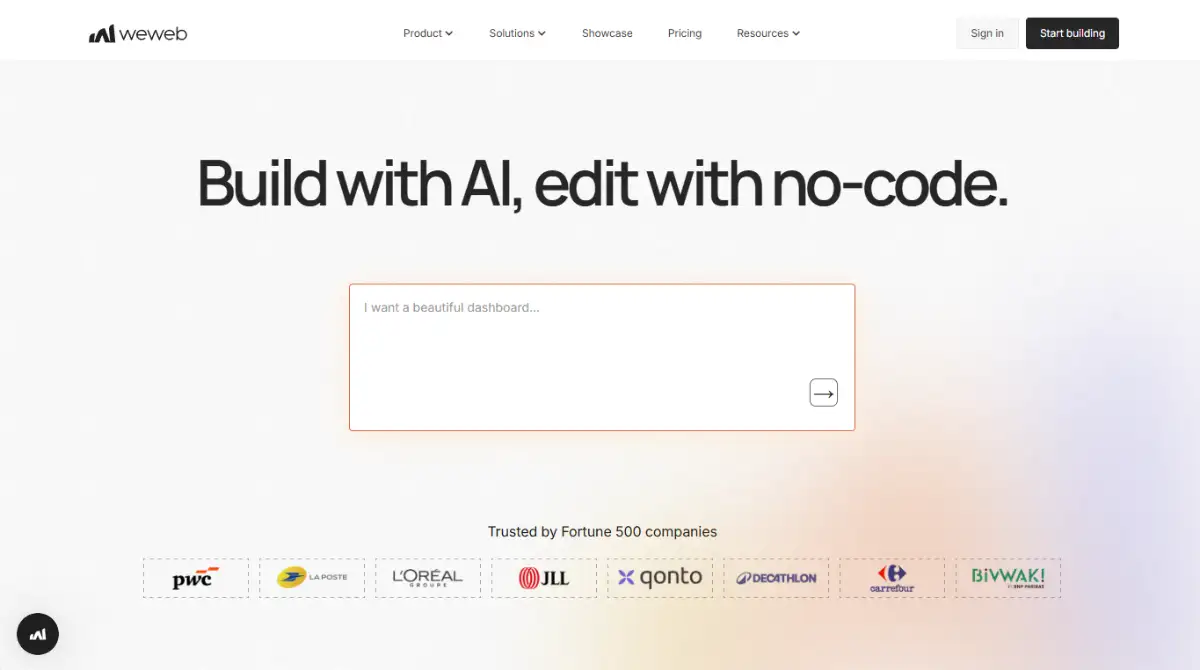
It scores 4.0 with flexibility at a perfect 5.0, and its zero-lock-in stance is the headline feature. The trade-off is that it's client-side rendered, which caps organic search ranking, and the pricing structure splits confusingly between workspace seats and hosting plans.
- Best for: agencies and startups building SaaS that need real logic control
- Native state management, custom variables, and conditional rendering
- True Vue.js code export with no platform row caps or workload-unit charges
- An exceptionally active community Discord answers technical questions fast
- Watch-out: no server-side rendering hurts SEO, and it's not for complete beginners without API knowledge
Our Weweb review covers the backend model. Try it at weweb.io or see the Weweb pricing page.
Replit
Replit pairs a browser-based coding environment with an autonomous AI Agent that sets up databases, installs dependencies, writes server code, and deploys, all from a plain-English prompt. There's zero local setup, and it runs identically on a high-end desktop or a Chromebook.
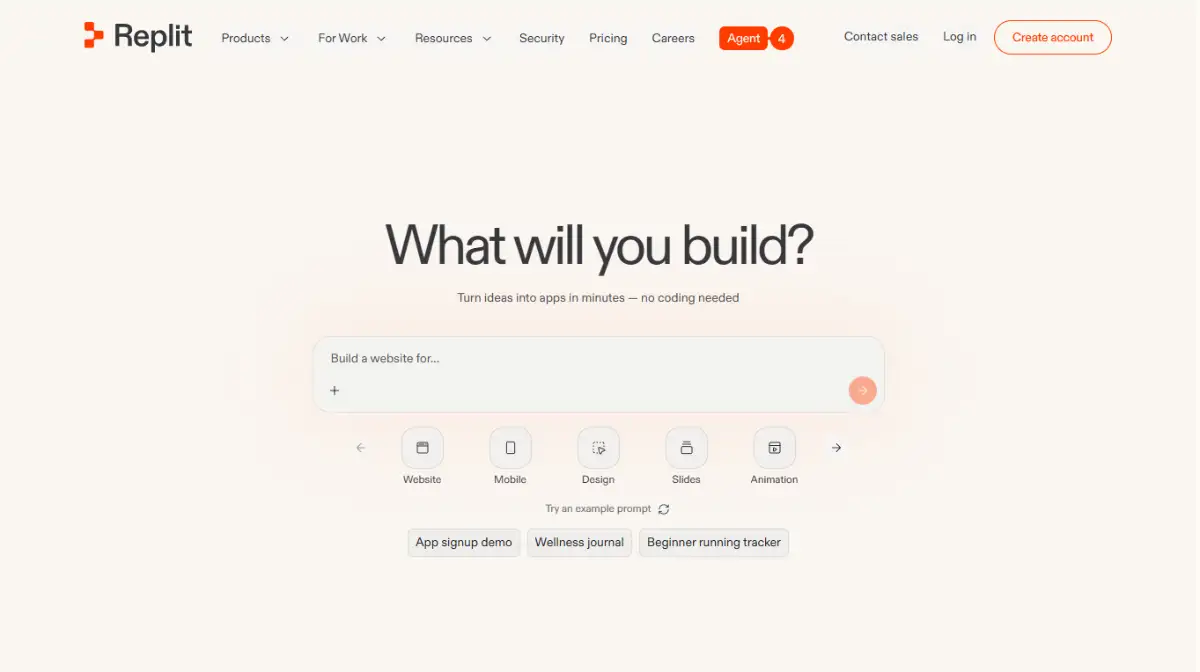
It's a genuinely unmatched zero-to-one speed machine, and usability scores 5.0. The weak points are stark, though: value for money scores just 1.0, driven by effort-based, usage-metered pricing that reviewers cite as the single most common complaint.
- Best for: educators, non-programmers, and rapid prototypers working in a browser tab
- The Agent goes well beyond autocomplete, building UI and server code end to end
- Hosting, domain mapping, and SSL are built in with one-click publishing
- Real-time multiplayer editing suits pair programming and classrooms
- Watch-out: performance and context retention drop once a project passes about 10 files
Read our Replit review for the pricing analysis. Try it at replit.com or view the Replit pricing page.
Best Free and Budget-Friendly Vibe Coding Tools
Every tool here keeps entry costs low, and one of them tops our entire list on value. Google AI Studio leads with an unusually generous free tier, Playcode doubles as a code sandbox, YouWare runs transparent flat pricing, and Trickle keeps quick MVPs cheap. If you want to test the vibe coding waters before committing a subscription, start in this group.
Google AI Studio
Google AI Studio's Vibe Code is the highest-rated tool on this list at 4.5, and it earns a perfect 5.0 on value. It turns prompts, sketches, voice input, or uploaded docs into live full-stack React and Node.js apps, powered by Gemini models with a real-time browser preview.
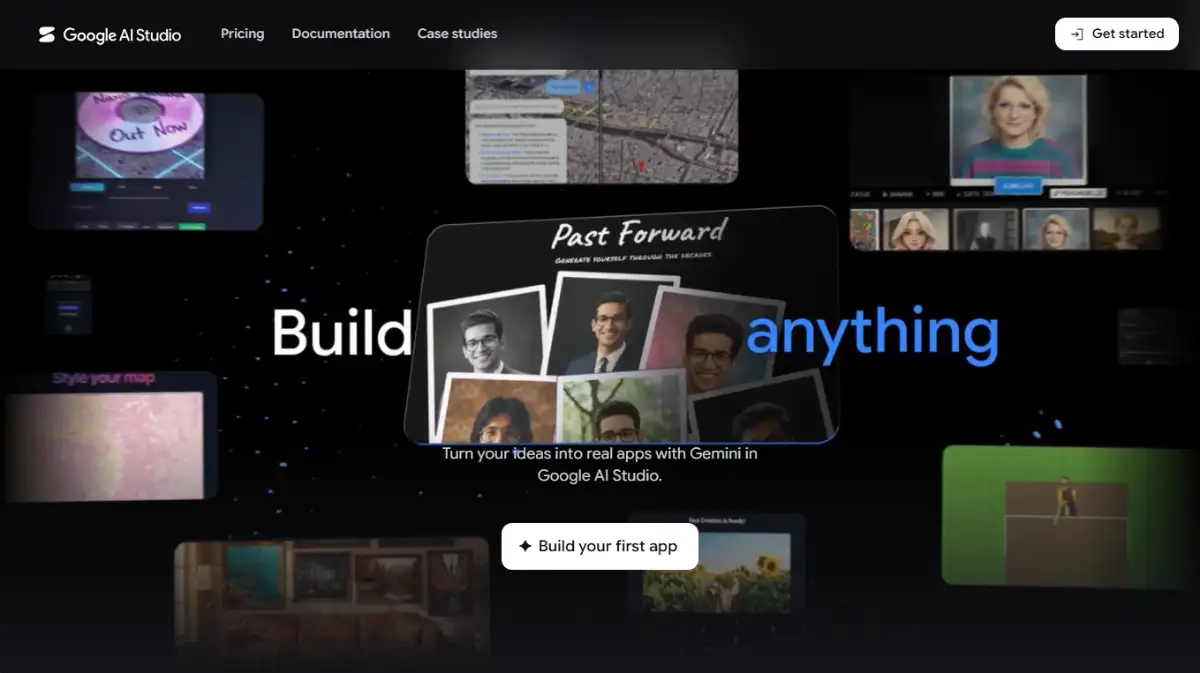
The headline is that free tier: token limits and request rates are far more generous than the subscription-locked competition, with no credit-card friction to start. Annotation Mode even lets you draw on the live preview or use voice commands to guide changes.
- Best for: tech-savvy creators who want a big context window and zero upfront cost
- One-toggle integrations for Firebase, Sheets, Gmail, and Search grounding
- Real Node.js backend with npm packages and server-side secrets
- Export options include GitHub sync, Cloud Run deploy, or a full ZIP download
- Watch-out: live backend features need a Google Cloud billing account, and GCP IAM setup confuses solo builders
Our Google AI Studio review explains the free-tier limits. Try it at aistudio.google.com or manage access via Google AI Studio API keys.
Playcode
Playcode started as a lightweight browser-based JavaScript playground and grew into a full AI website builder with cloud deployment. That dual identity is the appeal: use it as a no-setup place to test a script or CSS animation, or as a natural-language-to-deployed-app pipeline through Playcode Cloud.
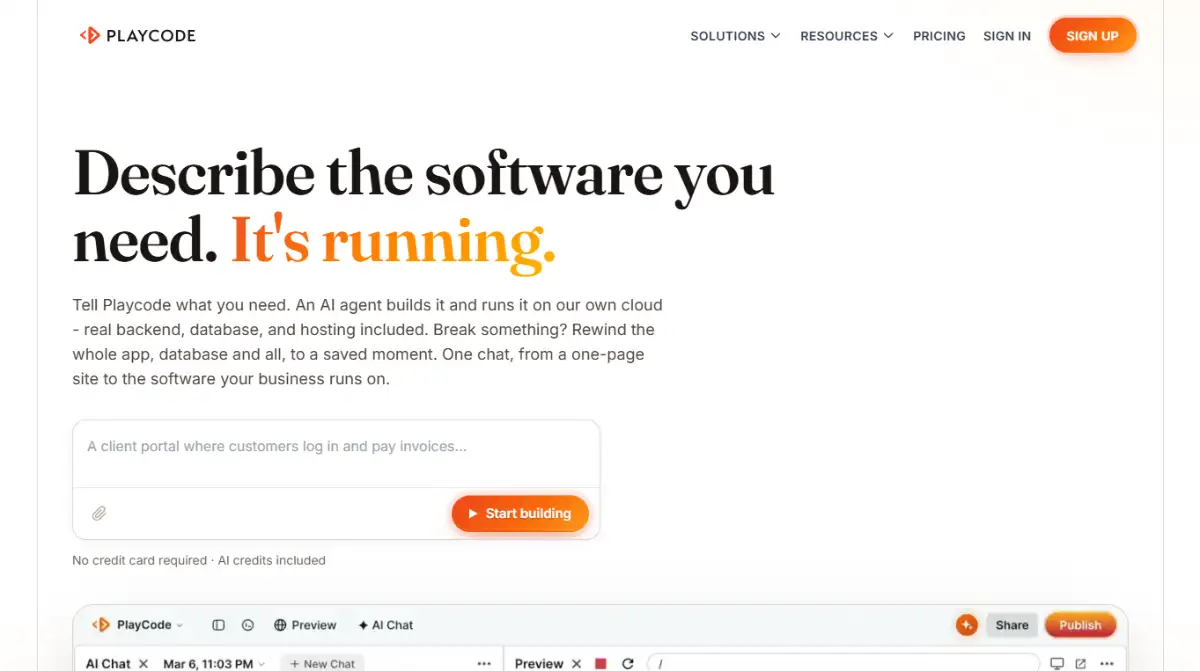
It scores 4.0 with usability at 5.0. Paid tiers add persistent cloud machines, automatic HTTPS, custom domains, and real databases, plus genuine code export via ZIP, so you're never permanently boxed in.
- Best for: freelancers and developers mixing quick sandboxing with AI app generation
- Describe an app in plain English and the AI scaffolds layouts and backend logic
- Excellent for debugging and learning without opening a heavy local IDE
- Source code downloader and PWA mobile deployment included
- Watch-out: free-tier limits are aggressive, and formal SOC 2 audits may still be in progress
See our Playcode review for the details. Try it at playcode.io or check the Playcode pricing page.
YouWare
YouWare blends vibe coding with a social platform, functioning as part code generator, part creator community. You use plain language, images, or design drafts to generate full-stack web and mobile apps, with a strong emphasis on browsing, testing, and remixing other creators' public projects.
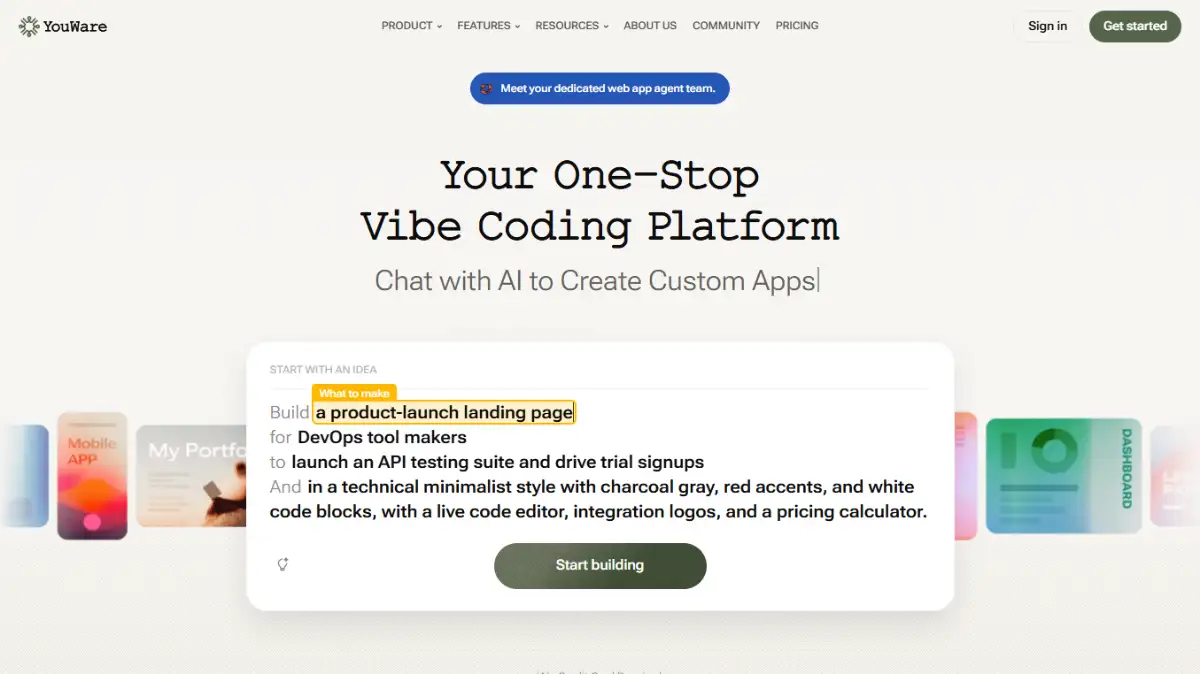
It scores 4.0 with a 5.0 on usability and a rare 4.0 on value, helped by transparent flat subscription pricing rather than hidden infrastructure costs. Automated error-fixing agents handle bugs, backed by credit-recovery protections for failed AI outputs.
- Best for: hobbyists and makers who learn by remixing trending builds
- One-click deployment gives an instant shareable URL with no server config
- Dedicated iOS and Android apps let you build and test on the go
- YouBase backend, structured database, and media storage included
- Watch-out: projects live inside YouWare's infrastructure, so multi-cloud or on-prem hosting is off the table
Our YouWare review covers the community angle. Try it at youware.com or see the YouWare subscription page.
Trickle
Trickle is an AI app and website builder built around the vibe coding style, turning plain-English prompts into functional MVPs, landing pages, or lightweight web apps in minutes. Built on AWS with integrated Claude AI, it bundles databases, hosting, and domain deployment directly into the workflow.
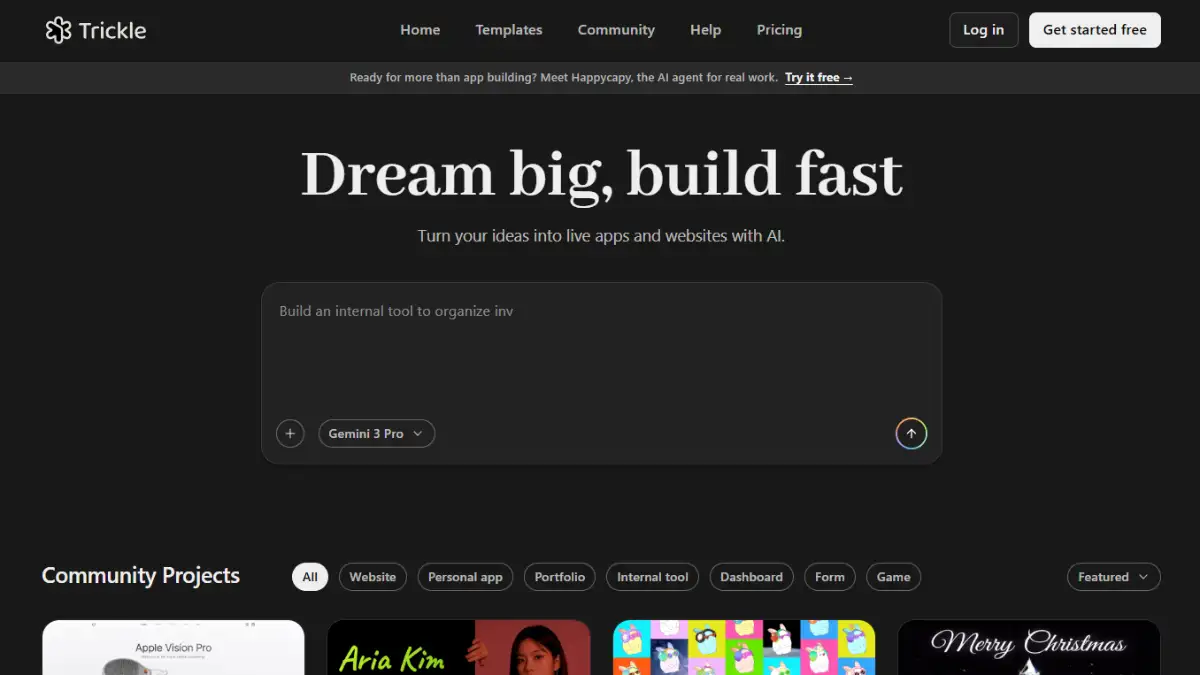
It scores 3.5, and the chat-based iteration paired with a visual "Magic Canvas" makes tweaking layouts and text smooth. It's built for rapid prototyping and early validation, not as a replacement for a full backend engineering environment.
- Best for: marketers and solo builders validating an idea fast
- Figma-to-app and Excalidraw sketch-to-app conversion built in
- Bundled Supabase database, one-click deployment, and SSL provisioning
- Built-in generative media models for images and video
- Watch-out: highly specific product logic hits structural limits, and heavy edits burn credits fast
Read our Trickle review for more. Try it at trickle.so or view the Trickle pricing page.
Best Visual and Design-to-Code Builders
This group is for people who care about the interface as much as the logic. Bubble is a full visual programming environment, Anima converts Figma directly into code, Macaly prioritizes SEO-friendly output, and Workshop pairs a cloud builder with a privacy-focused desktop app. Design freedom runs highest here, and so, in Bubble's case, does the learning curve.
Bubble
Bubble.io is a full-stack visual development platform that works more like a visual programming environment than a simple drag-and-drop builder. It bundles front-end design, back-end logic, a relational database, and hosting into one ecosystem, which is why so many non-technical founders use it to launch and scale real products.
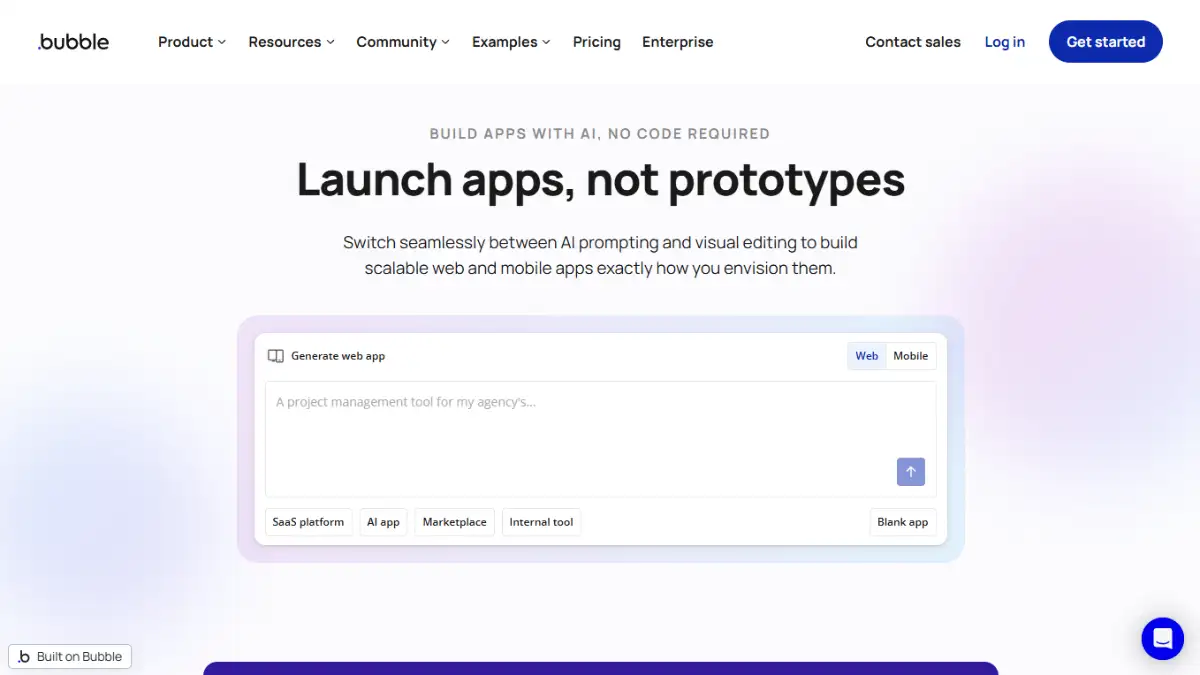
It scores 4.0 with perfect 5.0 marks on both flexibility and design freedom, the strongest design scores on this list. AI features can now generate pages, workflows, and database schemas from natural language to jump-start a build.
- Best for: builders who need complex conditional workflows and pixel-level control
- Deep support for API integrations and scheduled background tasks
- Native iOS and Android apps via React Native from a shared backend
- SOC 2 Type II, GDPR compliance, and a security vulnerability scanner
- Watch-out: there's no source-code export, so leaving later means a full rewrite, and the first month is rough
Our Bubble review covers the learning curve. Try it at bubble.io or see the Bubble pricing page.
Anima
Anima is a design-to-code platform that bridges Figma, Sketch, and Adobe XD with front-end development. It converts static UI designs, URL clones, or prompts into responsive React, Vue, HTML/CSS, Tailwind, and TypeScript code, and it's genuinely fast at going from a Figma file to a working scaffold.
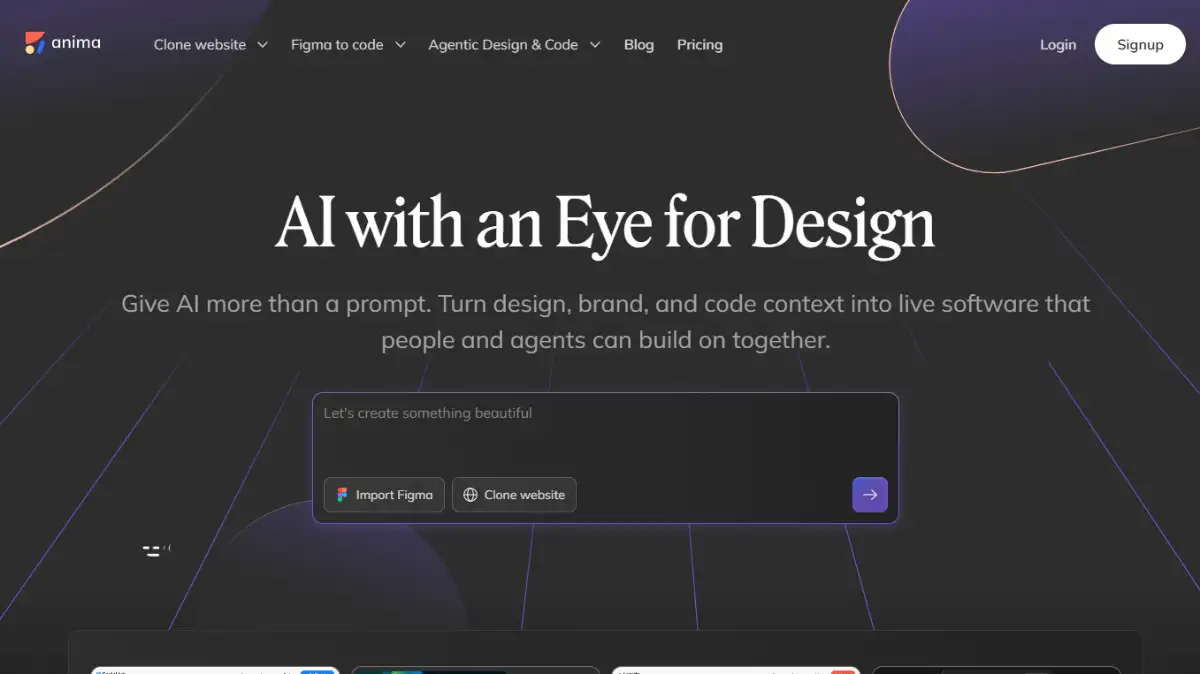
It scores 4.0, strongest at rapid prototyping and proof-of-concept front-end work. Code quality depends heavily on how cleanly the original Figma file is structured, which is the recurring theme in reviews.
- Best for: design teams converting Figma layouts into a real code scaffold in minutes
- Plugin support for Figma, Sketch, and Adobe XD, plus VS Code and Cursor workflows
- Converts static screens into interactive prototypes with hover states and breakpoints
- Aligns output with existing component libraries and design tokens
- Watch-out: mobile responsiveness is the top complaint, and messy Figma structure produces tangled code
See our Anima review for full scoring. Try it at animaapp.com or check the Anima pricing page.
Macaly
Macaly is an AI-first website and web app platform where you describe a site, app, or internal tool in plain language or by voice, and it generates the whole thing: hosting, database, SSL, and all. Its standout trait is production-ready, SEO-optimized, server-rendered HTML, which sets it apart from client-side-only builders.
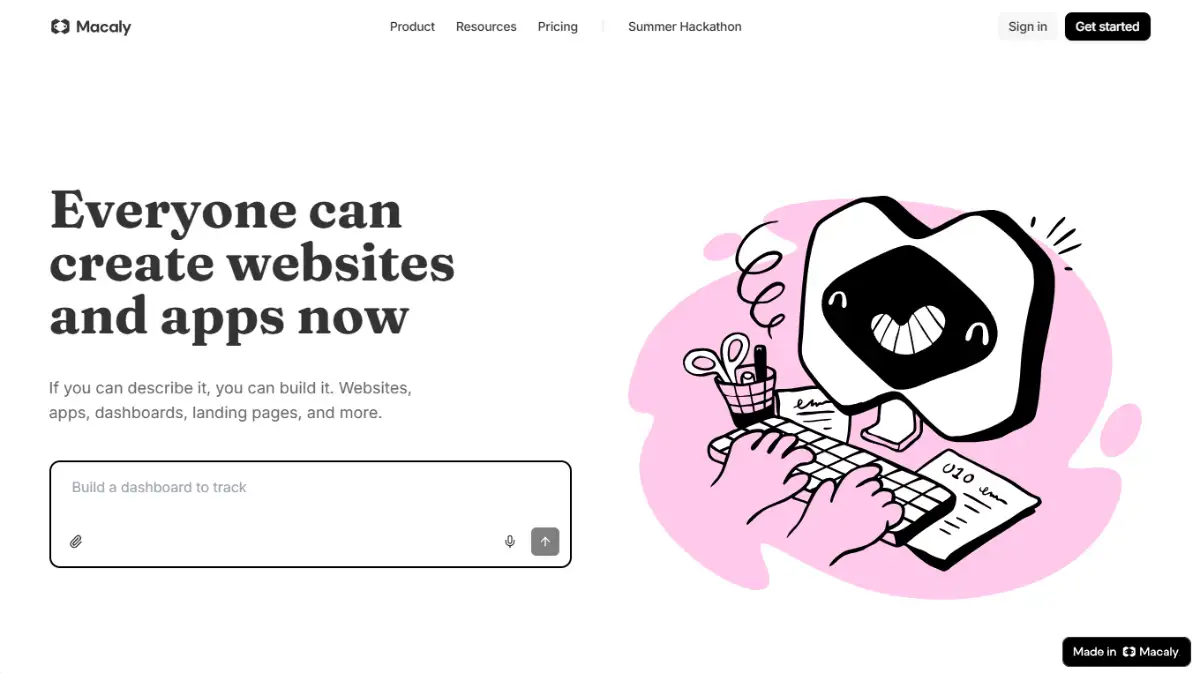
It scores 3.5, and the dev team ships fixes fast enough that public complaints about support are hard to find. You can also export your codebase to GitHub if you want real version control or a developer hand-off.
- Best for: founders and marketers who need search-friendly output from day one
- Real-time previews and plan-mode checkpoints for mobile and desktop layouts
- Global design styles, built-in CMS, and AI image generation
- Goes from a text or voice prompt to a live hosted app in minutes to hours
- Watch-out: niche UI patterns usually need manual cleanup, and full code access sits on higher tiers
Our Macaly review has the details. Try it at macaly.com or view the Macaly pricing page.
Workshop
Workshop is a full-stack AI development platform built to go beyond chat prototypes, generating production-grade web apps, dashboards, and internal tools through conversation. It bundles a frontend, a FastAPI backend, database integration, and authentication together rather than leaving you to wire them up.
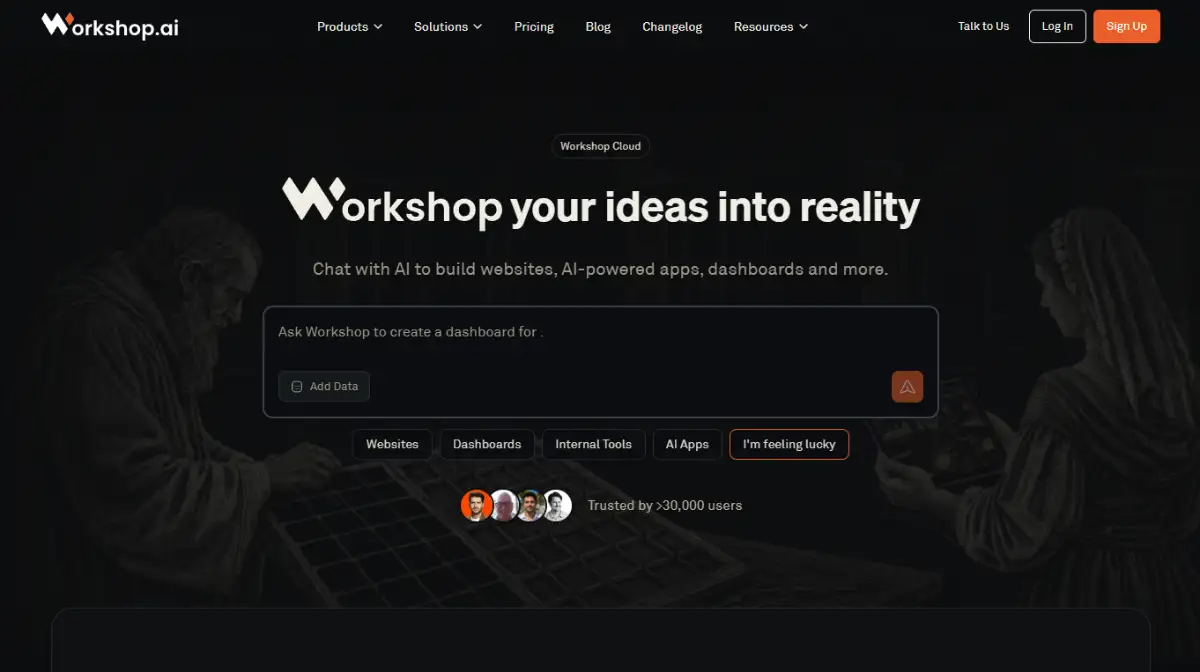
It scores 3.5, and its dual approach is the differentiator: prototype fast in Workshop Cloud, then move to Workshop Desktop for local Git control, file privacy, and even local model support through Ollama or LM Studio.
- Best for: privacy-conscious builders who want cloud speed plus local control
- Built-in access to Claude, ChatGPT, and Gemini with per-task model switching
- One-click deployment to serverless infrastructure with scale-to-zero pricing
- Desktop version runs local open-source models for private development
- Watch-out: complex architectures need manual debugging, and the plugin ecosystem is still small
Read our Workshop review for more. Try it at workshop.ai or see the Workshop pricing page.
Best AI-Agent and Multi-Agent Platforms
The newest frontier in vibe coding is agents that plan and execute autonomously rather than just generating code on request. Atoms coordinates a whole team of specialized agents, Manus AI runs in its own cloud virtual machine, Rocket pairs building with market research, and Emergent leans on speed. These are ambitious, and their credit systems are the thing to watch most closely.
Atoms
Atoms is built by the team behind MetaGPT and OpenManus, and it functions more like a "vibe business team" than a code generator. It coordinates specialized agents, a Product Manager, Engineer, SEO Specialist, and Data Analyst, to take a raw idea and turn it into a shippable, revenue-oriented SaaS or web app.
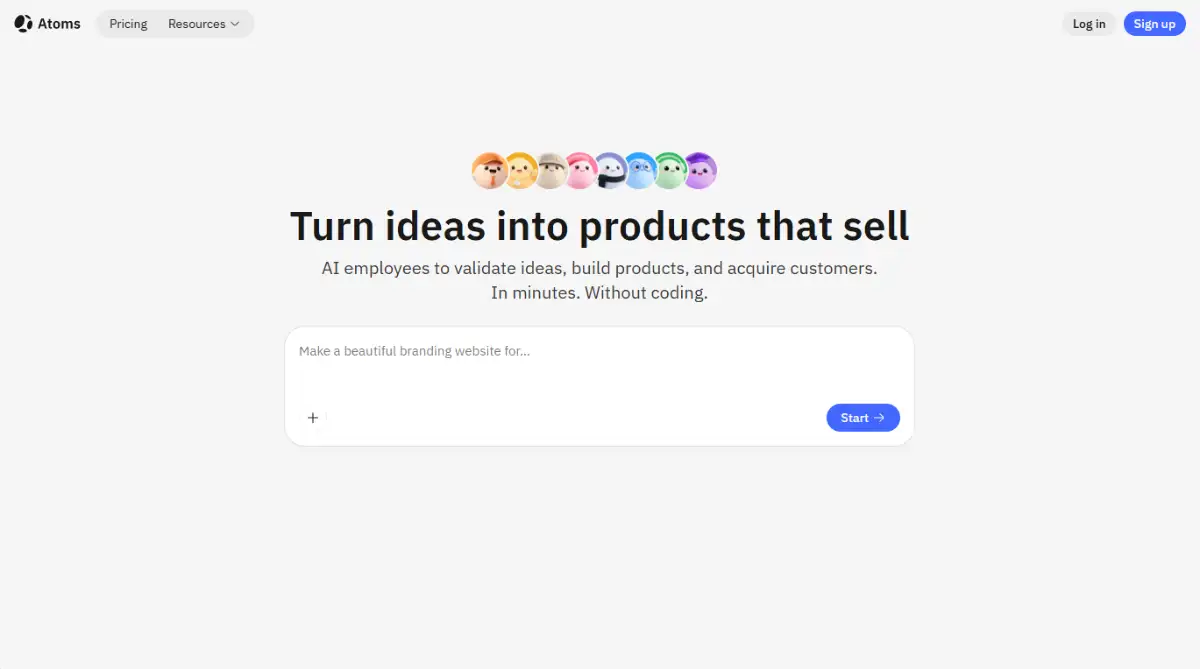
It scores 3.5, and its Race Mode runs a prompt across multiple frontier models at once so you can pick the best output. Generated routes are real and production-ready via Atoms Cloud, with full code export or GitHub sync to avoid lock-in.
- Best for: non-technical founders who want validation, code, and SEO in one workspace
- Distinct agent roles instead of one generalist model doing everything
- Serverless Postgres, built-in auth, and Stripe payments provisioned automatically
- Deep Research Mode and idea-validation agents built in
- Watch-out: predicting monthly credit cost is genuinely hard, and heavy iteration forces upgrades
Our Atoms review covers the agent model. Try it at atoms.dev or view the Atoms pricing page.
Manus AI
Manus AI is an autonomous, general-purpose agent that operates inside a cloud-hosted virtual machine with a real browser, terminal, and file system. It breaks a prompt into a step-by-step plan, runs terminal commands, navigates web pages, generates code, and deploys full-stack prototypes.
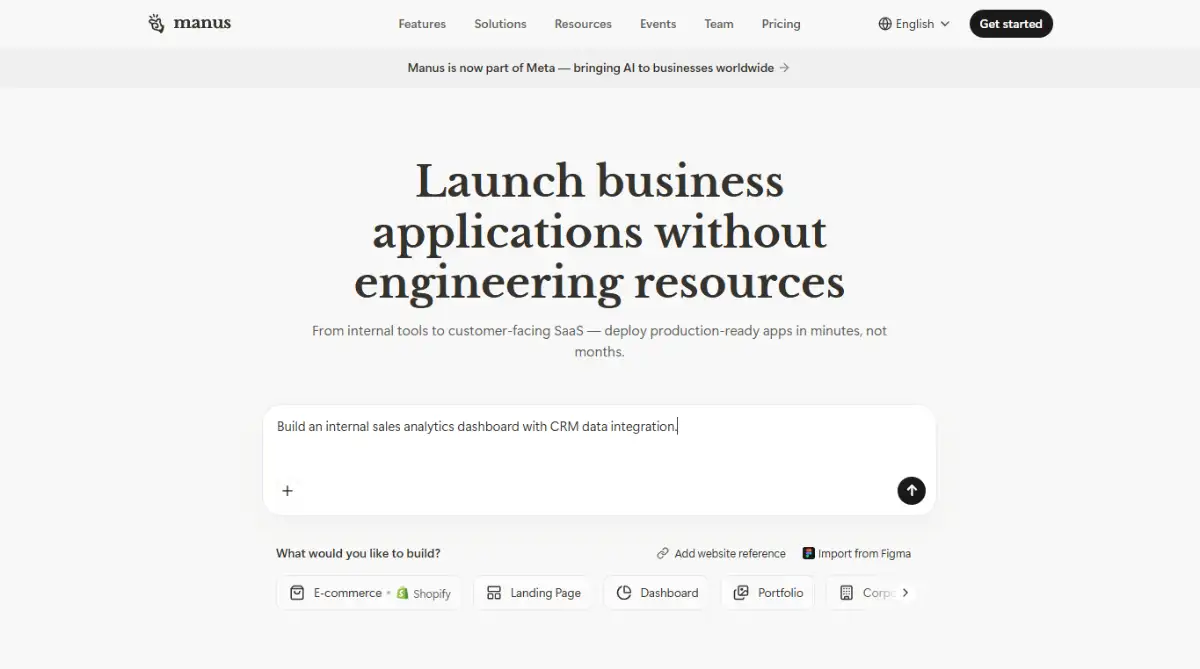
It scores 3.0, and its real strength is deep asynchronous research: you can assign a multi-step task, close the tab, and return later to finished output. For production software or predictable budgets, it's a weaker fit.
- Best for: researchers and founders who need automated analysis plus quick prototypes
- Outperforms standard LLM browsing for scraping and cross-source synthesis with citations
- Generates working full-stack prototypes with UI, database, auth, and hosting
- Asynchronous cloud execution runs while you're offline
- Watch-out: the credit system deducts regardless of success, and each task wipes context unless you download it
See our Manus AI review for scoring. Try it at manus.im or check the Manus AI pricing page.
Rocket
Rocket calls itself a "Vibe Solutioning" platform, and its distinct angle is bundling market research reports, competitor monitoring, and app building into one tool. It generates frontends, backends, databases, and integrations at once using React, Next.js, and Tailwind, with clean code that syncs to GitHub instantly.
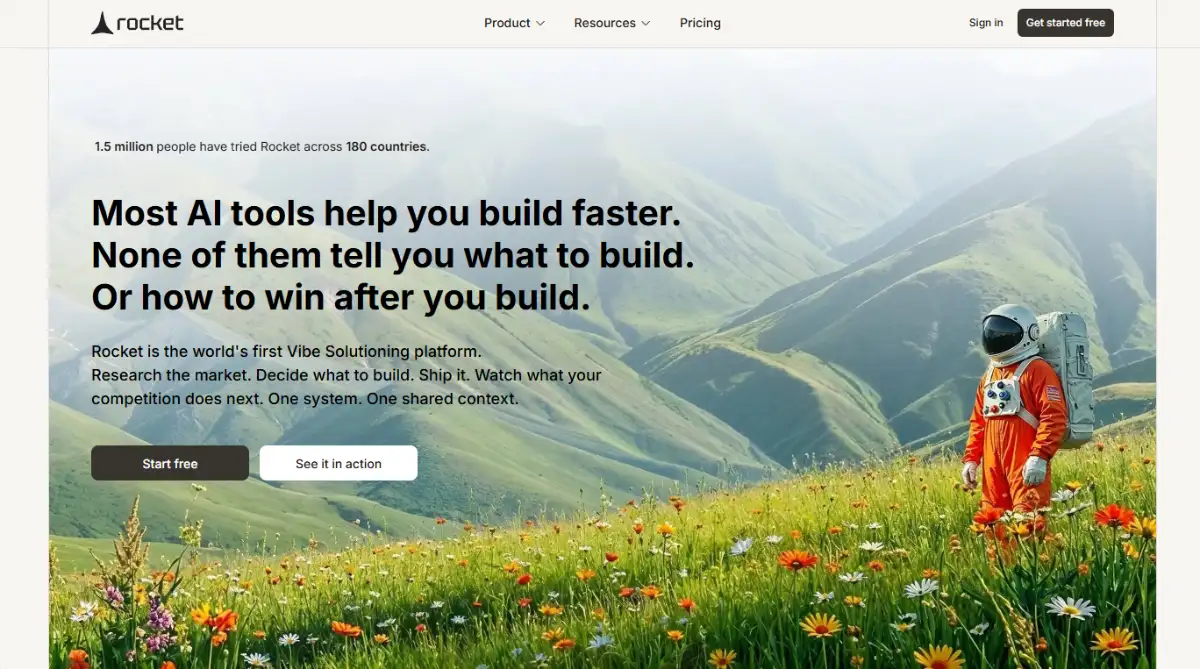
It scores 3.0 with usability at 5.0, and its support team is praised for helping with complex integrations and payment gateways. The built-in Solve and Intelligence features track competitors, hiring signals, and pricing changes alongside your build.
- Best for: founders validating ideas who want market intelligence in the same place
- Clean, ownable code with full GitHub export and 2-way sync
- Automated cloud deployment with Stripe, Analytics, and Supabase integrations
- SOC 2, ISO 27001, GDPR, and CCPA compliance
- Watch-out: token-based pricing consumes quickly, and default templates look similar across apps
Our Rocket review has the full breakdown. Try it at rocket.new or see the Rocket pricing page.
Emergent
Emergent is a Y Combinator-backed vibe coding app builder that generates full-stack applications from plain-English prompts. It produces actual, exportable React code with backend databases and integrations, and speed is the main draw: functional MVPs in hours rather than weeks.

It scores 3.0, and the honest read is that it's excellent for prototyping but rough at scale. Credit consumption is heavy, support is ticket-only, and data-persistence issues have caused real user frustration, so it works great until it doesn't.
- Best for: fast MVP validation where you'll export the code and move on
- Browser-based VS Code environment for both non-coders and developers
- Multi-model AI support including Claude and GPT
- Over 200 integration categories, from Stripe to Notion to Shopify
- Watch-out: the free tier is misleading, and the AI can loop, break unrelated files, or lose data on migrations
Read our Emergent review for the caveats. Try it at emergent.sh or view the Emergent pricing page.
Decision Framework: How to Pick the Right Tool
There's no single best vibe coding tool, only the best one for your situation. Work through these five questions in order, because the first one you answer "yes" to usually narrows 25 options down to two or three. Match your scenario to the recommendations below and start a free trial before you pay anything.
| Your Situation | Start With | Why |
|---|---|---|
| You want to spend nothing to start | Google AI Studio, Playcode | Generous free tiers and low friction |
| You're shipping a native mobile app | Vibecode, Dreamflow, Anything | Real React Native or Flutter output |
| You can read code and want full control | Cursor, Weweb, v0 | Ownable code and no lock-in |
| You need a full app with backend, fast | Blink, Lovable, Hercules | Database, auth, and hosting in one pass |
| You care most about design and SEO | Bubble, Anima, Macaly | Pixel control or server-rendered output |
| You want research plus building | Rocket, Atoms, Manus AI | Market intelligence and agent workflows |
Two rules make the choice safer. First, weigh credit pricing over the sticker price, since a $20 plan that loops on debugging can cost more than a $30 plan that edits precisely. Second, if you ever plan to hand the project to a developer, filter hard for code export and GitHub sync early, because tools like Bubble and Base44 make leaving genuinely painful later.
Start exploring launch-ready no-code and vibe code templates here!
FAQ
What is vibe coding in simple terms? Vibe coding means building software by describing what you want in plain language while an AI writes the code, sets up the database, and handles hosting. You steer the build through conversation and visual edits instead of typing syntax, then refine the result until it works.
Are there free vibe coding tools? Yes. Google AI Studio offers an unusually generous free tier through its API-based pricing, and most other tools here provide limited free trials. Just watch daily credit caps, because free tiers on platforms like Bolt and Emergent can be used up in one or two multi-file prompts.
Can you build real production apps with vibe coding tools? Sometimes, but it depends on complexity. Tools like Lovable, Blink, and Bubble handle production MVPs well, while heavy custom logic often needs manual code cleanup. Most platforms nail the first 80% of an app quickly, then slow down on edge cases and complex debugging.
Do vibe coding tools let you export your code? Many do, though not all. Cursor, Weweb, Lovable, and Vibecode offer clean code export or GitHub sync, which prevents lock-in. Others, notably Bubble and Base44, keep your backend or logic inside the platform, so leaving later can mean rebuilding from scratch.
What is the difference between vibe coding and no-code? No-code relies on visual drag-and-drop interfaces with preset components, while vibe coding uses natural-language prompts that an AI translates into actual code. The line is blurring in 2026, and several tools here, like Bubble and Macaly, now combine both approaches in one workflow.
Start building without code
Browse thousands of no-code templates for Webflow, Framer, Bubble, Lovable, Replit and more.
Explore Templates