Wegic
Build a Website That Grows Your Business
AI website builder with no-code editor. Chat with AI to create custom websites in minutes. Features AI-guided design, easy editing, one-click publishing, mobile-responsive templates, SEO optimization, custom domains, and hosting included for portfolios, blogs, and businesses.
Trial pack
Starter
Premium
20
ready to use- AI Copilot chat builder
- Drag-and-drop editor
- AI design suggestions
- Customizable templates
- One-click publishing
- Mobile-responsive design
- SEO optimization
- Custom domain support
- Built-in hosting
- No coding required
- Fast website creation
- Industry-specific guidance
Wegic at a glance
Overall Score
Wegic builds websites through conversation, no dragging elements around a canvas, no code, just describing what you want to an AI that acts like a small team of designer, developer, and manager rolled into one. It's aimed at solo founders, indie hackers, and small business owners who want a functional multi-page site or landing page fast, without any technical setup.
Best for: people who want to talk their way to a working website. Professional designers or anyone needing deep custom code control will likely find the guardrails restrictive, since there's no raw code export.
Pros
- Building happens entirely through natural language chat, no drag-and-drop or coding required at any point
- Goes from a vague idea to a fully structured, responsive multi-page site in under a minute
- The "Circle to Edit" feature lets you select an element directly on the page and describe the change, bridging chat and visual precision
- Handles multiple languages natively, making it easy to localize content for different audiences
- Generates clean mobile layouts and solid baseline SEO automatically without extra configuration
Cons
- Credits burn quickly if you're indecisive or a prompt doesn't land right the first time, sometimes even on unsuccessful attempts
- Some users have run into surprise micro-transaction fees and rigid refund policies
- No raw code export or fine-grained CSS control, so professional developers will hit a ceiling fast
- AI-written copy and layout choices sometimes need manual correction to actually match your brand voice
Wegic is a strong pick if you want to skip the whole "learn a builder" phase entirely and just describe your business into existence. The conversational workflow genuinely works, non-technical founders can build something real in minutes, and tools like Circle to Edit make visual tweaks far less frustrating than typing out layout instructions in plain text.
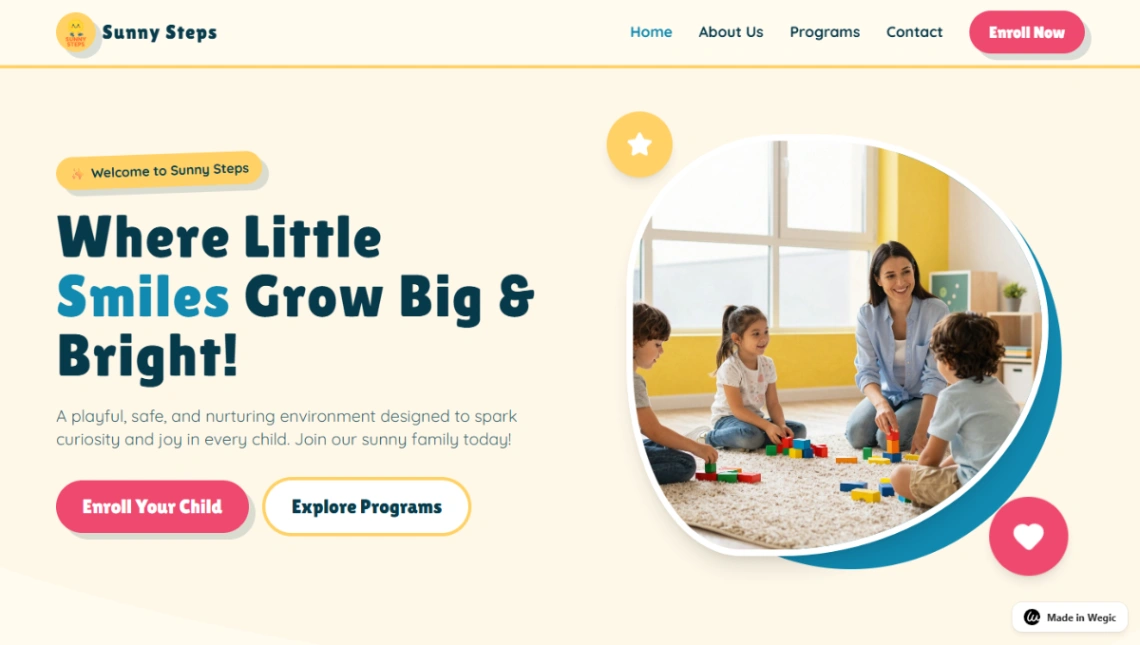
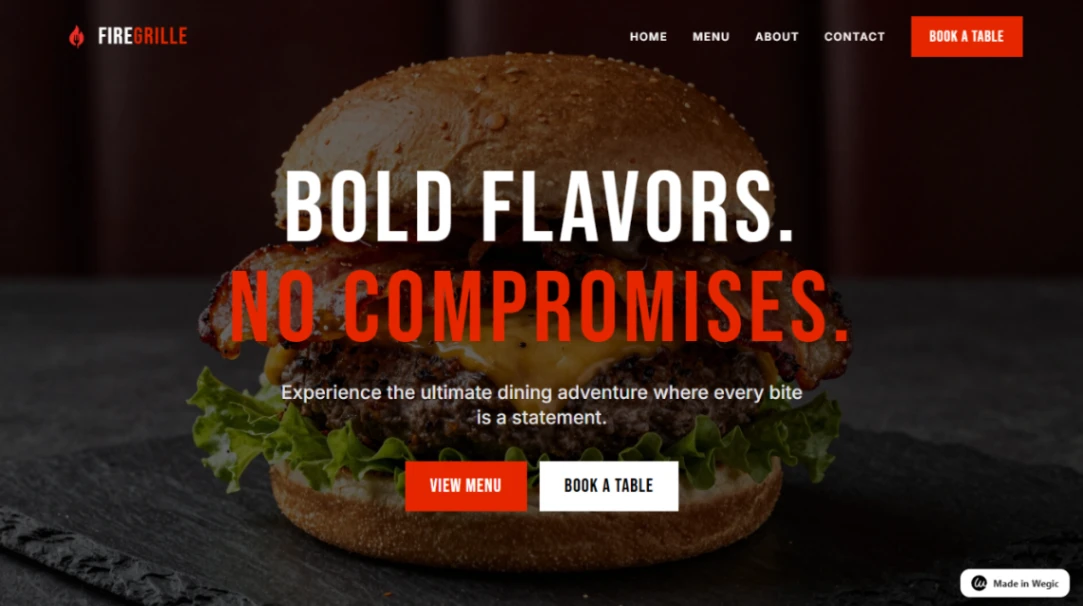
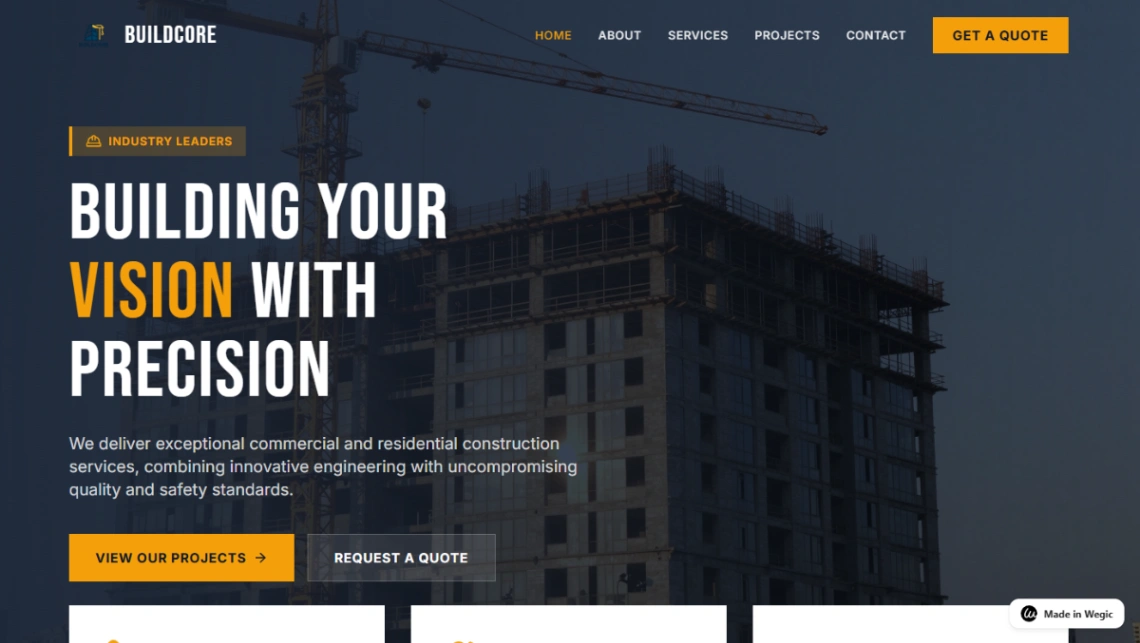
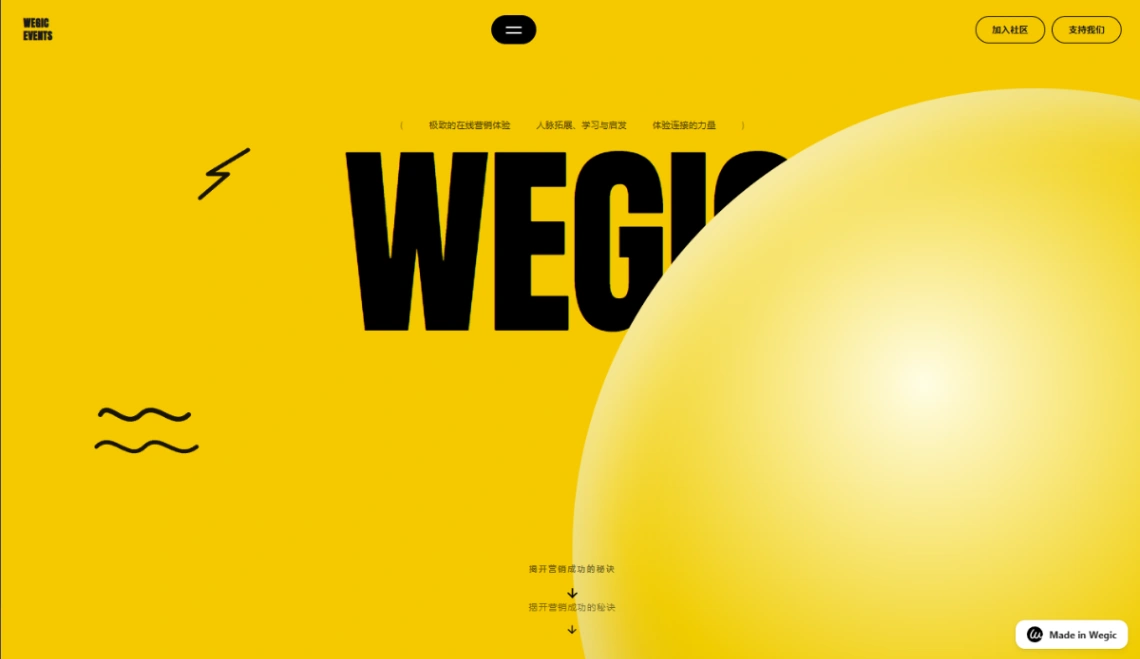
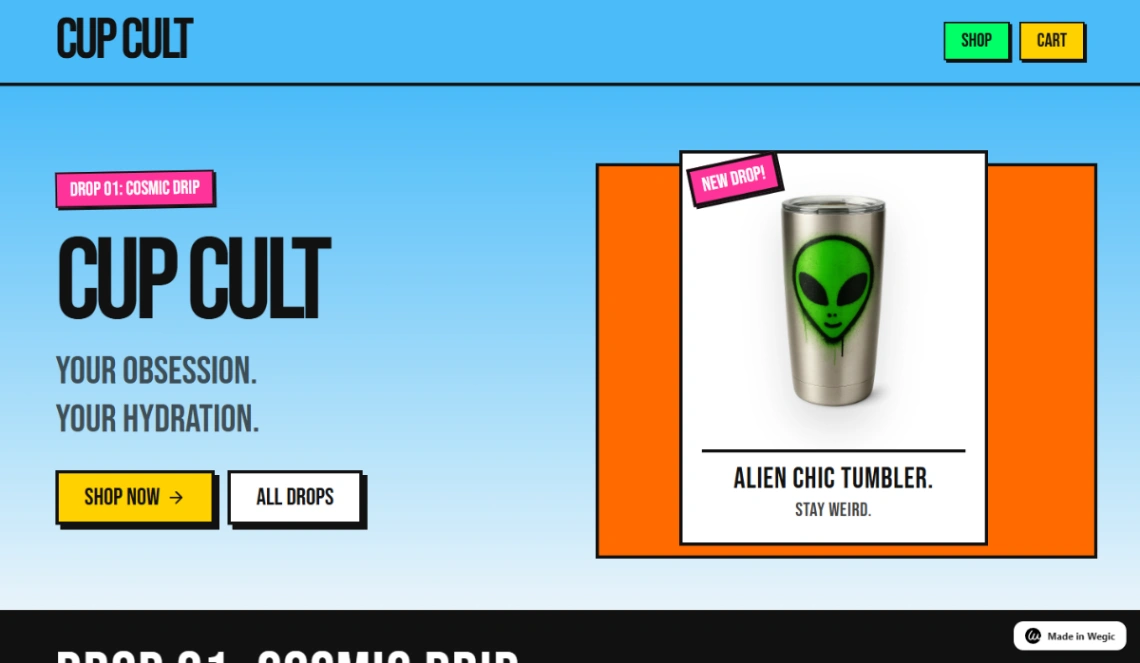
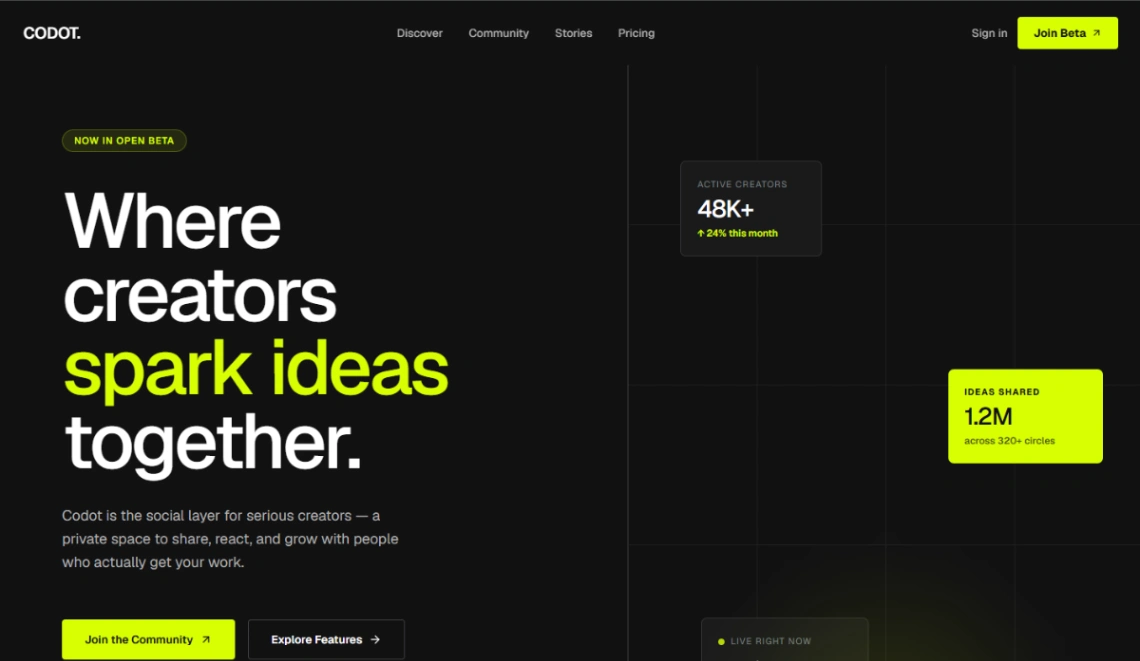
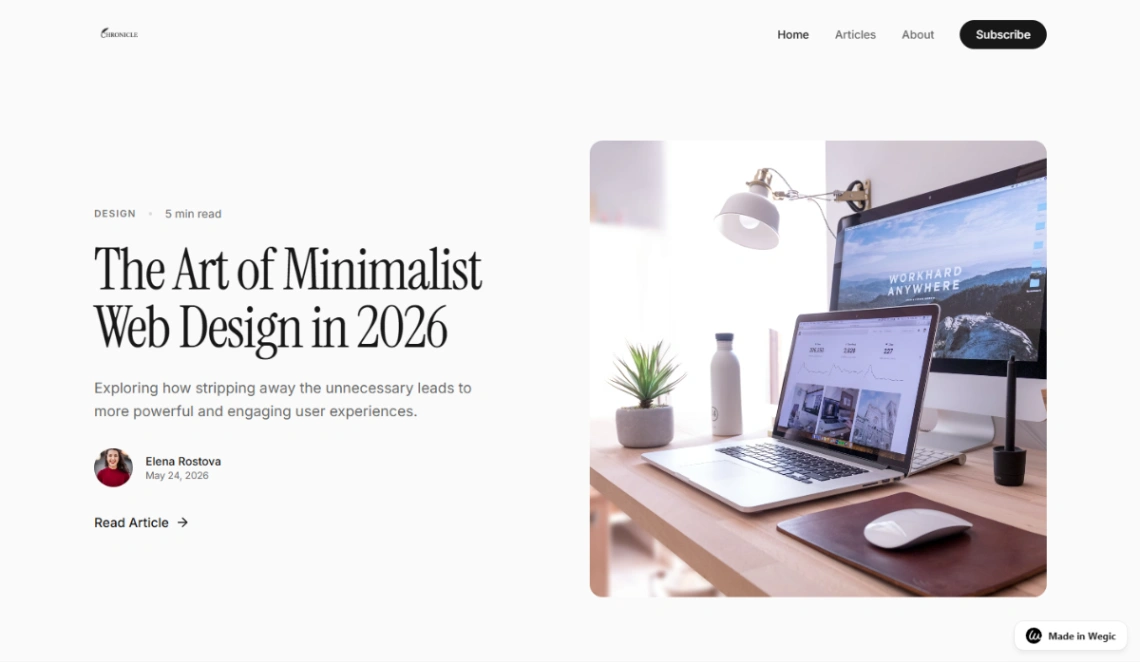
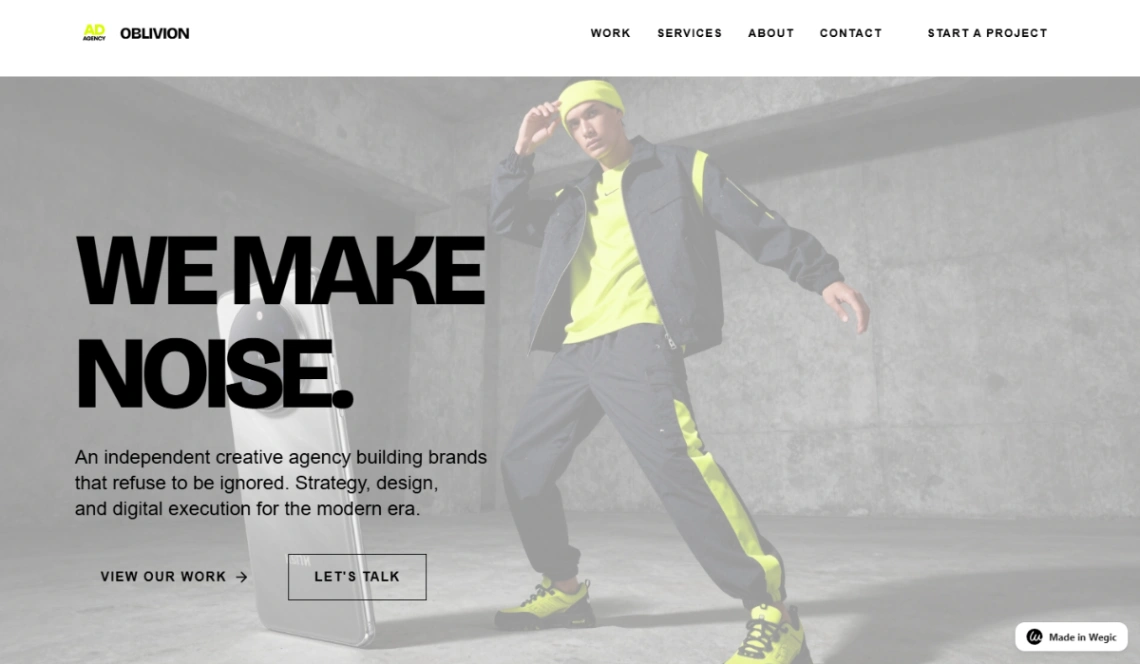
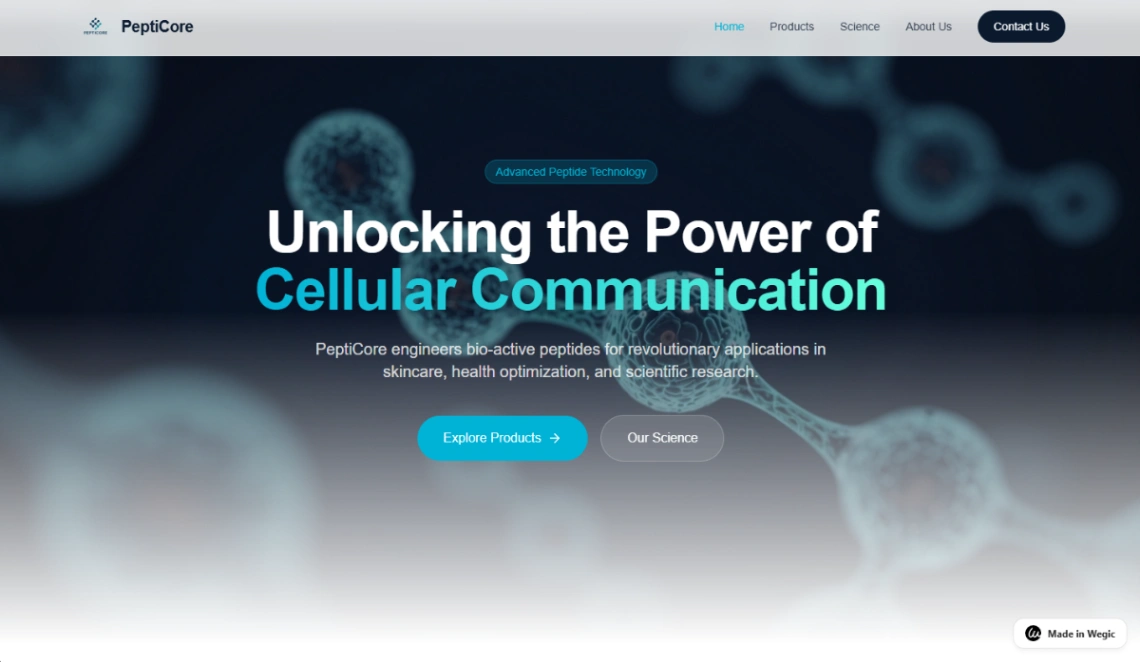
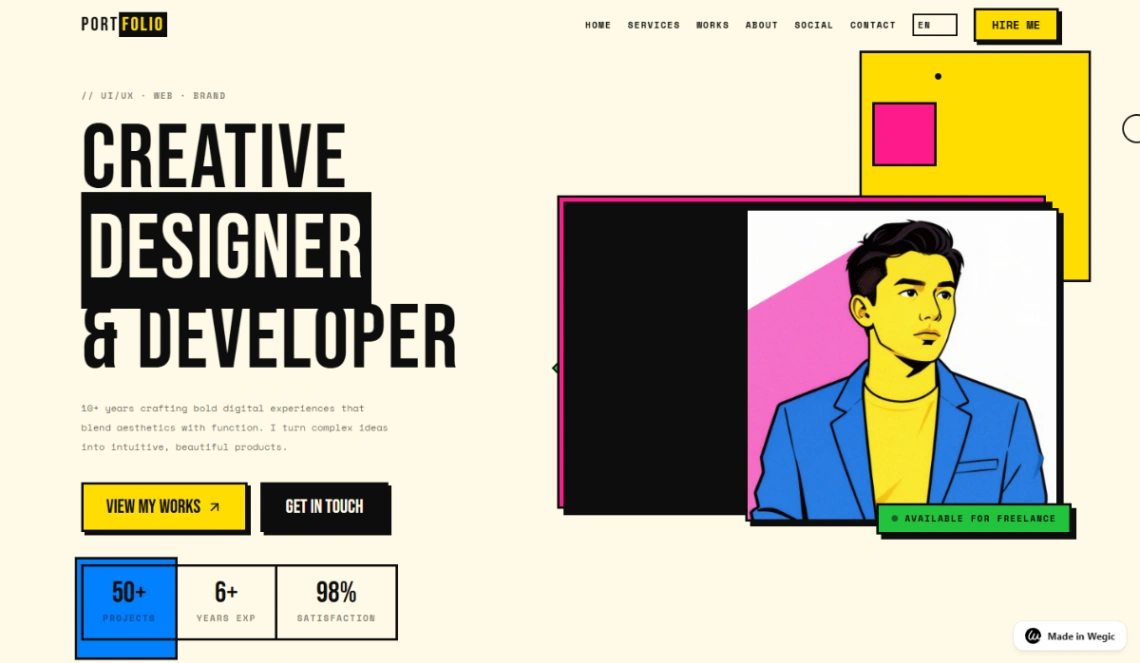
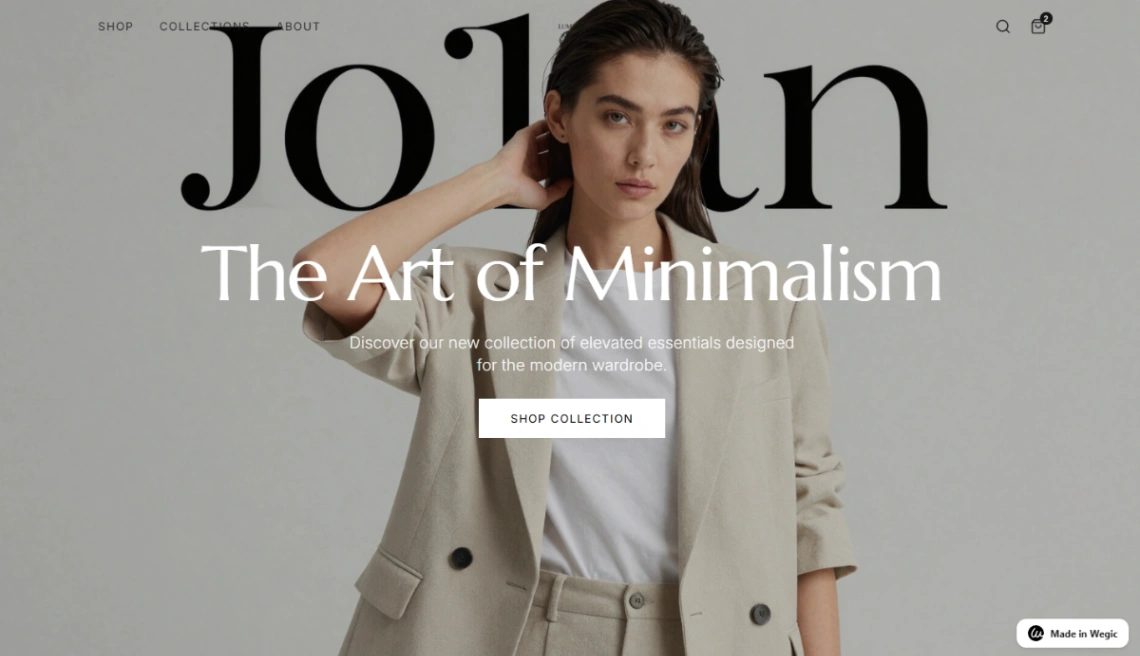
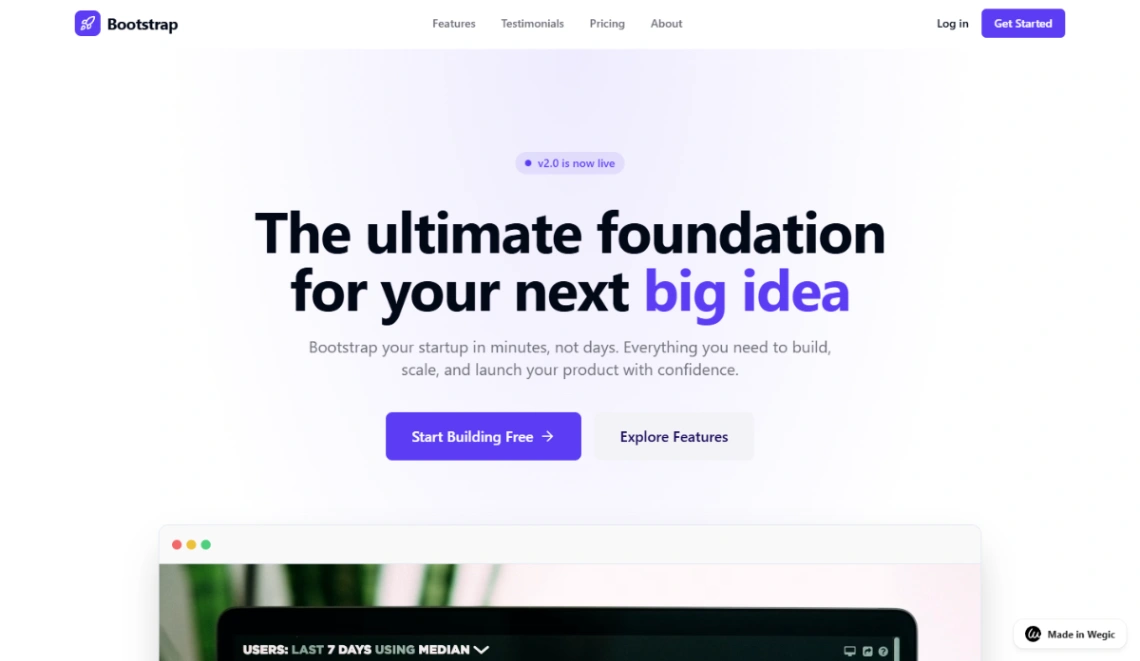
Best Templates from Wegic
Explore stunning templates built with Wegic.