Tally
The simplest way to create forms
Tally is a no-code form builder with a document-like interface trusted by 500,000+ teams worldwide. It offers unlimited forms and submissions on its free plan, including advanced features like conditional logic, payments, file uploads, signatures, and calculations—all without paywalls or submission limits.
Pro
Business
8
ready to use- Notion-Style Block Interface
- Unlimited Forms & Submissions
- Conditional Logic & Branching
- Calculated Fields & Variables
- Answer Piping (@ mentions)
- Hidden Fields (URL Parameters)
- Stripe Payment Collection
- Electronic Signatures
- File Uploads (10MB Free / 1GB Pro)
- Multi-Page Form Structure
- Multi-Column Layout Grid
- Pre-Populate & Pre-Fill Fields
Tally at a glance
Overall Score
Tally is a form builder that feels like typing in a document rather than fighting a traditional form editor. Startups, creators, and small businesses have gravitated to it largely because the free tier includes unlimited forms and submissions, a rare thing among competitors like Typeform and Jotform who cap you fast.
The interface itself: built around a Notion-style, text-document editor using slash commands, which makes form creation feel like writing rather than configuring settings across a dozen menus.
Pros
- The free tier offers genuinely unlimited forms and submissions, including file uploads and Stripe integration, not a stripped-down teaser
- The Notion-style editor with slash commands makes building a form feel like typing, not configuring software
- Forms look clean and professional right out of the box without needing to fuss over styling
- Supports real complexity when you need it, conditional logic, formula calculations, answer piping, hidden fields, multi-page setups
- Native integrations with Notion, Google Sheets, Airtable, Slack, Make, and n8n mean it plugs into an existing workflow easily
Cons
- Heavy custom branding or fine-tuned CSS work feels restrictive compared to more design-focused form builders
- Conditional logic works, but building deeply nested logic trees gets text-heavy and harder to manage than a visual flowchart editor would be
- Built-in analytics cover the basics but lack deeper segmentation or granular drop-off tracking
- Some UI elements, like rating scales or matrix questions, can feel cramped on smaller mobile screens
Tally earns its reputation by doing something simple exceptionally well: making form creation feel like writing rather than configuring. The unlimited free tier alone sets it apart from nearly every competitor, and the fact that it still supports genuine complexity, conditional logic, calculations, multi-page flows, means you don't outgrow it quickly.
Best Templates from Tally
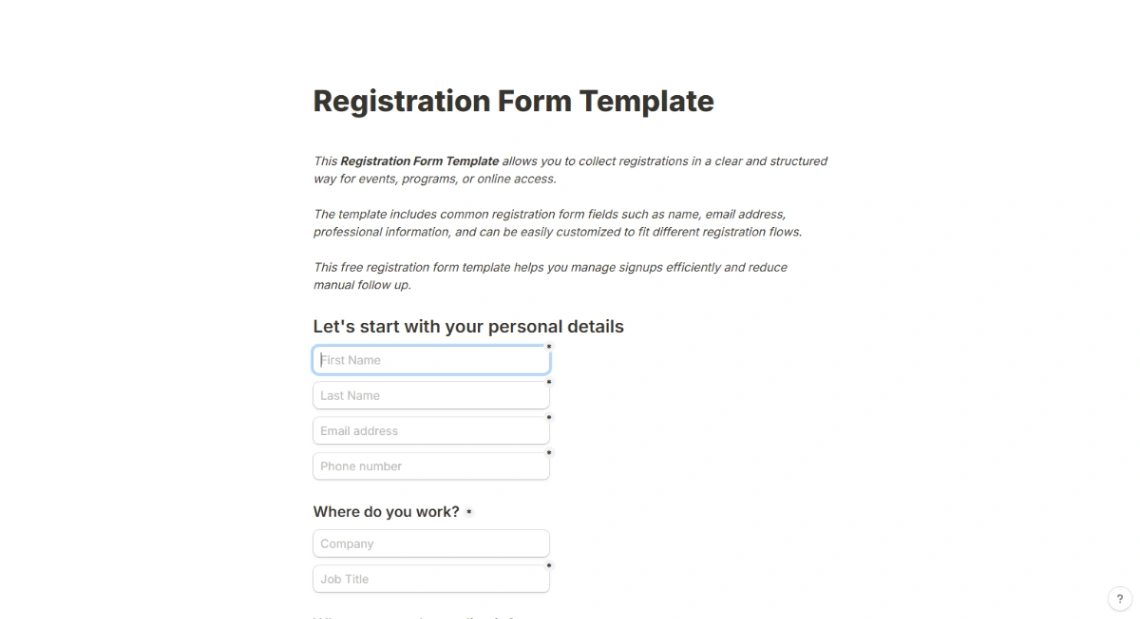
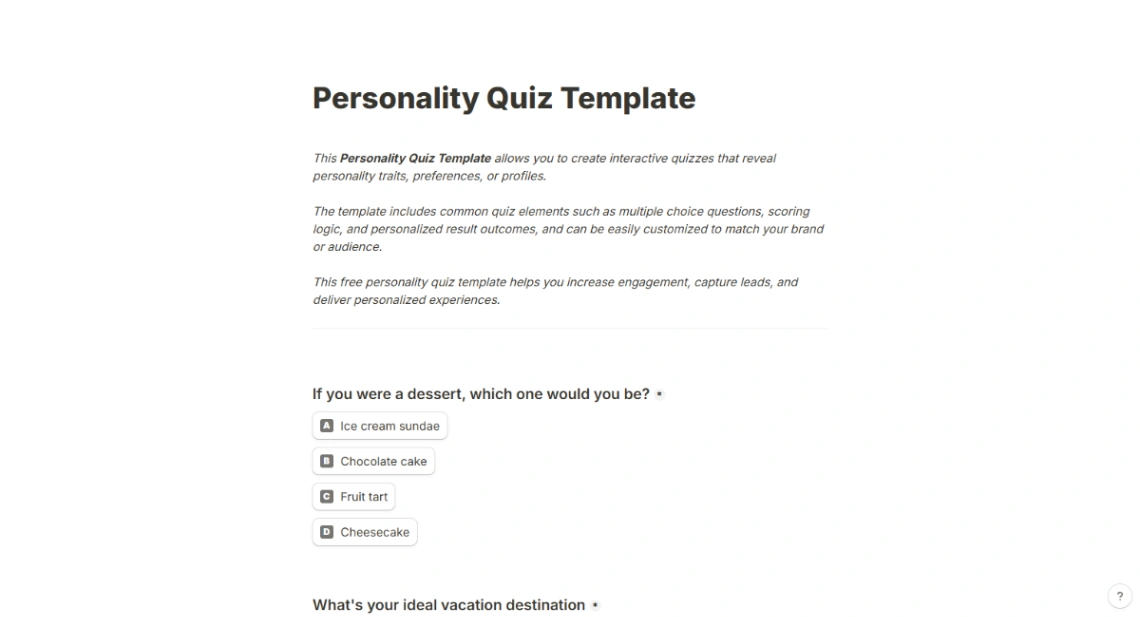
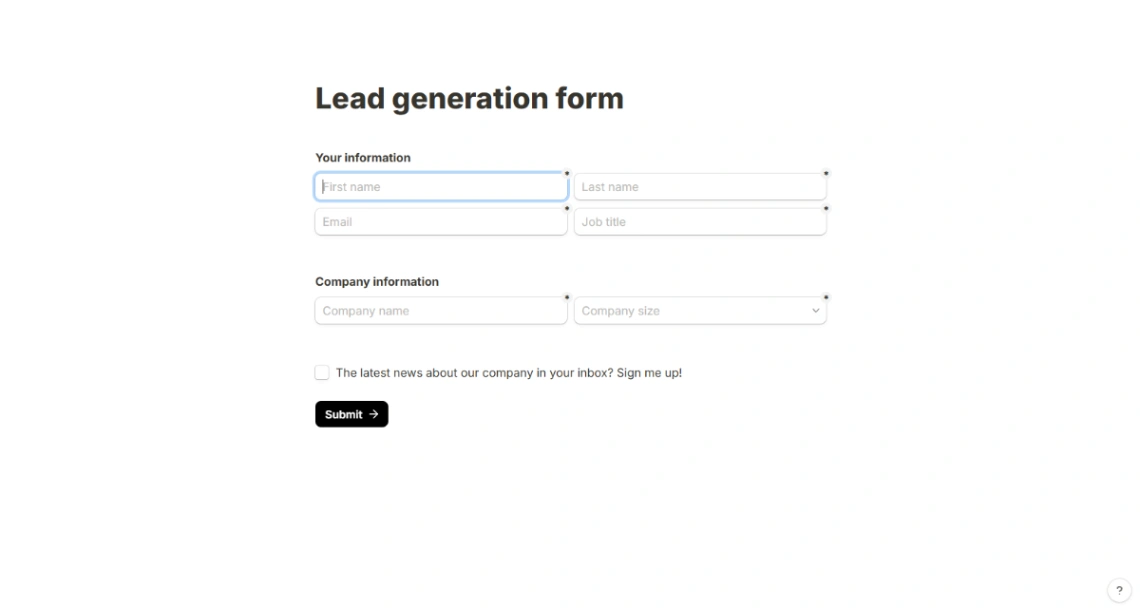
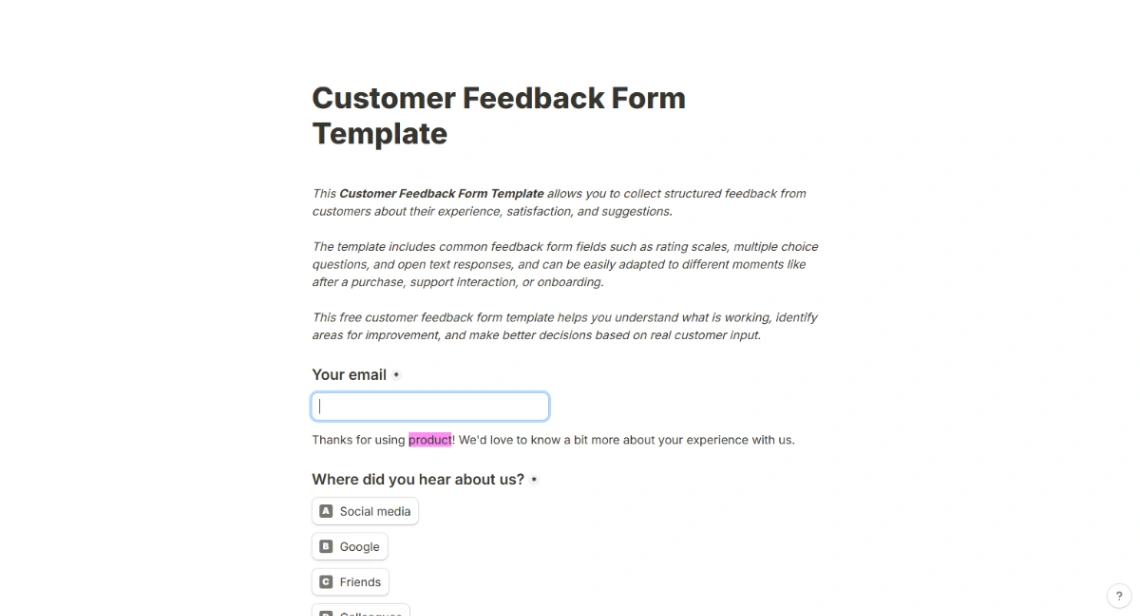
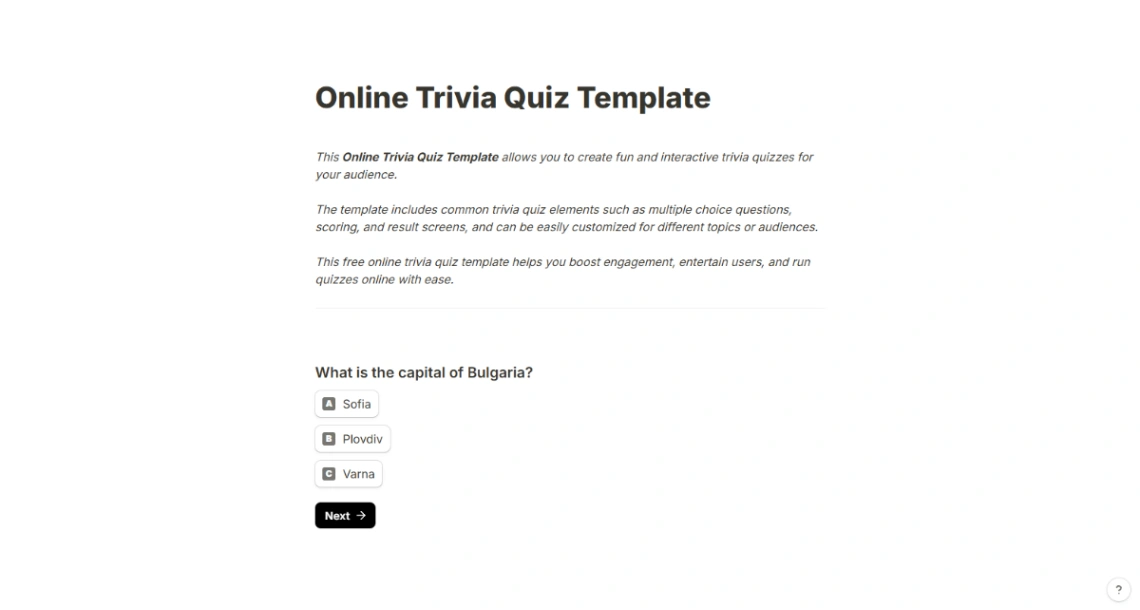
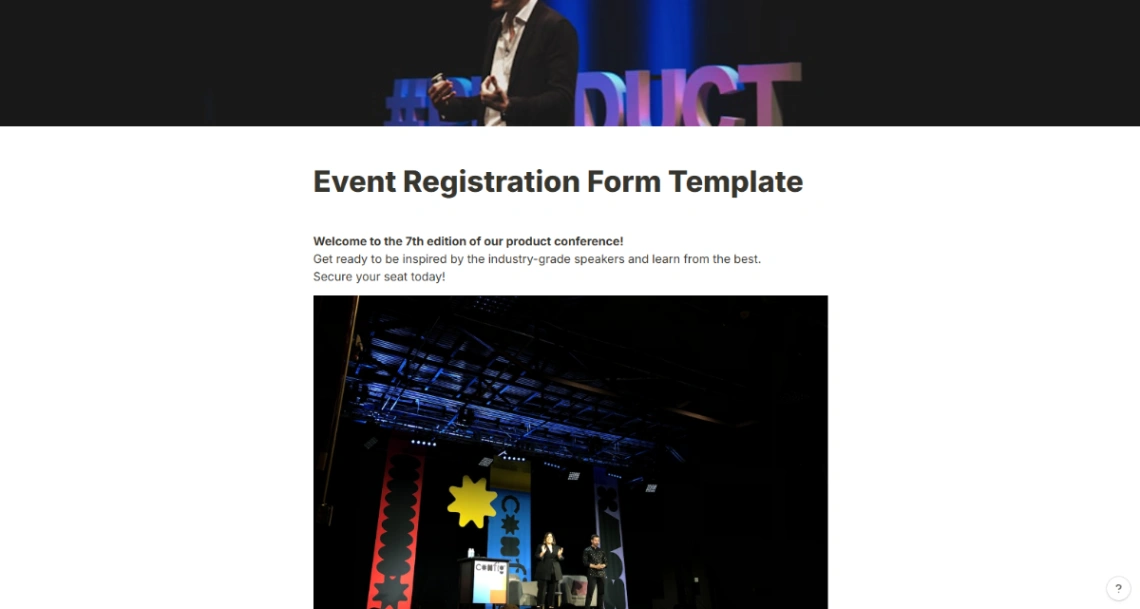
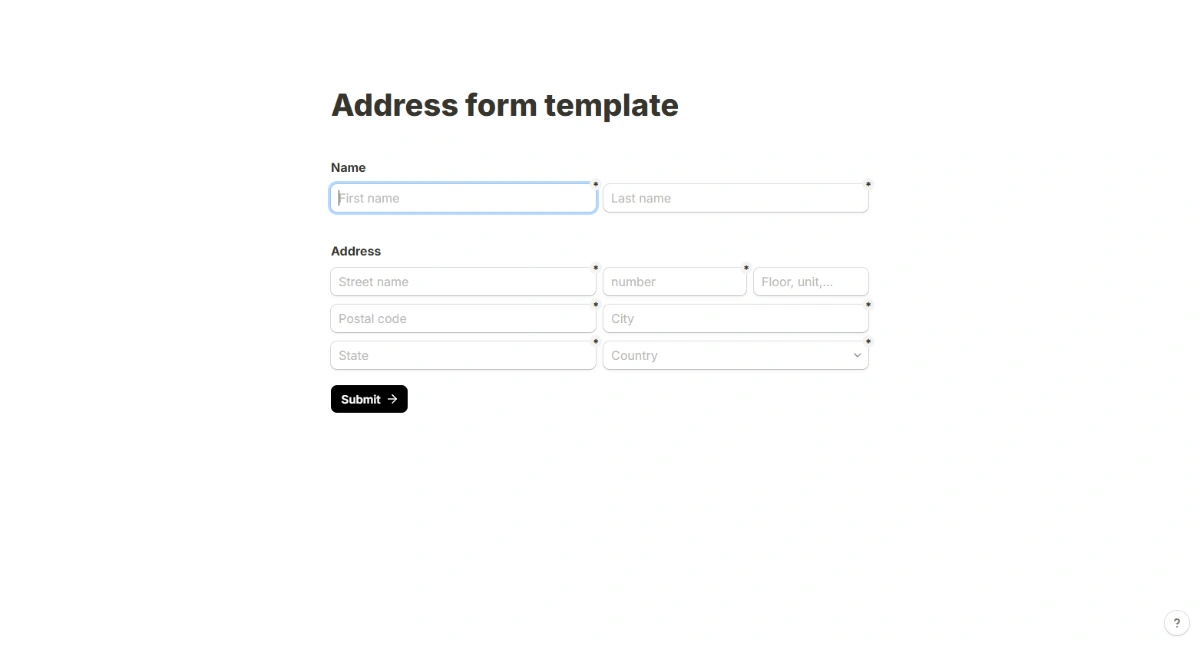
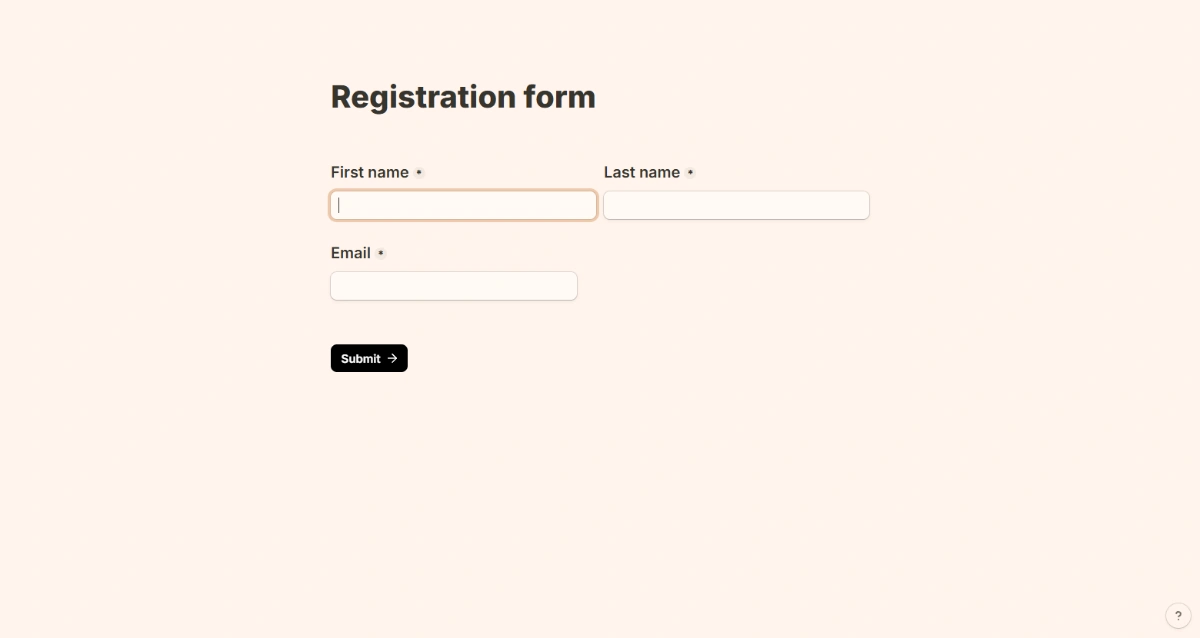
Explore stunning templates built with Tally.