
Jotform
Powerful forms get it done.
Jotform is a powerful, no-code online form builder used by over 35 million people to automate data collection and workflows. It provides an intuitive drag-and-drop interface and a massive library of 10,000+ templates, allowing users to build everything from simple contact forms to complex payment systems and automated approval flows.
Starter
Bronze
Silver
Gold
10
ready to use- No-Code Form Builder
- Drag and Drop Form Builder
- Form Templates
- Embed Forms
- File Upload
- Autoresponder Emails
- QR Code Forms
- Notification Emails
- PDF Document Converter
- Save and Continue Later
- Offline Forms
- Electronic Signature
Jotform at a glance
Overall Score
Jotform is a flexible no-code form builder with 10,000+ templates and 200+ integrations for complex data collection, payments, e-signatures, and conditional workflows. It's built for businesses, healthcare providers, and nonprofits needing fast, reliable data collection without coding.
Why it appeals: drag-and-drop simplicity launches forms in minutes, advanced conditional logic shows/hides fields dynamically, native payments and e-signatures without extra transaction fees, and HIPAA compliance on higher plans. But tier limits cap submissions, support is ticket-only, and layout customization is constrained.
Pros
- Massive ecosystem of 10,000+ templates and 200+ native integrations (Google Sheets, Salesforce, Slack, PayPal, Stripe, Mailchimp, HubSpot).
- Advanced conditional logic allows dynamic forms that show/hide fields, calculate totals, or redirect users based on responses.
- Built-in e-signatures via Jotform Sign and direct payment gateway integrations without Jotform charging extra transaction fees on top.
- Supports 256-bit SSL, GDPR, SOC 2 Type II, and optional HIPAA compliance on higher plans.
- No-code workflow automation with approval workflows and Jotform Tables for centralized submission management.
- Drag-and-drop editor is intuitive; non-technical users launch functional forms in minutes.
Cons
- Strict tier limits cap monthly submissions and payment submissions, triggering automatic upgrade notices when exceeded.
- Fundamental block layouts are pre-set; custom layout tweaks are limited compared to dedicated web design platforms.
- App Builder creates web-wrapper apps that cannot publish directly to native App Stores.
- Standard tiers rely on ticket-only support with 24-hour response times; no direct live phone or instant chat.
- Free plan includes mandatory Jotform watermarks on forms.
- Heavy conditional logic makes backend editor visually cluttered and slightly sluggish to edit.
Jotform is ideal for businesses and nonprofits needing powerful form capabilities with conditional logic, payments, and compliance without building custom integrations. The template library and ease of use deliver genuine value for quick launches.
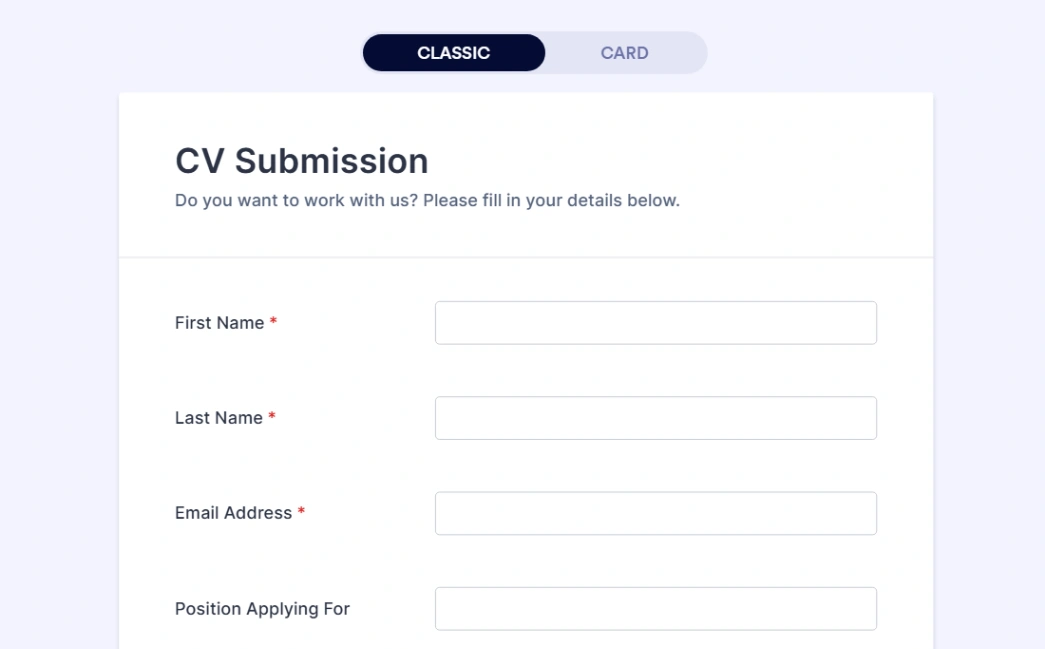
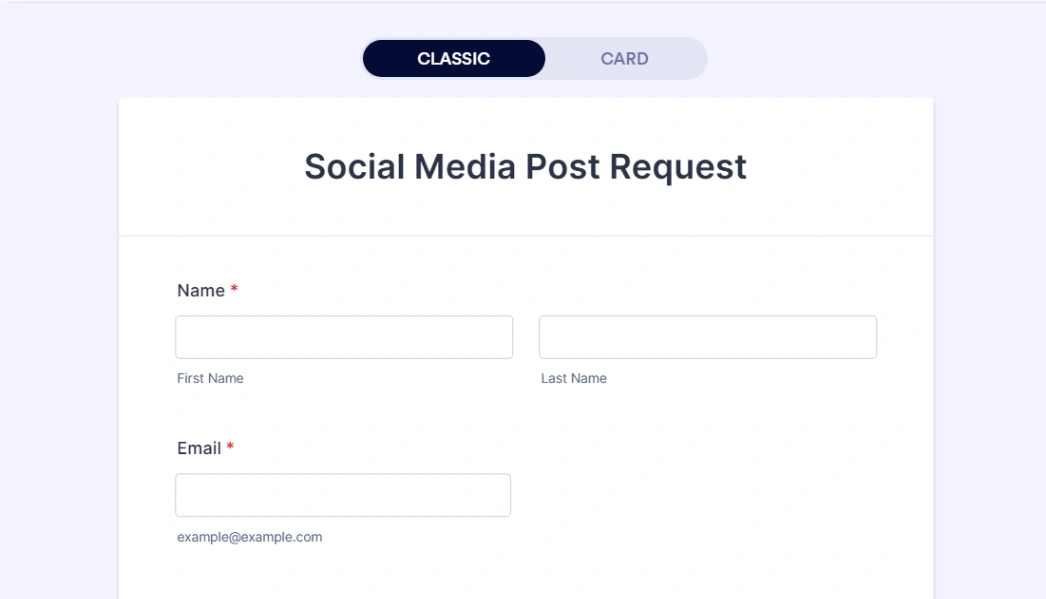
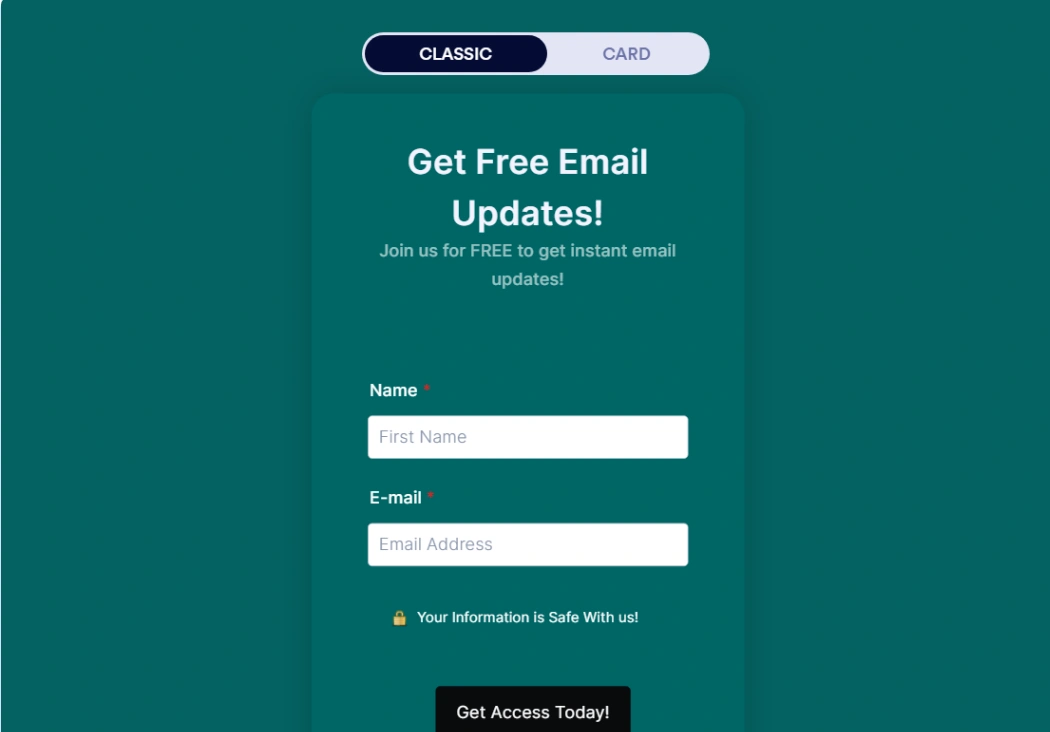
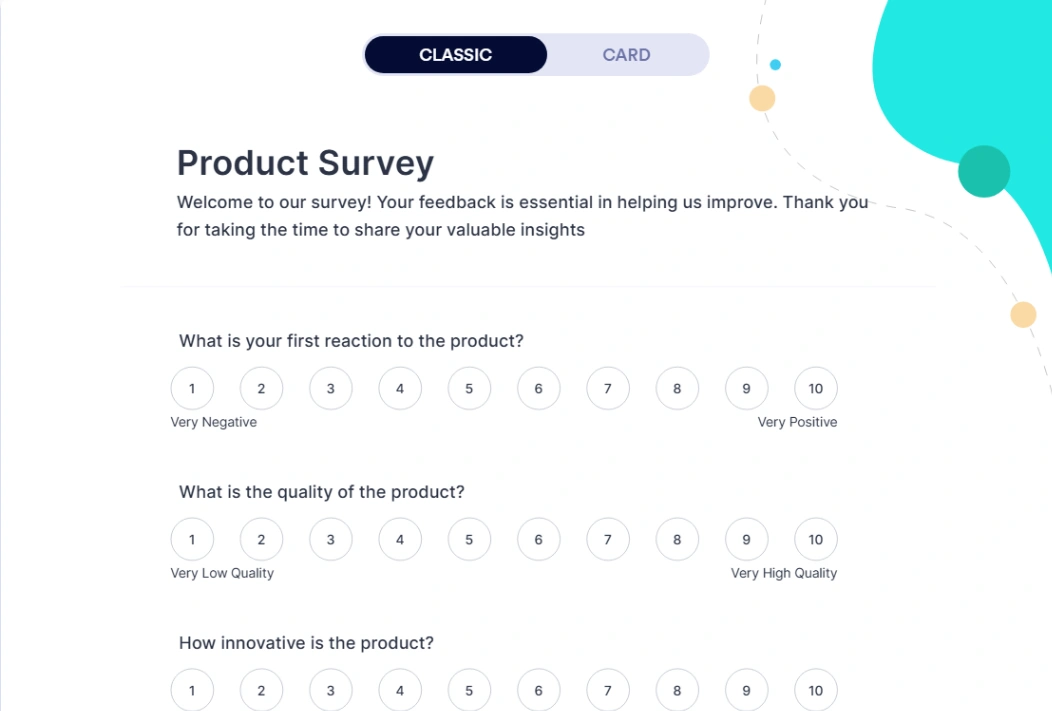
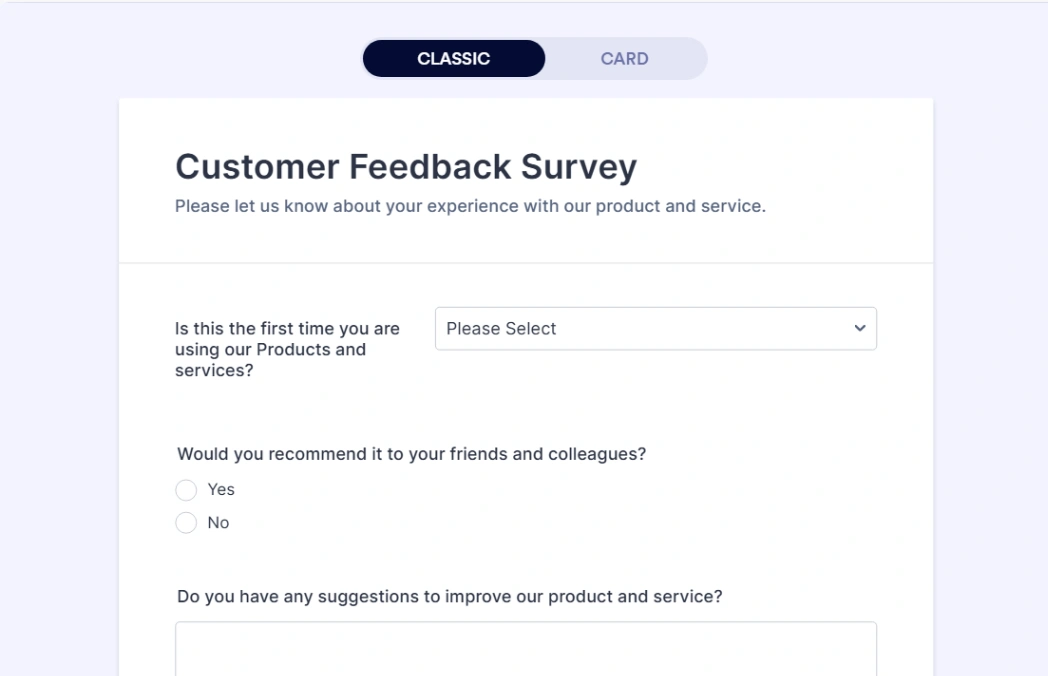
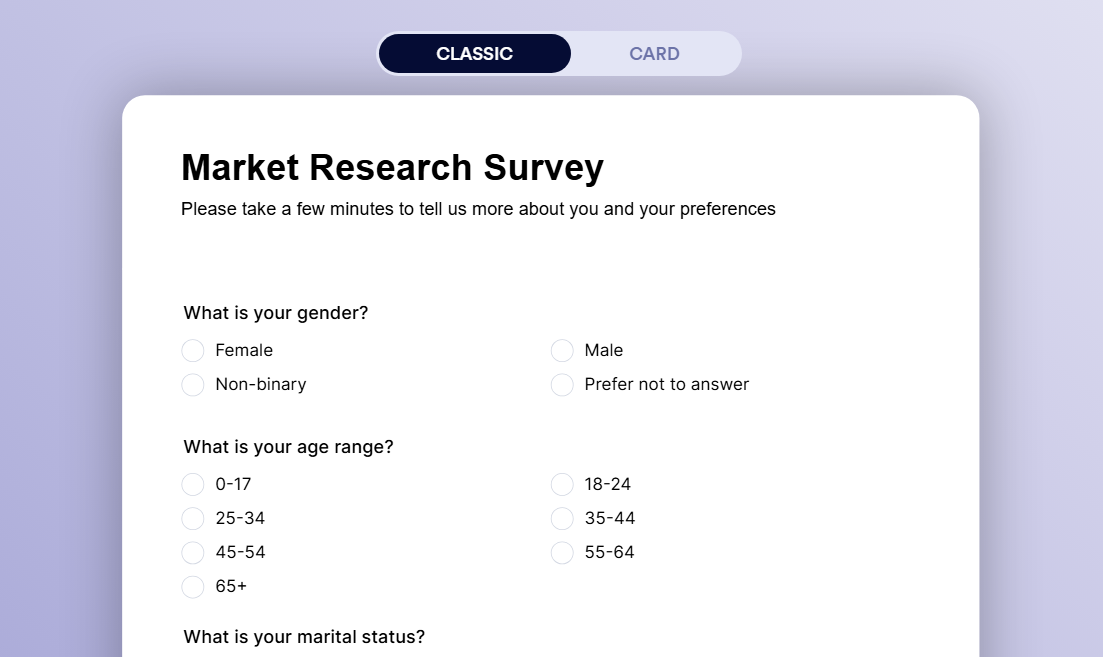
Best Templates from Jotform
Explore stunning templates built with Jotform.




Similar tools to Jotform
 WooriseWebsite Builder
Create Interactive Forms, Surveys & Quizzes for Lead Generation
 TypeformWebsite Builder
Your favorite forms. Now with AI automation.
 FormalooWebsite Builder
The most powerful form builder for modern workflows
 ReplitWebsite BuilderWeb App BuilderMobile App Builder
Turn ideas into apps in minutes — no coding needed