
Typeform
Your favorite forms. Now with AI automation.
Businesses and creators can use this conversational form builder to transform traditional data collection into an engaging experience. It features a unique one-question-at-a-time interface, conditional logic branching, and high-end design customization. The platform allows you to create surveys, quizzes, and lead generation forms that feel like a natural conversation rather than a static document.
Basic
Plus
Business
8
ready to use- Drag-and-Drop Form Builder
- AI Form Generator
- Conversational Layout Engine
- Visual Logic Flow Map
- Conditional Branching Rules
- Pre-built Design Templates
- Custom Brand Kits
- Premium Themes
- Custom Domain Support
- Video Question Integration
- Automated Chatbot Builder
- Lead Scoring and Routing
Typeform at a glance
Overall Score
Typeform is the go-to for building surveys and lead capture forms that people actually want to fill out. Its signature one-question-at-a-time format keeps respondents engaged, boosting completion rates from a typical 15-20% up to 40-60%, which adds real value if you're trying to gather quality responses.
The catch: its pricing model caps monthly responses strictly by tier, and you'll hit a hard wall if you go over—your form just locks respondents out until you upgrade or wait for the next billing cycle. Feature-gating is aggressive too, with essentials like removing the Typeform branding tucked behind higher-tier plans.
Pros
- The conversational layout cuts through form fatigue and keeps people clicking through to the end.
- Conditional logic branches let you route respondents down different paths based on their answers without any code.
- AI tools help you draft questions faster and even generate fields from a CSV file.
- Direct integrations with HubSpot, Zapier, Google Sheets, Slack, Calendly, and Stripe mean data flows where you need it.
- Forms come pre-polished with built-in themes and embed options (full page, pop-up, slide-in) that feel custom without the design work..
Cons
- Monthly response allowances are hard limits—hit your cap mid-month and your form shuts down until you upgrade or the clock resets.
- Removing Typeform's branding requires jumping to the Plus plan, and detailed drop-off analytics are gated behind Business tier.
- Built-in reporting is basic; most teams export to Google Sheets or Excel for real analysis.
- Auto-renewal policies and strict no-refund terms have generated widespread frustration and negative reviews, especially on consumer platforms.
Typeform shines for teams whose main goal is lead generation, event signups, or brand-first surveys where a polished experience matters and you can predict your volume. The completion-rate boost is real and justifies the cost for that use case.
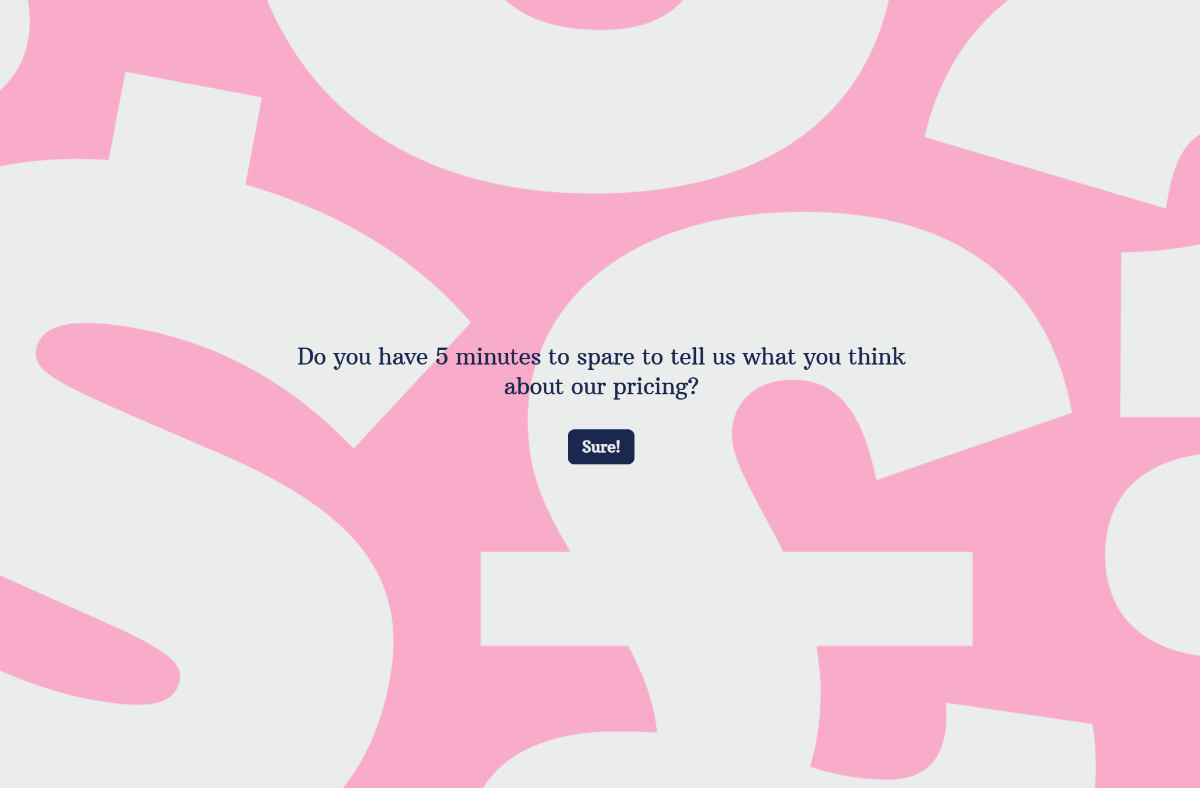
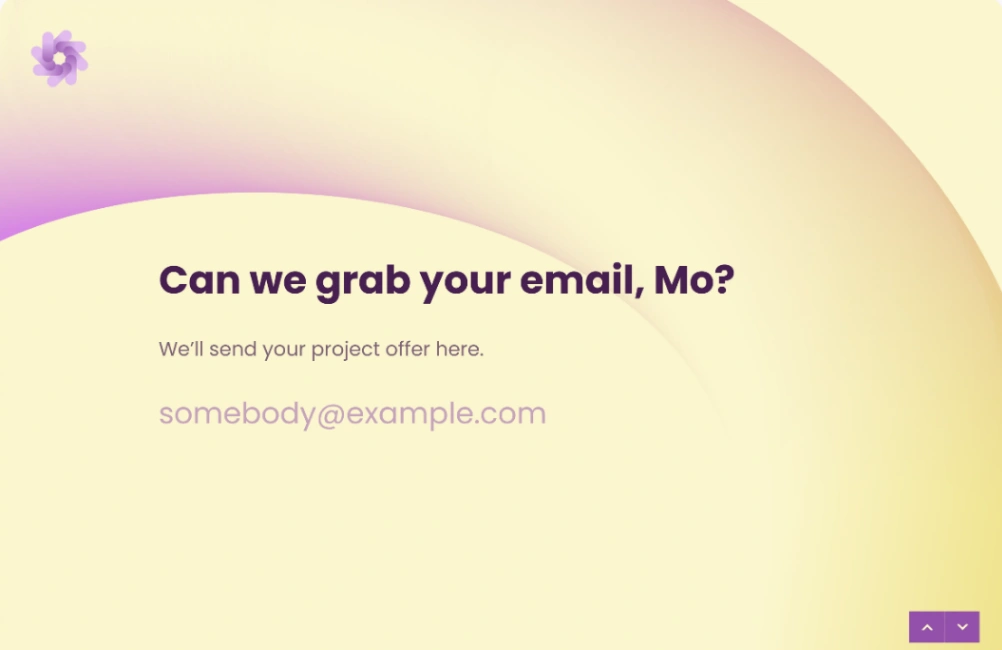
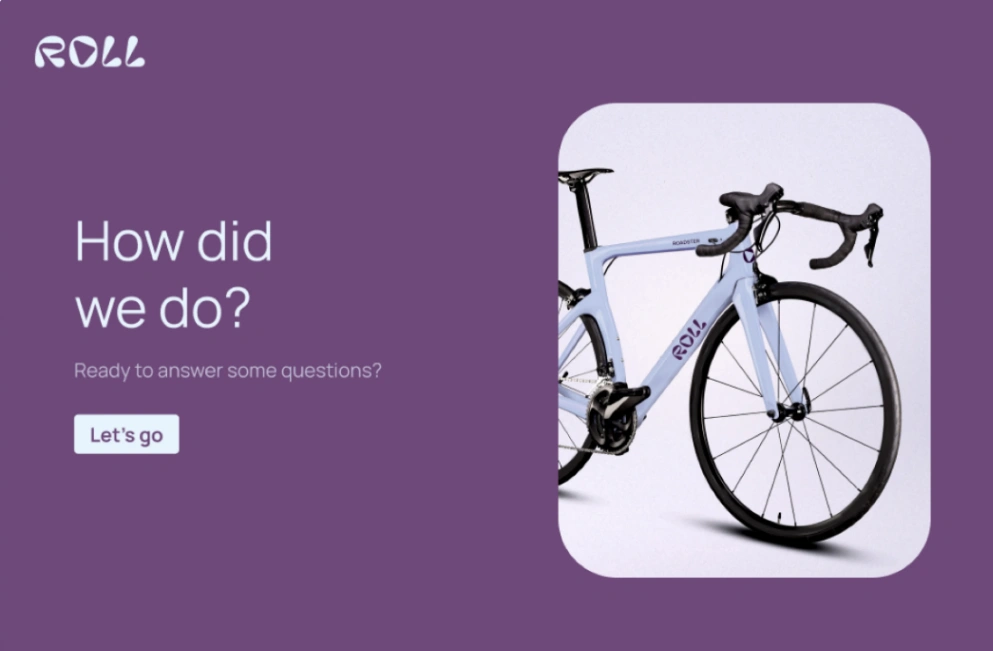
Best Templates from Typeform
Explore stunning templates built with Typeform.





Similar tools to Typeform
 FormalooWebsite Builder
The most powerful form builder for modern workflows
 JotformWebsite Builder
Powerful forms get it done.
 WooriseWebsite Builder
Create Interactive Forms, Surveys & Quizzes for Lead Generation
 HeyflowWebsite Builder
Ads get you clicks. Heyflow gets you conversions.
 MightyFormsWebsite Builder
A Simpler Form Builder
 RocketWebsite BuilderWeb App BuilderMobile App Builder
World's first Vibe Solutioning platform.
 ReplitWebsite BuilderWeb App BuilderMobile App Builder
Turn ideas into apps in minutes — no coding needed
 PerspectiveWebsite Builder
Double Your Business with Perspective Funnels