Whalesync
Two-way sync that keeps your data whole
Whalesync is a high-performance data synchronization platform for no-code operators, marketing teams, and operations managers. Features real-time two-way syncing between popular tools like Airtable, Webflow, and Notion, allowing users to build automated programmatic SEO sites and internal tools without writing any code.
Personal
Starter
Plus
Pro
10
ready to use- Real-Time Bi-Directional Sync
- No-Code Field Mapping
- Programmatic SEO Automation
- Multi-Reference Field Support
- Automated Publish Status Sync
- Airtable Integration
- Webflow CMS Connector
- Notion Database Sync
- Google Sheets Synchronization
- PostgreSQL & MySQL Support
- Supabase Data Alignment
- HubSpot CRM Sync
Whalesync at a glance
Overall Score
Whalesync is a specialized tool built for one specific problem: true, real-time, two-way data synchronization between modern no-code tools like Airtable, Webflow, Notion, HubSpot, and Postgres. Unlike trigger-based automation platforms that fire one-off events, it maintains continuous data "state" and reconciles differences across apps automatically.
What makes it different: it's built for operations and marketing teams specifically, not developers, letting non-engineers map and launch live, bidirectional syncs within minutes.
Pros
- Maintains true two-way sync, avoiding the messy multi-step workarounds other tools need to keep data flowing both directions
- Changes propagate in seconds through an event-driven architecture rather than slow, batched schedules
- Frequently simplifies what would be a complex 5 to 6-step Zapier automation down to a single configuration
- Genuinely accessible for non-engineers, letting operations and marketing teams map and launch live data syncs without developer help
- Performs exceptionally well within its core targeted stack, like Airtable to Webflow for programmatic SEO and CMS workflows
Cons
- The integration catalog is much smaller than massive enterprise automation platforms like Zapier, Make, or Airbyte
- Managing complex rich-text fields, code, or images requires careful configuration, since mistakes can lead to accidental field overwrites
- Advanced power users run into real constraints around flexible filter editing and fine-grained conflict-resolution for simultaneous dual-app updates
Whalesync does one thing that general automation tools genuinely struggle with: keeping two apps in true, continuous sync rather than firing single events back and forth. For teams running programmatic SEO or CMS workflows between tools like Airtable and Webflow, that's a real, specific problem solved well, and the setup is fast enough that non-technical teams can configure it themselves.
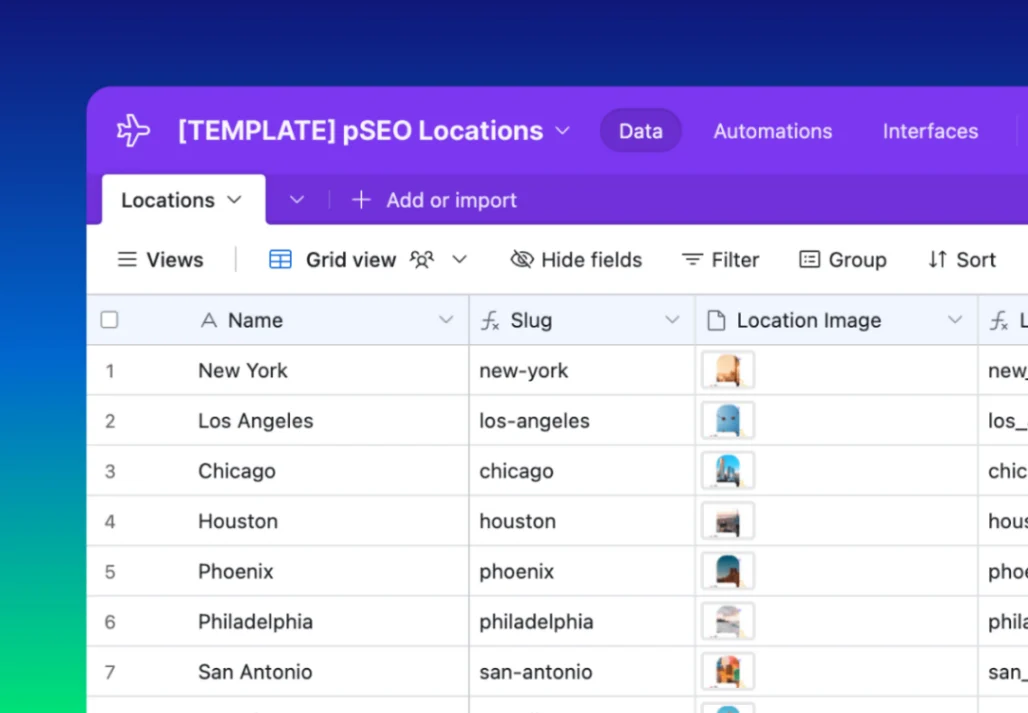
Best Templates from Whalesync
Explore stunning templates built with Whalesync.