Website Builder Cost: 20 Best No-Code Tools Compared 2026
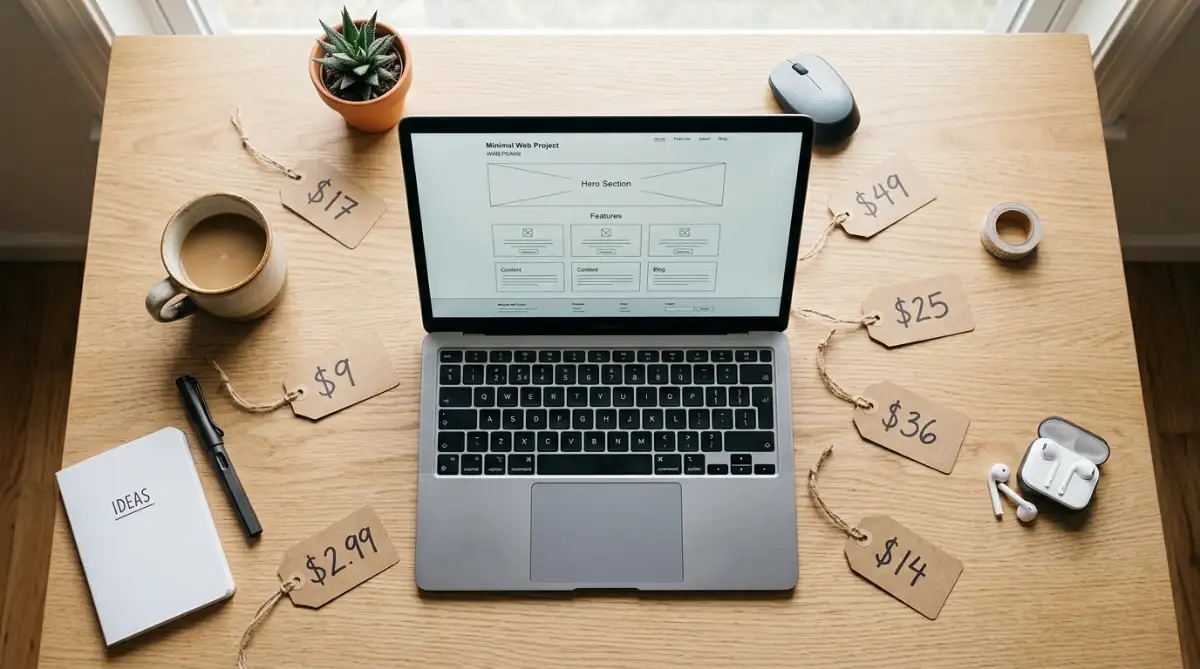
No-code website builder cost ranges from $2.99 per month (Hostinger AI) to $49 per month (Softr) for starter plans, with most mainstream tools sitting between $9 and $25 per month. Total cost depends on transaction fees, AI usage, and whether hosting is bundled.
Table of Contents
- How website builder pricing actually works in 2026
- The 20 builders, ranked by entry cost
- Budget tier: under $10 per month
- Mid-tier: $10 to $20 per month
- Premium and specialist tier: $20 and up
- How to choose: a 5-step decision framework
- Key takeaways
- FAQ
Introduction
The no-code market is on track to hit roughly $65 billion by 2027, and pricing has fragmented in step. For a bootstrapped founder or small agency owner trying to launch on a fixed runway, the gap between a $2.99 plan and a $49 plan isn't just sticker price. It's a different stack with different ceilings.
Wix alone serves 304 million registered users, according to its 2025 annual report, and Shopify pulled $11.6 billion in 2025 revenue, per its full-year filing. The market is huge, but the right pick for you might cost less than a Netflix subscription. This piece compares 20 builders by real entry pricing, what you actually get at that tier, and where the hidden costs live.
How website builder pricing actually works in 2026
Most no-code platforms advertise a low headline price, then layer in transaction fees, AI usage caps, and workload-unit billing once you scale. The advertised number is rarely the number you pay six months in.
Three pricing models dominate the market right now:
- Flat subscription: A fixed monthly fee covers hosting, SSL, and a defined feature set. Wix, Squarespace, and Carrd use this model. Predictable, but you pay for capacity whether you use it or not.
- Subscription plus transaction fees: Shopify charges from $25 per month and adds 0.5% to 2% per sale unless you use Shop Pay. Margins matter here.
- Consumption-based: Bubble shifted to workload units in 2023, which means apps with heavy database calls cost more to run. The change drew enough backlash that some agencies had to renegotiate client contracts, per Bubble's own community forums and coverage by Medium contributor Dominico Norton.
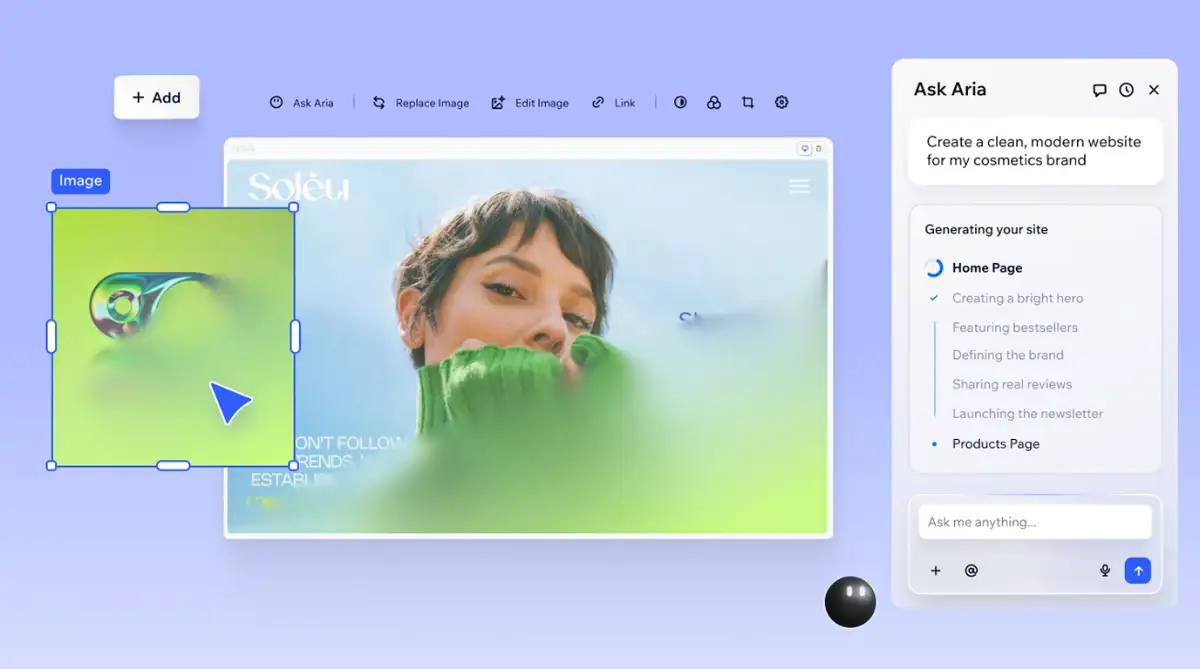
The other quiet cost is lock-in. Closed SaaS platforms like Wix and Squarespace don't let you export the raw database. Open-source layers like Elementor on WordPress let you walk out with everything. If you're picking a website builder cost structure for a five-year project, exportability is a line item even if it never appears on an invoice.
The 20 builders, ranked by entry cost
Quick view first, then I'll break down each tier with what the price actually buys you. Pricing pulled from the research available in early 2026 and may shift.
| Rank | Builder | Starter Price | Best For |
|---|---|---|---|
| 1 | Carrd | $9/yr ($0.75/mo) | One-page sites |
| 2 | Hostinger AI | $2.99/mo | Budget AI generation |
| 3 | WordPress.com | $4/mo | Content blogs |
| 4 | Playcode AI | $9.99/mo | Vibe-coded React sites |
| 5 | Tilda | $10/mo | Long-form content |
| 6 | 10Web | $10/mo | WordPress migration |
| 7 | Framer | $10/mo | Animated marketing sites |
| 8 | Durable AI | $12/mo | Local service businesses |
| 9 | Webflow | $14/mo | Designer-grade builds |
| 10 | Squarespace | $16/mo | Polished creative portfolios |
| 11 | Wix Studio | $17/mo | Agencies, multi-client |
| 12 | Dorik | $18/mo | White-label agency work |
| 13 | Shopify | $25/mo | E-commerce |
| 14 | Glide | $25/mo | Internal tools |
| 15 | Bubble | $29/mo | Full web apps and SaaS |
| 16 | Adalo | $36/mo | Native mobile apps |
| 17 | Softr | $49/mo | Airtable-backed portals |
| 18 | Elementor Pro | $60/yr ($5/mo) | WordPress power users |
| 19 | Duda | Private quote | Agency white-label |
| 20 | CodeDesign.ai | Custom | Fast MVPs, no templates |
Two notes before we dig in. Elementor Pro's $60/year price is plugin-only, so add WordPress hosting ($5 to $20 per month) to get a real comparison. Duda doesn't publish pricing publicly, but agency reports place it in the $19 to $44 per month range depending on volume [unverified].
Budget tier: under $10 per month
If you need a working site live this weekend and have less than $10 to spend monthly, four tools deliver. None replaces a Shopify or a Webflow, but each does its specific job well.
Carrd
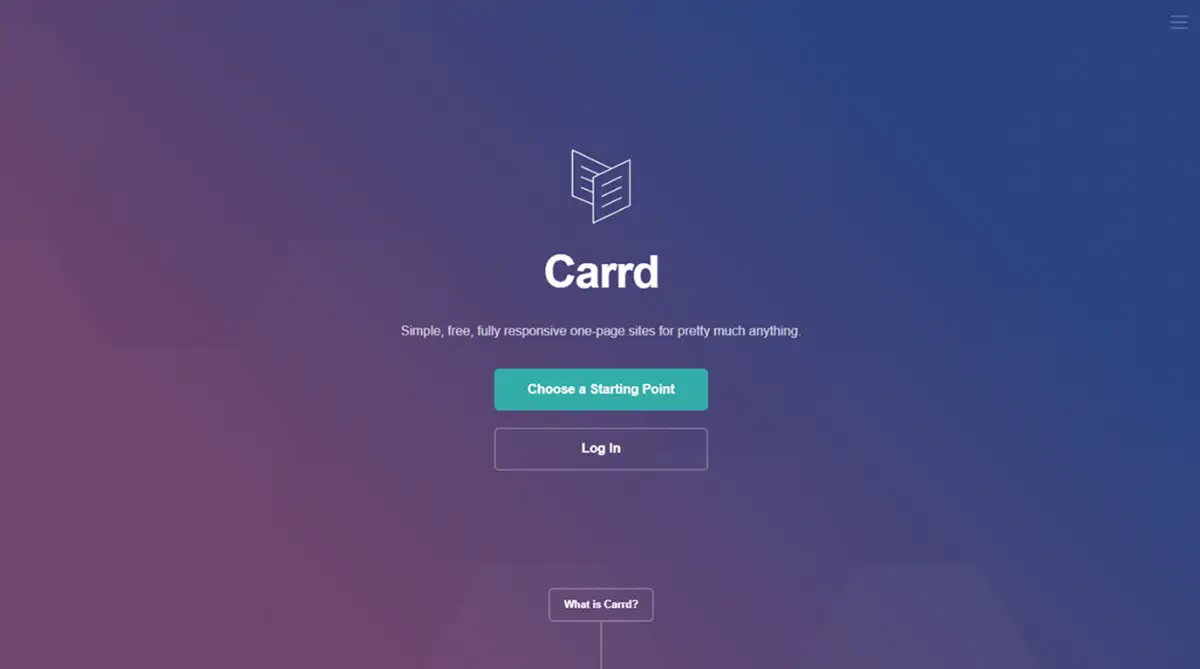
Carrd is the outlier at $9 per year for one-page sites. Solo founders use it for launch pages, link-in-bio replacements, and lead-capture experiments. No bloat, no CMS.
You get a single scrolling page that loads fast. If you want to skip the blank canvas, browse Carrd templates on our marketplace to see what others have shipped.
The best way to start learning Carrd is in this walkthrough:
Hostinger Website Builder
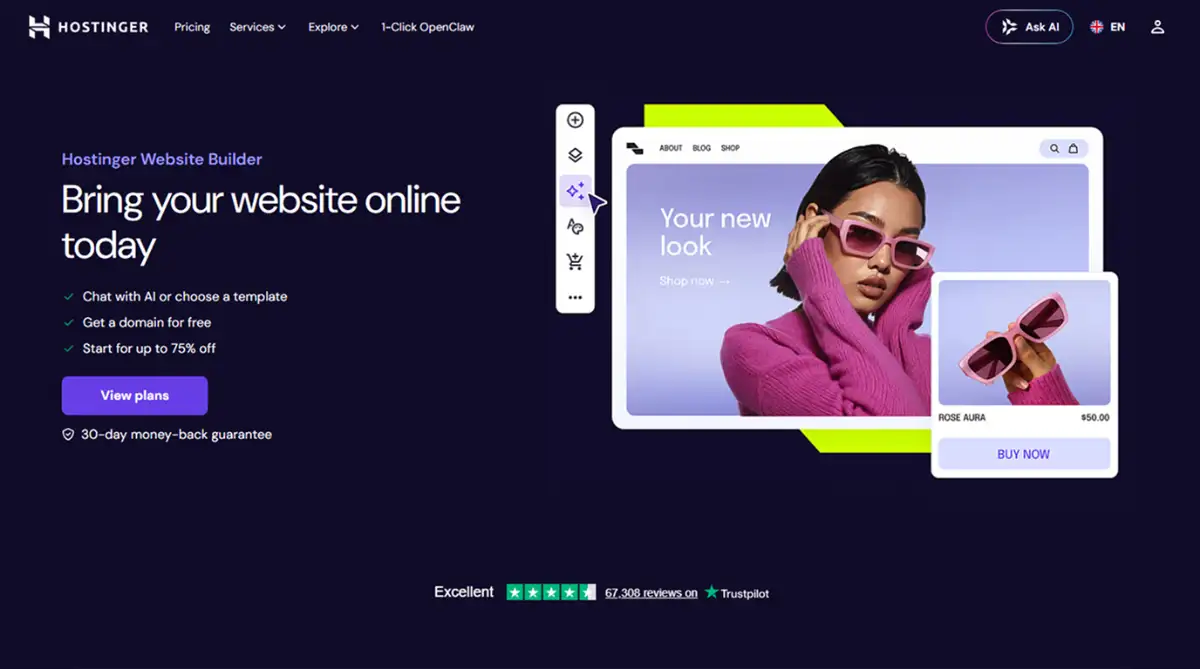
Hostinger AI at $2.99 per month bundles hosting, a domain, and an AI generator that ships a working site in about 60 seconds, according to Hostinger's own product page.
The generated output is generic, but for a local plumber or a freelance copywriter, generic is fine. You can discover Hostinger templates here if you'd rather start from a tested layout.
The best way to start learning Hostinger is in this video tutorial:
WordPress
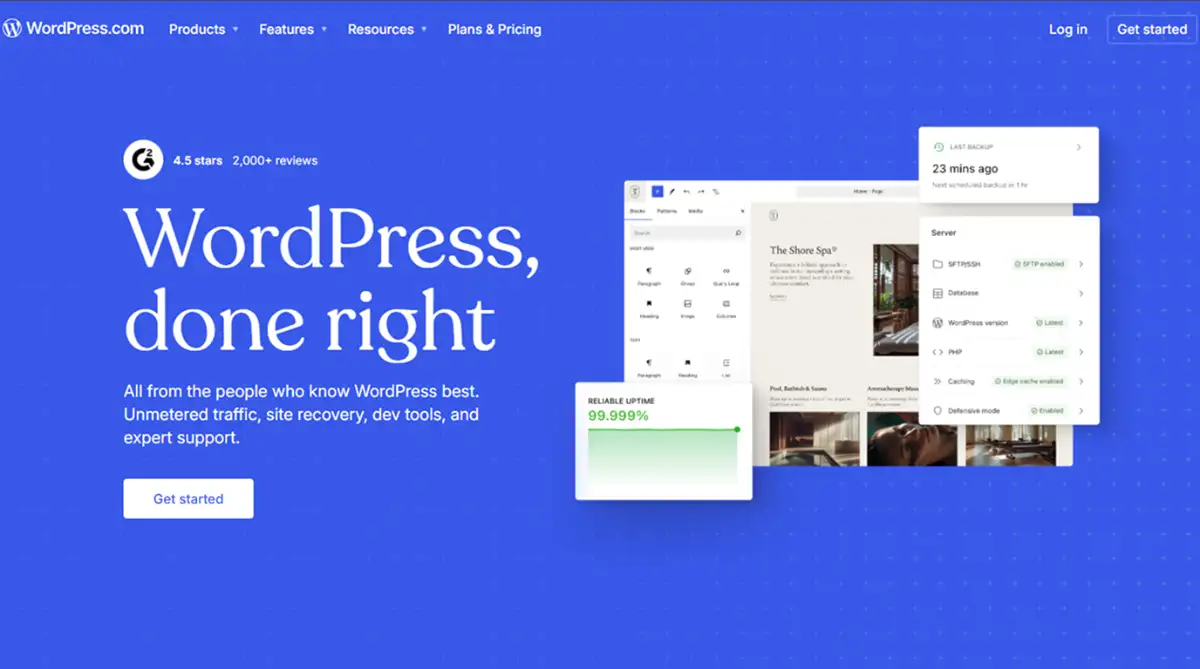
WordPress.com at $4 per month gives you the managed version of the platform that powers 43.5% of all websites in 2026, according to W3Techs data cited in the research.
You sacrifice some plugin freedom compared to self-hosted WordPress, but you get a real CMS for less than a sandwich. Explore WordPress templates on our marketplace to see what content-led sites look like in 2026. The best way to start learning WordPress is in this full course:
Playcode
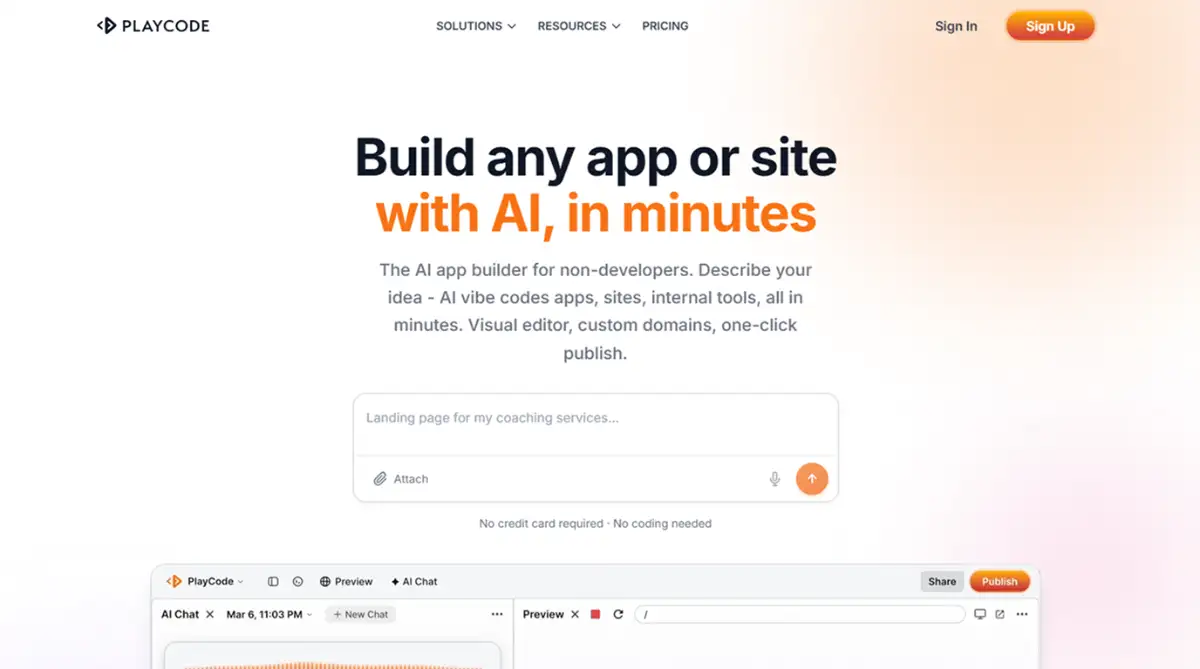
Playcode AI at $9.99 per month is the youngest entry here, built around vibe coding. You describe what you want, and it generates real React and Tailwind code rather than a proprietary layout. The output is exportable, which matters if you ever want to leave. Check Playcode AI templates on our marketplace for vibe-coded starting points.
Quick gut check on this tier:
- Pick Carrd if you need one page and want to forget you bought it
- Pick Hostinger AI for the absolute fastest local-business launch
- Pick WordPress.com if you'll write more than 20 posts
- Pick Playcode AI if you want code you can take with you
Mid-tier: $10 to $20 per month
This is where most bootstrapped founders land. The mid-tier is where website builder cost stops being a barrier and feature ceiling starts mattering.
Framer
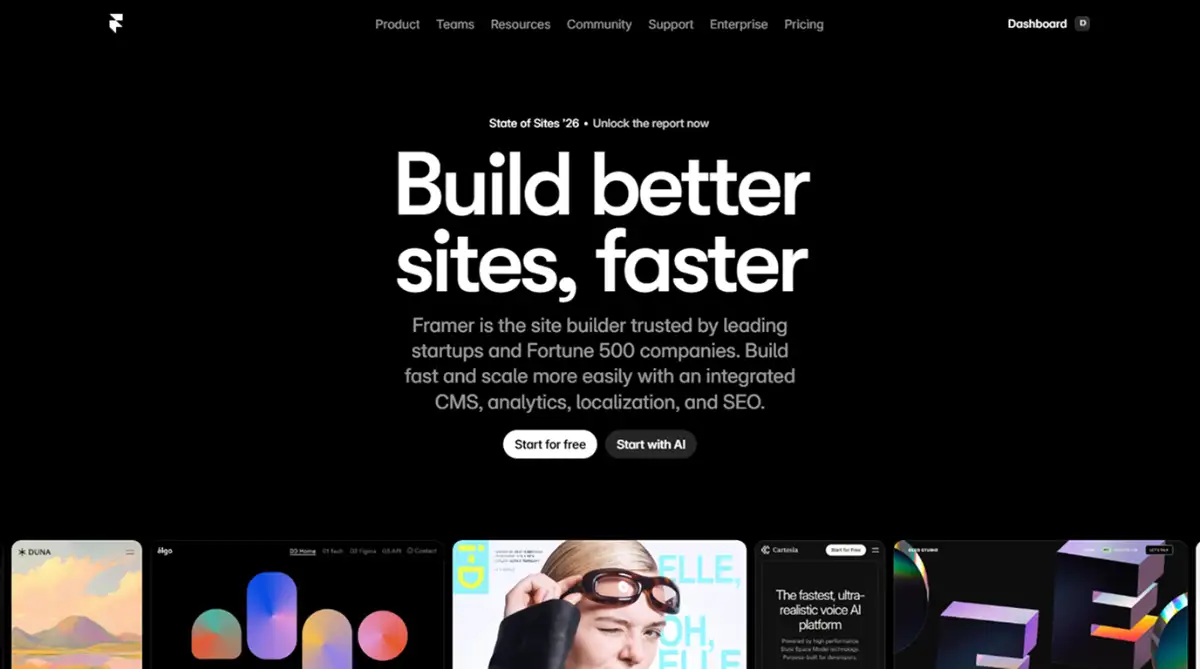
Framer at $10 per month is the design-led choice. It imports from Figma cleanly and handles complex animations that would take a Webflow developer hours. If you've already shopped Webflow vs Framer, you know the split: Framer wins on motion, Webflow wins on structured CMS.
You can discover Framer templates here before committing to a build. The best way to start learning Framer is in this video course:
Tilda
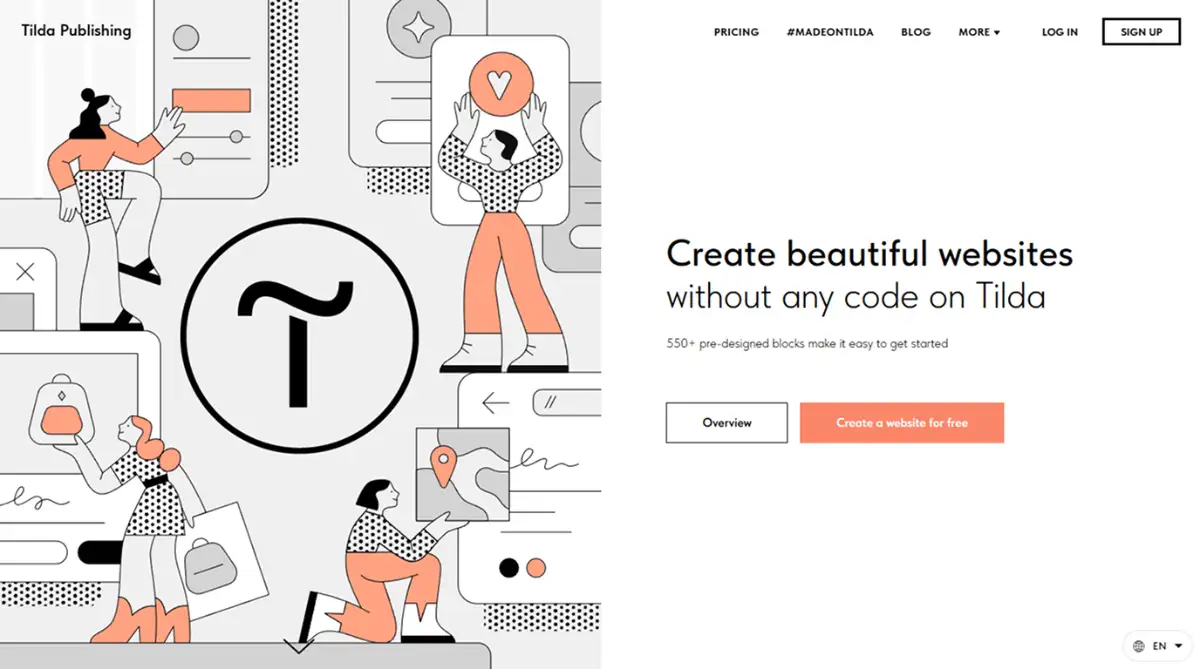
Tilda at $10 per month uses block-based design and grew 33% year-over-year per the research, the fastest growth rate in the comparison table.
Strong for long-form storytelling and editorial sites. Browse Tilda templates on our marketplace to see the block-based approach in practice. The best way to start learning Tilda is in this video tutorial:
Durable
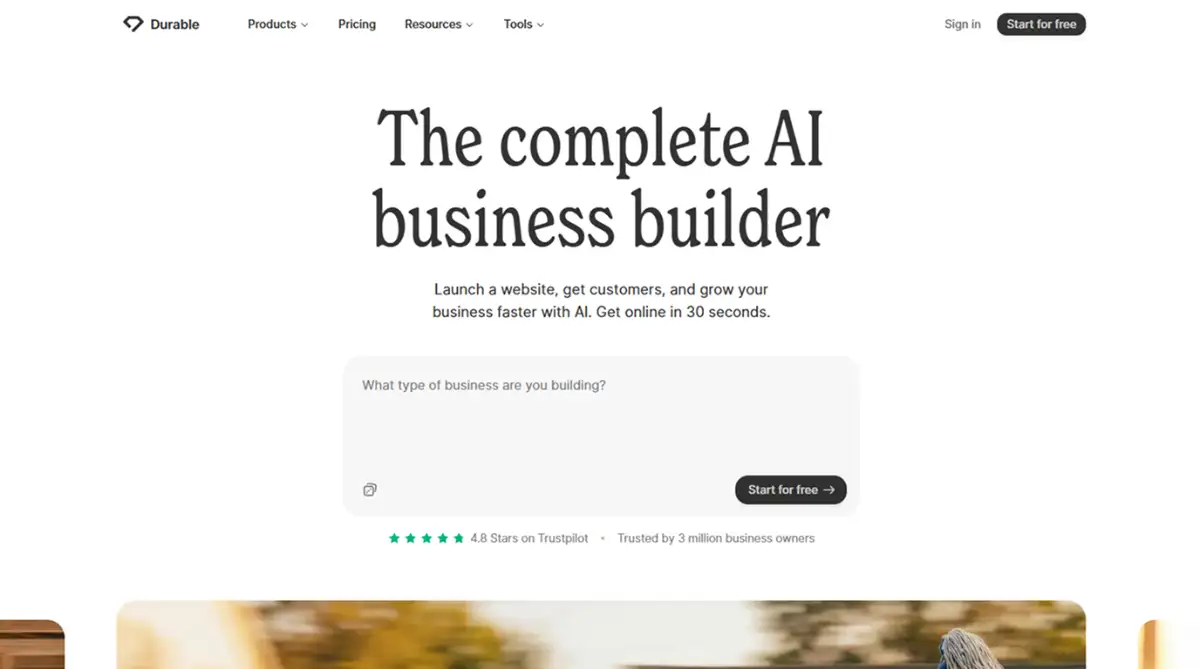
Durable AI at $12 per month targets local service businesses with bundled CRM and invoicing. It's not the prettiest output, but for a contractor who wants a site plus client management in one bill, the math works. Explore Durable templates here.
The best way to start learning Durable is in this video tutorial:
Webflow
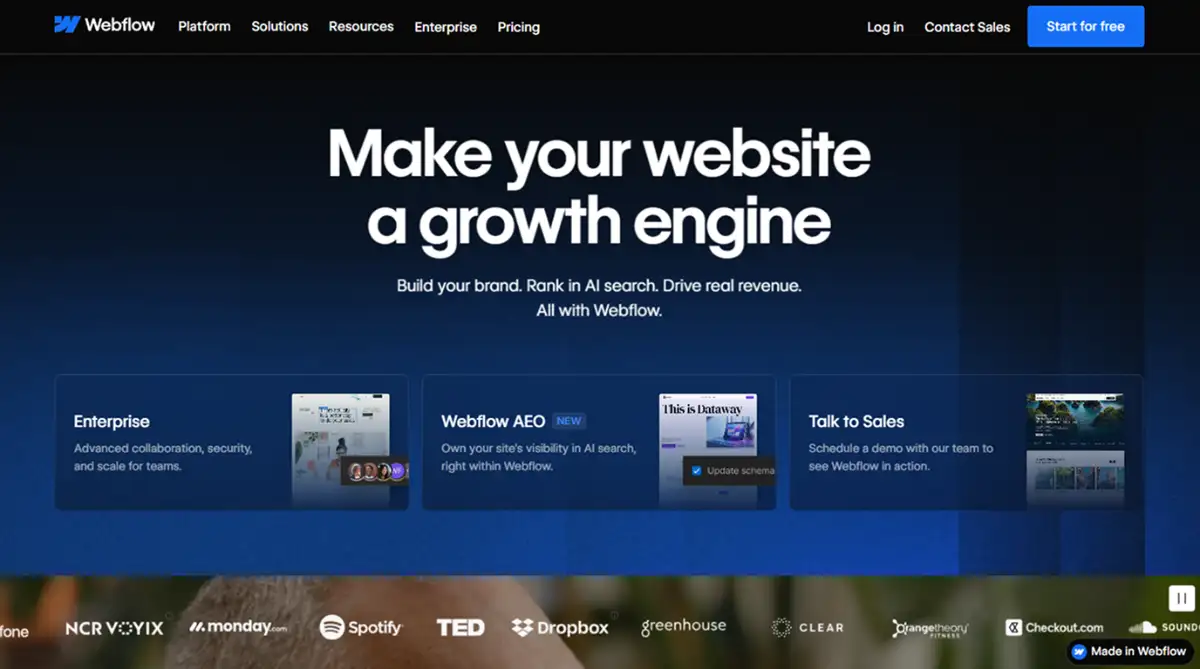
Webflow at $14 per month is the designer's serious tool. Pixel-perfect output, clean exportable code, real CMS structure. The trade-off arrived in April 2026 when a 16-hour Webflow outage took down the dashboard, CMS, and API together, according to UltimateWB's incident coverage.
A second glitch in May 2026 reverted premium accounts to starter restrictions until support intervened. Designers love the tool. Operations teams have started asking harder questions. Explore Webflow templates on our marketplace if you're weighing the platform.
The best way to start learning Webflow is in this video course:
Squarespace
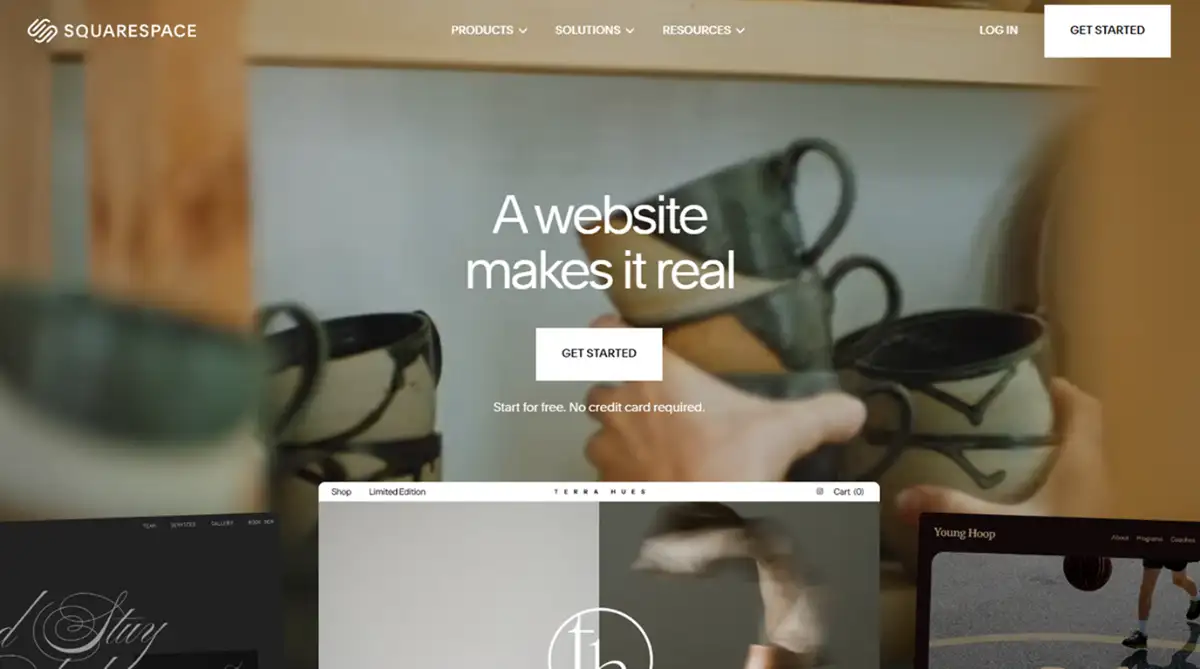
Squarespace at $16 per month remains the safest creative-portfolio bet. After Permira's $7.2 billion acquisition in October 2024, the company has reinvested heavily in AI design assistance, per Permira's announcement.
The templates still look the best out of the box. Browse Squarespace templates here.
The best way to start exploring Squarespace is in this intro video:
Wix Studio
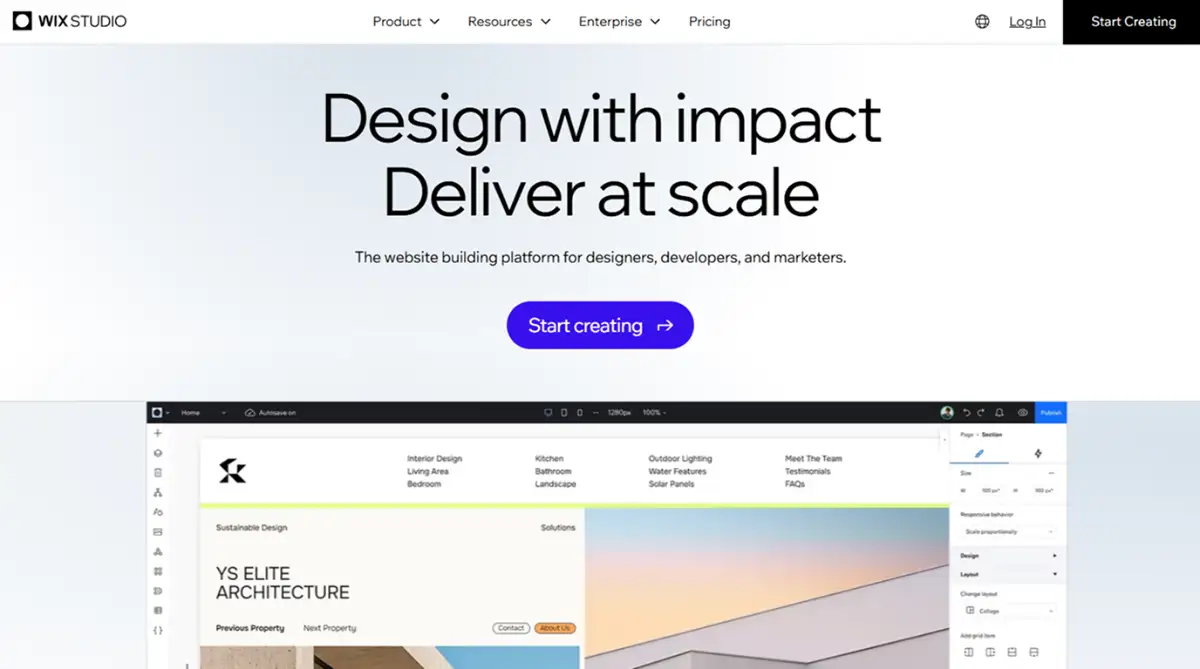
Wix Studio at $17 per month is the agency-flavored Wix. It includes client management, white-label exports, and the new Wix Harmony AI editor launched in January 2026, which integrates vibe coding with visual editing, according to Wix's own announcement.
Discover Wix templates on our marketplace before you pick a tier. For a head-to-head, the Wix vs Framer breakdown is a useful starting point.
The best way to start learning Wix is in this video course:
Dorik
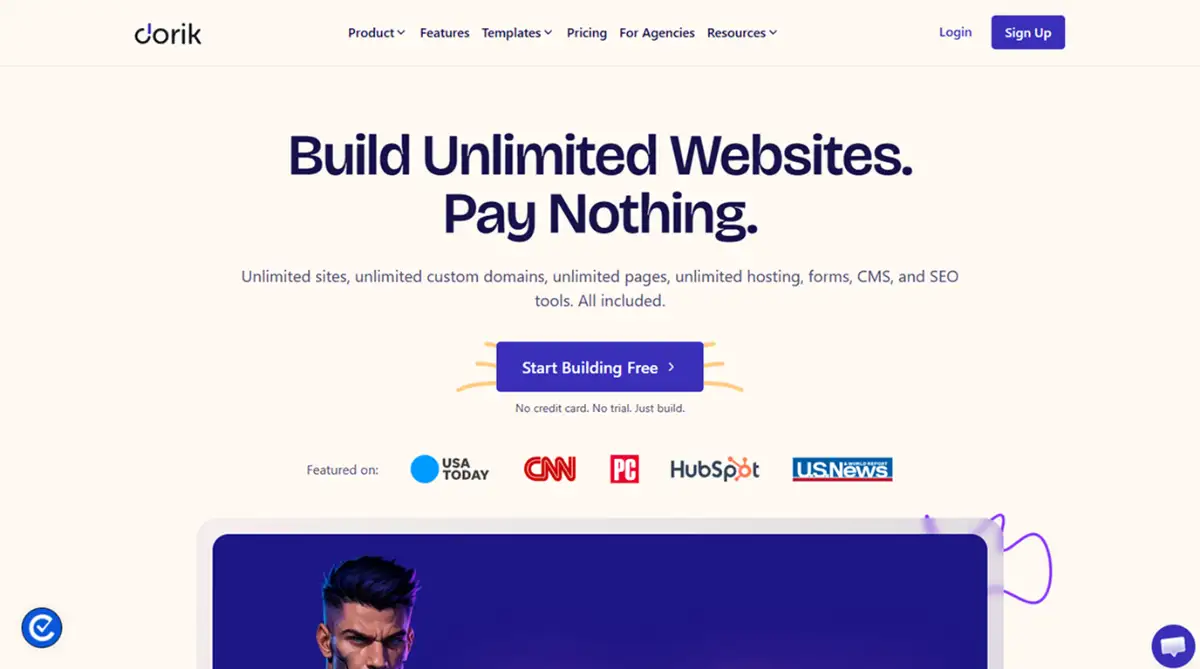
Dorik at $18 per month is the dark horse here. Static HTML export, Airtable sync, white-label friendly.
Agencies running 10-plus client sites have flagged it as a real Webflow alternative, per Durable's comparative review of Dorik. Check Dorik templates on our marketplace to see the static-export approach.
The best way to start learning Dorik is in this video course:
10Web
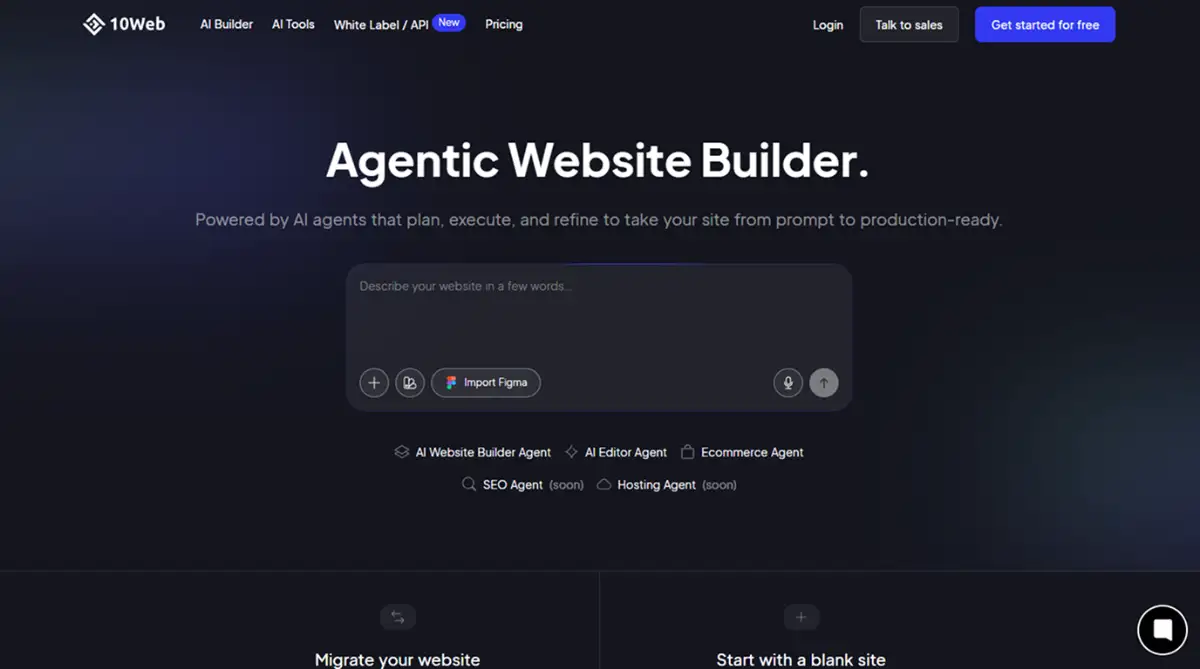
10Web also lives at $10 per month and uses AI to clone an existing site into a WordPress install. Useful for migrations, less useful for net-new builds. Explore 10Web templates here.
The best way to start learning 10Web is in this video tutorial:
Premium and specialist tier: $20 and up
The premium tier isn't more expensive because it's better. It's more expensive because the use case is narrower and the infrastructure cost is real.
Shopify

Shopify at $25 per month is the e-commerce default. The research notes $11.6 billion in 2025 revenue and Q1 2026 revenue of $3.17 billion (34% growth), per Shopify's earnings releases. More telling: traffic from AI channels like ChatGPT and Microsoft Copilot is up eightfold year-over-year, and orders from AI-driven searches spiked nearly 13x, according to Shopify President Harley Finkelstein's Q1 2026 commentary.
If you sell things, this is the floor. Discover Shopify templates on our marketplace to shortcut the storefront build.
The best way to start learning Shopify is in this video tutorial:
Glide
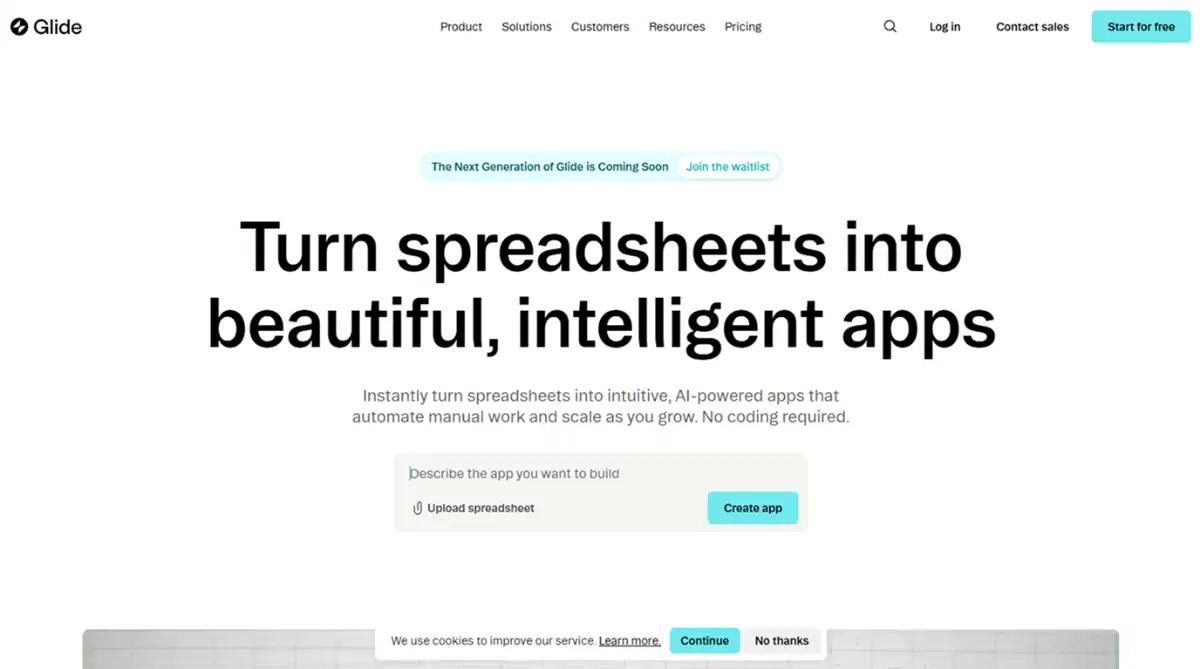
Glide at $25 per month builds mobile-first internal tools off Google Sheets. Operations teams use it for inventory, scheduling, and approval flows. Browse Glide templates here.
The best way to start learning Glide is in this video tutorial:
Bubble
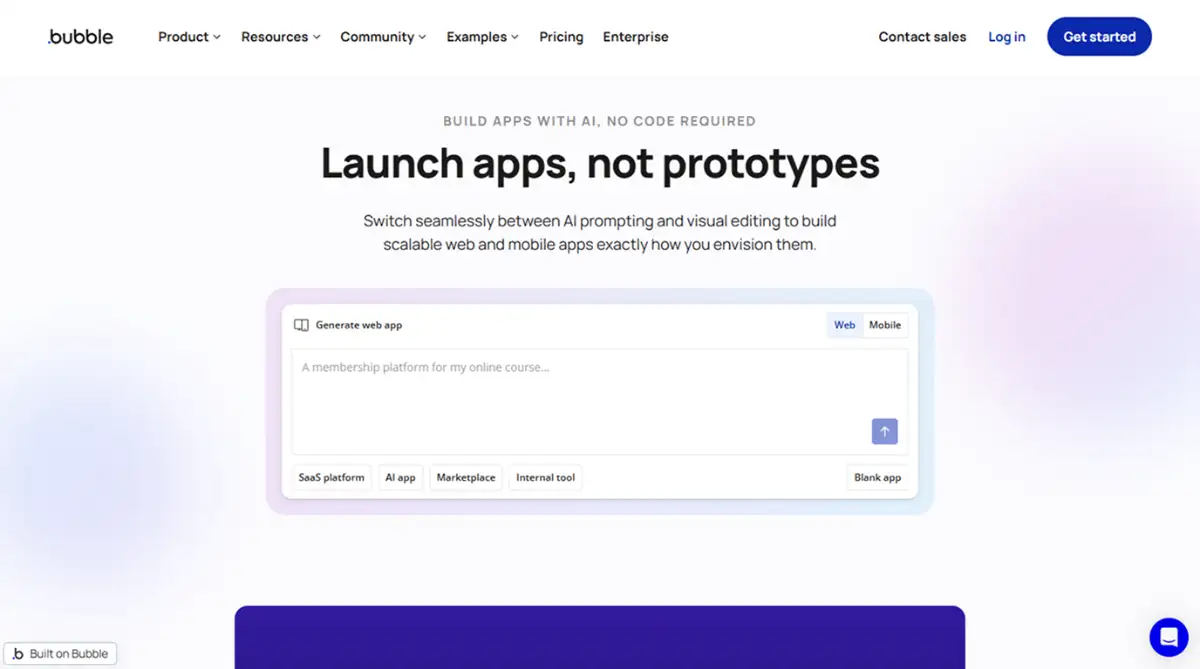
Bubble at $29 per month is full app territory. Real database, real logic, real ability to ship a SaaS MVP without engineers. Just budget for workload units once you scale.
Bubble's pricing change in 2023 still draws community grumbling because efficiency is now on the user, not the platform. Explore Bubble templates on our marketplace for app starting points, and the Bubble 2012 origin story is worth reading if you're new to the platform.
The best way to start learning Bubble is in this video tutorial:
Adalo
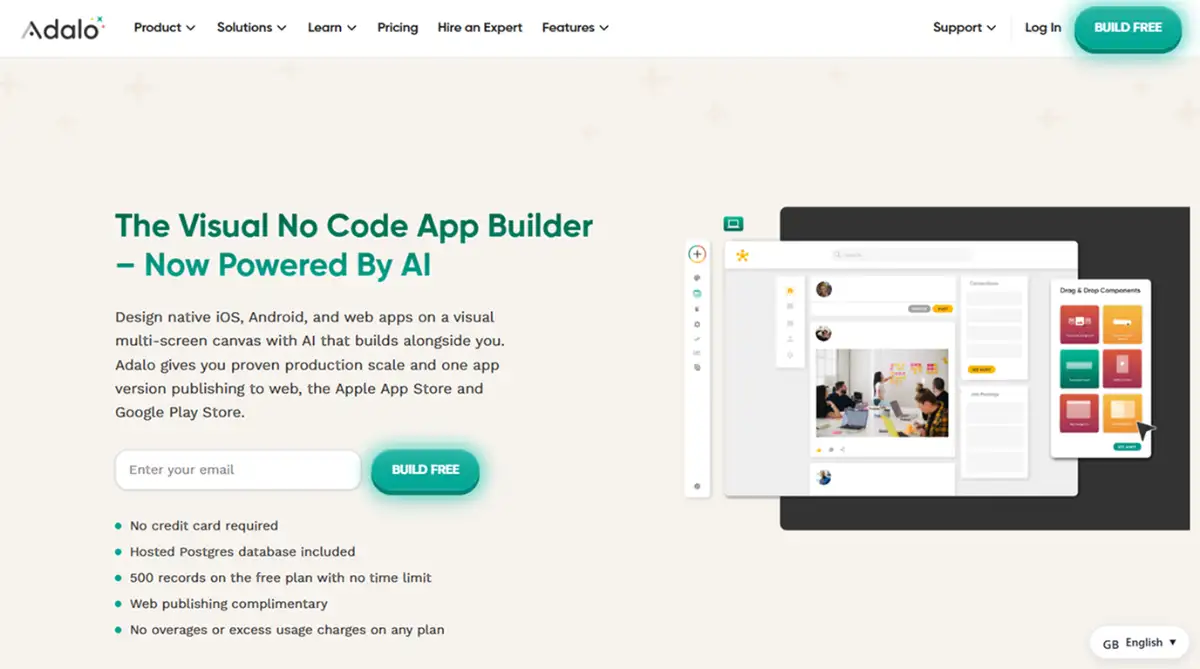
Adalo at $36 per month builds native iOS and Android apps from one visual canvas. Pricier than web-only tools, but you're getting two app stores worth of distribution. Check Adalo templates here.
The best way to start learning Adalo is in this video tutorial:
Softr
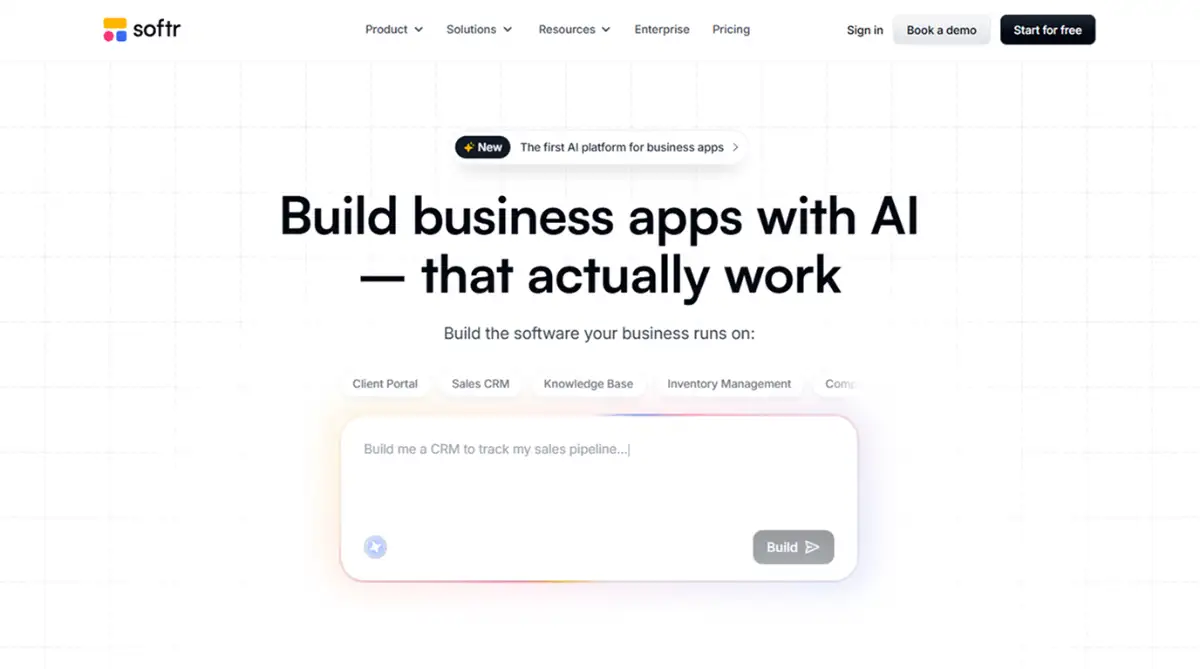
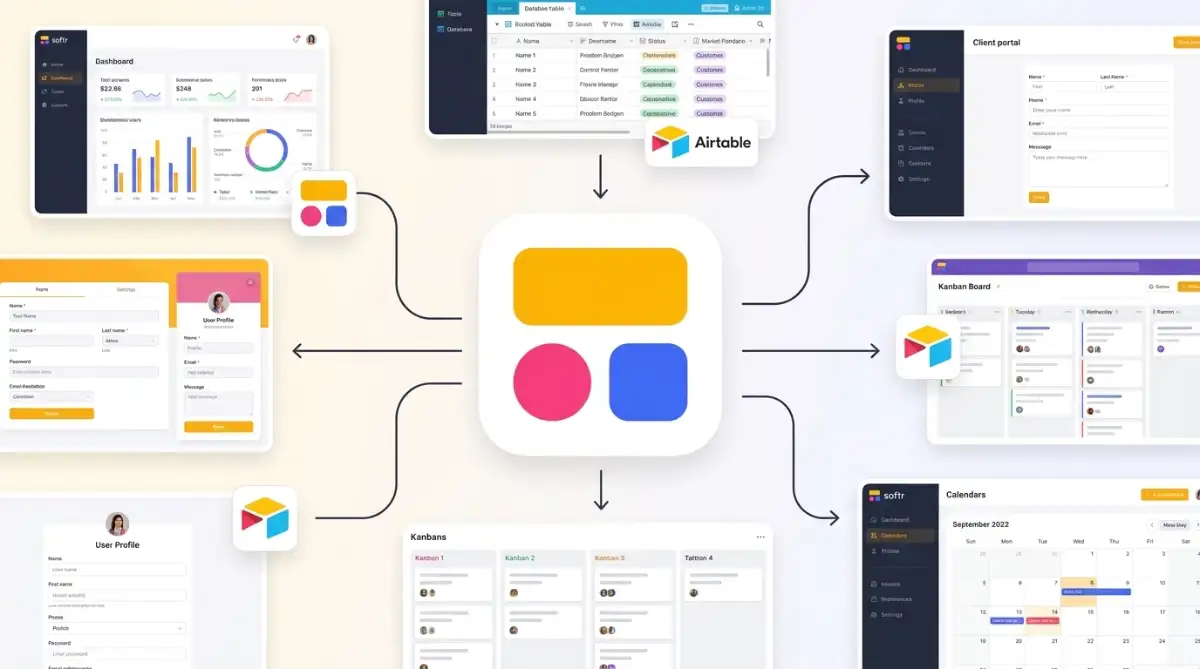
Softr at $49 per month is the most expensive entry-level seat in the list. The premium is real: it turns Airtable into customer portals, internal dashboards, and client-facing apps with proper auth and permissions.
For teams already living in Airtable, it pays for itself in one saved engineering sprint. Discover Softr templates on our marketplace.
The best way to start learning Softr is in this video tutorial:
Elementor
Elementor Pro technically costs $60 per year, which works out to about $5 per month, but you need WordPress hosting on top.
Elementor has 10 million-plus active installations as of 2025, per Wikipedia's tracked install data. The advantage is hosting independence. The disadvantage is you're now a sysadmin. Browse Elementor templates here.
The best way to start learning Elementor is in this video tutorial:
Duda
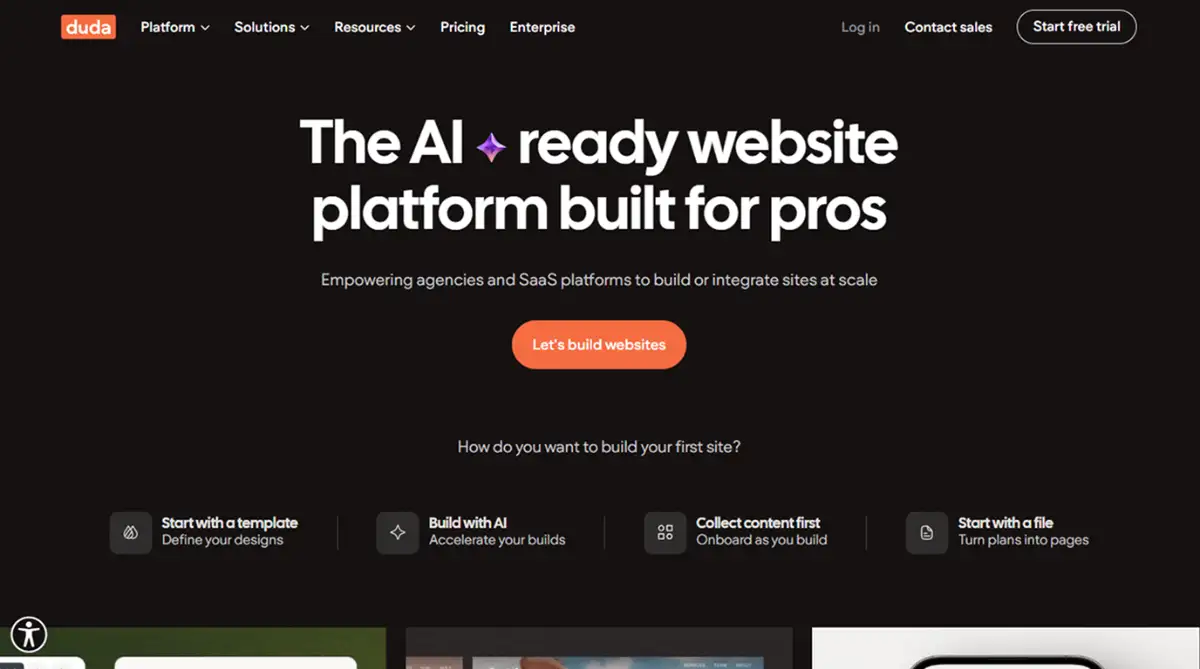
Duda withholds public pricing and targets agency white-labelers. It leads the industry with an 85% Core Web Vitals pass rate, per the research, compared to roughly 43% for typical WordPress installs.
Performance is the pitch. Explore Duda templates on our marketplace to see the agency-grade output.
The best way to start learning Duda is in this video course:
Codedesign
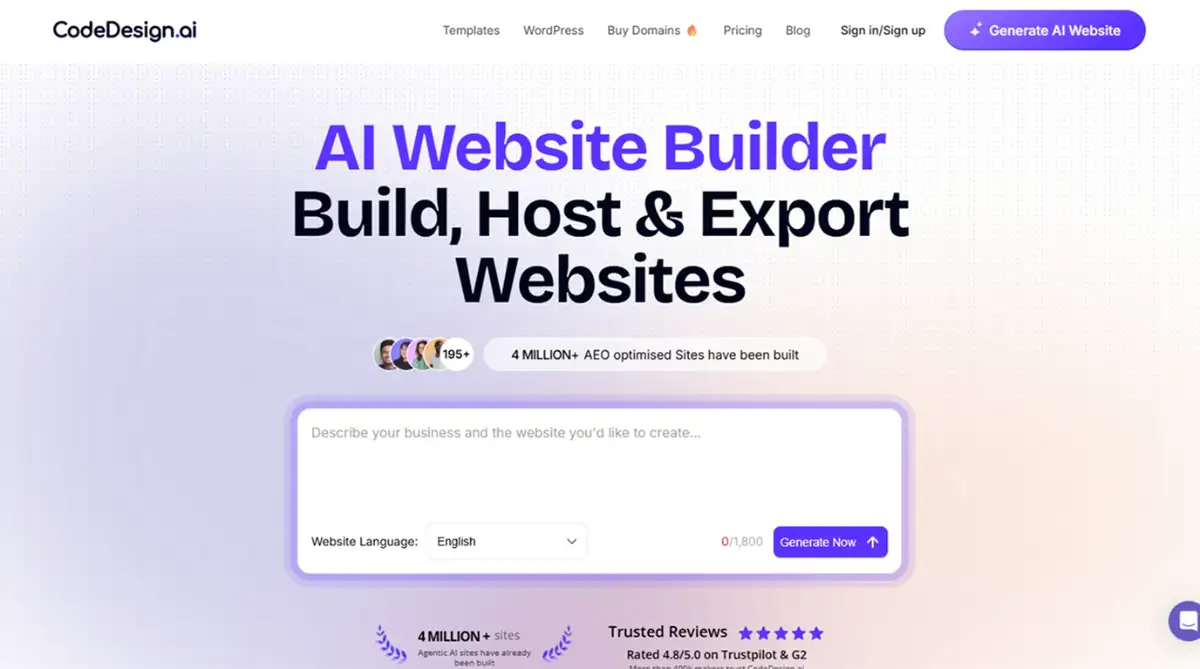
CodeDesign.ai quotes custom because it builds without templates. Fast MVPs, no aesthetic ceiling, no published rate card.
Discover CodeDesign templates here.
The best way to start learning CodeDesign is in this video tutorial:
How to choose: a 5-step decision framework
Here's the order I'd work through if I were picking right now, with one eye on the invoice and the other on what the tool can't do.
Step 1: Set your hard ceiling. Decide your max monthly spend before you open a single tool's pricing page. If your ceiling is $15, half the list is gone and you can focus.
Step 2: Name the primary job. Is this a content blog, an e-commerce store, a portfolio, an internal tool, a SaaS MVP, or a one-page launch? Each maps to a different shortlist:
- Blog: WordPress.com, Squarespace
- Store: Shopify (no real substitute under 100k revenue)
- Portfolio: Squarespace, Framer
- Internal tool: Glide, Softr
- SaaS MVP: Bubble, Softr, Playcode AI
- One-page launch: Carrd, Hostinger AI
Step 3: Calculate the second-year cost. Multiply the monthly rate by 24, then add expected transaction fees, AI usage, and any add-on apps. Shopify's $25 plan at 1% in transaction fees on $5,000 monthly GMV is $600 extra over year two. Bubble workload units can push a starter plan toward $100 per month at moderate scale.
Step 4: Test exportability. Ask: if the platform goes down for 16 hours like Webflow did in April 2026, or raises prices 40%, what can you take with you? Elementor, Playcode AI, and Dorik all let you walk out with code or HTML. Wix and Squarespace don't.
Step 5: Match the AI layer to your literacy. If you're comfortable describing what you want in plain language, vibe-coding tools (Playcode AI, Wix Harmony, Base44) cut build time by 70%-plus, per Wix's product claims [unverified]. If you'd rather drag and drop, the AI assistant on Squarespace or Wix Studio is enough.
| Your Situation | Builder Pick | Monthly Cost |
|---|---|---|
| Bootstrapped solo, content focus | WordPress.com | $4 |
| Designer launching client work | Framer or Webflow | $10-$14 |
| Local business, full bundle | Durable AI | $12 |
| Agency running 5+ client sites | Wix Studio or Dorik | $17-$18 |
| Selling physical goods | Shopify | $25+ |
| Building a real SaaS | Bubble or Softr | $29-$49 |
Start exploring launch-ready no-code templates here!
Key takeaways
- Headline price hides 30% to 60% of true cost. Transaction fees, workload units, paid AI generations, and required hosting add-ons turn $25 plans into $40 plans by month three. Run the second-year math before you sign up, not after.
- The cheapest option that fits your use case beats the most-featured option that doesn't. A $4 WordPress.com plan for a blog outperforms a $36 Adalo plan for the same job, every time. Match the tool to the work, not the spec sheet.
- Exportability is a hidden line item. Closed SaaS builders save you setup time and cost you optionality. After Webflow's 2026 outages, the agencies I've watched move quietly added "code export" to their procurement checklist.
The real story of no-code in 2026 isn't that website builder cost has dropped, because for serious tools it hasn't. The story is that pricing has split into two camps: one where you rent convenience and trust the vendor's uptime, and one where you own the output and accept the maintenance burden. The right pick depends less on what's on sale this quarter and more on how much agency you want over the next five years.
FAQ
What is the cheapest no-code website builder in 2026? Carrd is the cheapest at $9 per year, roughly $0.75 per month, for one-page sites. Hostinger AI is the cheapest full multi-page builder at $2.99 per month, including hosting, an AI generator, and a free domain in year one.
Are free plans on website builders actually usable? Free plans almost always force the builder's branding, subdomain, and ads onto your site. They work for testing the editor or hosting a hobby project, but any real business use needs at least the entry paid tier to remove the badge and connect a custom domain.
What hidden costs should I watch for? Transaction fees on e-commerce plans, workload-unit overages on Bubble, premium template purchases, AI generation caps, third-party app subscriptions, and required hosting on plugin-based tools like Elementor. Budget an extra 25% to 50% over the headline rate.
Is WordPress cheaper than a website builder long-term? Self-hosted WordPress with Elementor Pro runs about $10 to $25 per month all-in, often less than a Wix or Squarespace plan with equivalent features. The trade-off is you handle updates, security, and backups yourself, or you pay someone to.
When should I switch website builders? Switch when the platform blocks a feature you genuinely need, when your monthly bill exceeds 3x your starter plan due to overage fees, or when your site's job changes (a blog becoming a store, a portfolio adding a client portal). Don't switch for cosmetic dissatisfaction alone, migration costs are real.
Start building without code
Browse thousands of no-code templates for Webflow, Framer, Bubble, Lovable, Replit and more.
Explore Templates