WebWave
Generate, customize, publish. Website in 3 minutes with WebWave AI.
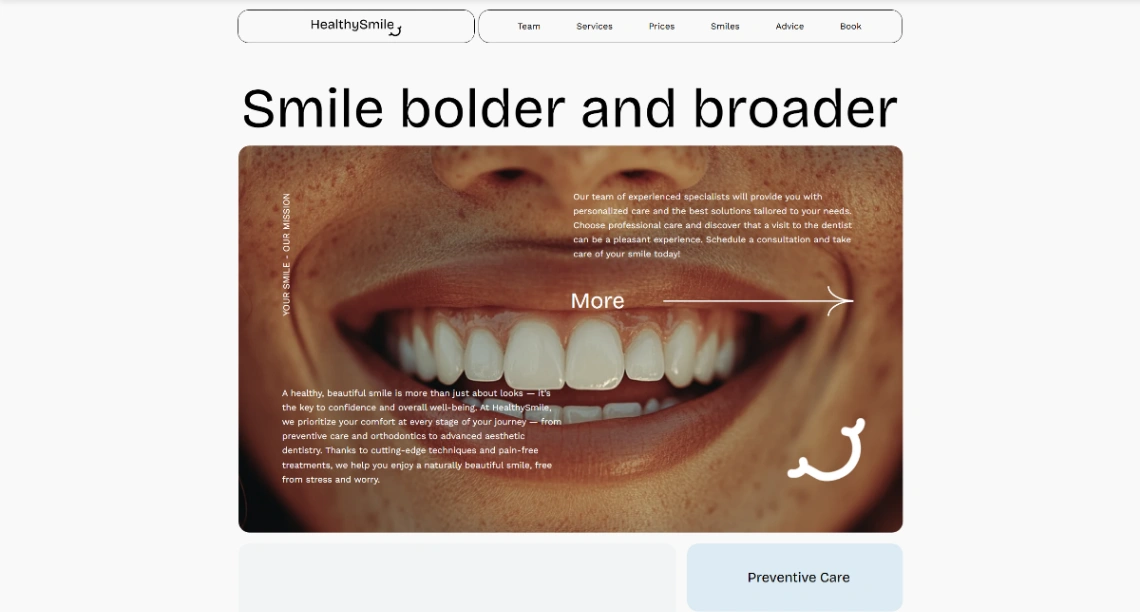
WebWave is a freeform drag-and-drop website builder that combines AI generation with professional design flexibility. Unlike section-based builders, it offers a canvas inspired by graphic design tools, allowing for precise element placement. It enables users to generate functional websites in minutes, manage online stores without commission, and leverage built-in SEO analyzers, making it a versatile choice for small businesses, freelancers, and white-label agencies.
One pager
Pro
Business
10
ready to use- AI Website Builder
- Drag & Drop Visual Editor
- Blank Page Builder
- Template-Based Builder
- Responsive Design
- Dynamic Element Sizing & Positioning
- Pixel-Accurate Rulers & Object Snapping
- Layers Panel
- Show/Hide Interactions on Click
- Fix Elements on Scroll
- Show Elements on Scroll
- Hover Effects
WebWave at a glance
Overall Score
WebWave is a canvas-style builder designed for designers and agencies who want pixel-perfect layout control without writing code. It works more like Photoshop or Figma than like Wix or Squarespace, letting you place elements exactly where you want them rather than forcing you into grids and blocks.
Who it's for: freelance web designers and marketing agencies who need white-label options and total visual control. Not for beginners looking for quick templates or e-commerce businesses needing advanced features.
Pros
- True pixel-perfect drag-and-drop with a layer panel, place and overlap elements anywhere on the canvas
- Complete agency white-label setup, customize client portals with your logo and restrict client editing
- Cloud hosting, free SSL, daily backups, and custom email accounts included on all plans
- Built-in SEO analyzer audits your pages and suggests improvements for Google rankings
- AI site generator can create foundational designs and copy from a prompt to jump-start projects
- No plugin maintenance headaches, works as a security-conscious WordPress alternative
Cons
- Manual mobile optimization required, you must check and re-align elements for tablet and mobile viewports
- Steep learning curve for beginners without design background, interface feels overwhelming without Figma or Photoshop experience
- E-commerce is basic, best for simple products with limited payment gateways mainly Stripe and PayPal
- Heavy custom layers and animations can tank mobile performance scores on PageSpeed and GTmetrix
- Domain auto-renewal price jumps and billing friction complaints on Trustpilot, easy to get surprised by charges
WebWave is genuinely strong if you're a designer who understands layers, alignment, and composition. The pixel-perfect control is real, and the white-label agency features actually work for scaling across clients. Support for technical issues is responsive and knowledgeable on G2 and AppSumo.
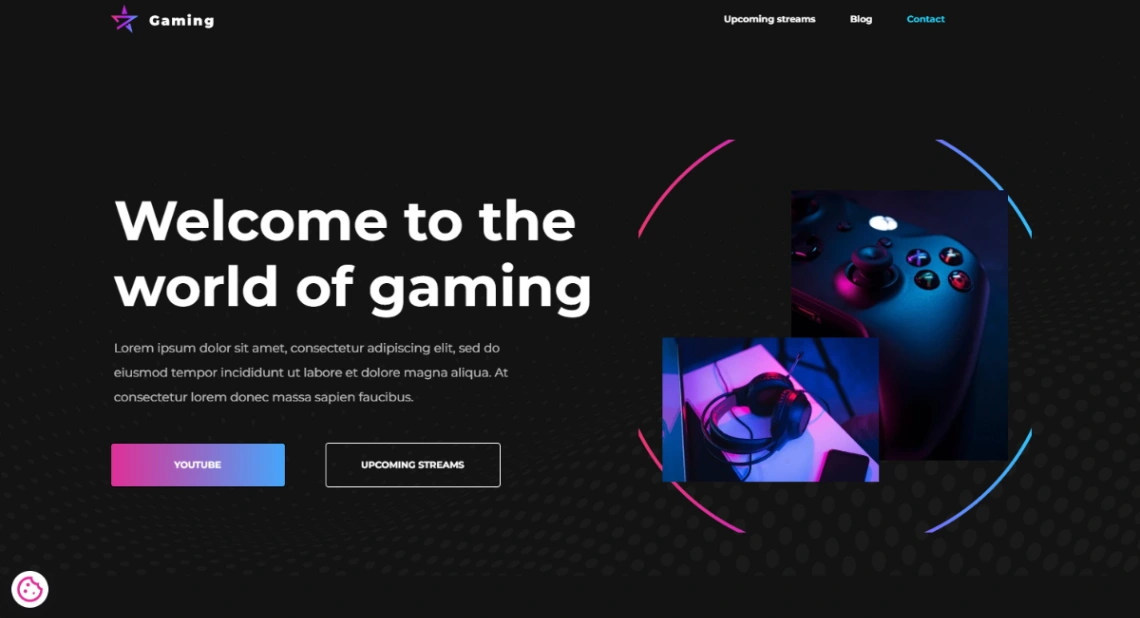
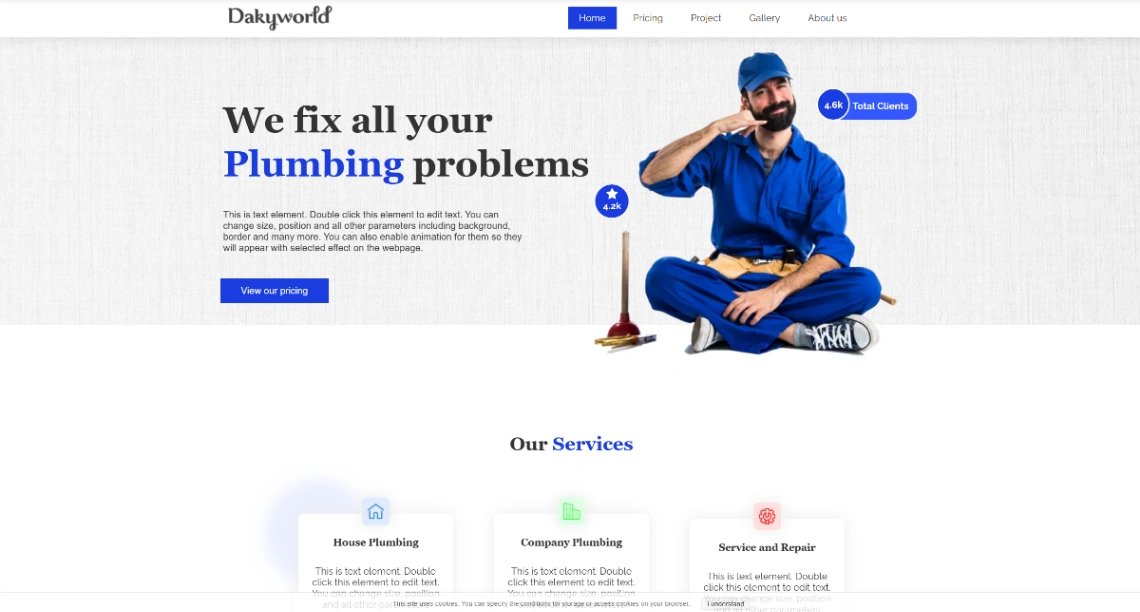
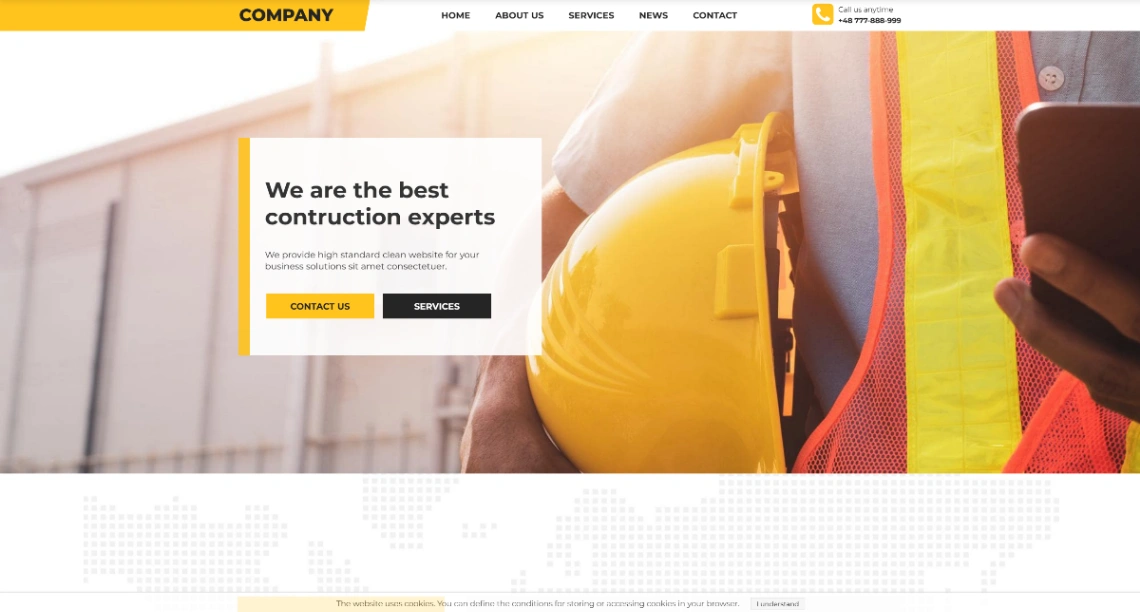
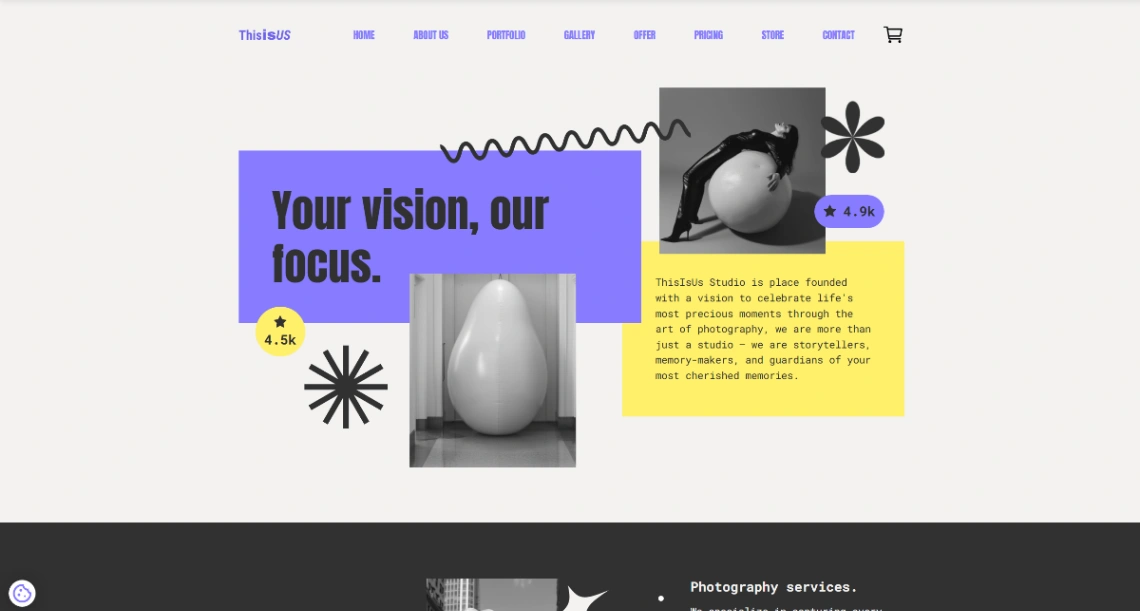
Best Templates from WebWave
Explore stunning templates built with WebWave.