SlashPage
Your database, turned into a community website
Slashpage is an all-in-one platform that blends website building with powerful community engagement. Designed for small teams and solo creators, it allows you to launch branded sites, feedback boards, and product blogs in seconds—integrating document-style editing with live communication channels to turn visitors into a loyal audience.
Free Plan Beta
6
ready to use- No-Code Website Builder
- Slash Command Editor
- Block-Based Content Creation
- Blog Channel
- Chat Channel
- Forum Channel
- Feed Channel
- Gallery Channel
- Grid Channel
- Kanban Board Channel
- List Channel
- Table Channel
SlashPage at a glance
Overall Score
SlashPage is a hybrid website builder and community platform from Cafenono Corp, bridging structured documentation tools like Notion or GitBook with community engagement channels like forums or blogs. It's built for founders, creators, and small teams who want interactive web pages live in minutes.
What makes it distinct: it embeds two-way audience interaction, feedback, threaded discussions, visitor updates, directly into a lightweight, Notion-style visual editor, rather than bolting on separate community tools.
Pros
- Instant, Notion-esque publishing through a block-based WYSIWYG editor that requires zero coding skills
- Native threaded comments, reaction boards, and visitor email notifications mean you don't need third-party widgets like Disqus or Canny
- Built-in traffic tracking and page-level SEO configuration without needing external plugins
- A generous free plan provides core builder features, custom domain connections, and community hosting for public sites
- Migrating entire technical blogs and documentation sets from GitBook or Notion reportedly takes under an hour
- Multiple team members can collaborate and edit pages in real time
Cons
- Lacks granular structural controls, custom sticky sidebars, complex grid layouts, or raw CSS overrides, found in heavier site builders like WordPress or Webflow
- A streamlined platform means a much smaller third-party plugin ecosystem than established CMS platforms
- Reviewers want deeper blog options like automated table-of-contents generation and customizable sidebars
SlashPage does something genuinely useful by folding community interaction directly into the page-building experience rather than treating it as an afterthought. For founders and small teams launching product pages, tech blogs, or documentation who want built-in feedback and discussion tools, that integration saves real setup time compared to bolting on separate commenting or feedback widgets.
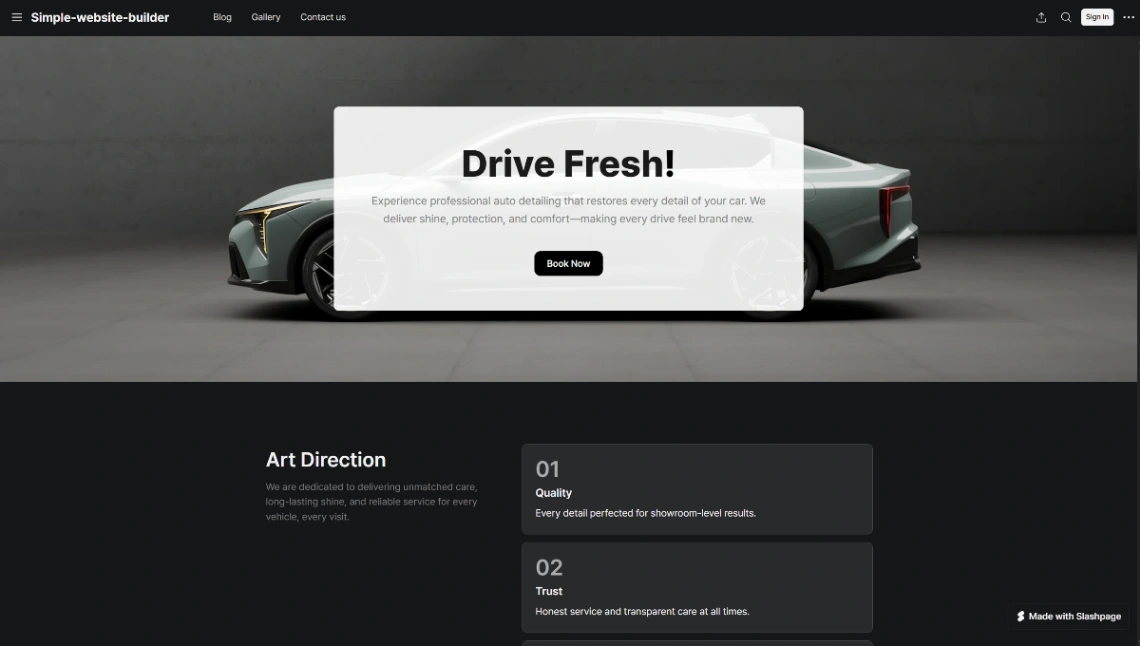
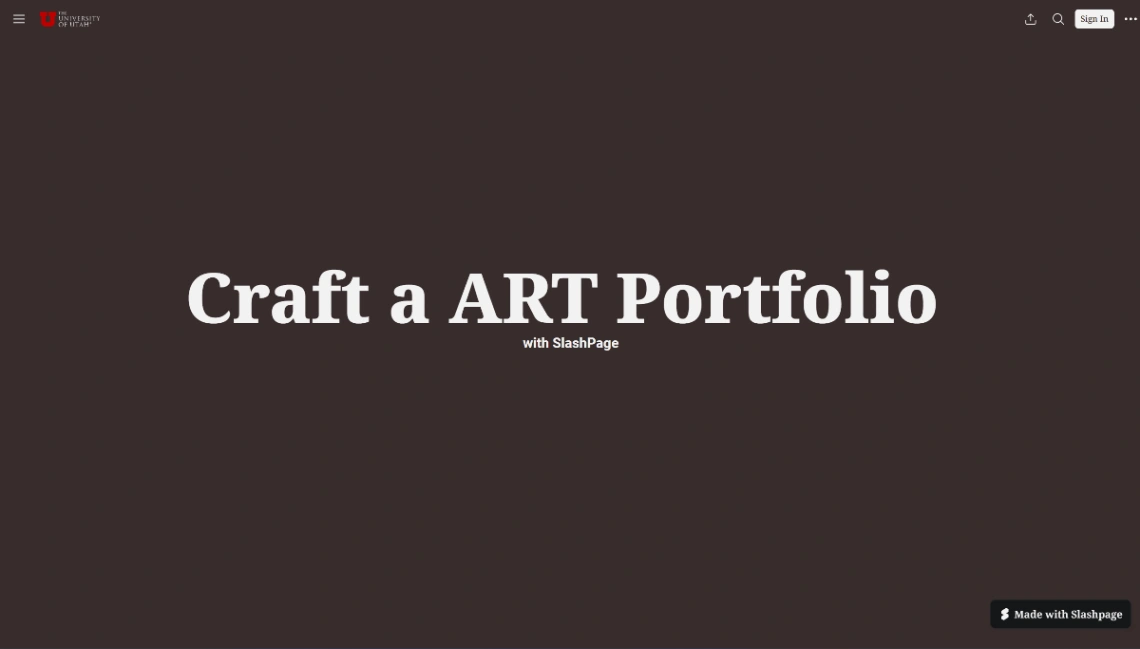
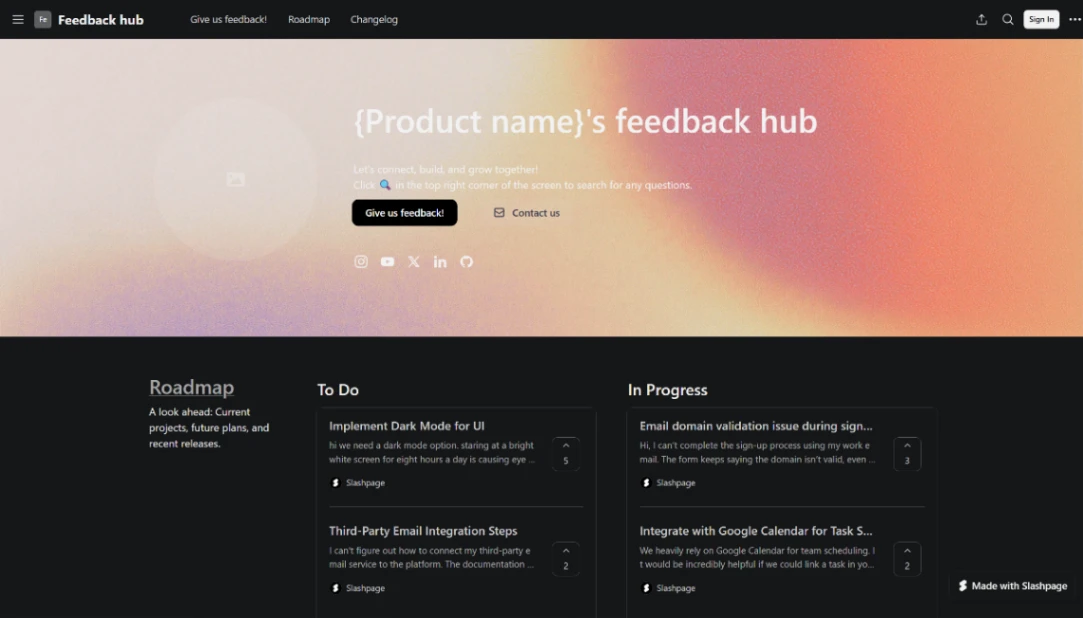
Best Templates from SlashPage
Explore stunning templates built with SlashPage.