
Nicepage
Website Builder Software. Mobile-Friendly. No Coding.
A versatile freehand web design tool that offers a simple drag-and-drop experience. It allows users to create stunning, mobile-friendly websites and themes for WordPress, Joomla, and HTML5 without any coding, providing absolute creative freedom through a massive library of pre-made blocks.
Personal
Business
Pro
10
ready to use- Drag-and-Drop Editor
- Desktop Applications (Windows/Mac)
- Online Cloud Builder
- WordPress Plugin Integration
- Joomla Extension Integration
- HTML Code Export
- Theme & Global Style Editing
- 15,000+ Responsive Templates
- Multi-device Mobile Previews
- Website Animations & Interactions
- Custom CSS Input
- White Labeling Agency Tools
Nicepage at a glance
Overall Score
Nicepage is a hybrid builder that runs on your desktop (Windows/macOS), in the cloud, or as a WordPress/Joomla plugin. It gives you true freehand element positioning without grid constraints, then exports clean HTML/CSS you completely own and can host anywhere.
Why designers choose it: if you spent years in Adobe Muse and hate rigid CSS grids, Nicepage lets you drag elements exactly where you want them. You can work offline, export static files, or deploy directly through WordPress without vendor lock-in. The 15,000-template library and AI layout generation speed up mockups significantly.
Pros
- Freehand positioning lets you place elements anywhere without grid snapping, giving pixel-perfect control similar to Figma or Adobe Muse.
- Work offline on desktop (Windows/macOS) completely disconnected, then export clean HTML/CSS or publish via FTP or WordPress plugins.
- You own your output files completely; no vendor lock-in. Host on your own servers, client hosting, or anywhere that accepts static files.
- Over 15,000 pre-designed templates and block sets plus AI-assisted page generation accelerate mockup and launch cycles.
- Flexible licensing: choose annual subscriptions or lifetime desktop/plugin licenses with optional update renewals.
- Desktop app plus cloud builder plus WordPress plugin means you can work however suits your workflow.
- Support responses are consistently fast, often within 24 hours for server and FTP issues.
Cons
- Desktop interface is feature-dense and feels industrial or dated compared to modern cloud-first builders.
- E-commerce and blogging depth lag behind dedicated solutions; good for basic catalogs and simple blogs, but not for complex inventory or CMS work.
- Template switching mid-edit requires creating a new page or rebuilding sections manually rather than swapping templates cleanly.
- Freehand positioning can break responsive layouts easily if non-designers don't carefully test tablet and mobile viewports.
- Support operates via forum and ticket system rather than 24/7 live chat or phone lines.
Nicepage is ideal for graphic designers, web developers, and former Adobe Muse users who want layout freedom without writing code and need to own their deliverables. The offline capability and clean code export are genuine advantages if you host on client accounts or manage multiple sites.
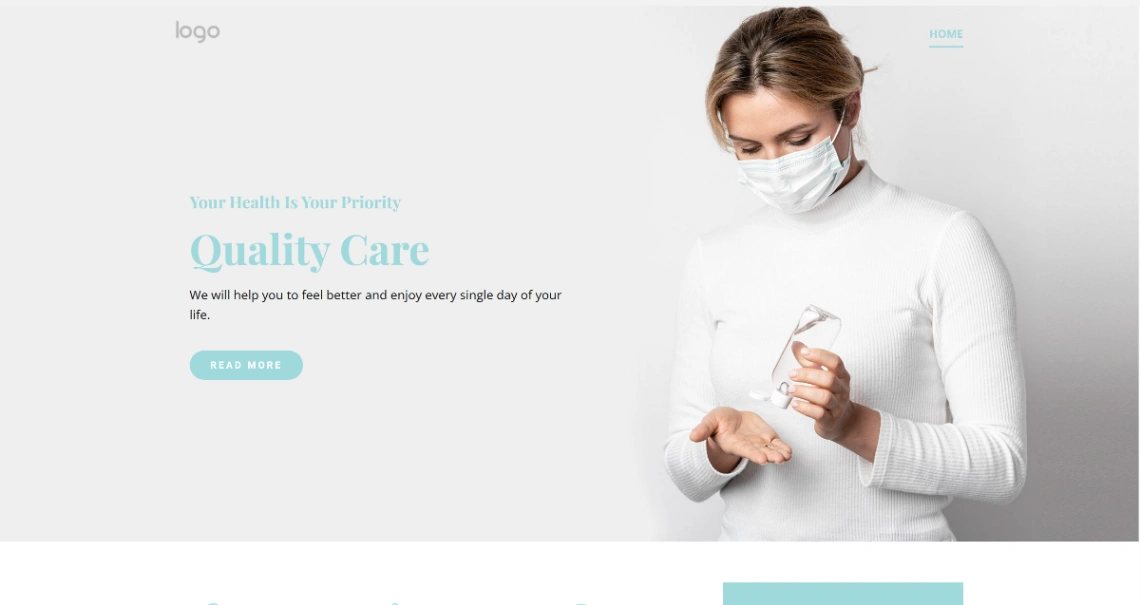
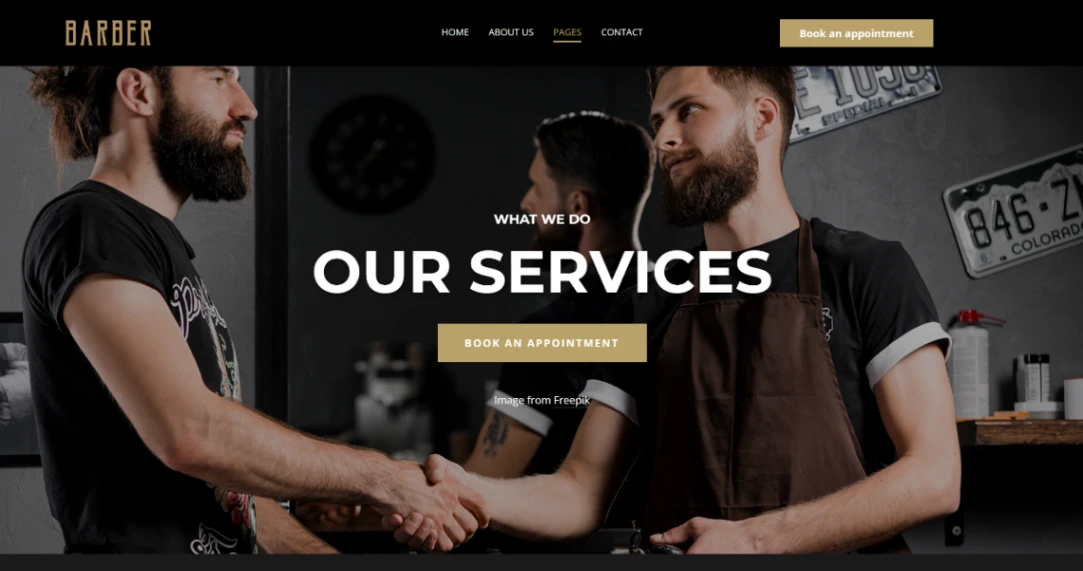
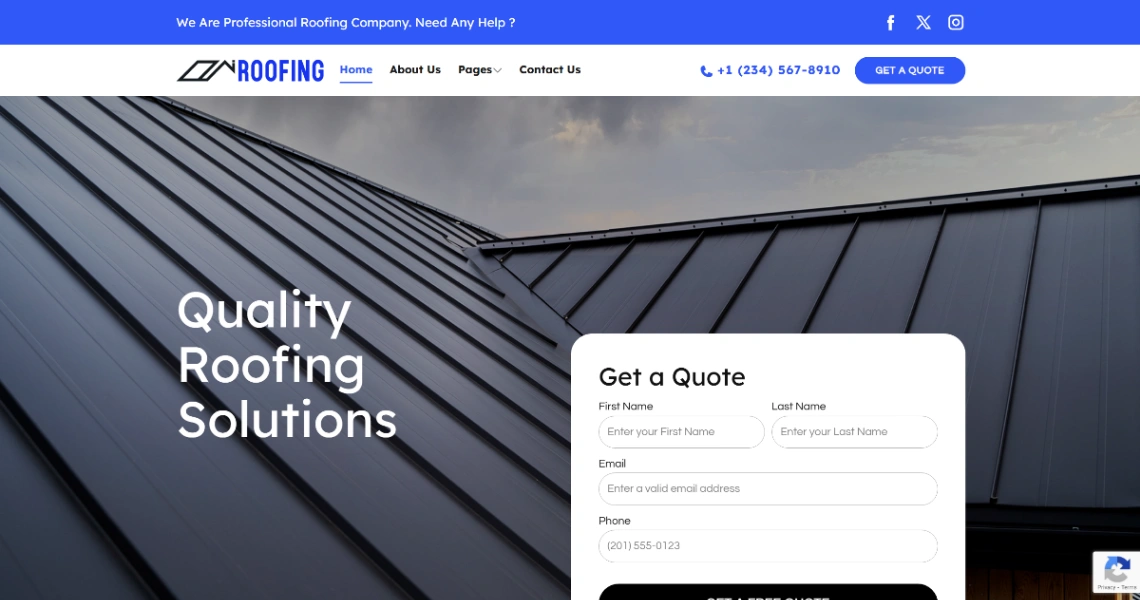
Best Templates from Nicepage
Explore stunning templates built with Nicepage.







Similar tools to Nicepage
 DurableWebsite Builder
The complete AI business builder
 WebliumWebsite Builder
Your effortless website builder
 VertWebsite Builder
Best website builder for small business
 AstraWebsite Builder
Everything you need to design in one toolkit
 LandingiWebsite Builder
AI Landing Page Operation System. Less Work – More Conversions
 Swipe PagesWebsite Builder
Build high converting landing pages in minutes with AI
 IONOSWebsite Builder
Launch a professional website in seconds with AI
 SitejetWebsite Builder
A website builder for small businesses and creators