Canva
A website builder for scroll-stopping sites
Canva Website Builder is an intuitive, drag-and-drop platform that allows users to create professional, mobile-responsive websites using familiar design tools. It features a massive library of templates and deep AI integration, enabling individuals and small businesses to launch one-page sites, portfolios, and event pages with high-impact visuals and seamless real-time collaboration.
Pro
Business
10
ready to use- Drag-and-Drop Visual Canvas
- Multi-Page Structure Support
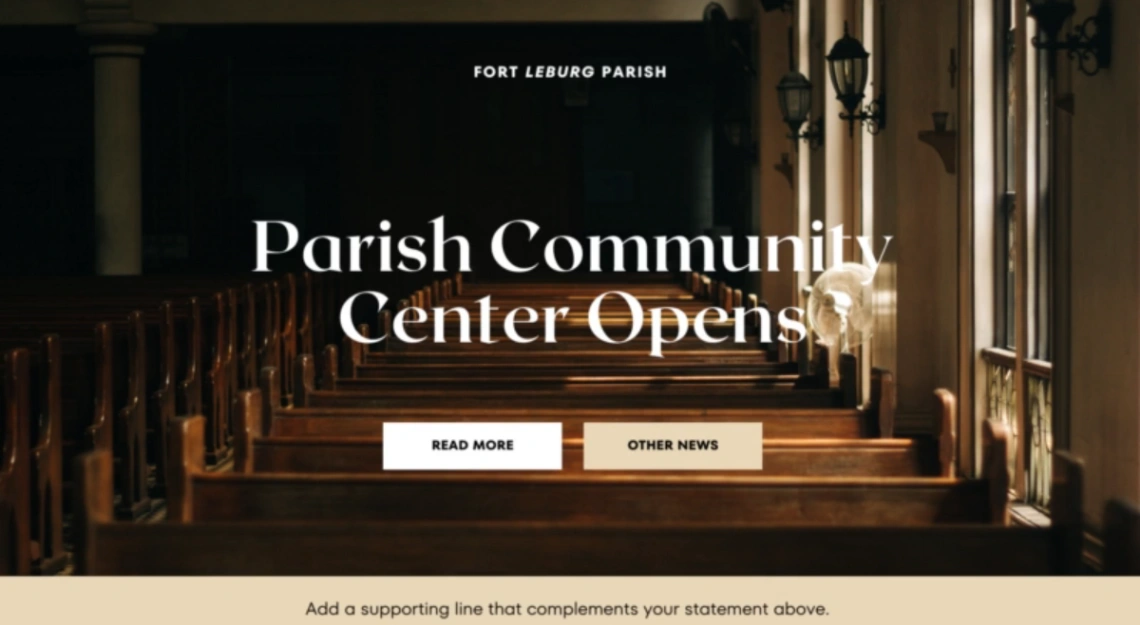
- 800+ Pre-Built Templates
- Auto-Generated Navigation Menus
- Mobile Responsive Resizing
- Magic Media AI Asset Generation
- Dream Lab AI Visual Tool
- Magic Write AI Copywriter
- Real-Time Team Collaboration
- Brand Kit Design Matching
- Customizable Interactive Polls
- Google Workspace Sync
Canva at a glance
Overall Score
Canva's Website Builder functions essentially as a design canvas that publishes to a live web URL, making it a natural extension for anyone already living in Canva for graphics and presentations. It's genuinely good for portfolios, event invitations, link-in-bio pages, and small restaurant menus.
The honest limitation: it's not a traditional CMS like WordPress, Wix, or Webflow. If you need a blog, online store, dynamic forms, or real SEO, this tool is overly restrictive for the job.
Pros
- Access to over 800 professionally designed website layouts categorized by industry
- Seamless access to Canva's massive library of stock photos, videos, graphics, audio, and AI generation tools like Magic Studio directly inside the builder
- Free hosting on a canva.site subdomain, with custom domain mapping available through Canva Pro
- Real-time collaboration lets multiple team members work on the same website draft simultaneously, similar to Google Docs
- Zero technical barrier, no HTML, CSS, FTP, or web server knowledge needed at all
Cons
- Absolute positioning means desktop designs often overlap or shift out of place on mobile, and there's no dedicated mobile breakpoint editor to fix it manually
- Missing core web features entirely: no native e-commerce, no blogging engine, and no native form builder without embedding third-party widgets
- Weak SEO capabilities, since Canva resizes text with inline CSS rather than semantic HTML header tags, making it harder for search engines to index page hierarchy
- No custom code editing or export, you can't touch raw HTML/CSS/JavaScript or migrate your site to another host later
- No standalone website subscription exists, unlocking custom domains and premium assets requires the full Canva Pro subscription
Canva's Website Builder is exactly as good as its core promise: if you already know Canva, you already know this tool. Publishing takes less than three clicks, and the massive template and asset library means a polished-looking simple site can go live in under 20 minutes with zero technical knowledge required.
Best Templates from Canva
Explore stunning templates built with Canva.